Append Materials And Imported Objects
 Paco Barruguer


Addon: Append Materials and Imported Objects
Author: Paco Barruguer
Version: 1.0.0
Blender Compatibility: 4.2+
Category: Material and Objects
---
DESCRIPTION:
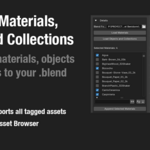
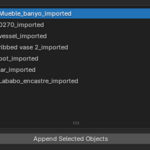
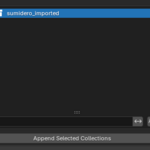
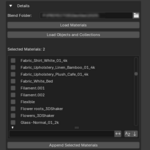
This addon allows you to browse a folder with .blend files, list all available materials, objects and collections, and selectively append them into your scene.
It also allows you to:
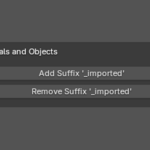
- Add or remove '_imported' suffix from objects and collections
- Mark imported assets automatically
- Clean orphan data after import
---
INSTALLATION:
1. Go to Edit > Preferences > Add-ons > Install...
2. Select the ZIP file containing this addon.
3. Enable "Append Materials and Imported Objects"
---
INSTRUCTIONS:
1. Open the sidebar in the 3D View (N key)
2. Go to the "Append Assets Addon - AAA" tab
3. Set your folder with .blend files
4. Expand the panel to load and filter assets
5. Select what you want to import and click "Append"
---
LICENSE:
MIT
Have questions about this product?
Login to message
| Blender Extension Compatible | Yes |
| Published | about 1 year ago |
| Blender Version | 3.0 - 4.5 |
| Extension Type | Add-on |
| Render Engine Used | Cycles, Eevee |
| License | Mit |

Discover more products like this
append assets material library asset-browser 3D Pipeline suffix filter blend-files external libraries asset tagging object importer asset workflow collection manager blender