 ZEG
ZEG
Installation
In Blender open Edit, Preferences, Get Extensions, then use Install from Disk and pick the aquarium_generator zip.
Usage
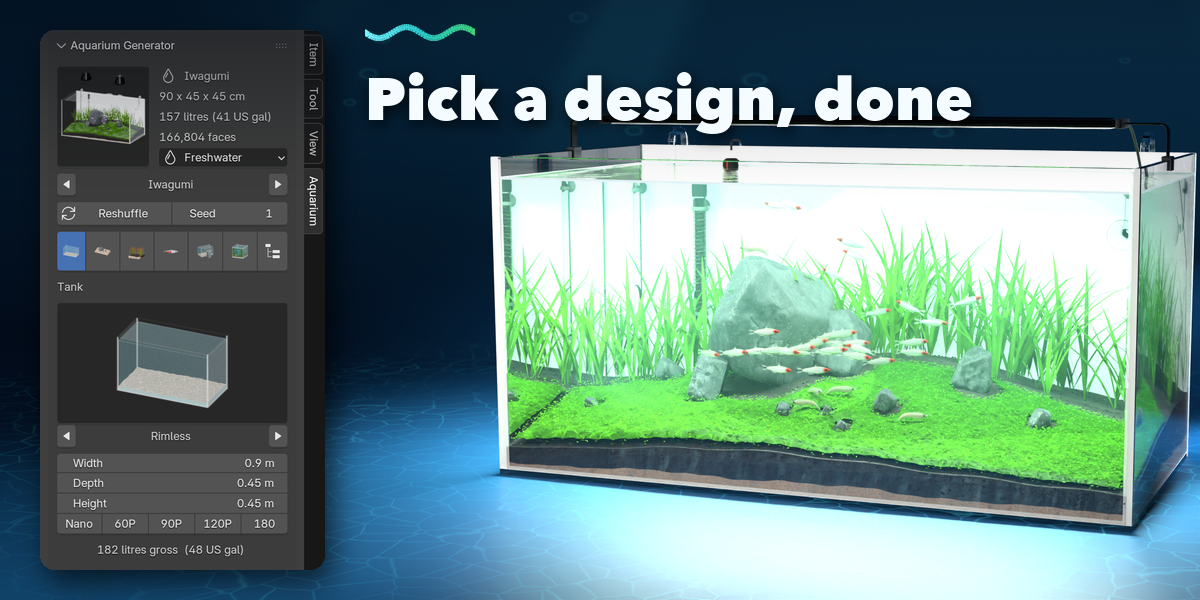
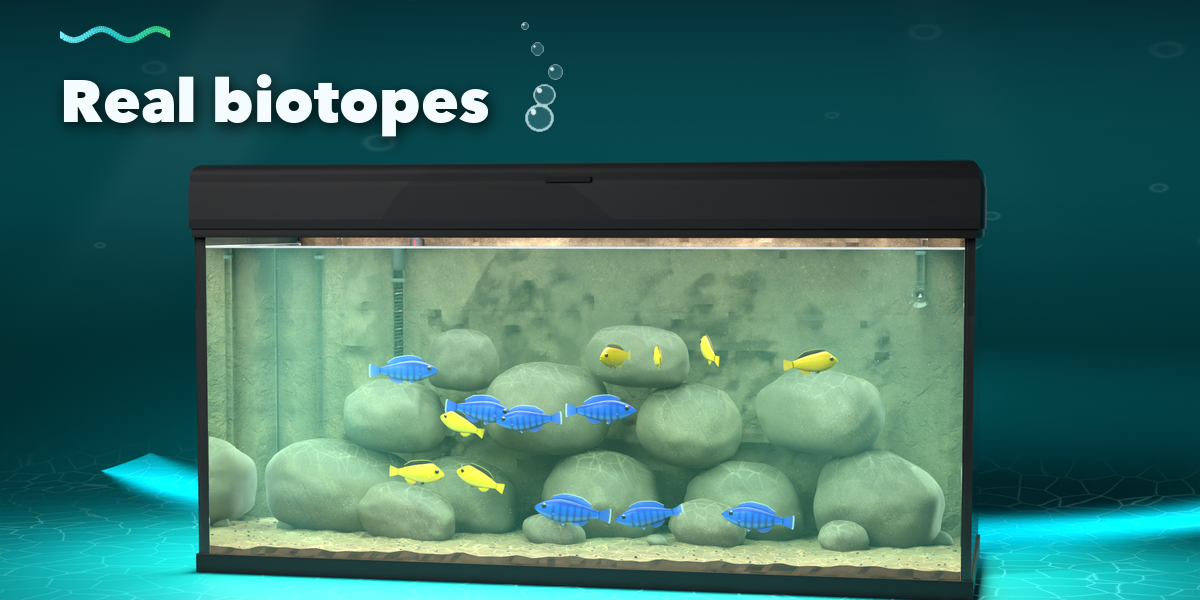
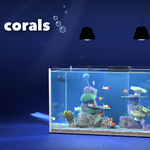
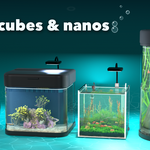
- Open the Aquarium tab in the 3D viewport sidebar (N), click the design picture to pick an aquascape, then Add Aquarium. It appears at the 3D cursor.
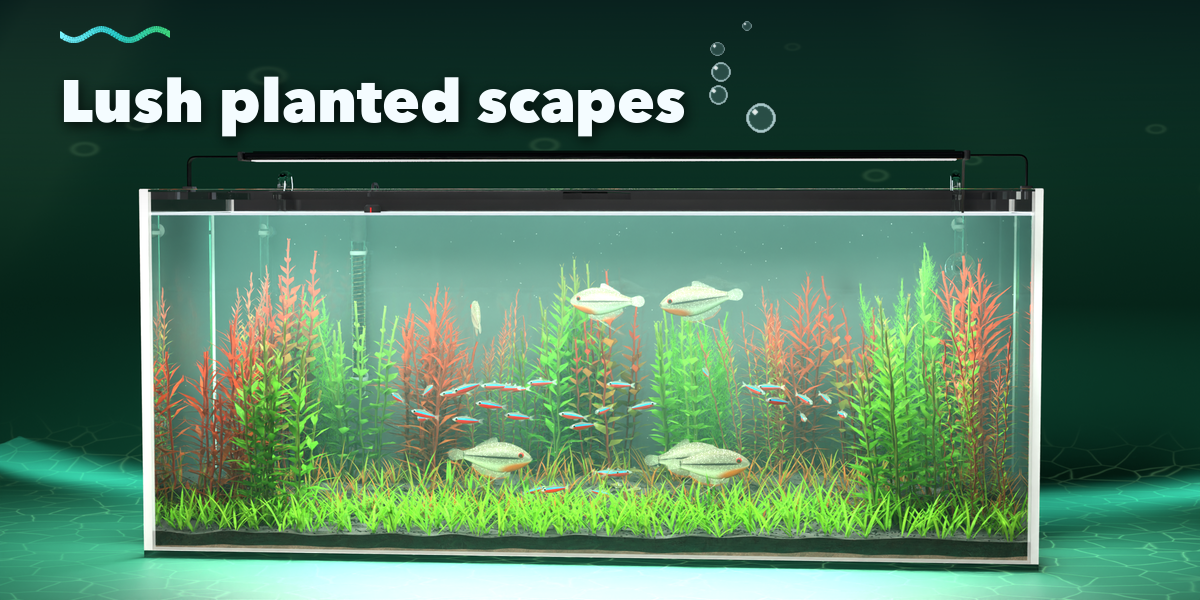
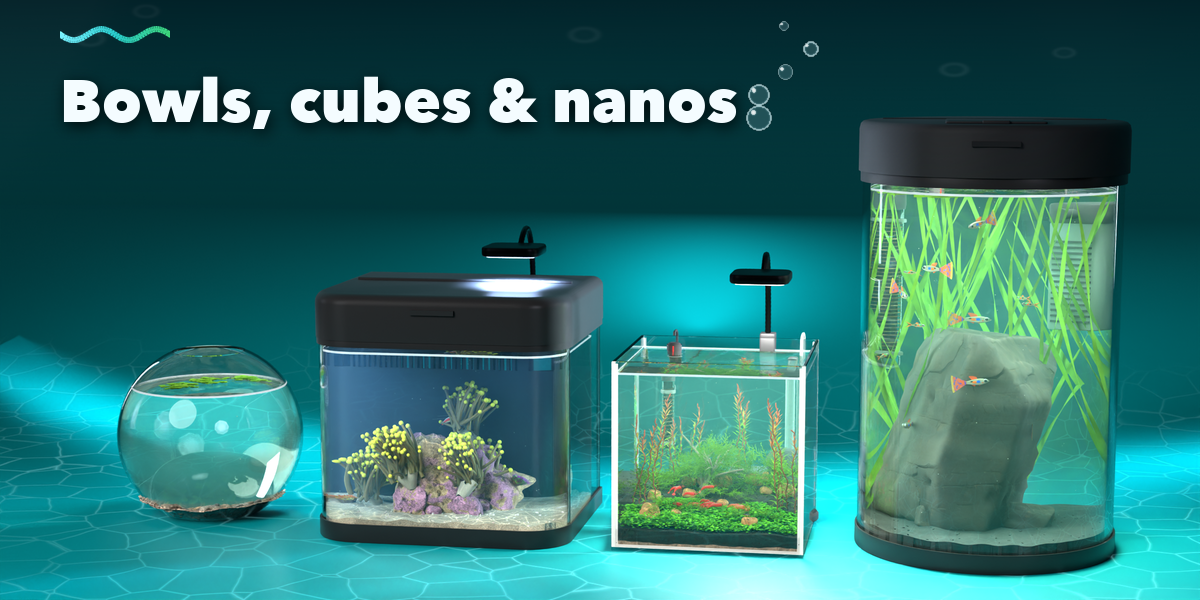
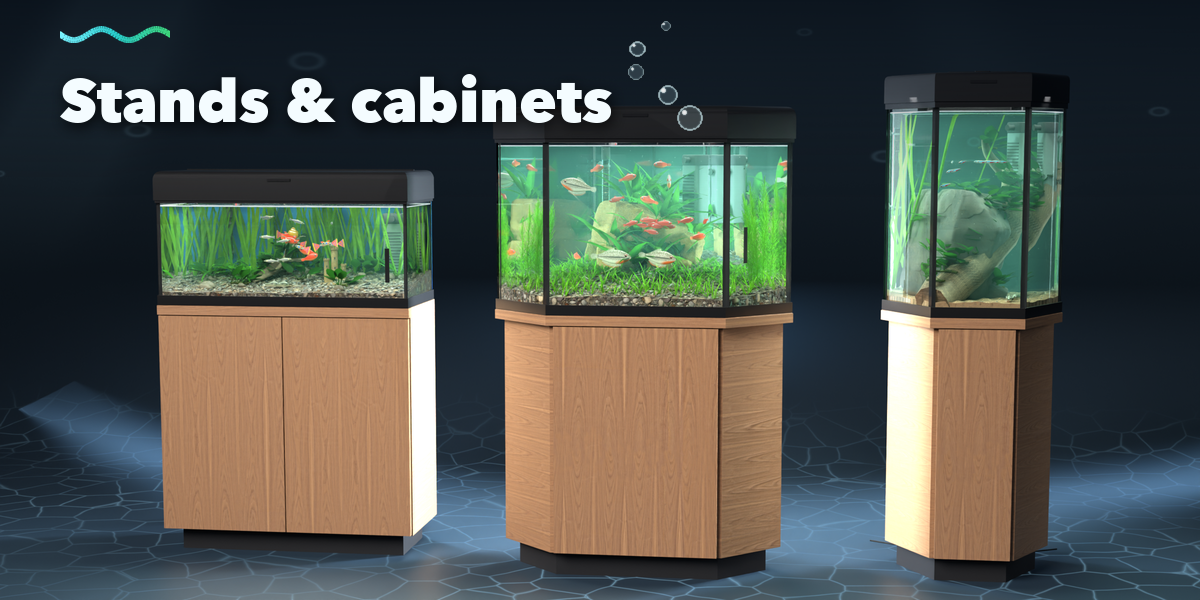
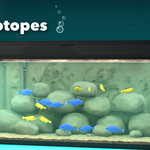
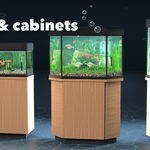
- With the aquarium selected, the part tabs change it: Tank (kind, size, lid, stand), Equipment (light, filter, heater, CO2), Substrate, Hardscape (stones, driftwood, ornaments), Plants and Fish. The aquarium rebuilds live.
- Reshuffle gives a new random layout of the same design; Seed brings a layout back. Reset to Design restores the picked design.
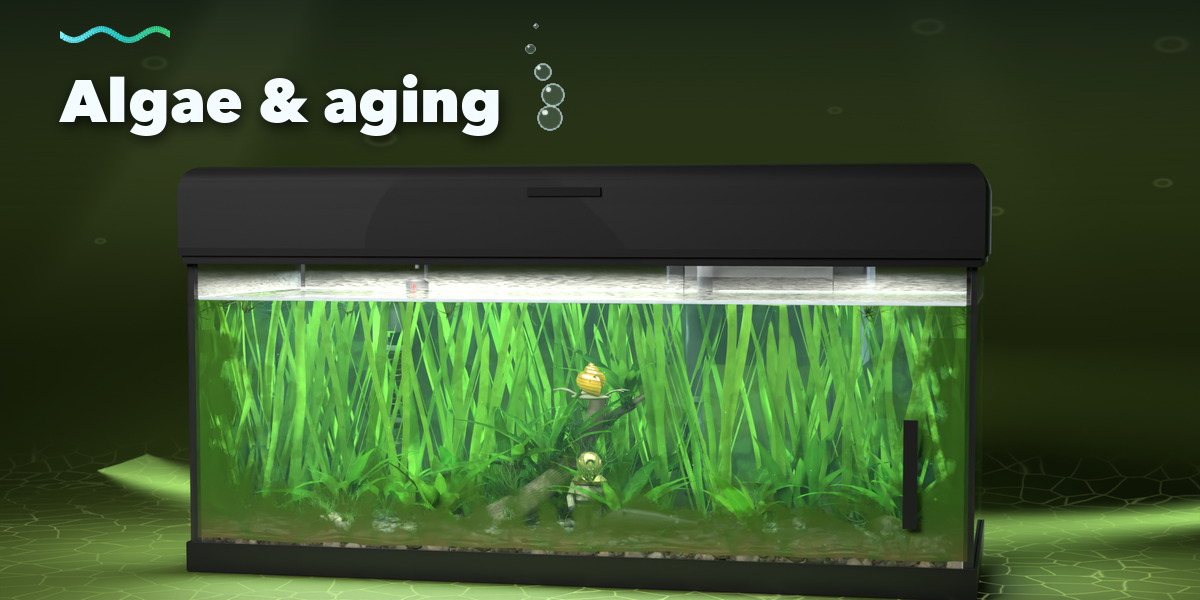
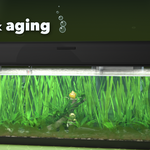
- Water effects (tint, haze, caustics, particles) and Aging (algae, moss, dirt, lime) are sliders in their panels.
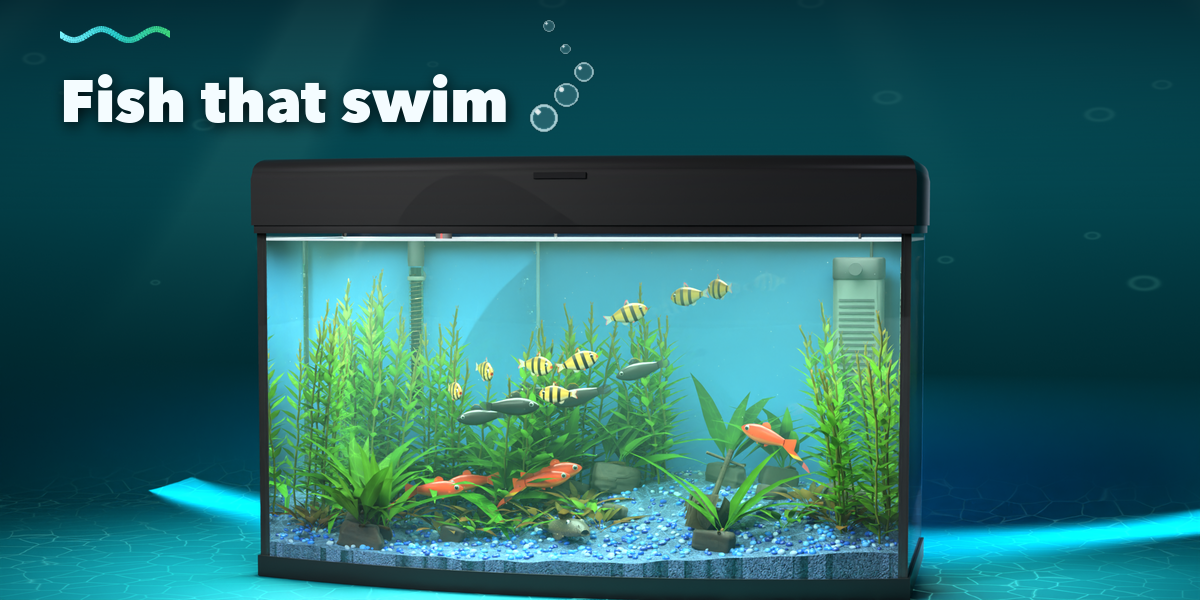
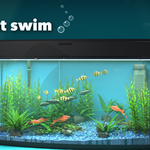
- Press Play to watch the fish swim; the loop is seamless for animation renders. Turn Swimming off for one still mesh.
- Convert to Plain Objects keeps the result as ordinary meshes; Delete Aquarium removes it with all its parts.
Have questions about this product?
Login to message
| Blender Extension Compatible | Yes |
| Published | about 13 hours ago |
| Blender Version | 4.2 - 5.2 |
| Extension Type | Add-on |
| Render Engine Used | Cycles, Eevee |
| License | GPL |

Discover more products like this
Aquascape Interior aquatic plants fish aquarium animation fish tank Generator procedural ArchViz coral reef underwater