 NOQTA
NOQTA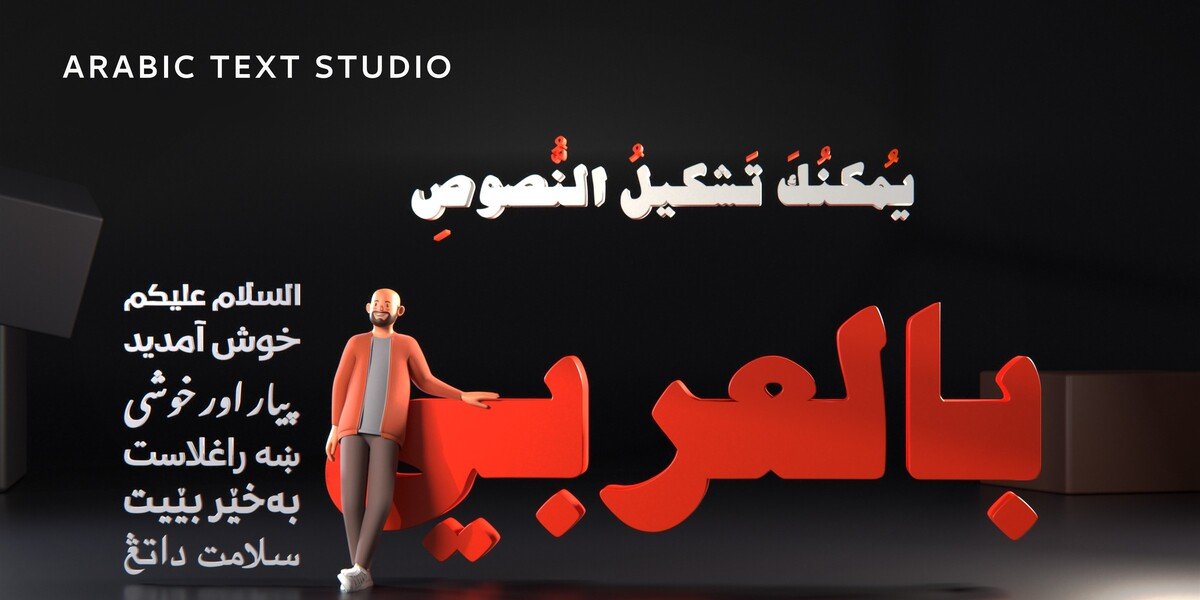
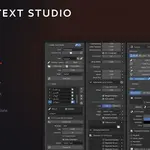
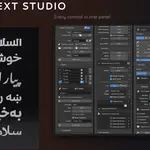
Install
- Download arabic_text_studio-1.3.4.zip. Do not unzip it.
- In Blender: Edit > Preferences > Add-ons.
- Click Install and pick the .zip. On Blender 4.2 and up, click the small arrow at the top right of the Add-ons list and choose Install from Disk.
- Tick the checkbox next to Arabic Text Studio.
- In the 3D viewport press N and open the Arabic tab.
The shaping engine (HarfBuzz), fontTools and the fallback font are bundled in the .zip. There is nothing to install with pip and no internet connection is needed.
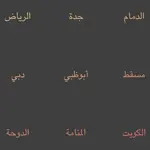
ats-test-kit.zip contains short test strings in Arabic, Persian, Urdu, Pashto, Kurdish, Sindhi, Uyghur, Jawi and Balochi, plus Quranic text, so you can check any font quickly.
Your first text
- Pick a font in Font. The list shows only fonts that contain Arabic glyphs. To use a font you have not installed, click the folder icon in Custom File.
- Type into Text in normal order - the add-on handles joining and direction. The clipboard icon pastes; the pencil opens a multi-line editor.
- Set Size and Align (Right is the natural choice for Arabic).
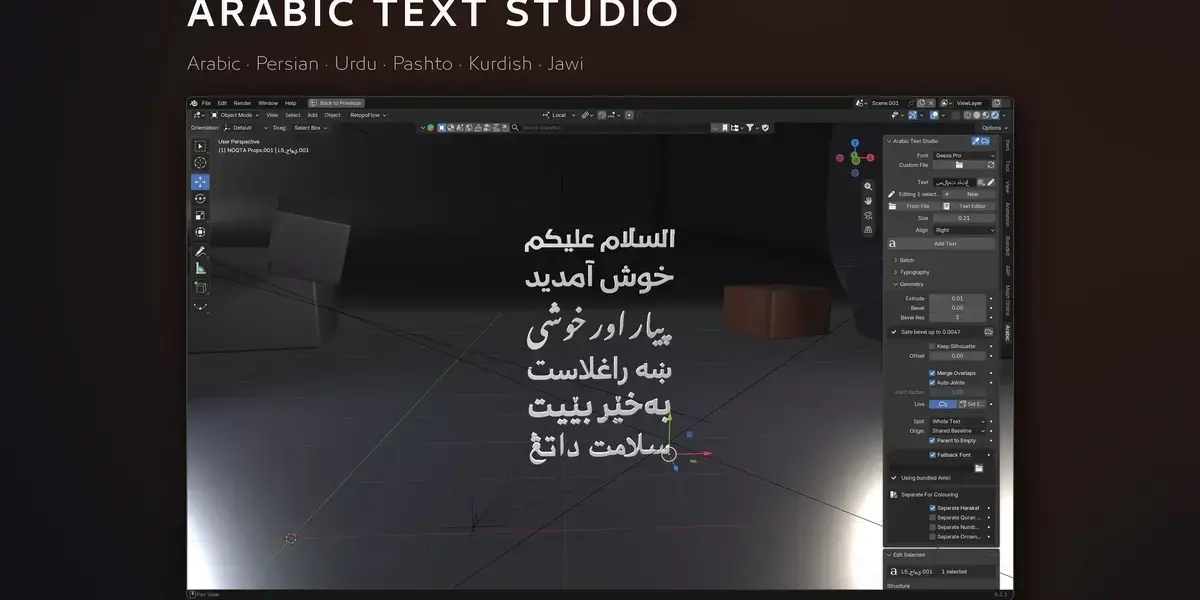
- Click Add Text. The result is a Blender curve at the 3D cursor.
Panel reference
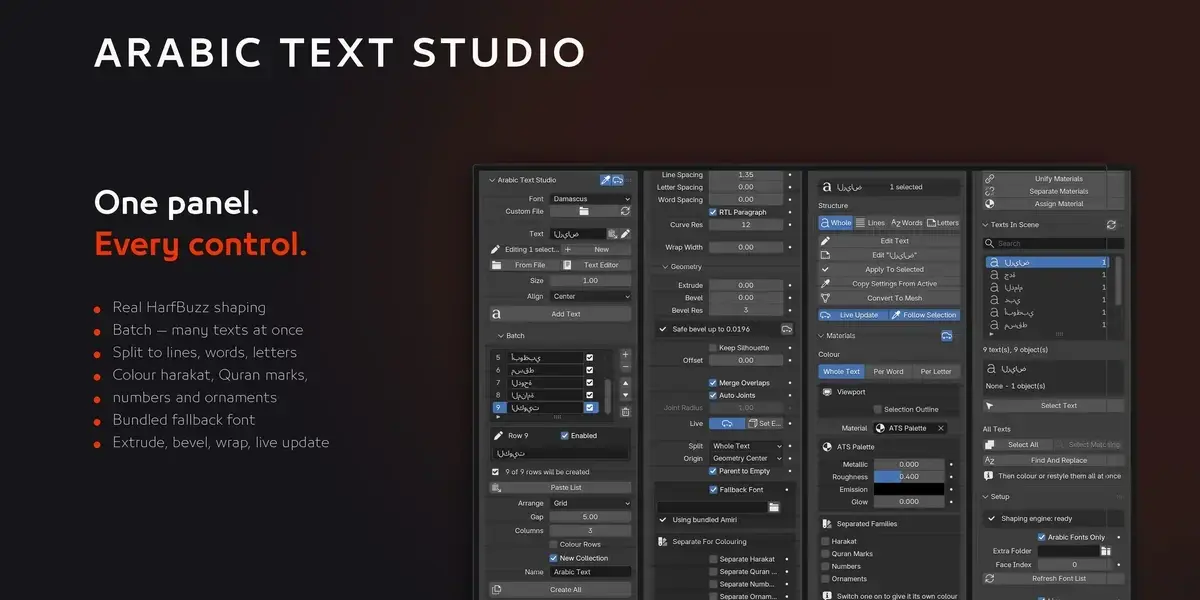
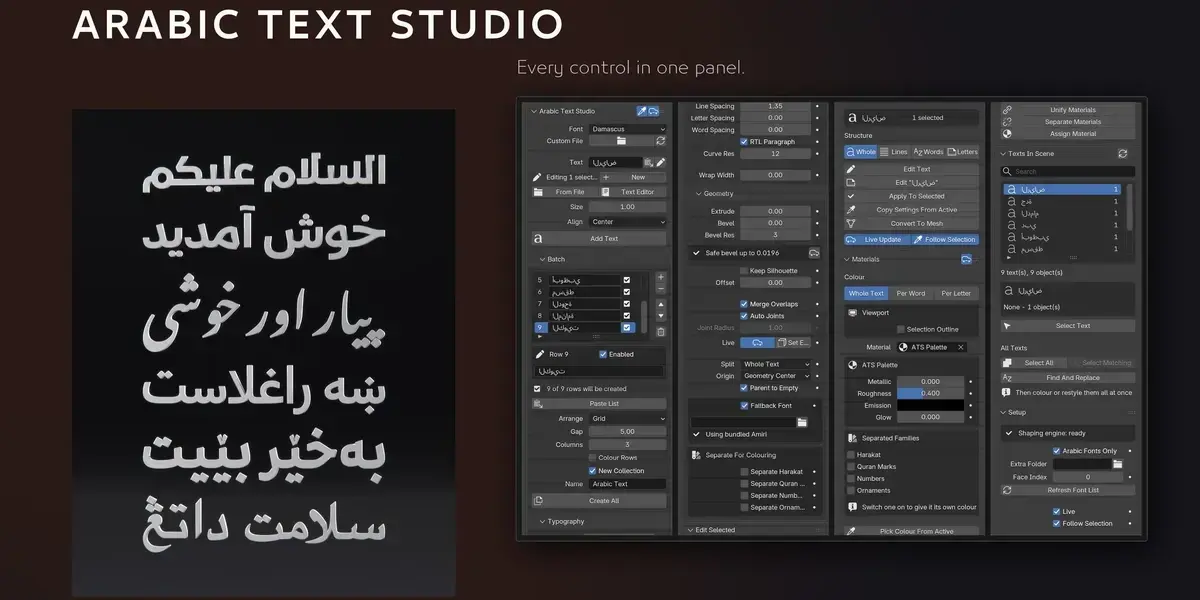
Arabic Text Studio (main) - Font, Custom File, Text, From File / Text Editor as text sources, Size, Align, Add Text. The status row tells you whether you are editing the current selection or starting a new text.
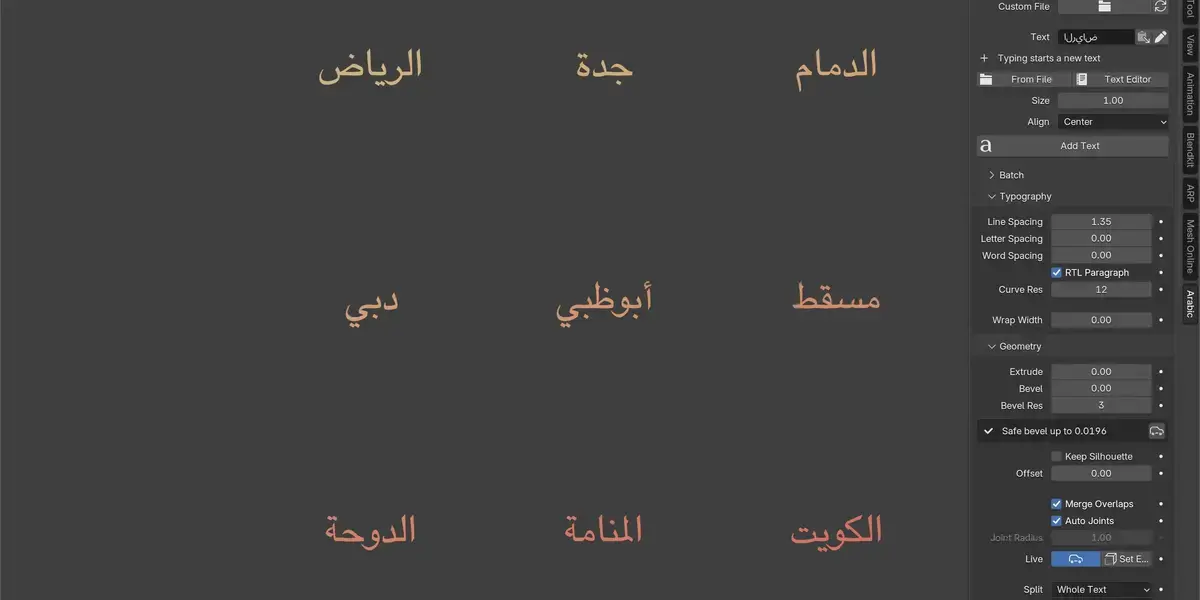
Batch - a list of strings, each row with its own checkbox. Paste List fills it from the clipboard. Arrange as None, Column, Row or Grid with a Gap and a column count, optionally colour each row differently, and drop everything into a new collection. Create All builds them in one go.
Typography - Line Spacing, Letter Spacing and Word Spacing (negative pulls together, positive pushes apart, without breaking the joins), RTL Paragraph direction, Curve Res for curve quality, and Wrap Width to break long paragraphs automatically at a width in Blender units.
Geometry - Extrude and Bevel with Bevel Res. Safe bevel up to… computes the largest bevel this text can take before its edges collide, with a button to apply it. Keep Silhouette compensates for the thinning a bevel causes and Offset thickens or thins the outline. Split decides whether you get one object, one per line, one per word or one per letter; Origin and Parent to Empty control the pieces' origins and parenting.
Fallback Font - fills any glyph the chosen font lacks, substituting only the missing glyph so the surrounding joins survive. Amiri is bundled (SIL OFL); you can point it at another font instead.
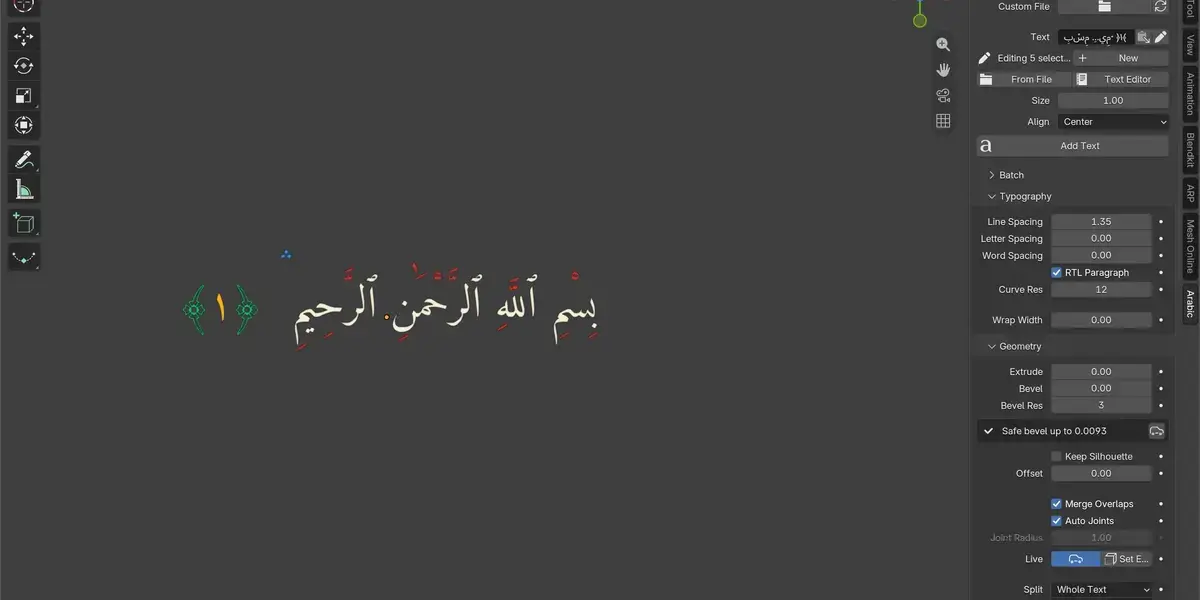
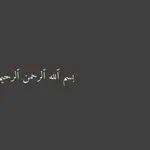
Separate For Colouring - four switches that lift a family out into its own object: Harakat (fatha, damma, kasra, shadda, sukun), Quran Marks (U+06D6 to U+06ED), Numbers (Latin, Arabic-Indic and Persian digits), and Ornaments (the ornate parentheses around ayah numbers).
Edit Selected - Structure re-splits an existing text into lines, words or letters or merges it back. Edit Text changes the string while keeping font, depth, position and material. Apply To Selected pushes the panel onto the selection; Copy Settings From Active pulls the active object's settings back into the panel. Convert To Mesh is one-way. Live Update and Follow Selection control how the panel tracks your selection.
Materials - colour scope (Whole Text, Per Word, Per Letter) and palette (Solid, Gradient, Random with hue / saturation / value ranges). The material is a standard Principled BSDF with Metallic, Roughness, Emission and Glow in the panel. Separated Families gives each lifted family its own colour. Unify, Separate and Assign manage the material slots. Selection Outline hides Blender's orange outlines so you can judge the real colours.
Texts In Scene - every text the add-on made, searchable, with Select Text, Select All, Select Matching, and Find And Replace across the whole scene with automatic re-shaping.
Setup - shaping engine status, Arabic Fonts Only filter, an Extra Folder to scan, Face Index for .ttc / .otc collections, and Refresh Font List.
Troubleshooting
Empty boxes in the text. The font lacks those glyphs. Turn on Fallback Font, or pick a font that covers the language - the test kit makes this quick to check.
The bevel eats the letters. Use the computed safe bevel value shown in the Geometry section.
Edit Mode edits disappeared. Any change that re-shapes the text discards manual point edits. Do manual point work last, or Convert To Mesh first.
The panel is missing. Press N in the 3D viewport and look for the Arabic tab on the right.
Compatibility and support
Blender 4.2 and up, tested on 5.2, on Windows, macOS (Apple Silicon included) and Linux. Updates are free for every 1.x release. Questions, bug reports and font problems: message me here, or email [email protected] - send the font and the exact string and I will look at it.
Have questions about this product?
Login to message
| Blender Extension Compatible | Yes |
| Published | about 9 hours ago |
| Blender Version | 4.2 - 5.2 |
| Extension Type | Add-on |
| Render Engine Used | Cycles, Eevee |
| License | GPL |
Discover more products like this
urdu typography Arabic font calligraphy Arabic text text tool arabic typography quran persian rtl text 3D text HarfBuzz