ArborForge
 CStudio.ao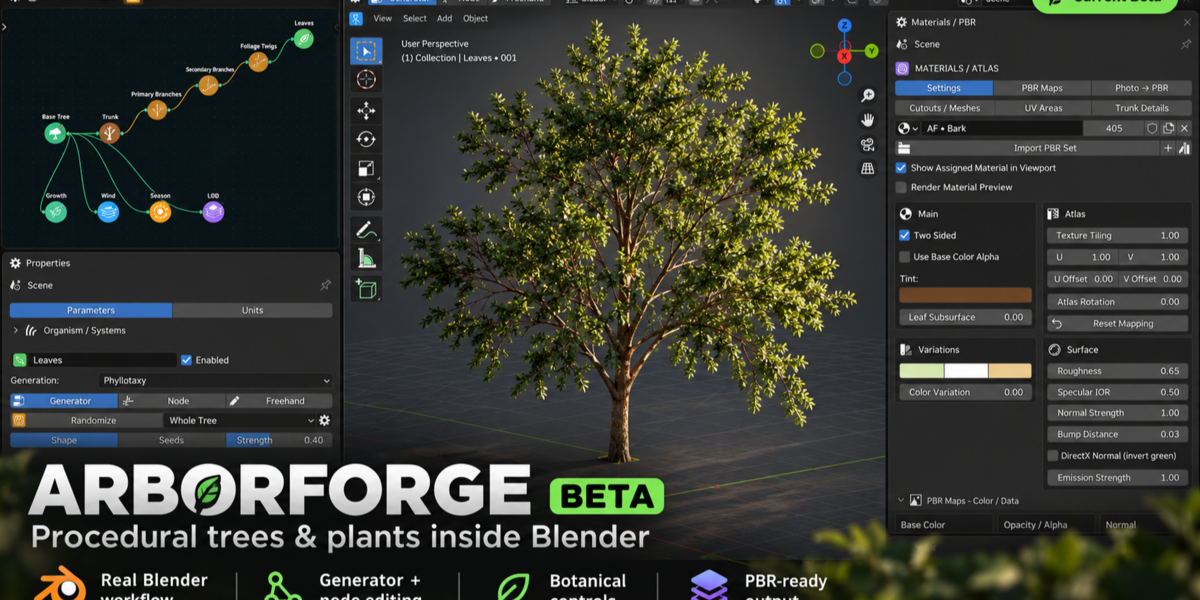
INSTALLATION
Open Blender 4.5+
Go to Edit → Preferences → Add-ons.
Choose Install from Disk.
Select the ArborForge installation ZIP.
Enable the add-on.
Open N Panel → ArborForge → Open ArborForge Studio.
GETTING STARTED
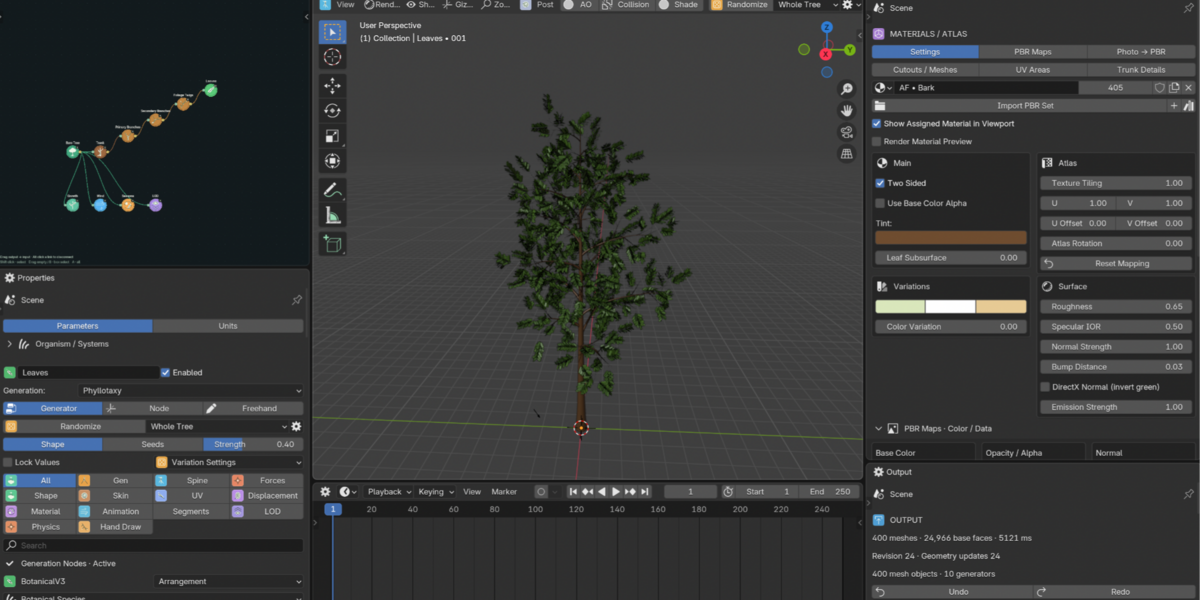
Open the ArborForge workspace.
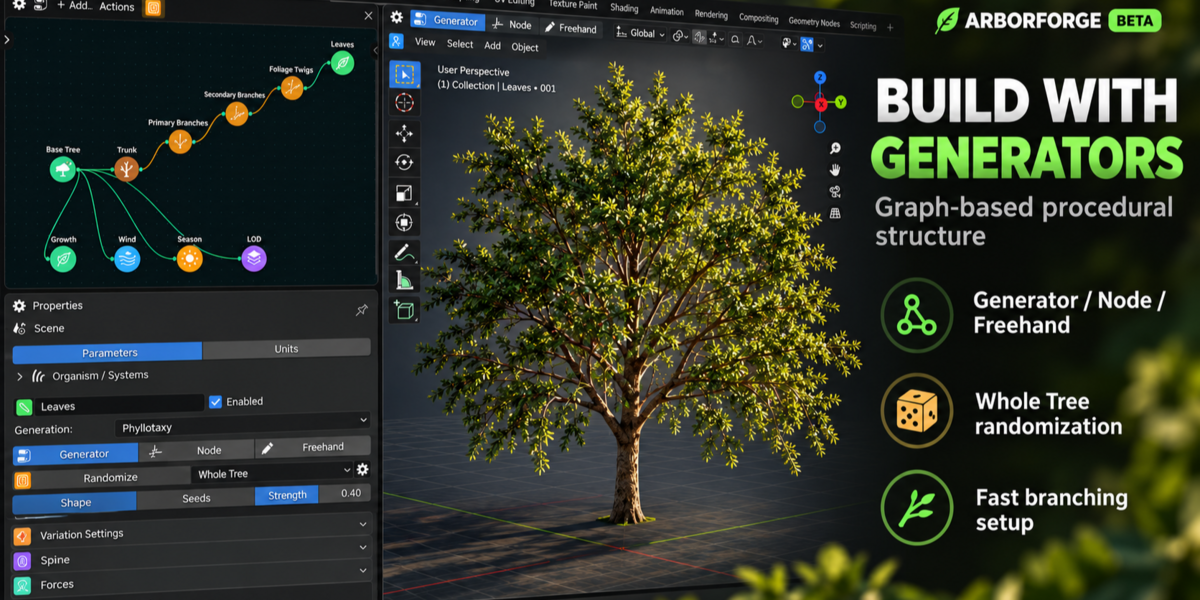
Create a new tree structure.
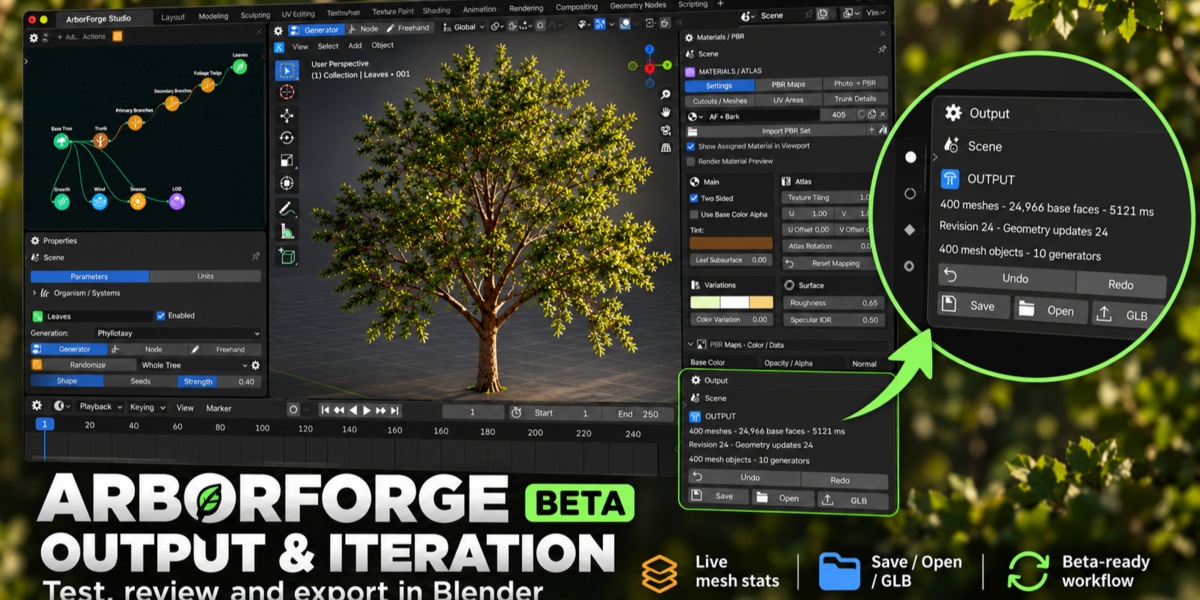
Select a generator in the hierarchy or node graph.
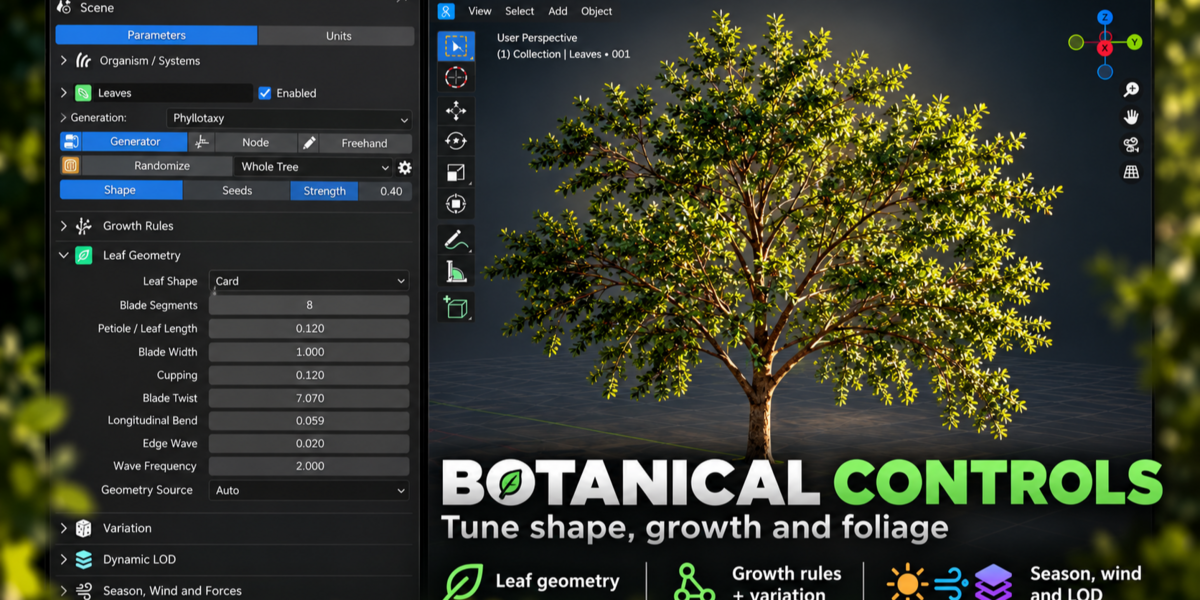
Adjust trunk, branch, and leaf parameters.
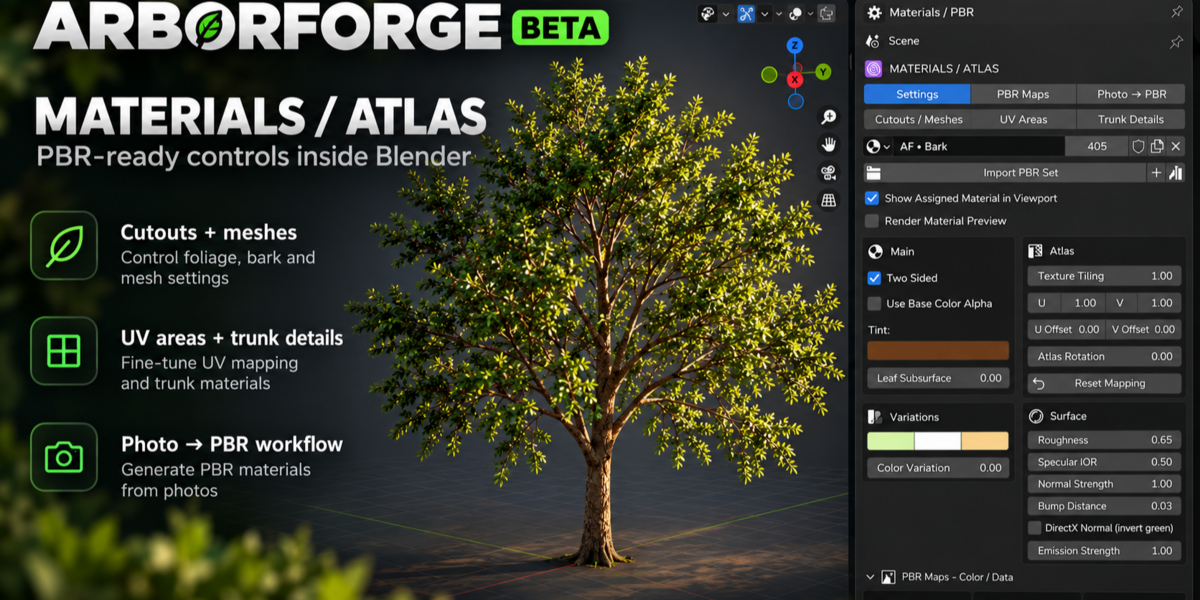
Use Materials / Atlas to configure the appearance.
Save your project or export the generated geometry.
Have questions about this product?
Login to message
| Dev Fund Contributor | |
| Published | about 3 hours ago |
| Blender Version | 4.5 - 5.2 |
| Extension Type | N/A |
| Render Engine Used | Blender-Internal, Blender-Game-Engine, Cycles, Eevee |
| License | GPL |

Discover more products like this
foliage #nature procedural trees botanical environment vegetation 3d modeling tree-generator