
 Mate Sagi-Kazar
Artistic Squad
12 months ago
Please message us through this site or to our email [email protected]
We will help you with any problem you have with the products. This is the explanation to your issues named here:
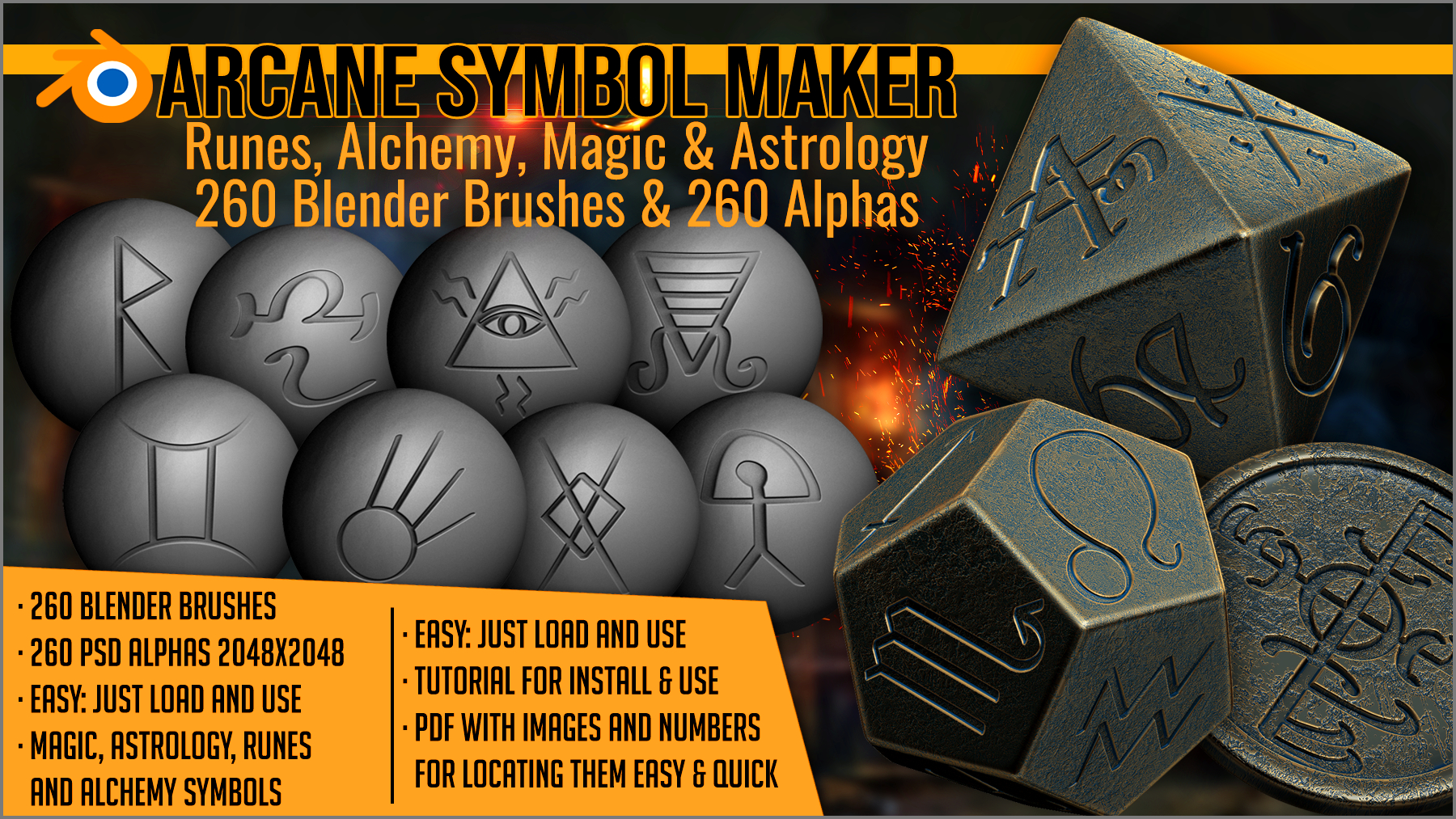
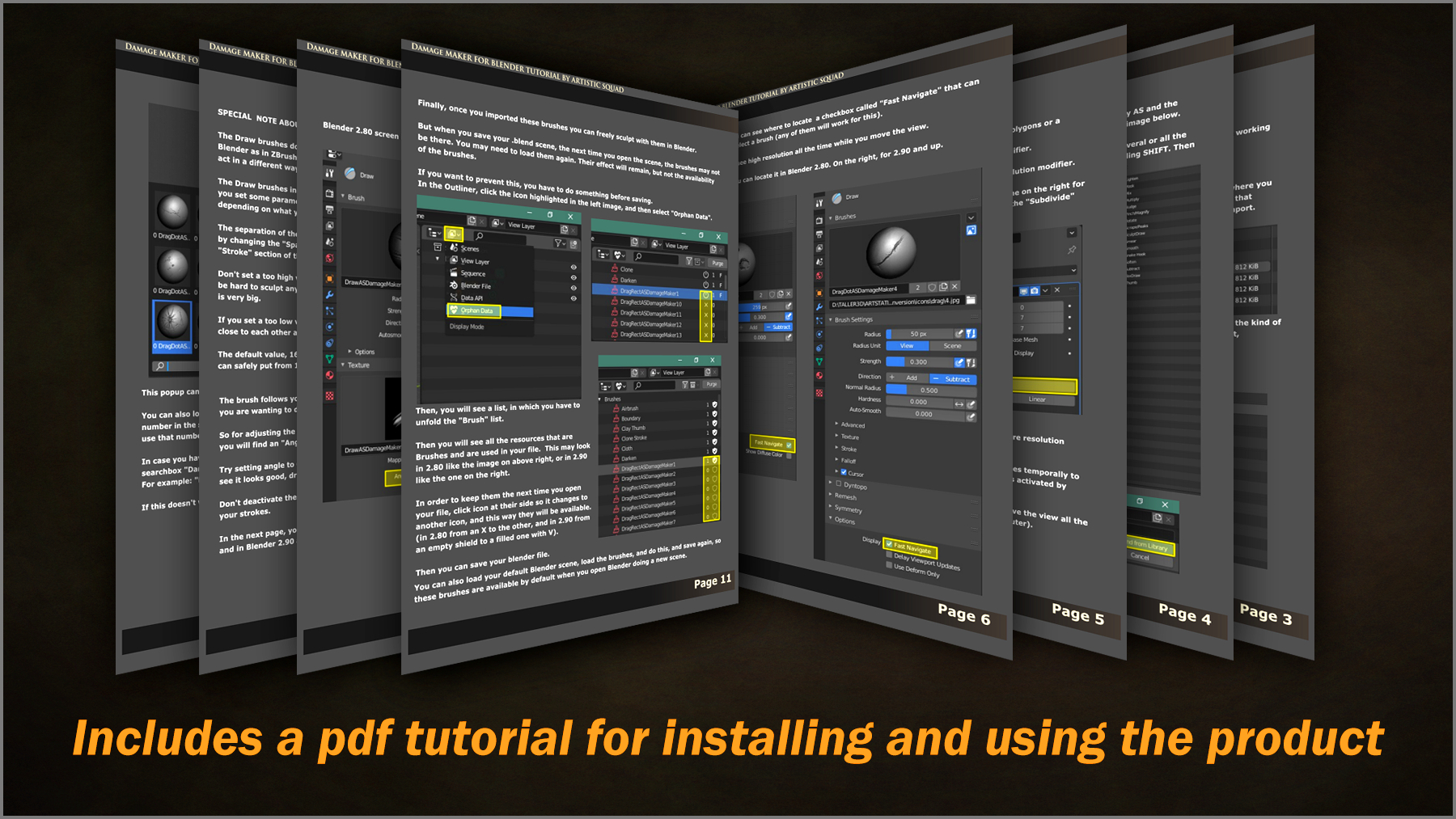
- The download comes with 2 zips. One of them is "Blender_4_3_tutorial_loading_brushes.zip". Those are instructions to load them in Blender 4.3 and above. Basically it's the same but you mark them as assets, then you can load and use them. But please unzip and read the pdf and watch the short video in that zip.
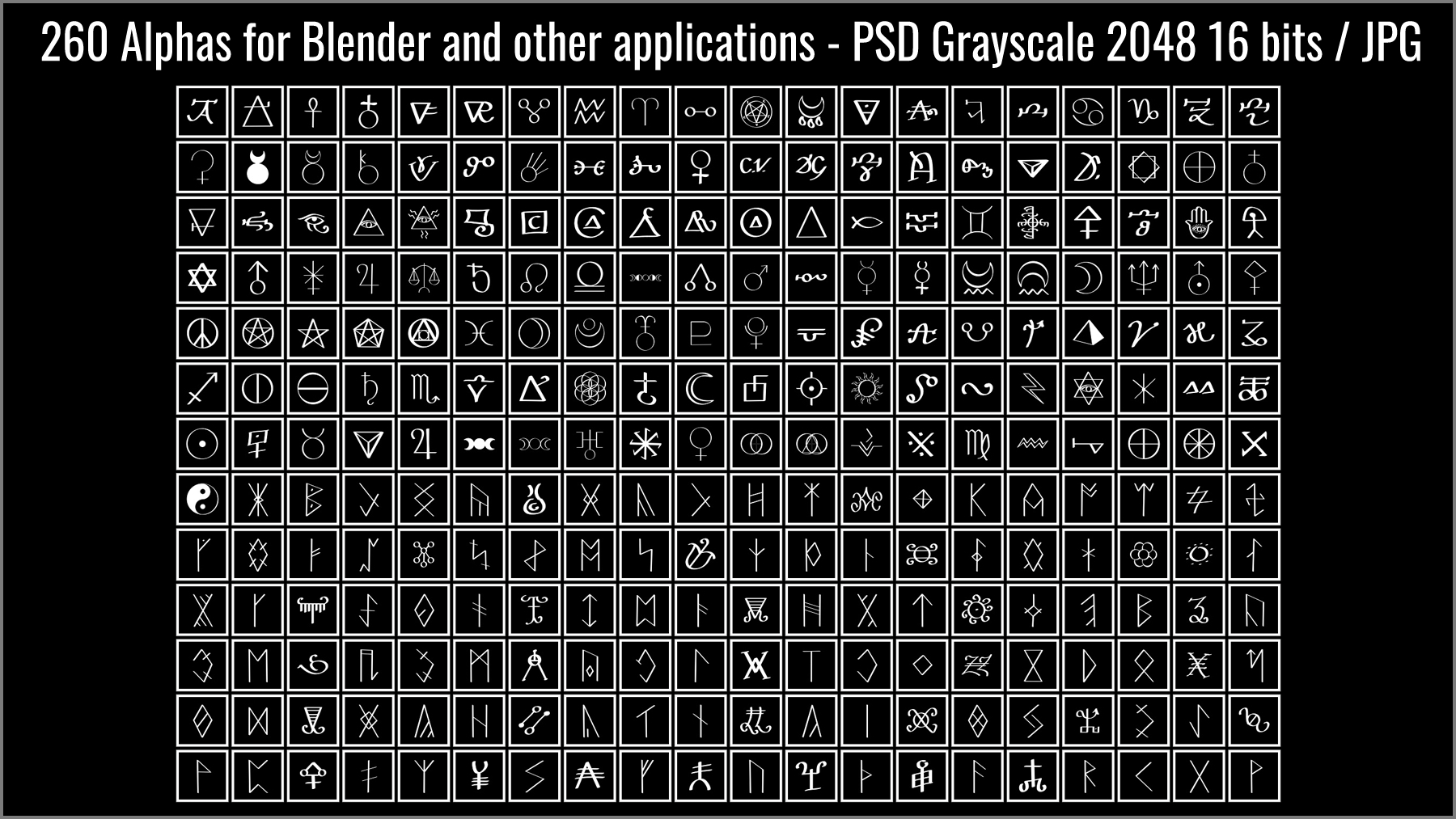
- The alphas include a slight blur because otherwise your brushes may look jaggy when you use them. Any decent alpha made for sculping needs some blur. The alphas are included just in case. But what you buy here and what is given is the brushes. You can just load the brushes, and use them (for Blender 4.3 and above following the named tutorial).
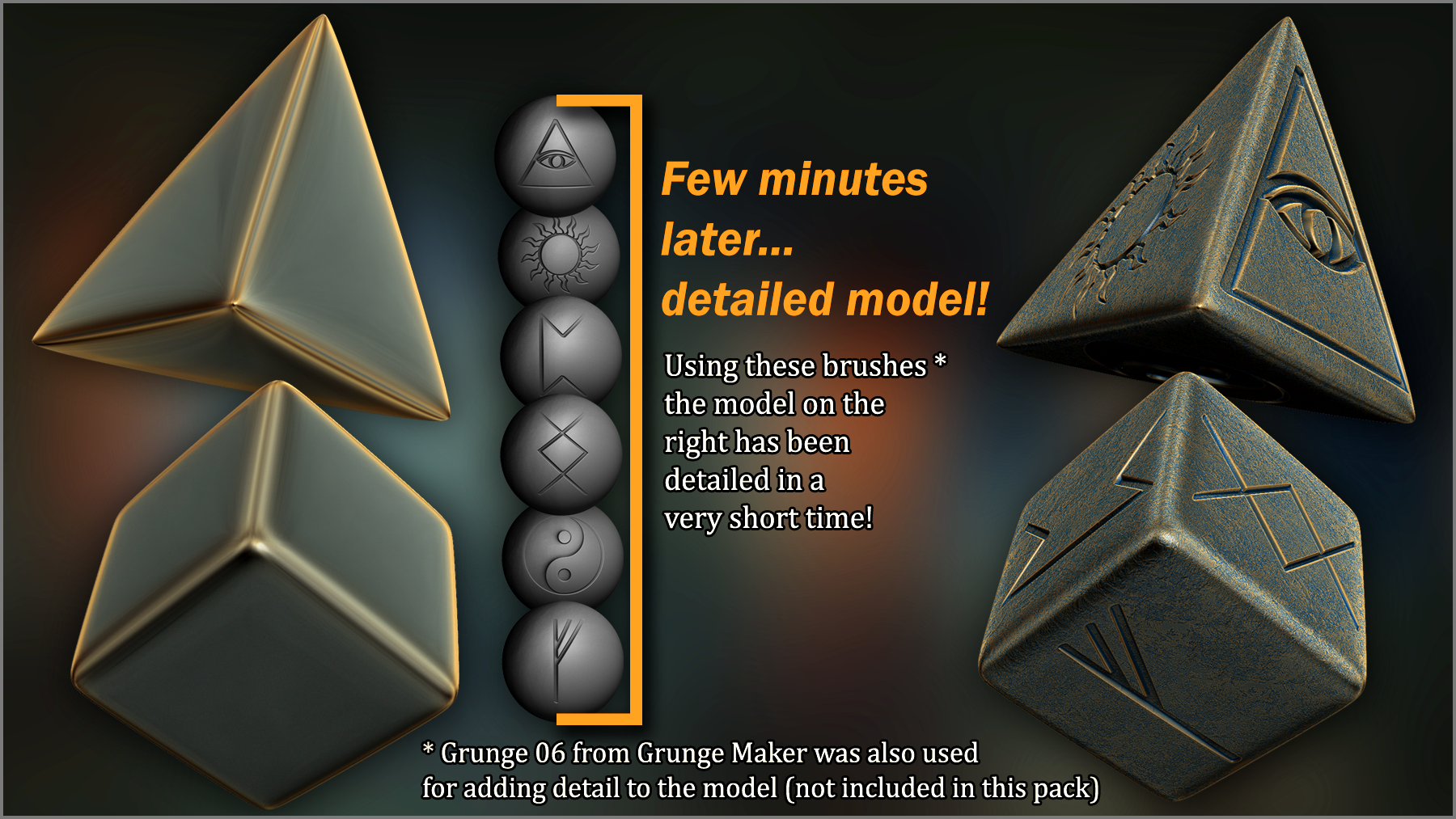
- If you used the brushes and still get pixelated results, it's because you have not divided the mesh enough for the topology of your mesh. Sculpting needs millions of polys. Some polys may be too wide, or have a different direction than any brush in the market, so you have to divide it enough so it becomes a very dense mesh. Then, after sculpting, you can create normal maps and displacement maps, that you can use on a low poly mesh to create the look of sculpted detail. This is the normal way of using sculpting brushes.
Please if you have any doubt or need any help, message us or write to our email [email protected]. We will be more than happy to help :)
- Jordi of ArtisticSquad
