 ParametrStudio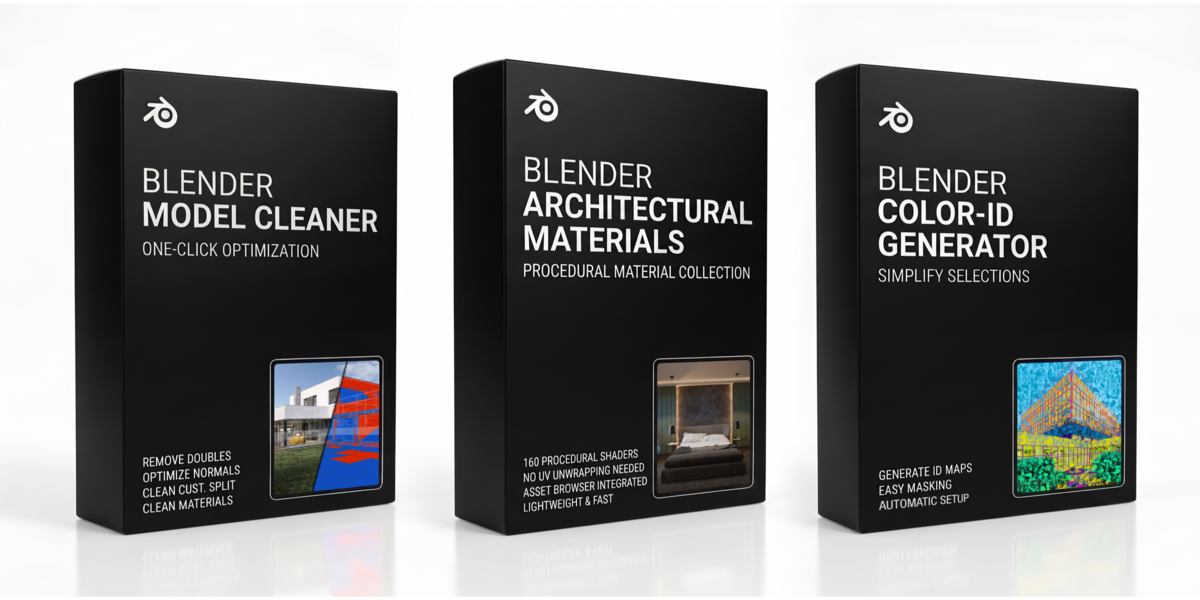


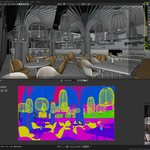
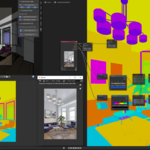
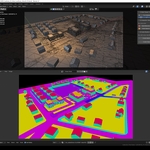
Created by an architect. Tested in real projects.
This is not a collection of random add-ons. It is a complete architectural workflow, built from tools developed and used in daily professional practice.
Every tool in this toolkit exists to solve one specific bottleneck in architectural visualization: messy geometry, realistic shading and efficient post-production.
The Architect Core Toolkit is a curated collection for architectural visualization professionals, generalists and 3D artists. Put together by a 3D-focused architect, this bundle connects the three most critical stages of your workflow into one seamless pipeline: Geometry Preparation, Realistic Shading and Post-Production.
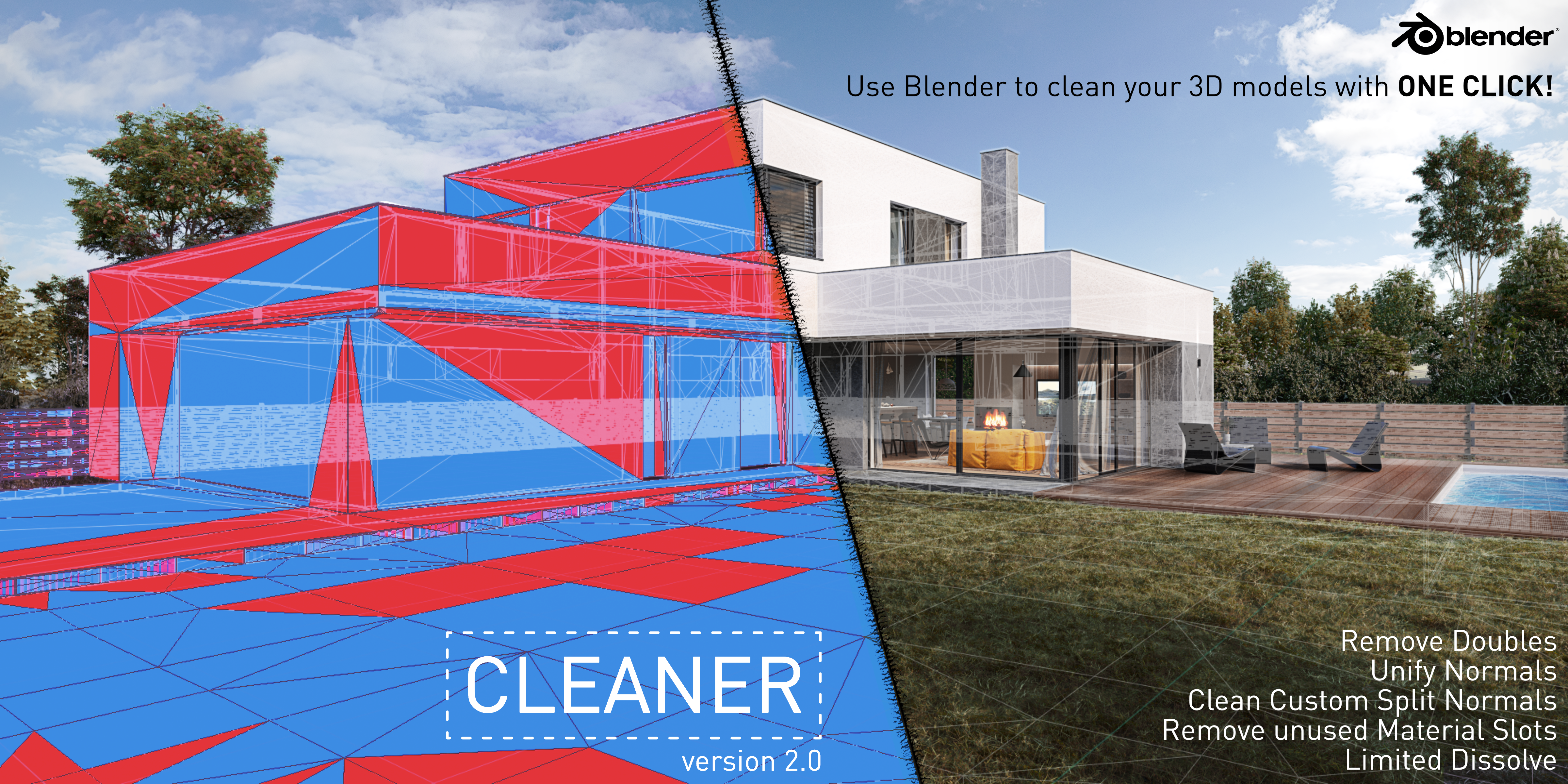
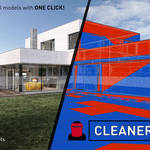
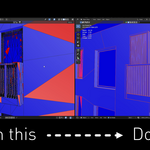
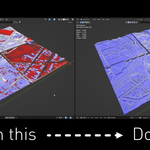
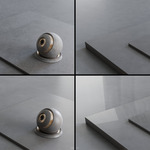
Clean and optimize imported or broken geometry in one click. Designed for real-world architectural models, scans, CAD imports and client data.
Importing models from SketchUp, Revit or online libraries often results in messy geometry. Cleaner solves this instantly.
> One-click repair: remove doubles, fix normals, remove unused materials.
> Universal use: perfect for any imported asset or scene optimization.
> Result: lighter scenes and artifact-free renders.
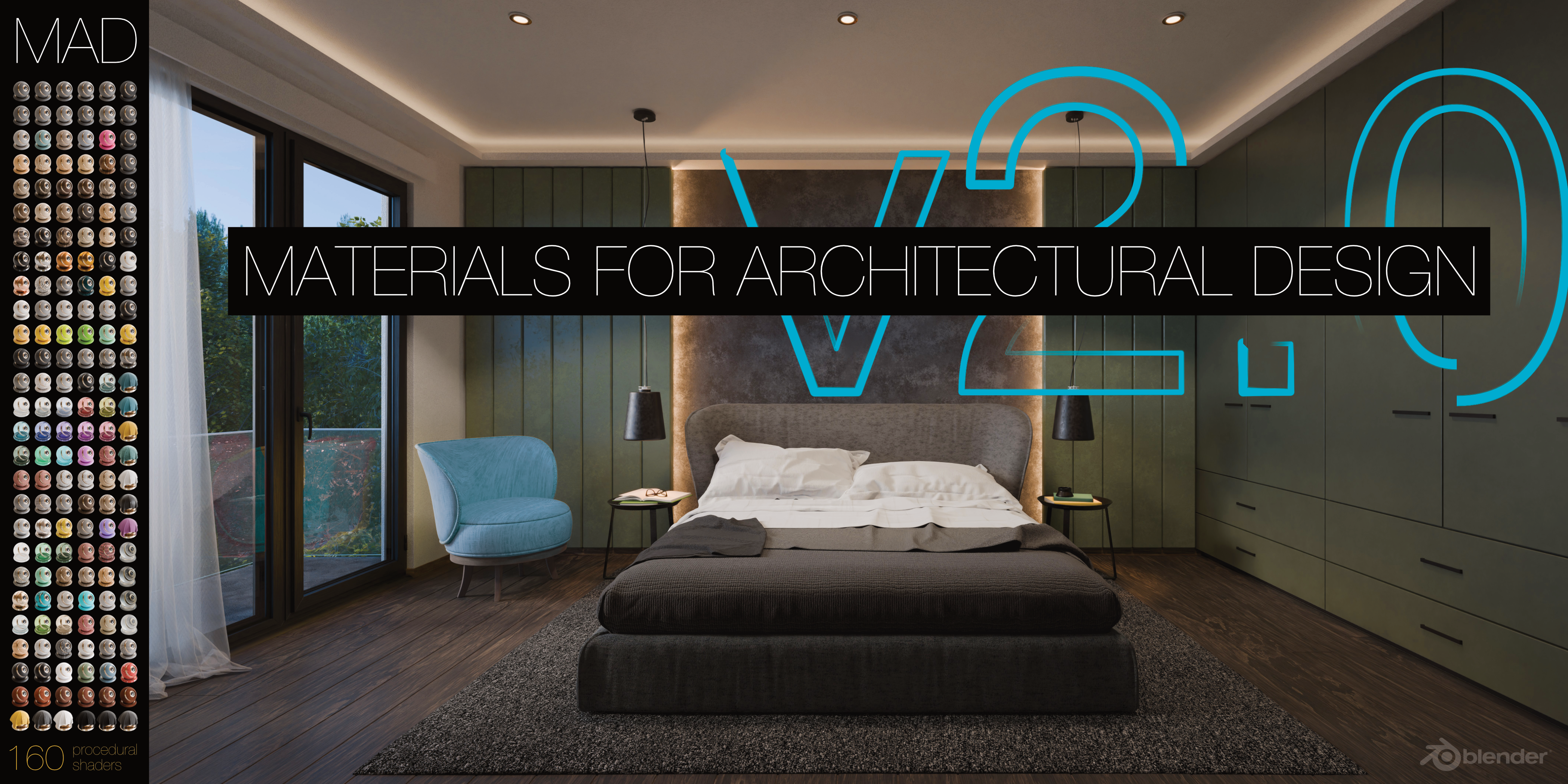
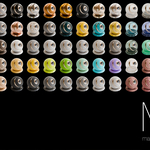
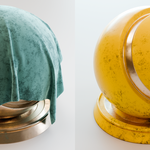
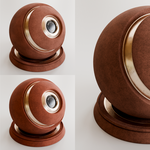
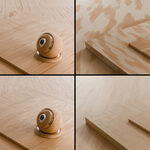
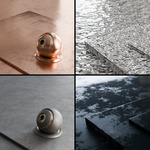
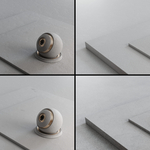
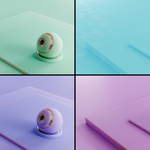
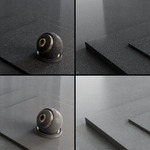
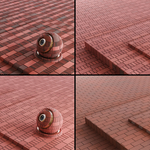
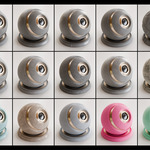
A production-tested material library for Cycles, developed during years of professional architectural practice.
Designed for artists who need predictable, photorealistic results without tweaking nodes for hours.
> Photorealistic: focused on realism and consistency. Calibrated for Cycles.
> Result: a professional look in seconds, not hours.
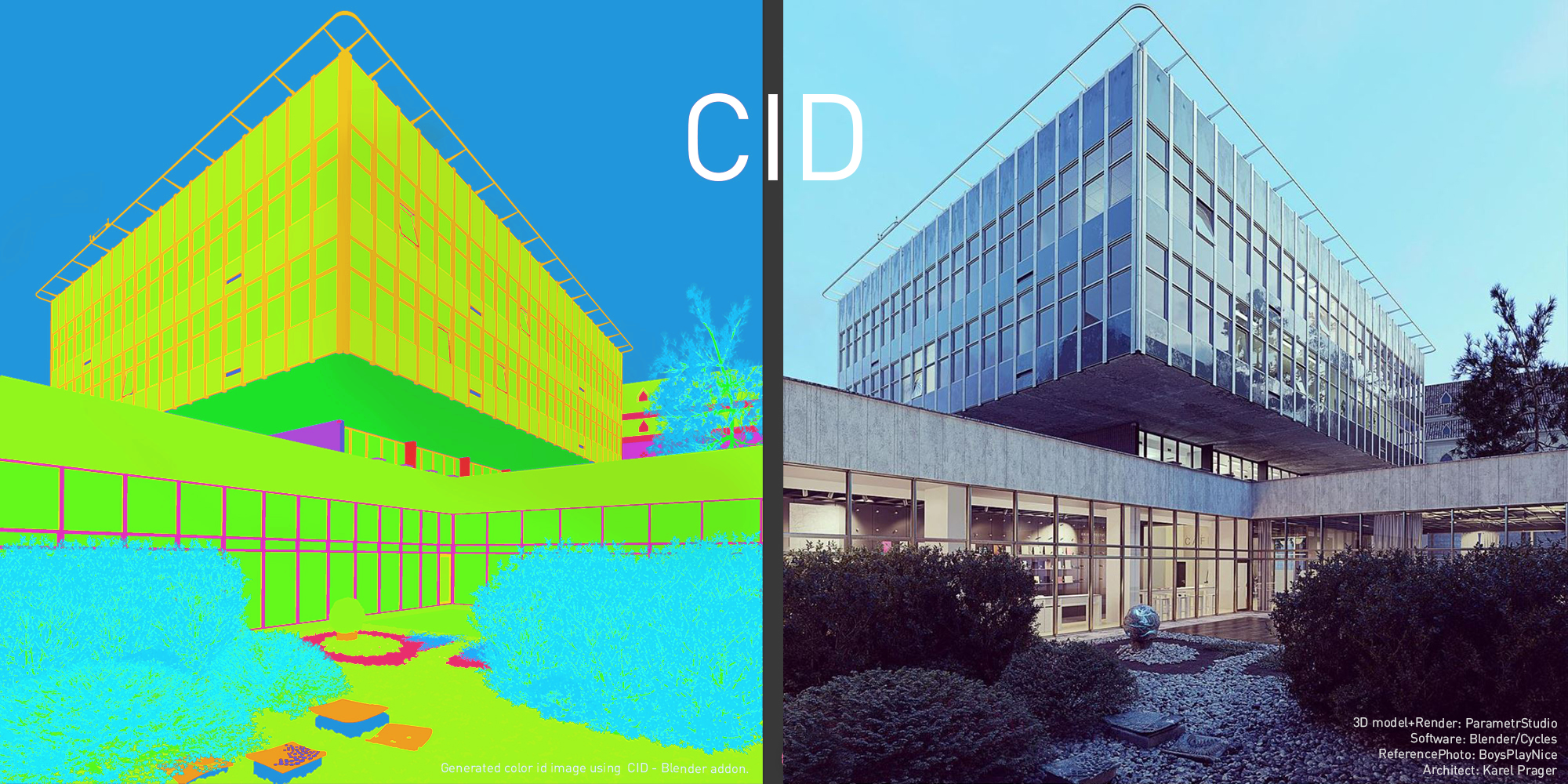
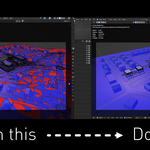
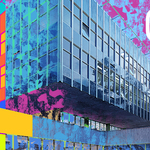
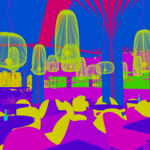
The render is just the beginning. CID streamlines your post-processing workflow by generating masks for every object or material.
Designed for the standard ArchViz post-production pipeline.
> Post-pro ready: export clean Color ID passes for Photoshop or Affinity.
> Automated: no manual setup required. Generate passes by object or material.
> Result: total control over your image in post-production.
UPDATE: CID v1.4.0 fully supports Blender 5.1
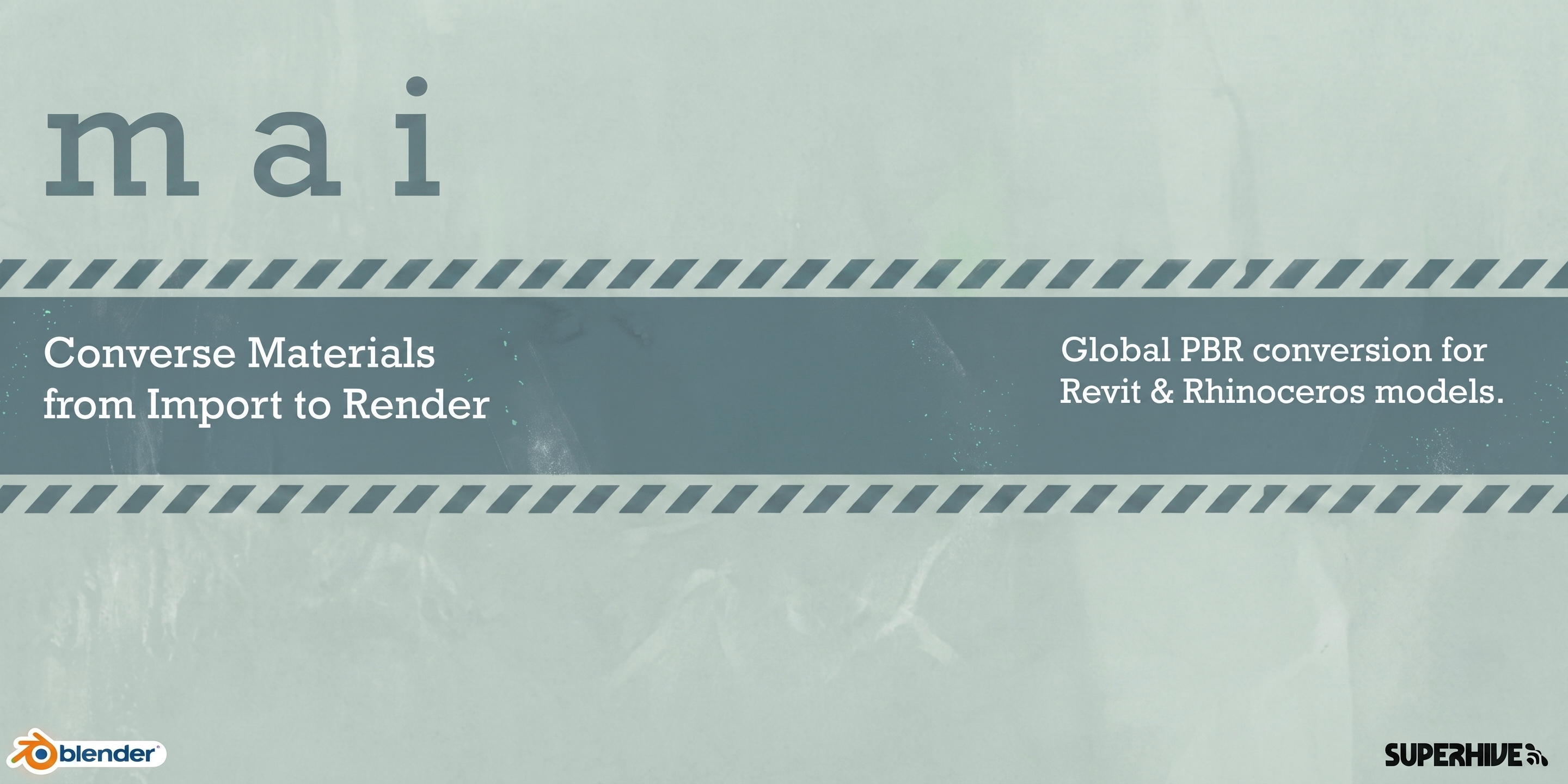
A natural companion to Cleaner in the PREPARE stage. While Cleaner fixes broken geometry, MAI resets broken Revit and Rhino FBX material values to Blender defaults - giving you a clean baseline before you start real material work. One click instead of fixing hundreds of materials by hand.
FREE WITH THE BUNDLE · FRESH UPDATE · TESTED ON BLENDER 5.1
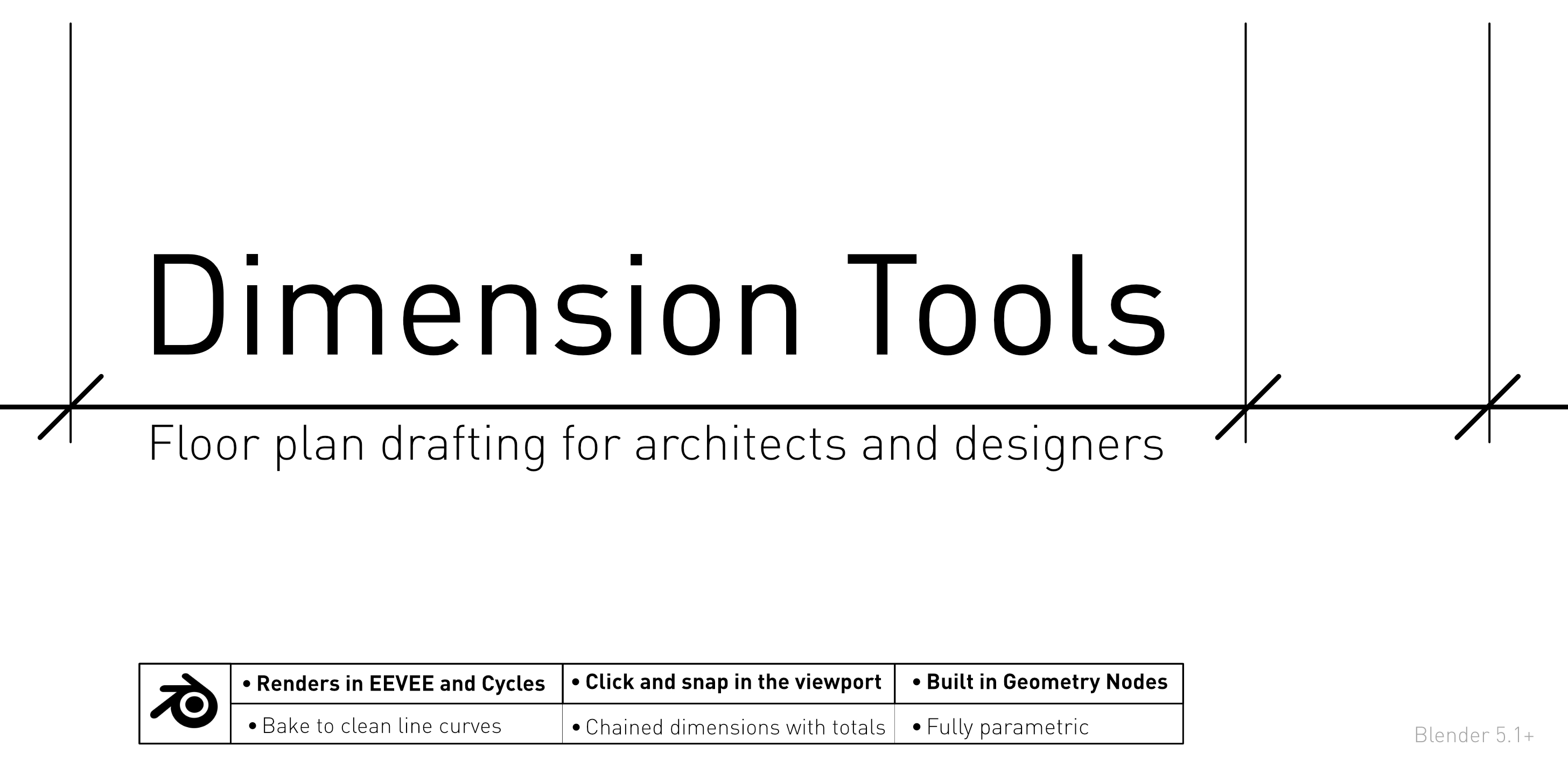
A natural companion to Cleaner in the DRAW stage. While Cleaner makes the imported model workable, Dimension Tools puts dimensions on it: snap to vertices, chain them with running totals, and set text and tick sizes in paper millimetres. Built in Geometry Nodes, so the dimensions are real geometry with a material and render in EEVEE and Cycles instead of living in a viewport overlay.
FREE WITH THE BUNDLE · BLENDER 5.1+
Because architectural work is about process, not tools.
This bundle gives you a proven workflow - the same approach used in real projects - not experimental gimmicks.
Three core tools, two free bonuses, one complete architectural workflow.