Architectural Visualization Bundle – 5 Blender Addons
 ramazan sarı



### How to Install This Bundle
1. Download the individual add-on ZIP files after purchase.
2. Open Blender.
3. Go to Edit > Preferences > Add-ons.
4. Click Install.
5. Select one add-on ZIP file.
6. Enable the add-on.
7. Repeat the same steps for the other add-ons.
### Included Files
- Pro_Floor_Generator.zip
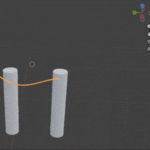
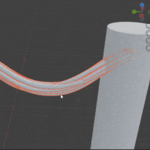
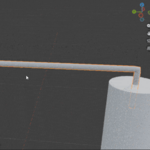
- Cable_Pipe_Generator.zip
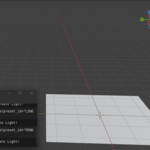
- IES_Light_Architect_Pro.zip
- Bookshelf_Filler.zip
- Simple_Light_Presets.zip
- FAQ_README.txt
- LICENSE.txt
### Compatibility
Tested with Blender 4.2 up to Blender 5.0.
$14.99
Have questions about this product?
Login to message
| Blender Extension Compatible | Yes |
| Published | 4 months ago |
| Blender Version | 4.2 - 5.0 |
| Extension Type | Add-on |
| Render Engine Used | Cycles, Eevee |
| License | GPL |

Discover more products like this
cables ArchViz floor generator scene organization architectural visualization rendering workflow tools modeling Lighting blender addon materials Interior Design