 Blender house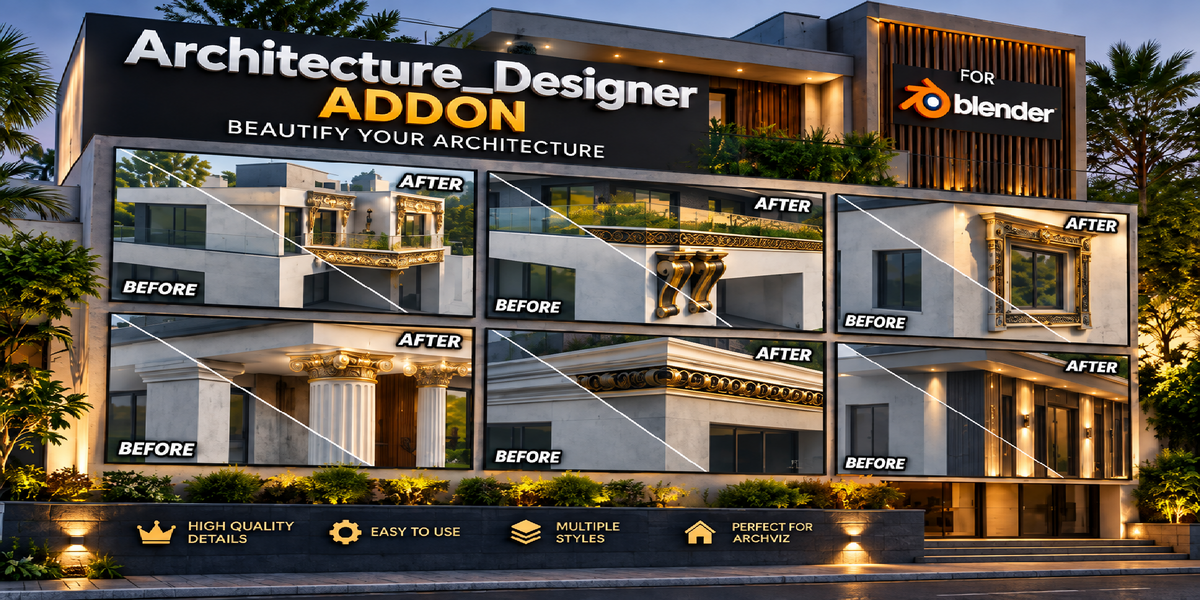
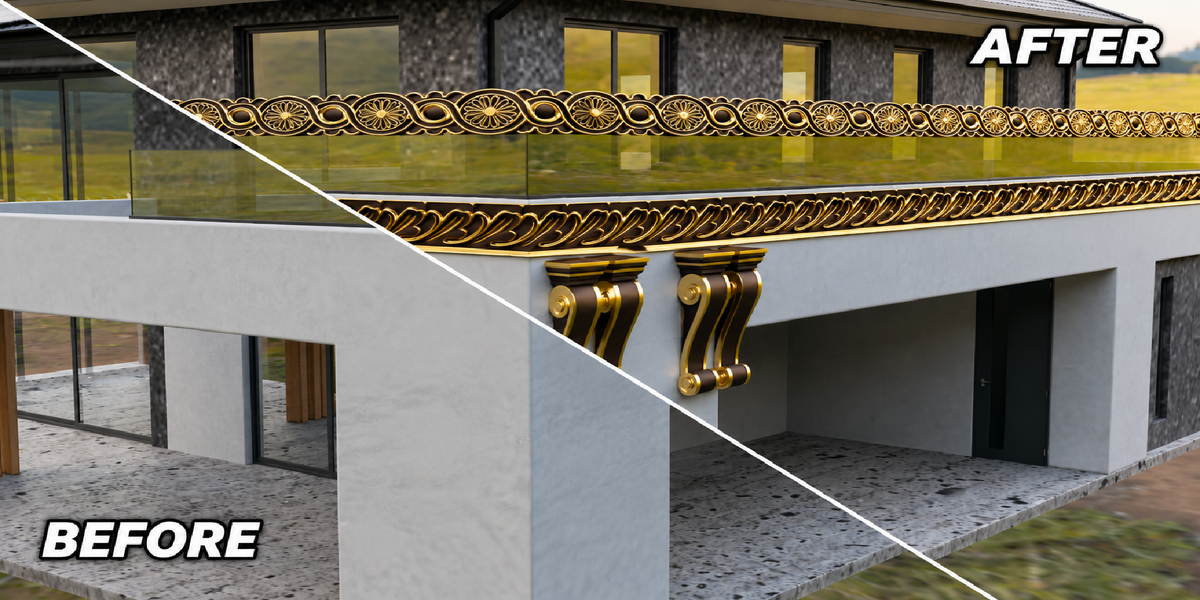
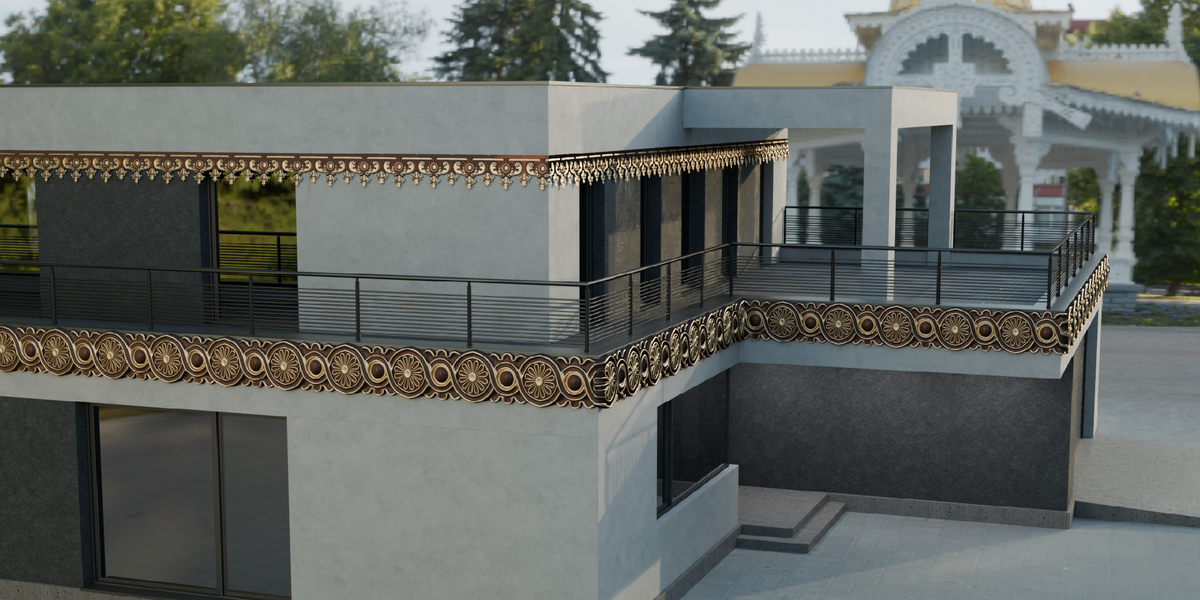
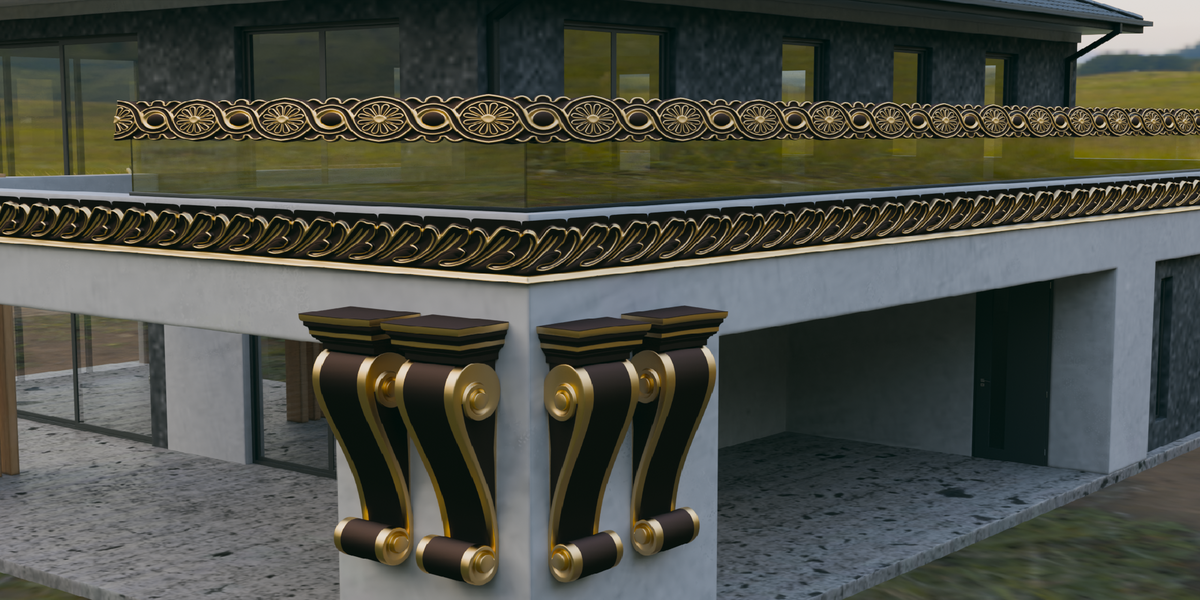
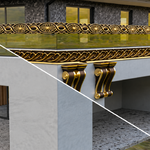
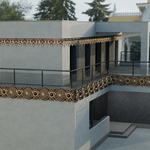
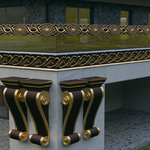
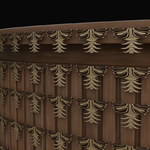
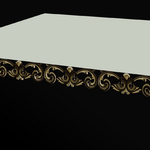
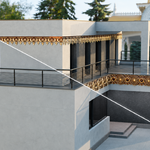
Architecture Designer — Architectural Decoration Addon for Blender
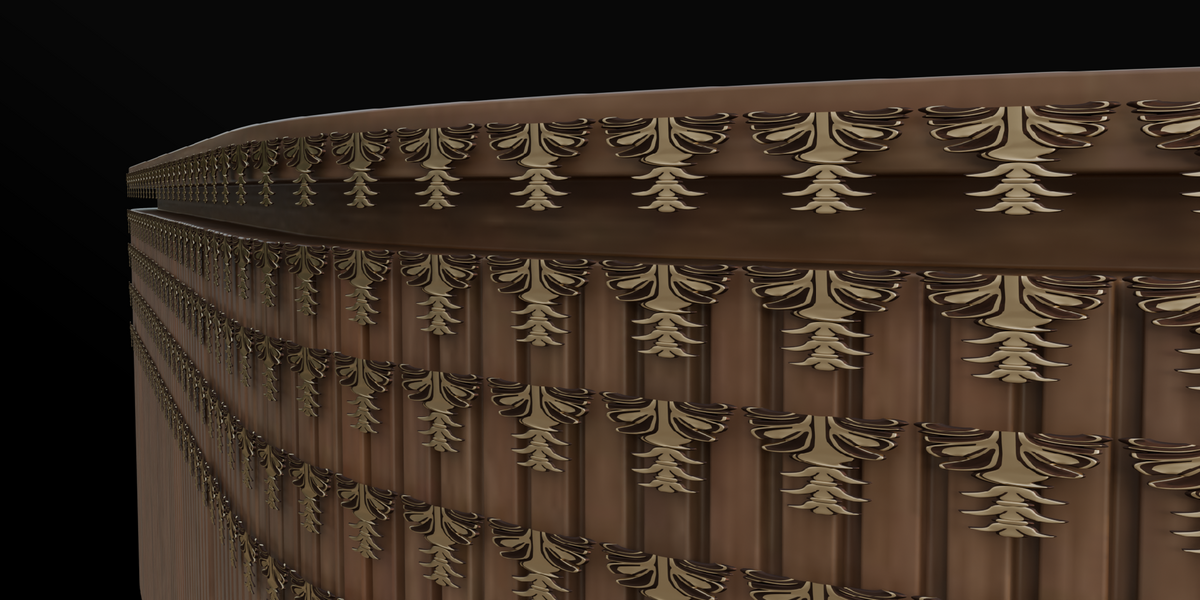
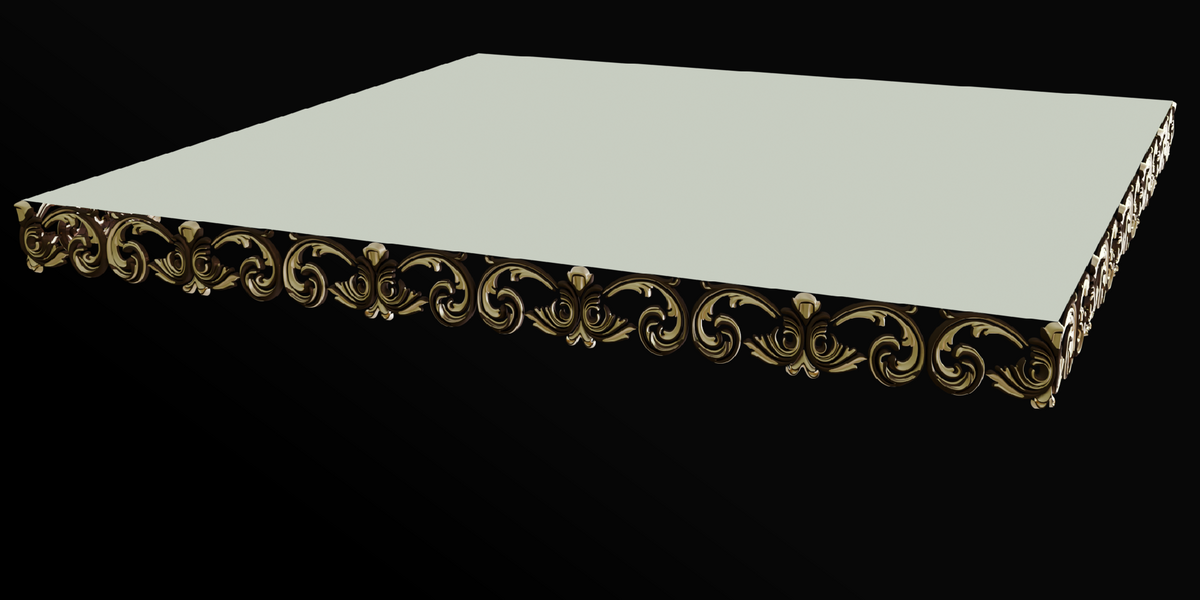
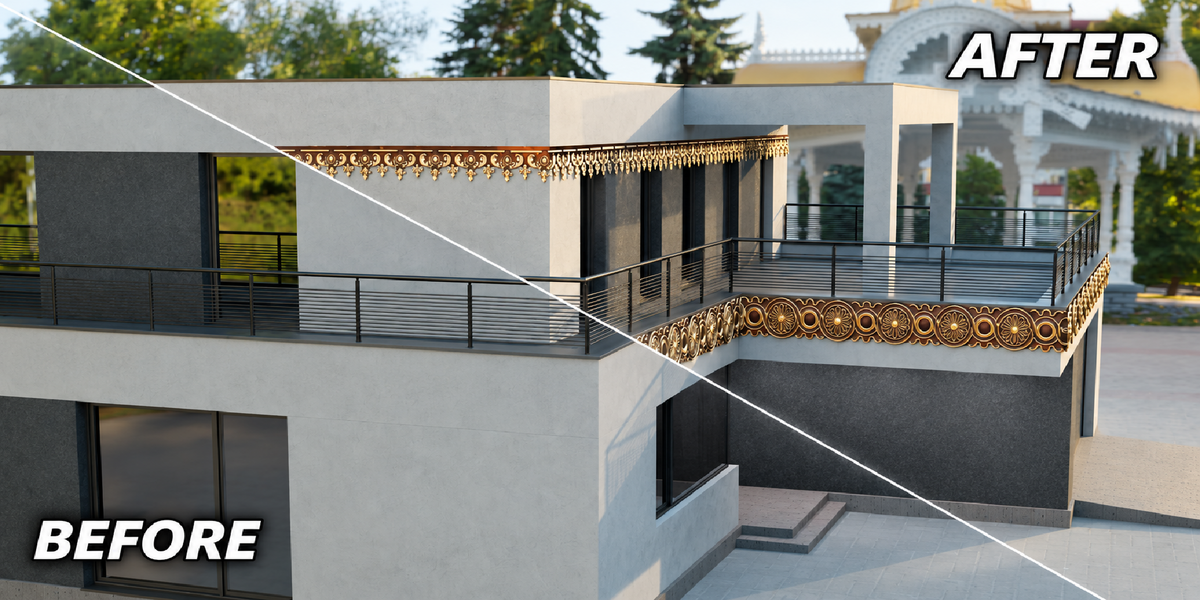
Transform your architectural projects with Architecture Designer, a Blender addon featuring 66 high-quality architectural decoration designs created for exterior walls, balconies, edges, cornices, windows, columns, and other architectural surfaces.
The addon makes it easy to apply decorative designs directly to your geometry. Simply select an edge loop, choose your desired design, and import it directly onto the selected edge.
Features
66 Architectural Designs
A collection of 66 decorative designs covering a variety of architectural styles and applications.
Easy Edge Application
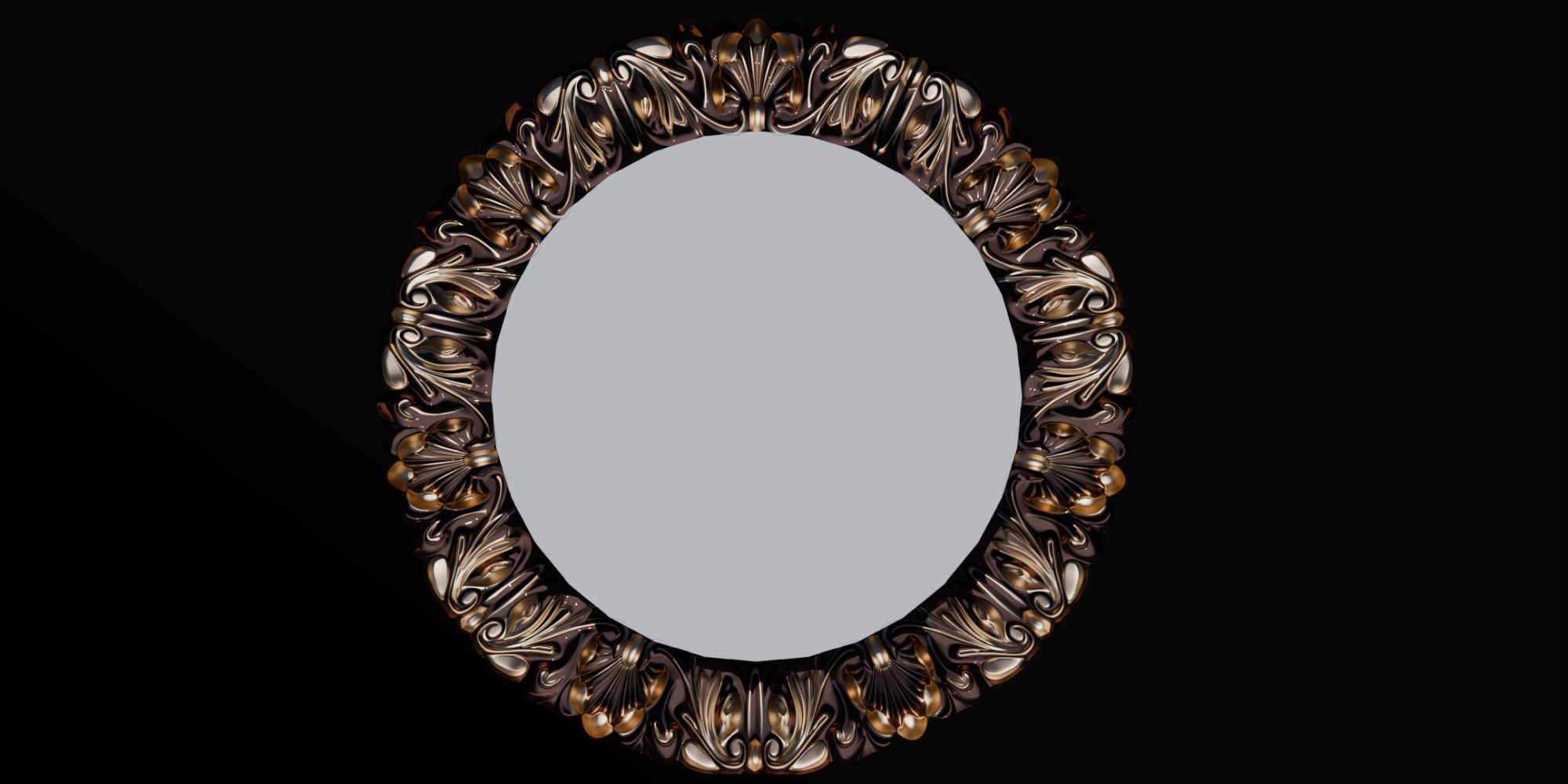
Select any suitable edge loop and apply your chosen design directly to it.
Professional 3D Models
The designs include detailed geometry, materials, and modifiers to maintain their original appearance after importing.
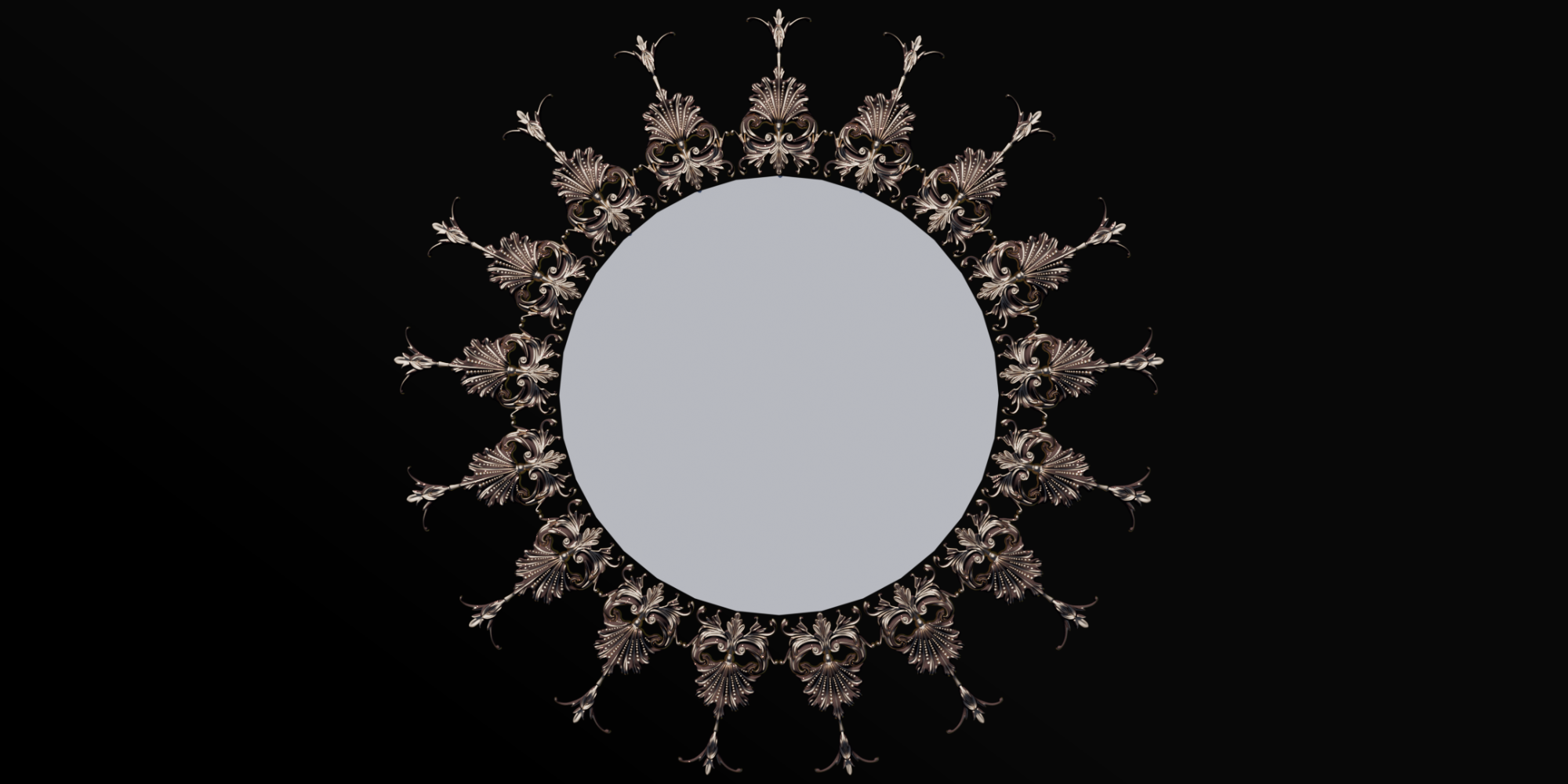
Adjustable Scale
Easily scale the imported design to match the size of your building or architectural element.
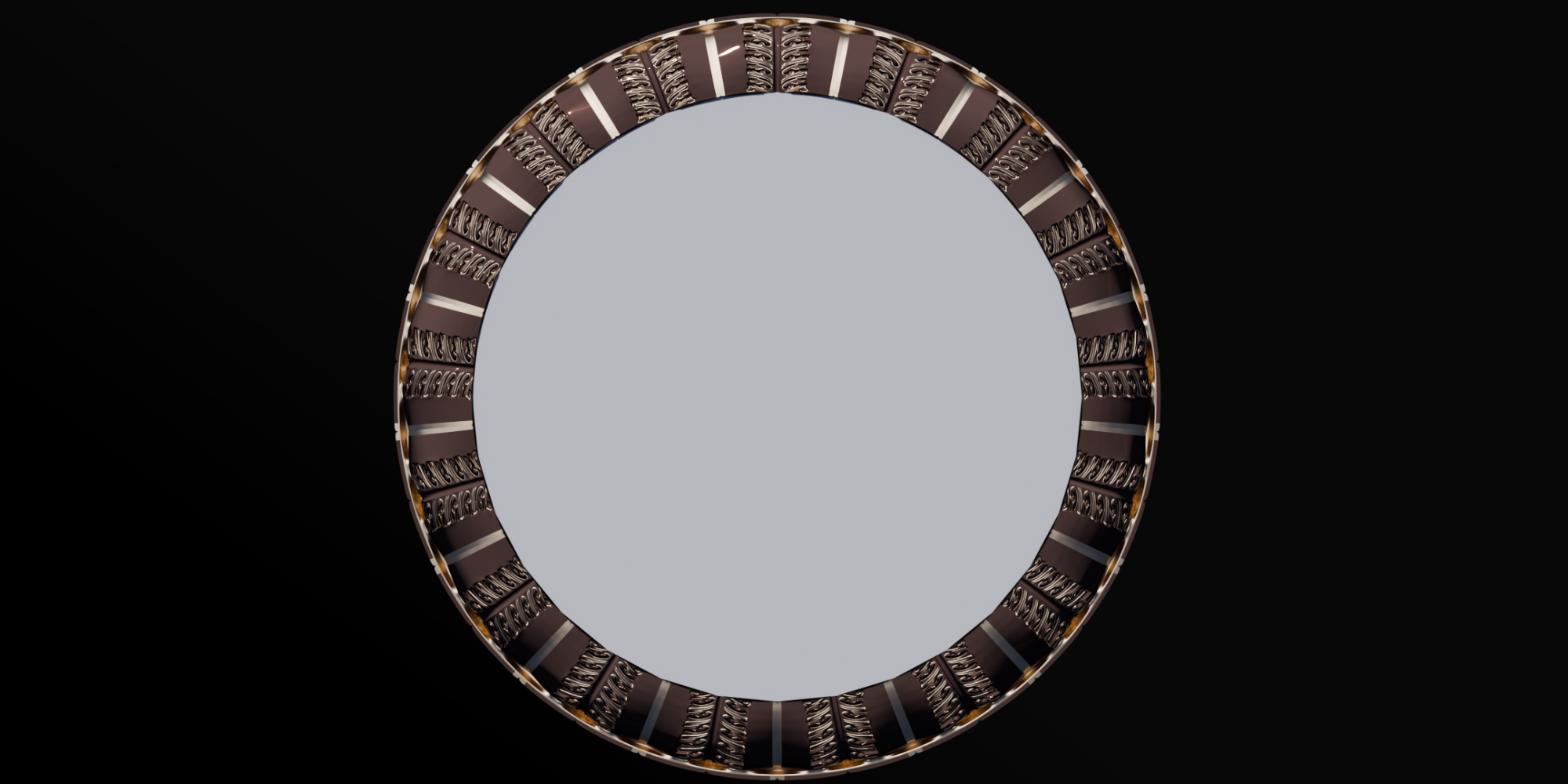
Array Support
Adjust the Array modifier to extend the design along longer edges and surfaces.
Material Support
Designs come with their original material setup, allowing you to customize the appearance according to your project.
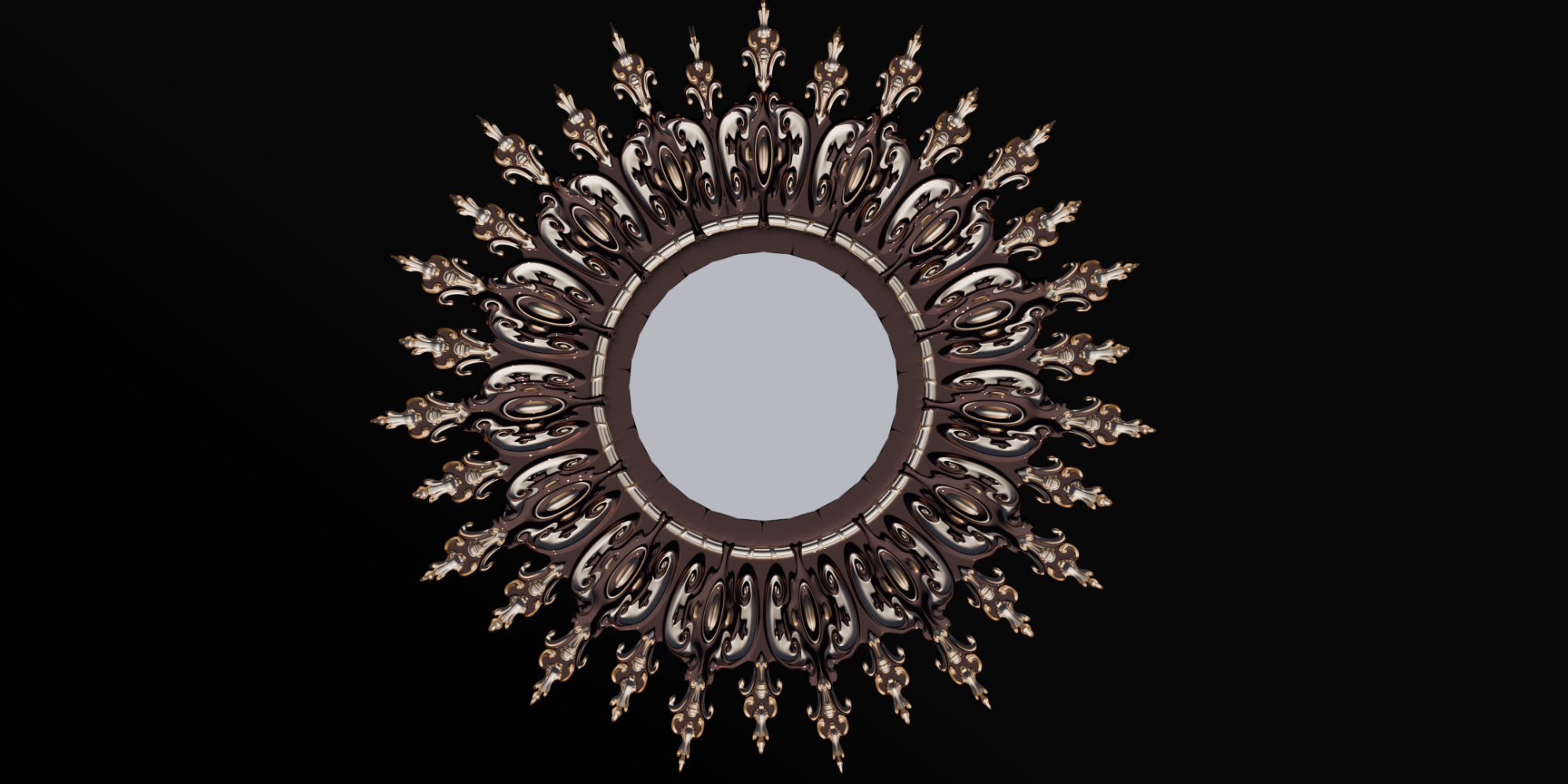
Perfect for ArchViz
Ideal for architectural visualization, exterior decoration, residential buildings, commercial projects, balconies, walls, windows, columns, and decorative borders.
How It Works
Select your architectural object and choose an edge loop where you want to add decoration. Open Architecture Designer, select one of the 66 designs, and click Import Design to the Edge.
After importing, adjust the scale to fit your project. Increase the X scale when necessary for clearer proportions, then adjust the Array modifier to extend the design along the edge.
Create beautiful architectural details in just a few clicks.