Architecture Designer — Documentation
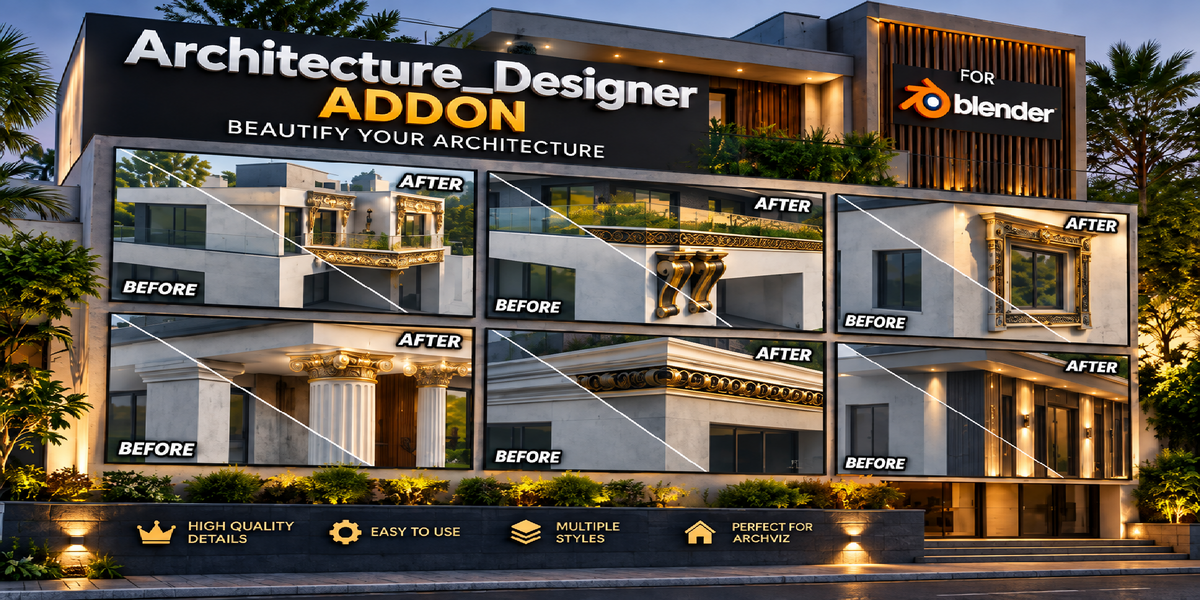
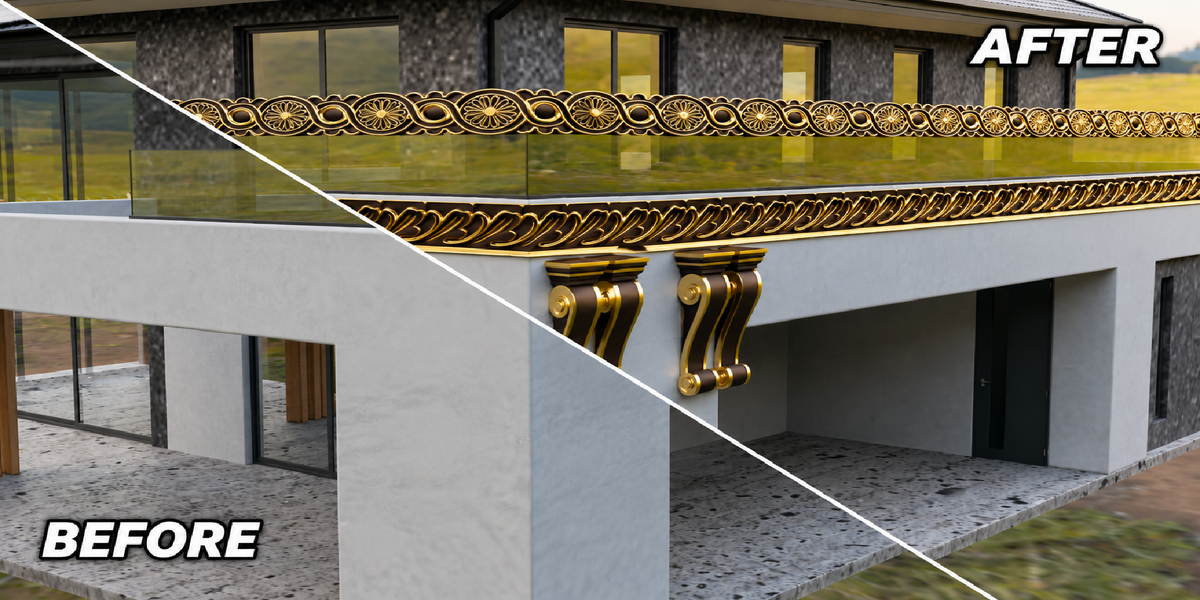
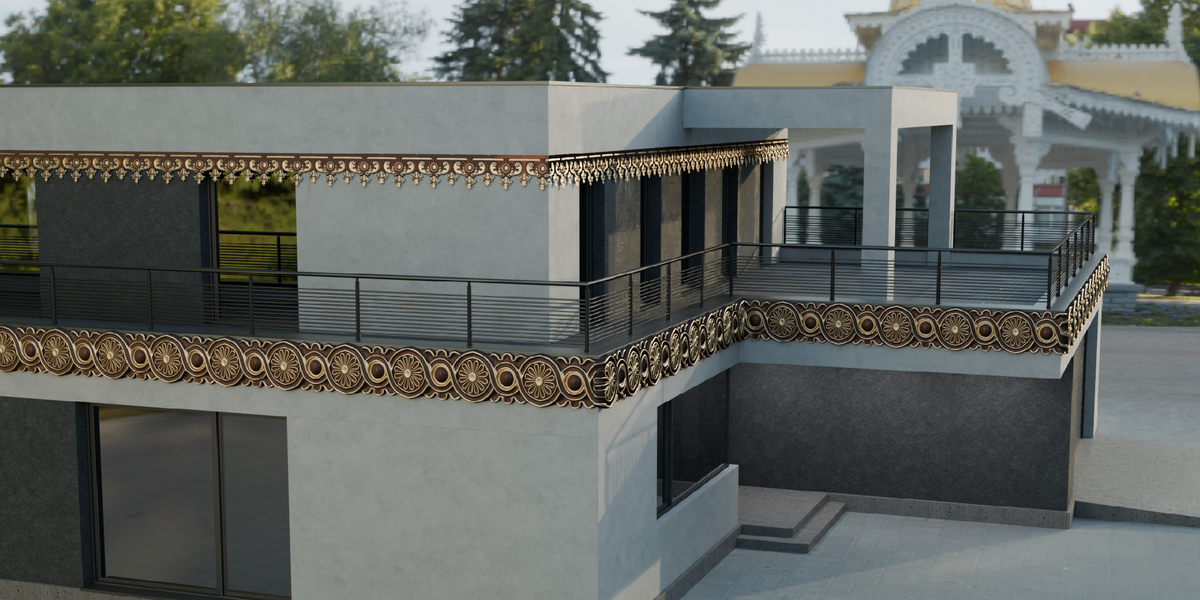
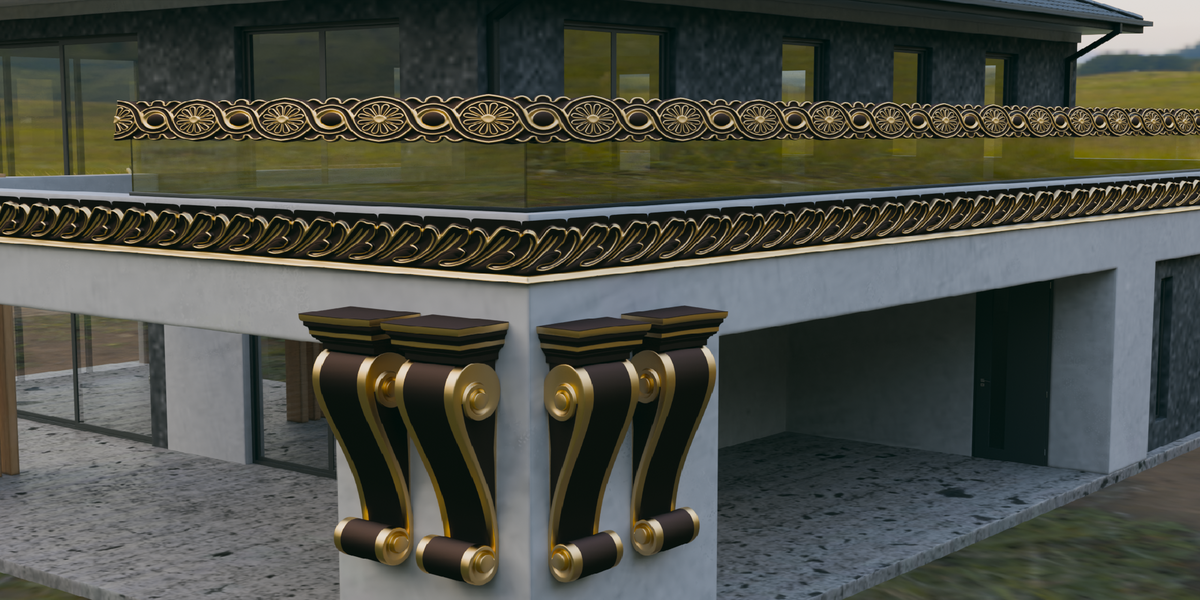
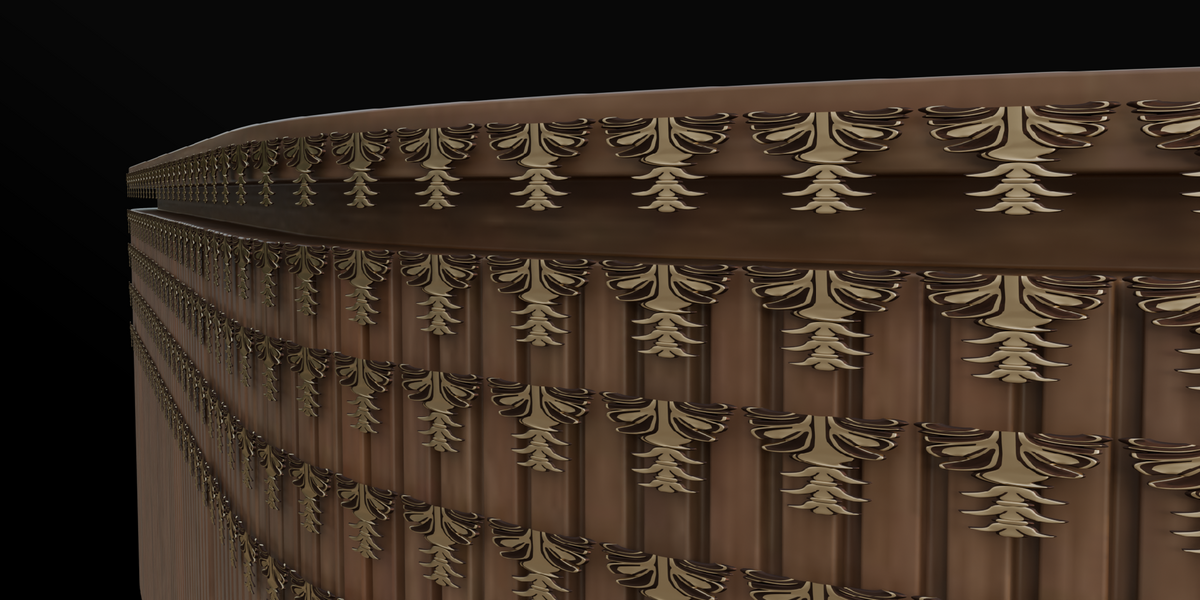
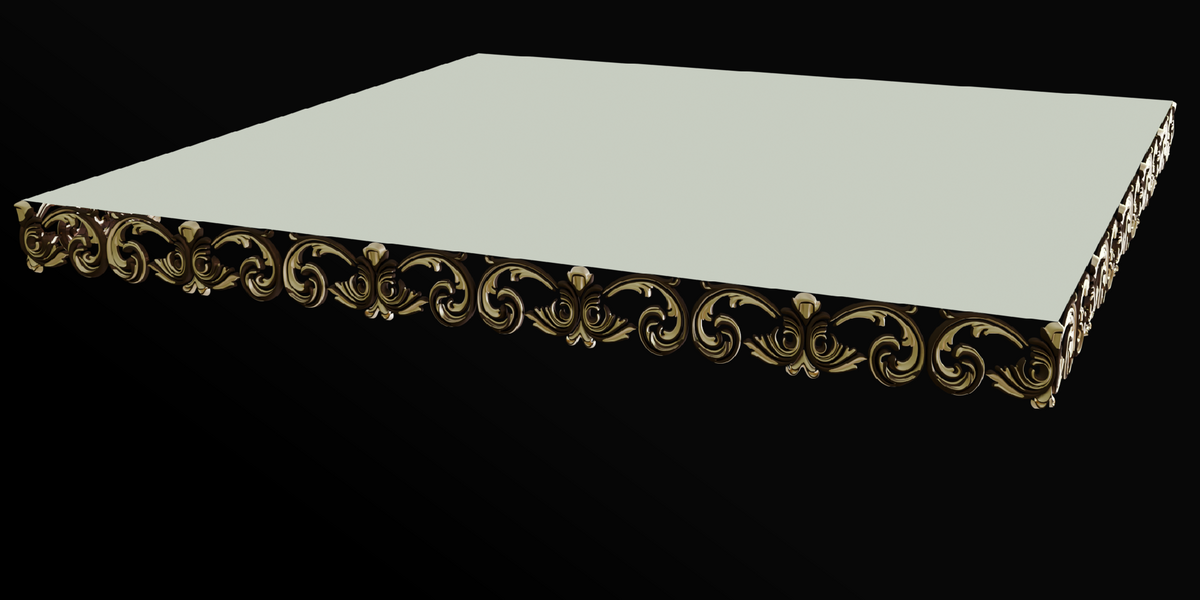
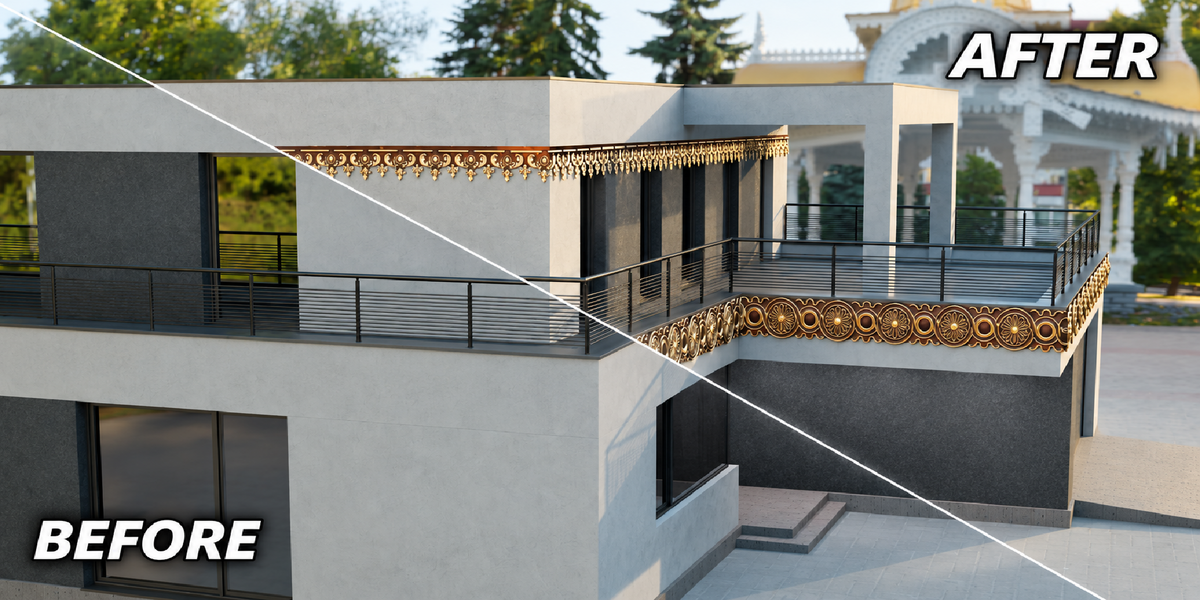
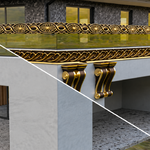
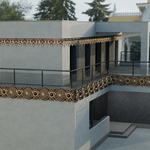
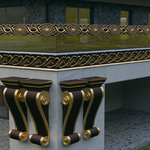
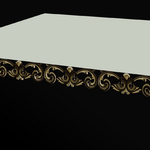
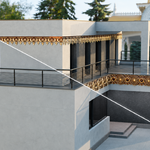
Architecture Designer is a Blender addon designed to quickly add decorative architectural designs to your models. It includes 66 ready-to-use architectural designs that can be applied directly to selected edges.
How to Use
- Select the object where you want to add the architectural design.
- Enter Edit Mode and select an edge loop where you want to place the design.
- Open the Architecture Designer panel from the N Panel.
- Click the Designs section and choose any design from the library.
- Click Import Design to the Edge to apply the selected design to your edge.
- Adjust the Scale to achieve the desired size.
- Increase the X Scale when necessary to make the design fit the edge properly.
- Use the Array modifier to increase or decrease the number of repeated sections along the edge.
Design Library
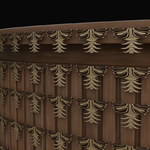
The addon contains 66 architectural designs, each with its own preview thumbnail. The designs are ready to import and can be customized after placement.
Customization
After importing a design, you can adjust its:
- Scale
- X Scale
- Array Count
- Materials
- Modifiers
The original design structure, materials, and modifiers are preserved when the design is imported.
Recommended Use
Architecture Designer is suitable for:
Architectural Visualization (ArchViz)
Exterior Design
Interior Decoration
Building Facades
Balconies
Walls and Edges
Cornices and Trims
Decorative Architectural Details
Quick Workflow
Select Edge → Choose Design → Import Design to the Edge → Adjust Scale → Adjust X Scale → Adjust Array
That's it. Your architectural decoration is ready to use.
 Blender house