Archviz Camera Manager
 Luca pozzuoli Studio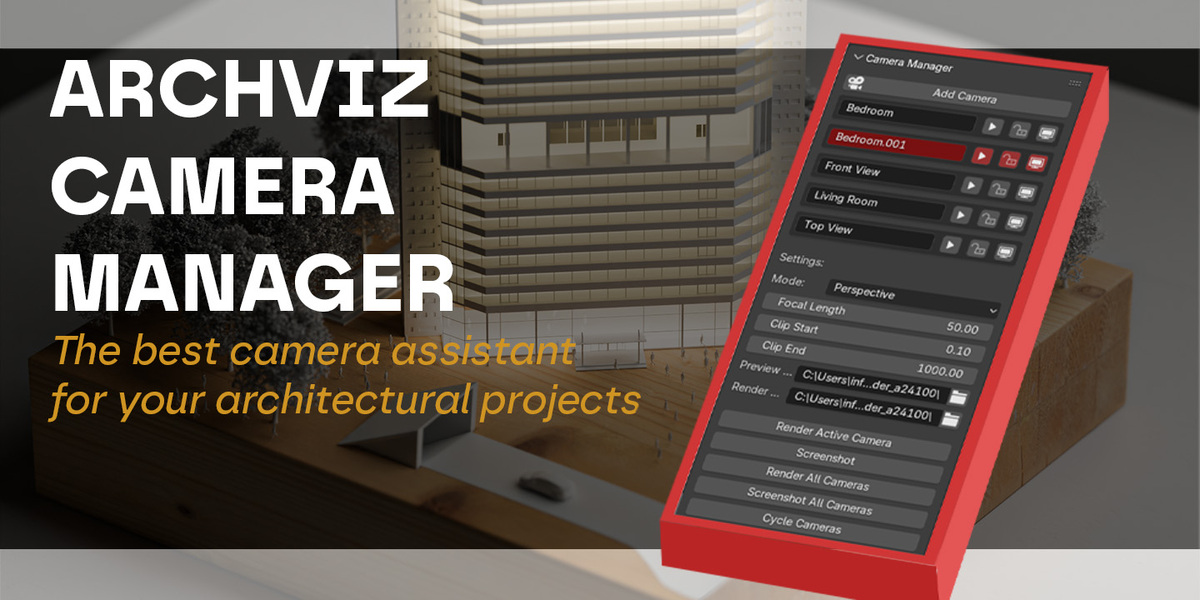
Camera Manager Addon - README
Introduction
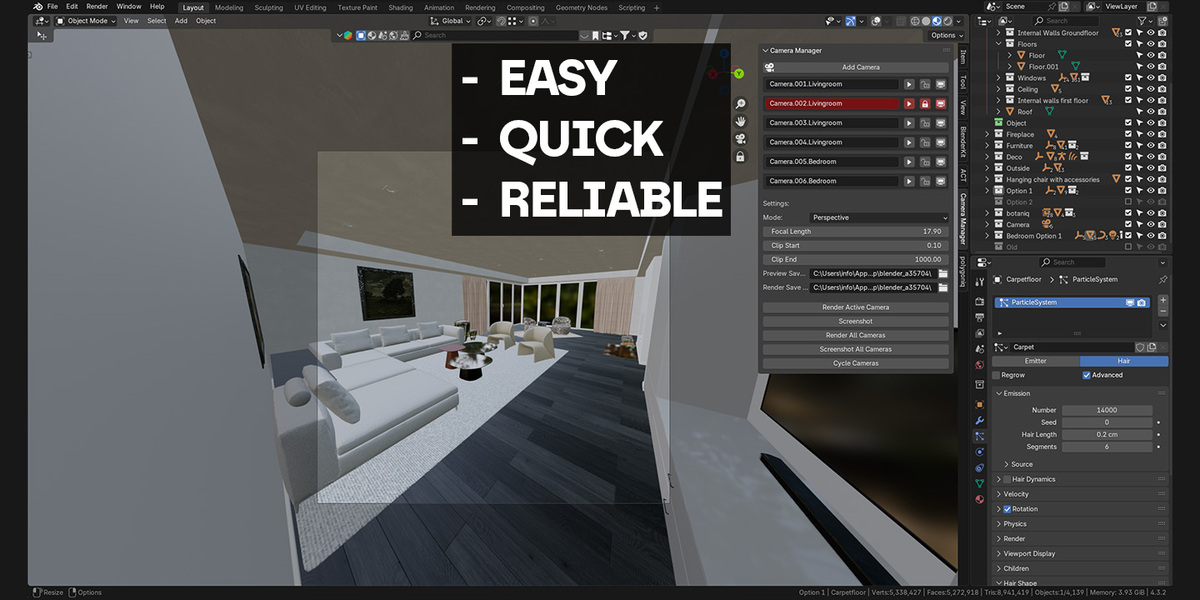
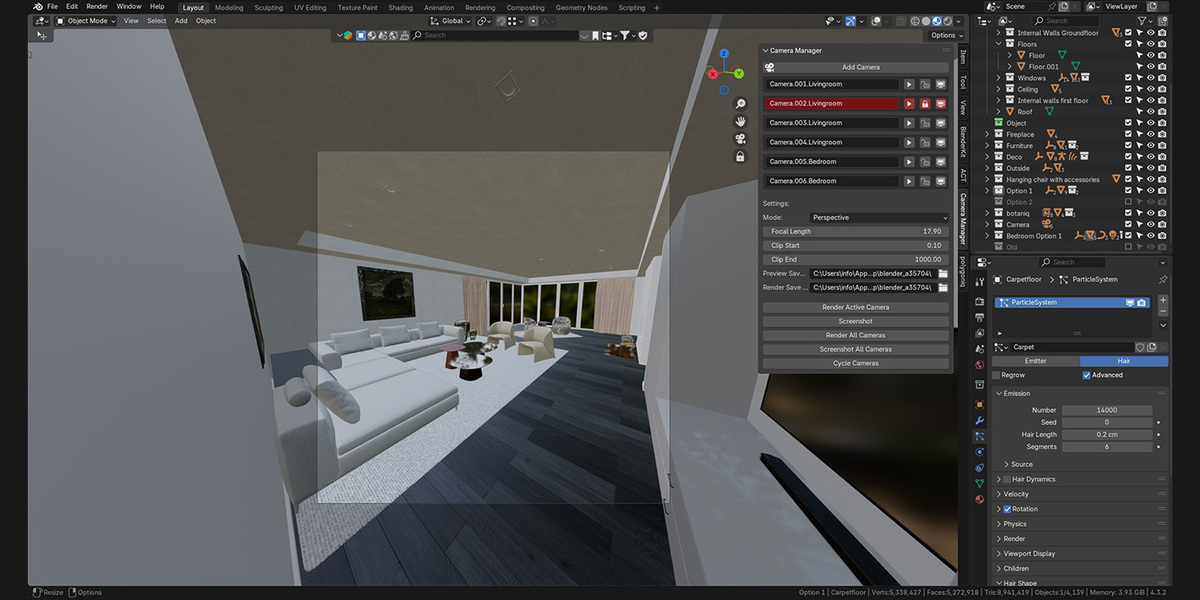
The Camera Manager addon for Blender is a powerful tool designed to simplify the management and rendering of multiple cameras in a scene. Ideal for archviz projects or any workflow requiring neat organization and efficient handling of cameras, this addon offers intuitive controls and batch processing capabilities.
Features
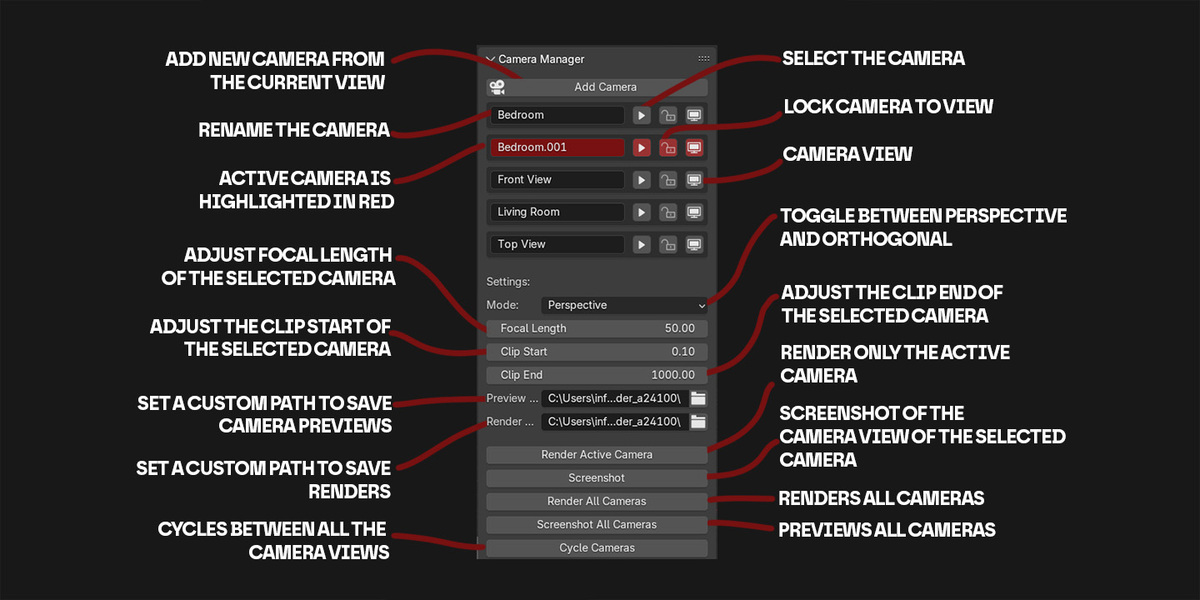
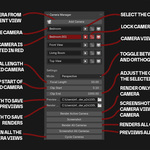
1. Add Camera
Add a new camera with a single click.
Automatically inherits the current viewport's position, orientation, and mode (perspective or orthographic).
If no "Camera" collection exists, it creates one and adds all cameras there for better organization.
2. Camera List
Displays all cameras in the scene.
Each camera has:
A Rename Field: Quickly rename cameras.
A Select Button: Select the camera in the scene.
A Lock Button: Lock or unlock the camera view.
A View Button: Switch to the camera view.
3. Settings Panel
Adjust camera settings, including:
Mode: Perspective or Orthographic.
Focal Length: Adjust lens focal length (for perspective cameras).
Scale: Adjust scale (for orthographic cameras).
Clip Start/End: Set clipping distances.
4. Batch Operations
Render All Cameras: Sequentially render all cameras in the scene.
Screenshot All Cameras: Save screenshots of all cameras' current views.
5. Quick Tools
Render Active Camera: Render the currently active camera.
Screenshot Active Camera: Save a quick screenshot of the active camera's current view.
Cycle Cameras: Quickly cycle through all cameras in the scene.
Installation
Download the addon as a .zip file.
Save it in your preferred location
Open Blender and go to Edit > Preferences > Add-ons.
On the top right click the down arrow and select "install from disk"
Look for the .zip file named "camera manager"
Enable the addon from the list.
Usage Instructions
Open the Camera Manager panel in the N sidebar under the "Camera Manager" tab.
Use the Add Camera button to create new cameras.
Manage cameras via the displayed list:
Rename, lock, view, or select any camera.
Adjust settings for the active camera in the Settings section.
Use batch tools to render or screenshot all cameras with ease.
Notes
Screenshots and renders are saved to the specified paths in the addon settings. Defaults to Blender's temporary directory but can be customized.
Ensure proper paths are set for large projects.
Credits
Creator: Luca Pozzuoli
Munich February 2025
Thank you for using Camera Manager! Feedback and suggestions are welcome.

Discover more products like this
manager multi Screenshot Render screenshot organizer organization camera preview ArchViz