 blidART
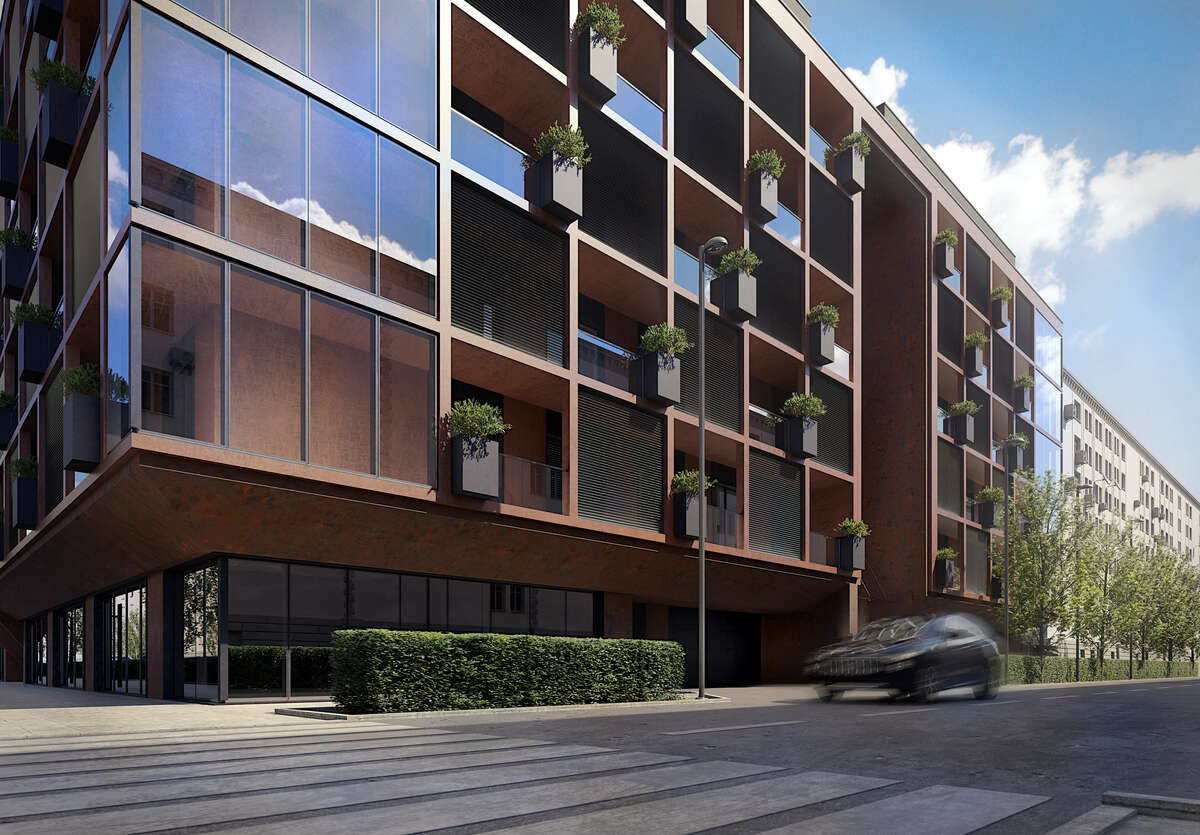
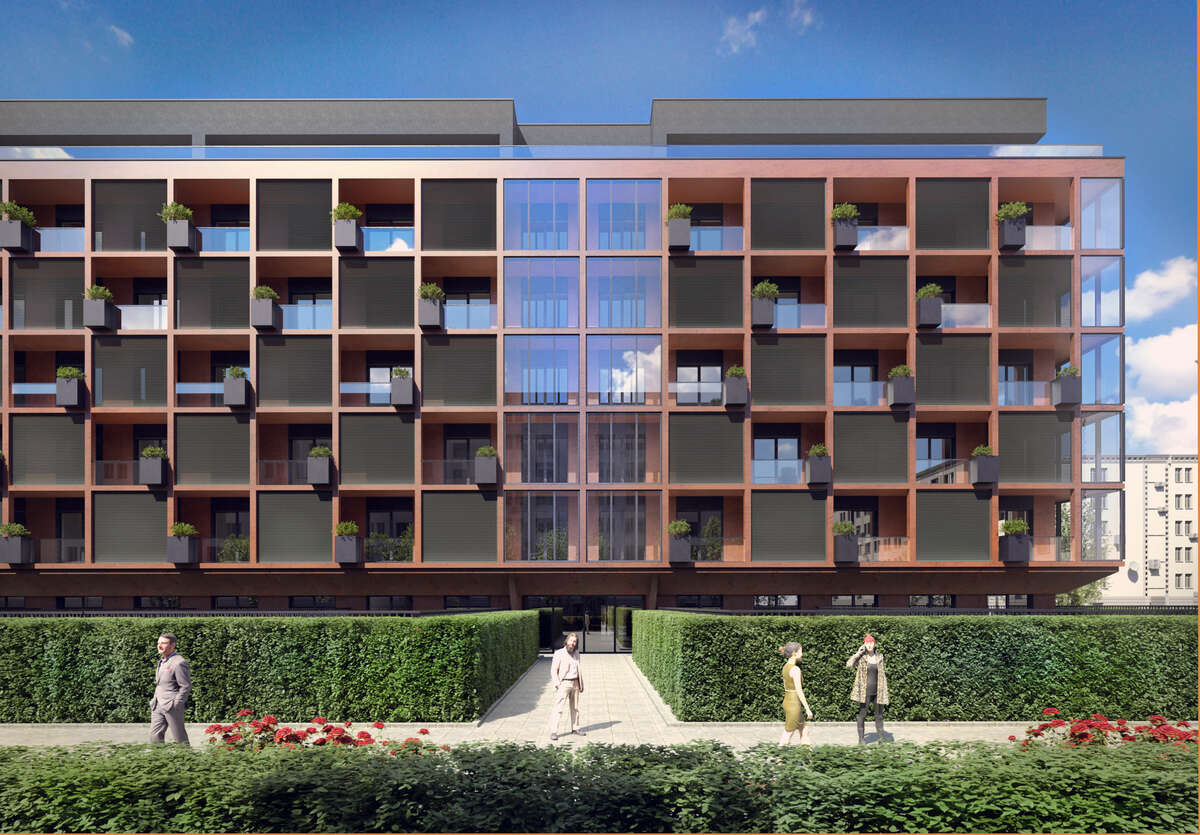
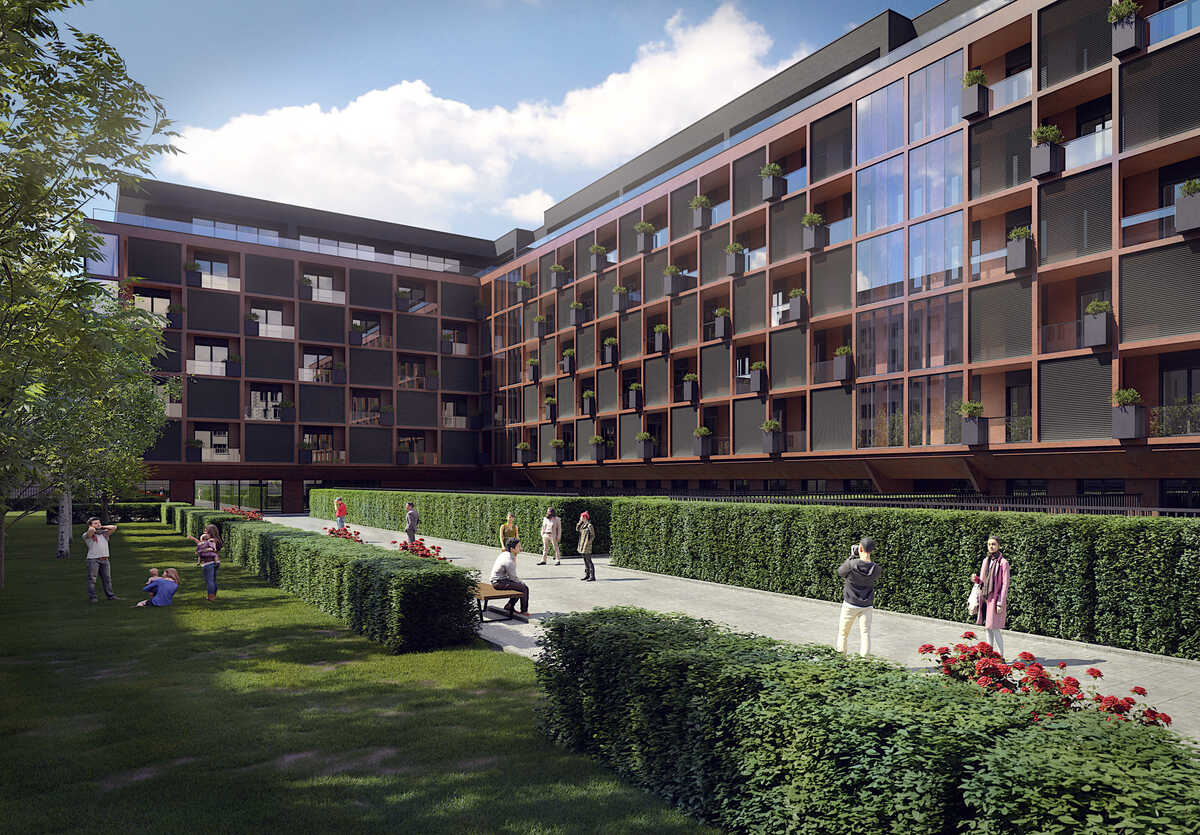
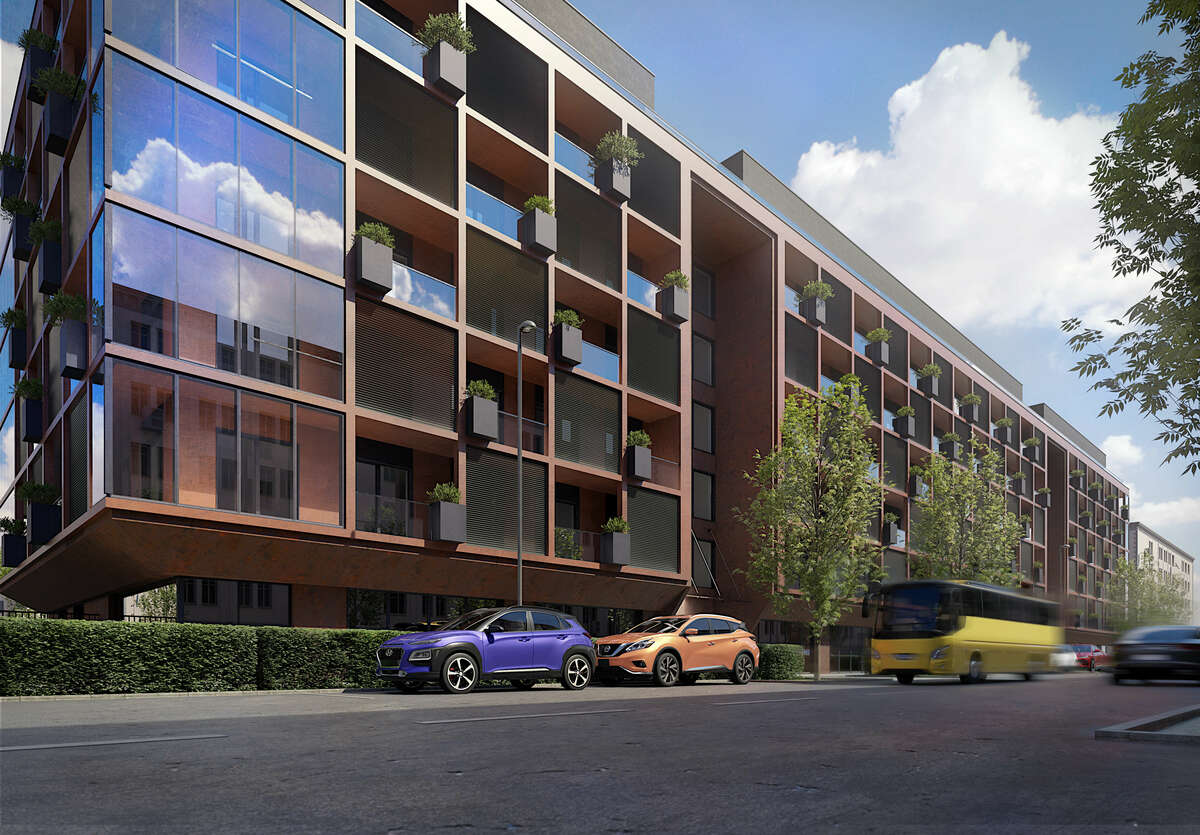
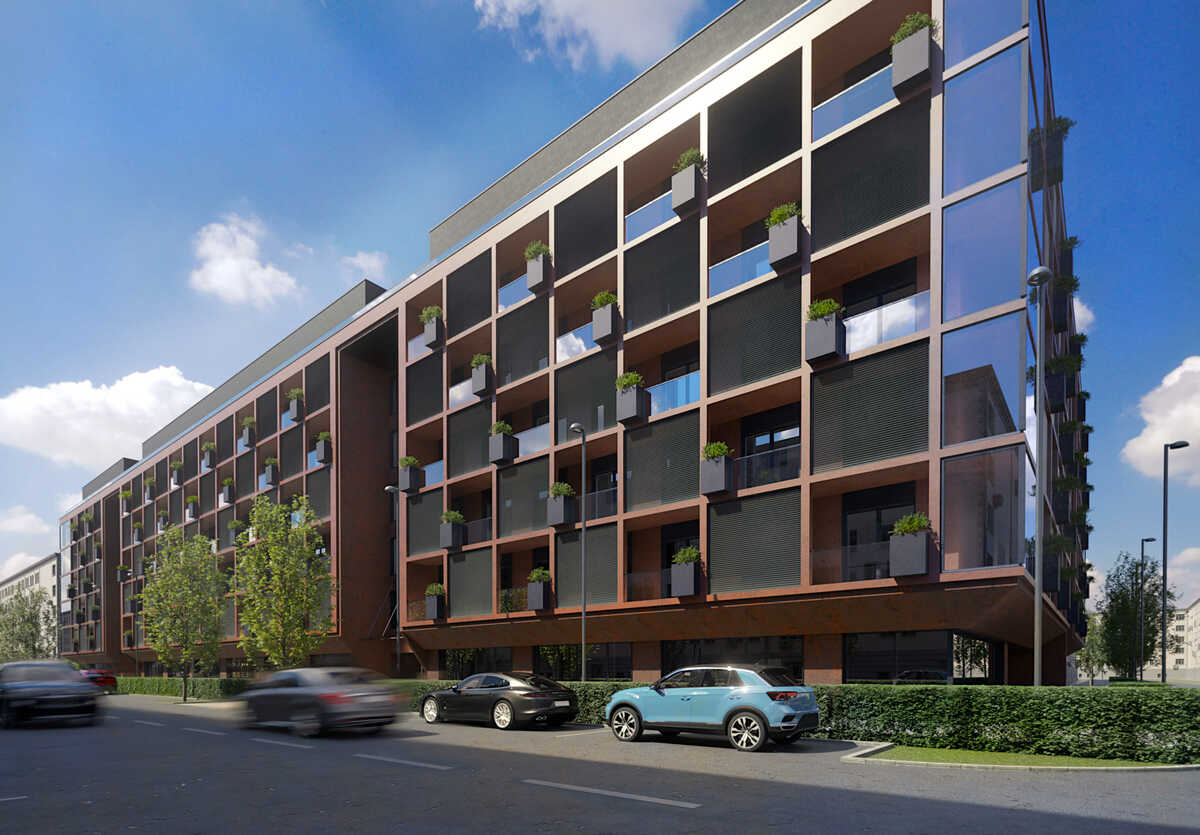
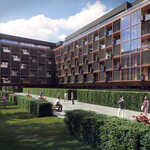

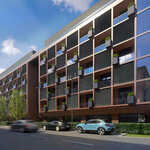
Archviz Synchronizer is a Blender extension designed to streamline your workflow on large architectural scenes. It works similarly to D5 Render or Twinmotion by syncing your CAD models (exported as FBX) directly into Blender.
-
Advanced FBX Synchronization:
Automate your CAD → Blender workflow. Set it up once — and forget about it.
Tired of re-importing your CAD models into Blender every time you make a change? With FBX Synchronizer, your FBX files stay perfectly in sync — manually or automatically. Add your file, sync it once, and focus on design. Blender will update the model whenever the file changes.
✅ Save hours on every project revision
✅ No more manual cleanup or re-importing
✅ Perfect for architects, designers, and 3D professionals
-
Precise Texture & Material Control:
Keep your textures perfect after every sync — no UV unwrapping required.
Say goodbye to fixing textures after every model update. Textures Transforms keeps scale, rotation, and offset exactly how you want them — across all materials. One slider changes everything.
🎯 Consistent textures — even after frequent model changes
🎯 Works out of the box, even on large multi-material scenes
🎯 No manual UVs, no hassleWhy you’ll love it:
-
Global Controls: adjust all texture maps (scale, rotation, offset) from one place.
-
Auto-Generated UVs: no need to unwrap — the add-on takes care of it.
-
Randomize UV Islands: break up repetitive patterns automatically (great for wood, tiles, etc.).
-
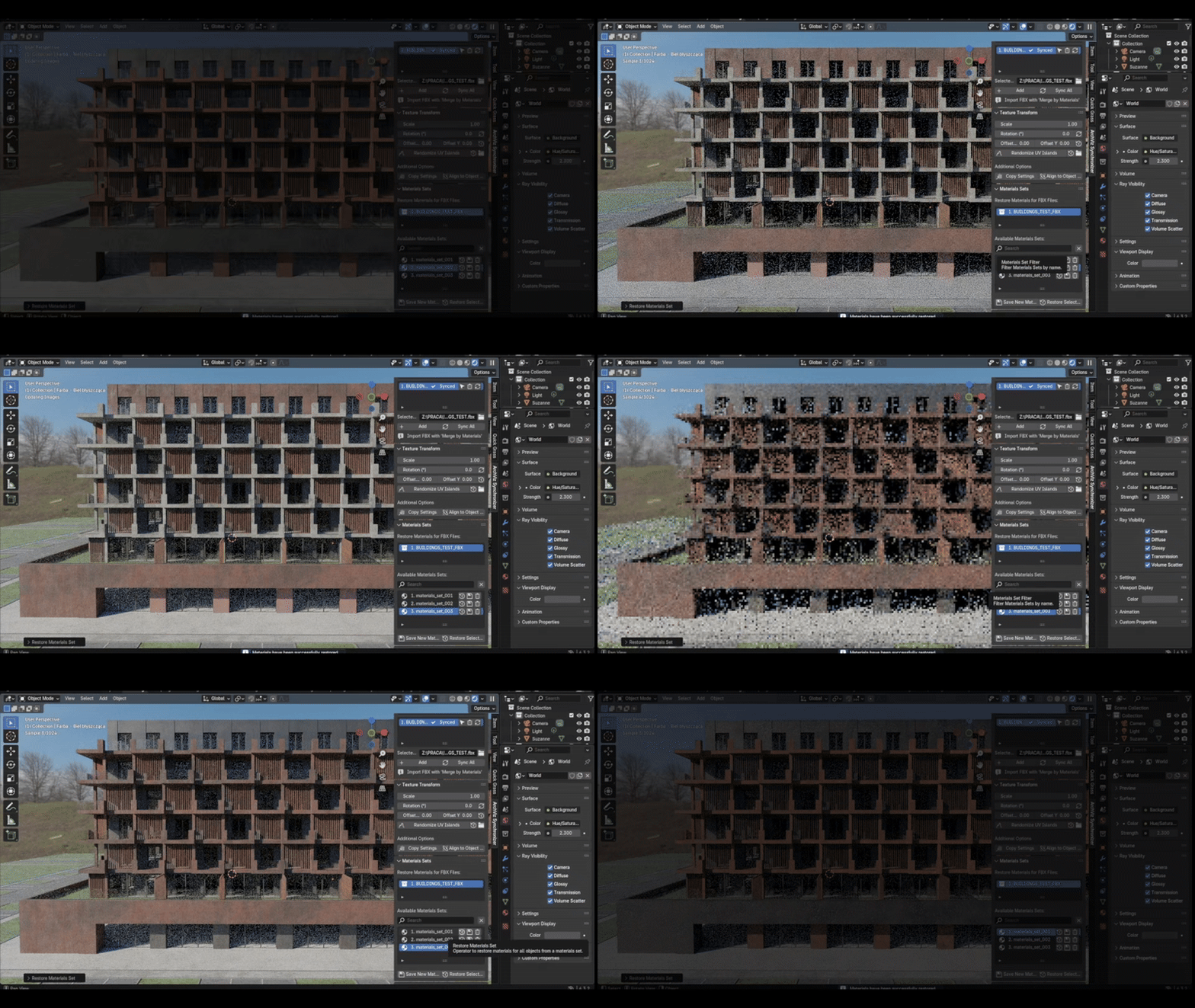
Automated Detailing with Auto Bevel & Quick Dirt:
Easily switch between material variants — in one click.
Show your design in multiple color or finish options without duplicating objects or scenes. With Materials Sets, you can save and recall complete material configurations instantly. Perfect for presenting options to clients or managing seasonal/product variants.
✅ Switch looks instantly — from bold to minimal
✅ No need to duplicate or reassign materials manually
✅ Ideal for architecture, product design,How it works:
-
Apply materials → click Save New Material Set.
-
Change materials → click Save New Material Set again.
-
Switch between saved sets anytime from the dropdown.
-
Want to adjust a set without losing the original? Click Override, tweak, and Save Override.
-

Streamlined FBX Management
Smarter imports. Cleaner geometry. Total control.
Import and optimize your FBX files with one click. Archviz Synchronizer automatically merges objects by material, removes duplicate geometry, and preserves clean, consistent topology — all while logging your import settings in a JSON file for easy version control and reproducibility.
🎯 No more guesswork — your settings are always saved
🎯 Perfect for high-iteration workflows and large CAD files
🎯 Stay focused on design, not cleanup
Built for Architects & 3D Artists
Say goodbye to repetitive tasks and hello to a smoother creative flow. Archviz Synchronizer isn’t just a tool — it’s your silent partner in producing sharp, high-end visualizations with speed and accuracy.
✅ Accelerate your workflow
✅ Stay organized across multiple design variants
✅ Deliver polished results, faster