ArcSpan — Parametric Bridge and Viaduct Builder
 JuanBautista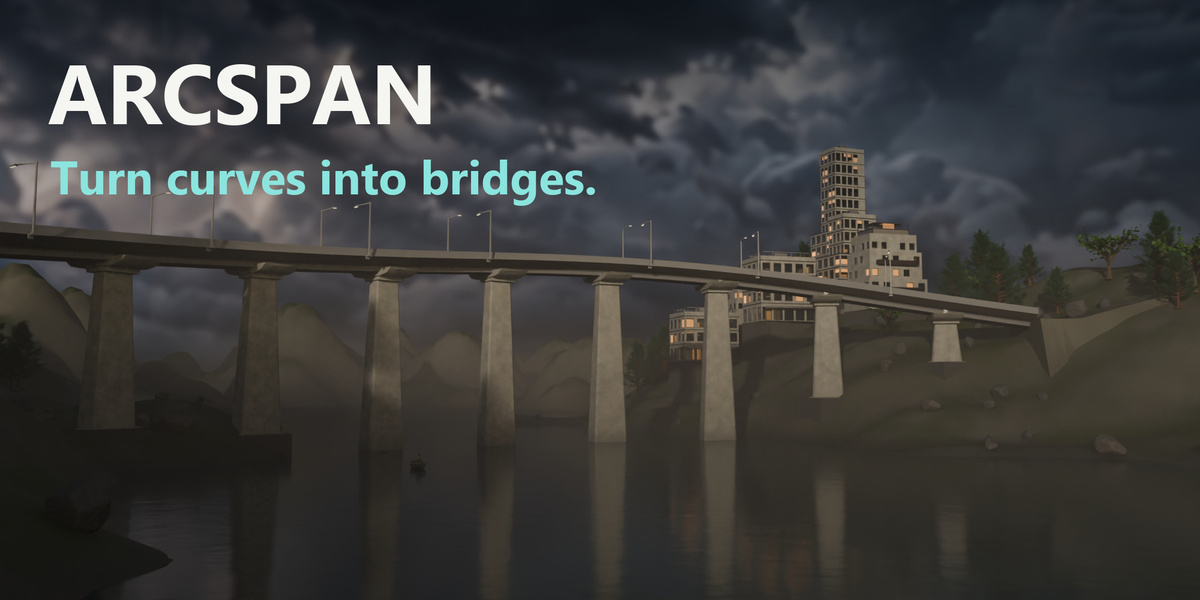










ArcSpan Documentation
Overview

ArcSpan is a parametric bridge and viaduct generator for Blender.
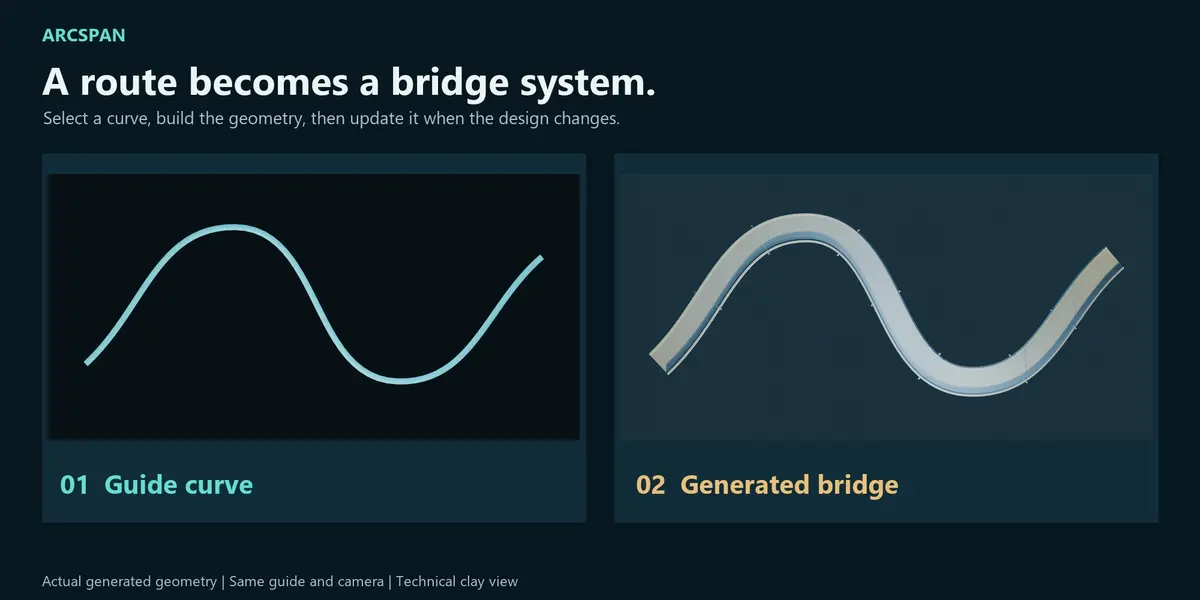
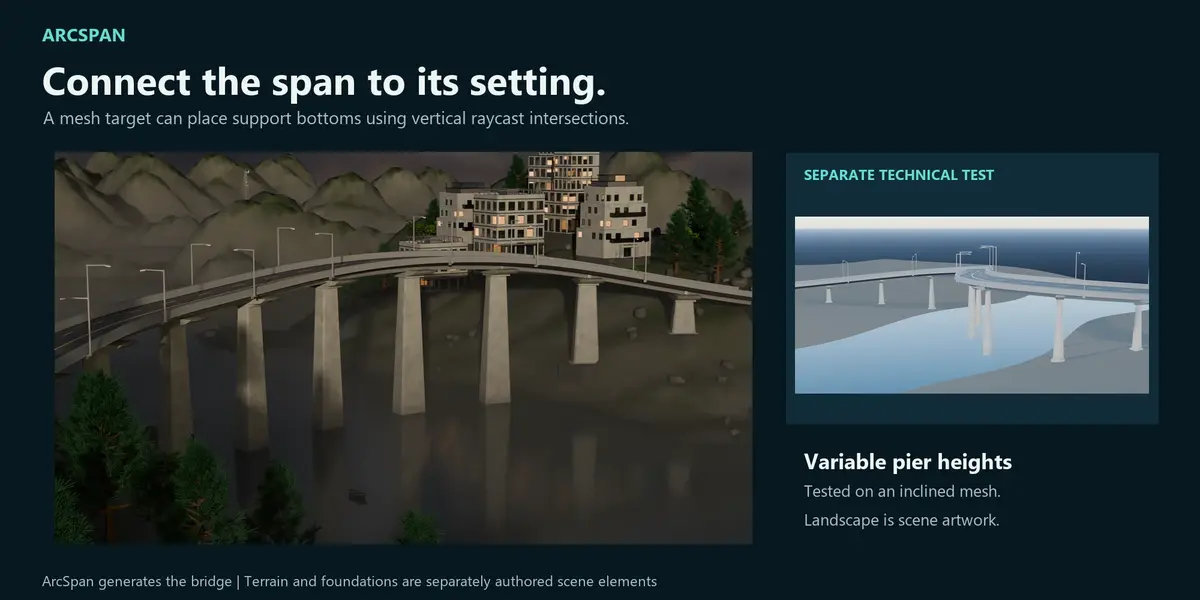
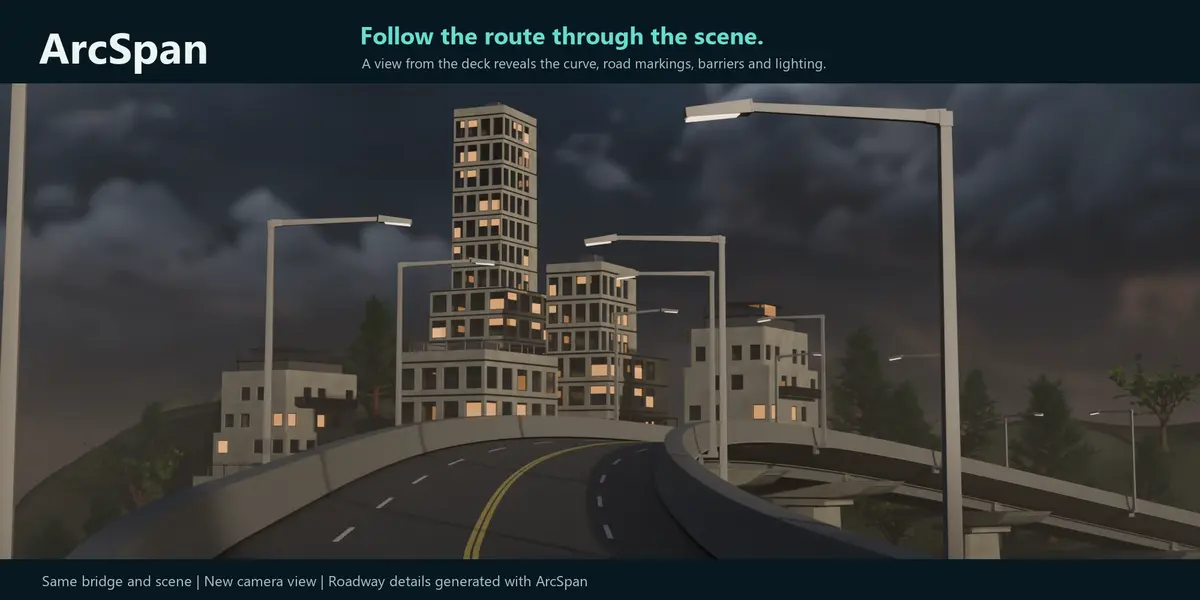
It creates editable bridge systems from guide curves, coordinating the deck, structural supports, roadway components, barriers, markings, lighting, signage and under-deck details.
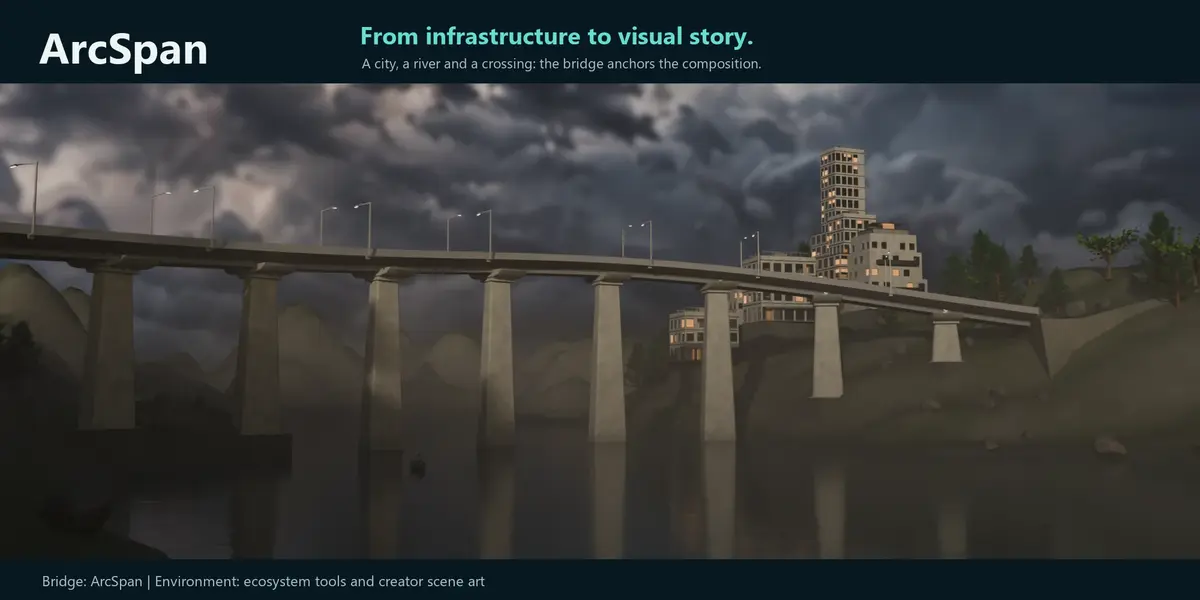
ArcSpan is designed for architectural visualization, infrastructure concepts, environment art and digital content creation.
Requirements
- Supported configurations: Windows with Blender 5.0.1 or 5.2.1 LTS.
- The manifest declares Blender 4.2.0 as its minimum; Blender 4.2 and intermediate releases were not separately validated.
- Cycles and Eevee supported
- Validation performed on Windows
- No external Python packages required
Installation
Download the standalone ArcSpan_v1.6.32_marketplace.zip installer directly. The customer bundle contains the identical installer and documentation as an alternative.
- Download
ArcSpan_v1.6.32_marketplace.zip. If using the customer bundle instead, extract only the outer bundle to locate this same installer. - Do not extract the marketplace ZIP.
- Open Blender.
- Go to
Edit → Preferences. - Open the
Add-onsorExtensionssection. - Choose
Install from Disk. - Select
ArcSpan_v1.6.32_marketplace.zip. - Enable ArcSpan.
- Open the 3D Viewport and find the ArcSpan panel in the sidebar.
Press N if the Blender sidebar is hidden.
Updating from an older version
Before installing a new ArcSpan version:
- Disable the existing ArcSpan installation.
- Remove previous or duplicate ArcSpan installations.
- Restart Blender.
- Install the new marketplace ZIP.
- Enable ArcSpan again.
Keeping multiple ArcSpan installations active may cause registration conflicts.
Quick Start
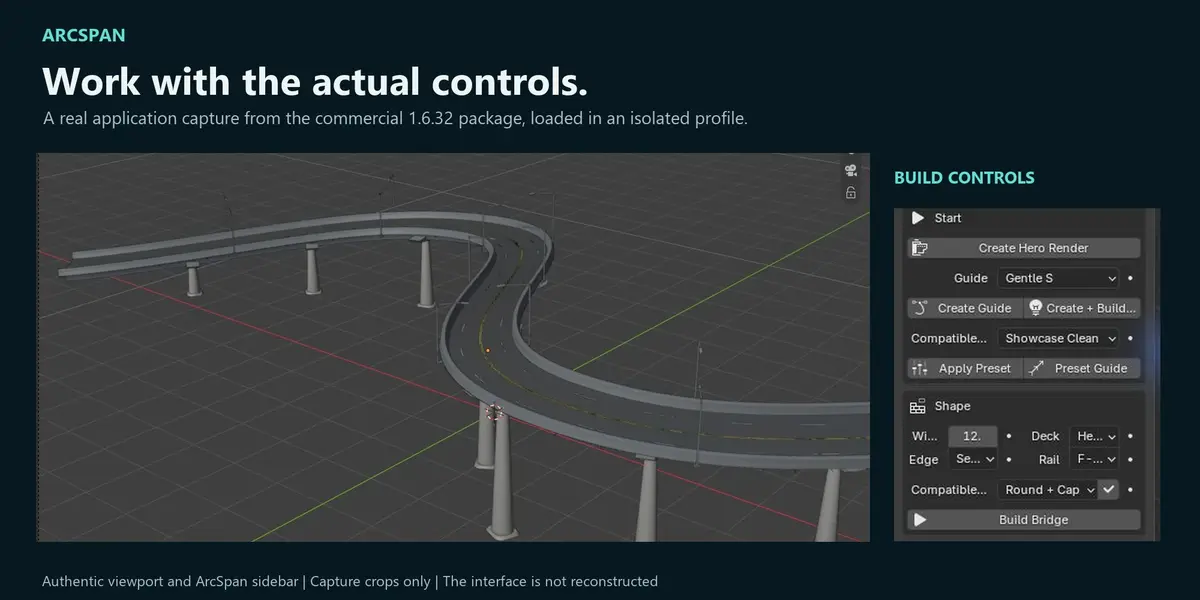
- Open the ArcSpan panel in the 3D Viewport.
- Choose a guide template or create a curve.
- Select a compatible bridge preset.
- Run the build operation.
- Adjust the guide curve or bridge settings.
- Use Update or Rebuild to regenerate the system.
- Run QA before export.
The default demonstration workflow is the fastest way to explore the add-on.
Interface Modes
Basic
A compact workflow for creating a guide, selecting a preset and building a bridge with minimal setup.
Pro
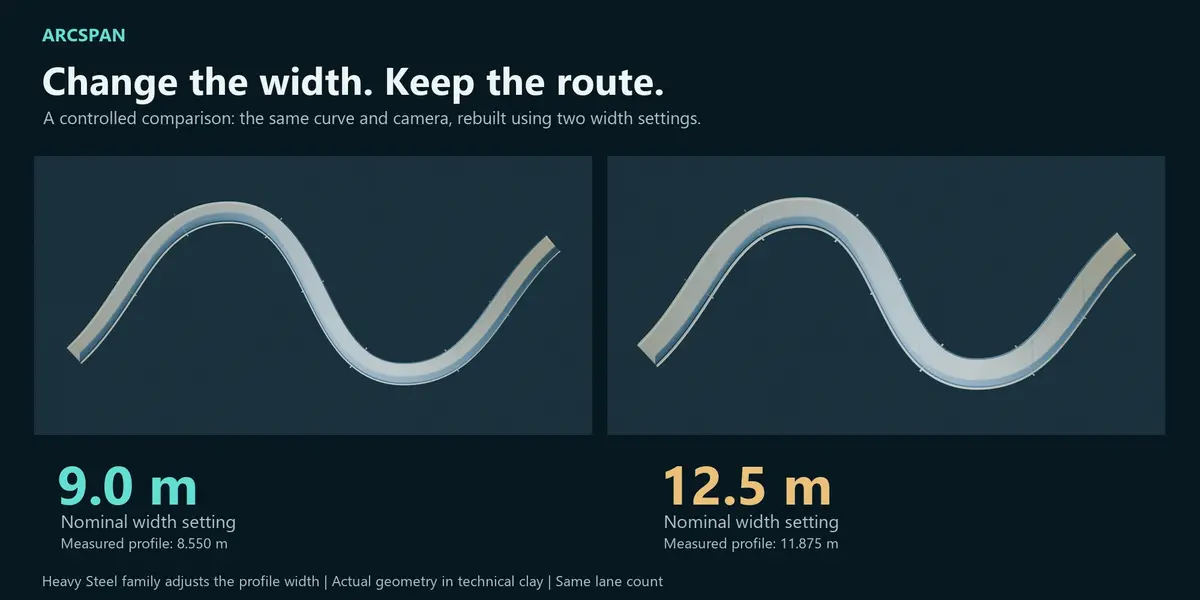
Provides access to structural families, support configuration, roadway systems, materials and detailed visual controls.
Creator
Adds QA, deterministic fixes, LOD generation, export and presentation-oriented tools.
Changing interface modes does not remove the generated bridge or invalidate its settings.
Guide Curves
ArcSpan uses Blender curves to define the bridge route.
Guide curves can be edited using Blender’s standard curve-editing tools. After modifying the route, use the ArcSpan update operation to regenerate the bridge.
Extreme curvature, abrupt elevation changes or very short segments may require additional adjustment.
Presets
ArcSpan includes presets for different bridge and viaduct applications.
Presets provide coordinated starting values for:
- Deck and structural configuration
- Support families
- Roadway elements
- Materials and presentation settings
- Compatible guide types
Presets remain editable after they are applied.
Generated Systems
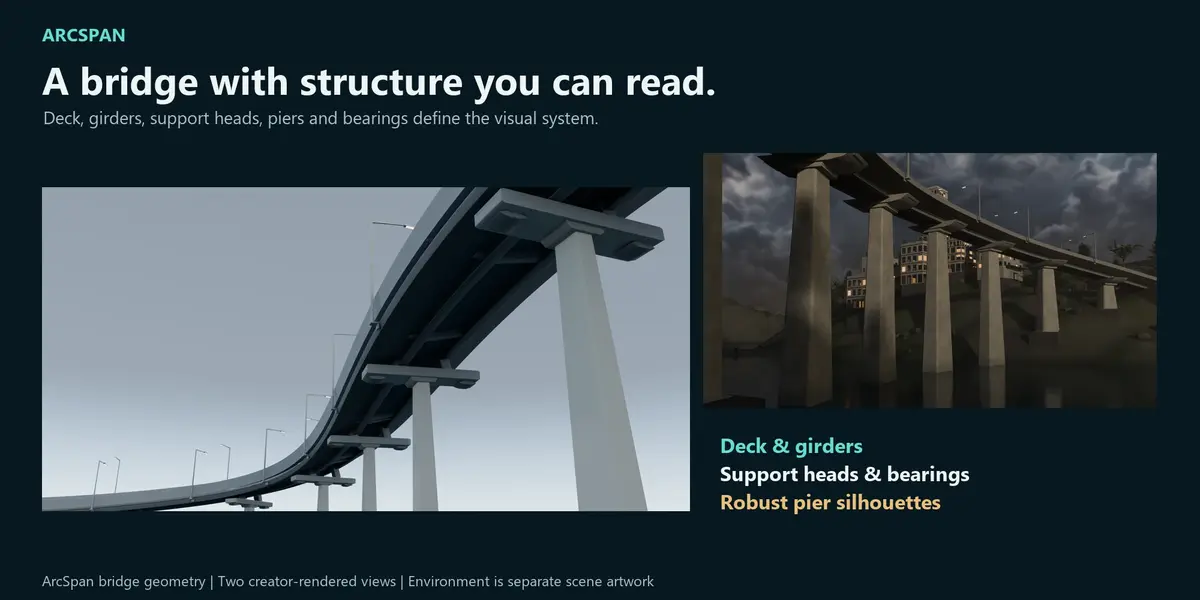
Depending on the selected configuration, ArcSpan can generate:
- Deck geometry
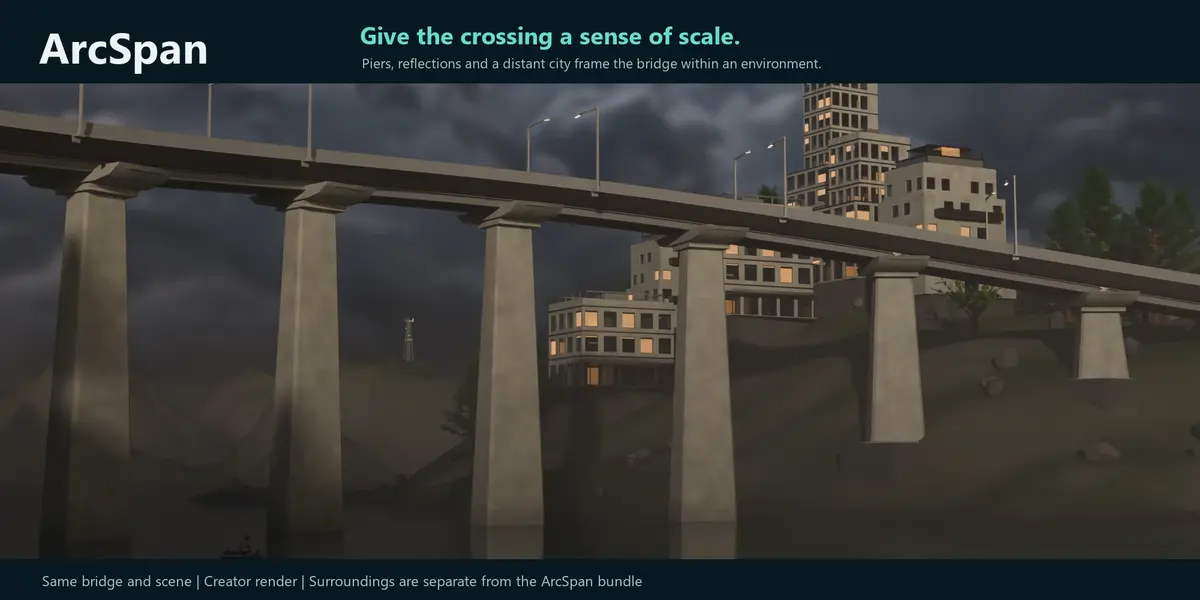
- Girders and under-deck components
- Piers and support heads
- Bearings and support details
- Road surfaces and lane markings
- Barriers, rails and safety screens
- Drainage and access details
- Roadway lighting
- Gantries and signage
Not every component is enabled by every preset.
Updating and Rebuilding
Use Update or Rebuild after changing the guide curve or ArcSpan parameters.
ArcSpan identifies its generated objects and replaces the applicable system instead of intentionally accumulating duplicate bridge geometry.
Avoid manually renaming or separating generated objects until the design is ready for final editing or export.
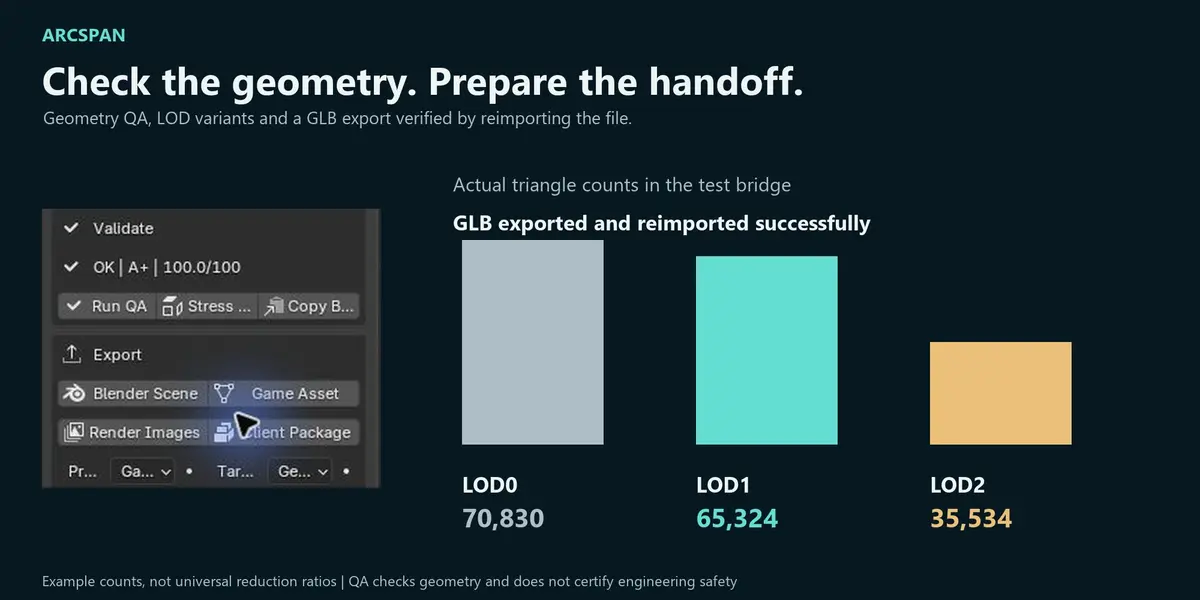
Quality Assurance
ArcSpan includes an integrated QA system for checking generated geometry and configuration.
QA can report issues involving:
- Dimensions and clearances
- Roadway configuration
- Support relationships
- Generated-object consistency
- Export readiness
Supported problems may be corrected using deterministic fix operations.
A successful QA result indicates that ArcSpan’s internal visualization checks passed. It is not an engineering certification.
LOD and Export
ArcSpan can create Level of Detail variants and export GLB packages for downstream use.
Before exporting:
- Update the bridge.
- Run QA.
- Review reported warnings or failures.
- Generate the required LOD variants.
- Select an export directory.
- Run the export operation.
Export reports and QA files are written to the selected output directory.
Render Engines
ArcSpan supports:
- Cycles
- Eevee
Materials and presentation settings may require adjustment depending on the scene lighting, color management and Blender version.
Known Scope and Limitations
ArcSpan is intended for visualization, conceptual design and environment production.
It does not replace certified structural engineering or infrastructure-design software.
The current version does not generate:
- Suspension bridges
- Cable-stayed bridges
- Complex truss systems
- Complete traffic simulations
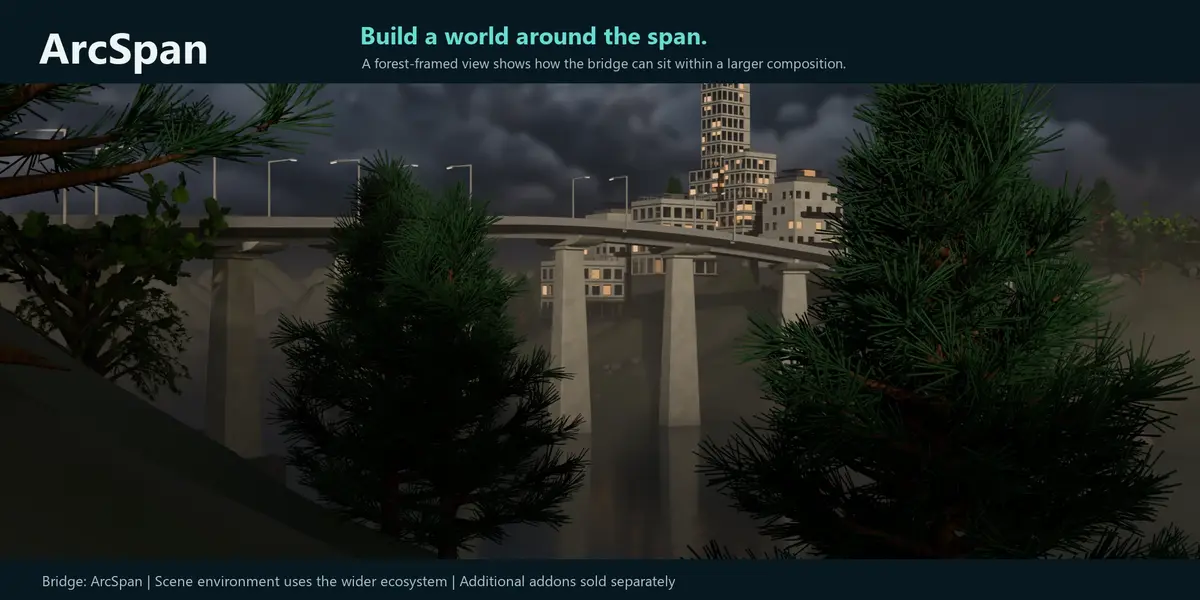
- Detailed cities or landscape libraries
Vehicles and complete environment assets are not included.
Troubleshooting
ArcSpan does not appear after installation
- Confirm that
ArcSpan_v1.6.32_marketplace.zipwas installed, either from the standalone download or from inside the customer bundle. - Do not install the complete customer bundle as the add-on.
- Confirm ArcSpan is enabled in Blender Preferences.
- Press
Nin the 3D Viewport to open the sidebar. - Restart Blender after installation.
Blender reports duplicate registration errors
Remove old ArcSpan installations from both the Add-ons and Extensions sections, restart Blender and install only the current version.
The generated bridge looks incomplete
Confirm that the guide and preset are compatible, run Update and review the QA report.
Export does not start
Confirm that a valid output directory has been selected and that Blender has permission to write to it.
Support
The purchase includes 12 months of product support and updates.
For support, contact the creator through the Superhive product page and include:
- Blender version
- ArcSpan version
- Operating system
- Steps needed to reproduce the problem
- Screenshot of the ArcSpan panel
- Complete error message or Blender system-console output
License
ArcSpan is distributed under the GNU General Public License:
GPL-3.0-or-later
The complete license text is included with the download.
Version
ArcSpan 1.6.32
Created by Jhovanny Marquez.
Have questions about this product?
Login to message
| Blender Extension Compatible | Yes |
| Published | 2 months ago |
| Blender Version | 5.0 - 5.2 |
| Extension Type | Add-on |
| Render Engine Used | Cycles, Eevee |
| License | GPL |
Discover more products like this
viaduct Road generator infrastructure curve based bridge-generator viaduct generator parametric modeling procedural modeling architectural visualization bridge