 JuanBautista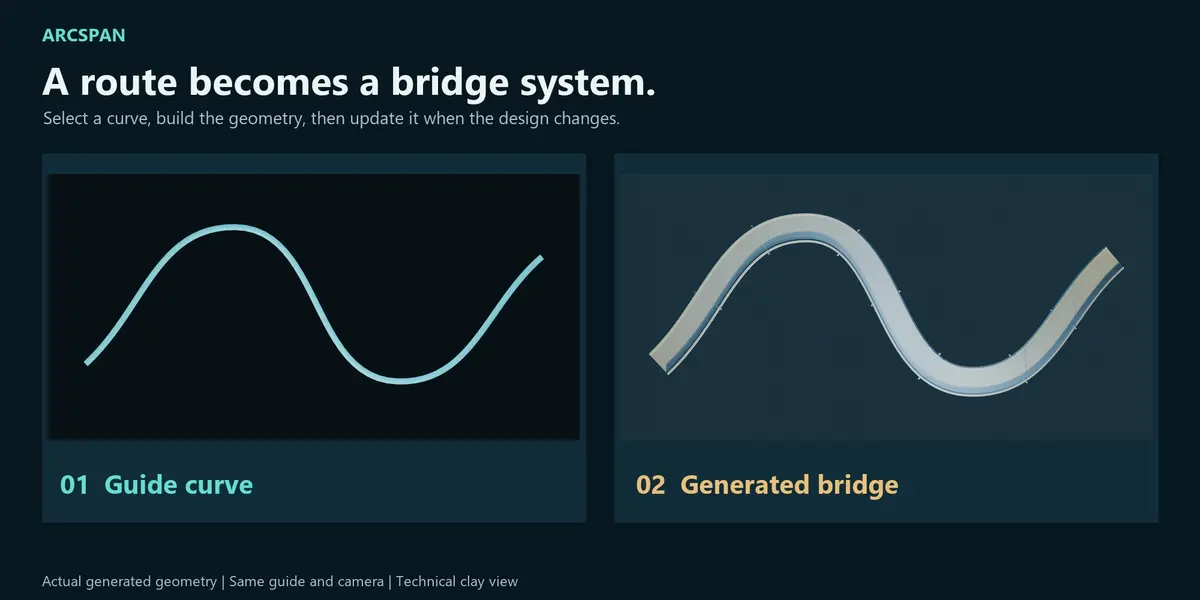
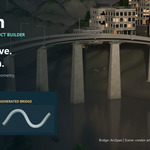




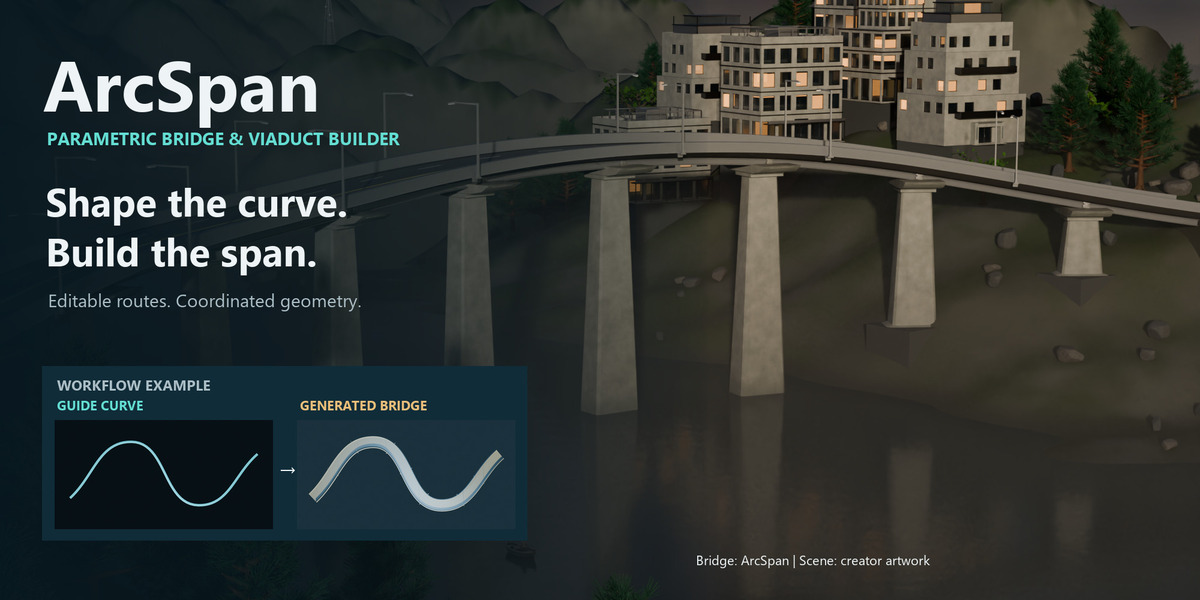
Shape the curve. Build the span.
ArcSpan turns guide curves into editable bridge and viaduct geometry. Build an elevated route, adjust its dimensions and generate coordinated decks, supports, roadway details and accessories for architectural visualization, infrastructure concepts and environment art.
Keep control of the route. Spend more time on the scene. The guide and configuration remain available for a rebuild, so you can explore changes without manually assembling every component again.
Creative scene examples combine the ArcSpan bridge with an environment developed using Parametric Blockout, Arboris, Atmos Director, Cinematic Light and LumaForge alongside Blender. The environment and companion addons are not included in the ArcSpan customer bundle.
From guide to generated system
- Select a guide curve. Use your own route or a built-in guide.
- Choose a compatible configuration. Set the deck, support system and roadway details.
- Build the bridge. Review the generated geometry in the viewport.
- Adjust and update. Rebuild after changing the route or parameters.
- Check and deliver. Run geometry QA, create LOD variants and export a GLB when needed.


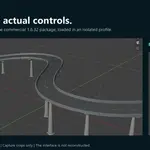
Edited capture of the actual addon operator and viewport. Operations were triggered through the addon Python API for repeatable recording. This demonstration is not a timing or performance benchmark.
Change the design without redrawing the route
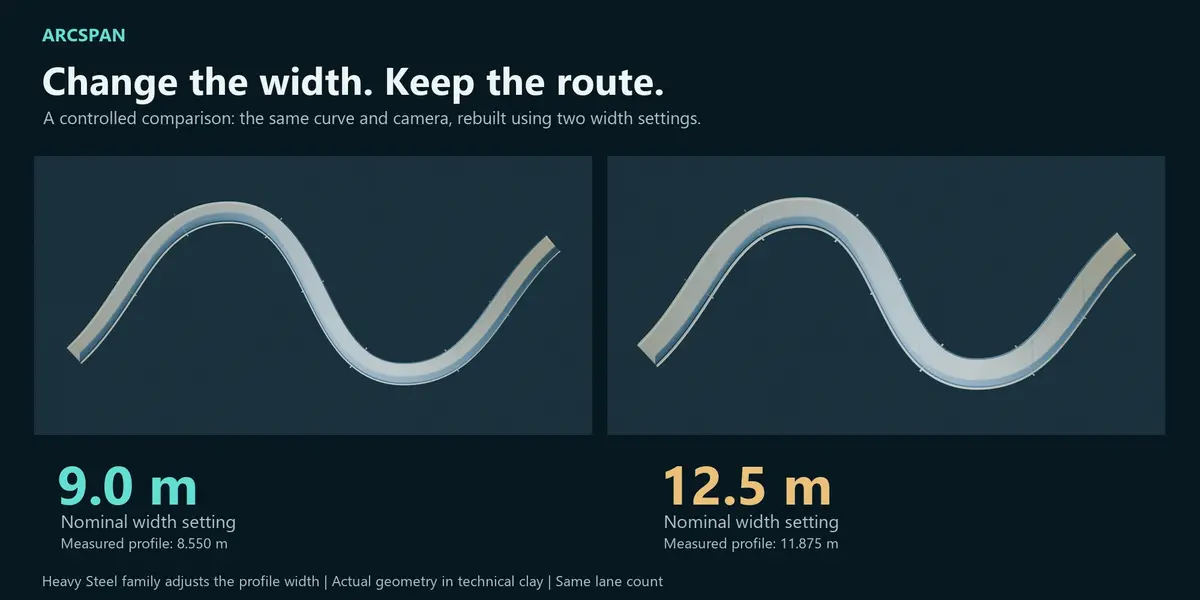
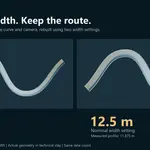
Explore width and configuration on the same guide. The comparison uses nominal width settings of 9.0 m and 12.5 m, with the same camera and lane count. In this Heavy Steel configuration, the resulting profile widths measure 8.550 m and 11.875 m. The structural family adjusts the profile; the control value should not be mistaken for every finished dimension. Technical clay makes the actual geometry easier to compare.


Edited comparison of actual captured states, not a continuous recording or timing benchmark.
Coordinated structural details
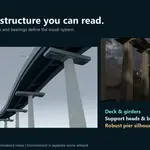
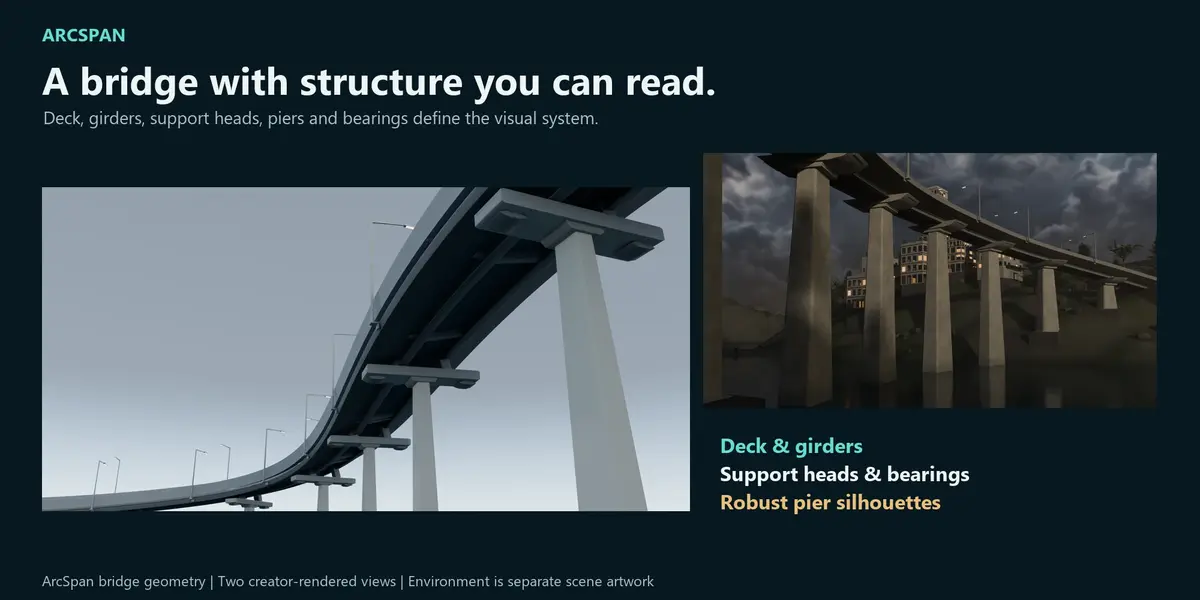
ArcSpan generates deck profiles, girders, piers, support heads and bearing assemblies as a coordinated visual system. Road markings, barriers and lighting geometry can add a clearer sense of scale and purpose.
Highway Viaduct, Urban Overpass, Showcase Clean and Light Pedestrian configurations were built during technical verification. The new creative renders show different camera angles of the same scene.
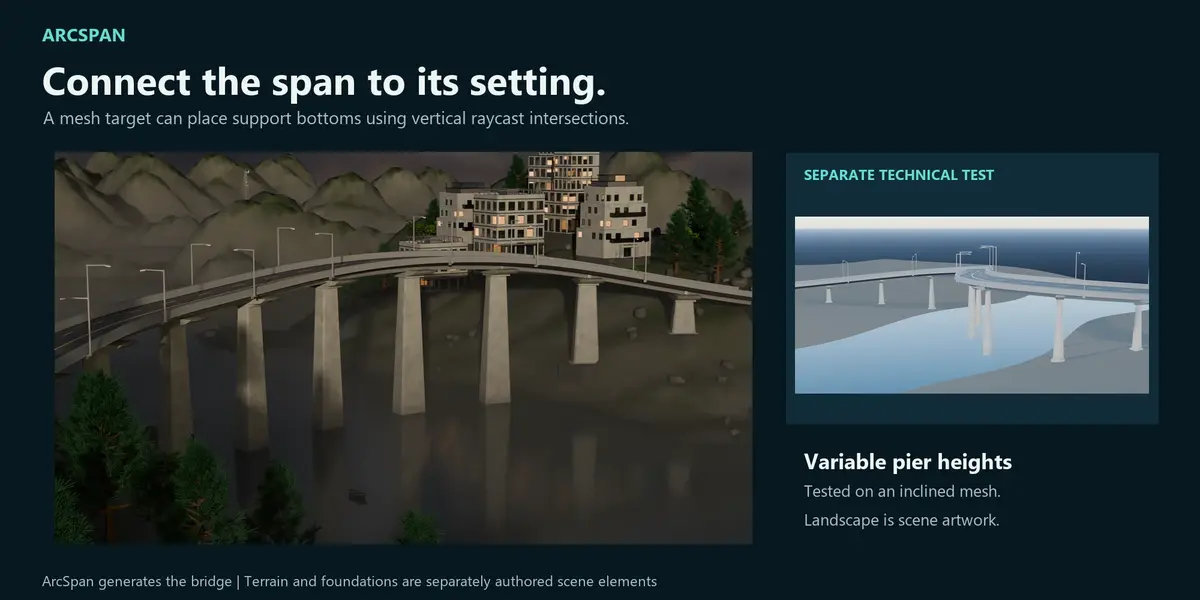
Support bottoms can follow a mesh target
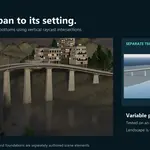
Assign a terrain mesh as the support target. ArcSpan uses vertical raycasts to resolve the base elevations. The behavior was checked against an inclined mesh by comparing the generated shaft bottoms with the target surface. The updated terrain plate pairs creative scene context with that separate technical check. Terrain modeling and complete landscape libraries are separate from the bridge generator.
One bridge. A world around it.
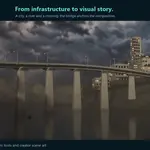
The finished creative scene shows how the generated bridge can become part of a wider environment. These images are several views of that same scene. The surrounding terrain, vegetation, buildings, atmosphere, lighting and scene dressing illustrate a complete production context and are separate from the ArcSpan bundle.
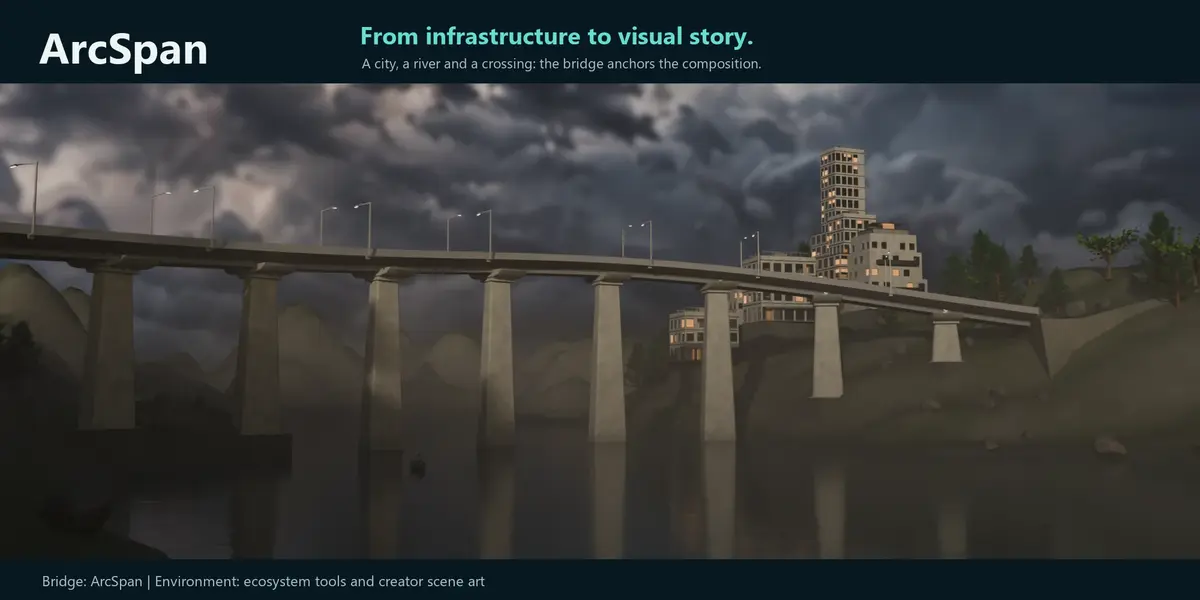
Roadway context
A closer roadway view connects the bridge structure with its route and surrounding scene.
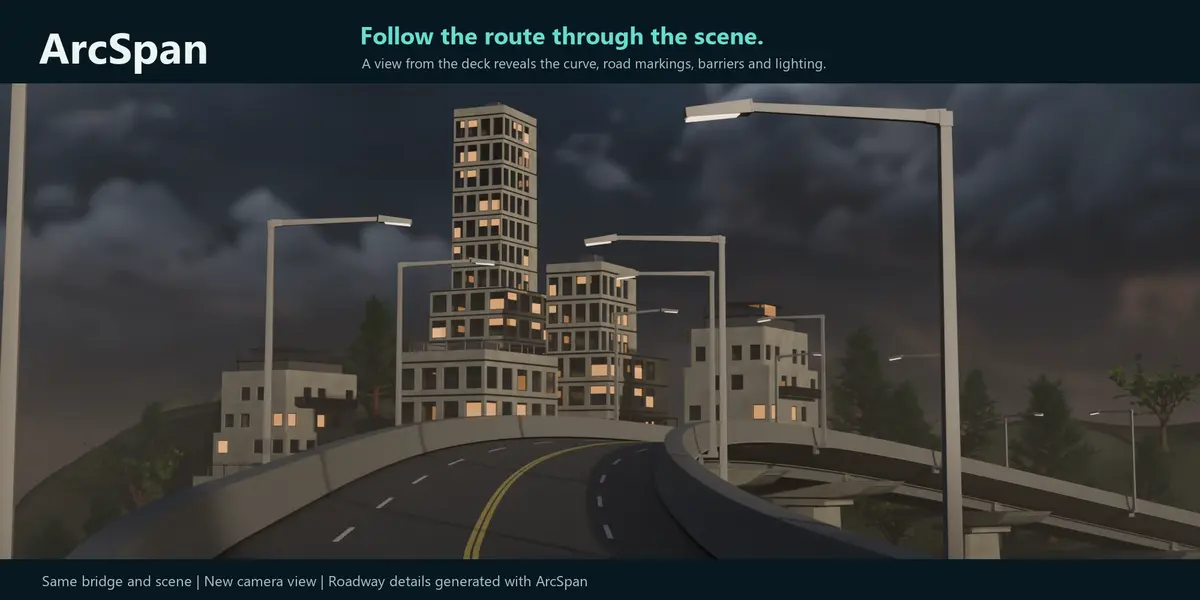
A viaduct within the city
Urban context gives the bridge a destination and adds readable scale around the generated structure.
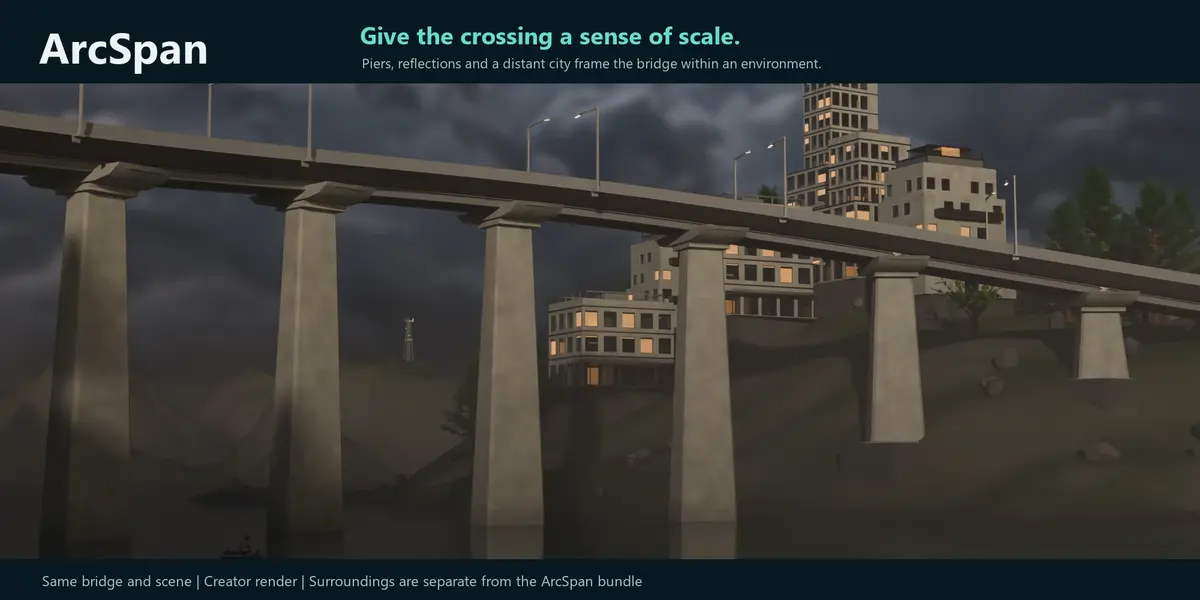
Framed by the landscape
Vegetation and terrain organize the foreground, bridge and background in another view of the scene.
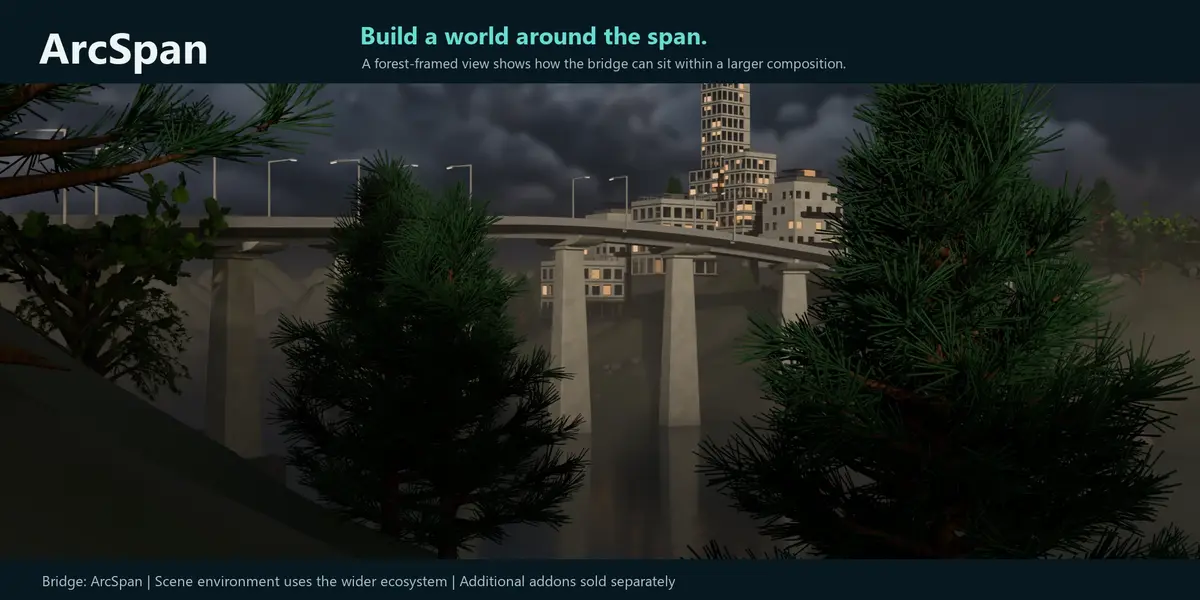
Controls for different stages of the job
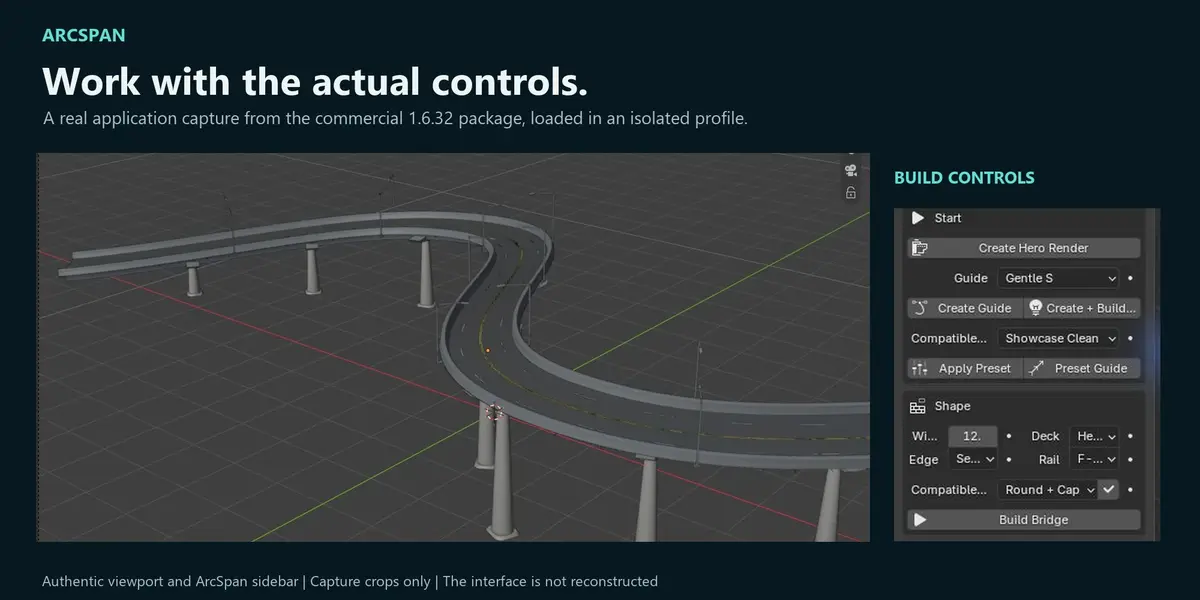
Basic provides guided creation and essential controls. Pro exposes more authoring settings. Creator includes QA and delivery tools. The image below is a crop of the actual interface, not a reconstructed UI.

Geometry QA, LOD and GLB delivery
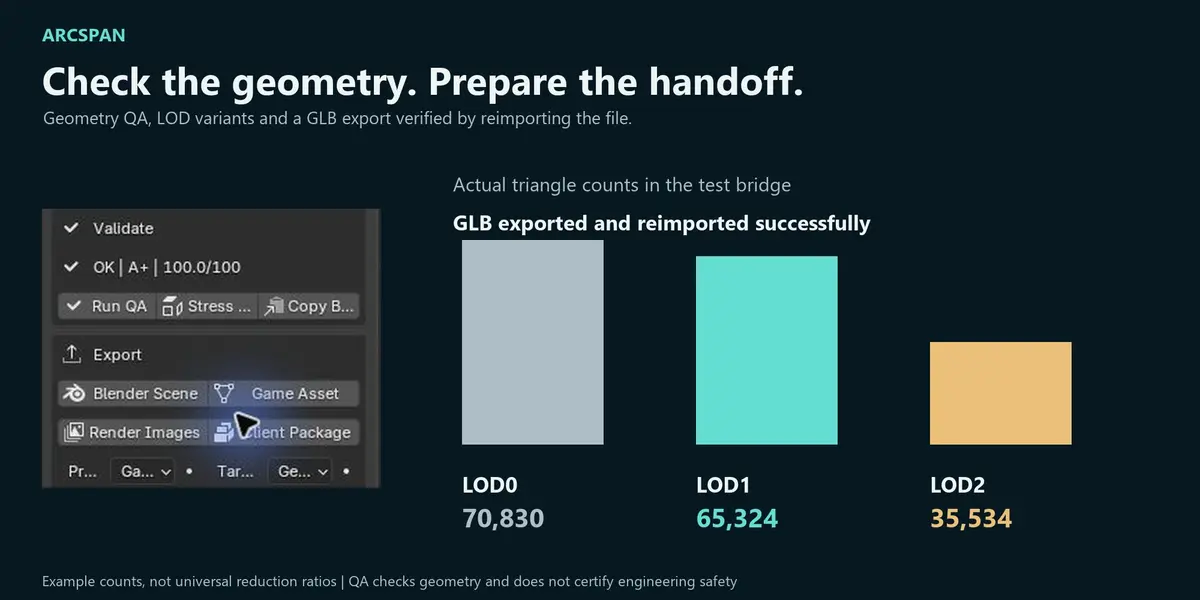
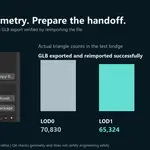
Run geometry QA to review generated-object consistency and supported checks. Generate LOD variants, then export a GLB for a static mesh handoff. The exported test file was reimported successfully into Blender.
In the test bridge, triangle counts were 70,830 at LOD0, 65,324 at LOD1 and 35,534 at LOD2. These are example results; reductions depend on the geometry. An exported mesh does not retain a live ArcSpan parameter interface in another application.

Requirements and verified scope
- Package: ArcSpan 1.6.32, supplied in a customer bundle containing the addon ZIP and documentation.
- Declared minimum: Blender 4.2.0 in the package manifest.
- Verified technical workflow: Windows, Blender 5.0.1 and 5.2.1 LTS for curve builds, updates, mesh-target supports, QA, LOD and GLB export/reimport.
- Technical gallery rendering: actual Eevee and Cycles renders from Blender 5.2.1 LTS.
- License: GPL-3.0-or-later, as declared in the supplied package.
The declared minimum is not a claim that Blender 4.2 was retested in this preparation. Other operating systems were not retested here.
What is included?
The customer bundle includes the addon ZIP, installation guide, release notes and GPL license text. The addon ZIP contains the ArcSpan code, built-in presets/configuration data and an extension manifest. The scenes, custom terrain, water, cameras and lighting shown here are marketing examples. Vehicles, cities, landscape libraries and other addons are not included in the bridge generator.
FAQ
Can I use my own curve?
Yes. Select a suitable curve and build from it. Very tight bends, abrupt direction changes or incompatible configurations may need adjustment and a rebuild.
Do changes update the bridge automatically?
This demonstrated workflow uses the Build/Update operations. Review the result after editing the guide or parameters and rerun QA after changes.
Does the width setting equal every finished dimension?
No. Profile and structural-family rules can adjust the generated section. Treat the input as a nominal setting and measure the final geometry when a precise visual dimension matters.
Does QA certify a bridge as structurally safe?
No. ArcSpan is for visual production and concept work. Its QA is geometric and does not replace structural analysis, code compliance or certified engineering software.
Does ArcSpan generate the surrounding landscape?
ArcSpan can use a supplied mesh target to resolve support-base elevations. Terrain modeling, vegetation and scene dressing are separate from the bridge generator.
Are suspension, cable-stayed and complex truss bridges included?
These bridge systems are outside the scope demonstrated here and are not advertised by this gallery.
What created the environment in the creative renders?
ArcSpan generates the bridge geometry. The creative scene was developed with Parametric Blockout, Arboris, Atmos Director, Cinematic Light and LumaForge alongside Blender. The environment, scene dressing and these companion addons are not included in the ArcSpan customer bundle. The technical captures demonstrate the ArcSpan bridge workflow.
Where do I get support?
Contact the creator through the product's Superhive page. Check the purchase terms shown there for the current support and update conditions.
Build the route. Explore the system. Shape the scene.