 Cgi Lab







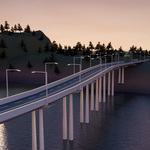
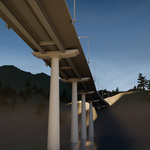
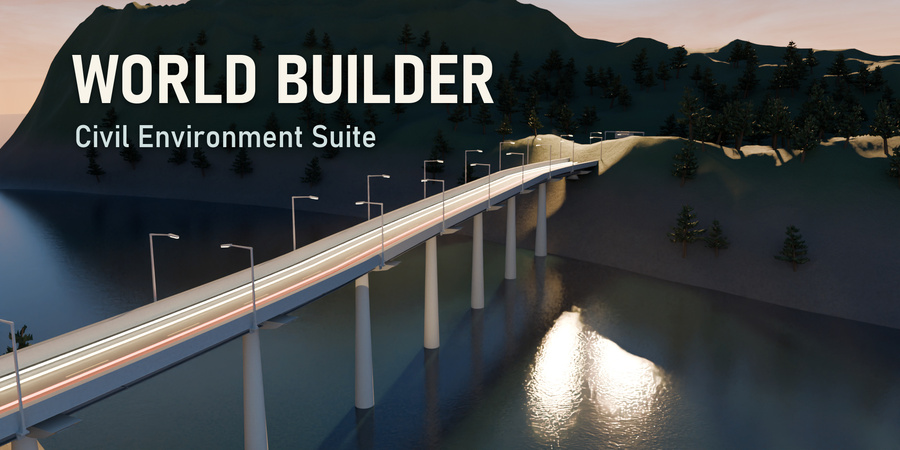
Shape the Curve. Build Editable Bridges & Viaducts Inside Blender.
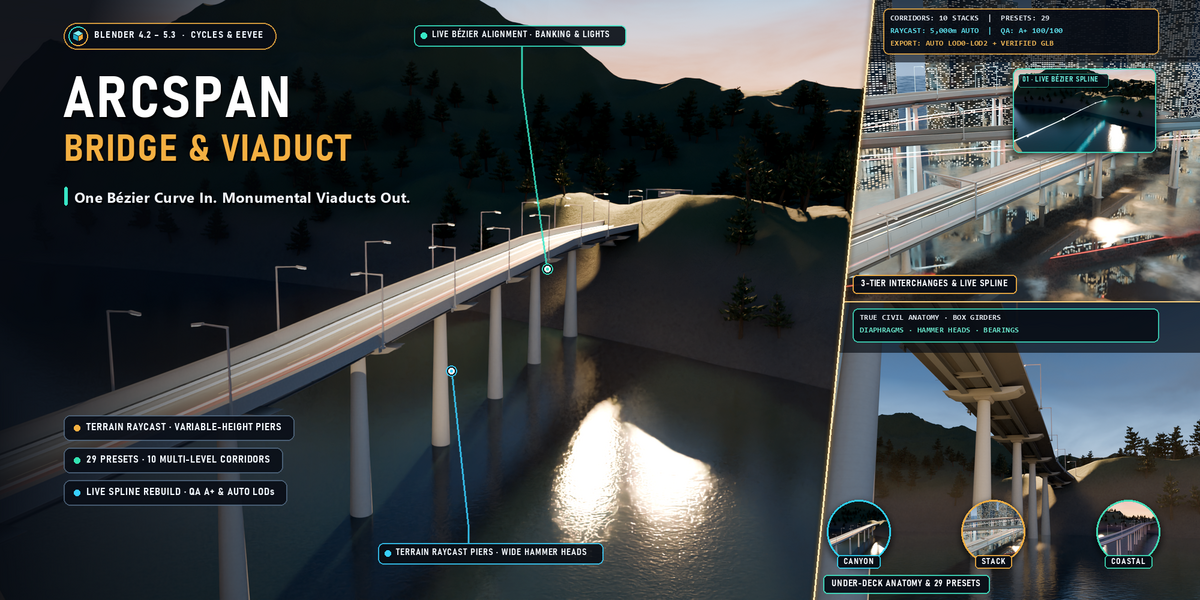
ArcSpan 1.6.32 turns Blender guide curves into coordinated bridge and viaduct systems. Route an elevated span, dial in structural profiles, decks, piers, barriers and roadway details, and rebuild non-destructively whenever your layout changes—built for architectural visualization, infrastructure concepts and environment art.
Curve-Driven Parametric Rebuilds • Terrain-Raycast Support Heights • Basic / Pro / Creator UI + Geometry QA, LOD0–LOD2 & GLB Export • Verified in Blender 5.0.1 & 5.2.1 LTS (Windows)
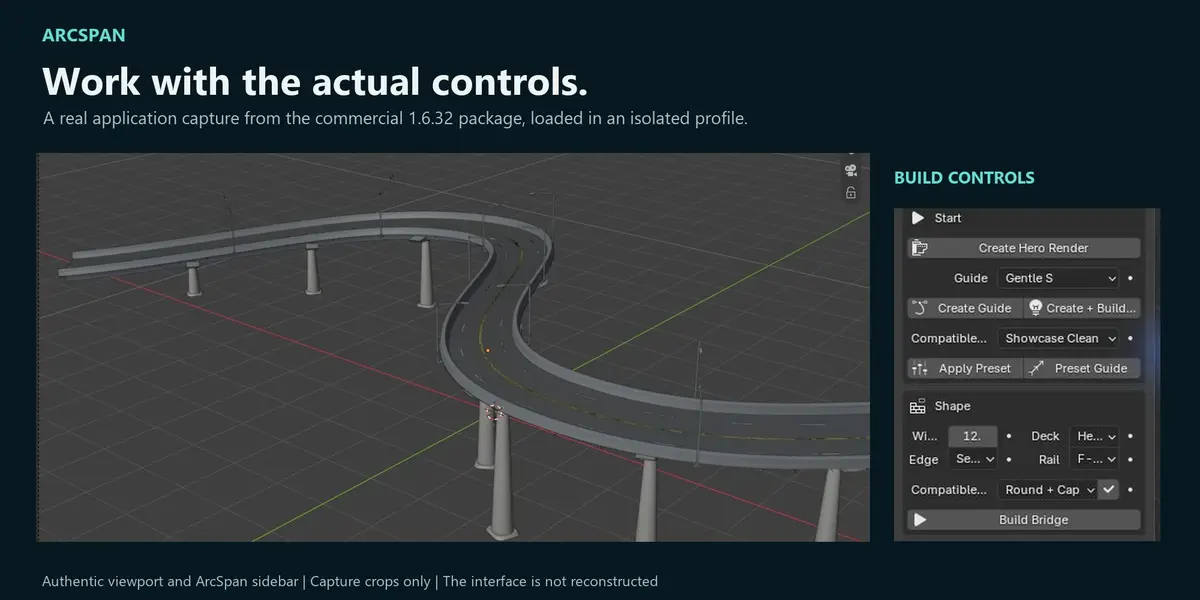
Edit the route. Rebuild the viaduct.
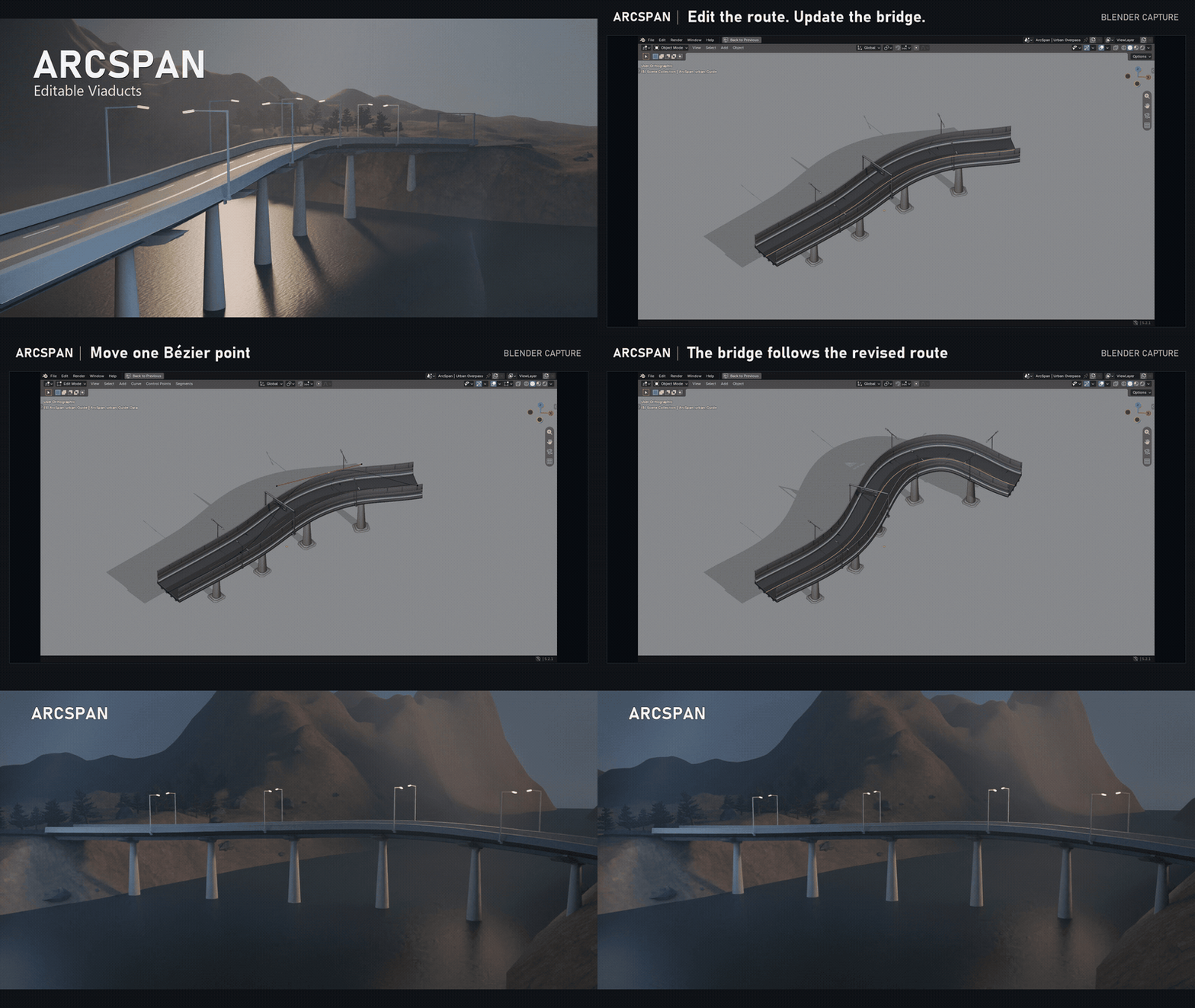
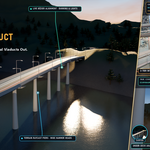
18-second edited overview of real Blender captures: build from a guide curve, compare nominal width settings of 9.0 m and 12.5 m, and see the bridge in a finished environment. Captured states and edited timing; the surrounding scene is separate artwork.
Why Environment & ArchViz Artists Build With ArcSpan
- Keep Control of the Route: Your guide curve and configuration stay live for explicit rebuilds—change route curvature, width or deck type without manually reassembling every girder and pier.
- Coordinated Structural & Roadway Systems: Generate decks, girders, piers, support heads, bearings, road markings, barriers and lighting geometry across configurations like Highway Viaduct, Urban Overpass, Showcase Clean and Light Pedestrian.
- Automatic Terrain-Following Piers: Assign any terrain mesh as a support target and ArcSpan uses vertical raycasts to resolve shaft base elevations cleanly.
- Delivery-Ready Pipeline Tools: Run built-in Geometry QA, generate LOD variants and export clean static GLB meshes.
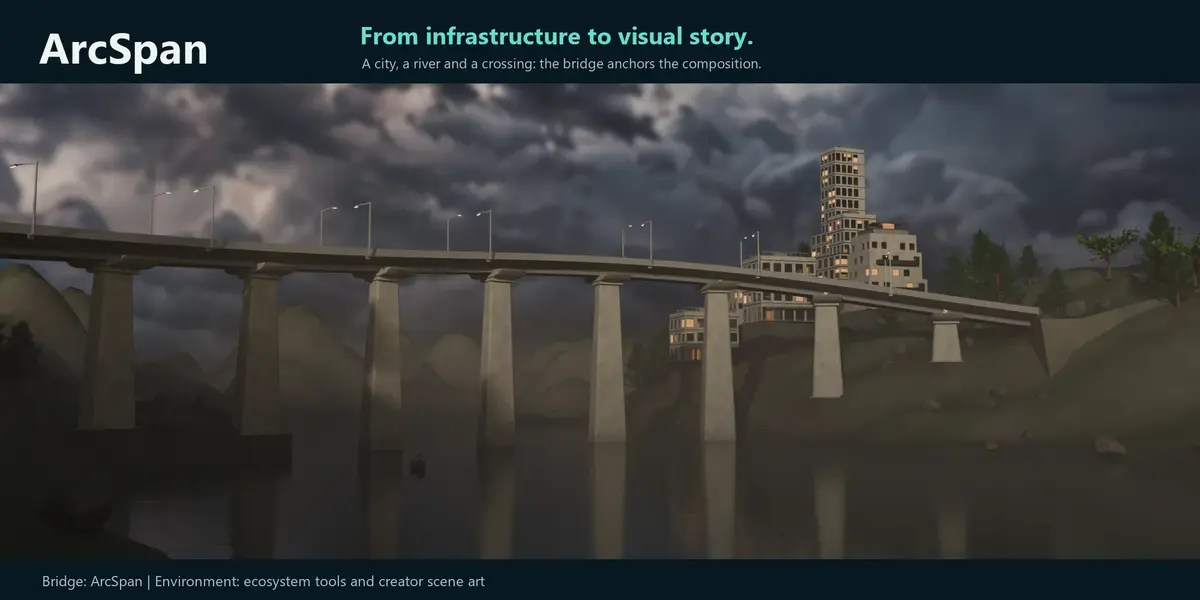
Showcase Note: Creative scene examples combine the ArcSpan bridge with an environment built using Parametric Blockout, Arboris, Atmos Director, Cinematic Light and LumaForge alongside Blender. The environment and companion add-ons are not included in the ArcSpan customer bundle.
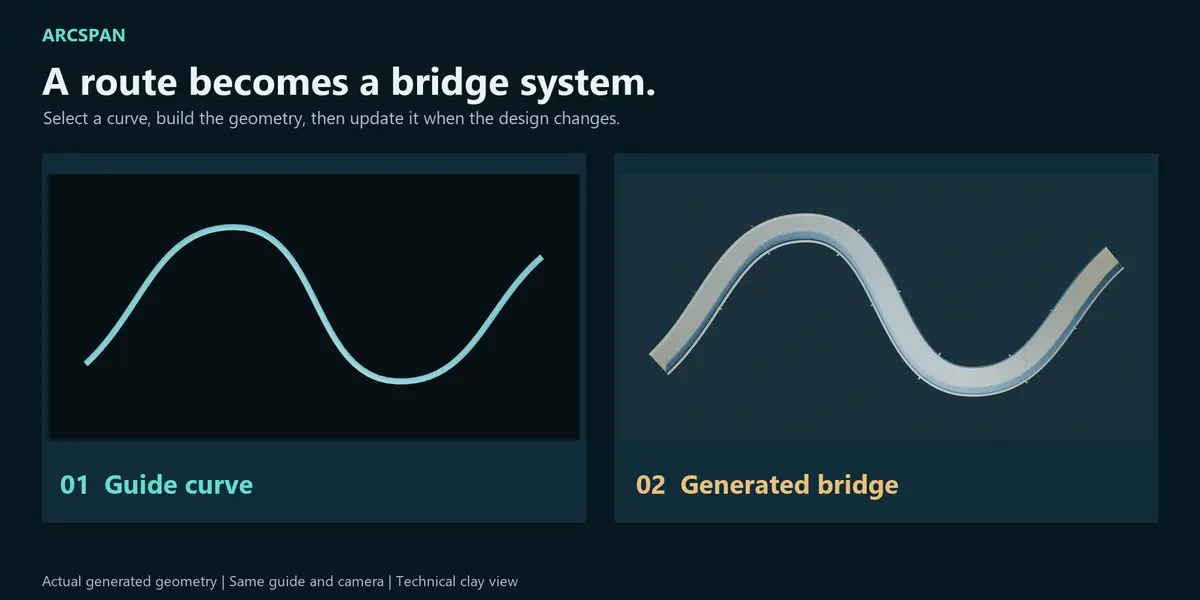
1. From Guide Curve to Complete Viaduct in 5 Steps
- Select a Guide Curve: Use your own Blender route curve or a built-in guide.
- Pick Your Configuration: Choose deck profile, support system and roadway accessories.
- Build the Bridge: Generate and inspect the coordinated structure directly in the viewport.
- Edit & Rebuild: Adjust the route or structural parameters and rebuild cleanly.
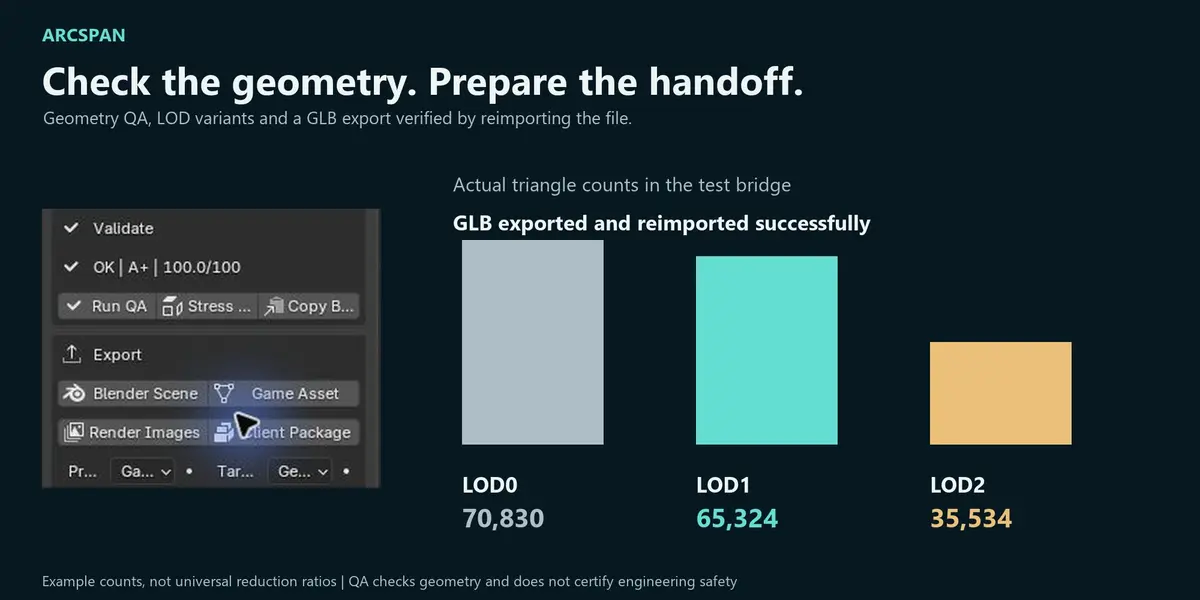
- Verify & Deliver: Run Geometry QA, generate LOD variants and export a GLB when ready.
Edited capture of the actual add-on operator and viewport (operations triggered via the add-on Python API for repeatable recording; not a timing or performance benchmark).
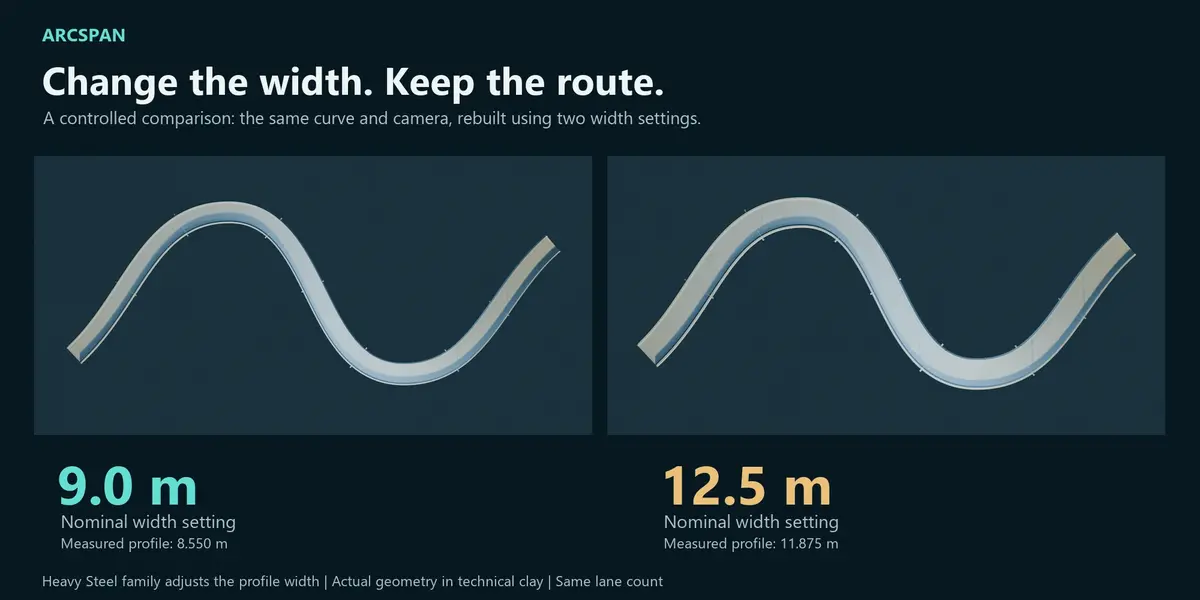
2. Change Width & Structural Family Without Redrawing the Route
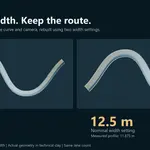
- Rapid Non-Destructive Comparison: Explore width and structural presets directly on the same guide curve and camera angle.
- Nominal vs. Measured Profile Transparency: Below, nominal width settings of 9.0 m and 12.5 m (same camera and lane count) produce measured profile widths of 8.550 m and 11.875 m in the Heavy Steel configuration—the structural family adapts the section, so treat nominal width as a control setting rather than every finished dimension.
Edited comparison of actual captured viewport states (not a continuous recording or timing benchmark).
3. Coordinated Decks, Piers, Bearings & Roadway Details
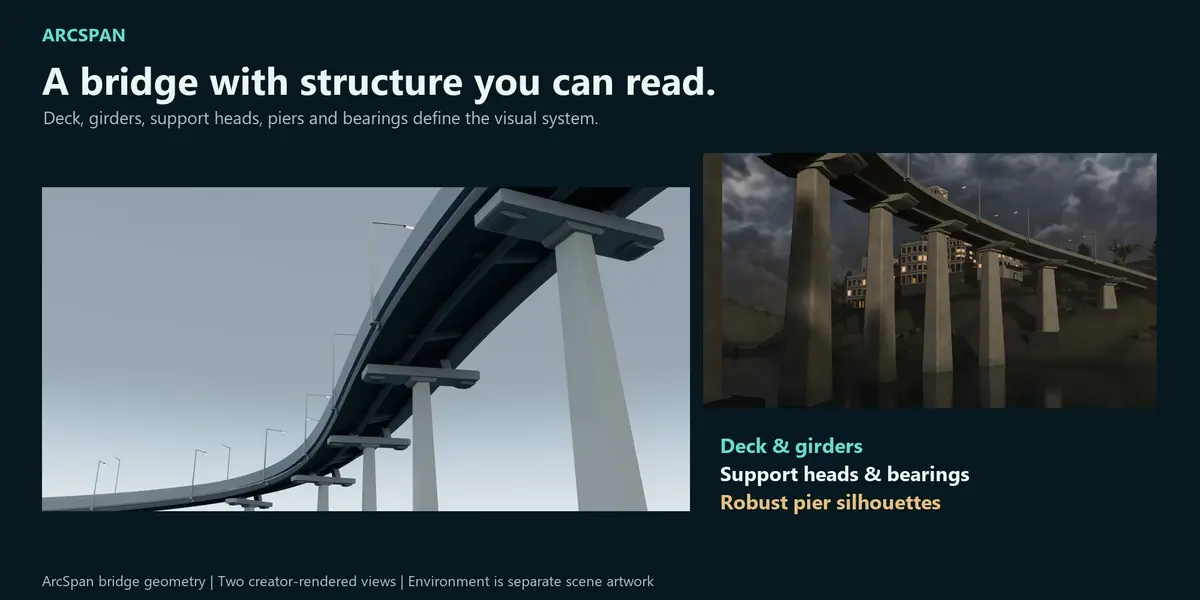
- Visual Cohesion Out of the Box: Generates deck profiles, girders, piers, support heads and bearing assemblies as a unified visual system, complemented by road markings, barriers and lighting geometry for convincing scale.
- Verified Presets: Highway Viaduct, Urban Overpass, Showcase Clean and Light Pedestrian configurations were built during technical verification.
4. Support Bottoms Automatically Follow Your Terrain Mesh
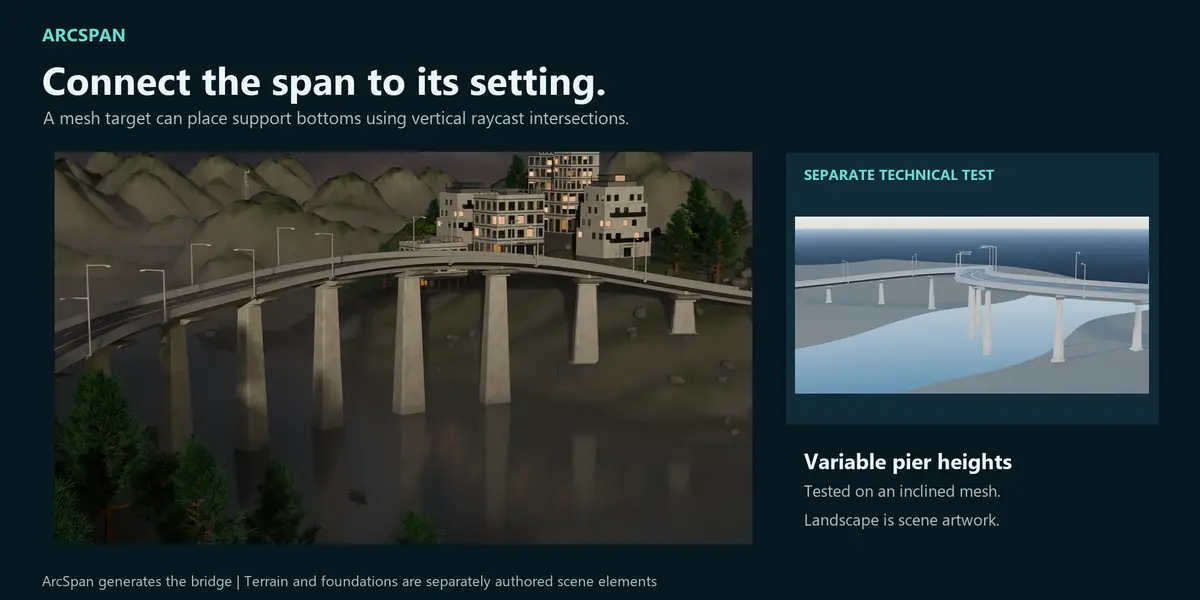
- Vertical Raycast Elevation Matching: Assign any terrain mesh as the support target so ArcSpan resolves pier shaft base elevations automatically across sloped or uneven ground.
- Technically Verified Alignment: Validated against an inclined target mesh by checking generated shaft bottoms directly against the target surface (terrain modeling and landscape libraries are separate from the bridge generator).
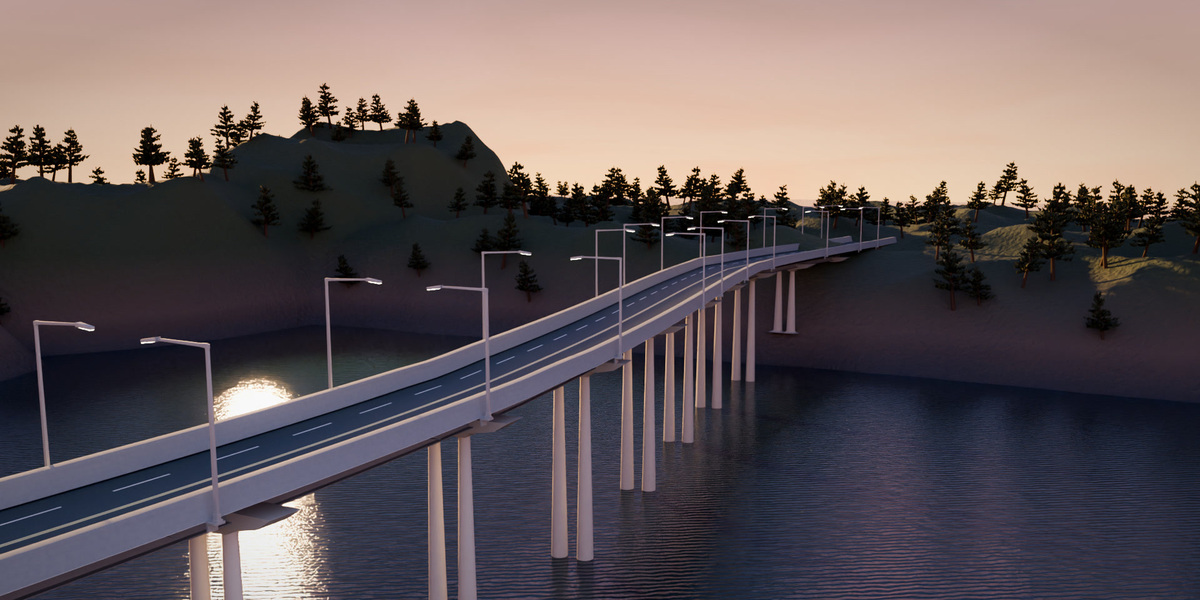
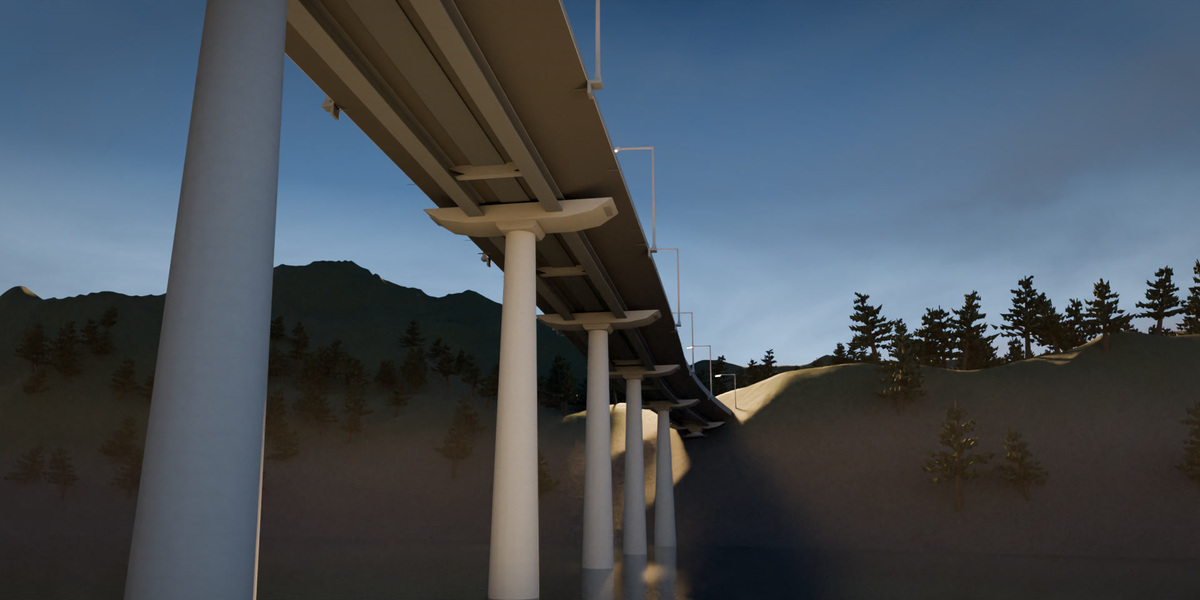
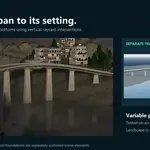
5. One Bridge. Multiple Angles Across a Full Production World.
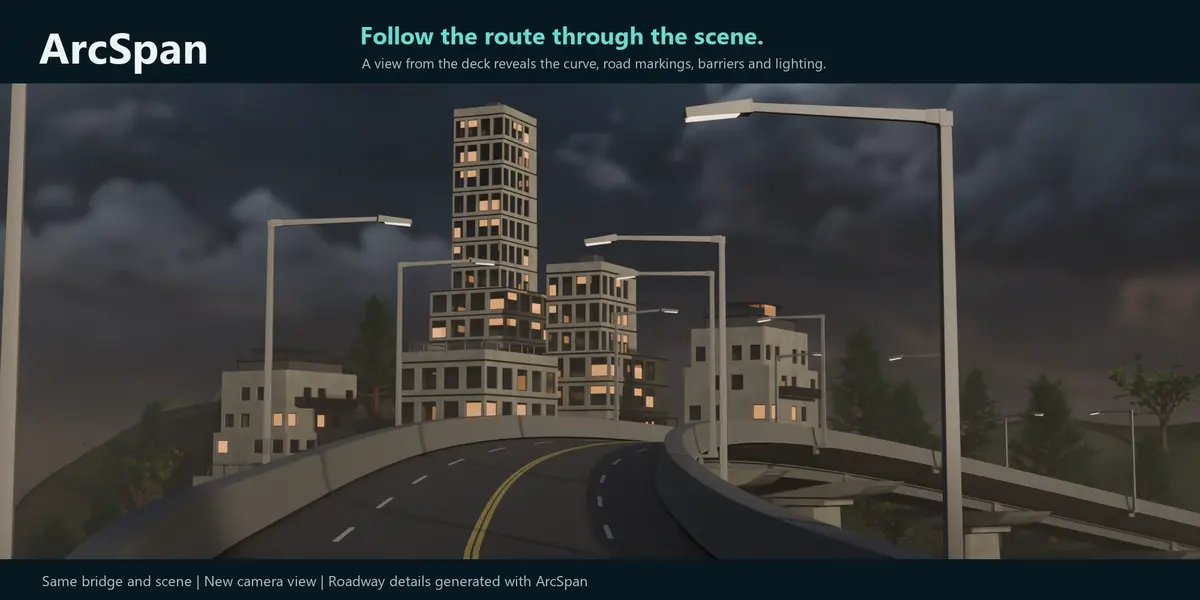
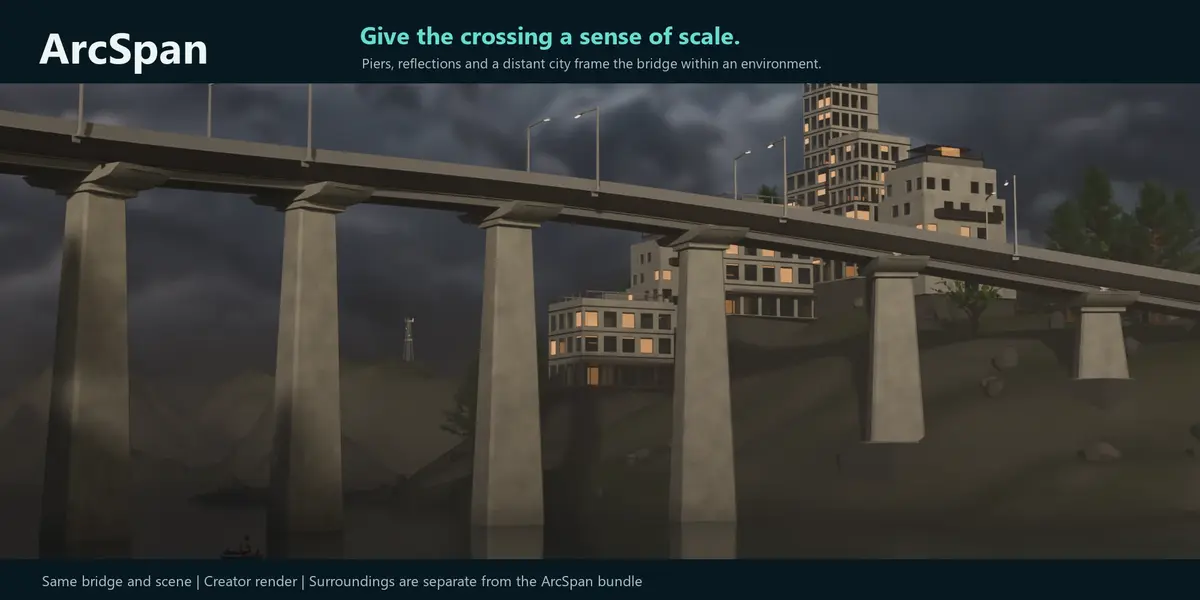
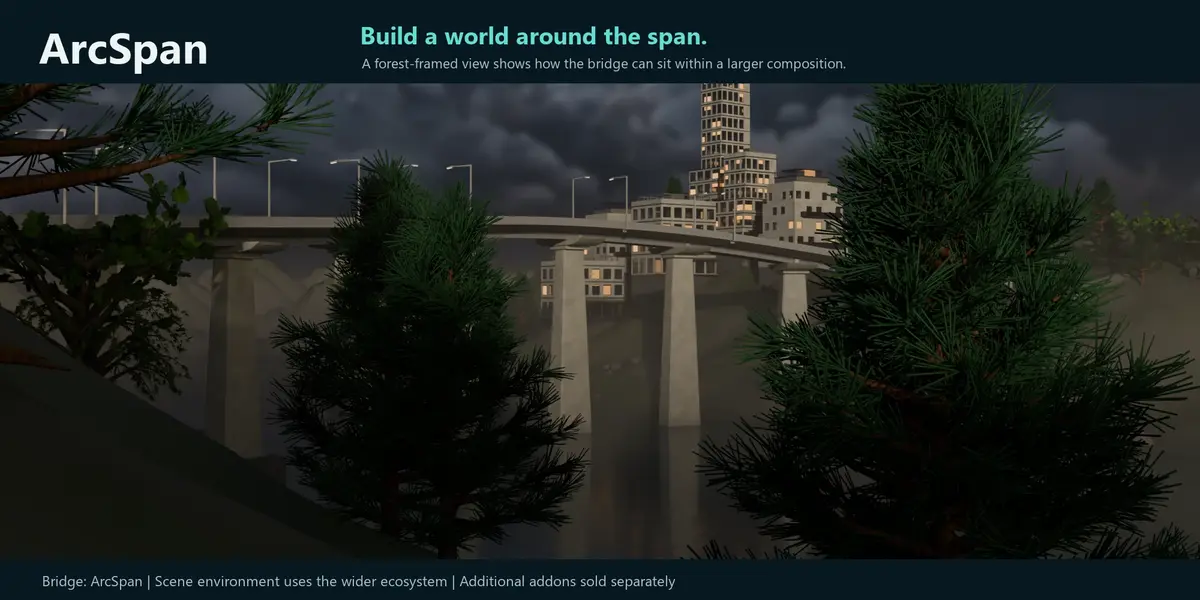
See how the generated bridge integrates into wider roadway, urban and natural compositions across multiple camera angles of the same creative showcase scene. (Surrounding terrain, vegetation, buildings, atmosphere, lighting and dressing illustrate production context and are separate from the ArcSpan bundle.)
Roadway Context
Viaduct Within the City
Framed by the Landscape
6. Scalable UI Tiers + Geometry QA, LOD & GLB Delivery
- 3 Interface Modes: Start fast in Basic (guided essentials), unlock deeper authoring parameters in Pro, and run verification & export pipelines in Creator.
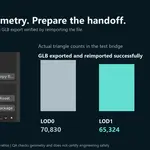
- Geometry QA & LOD Variants: Check generated-object consistency, create LOD chains, and export static GLB meshes verified by clean Blender reimport.
- Measured Example LOD Counts: On the verified test bridge, triangles step down from 70,830 (LOD0) → 65,324 (LOD1) → 35,534 (LOD2) (example results; reductions vary by geometry, and exported meshes do not keep live ArcSpan parameters inside external apps).
Requirements, Verified Scope & Included Files
-
Included Download:
ArcSpan_v1.6.32_marketplace.zip(add-on code, built-in presets/configuration data & extension manifest) + original customer bundle containing the same installer, installation guide, release notes and GPL license text. Install directly via Preferences → Add-ons → Install from Disk. - Verified Configurations: Windows with Blender 5.0.1 and 5.2.1 LTS (verified for curve builds, updates, mesh-target supports, QA, LOD and GLB export/reimport; technical gallery renders captured in Blender 5.2.1 LTS Eevee and Cycles).
- Manifest Minimum Note: Package manifest declares Blender 4.2.0 minimum, though Blender 5.0.1 or 5.2.1 LTS on Windows are the tested and supported configurations in this release review (Blender 4.2, intermediate versions, macOS and Linux were not separately validated).
- Showcase Assets Note: Scenes, custom terrain, water, cameras, lighting, vehicles, cities, landscape libraries and companion add-ons shown in marketing examples are not included.
- License: GPL-3.0-or-later, as declared in the supplied package.
Frequently Asked Questions
Can I use my own curve?
Yes—select a suitable guide curve and build from it. Very tight bends, abrupt direction changes or incompatible configurations may need adjustment and a rebuild.
Do changes update the bridge automatically?
This workflow uses explicit Build / Update operations. Review the result after editing the guide or parameters and rerun QA after changes.
Does the width setting equal every finished dimension?
No. Structural-family and profile rules adjust the generated section; treat width as a nominal control and measure the resulting mesh when exact visual dimensions matter.
Does QA certify a bridge as structurally safe?
No. ArcSpan is designed for visual production and concept work; geometric QA does not replace structural analysis, code compliance or certified engineering software.
Does ArcSpan generate the surrounding landscape?
ArcSpan uses a supplied mesh target to resolve pier base elevations, while terrain modeling, vegetation and scene dressing are separate.
Are suspension, cable-stayed and complex truss bridges included?
No—those bridge typologies are outside the scope demonstrated here and are not advertised by this gallery.
What created the environment in the creative renders?
ArcSpan generates the bridge geometry. The creative showcase scene was developed with Parametric Blockout, Arboris, Atmos Director, Cinematic Light and LumaForge alongside Blender (environment, dressing and companion add-ons are sold separately).
Where do I get support?
Contact the creator via this product’s Superhive page, and check the purchase terms listed there for current support and update conditions.
Develop the Surrounding Scene
Pair ArcSpan with Arboris for editable procedural trees and LumaForge for reusable OpenEXR environment lighting.
Each product is sold separately. These links suggest complementary uses; check each product’s requirements and documented workflow.