Arkit Magic
 Digital DiLeo


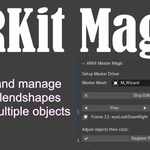

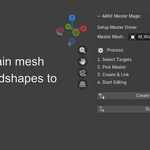
1. Select master mesh within the plugin using eyedropper, all meshes selected next will link and create drivers using this mesh as the master mesh
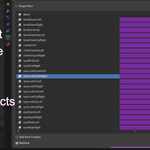
2. Select all objects to be linked to master mesh (eyes, eyebrows, etc..) then click Create and link ARKit shapes within the plugin
3. All ARKit blend shapes are now created on master mesh and linked meshes. You only need to animate the master mesh, and the rest of the meshes will follow.
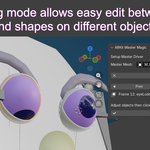
4. Enter edit mode, and edit each mesh as needed, and be sure to register the pose when done.
$9.99
Have questions about this product?
Login to message
| Blender Extension Compatible | Yes |
| Published | 9 months ago |
| Blender Version | 5.0 |
| Extension Type | Add-on |
| Render Engine Used | Cycles |
| License | GPL |
