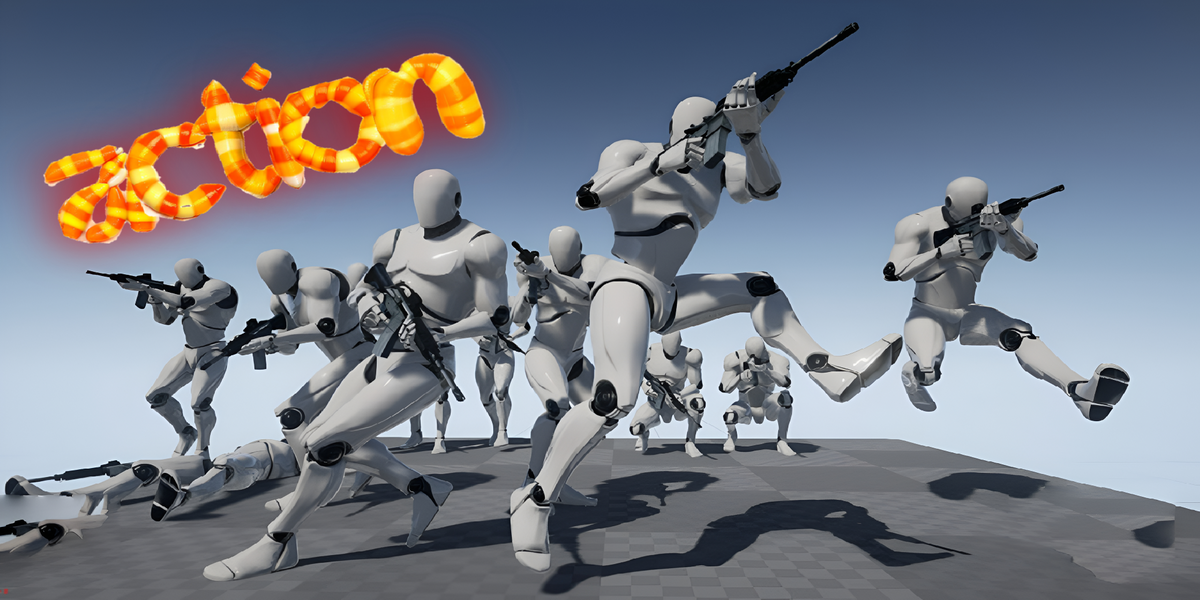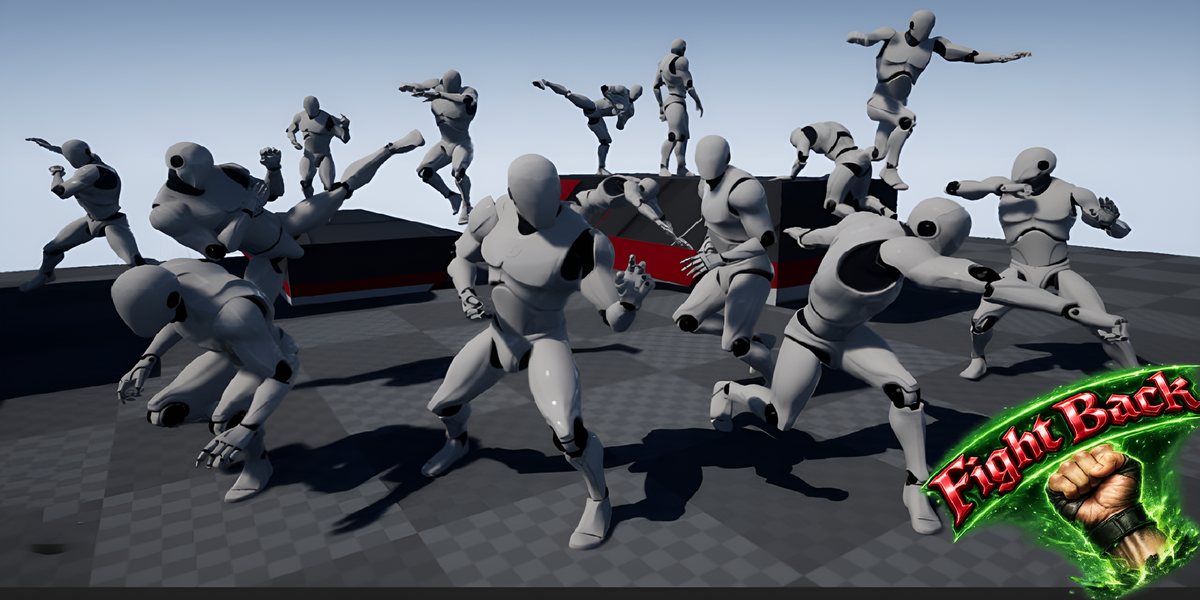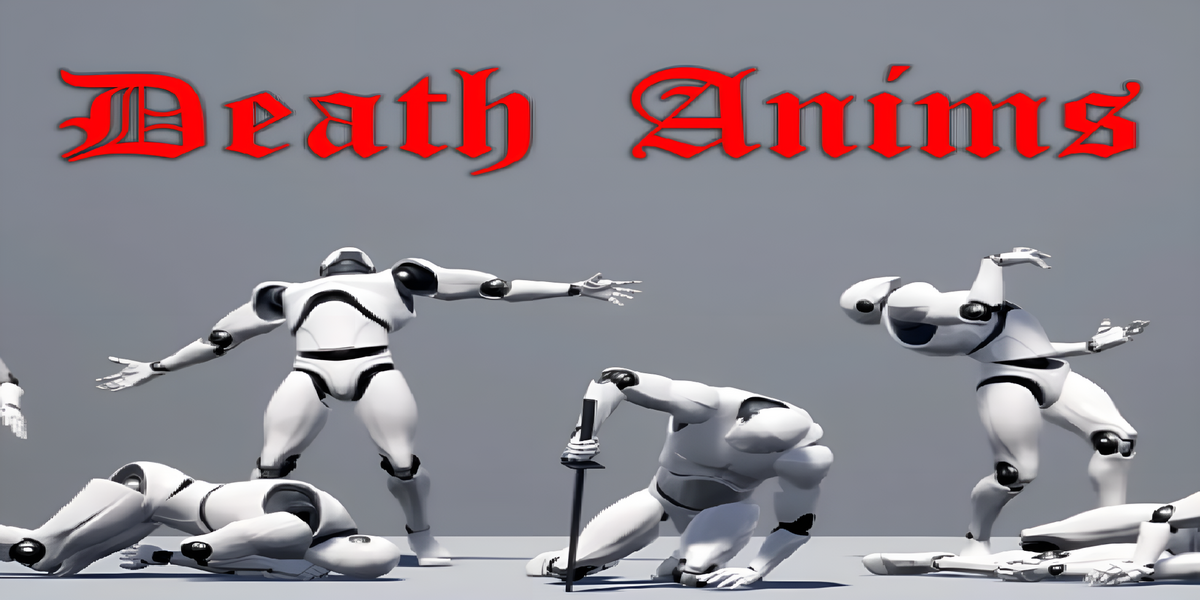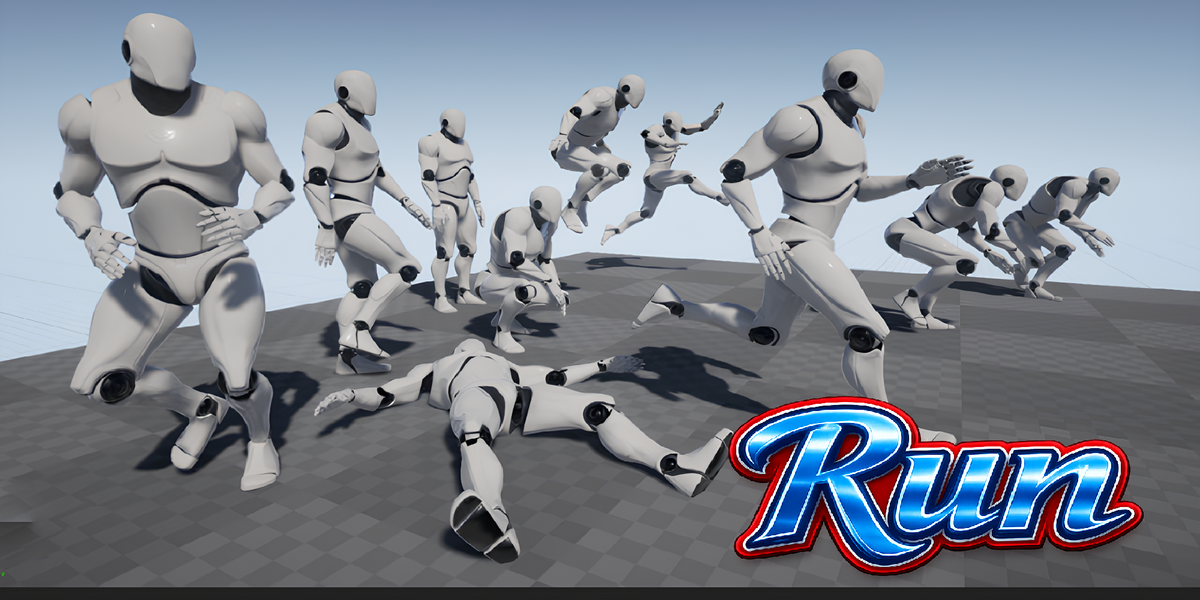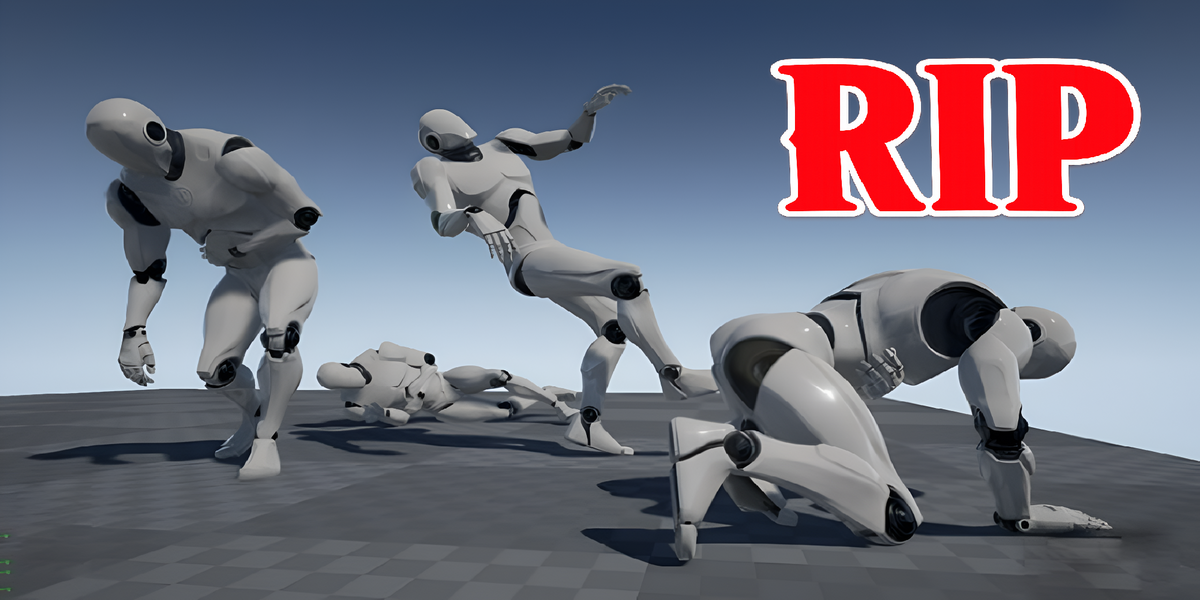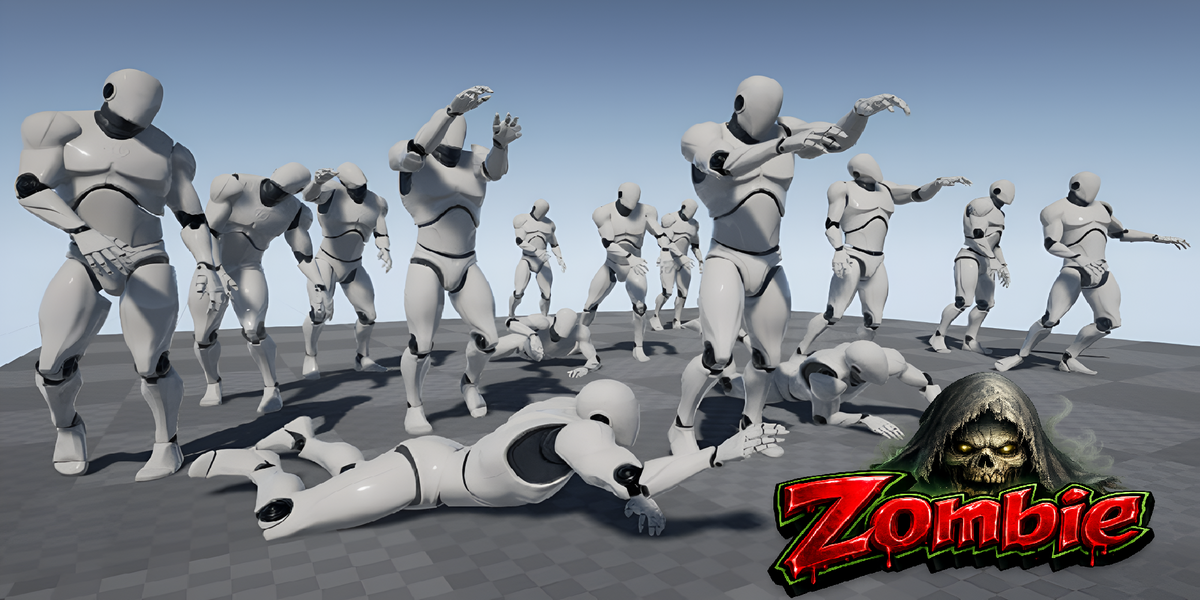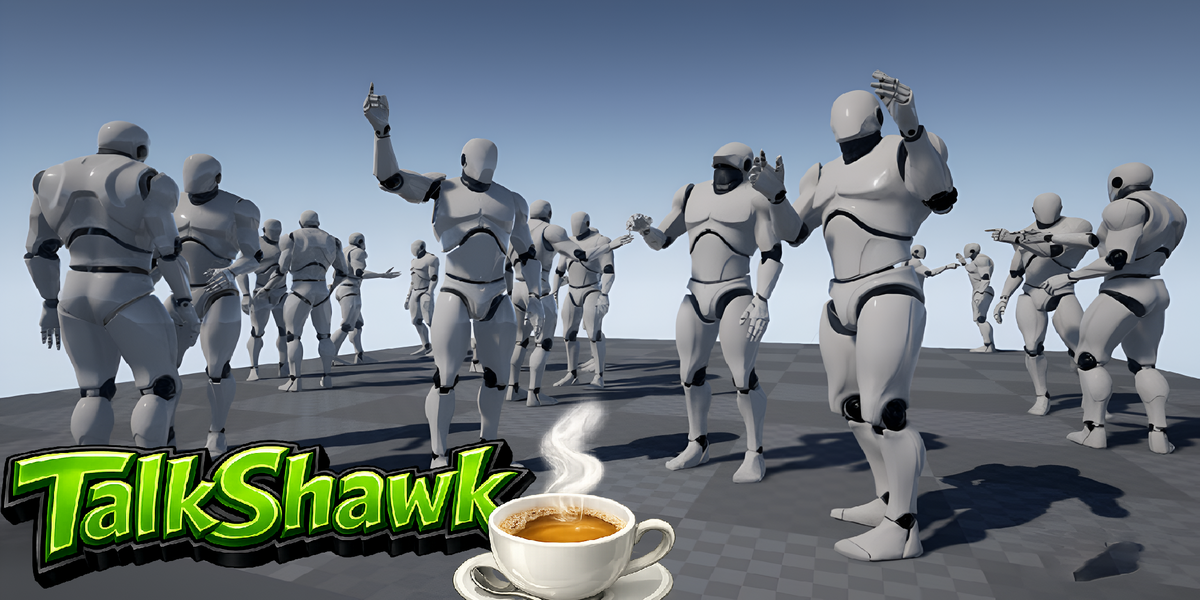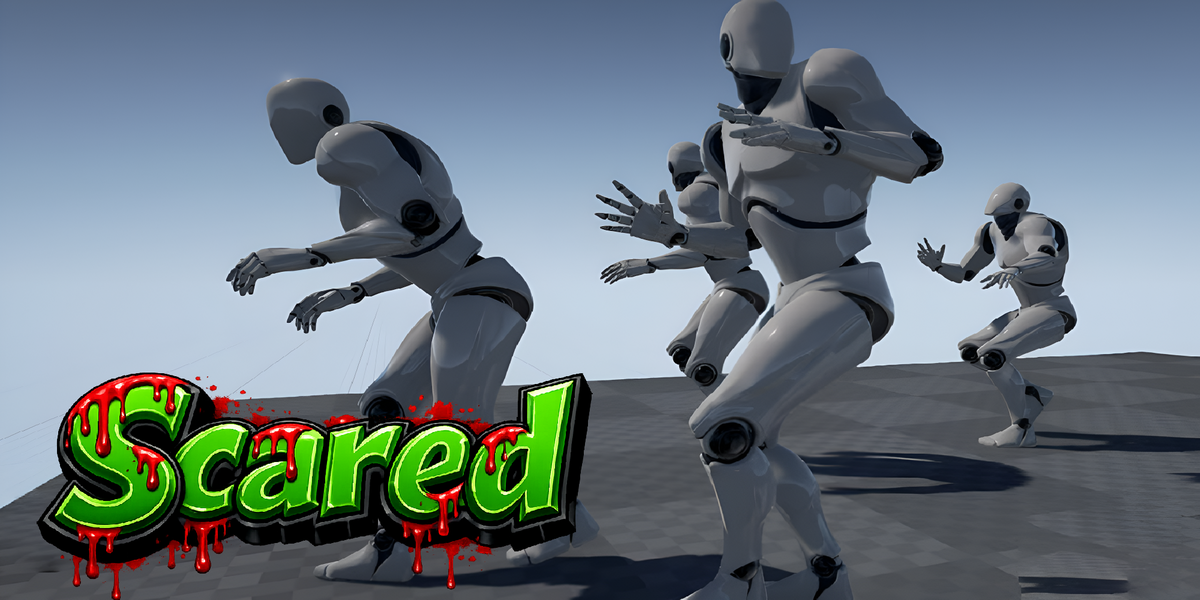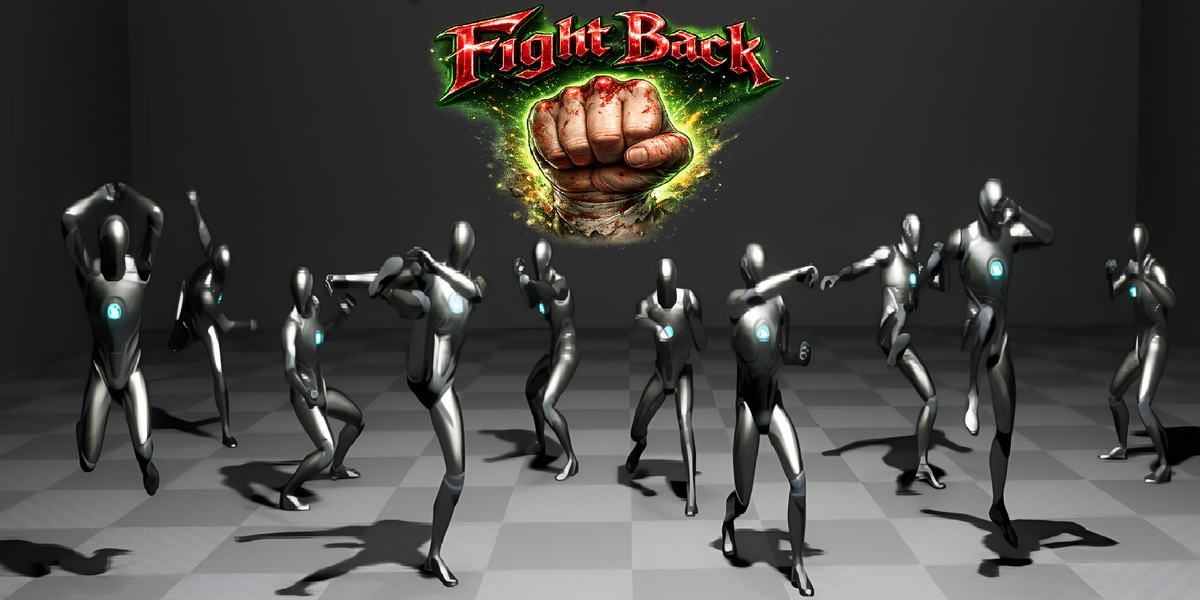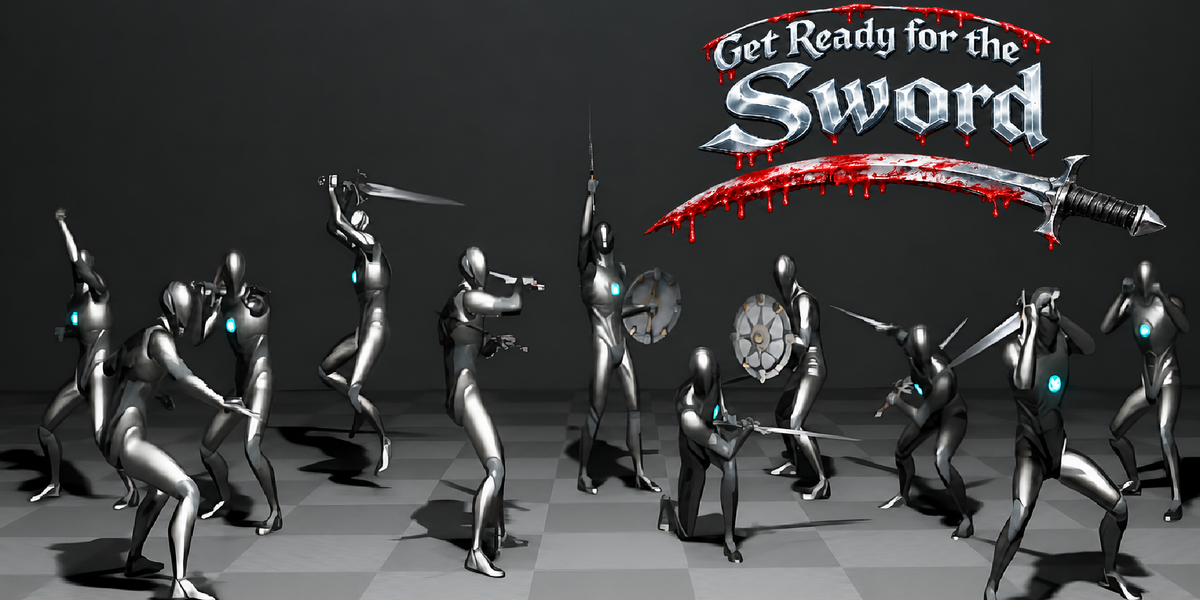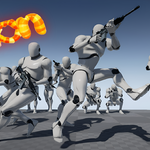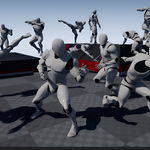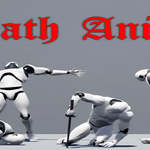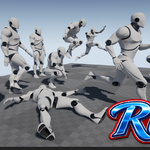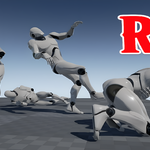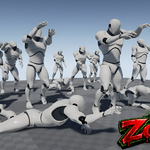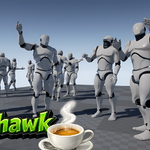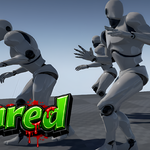
ARP Motion Library is a powerful animation library for Auto Rig Pro, featuring 2500+ ready-to-use animations across 16 categories. Quickly browse, preview, and apply animations directly to your character with an easy one-click workflow.
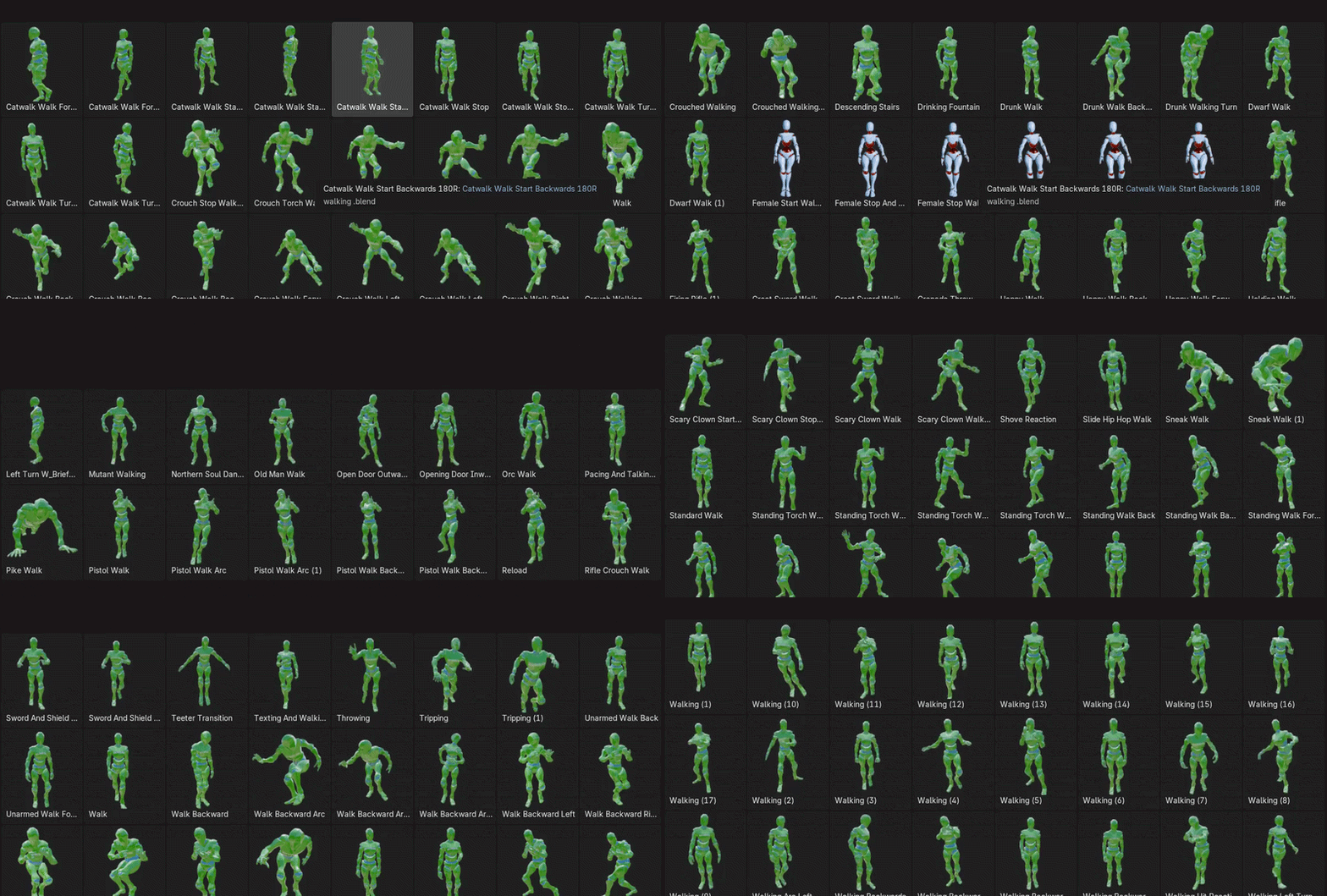
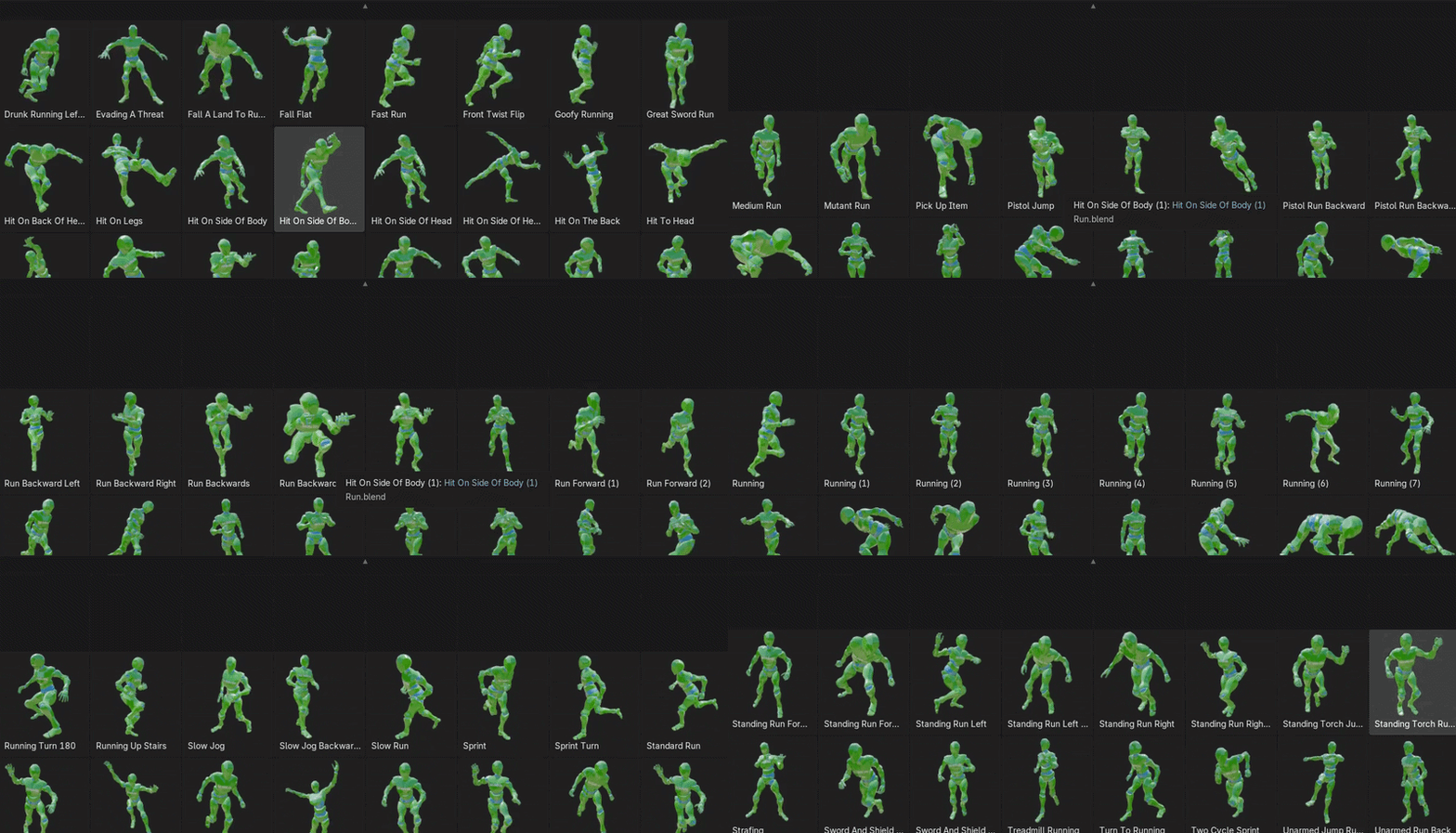
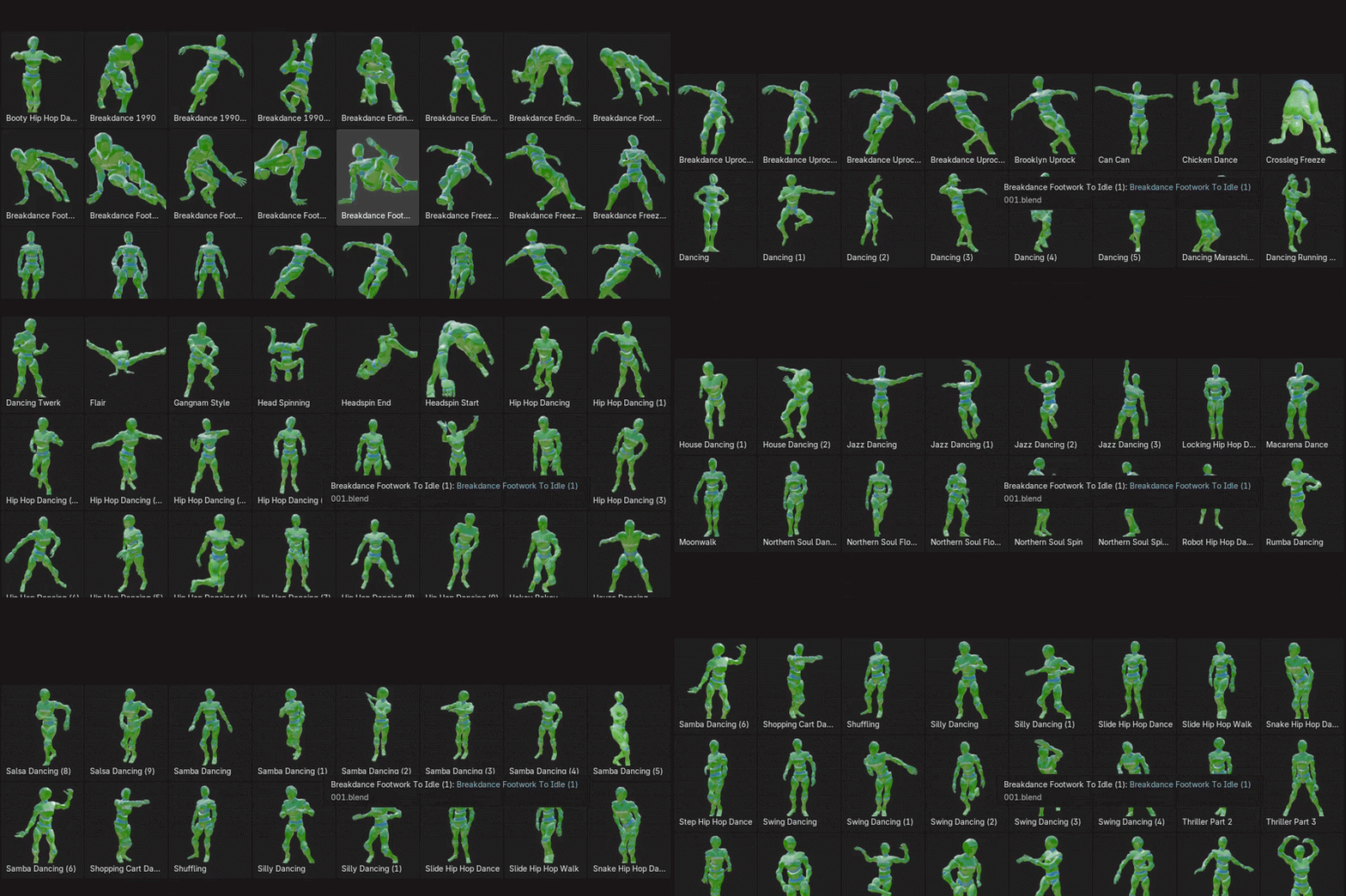
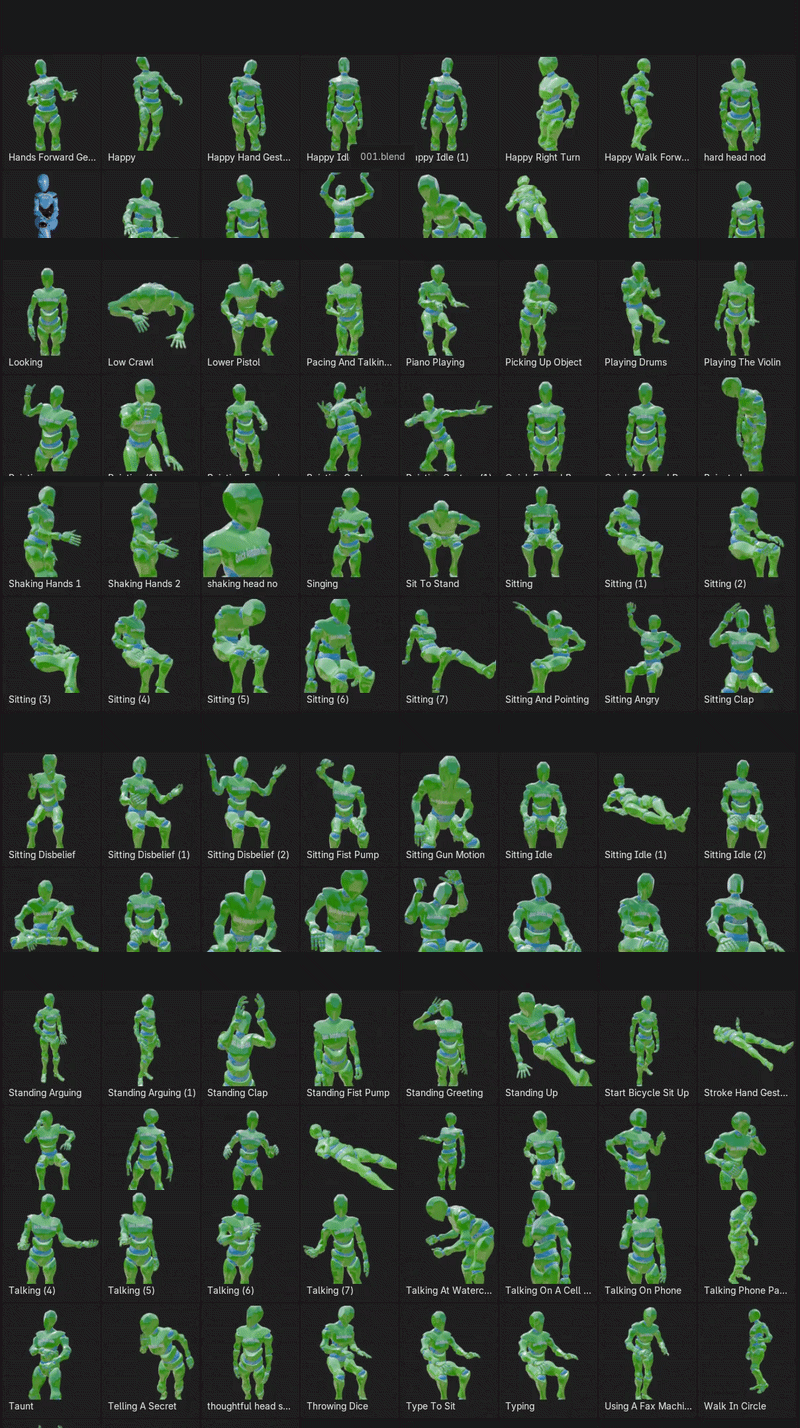
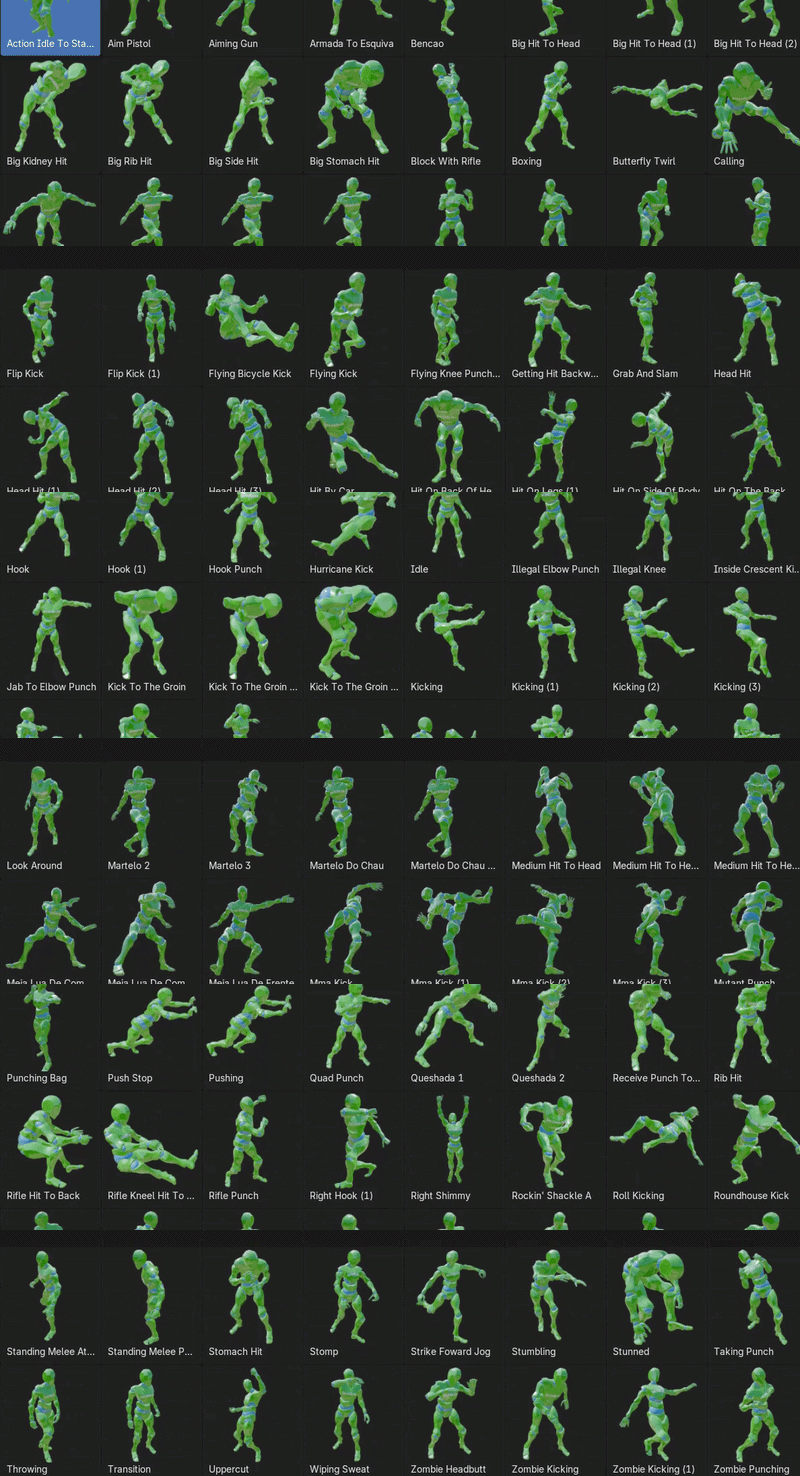
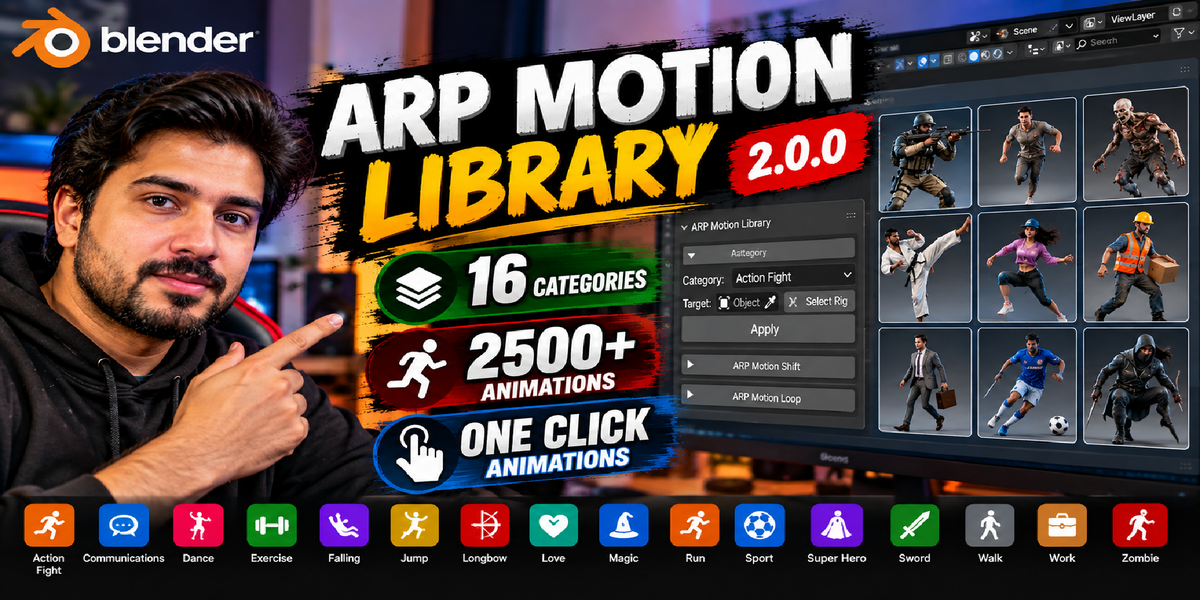
ARP Motion Library is a powerful animation library for Auto Rig Pro, featuring 2500+ ready-to-use animations across 16 categories. Quickly browse, preview, and apply animations directly to your character with an easy one-click workflow.
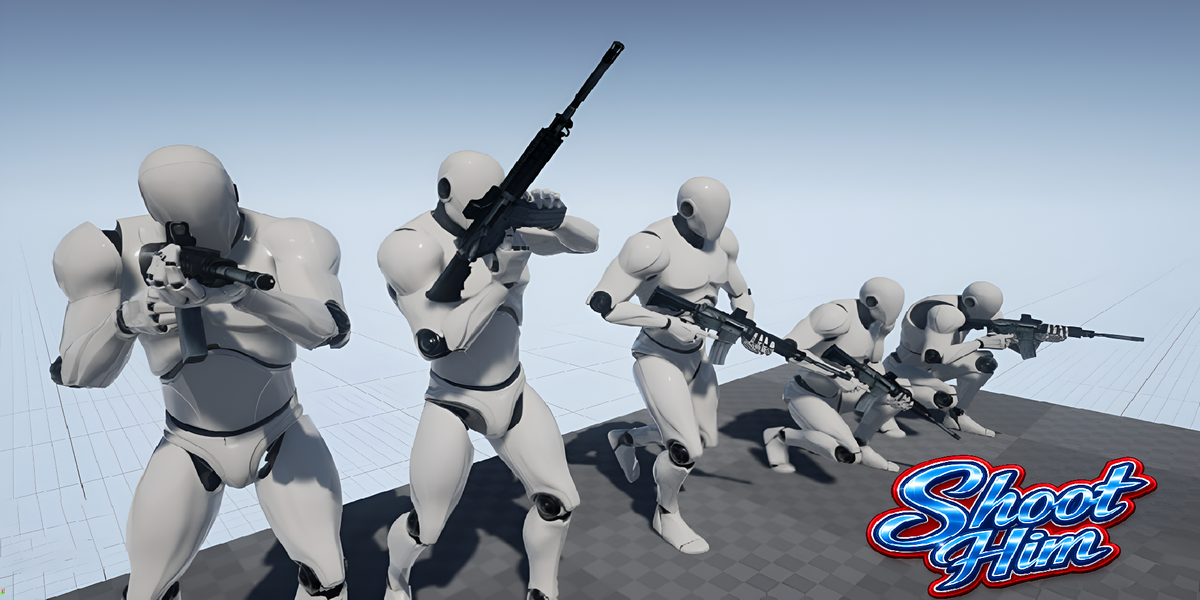


One-Click Apply
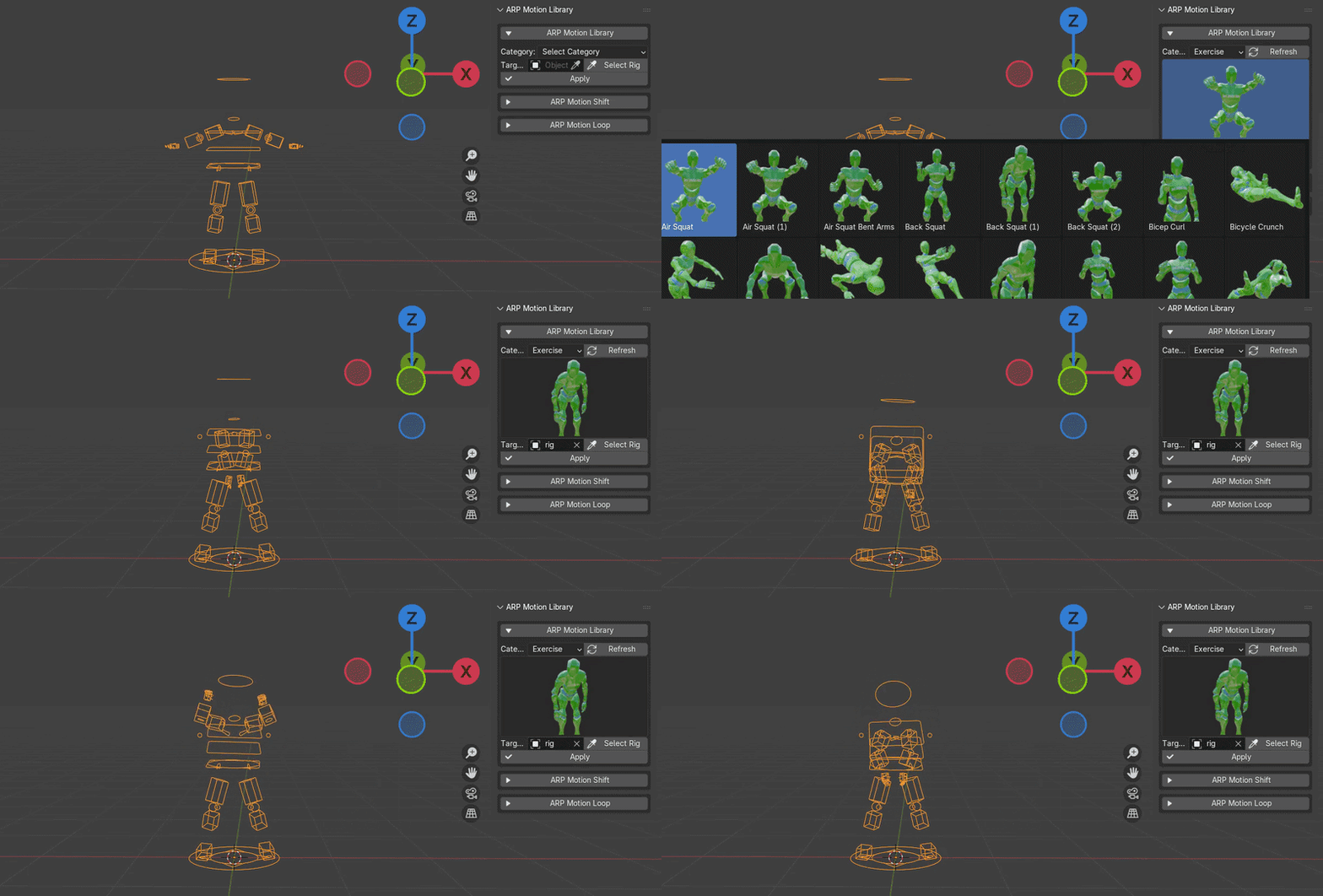
Apply ready-to-use animations directly to your Auto Rig Pro character with a single click. No complicated setup or manual keyframe work — simply select an animation, preview it, and click Apply.

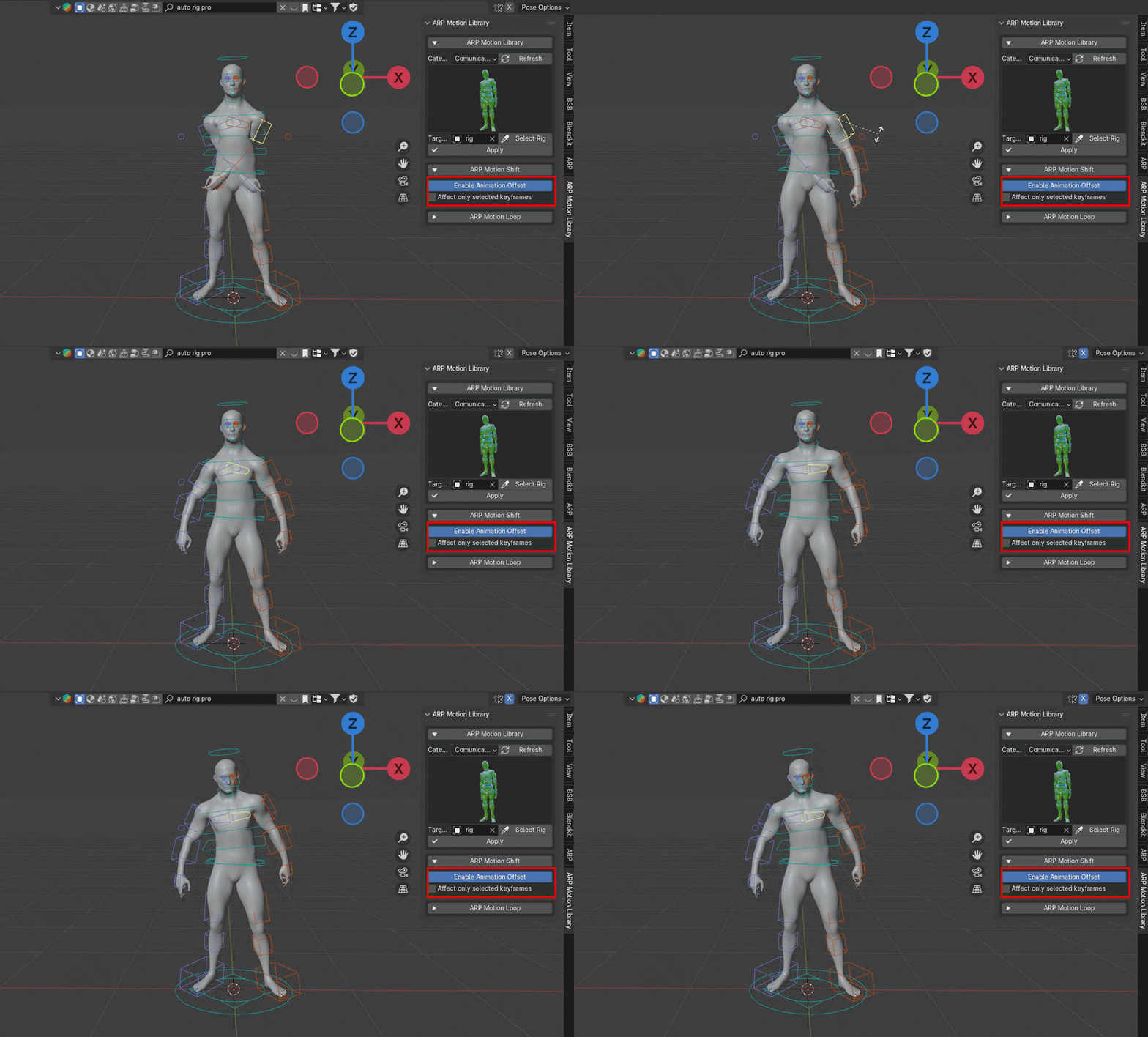
Fine-tune your character’s animation in real time with ARP Motion Shift. Easily adjust the pose and bone positions after applying an animation, helping you quickly fix small movements and achieve the exact result you want.

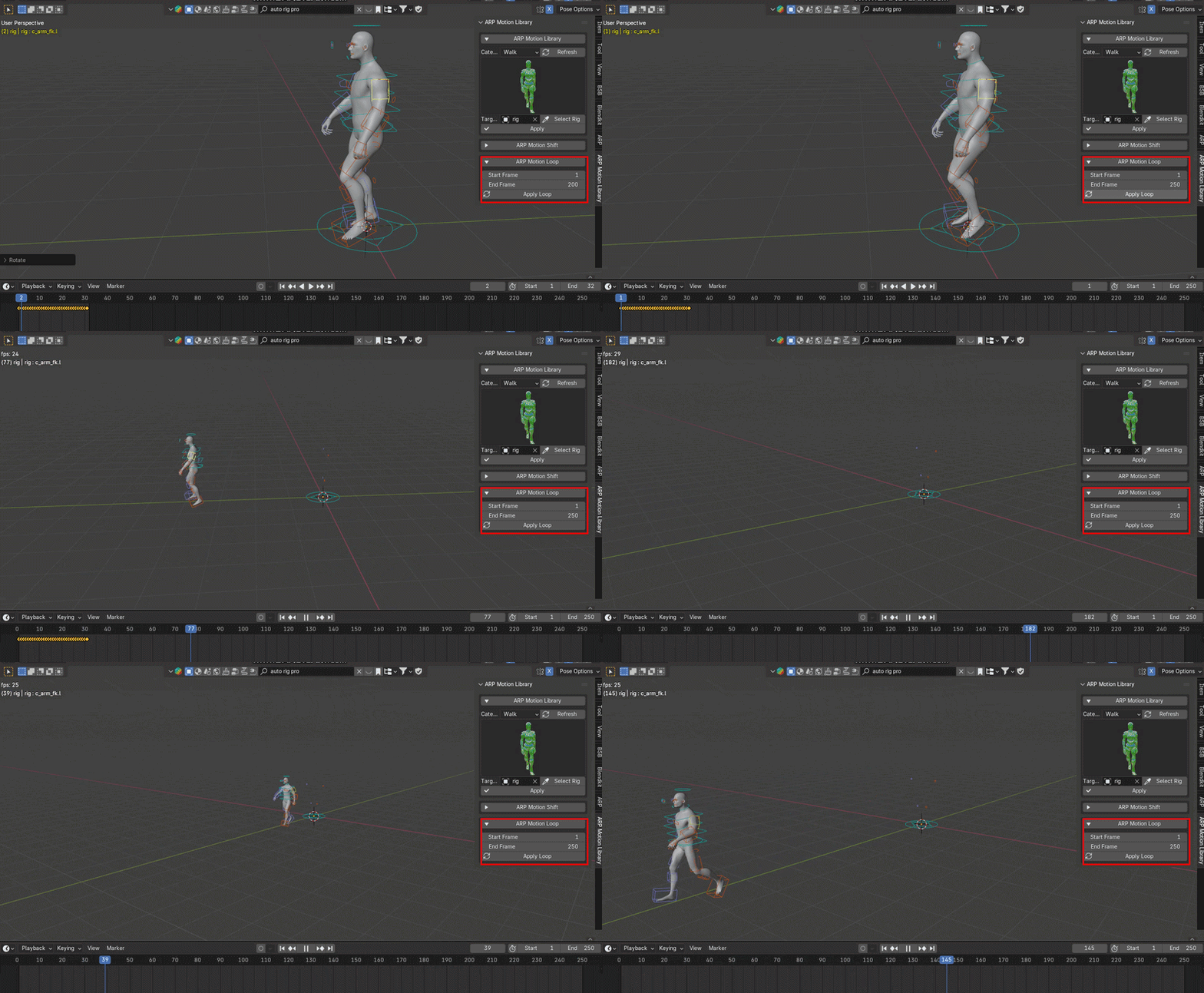
Extend your animations to any length with ARP Motion Loop. Set your desired start and end frames, then apply the loop to smoothly repeat the animation for longer sequences.

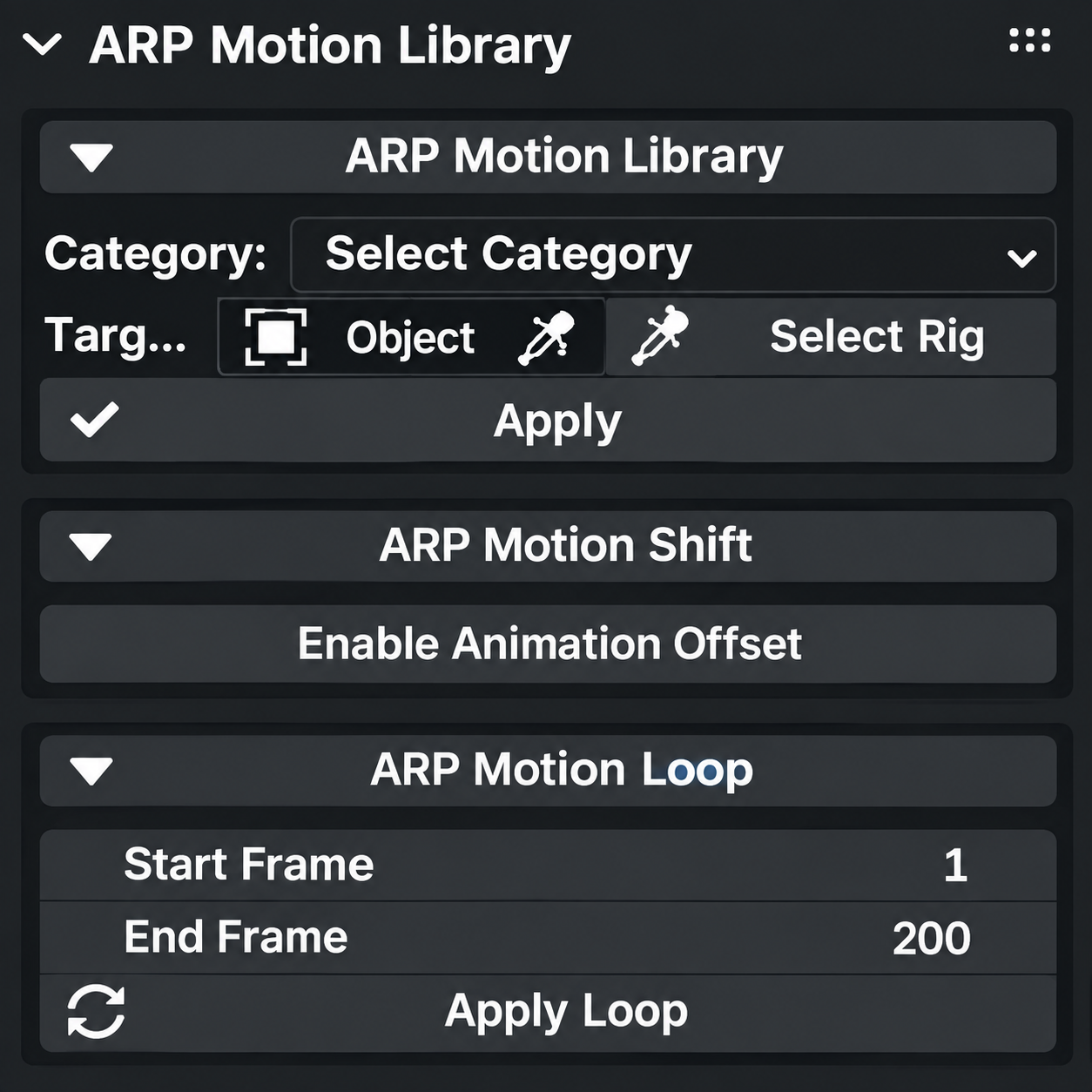
ARP Motion Library features a clean and easy-to-use interface designed to keep your animation workflow simple and efficient. Quickly browse animation categories, preview animations, select your rig, and access tools like ARP Motion Shift and ARP Motion Loop from one convenient panel.

Install the ARP Motion Library addon ZIP in Blender.
Open the addon and install the Animation Library ZIP.
Wait approximately 2 minutes while the library is being installed.
Once completed, the library will be ready to use.
Note: Please do not close Blender or interrupt the installation during this process.
auto rig pro animations library auto rig pro motion autorigpro Auto-Rig Pro: Animation Library auto rig pro horse animation pack
Have questions about this product?
Login to message
| Dev Fund Contributor | |
| Published | 1 day ago |
| Blender Version | 4.0 - 5.0 |
| Extension Type | N/A |
| Render Engine Used | Cycles, Eevee |
| License | Mit |