 RR3D
RR3D
Arrowify is an artist-friendly addon for Blender, for making arrows - for example for use in technical 3D-animations to visualize direction, flow, heat exchange, air pressure, wind etc.
Features:
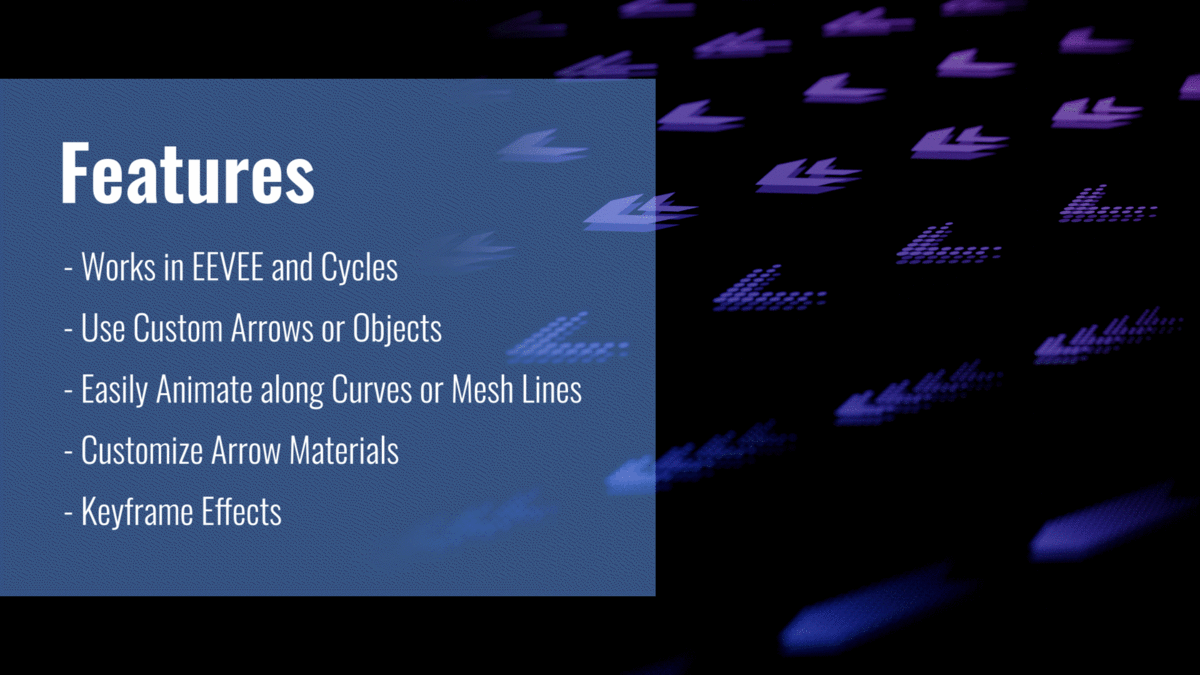
- 6 easy-to-use Geometry Nodes Setups with huge customizability.
- Control of various parameters such as speed, amount, spread, offset from curve and many more parameters.
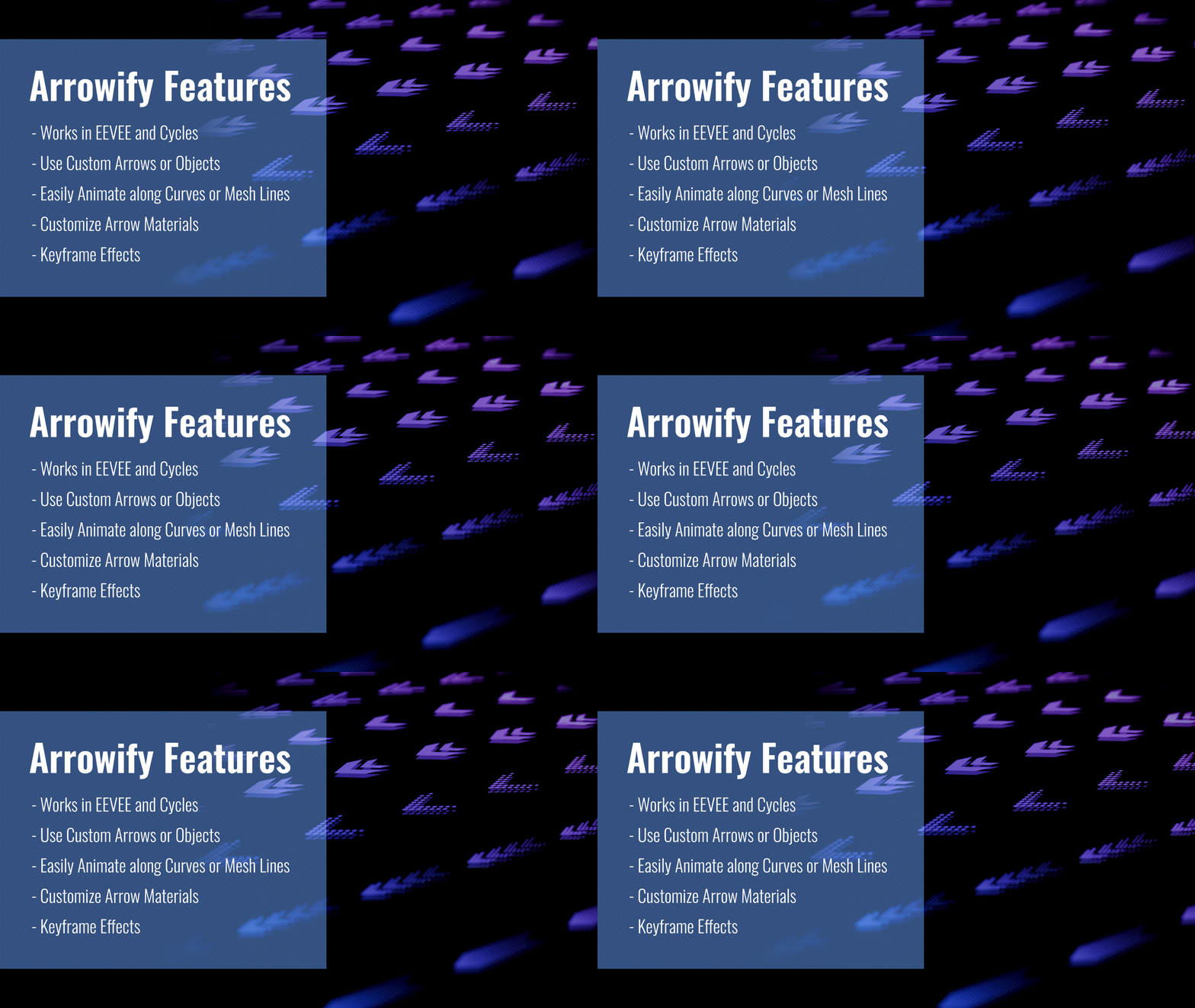
- Works in EEVEE and Cycles.
- Easily loop-able
- Great for technical 3D-animations to visualize direction, flow, heat exchange, air pressure, wind etc.
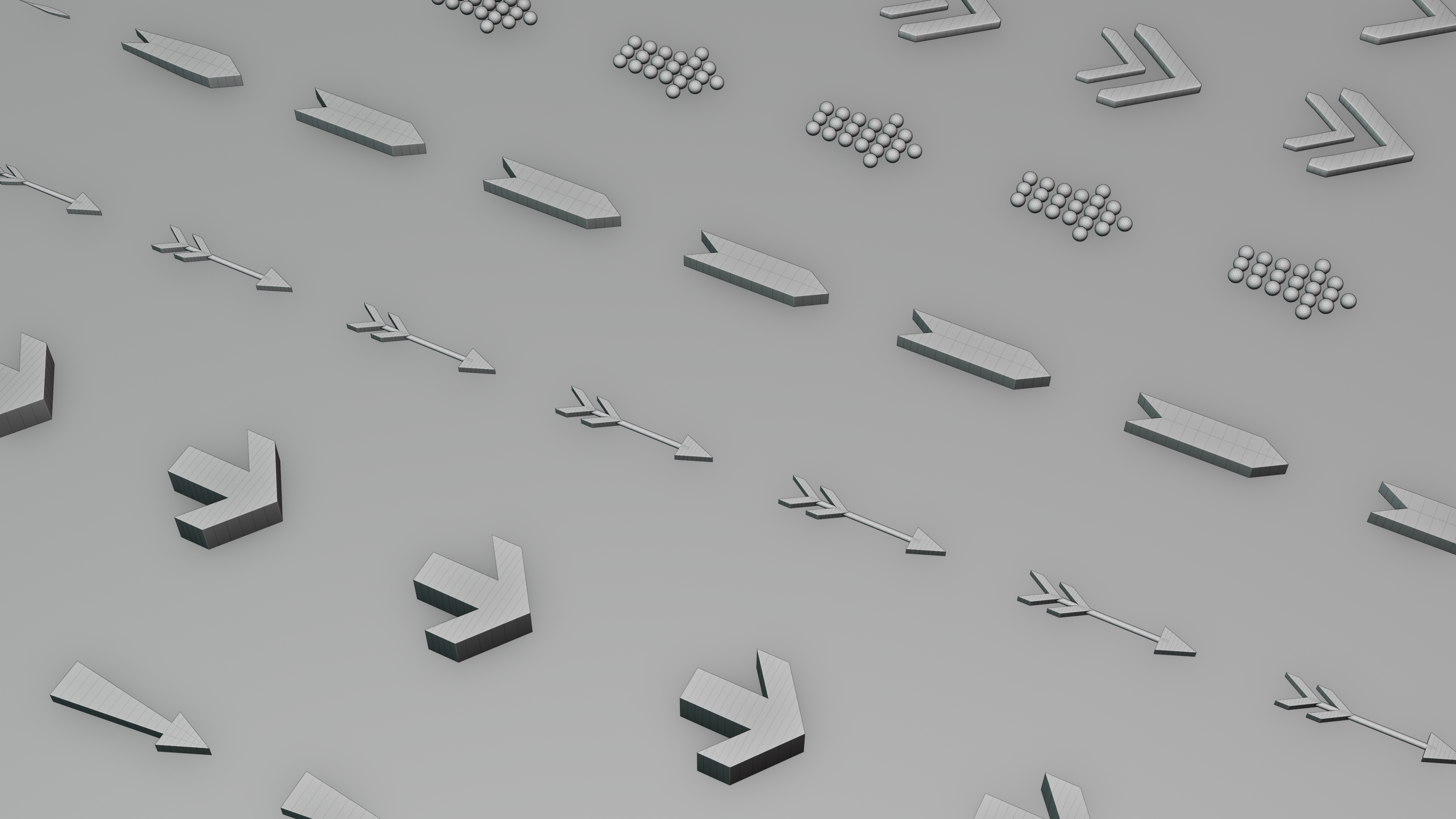
- +20 preset arrows (Including Simple, Chevron, Pointer, Double-Headed, Curved and more).
- Use custom arrows or objects.
- Easily animate along curves or mesh lines.
- Customize arrow materials to your liking, or give them your own look with the help of exposed parameters.
- All effects can be keyframed.
- Easily accessed from the "Add" menu or from the Asset Browser.
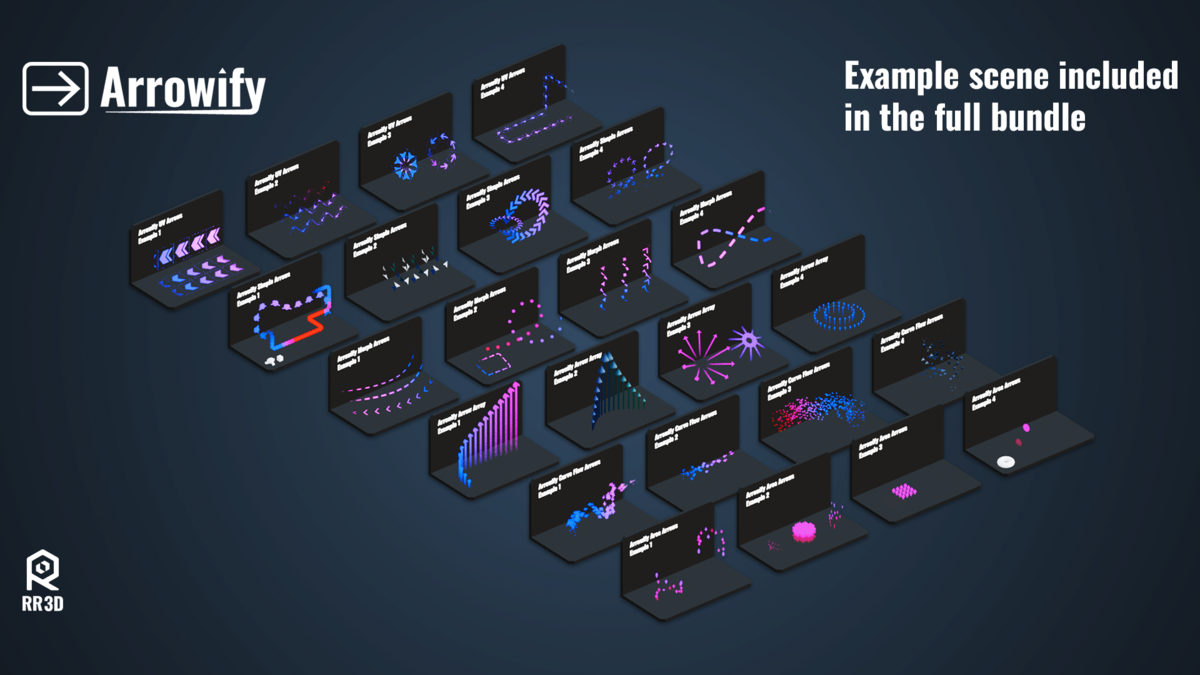
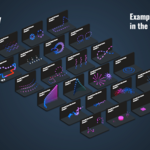
- Includes .blend-file with example library.
The Bundle Includes:
6 Arrow Shaders:
- Uses data from the Geometry Nodes Setups.
- Control gradients with ease.
- Fade arrows in and out.
- Exposed parameters if custom material is needed.
6 Arrow Geometry Nodes:
- Works on both curves and mesh lines (no need to convert mesh lines to curves)
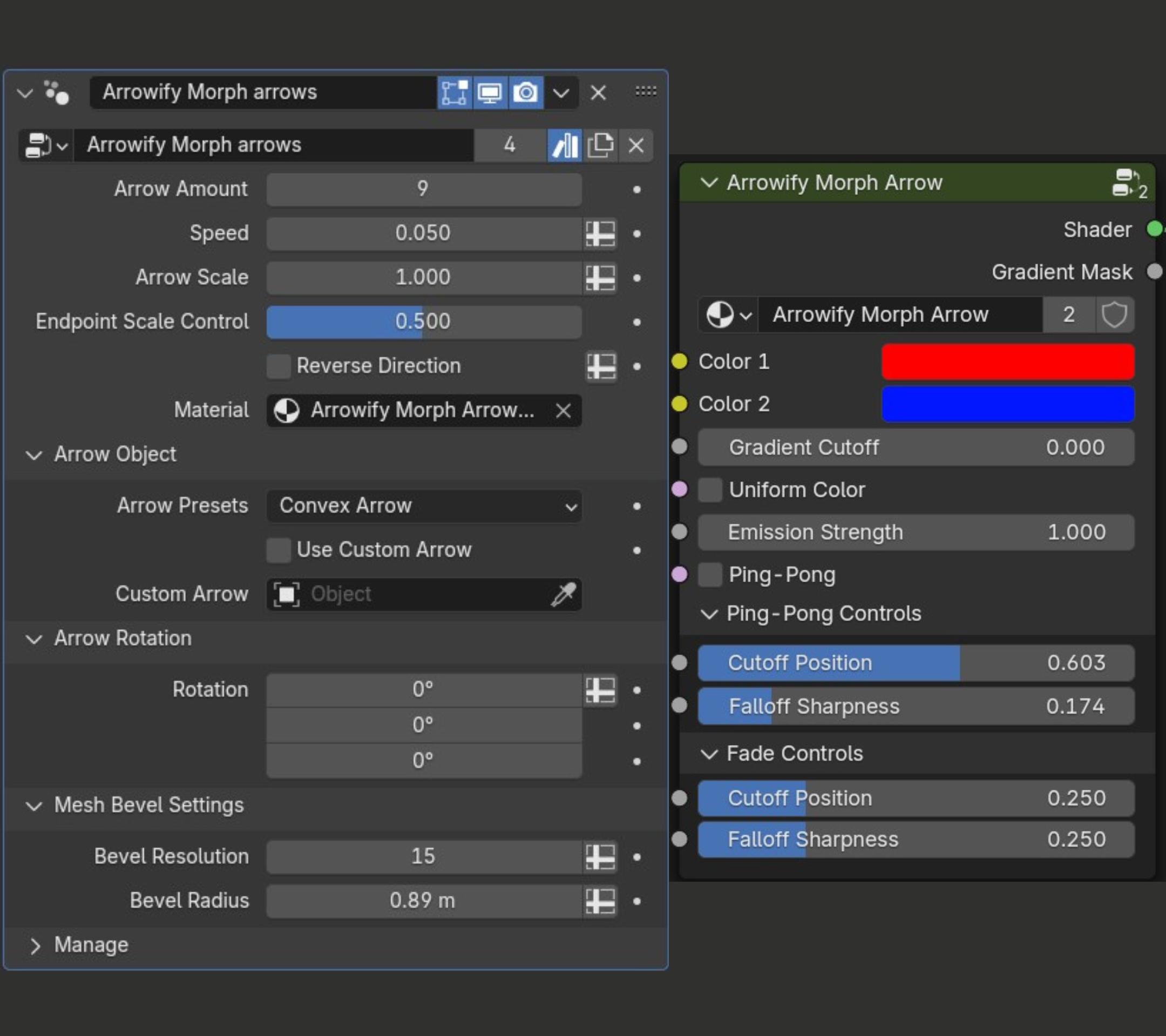
- All useful parameters are exposed for maximum control.
- Use custom arrows.
- Different geometry-node setups for different effects and styles
Please see below for the exact specifications for each unique arrow setup, or have a look at the documentation. Purchasing the Lite pack counts cumulatively towards the full bundle allowing you to first take a look at the quality of the assets itself before committing to the fully priced addon. Please note that the most recent updates only work in blender 5.0 and above, however the older versions of the addon are still available to download upon purchase. Please see the Updates section at the bottom of the page for more details.
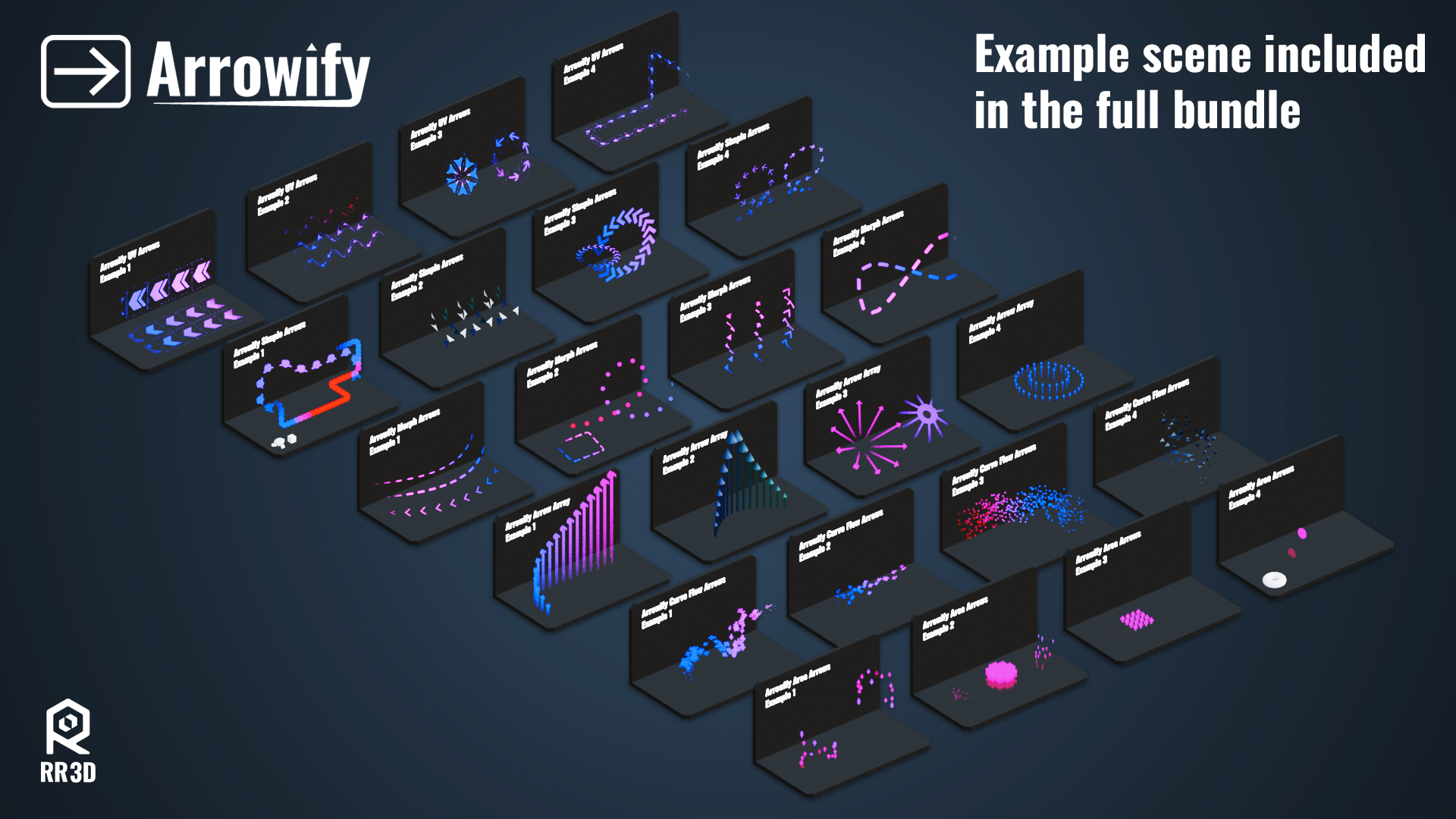
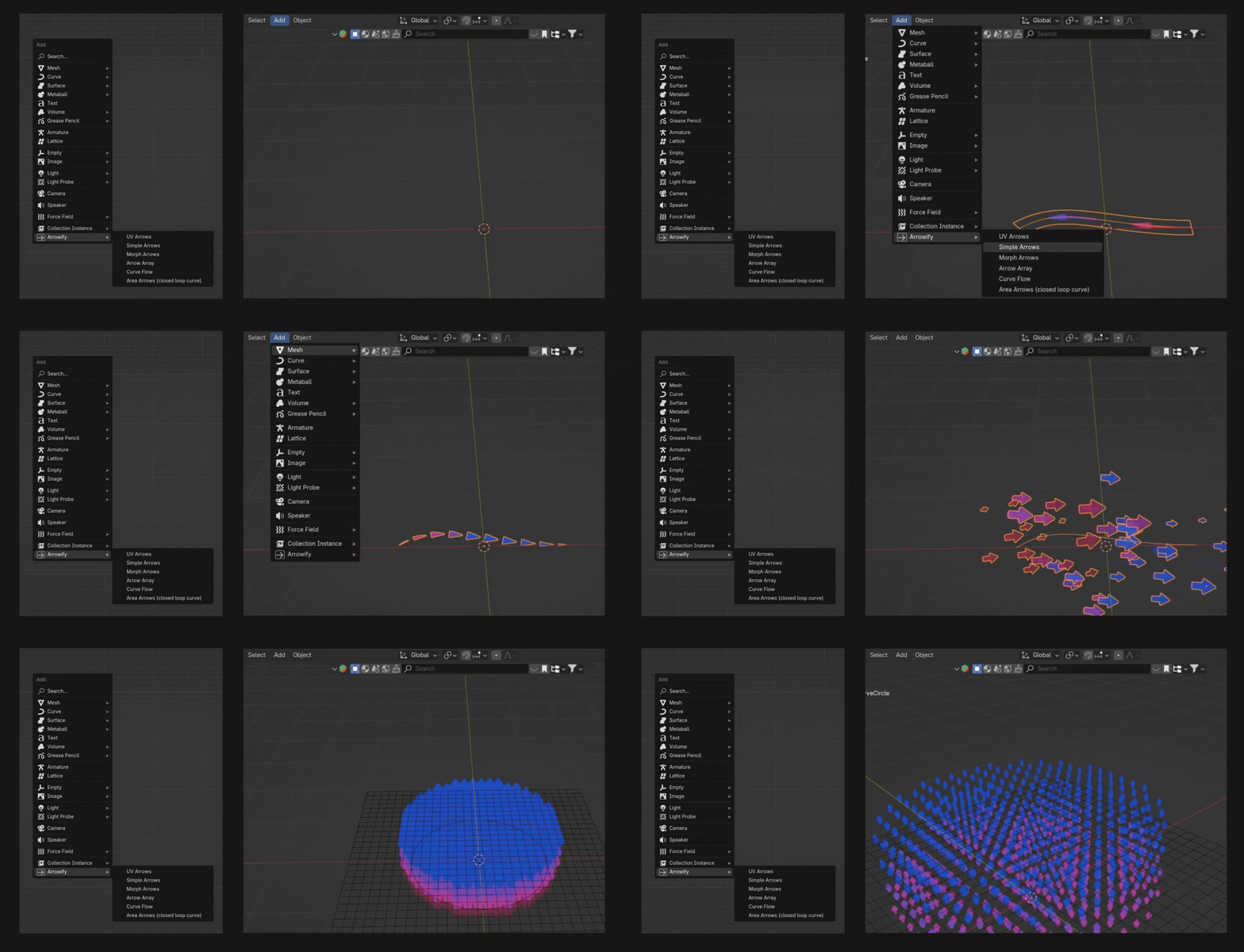
Addon:
The addon allows the user to instantly add the arrows to any curve or mesh line from the Add Menu in Blender.

Arrowify Bundle Overview:
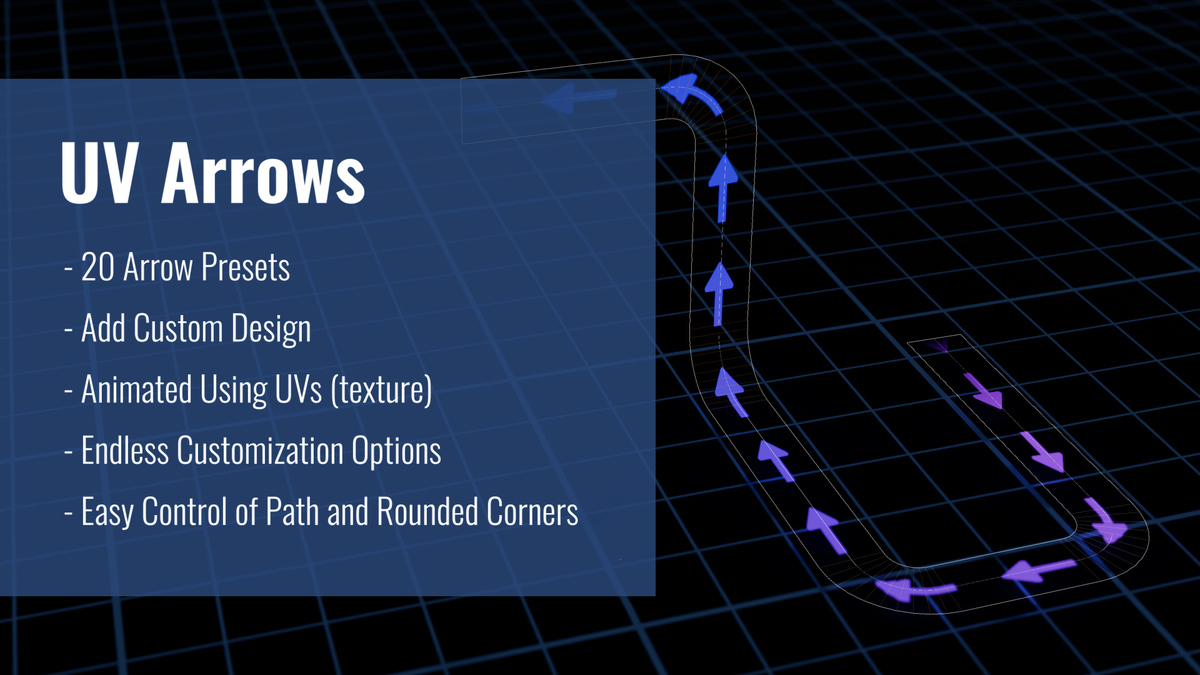
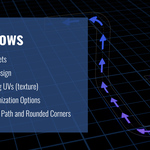
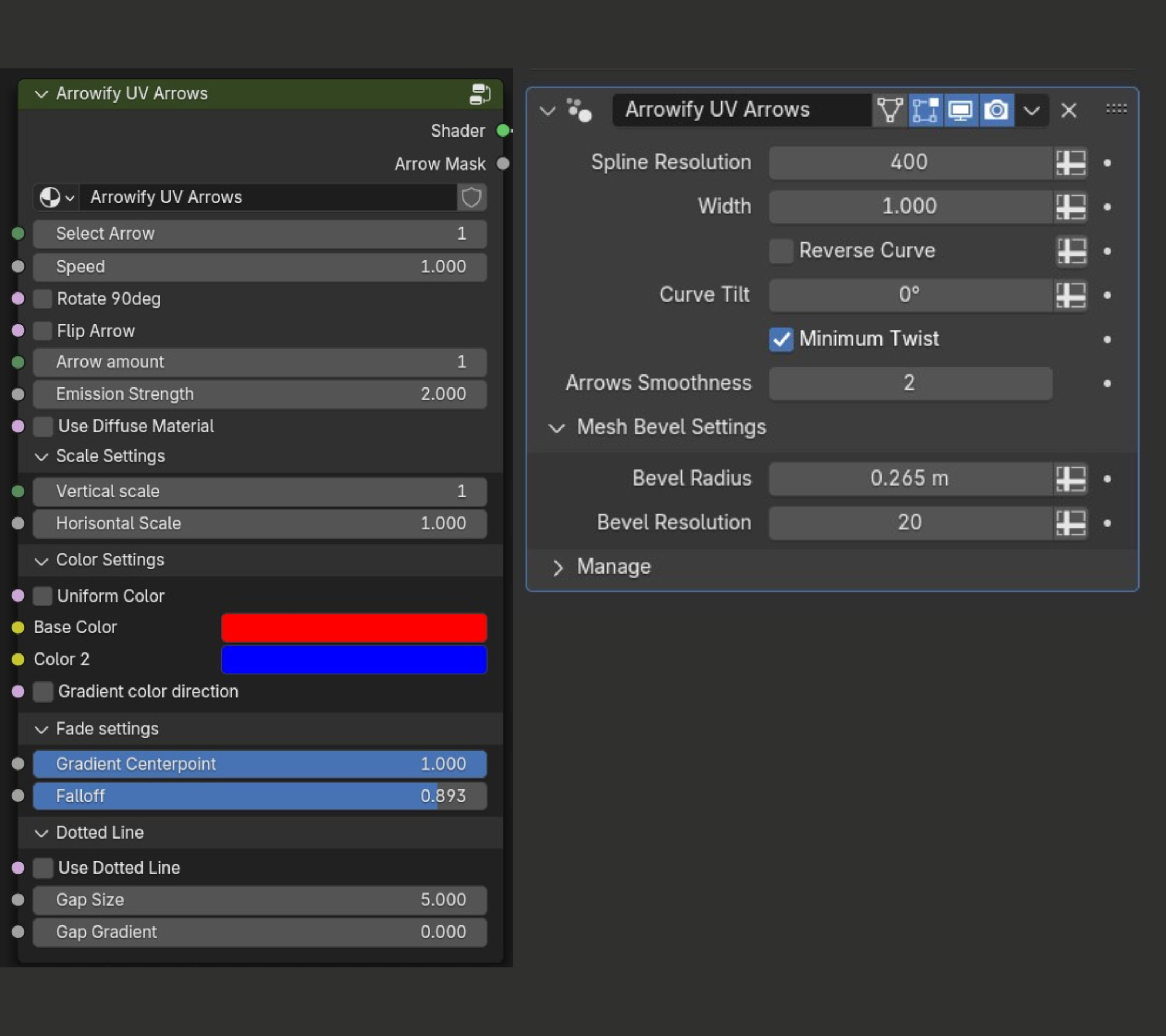
1 - UV Arrows:
- 20 preset arrows,
- Add Custom Design.
- Animated using UVs (texture).
- Flexible Shader Controls for a variety of Results.
- Easy Control of Path and Rounded Corners.
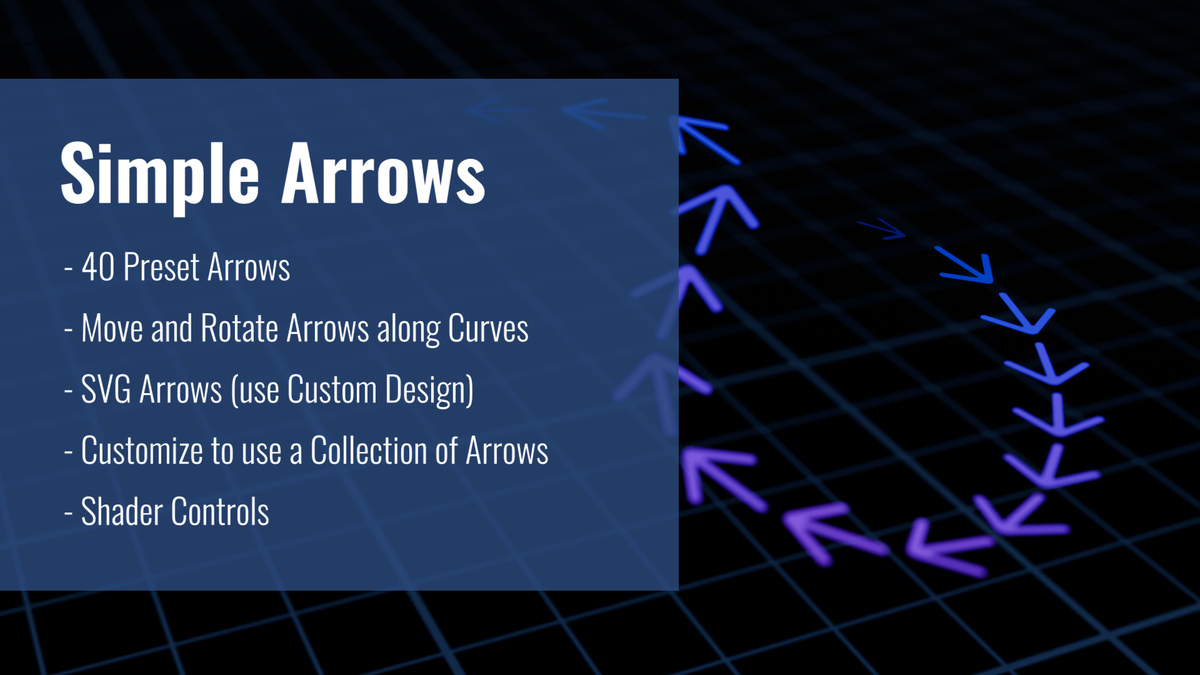
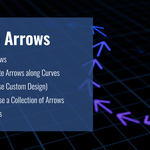
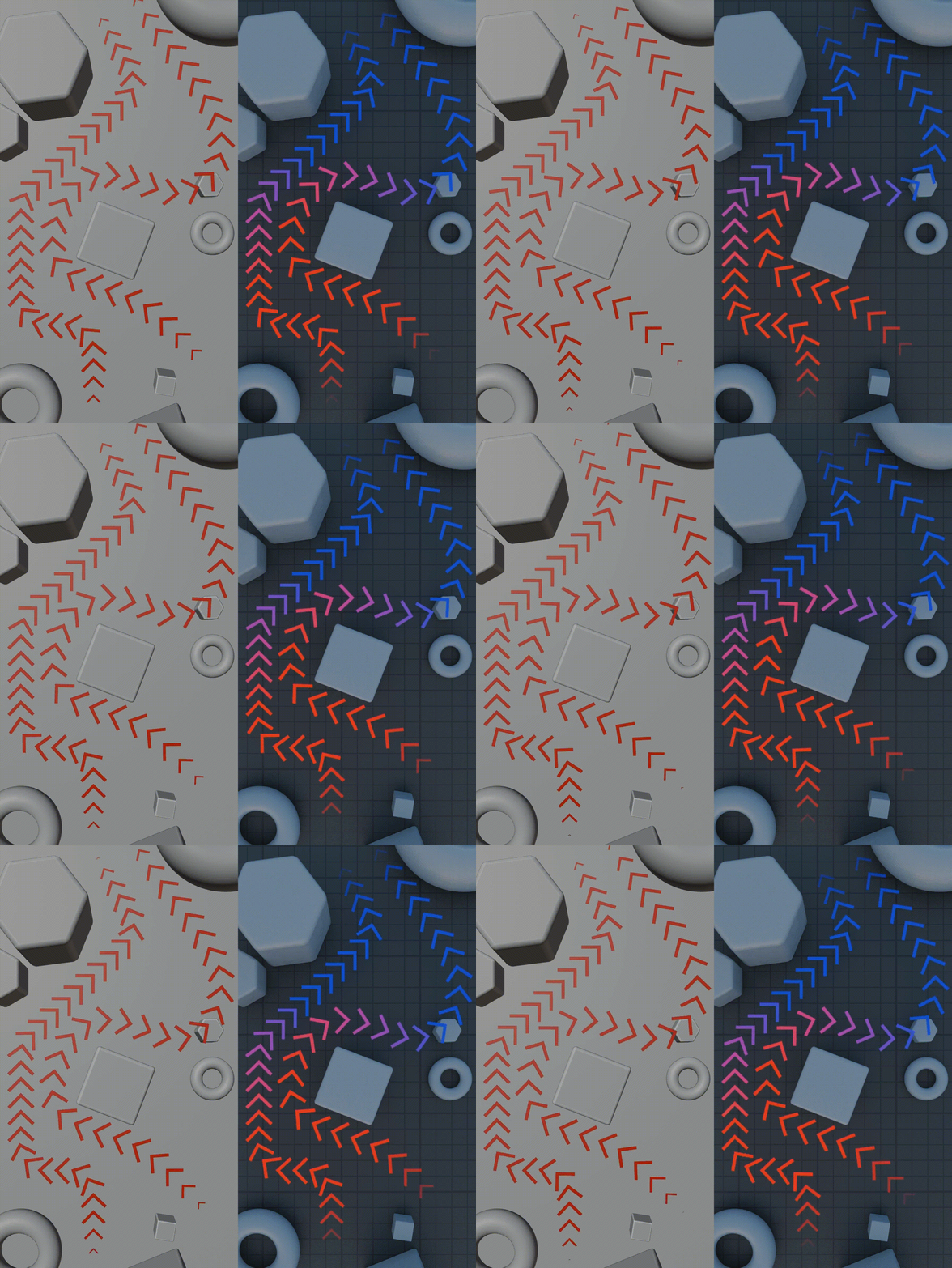
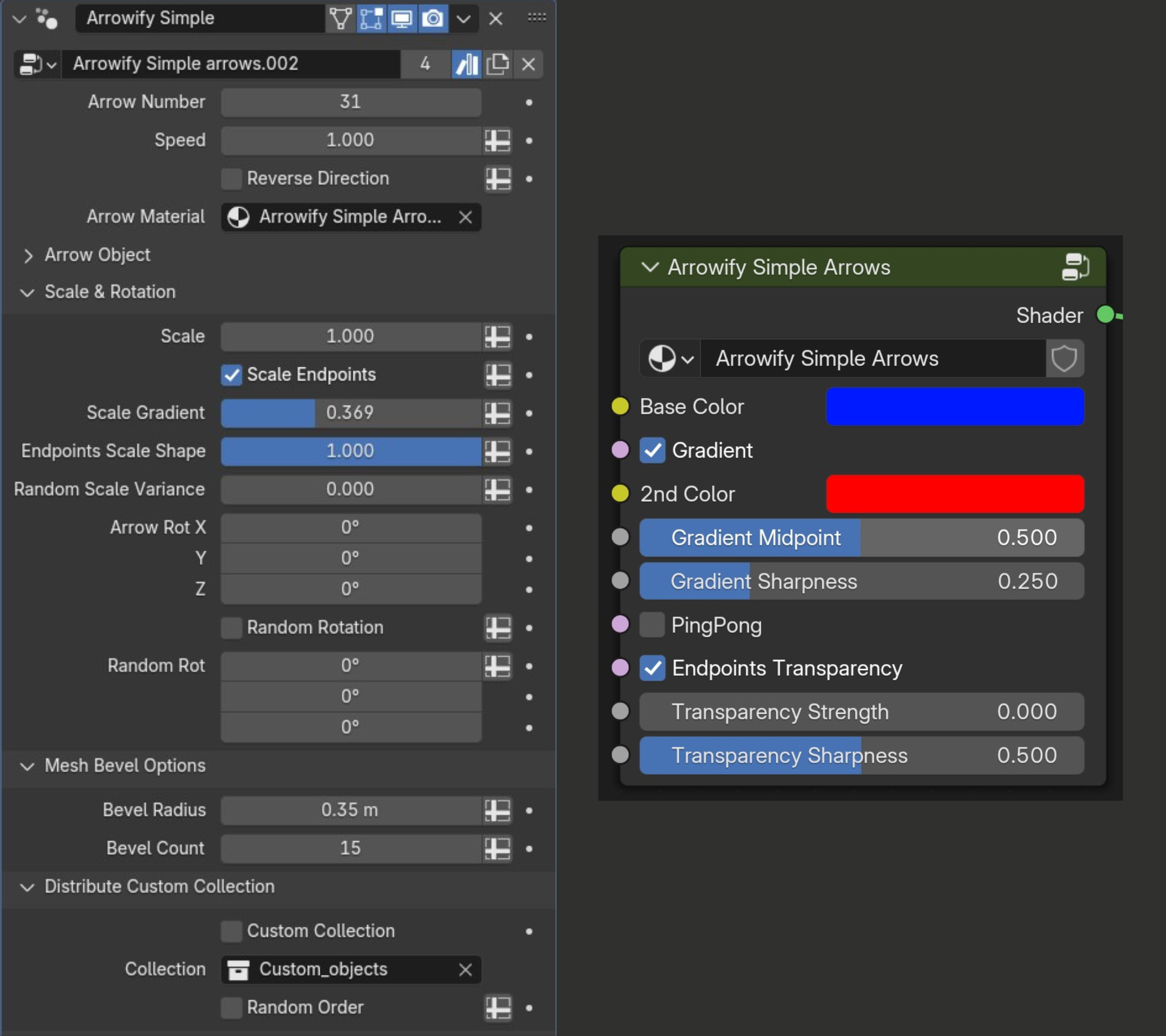
2 - Simple Arrows:
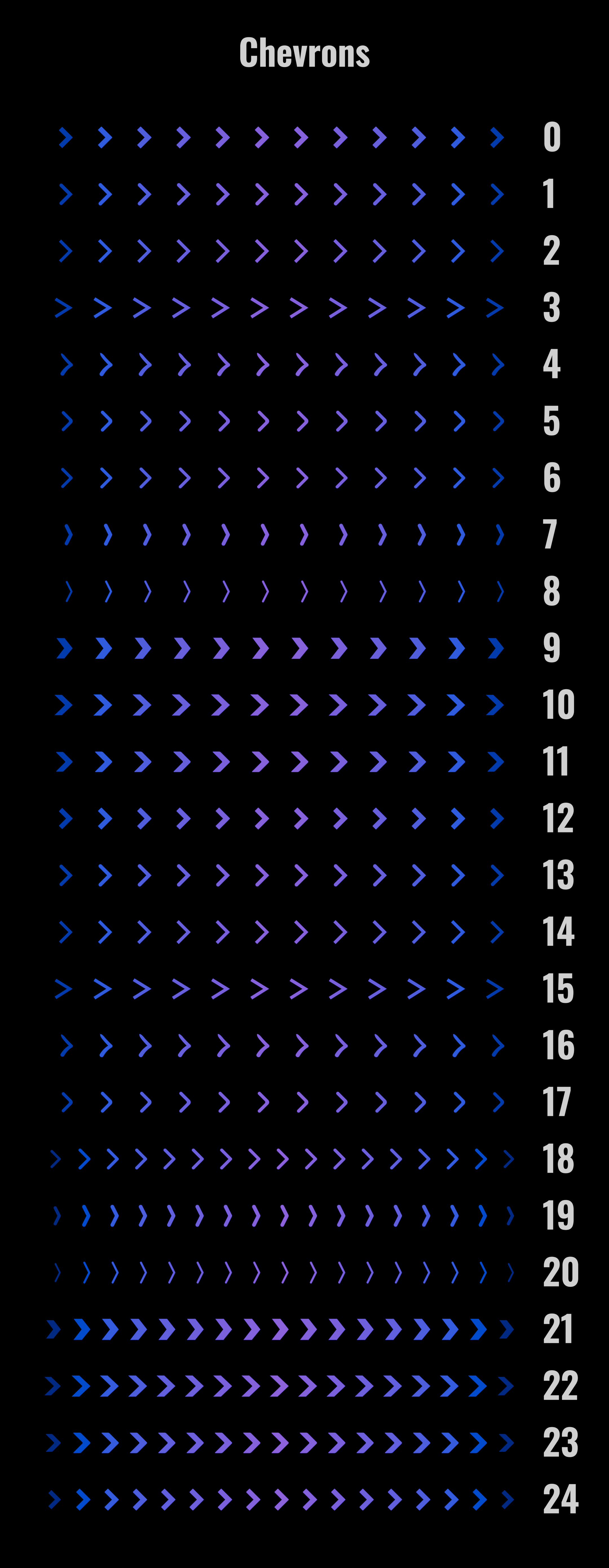
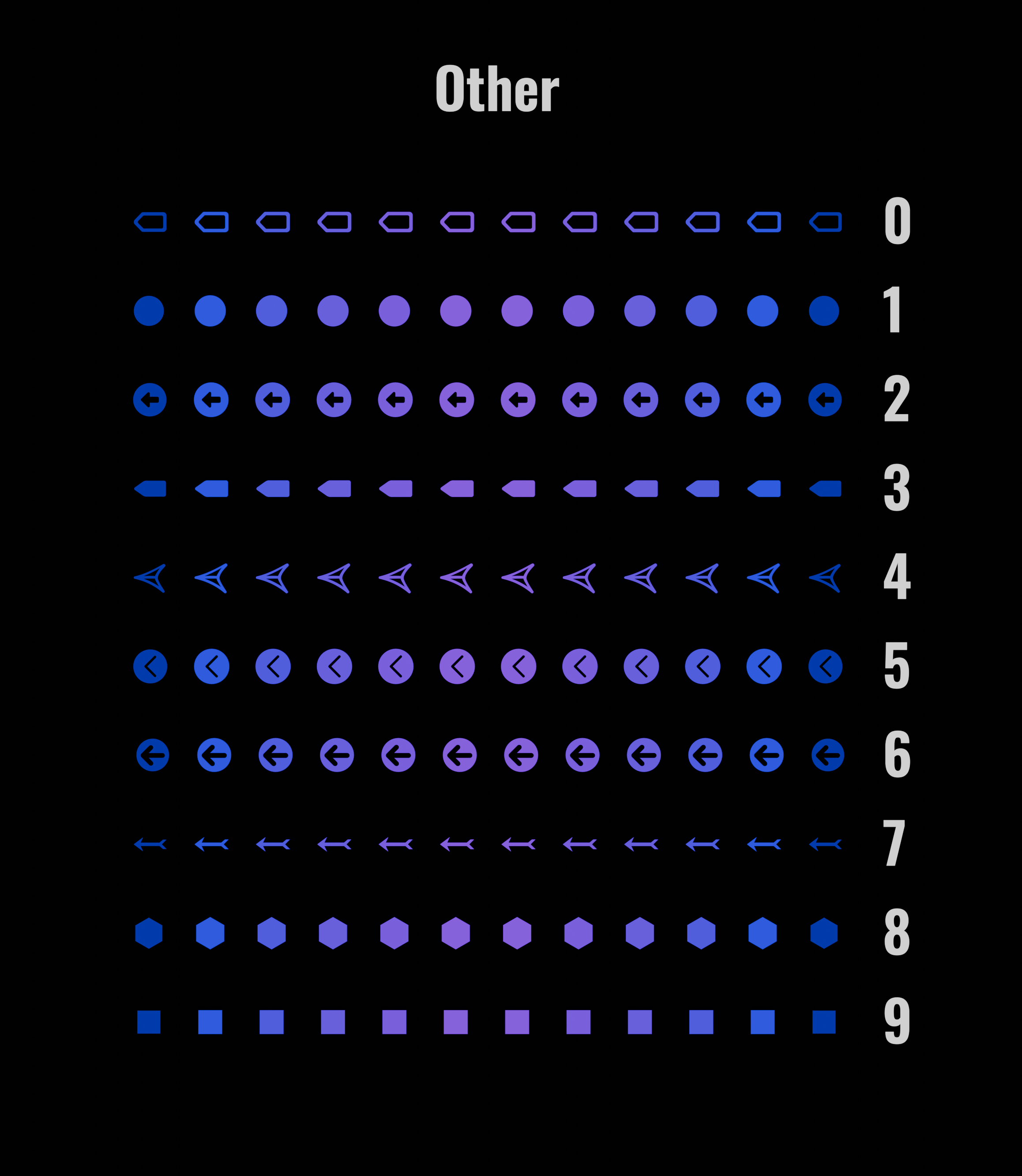
- 40 Preset Arrows.
- Move and Rotate Arrows along Curves.
- SVG Arrows.
- Customize to use a Collection of Arrows.
- Shader Controls.
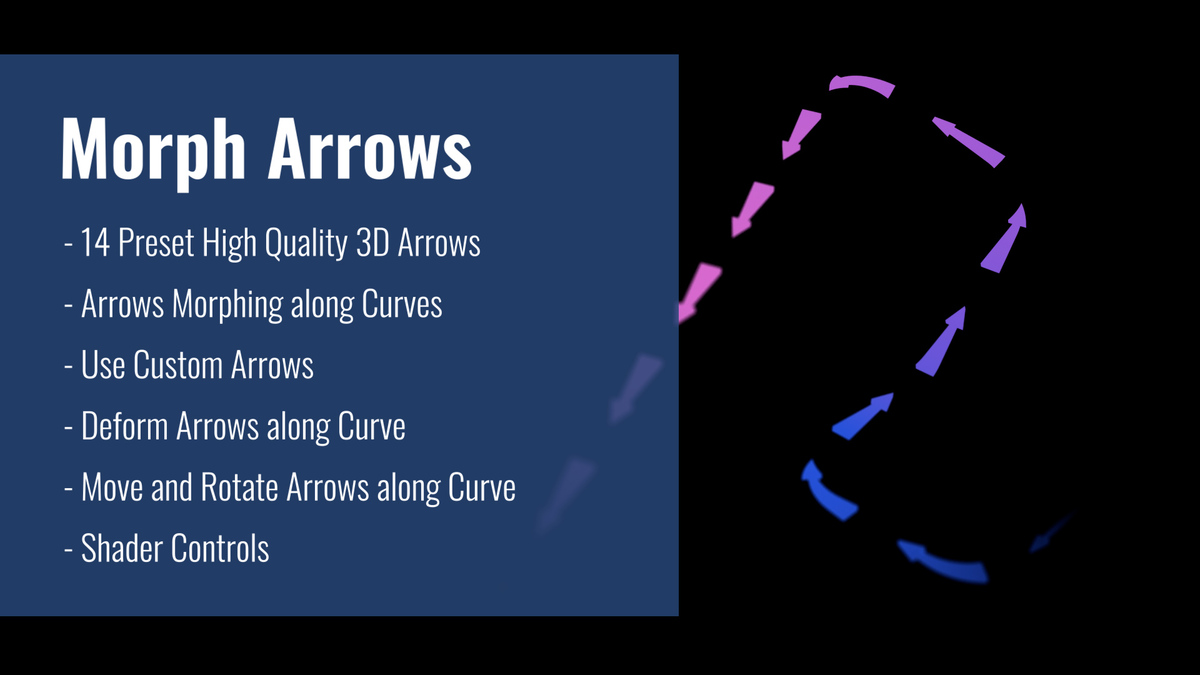
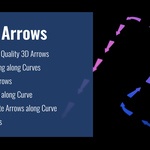
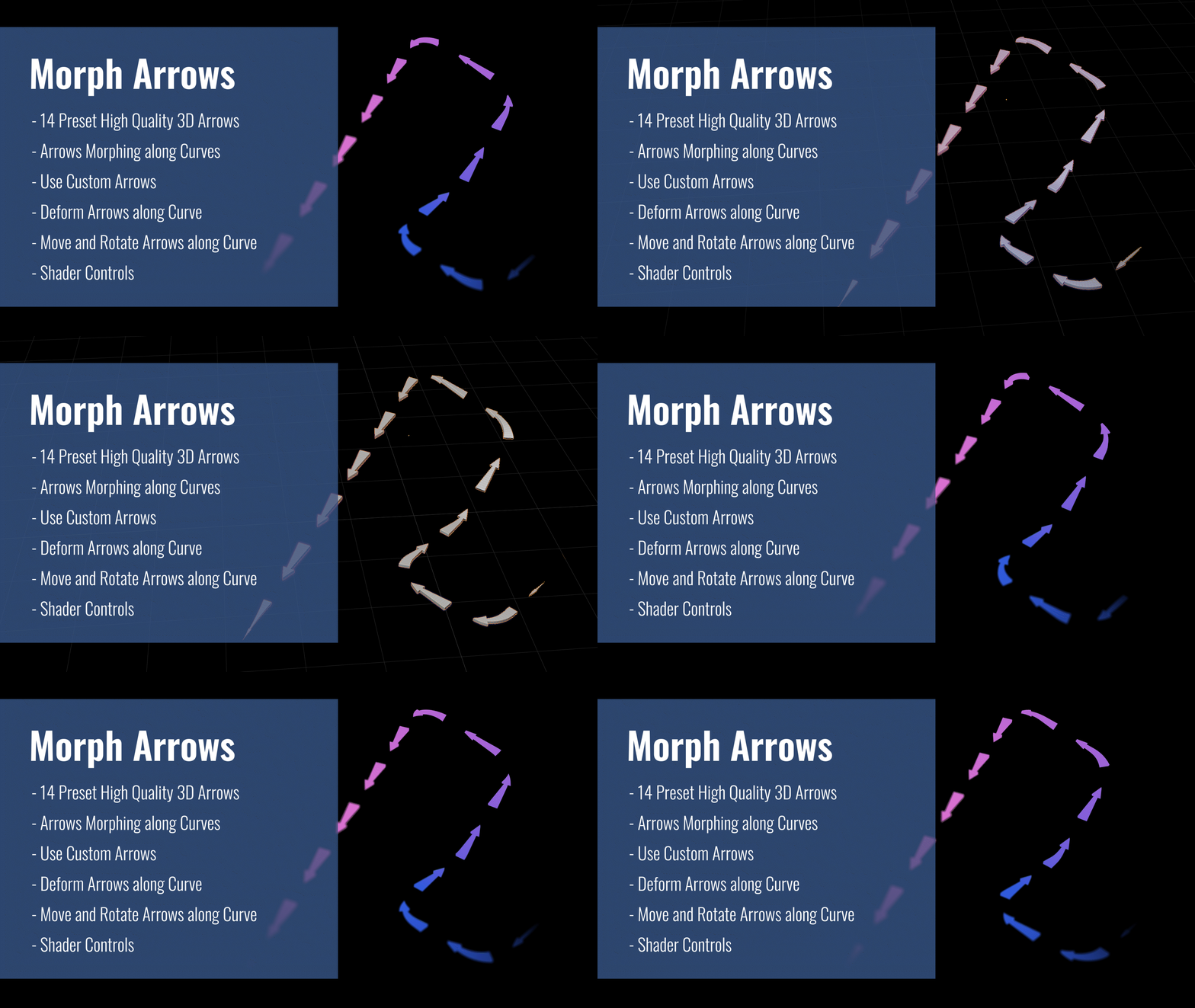
3 - Morph Arrows:
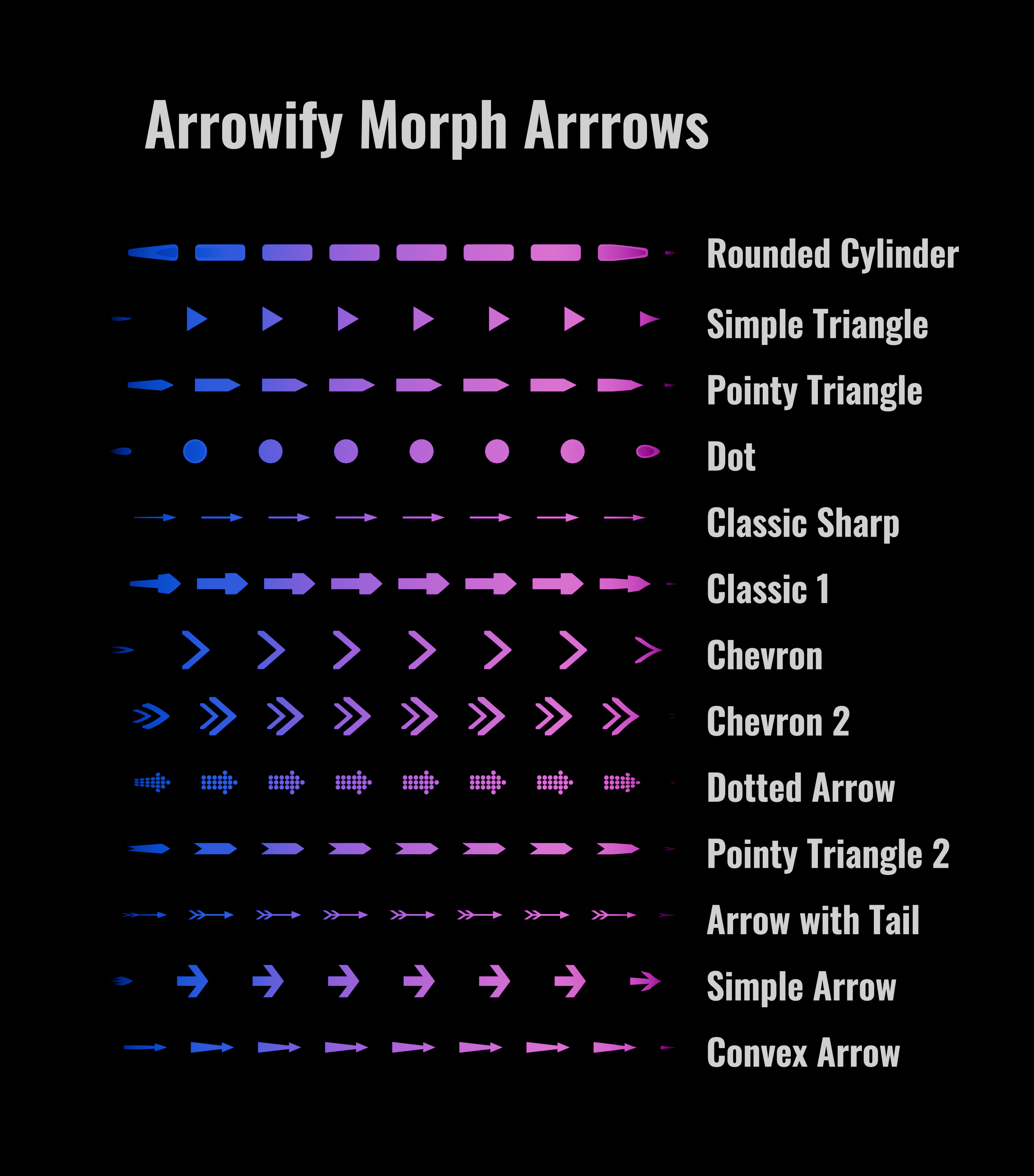
- 14 Preset Arrows.
- High Quality 3D Arrows that Morphs along Curves.
- Use Custom Arrows.
- Deform Arrows along Curve.
- Move and Rotate Arrows along Curve.
- Shader Controls.
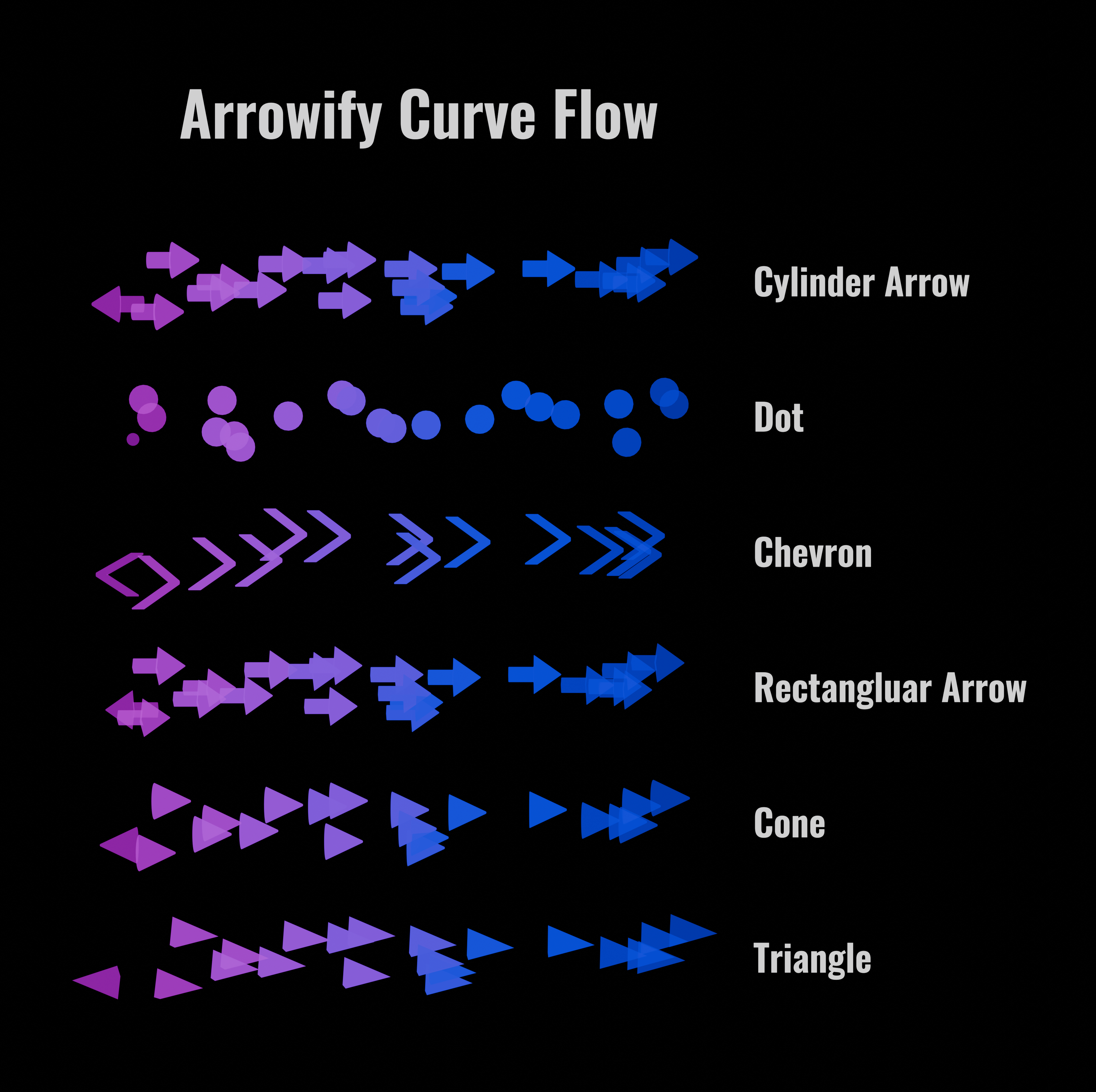
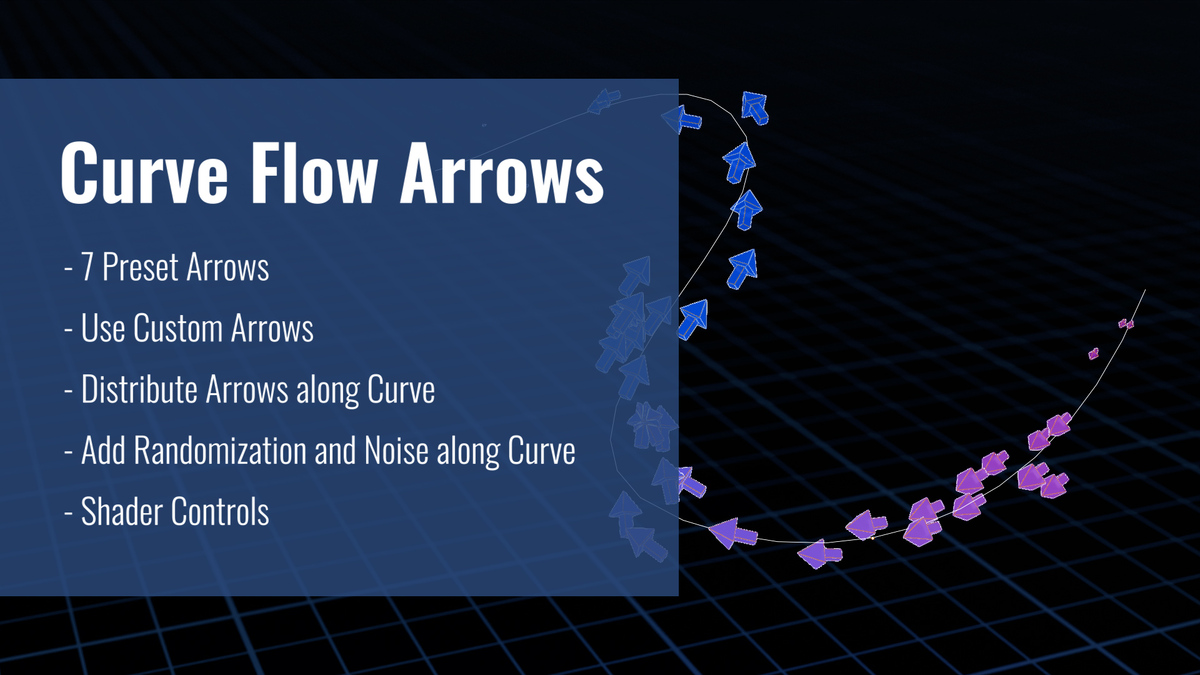
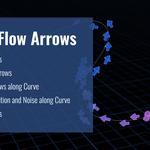
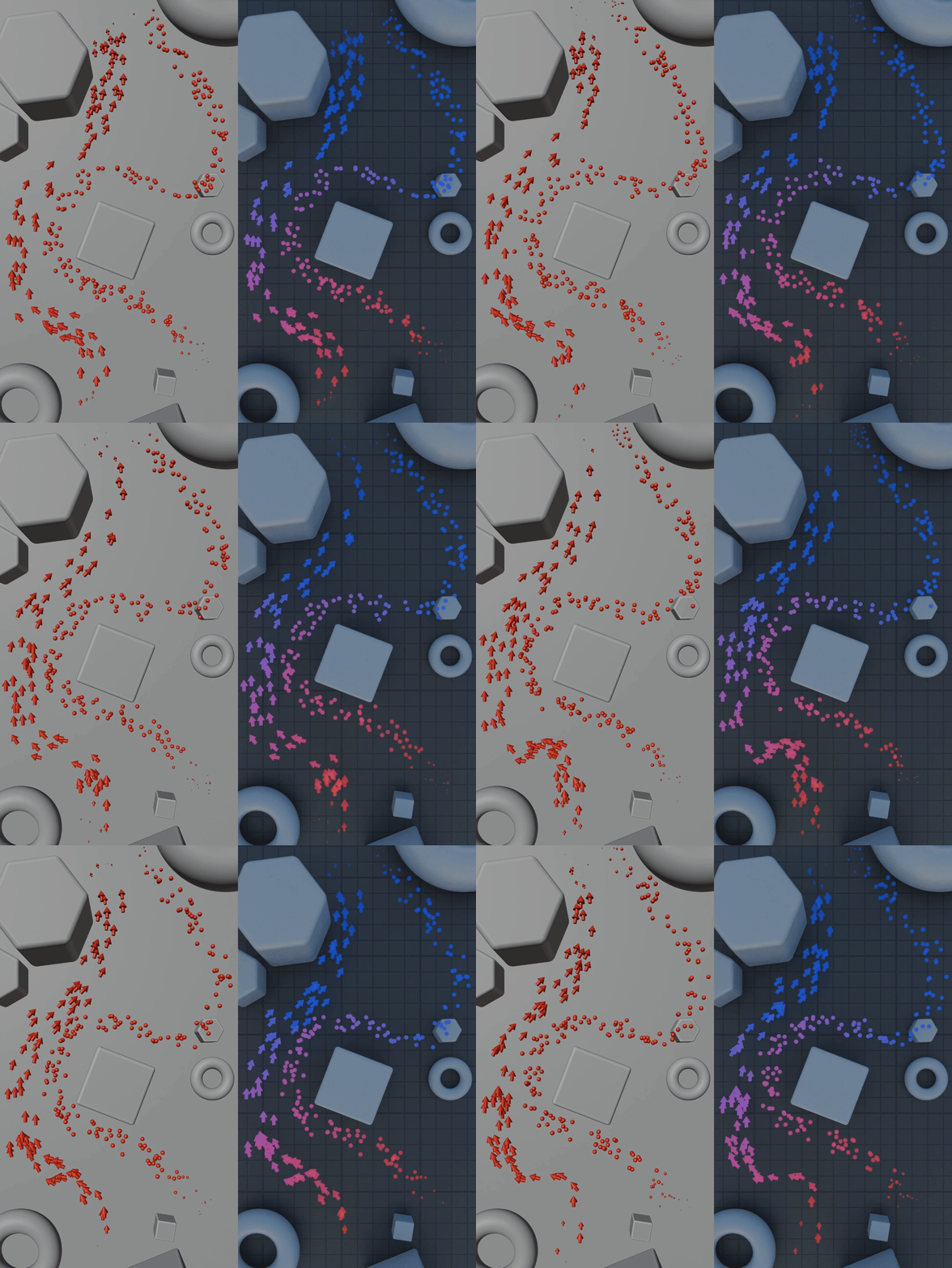
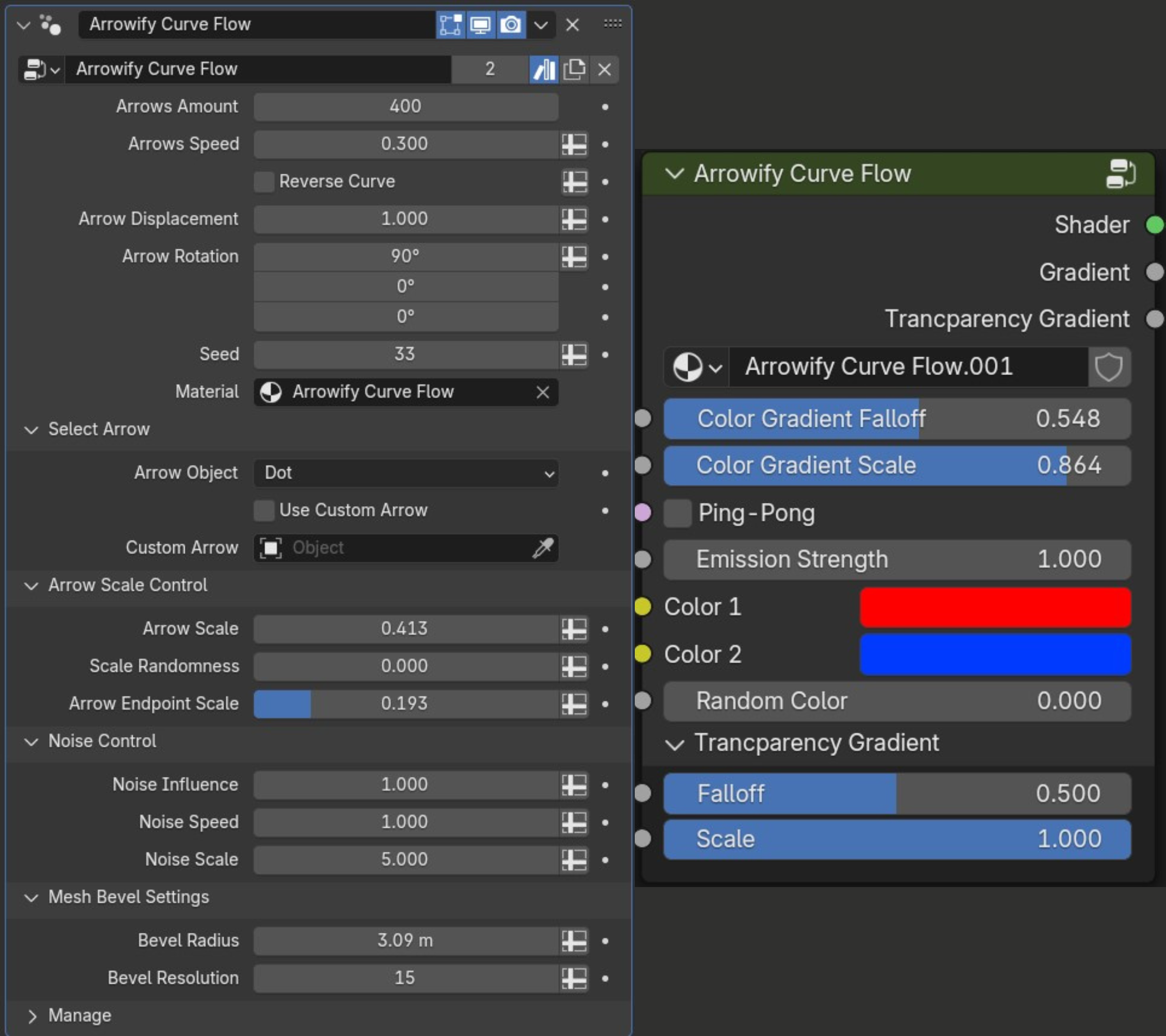
4 - Curve Flow Arrows:
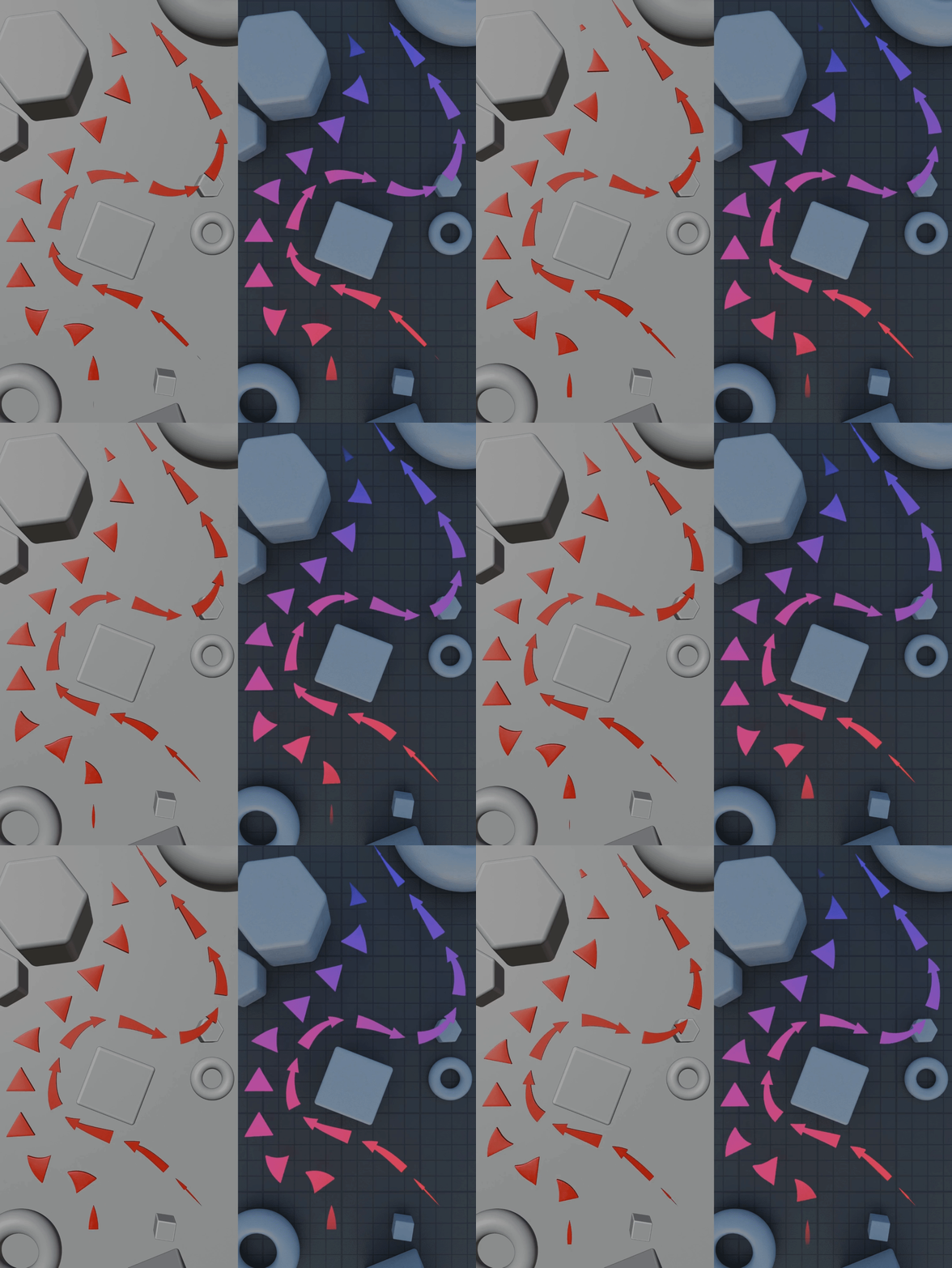
This setup randomly distributes arrows along a curve.
- 7 Preset Arrows.
- Use Custom Arrows.
- Distribute Arrows Along Curve.
- Add Randomization and Noise Along Curve.
- Randomize Scale Parameters.
- Shader Controls.
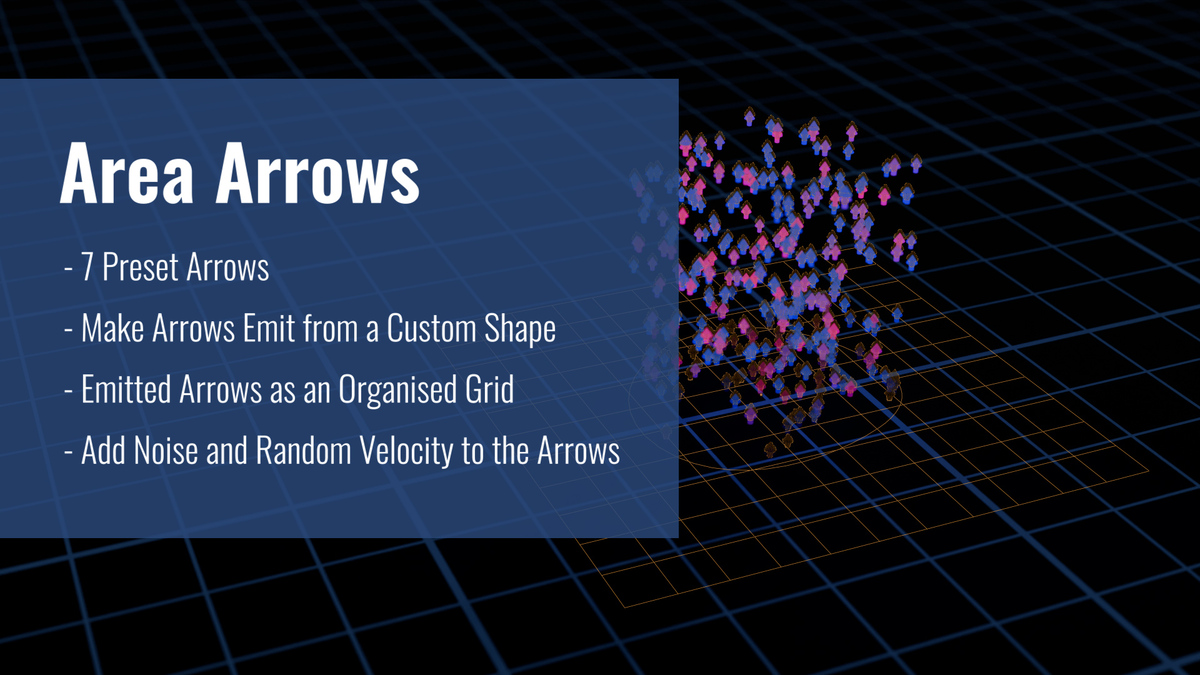
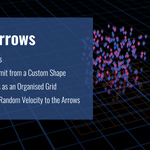
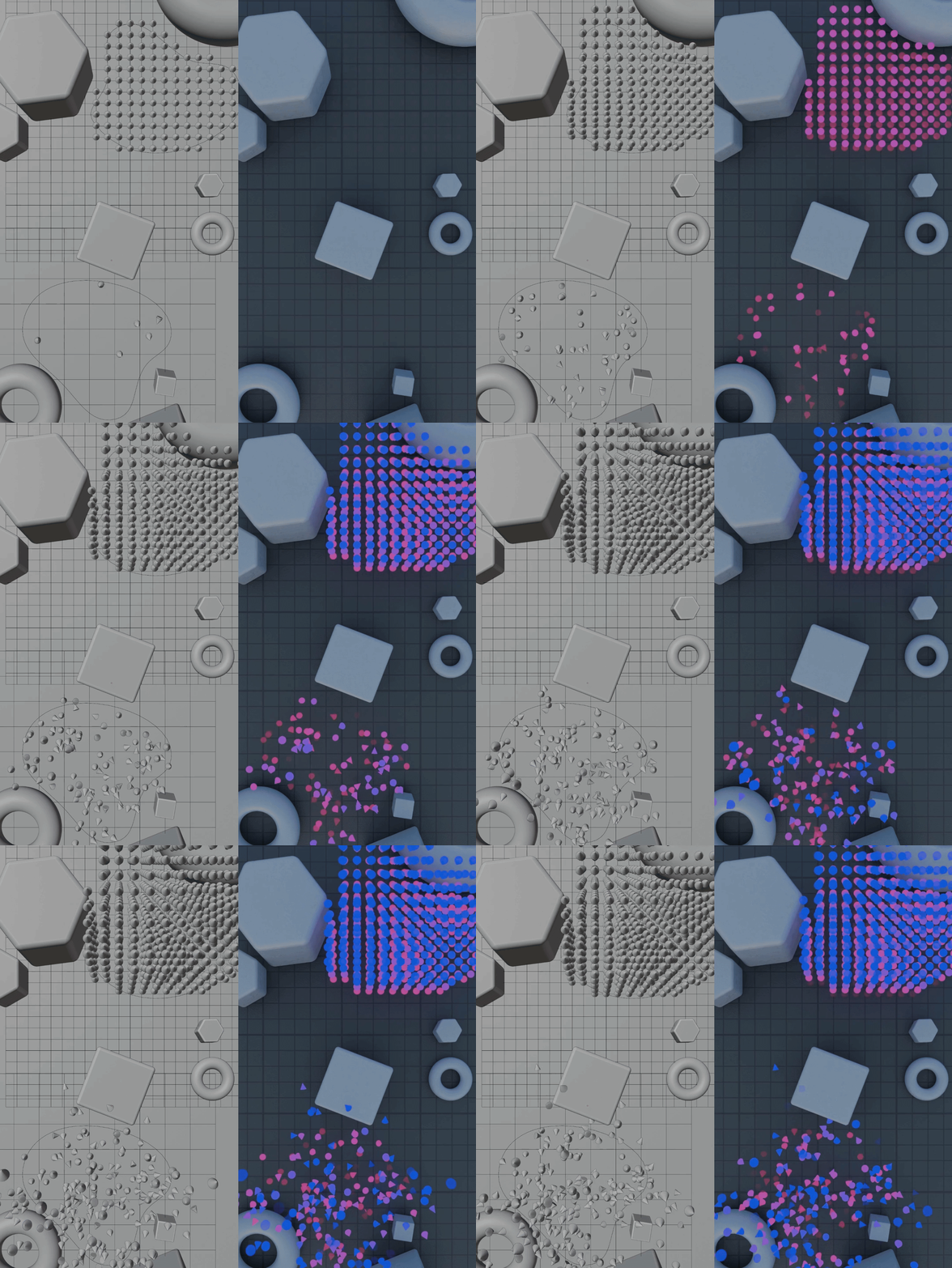
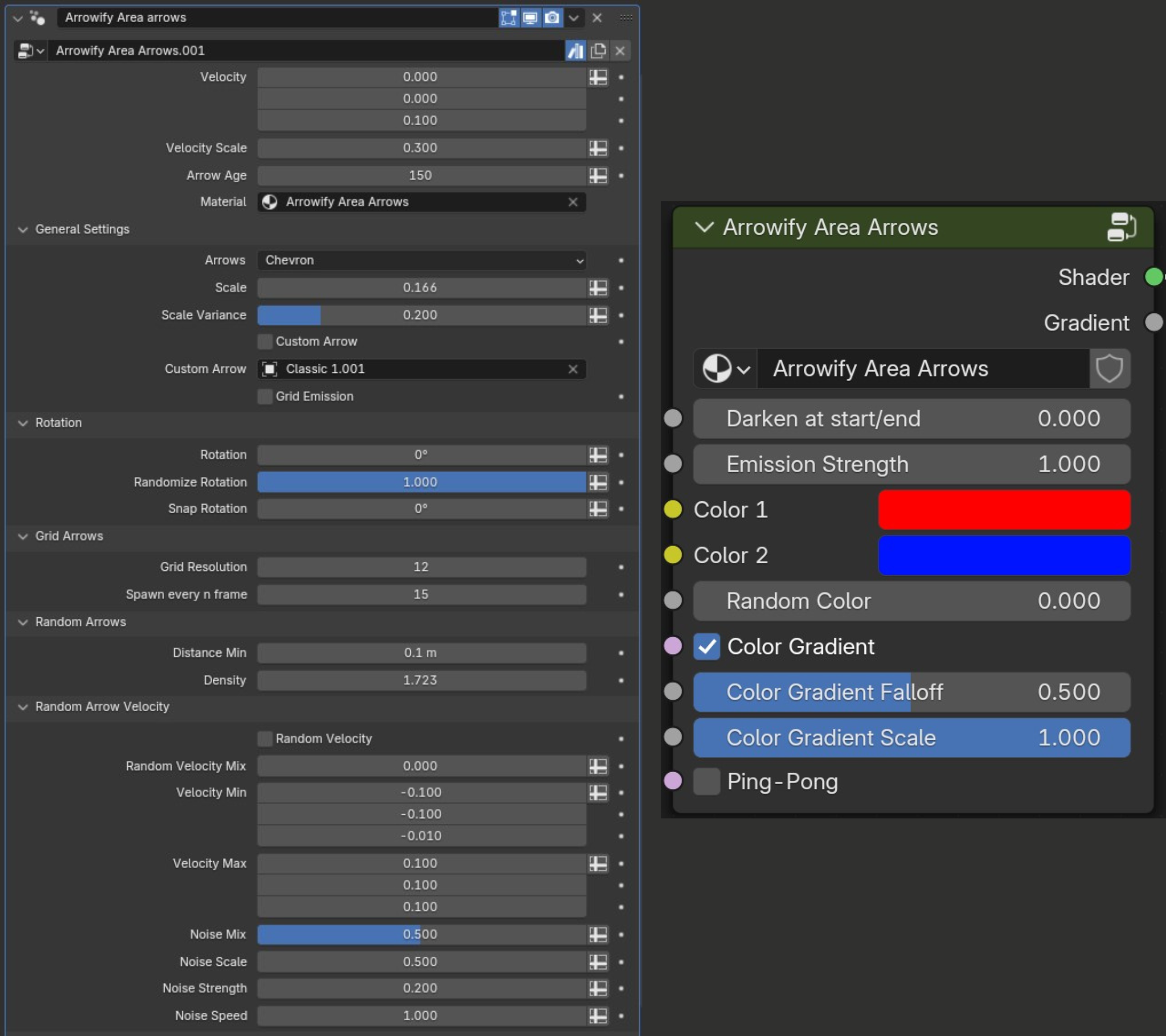
5 - Area Arrows:
- 7 Preset Arrows.
- Make Arrows Emit from a Custom Shape.
- Emitted Arrows as an Organised Grid.
- Add Noise and Random Velocity to the Arrows.
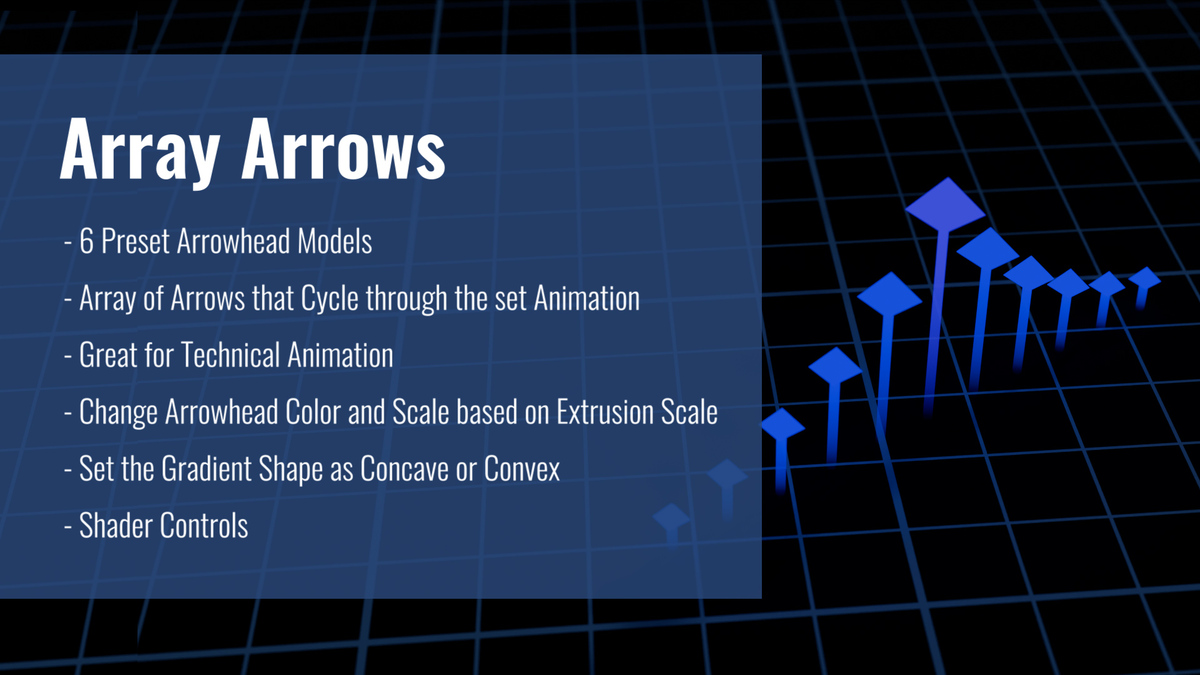
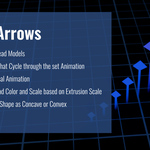
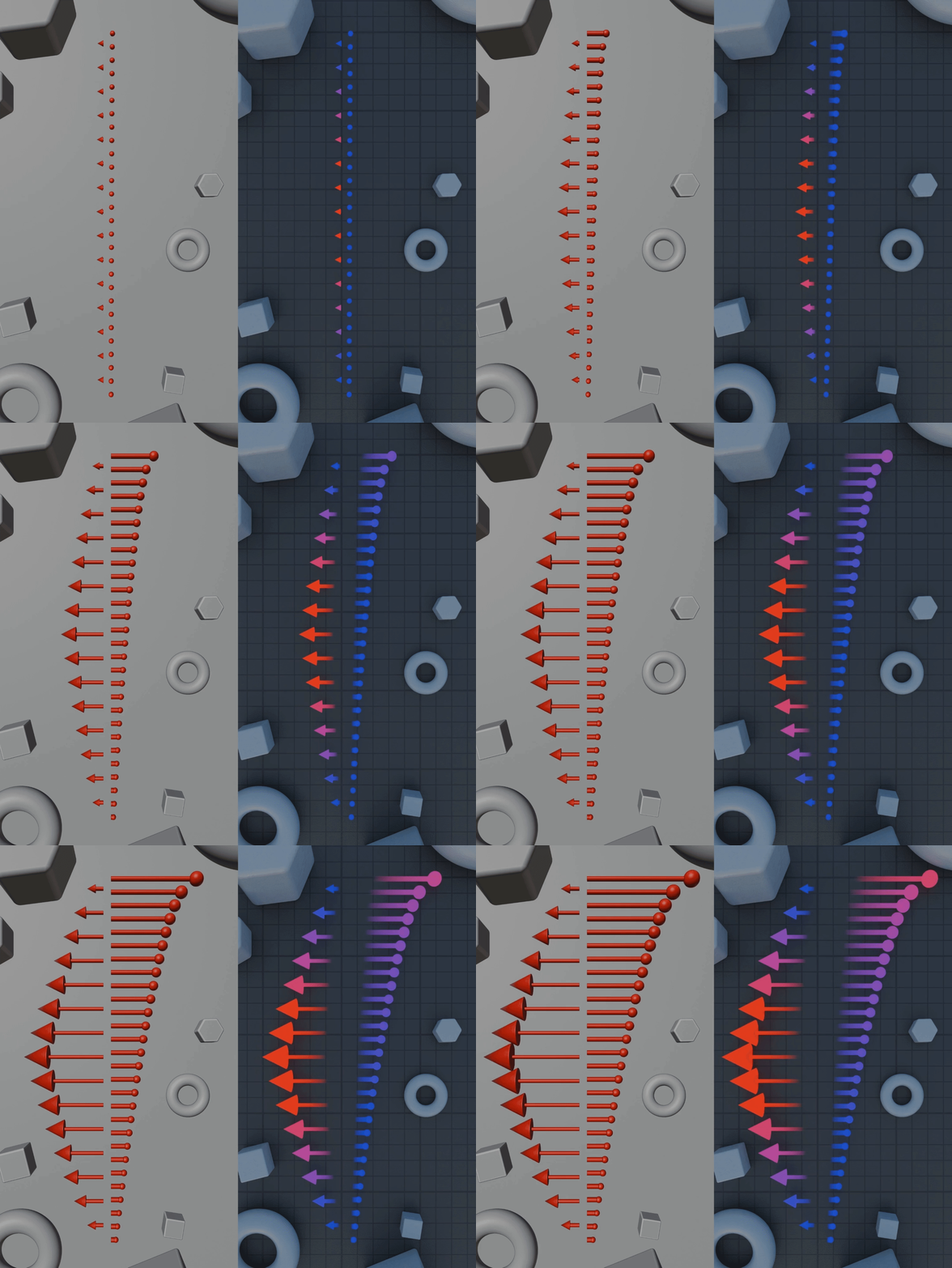
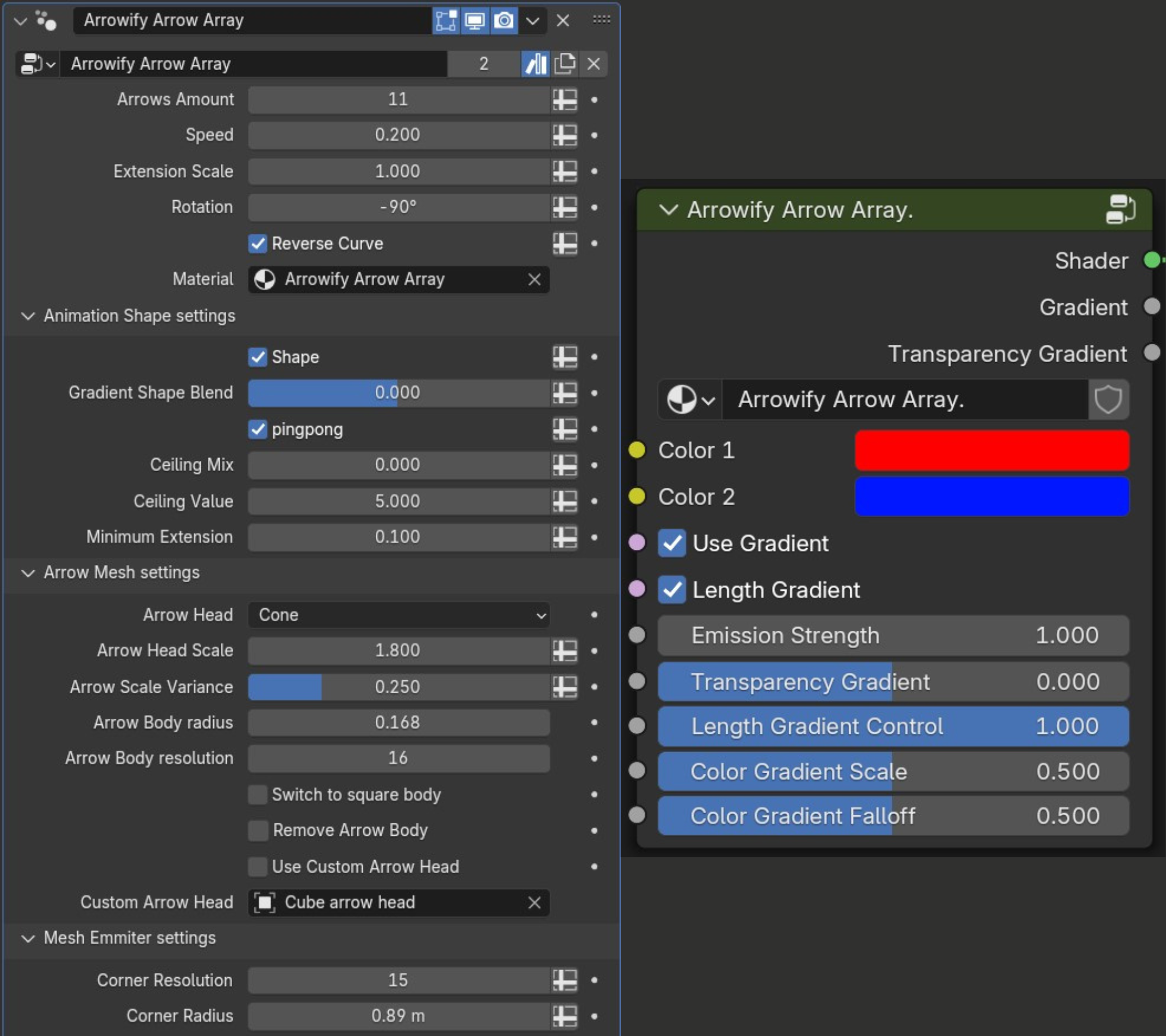
6 - Array Arrows:
- 6 Preset Arrowhead Models.
- Array of Arrows that Cycle through the set Animation.
- Great for Technical Animation showing Forces, or Magnitudes.
- Change Arrowhead Color and Scale based on Extrusion Scale.
- Set the Gradient Shape as Concave or Convex.
- Shader Controls.

Updates:
Update 1.1
- Added a looping feature to the following arrows setups: UV arrows, Simple arrows, Morph arrows, and Curve flow. This allows you to easily create looping animations with the arrows.
- Added a new feature to the Morph arrows setup. This allows the Morph arrows to behave similarly to the Curve flow features, but with the added benefit of the arrow deformation.
- Quality of life improvements: Made the arrows red in the viewport to help organization, changed the default values of some features so when imported the arrows behave better, changed the pricing, and structure of the product.
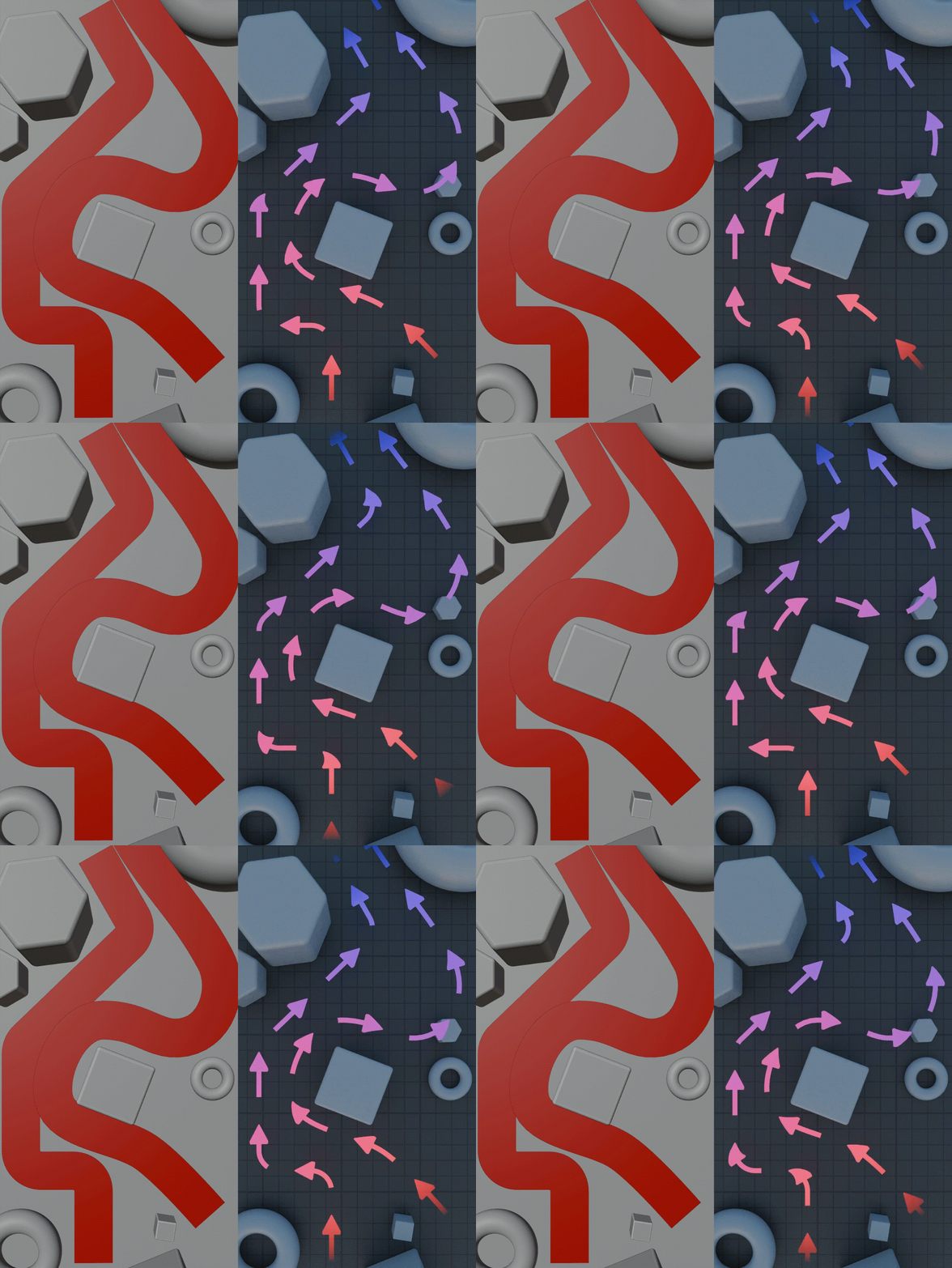
Example of the new Morph arrow feature:

Update 1.2
- Fixed some issues with the Looping feature in the Morph Arrow setup. Please see documentation for further info on creating custom arrows for the Morph Arrow setup.
- Added an option to the Morph Arrow: switch curve normal between "Z Up" and "Minimum Twist". This is useful when arrows might twist in odd ways, then the curve normal is to blame.
- Added an option to the Morph Arrow to toggle the endpoint scaling on and off. If turned off then the arrow mesh is then just deleted when it gets to the curve start/end.
- Other bug fixes.
(All of the available bundles receive all the updates)
Update 1.3
- New feature called "Gradual Start". By enabling this the arrows gradually start from the startpoint, and when they reach the end, they loop based on your loop settings. You can also set what frame the arrows appear on, so if you want the arrows to gradually start from the 100th frame then you can set that. This feature is available for the Simple, UV, and Morph arrow systems.
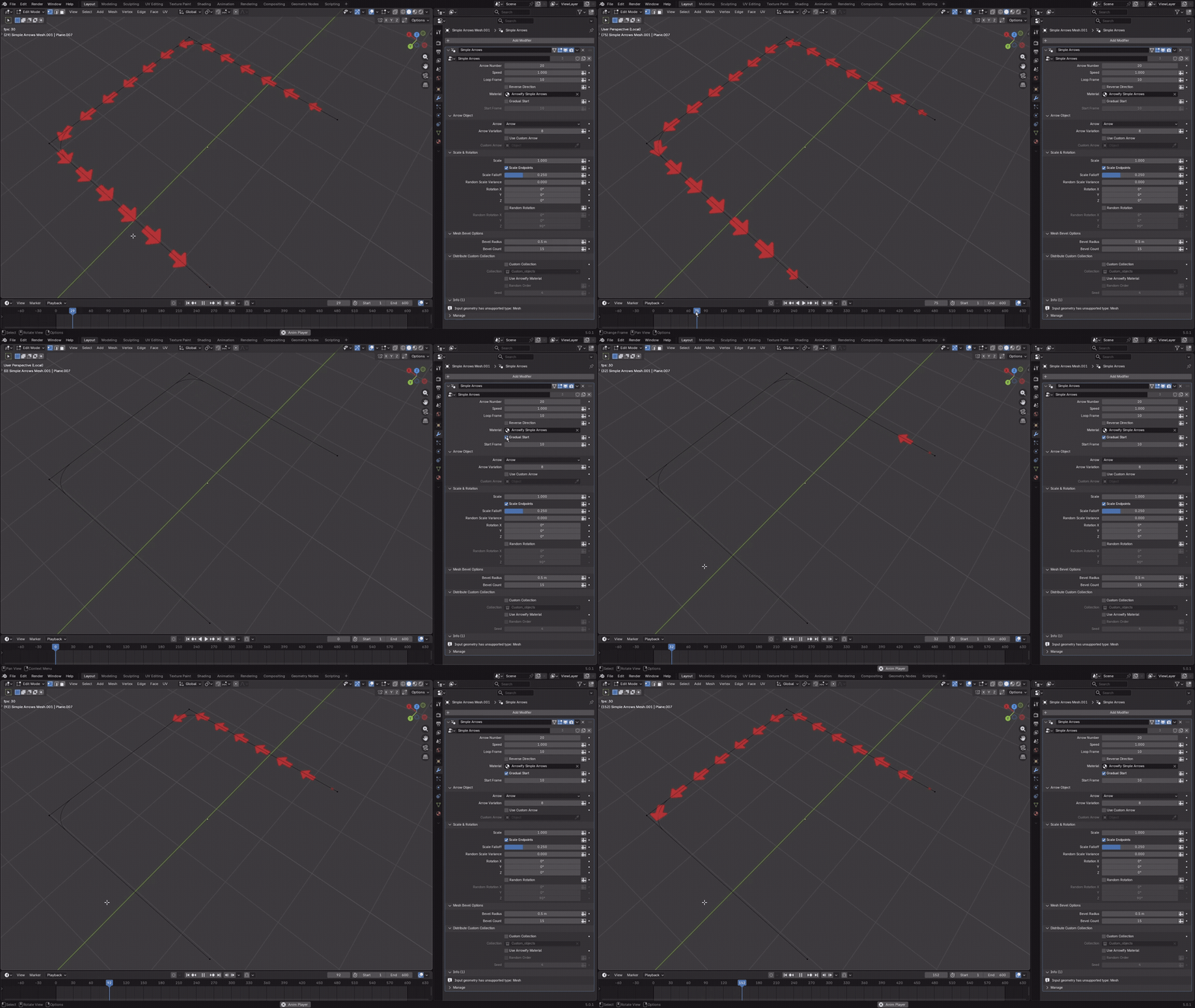
- Now by default in the Simple Arrows, if you enable Use Custom Collection, the materials of the collection objects are not overwritten by the Simple Arrows material. If you do want the materials to be overwritten, then there is a separate checkbox for that.
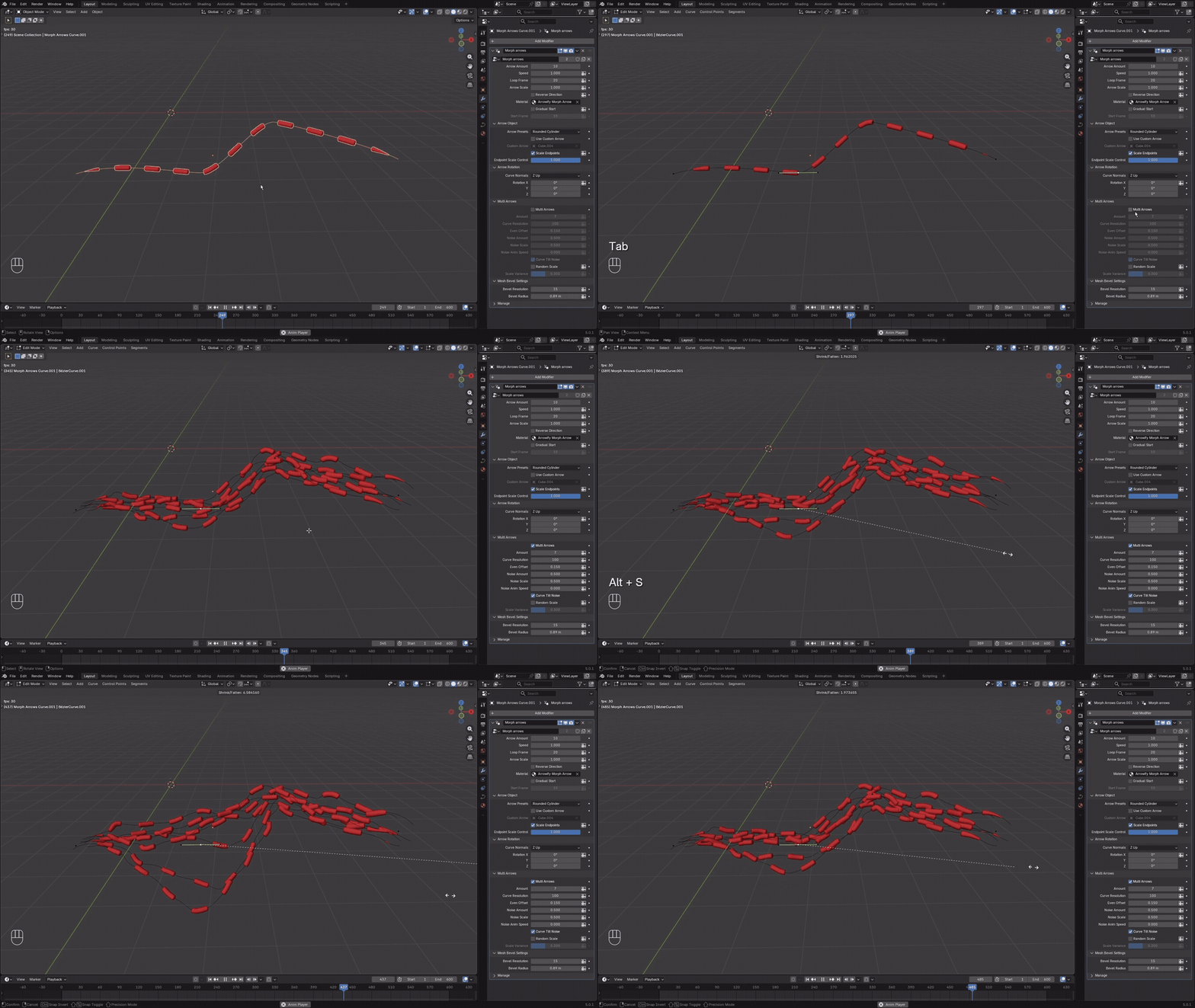
- In the Morph Arrows if you enable the Multi Arrows feature, then apart from setting the Even Offset in the modifier tab, if you are spawning the arrows on a curve you can also control the Offset by selecting a curve point in edit mode and scaling it with "Alt + S". This way you can have a variable offset within a single curve object.
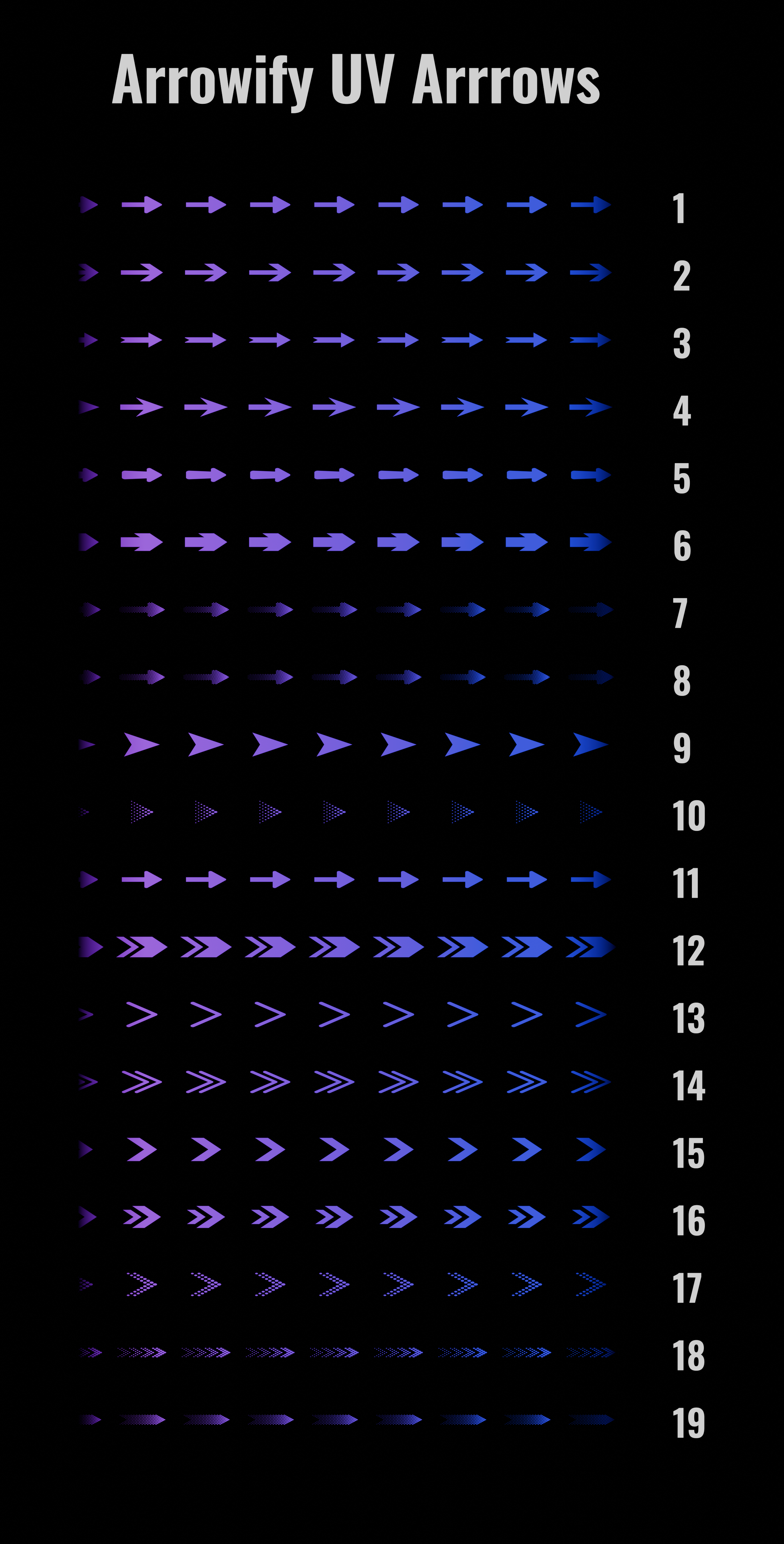
- UV arrows now uses closures to input a custom arrow texture. The arrow presets have been organized into groups with a Menu.
- Some controls have been fine tuned
Please note that the 1.3 update works for Blender 5.0 and above.
About and Technical Support:
At RR3D we are specialized in making technical 3D-animations for engineering and technical marketing. This tool has been developed for internal use. Since we have not seen anything similar available, we have decided to release it to the public.
Email us at [email protected] for technical support, or reach out here on Superhive.

Preset Arrow Library for "1 - Arrowify UV Arrows":
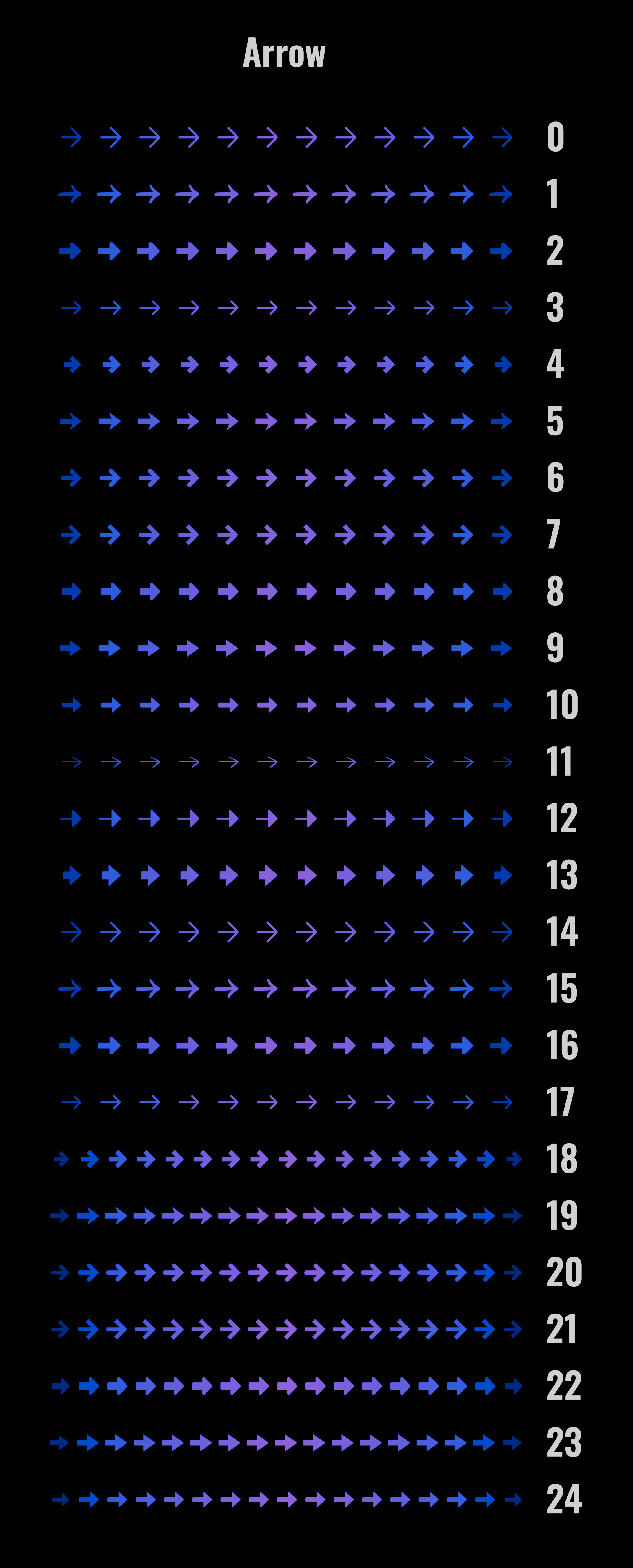
Preset Arrow Library for "2 - Arrowify Simple Arrows":
2 - Simple Arrows - Arrow:
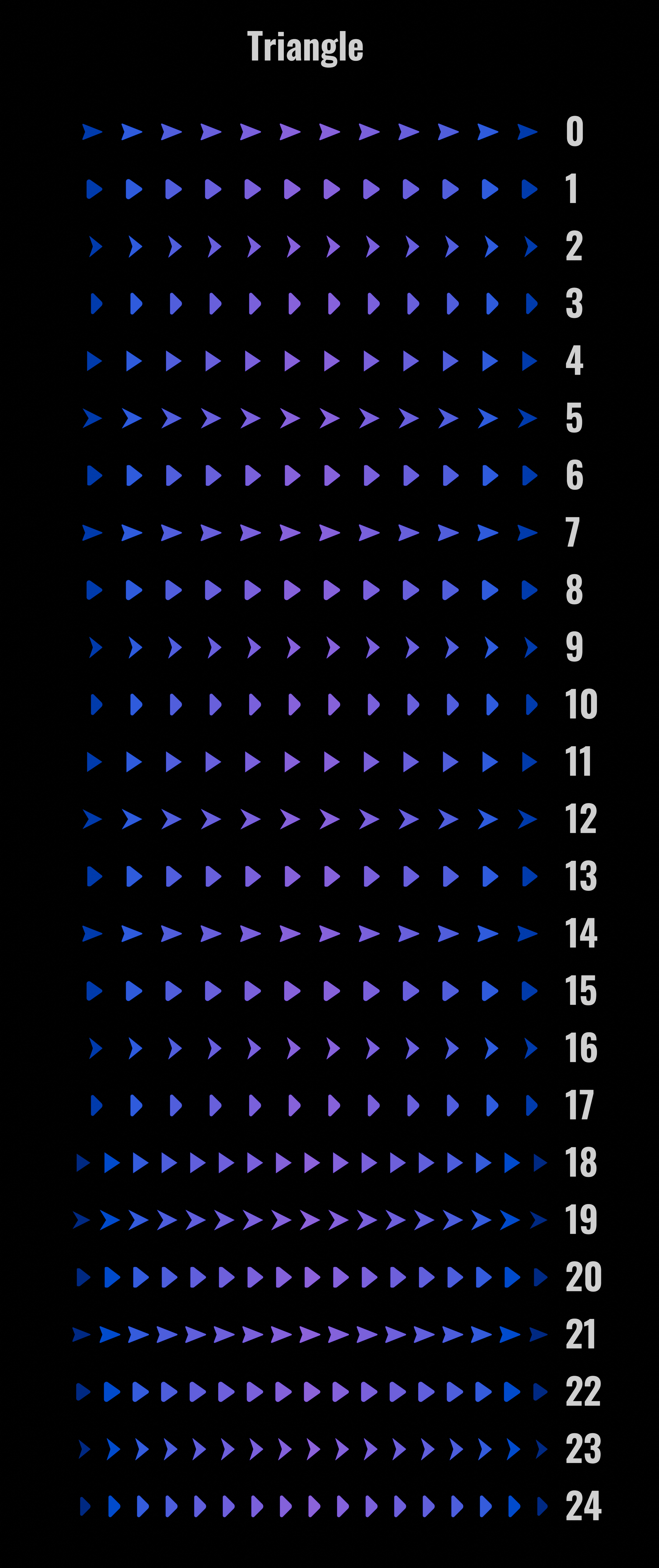
2 - Simple Arrows - Other:
Preset Arrow Library for "3 - Arrowify Morph Arrows":
Preset Arrow Library for "4 - Arrowify Curve Flow":