 RR3D
RR3D
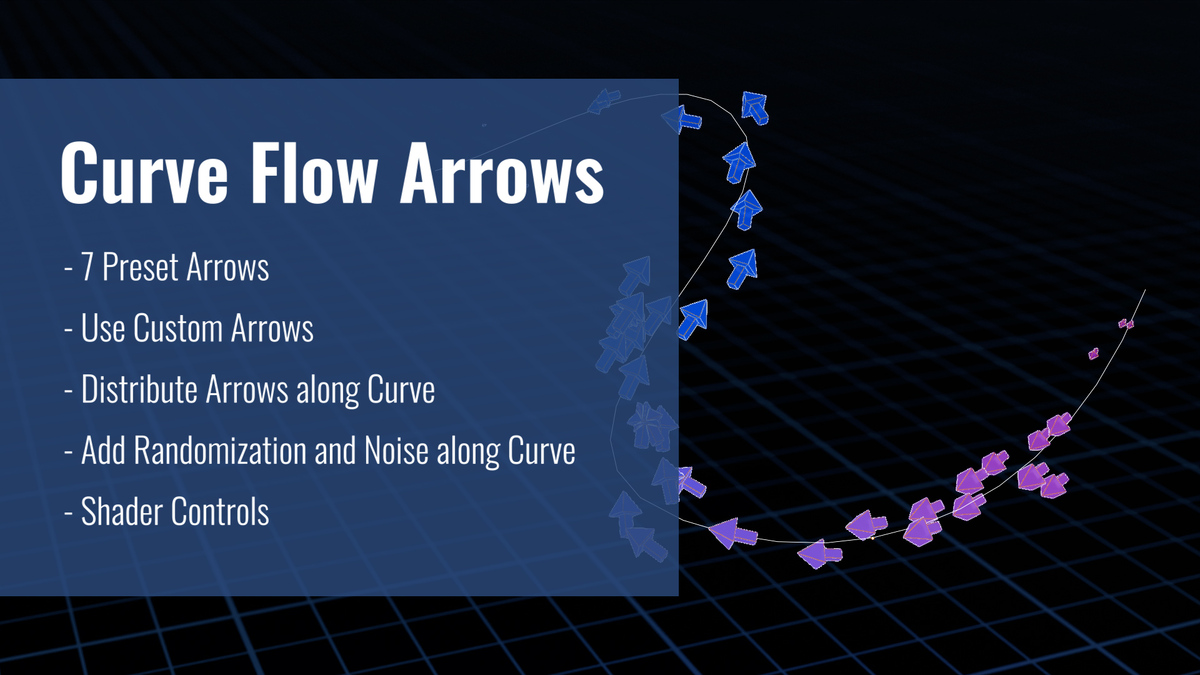
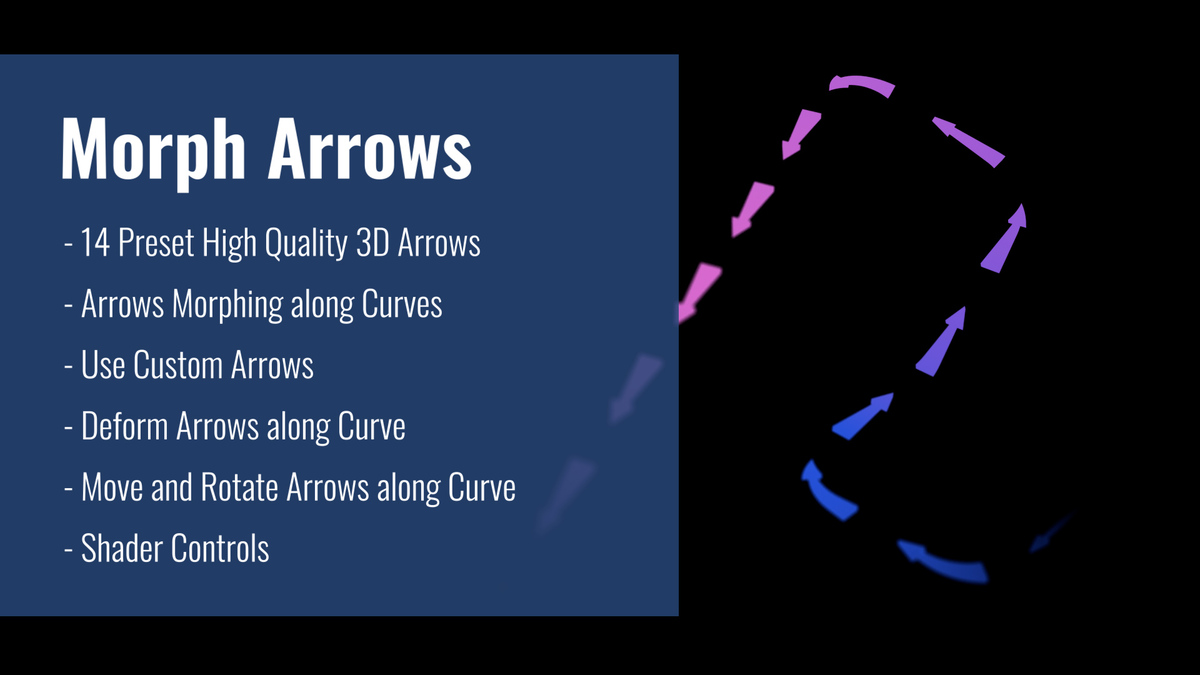
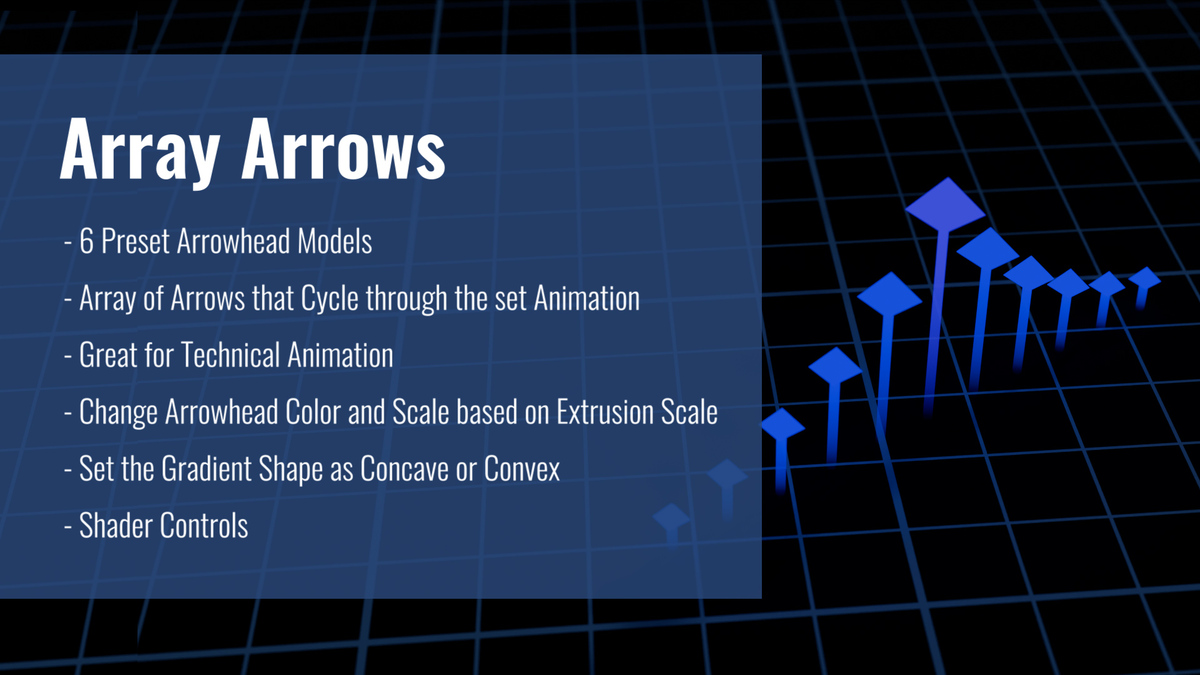
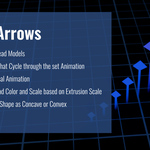
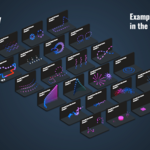
I cant see the new Morph arrow feature
Make sure that you are using Blender 4.4 or above.
The arrows do not loop correctly
Make sure that your speed is set to "1", and that your animation length (in frames) is divisible by the "Loop Frame" value. (If your animation is 100 frames then setting the Loop Frame value to 50, 25, 20, etc. should work fine.)
I see glitches/smearing in the arrows - why?
If EEVEE is used in preview, please turn off Motion Blur. The unwanted glitches/smears will not be visible in the final render.
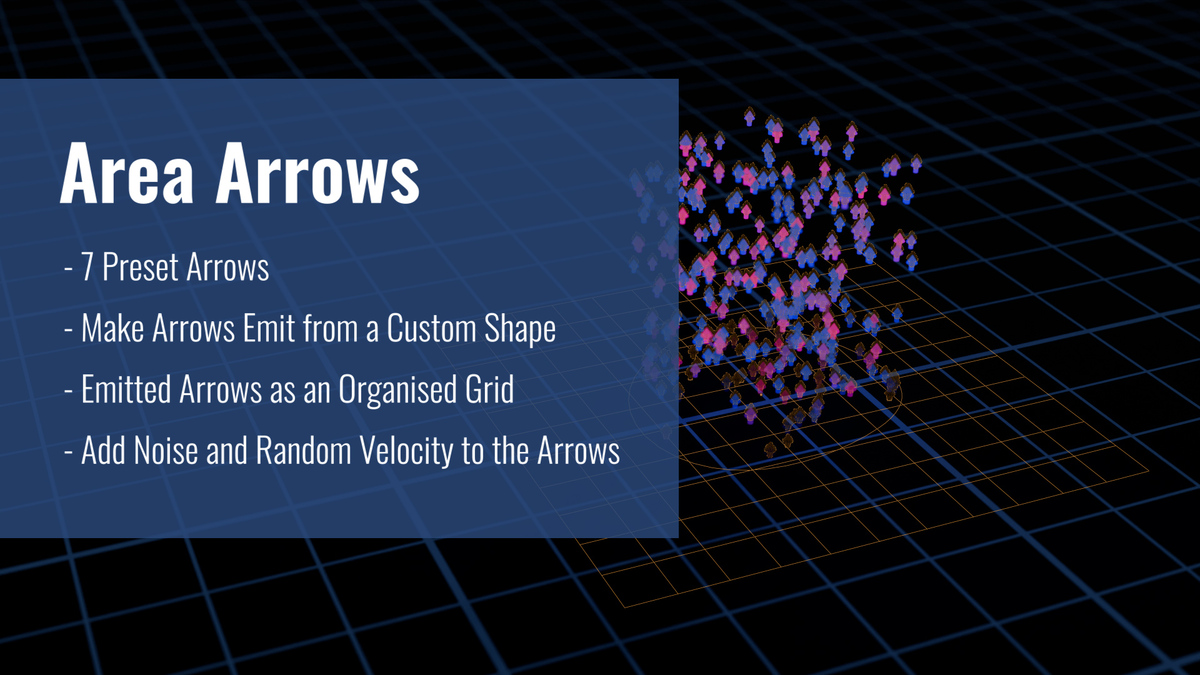
Why does the Area Arrows setup not work?
Make sure that the curve that you are using forms a closed loop. You can control the emission area by the enclosed area of the curve.
Why can't I see the Arrowify menu in the "Add" menu in Blender after installing it?
You need to restart Blender to finalize the installation. After that you should see the Arrowify panel.
Is this a commercial license?
Yes.
Do you offer support for Arrowify?
Yes. We will answer within 1 business day.
Does the plugin work in both EEVEE and Cycles?
Yes.
-
$25
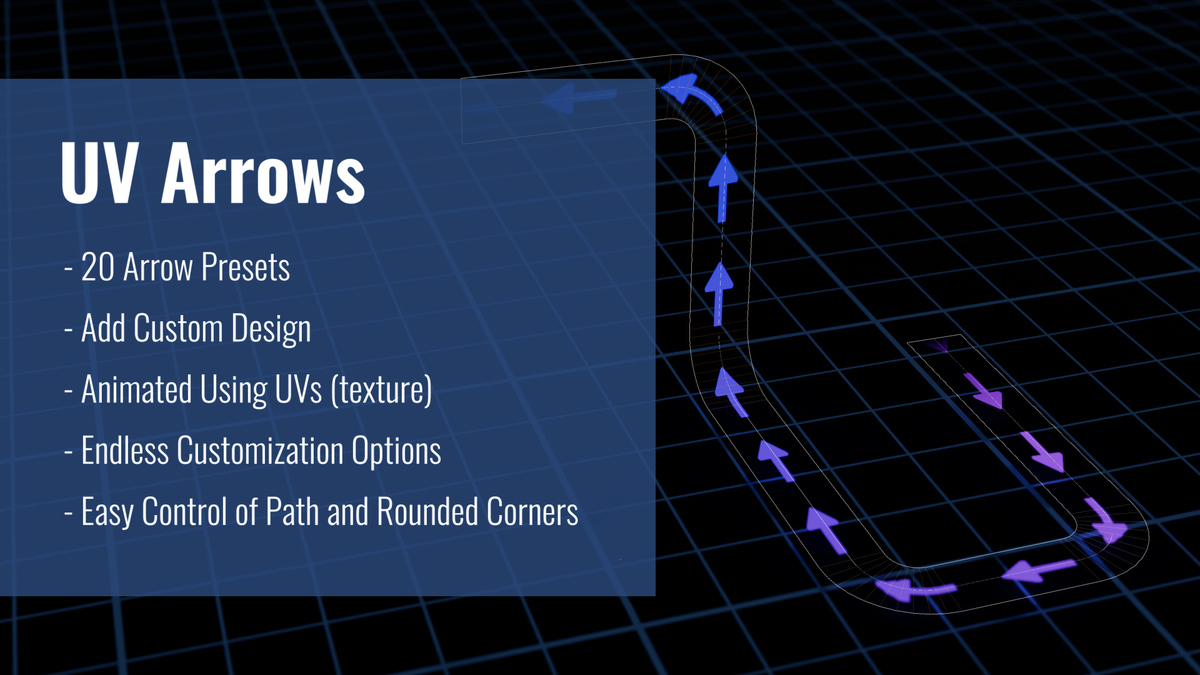
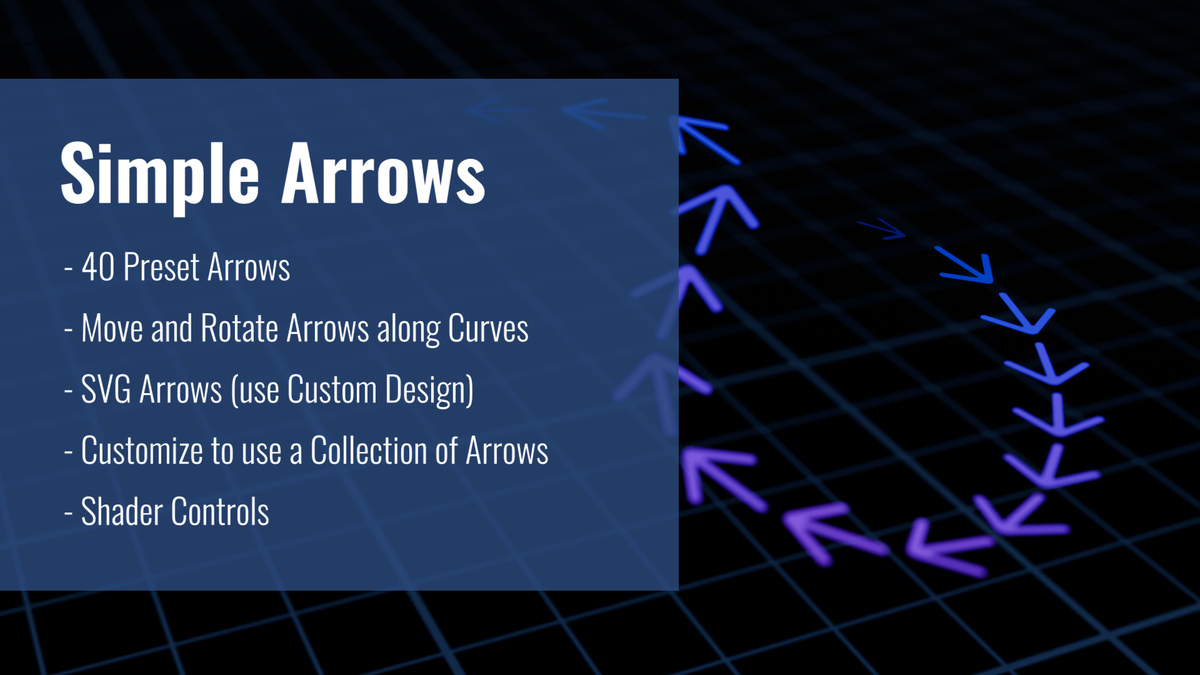
This version contains 3 of the following assets: UV arrows, Morph arrows, and Simple arrows. This pack does NOT include them as a standalone addon, instead they are marked as assets in the .blend file you receive. These setups only work in Blender 4.4 and above.
-
$50
This includes all of the assets as an addon.
-
$250
For businesses with revenue between USD250k/year and USD1M/year - Up to 5 seats.
Have questions about this product?
Login to message
Discover more products like this
Blender Arrows Generator Animated Arrows Blender animated arrows procedural arrows arrows 2d-arrows 3d-arrows