Artistic Painter - Filters
 Creative Factory
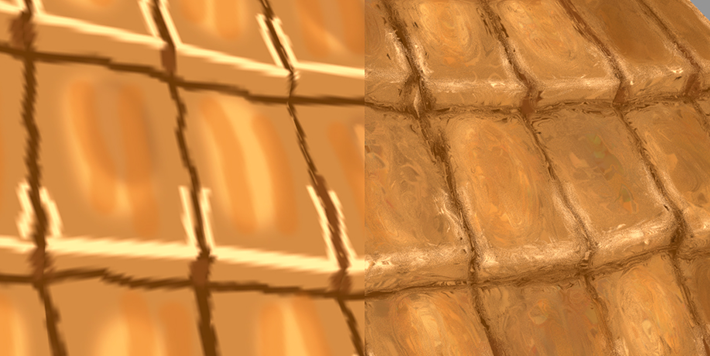
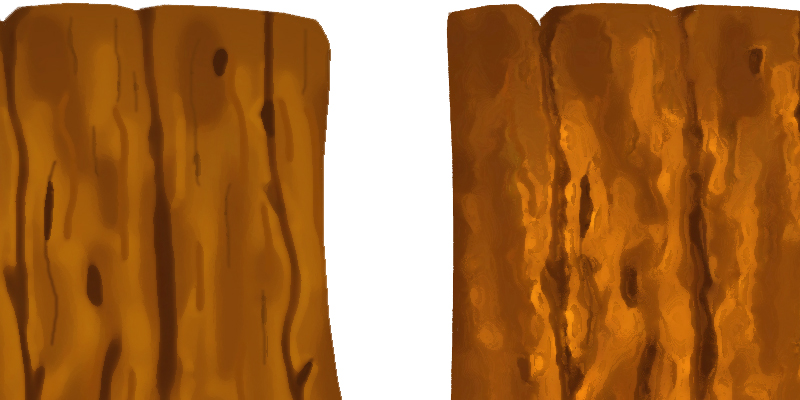

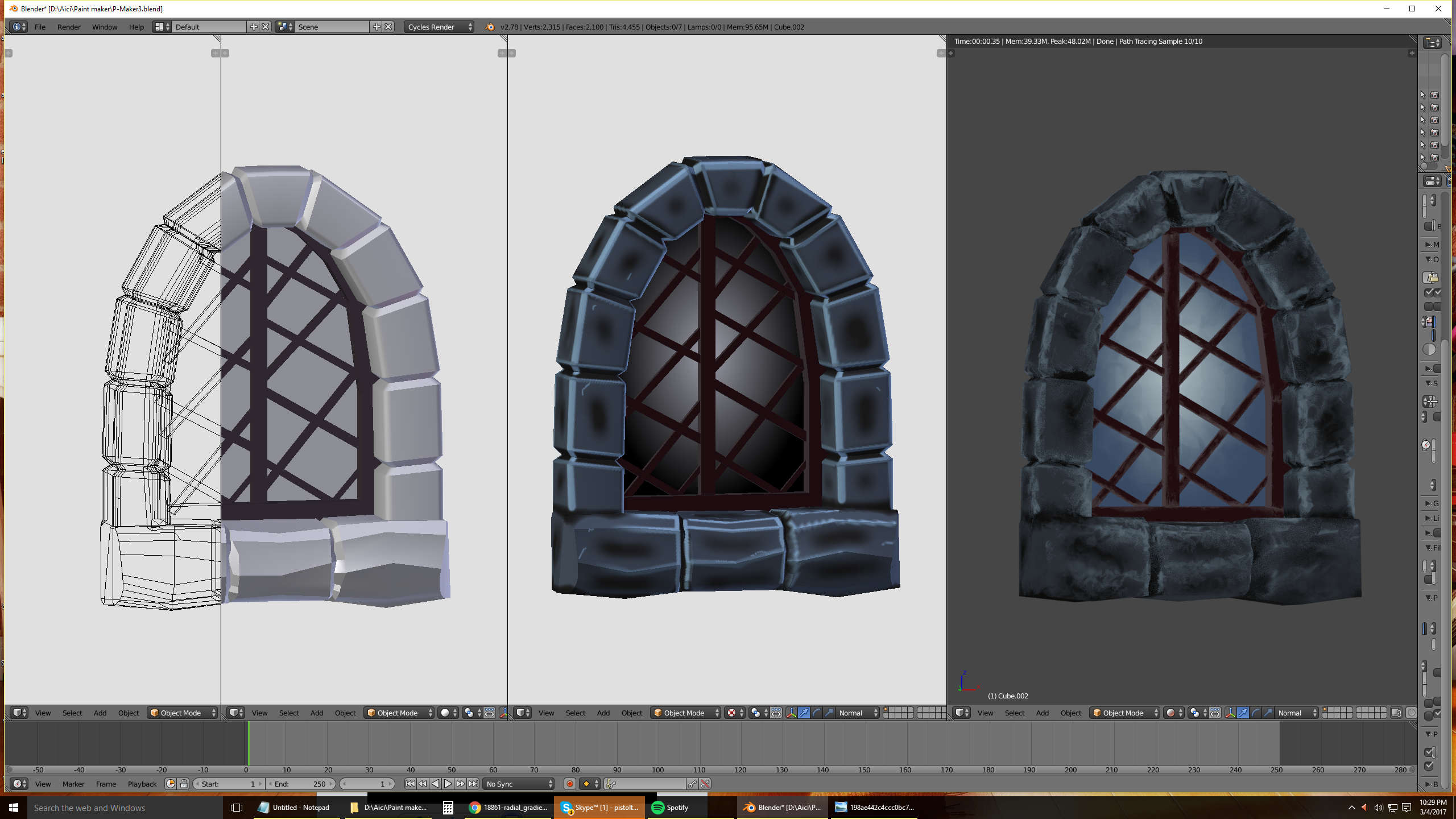
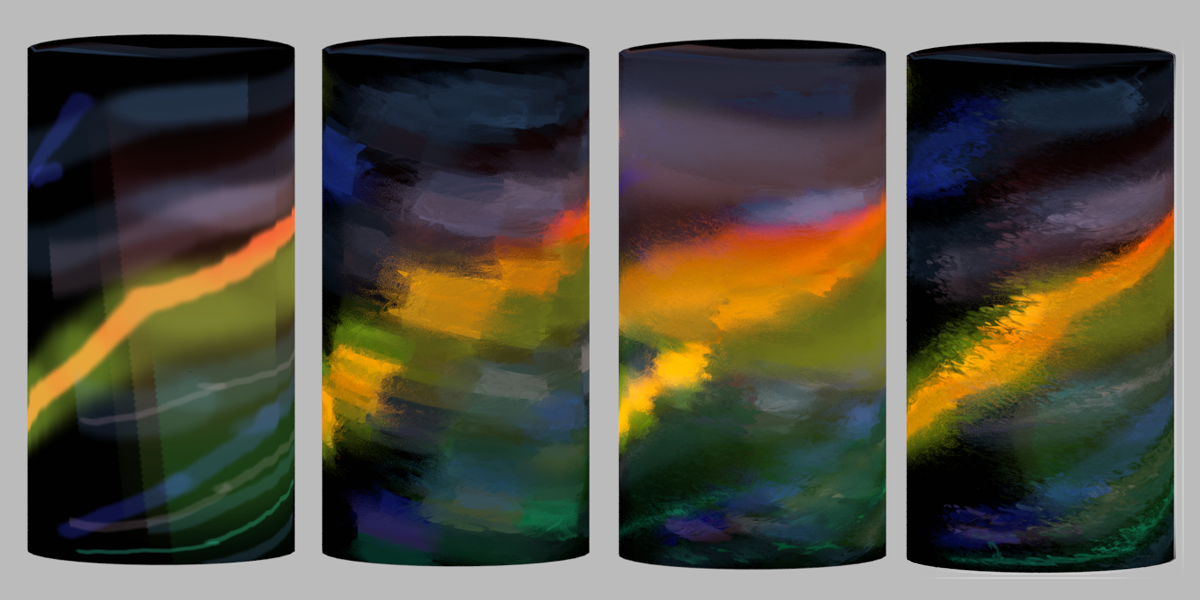
Preparing before painting
1. Unwrap the model using Mark Seam or with Lightmap Pack.

2. Make some space between UVs using Individual Origins, and resize with "S".
3. Create a new image with transparency.
4. Paint over all the object in 3d view with a blank color to fill all the UVs inside.
5. Begin to paint your desired painting.
Please watch the video presentation
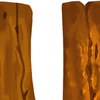
The drawing need to pass the UVs borders
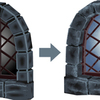
For Artistic Painter to work adequately is necessary that your drawing to pass the UVs borders.
(as in the reference)
 This thing can be realized in Blender, but you can do it as well in Photoshop.
Click here for Photoshop video
For Gimp is the same technique, but you need to have installed Heal Selection/Transparency plugin.
If you don't have Photoshop, use UV/Image Editor from Blender and draw more passing the UVs borders, or if you unwraped with Lightmap Pack you can easier redimension the pieces with Individual Origins and leave a bit of drawing outside the borders.
Baking for export

Discover more products like this
paint smudge bfcm22 Cycles appearance trance textures winter24 artistic Artistic Painter filter variations oil-painting styles Amazing paintings bfcm23 Filters bfcm24 Brush bcon22 rendering tool Art details painting summer22 drawing spring24 Oil oil-paint animations summer24 spring23 games trance of brush 3d anniversary blender sprayng 2d masterblender summer23 Watercolour