 AS Formworks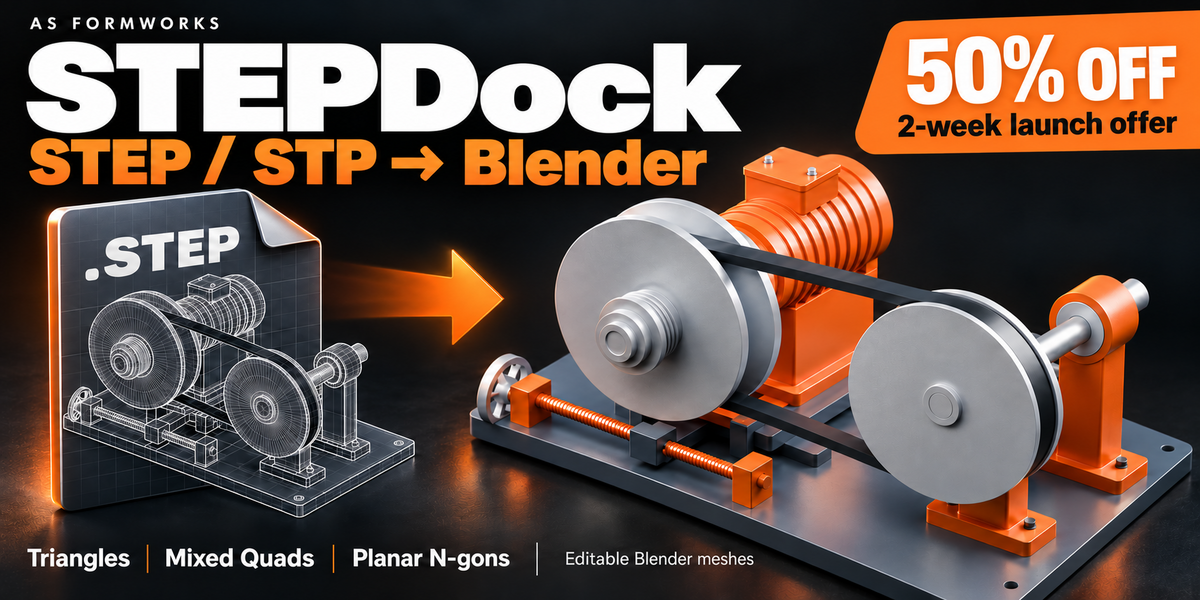


STEPDock — CAD Import for Blender
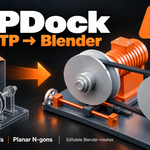
STEPDock (previously CAD Importer) turns .STEP and .STP surface and solid assemblies into editable Blender meshes, with visible import progress and practical tools for preparing product renders, technical visuals and CAD-based scenes.
Topology and Live Update
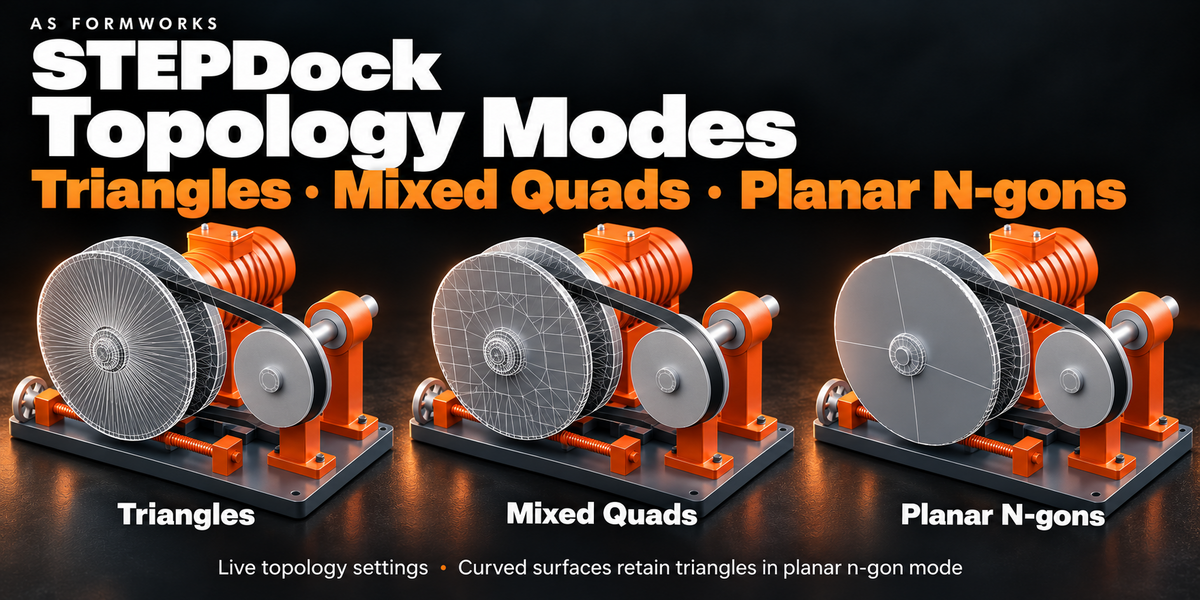
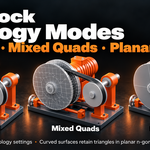
Triangles retain CAD tessellation. Quads (Mixed) join compatible triangles within CAD surfaces. N-gons (Planar) simplify planar patches while preserving holes; curved surfaces remain triangulated. Change quality or topology from the CAD Import sidebar with debounced Live Update. Quad mode is not all-quad retopology.
Batch Import, Assembly Browser and Mesh Health
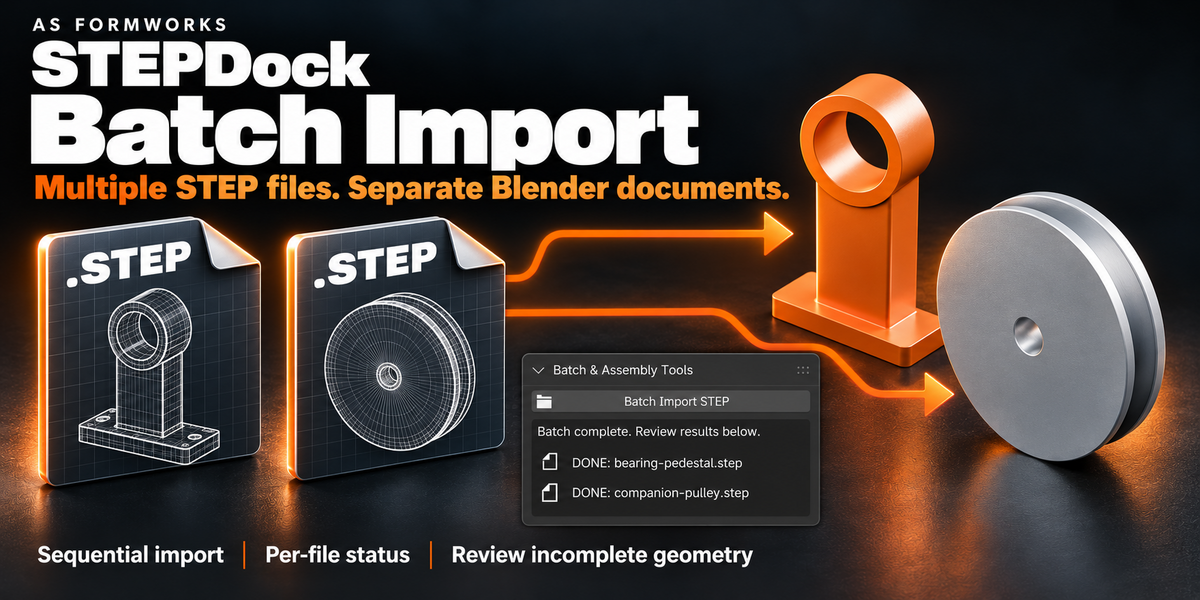
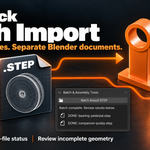
BATCH IMPORT: Select multiple STEP files and import them sequentially into separate documents. Invalid files are reported without stopping the remaining queue. Incomplete review previews pause the queue until you accept or discard them.
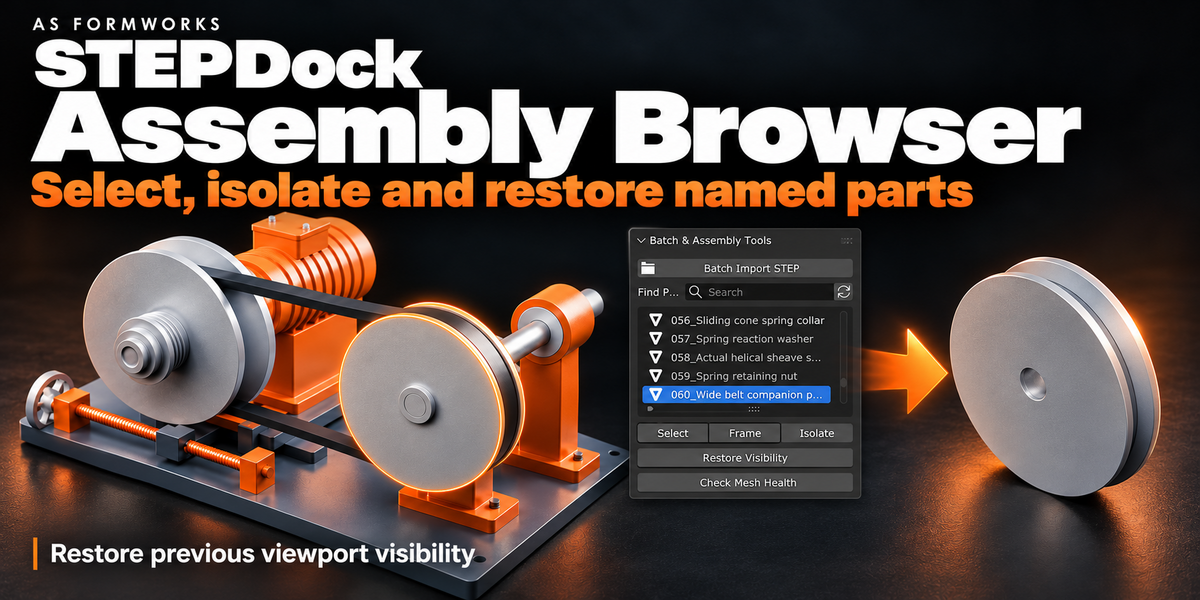
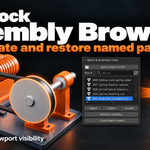
ASSEMBLY BROWSER: Search part names, select or frame a part, isolate it, then restore its earlier viewport visibility. Repeated CAD parts can share mesh data.
MESH HEALTH: Inspect unique source meshes for boundary edges, wire edges, edges shared by more than two faces, and zero-area faces. Export the report or select problem geometry on a chosen part. Checks do not repair geometry; open boundaries can be intentional on surface models.
Incomplete surface review
Automatic isolated tessellation retries attempt to recover difficult CAD faces. If surfaces remain unresolved, the result is clearly marked INCOMPLETE and shown as a non-rendering review preview. Missing-face locators identify approximate regions, with a labelled part-origin fallback where bounds are unavailable. An incomplete rebuild creates a separate document and preserves the existing model. Accepting a preview enables rendering but never claims that missing surfaces were repaired. Exportable diagnostics list the affected parts and face IDs.
Made for product-visualization artists, CAD visualization specialists and technical designers who need CAD geometry inside Blender. Preserve assembly names, placement, basic RGB colors and shared mesh instances. Source units are converted explicitly to the Blender scene scale.
Requirements and setup
Windows x64. Tested in Blender 5.0.0 and 5.2.1 LTS. Install the extension ZIP from disk. First setup downloads approximately 47 MB of pinned CAD engine dependencies from official PyPI and requires internet access. Once prepared, the engine works offline. No FreeCAD installation or system-wide pip setup is required. CAD files stay on your computer; the addon does not upload them. Full English guide and GPL source are included.
Please read before buying
STEP only in this release: no native SolidWorks, CATIA, Parasolid, IGES or DWG import. Quads are mixed topology. This is polygon conversion, not editable CAD B-Rep or parametric feature history. No CAD UV, analytic-normal, PMI, texture or constraint transfer. Very large meshes can pause Blender during mesh construction; the triangle budget is not a hard RAM limit. Invalid or unsupported CAD surfaces may remain unconverted and need repair/re-export in the source CAD application. Source revisions should be imported as new documents.
Launch offer
50% off the $19 regular price for the first two weeks. Automatic discount; no coupon needed.
Included
Installable 1.0.0 extension, one current English user guide, GPL license, and third-party notices. This release retains the CAD Importer name in its installer, Blender panels and guide; STEPDock is the new storefront name.
Gallery artwork illustrates the STEP import workflow with a sample mechanical drive. The sample model is not included. Rendered wireframes are explanatory illustrations rather than exact topology captures; the mesh-health counts shown are from the illustrated sample assembly.