 AS Formworks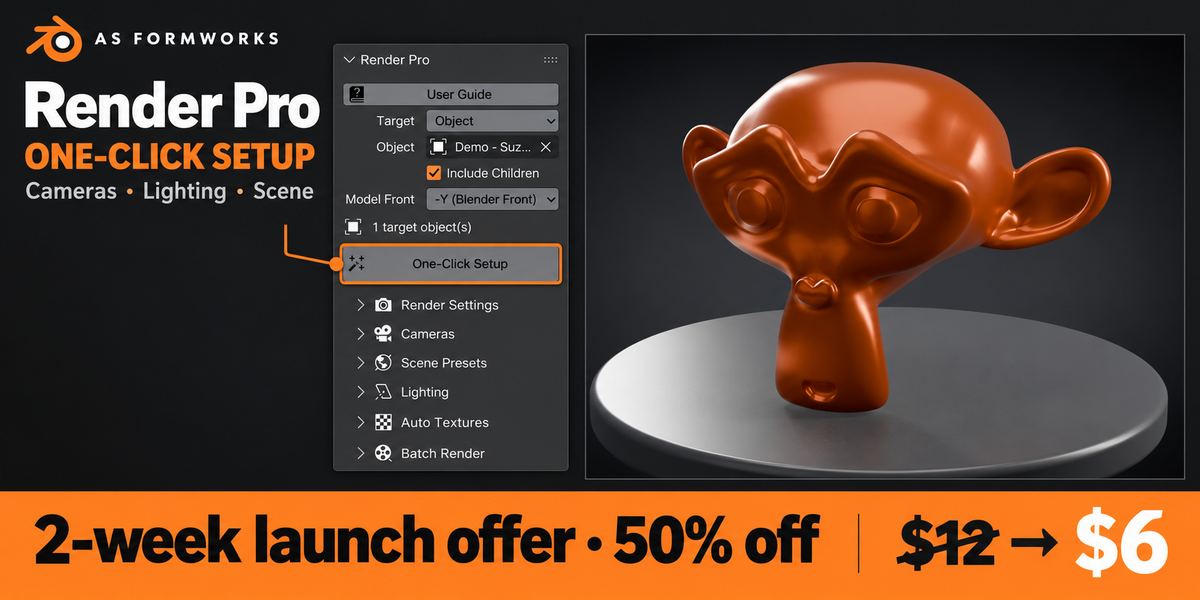
Launch offer
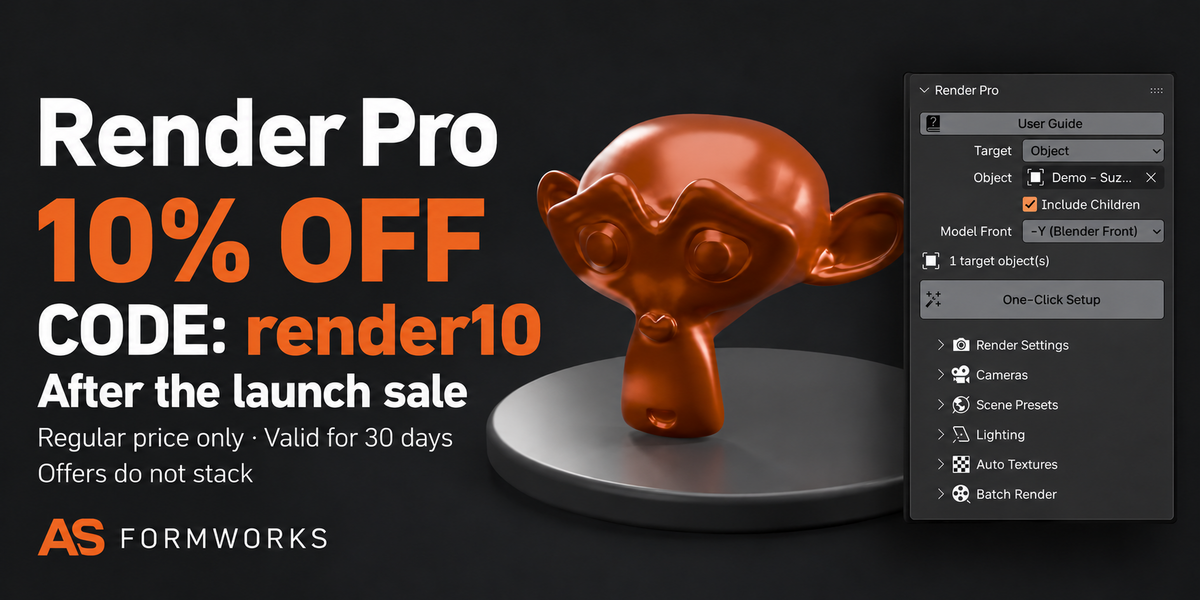
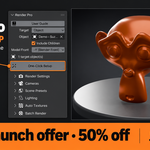
2-week launch offer: 50% off — $6 instead of $12. Automatically applied. No code needed.
After the launch sale, use render10 for 10% off the regular price for 30 days. Offers do not stack.
New in Render Pro 1.1
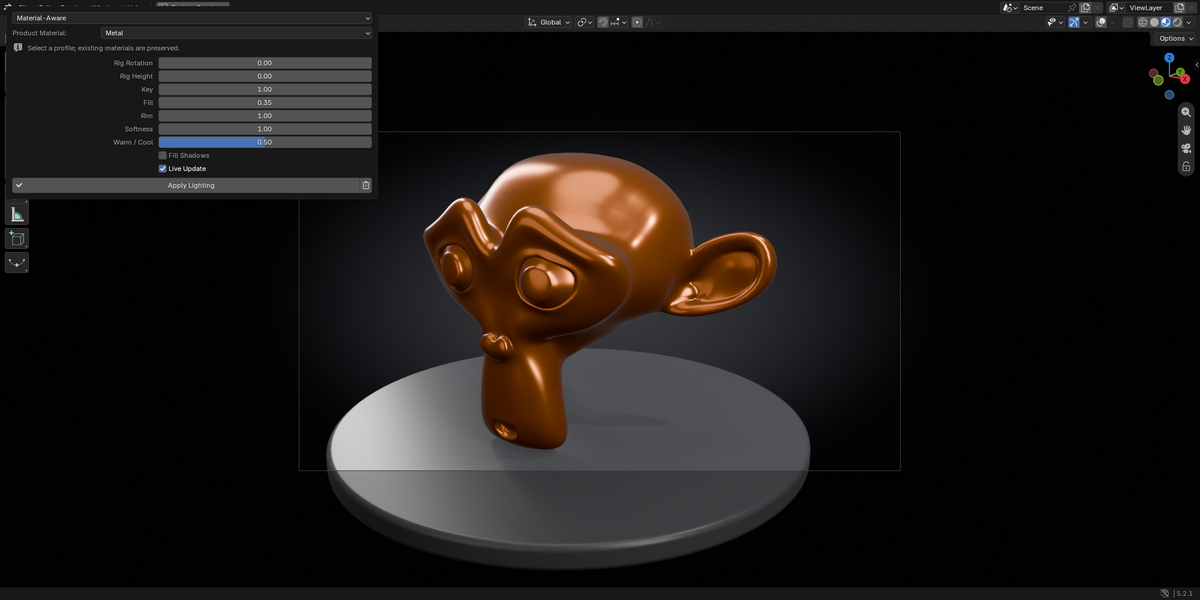
- Material-Aware Lighting: choose Metal, Glass, Plastic or Mixed profiles while preserving existing materials.
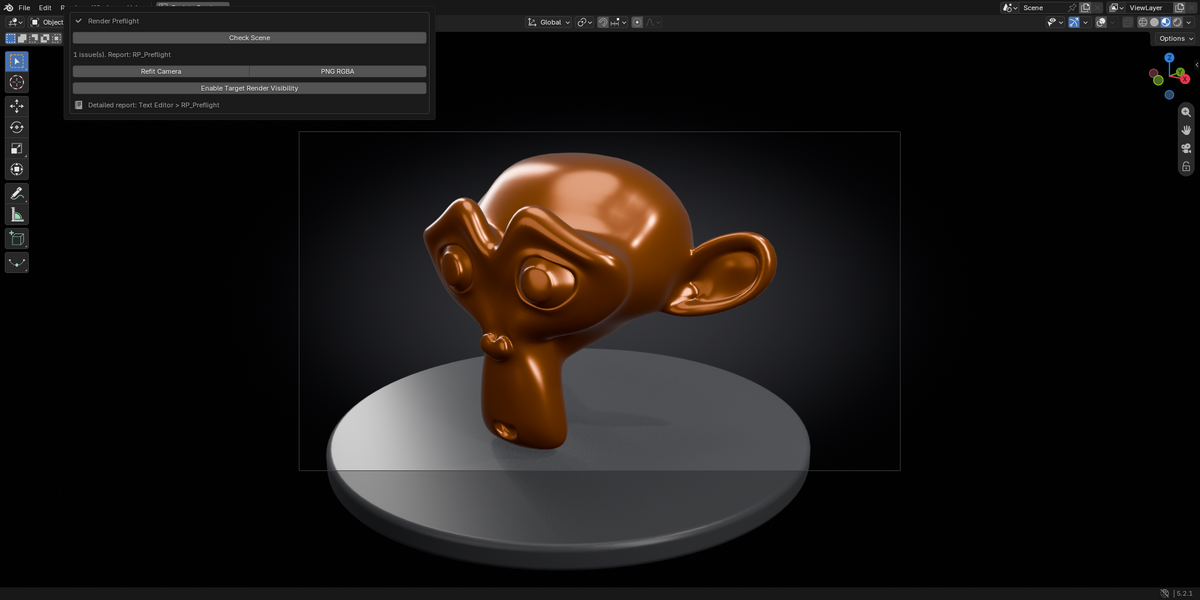
- Render Preflight: inspect target visibility, image paths, output folder and active-camera bounds; apply individual fixes.
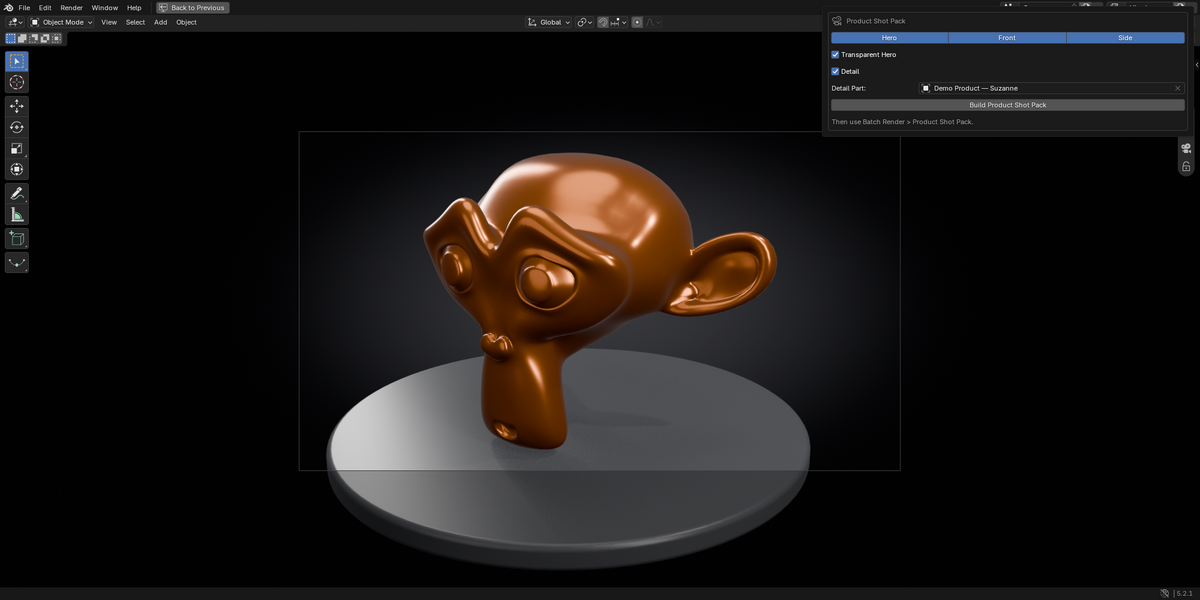
- Product Shot Pack: build hero, front, side, detail and transparent-hero cameras, then batch only that pack.
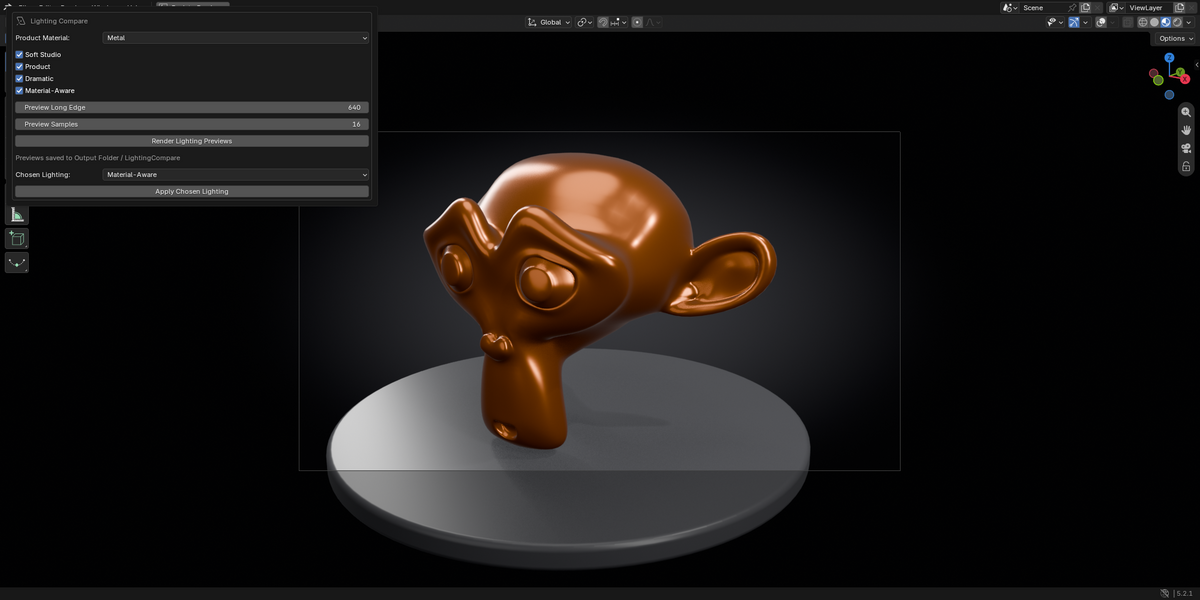
- Lighting Compare: save low-resolution previews of selected profiles from one camera in a disposable scene. Source lights and settings remain unchanged.
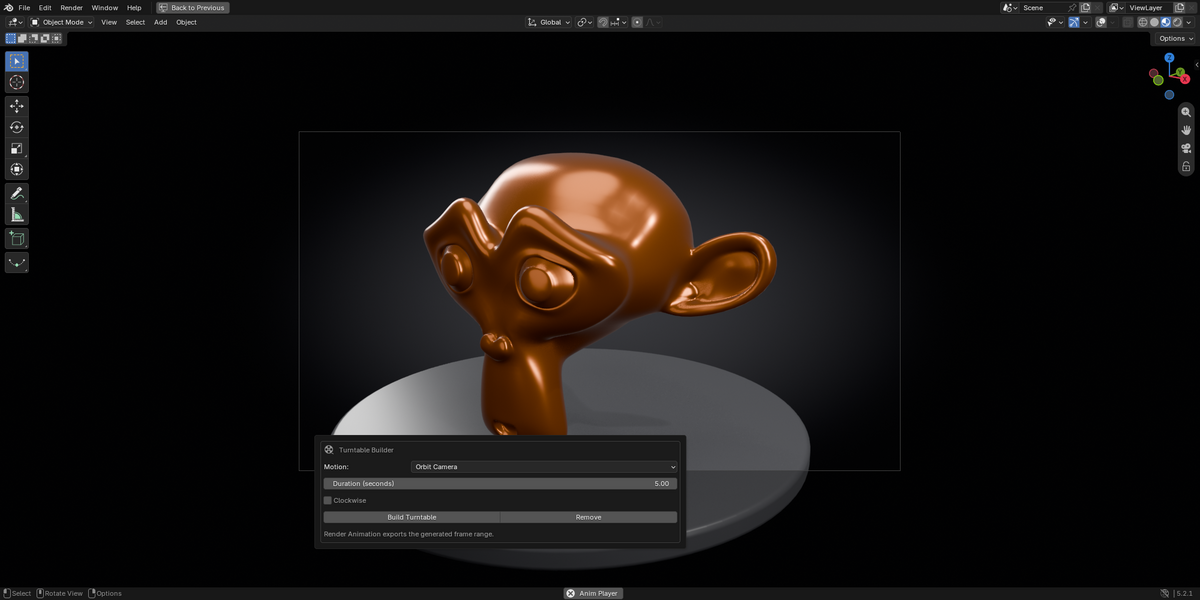
- Turntable Builder: create a looping camera orbit or linked static-product copies in a separate scene, with duration and direction controls.
Glass lighting requires a valid glass material. Preflight is a diagnostic aid, not an automatic repair. Transparent shots hide Render Pro backdrops; user-created floors remain visible. Product-copy turntables require static meshes without modifiers, constraints or animation; use camera orbit for other products. The comparison uses saved preview files, not a live thumbnail selector.
From model to portfolio render.
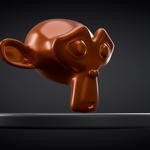
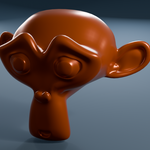
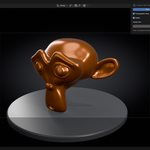
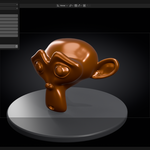
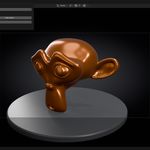
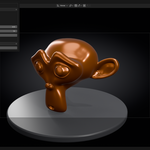
Render Pro creates a fitted camera set, a presentation environment and a lighting rig around your model, then saves the chosen views as separate images. A practical starting setup for portfolio shots, product previews and marketplace asset galleries.
Built for your presentation workflow
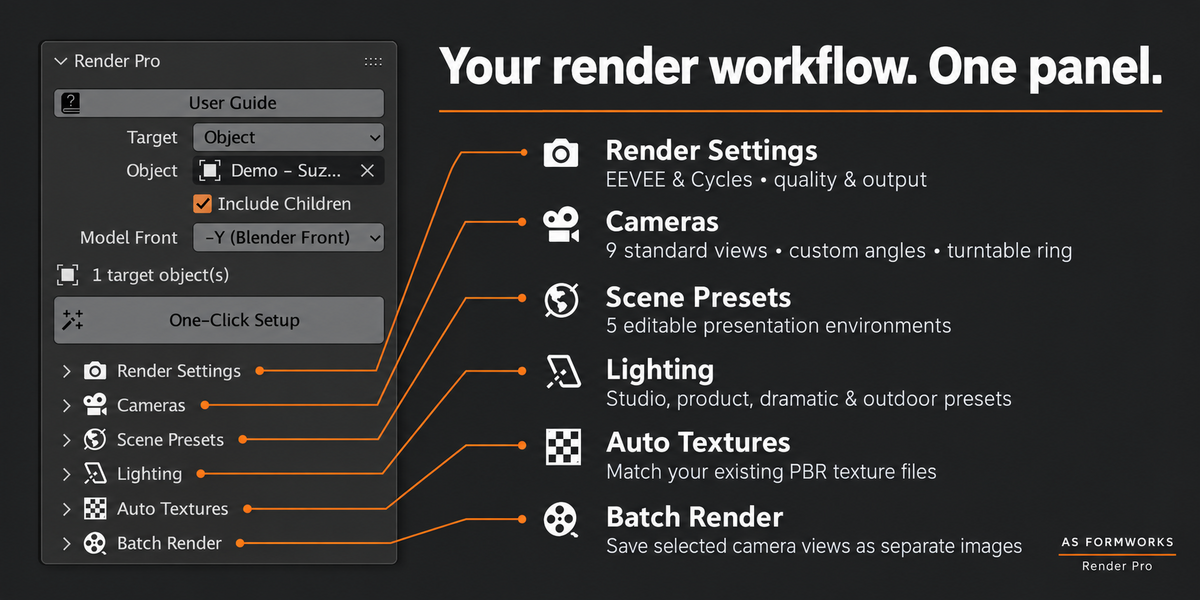
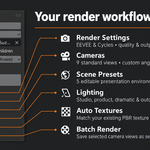
- One-Click Setup: apply render settings, environment, lights and cameras together.
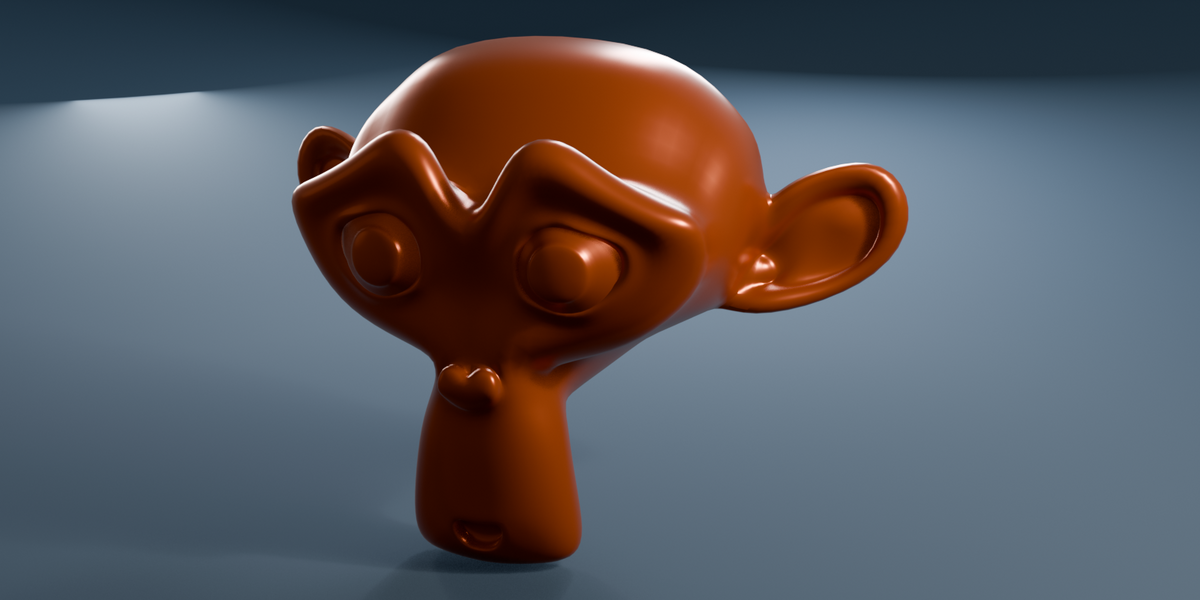
- Camera coverage: nine standard angles, custom views and a 2–72 camera turntable ring. Adjust padding, focal length, depth of field and orthographic flat views.
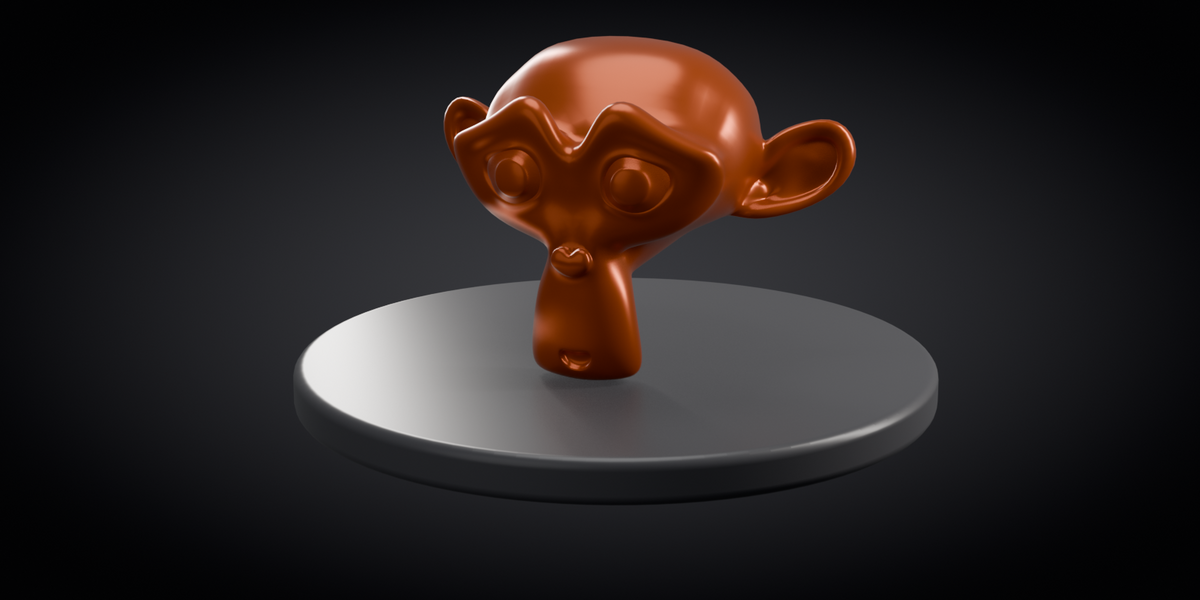
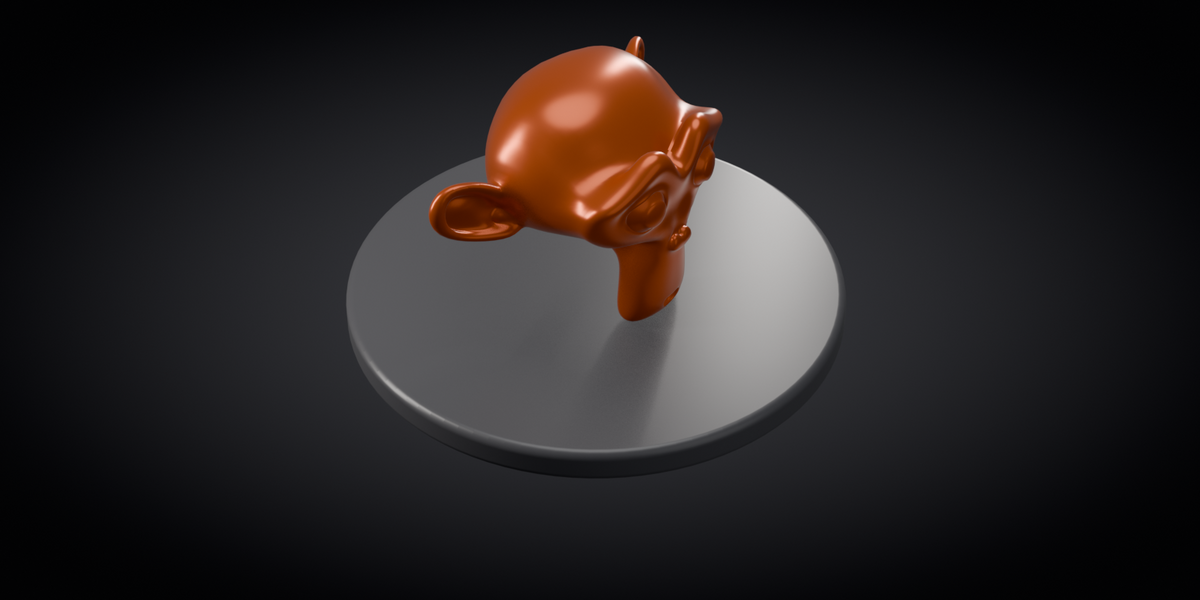
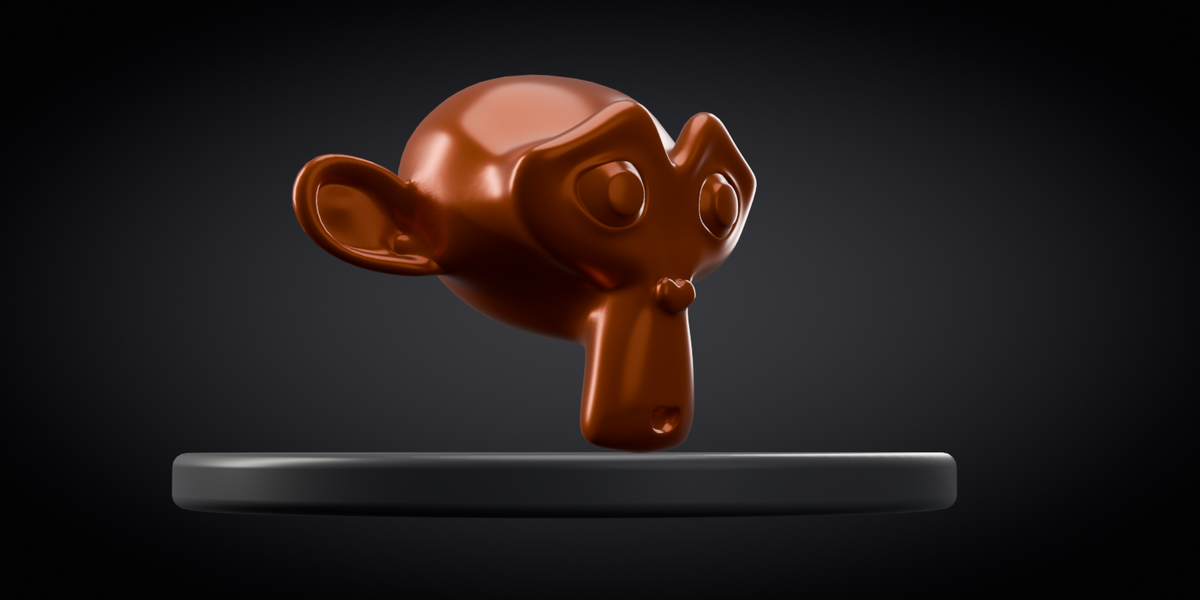
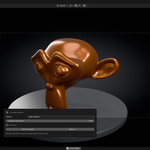
- Five environments: Solid Color, Gradient, Studio Cyclorama, Showcase Pedestal and Stylized Ocean with procedural sky and toon clouds.
- Lighting presets: Auto, Three Point, Soft Studio, Dramatic, Product and Outdoor Sun.
- Texture assignment: match existing PBR files by name, preview matches, decode packed ORM and convert marked DirectX normals.
- Batch camera stills: save each chosen view with unique filenames, keeping existing images and restoring the original camera, frame, marker bindings and output path.
- Editable setup: refine cameras, lights and procedural environment controls in Blender.
Who is it for?
3D modelers preparing portfolios, asset sellers building consistent product galleries, product visualization artists exploring viewpoints, and artists presenting stylized scenes.
Included in version 1.1.0
Installable addon ZIP with Python source, current English offline user guide and GPL license. Full source and changelog are inside the installer. The gallery shows real Blender interface captures and actual renders produced with the addon.
Requirements and scope
Validated on Blender 5.0.0 and 5.2.1 LTS for Windows, with actual EEVEE and Cycles renders. Other Blender versions and operating systems have not been validated. GPU rendering is optional; Cycles CPU rendering is supported. The addon operates locally without an account, API key or external asset download.
One-Click Setup builds the scene; review it before rendering. Turntable Ring creates still-view cameras, not an animated orbit. Batch Render uses the current timeline frame. The ocean is stylized procedural geometry and shading, not fluid simulation. Texture matching uses filenames and requires existing textures and a directly connected Principled BSDF; it does not create UVs or PBR maps. Existing user lights remain and can affect the result. Render quality and speed depend on your scene, settings and hardware.
Addon code license: GPL-3.0-or-later. Full source and license text are included.