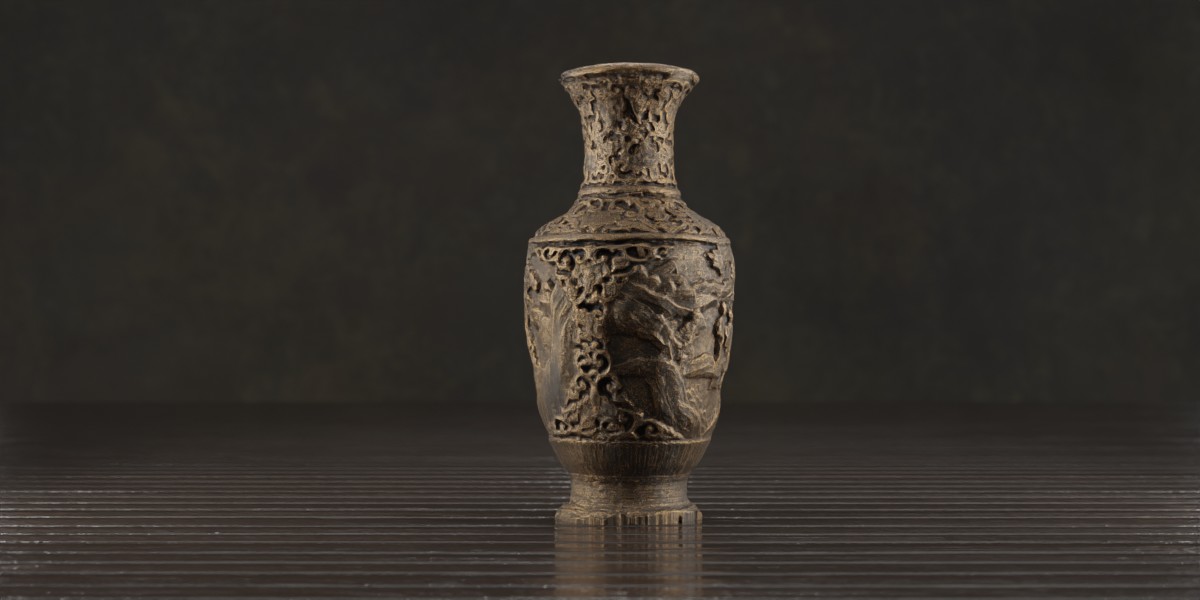
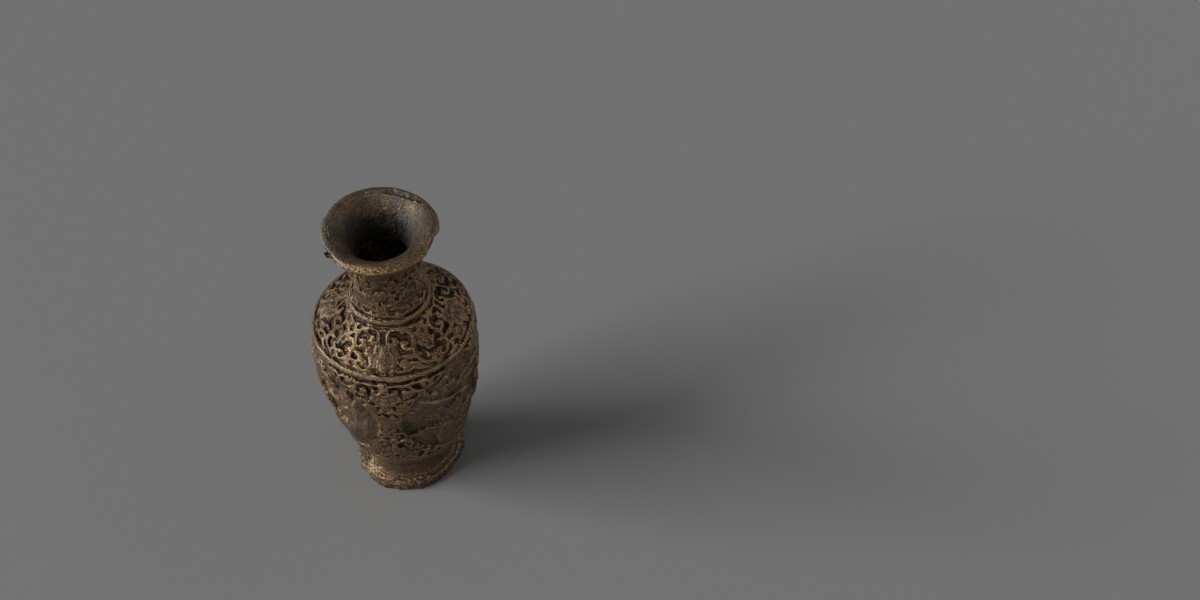
Photorealistic Asian Bronze Vase
 Besa_Art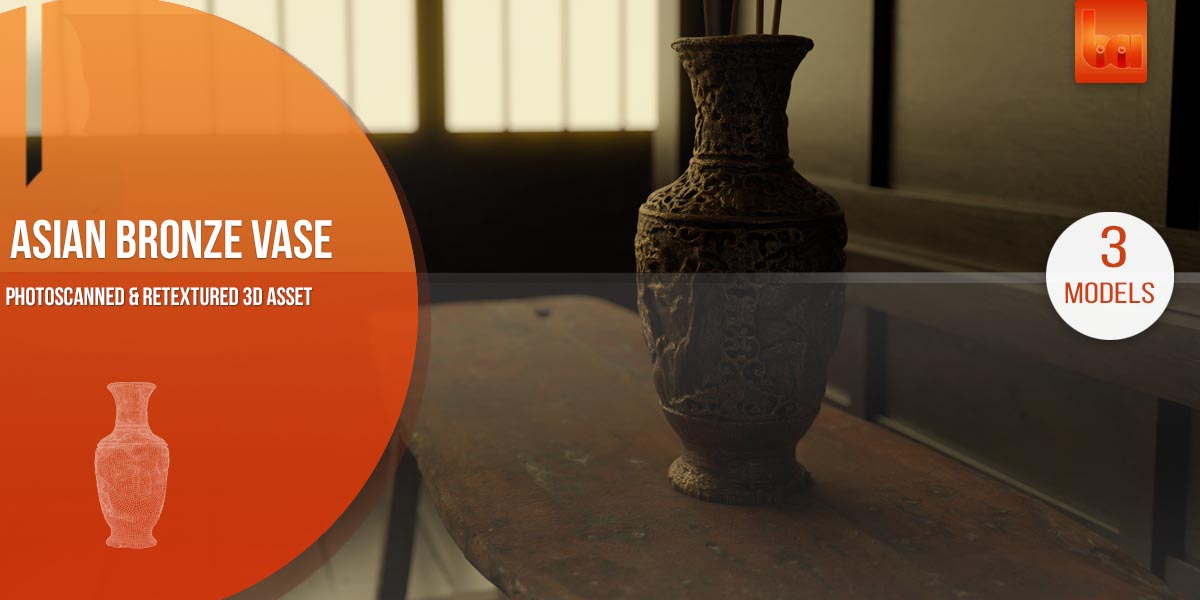
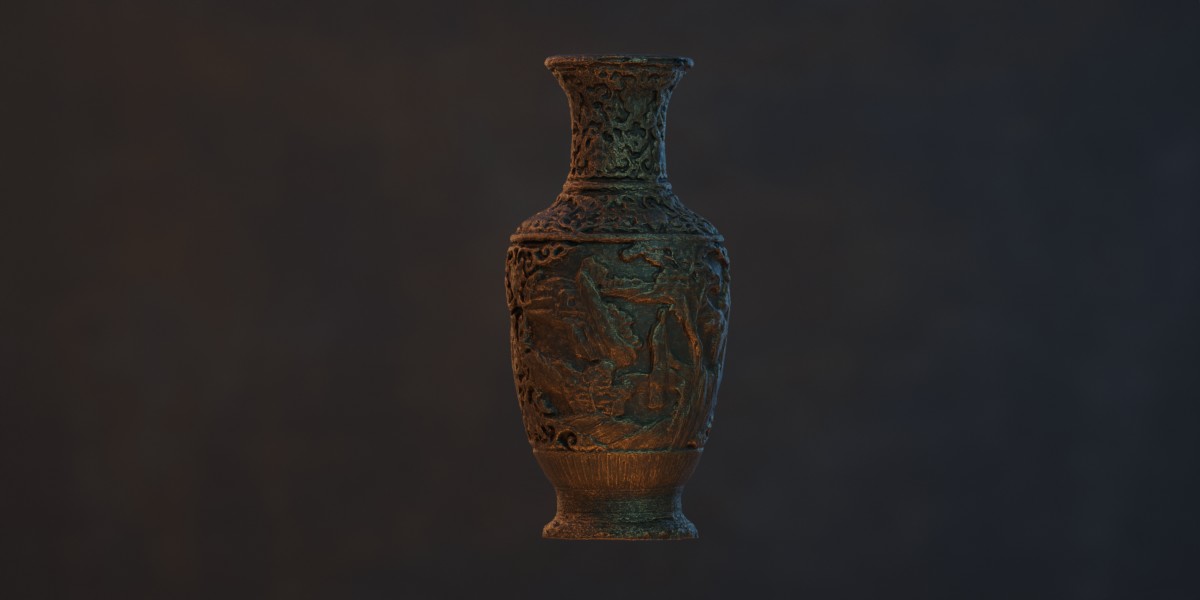
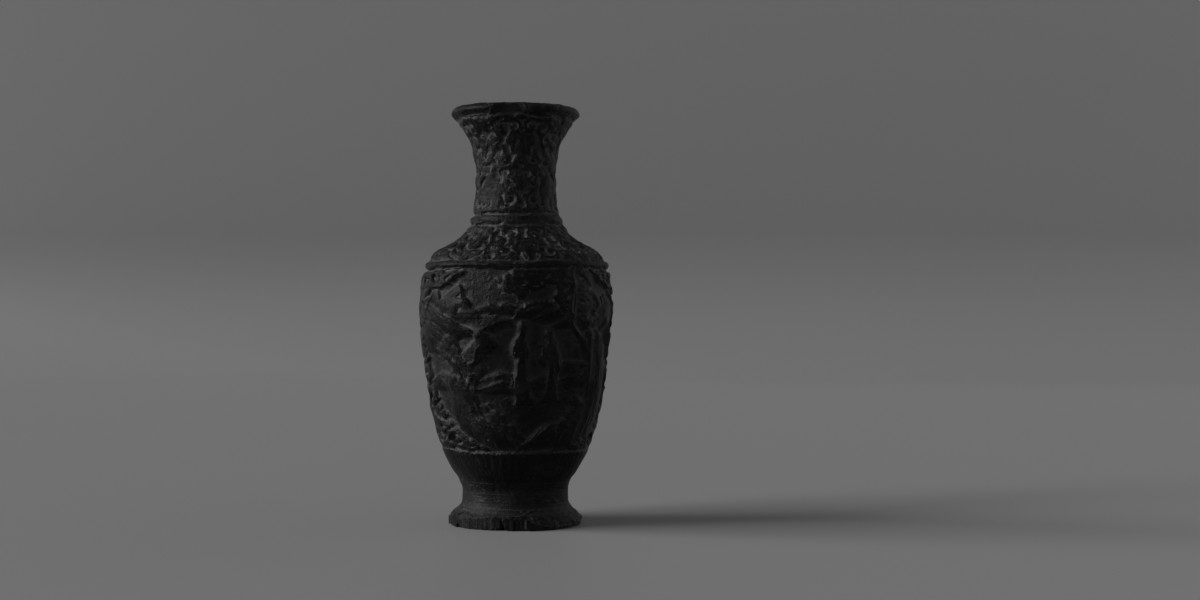
How to import the Asian Vase by "Append"
Just open blender and put the prefer models into your scene by clicking File -Append - and then go to your downloaded folder. Choose the file and then go the folder "collection"

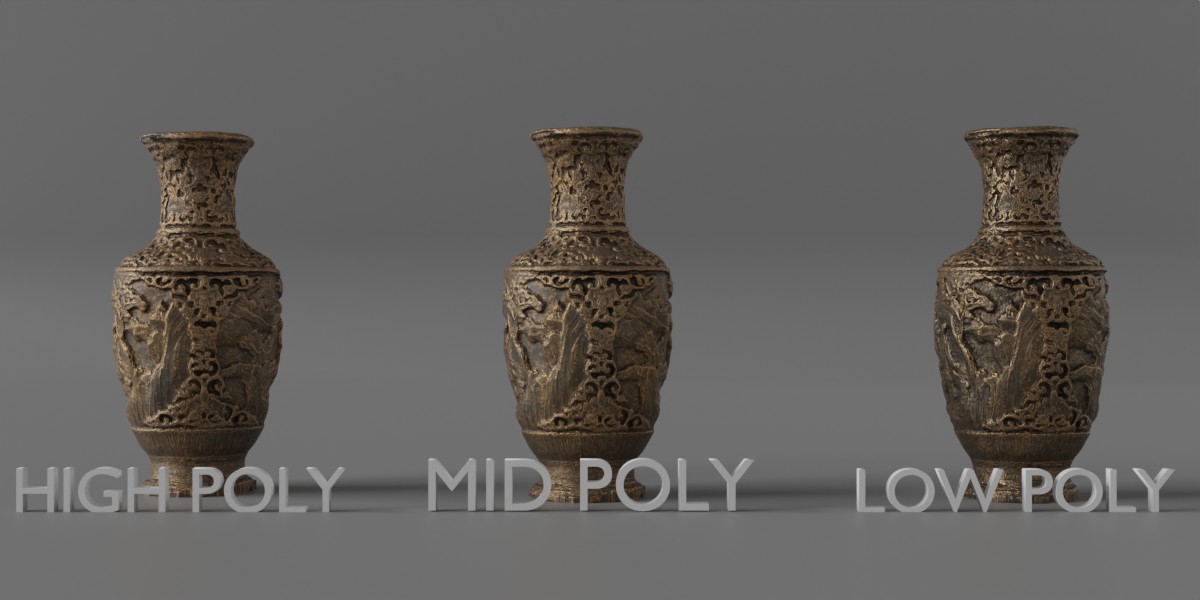
Depending on your project, you can choose between the different collections:
Collection: Asian Vase | High Poly = very detailled mesh.
Collection: Asian Model | Mid Poly = highly recommended.
Collection: Asian Model | Low Poly = The low poly model is very deccimated and comes with 2K textures.
$19
Have questions about this product?
Login to message
| Dev Fund Contributor | |
| Published | about 2 years ago |
| Blender Version | 4.2, 4.1, 4.0, 3.6, 3.5, 3.4, 3.3, 3.2, 3.1, 3.0, 2.93, 2.92, 2.91, 2.9, 2.83, 2.82, 2.81, 2.8, 2.7x, 2.79, 2.78, 2.77, 2.6x |
| Render Engine Used | Cycles, Eevee |
| Misc Data | Uvs-Unwrapped, Low-High-Resolution, Normal-Mapped, Textured |
| License | Royalty Free |