Asmr Viewport
 rareseed57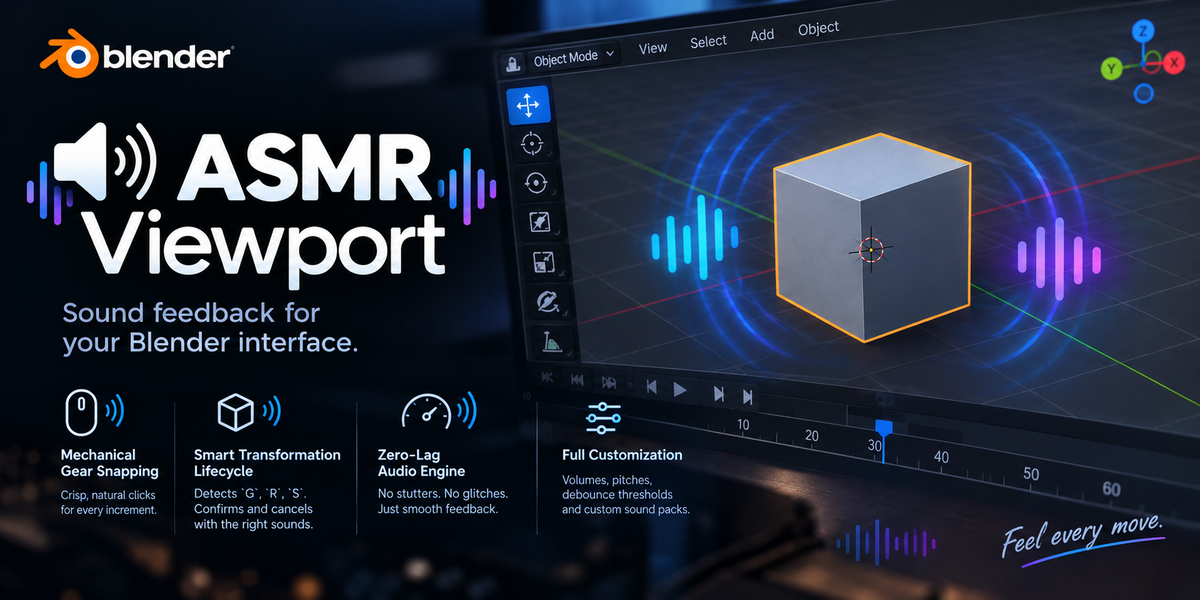
Which Blender versions are supported?
ASMR Viewport is fully compatible with Blender 3.0, 4.x, 5.x and newer versions.
Can I use my own custom sound effects?
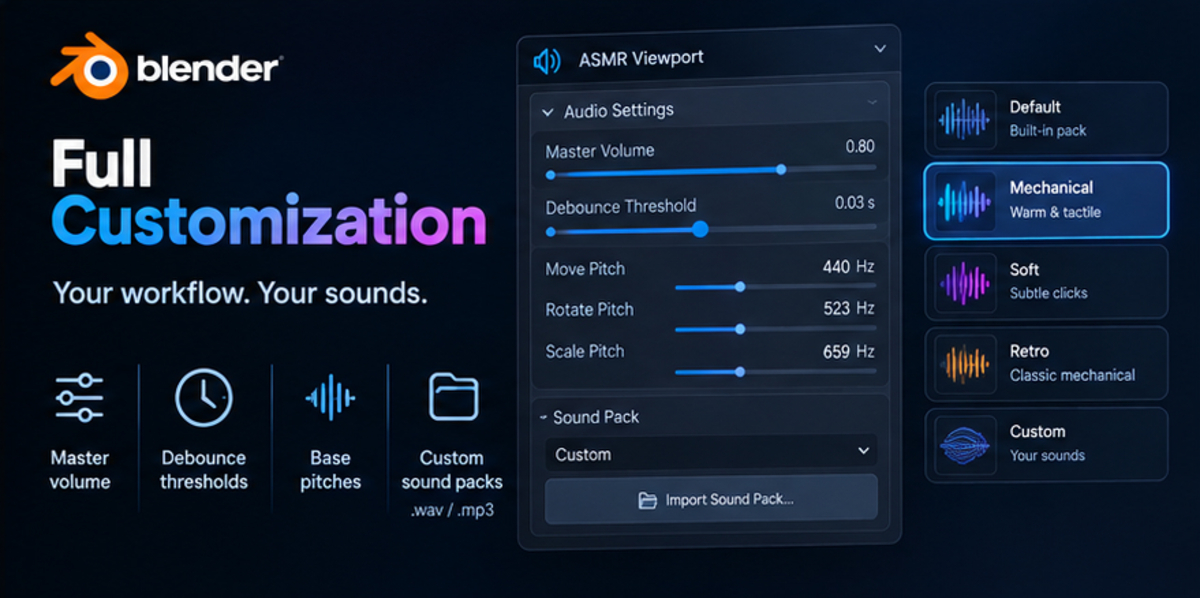
Yes! Simply check the "Use Custom Audio Files" option in the add-on preferences. A file path picker will appear next to each event, allowing you to assign custom .wav or .mp3 files. We recommend short clips (under 0.05 seconds) for crisp, responsive snaps.
I cannot hear any sound. What should I check?
Make sure your Master Volume is turned up (above 0.0).
Verify that the specific event checkbox (e.g., enable_snap or enable_grab) is ticked.
Ensure your system audio or Blender's internal audio playback system isn't muted.
Check that your custom audio file paths point to valid files on your disk.
Does this add-on impact viewport performance?
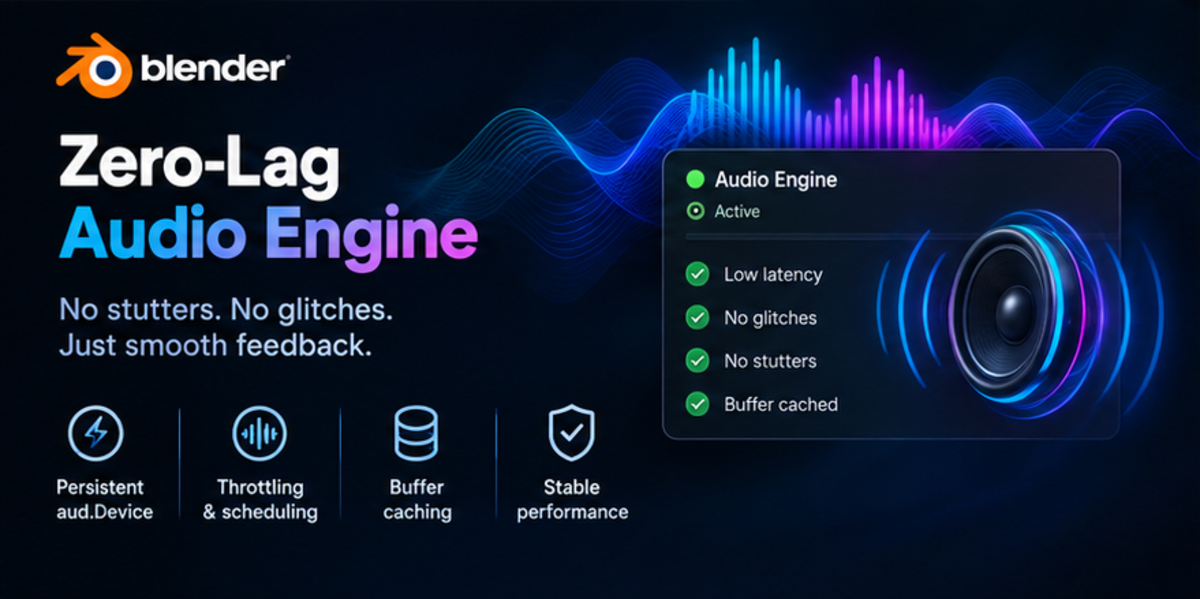
Not at all. ASMR Viewport uses an optimized, persistent aud.Device instance, audio buffer caching, and smart throttling to ensure zero lag, zero stuttering, and zero memory leaks during high-frequency 3D interactions.
How does the snap pitch shifting work?
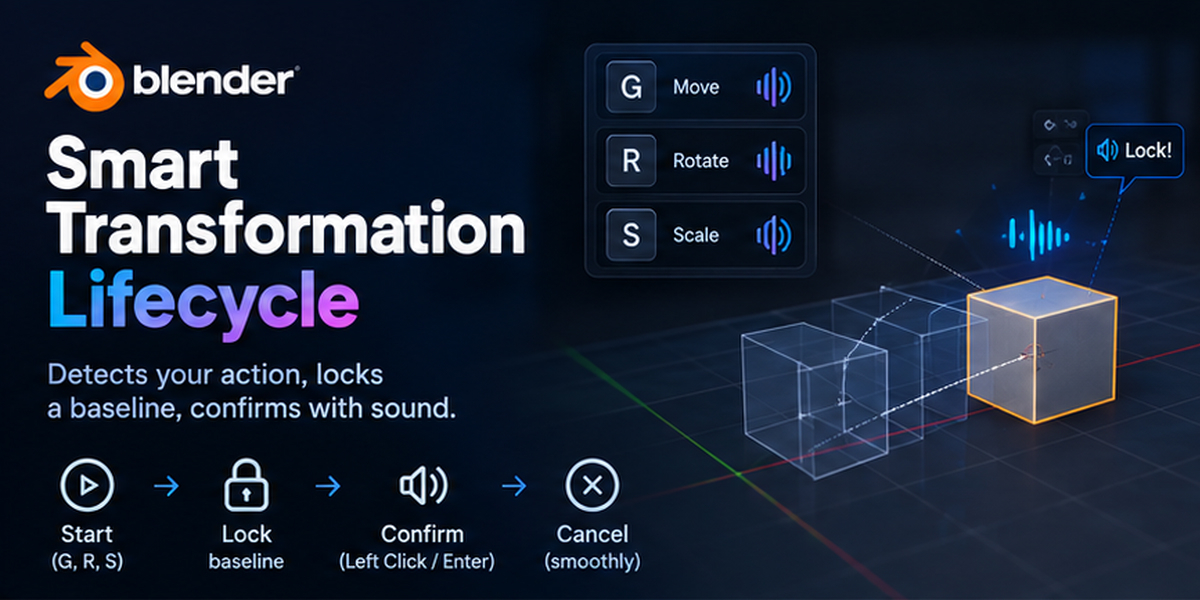
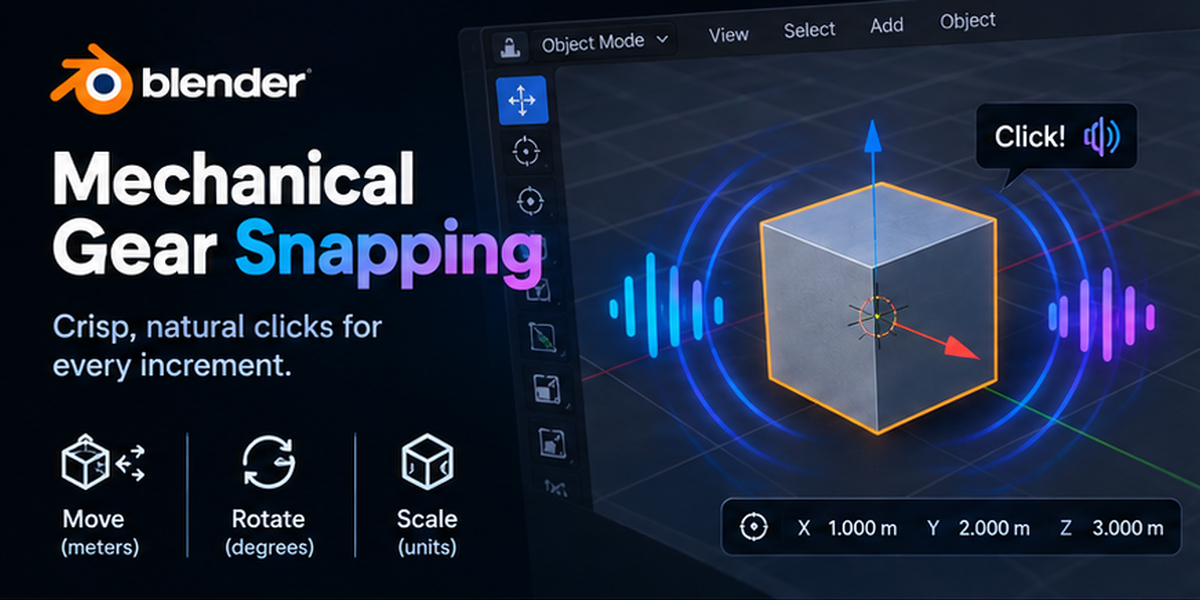
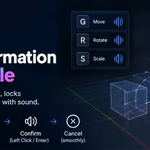
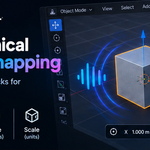
As you move, rotate, or scale past your configured step units (e.g., every 1 meter), the add-on dynamically alters the pitch of the mechanical sound using a smooth mathematical curve (tanh), giving you intuitive auditory cues of how far you are transforming your object.
Discover more products like this
viewport mechanical asmr audio-feedback User experience tactile sound design Workflow 3d modeling game-dev productivity blender addon