Asmr Viewport
 rareseed57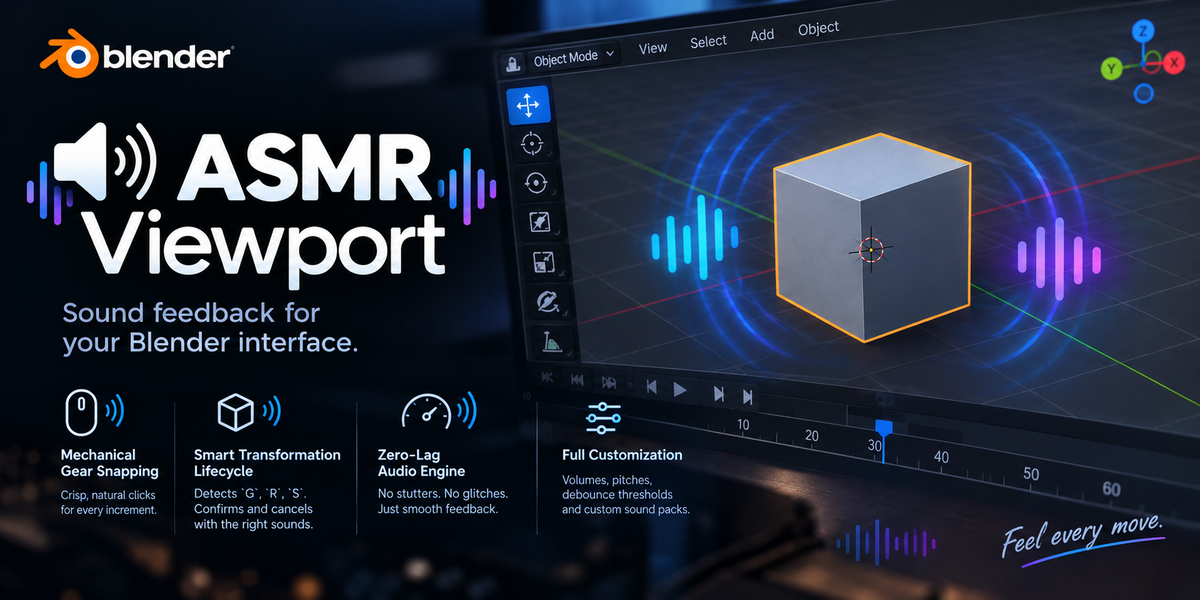
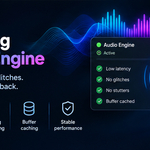
ASMR Viewport
Official Documentation
Welcome to ASMR Viewport, a custom Blender add-on that introduces sophisticated, tactile auditory feedback to your 3D workflow. This guide covers installation, configuration, and troubleshooting to help you get the most out of your immersive workspace.
🛠️ Installation Guide
Download the latest
asmr_viewport.pyfile (or zip package) from your purchase or release page.Open Blender (v3.0 or newer).
Navigate to
Edit > Preferences > Add-ons.Click on the Install button in the top right corner.
Select the downloaded file and click Install Add-on.
Search for ASMR Viewport in the add-on list and enable the checkbox to activate it.
Open the N-Panel (Sidebar) in the 3D Viewport by pressing
N, and locate the ASMR Viewport tab to configure your settings.
⚙️ Settings & Configuration Guide
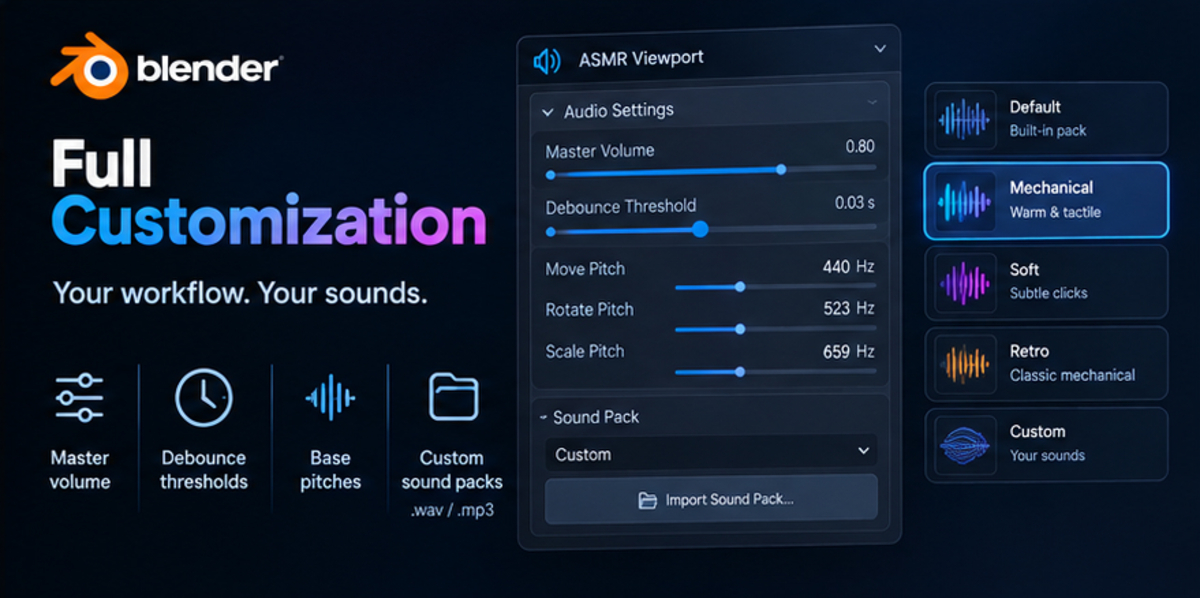
You can customize your audio feedback preferences under Edit > Preferences > Add-ons > ASMR Viewport or directly from the 3D Viewport sidebar panel.
Global Controls
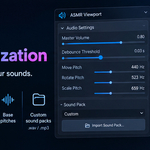
Master Volume: Controls the overall loudness of all generated or custom audio cues (Default:
0.08).Use Custom Audio Files: Toggle this on to replace synthesized sounds with your own
.wavor.mp3files for individual actions.
Event Settings & Frequencies
Each action can be independently enabled or disabled and customized with a specific base pitch (Hz) or custom file:
Save Project: Triggers when saving your
.blendfile.Undo / Redo: Provides subtle feedback when stepping backward or forward through history.
Select Objects: Plays a crisp cue when changing object selections in the viewport.
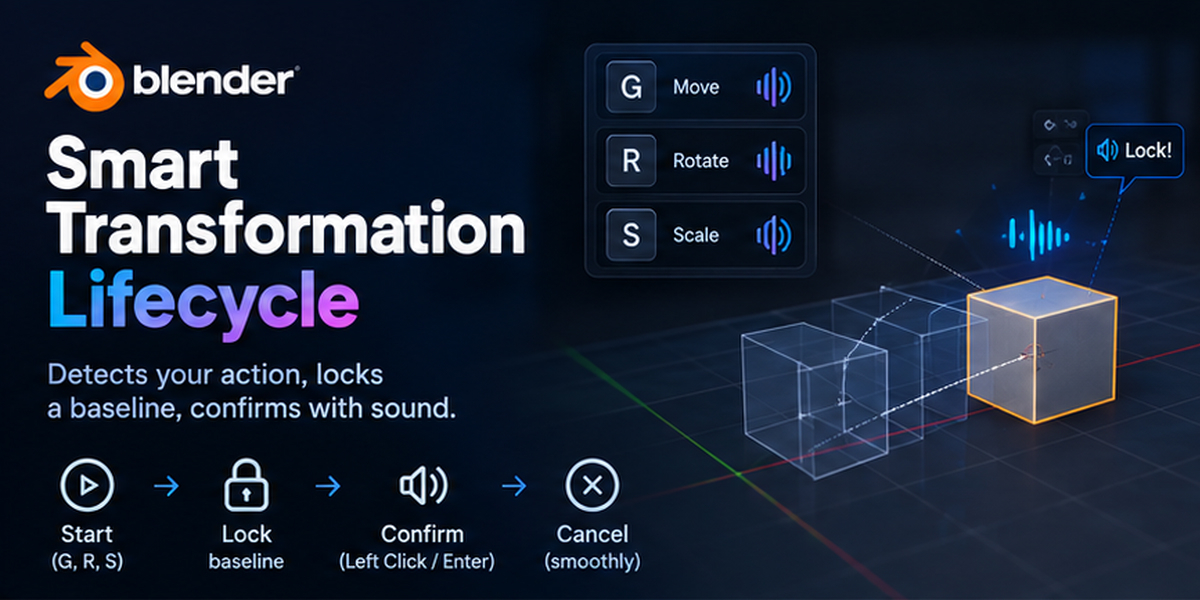
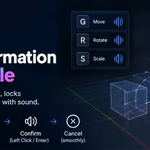
Move / Rotate / Scale End: Confirmation thud when completing a transformation (
LMB,Enter,Space).Cancel Transform: Distinct audio cue when aborting a transformation via
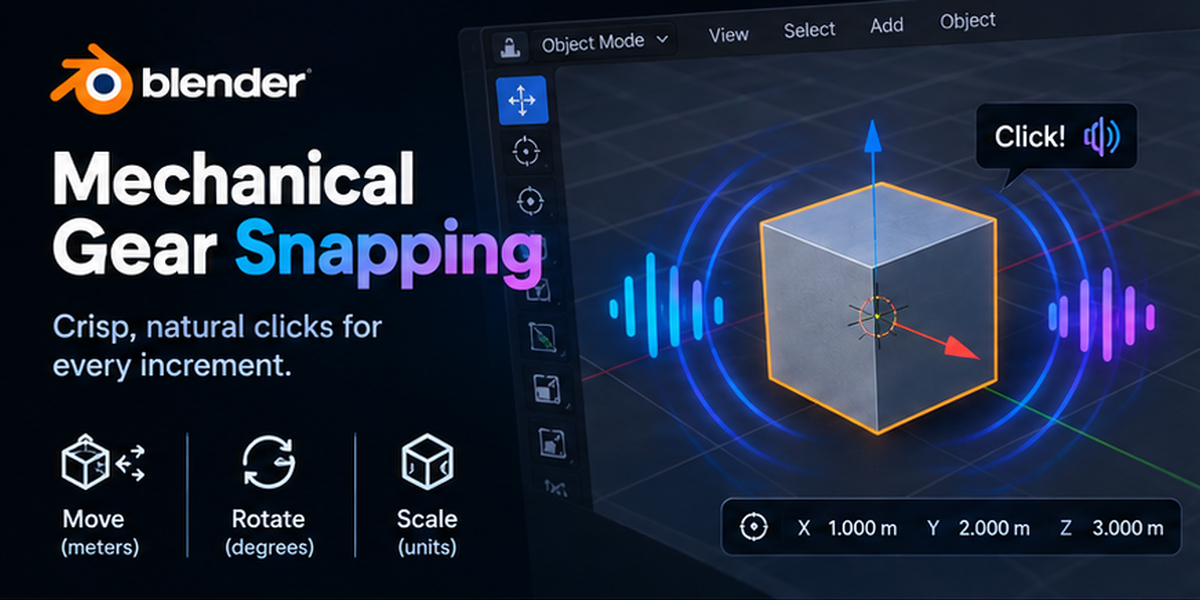
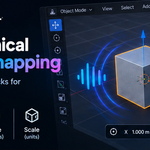
RMBorESC.Gear Snap Step: The core mechanical click played during unit-based snapping.
Snap Step Sizes
Configure the threshold intervals at which the gear snap sound triggers during active transformations:
Move Step (m): Distance interval for Grab (
G), default1.0m.Rotate Step (deg): Angle interval for Rotate (
R), default15.0°.Scale Step: Factor interval for Scale (
S), default0.2.Pitch Step Inc (%): Pitch shift increase per step increment, giving a rising or falling pitch feedback as you scale numbers up or down.
Discover more products like this
sound design audio-feedback Workflow 3d modeling tactile game-dev User experience blender addon asmr mechanical viewport productivity