 AL3K
AL3K


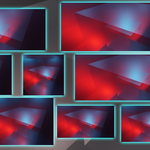
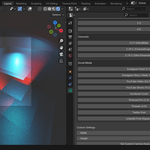
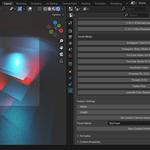
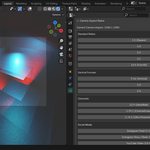
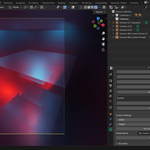
Boost your creative control with Aspect Ratio Setter for Blender 4.4+, a powerful and intuitive add-on that lets you assign custom render resolutions per camera. Ideal for artists, filmmakers, and content creators, this tool allows you to switch between cinematic widescreen formats, vertical video ratios for TikTok or Reels, and square formats for Instagram — without manually updating your render settings every time.
With built-in presets for standard, vertical, cinematic, and social media formats, as well as the ability to save your own, this plugin adapts perfectly to your workflow.
Whether you're creating animations, reels, YouTube videos, or story content, Aspect Ratio Setter simplifies and speeds up your pipeline.
Key Features
-
🎥 Per-Camera Aspect Ratios — set different output sizes per camera
-
📱 Preset Formats — built-in presets for YouTube, Instagram, TikTok, and more
-
⚙️ Custom Aspect Ratio Support — manually enter and save your own formats
-
💾 Save Custom Presets — reuse your most-used settings easily
-
🔄 Auto Render Resolution Update — render resolution automatically adjusts when switching active cameras
-
🧠 Lightweight & Easy to Use — no complicated setup, intuitive UI
Installation Instructions
-
Download the
Aspect Ratio Setter.zipfile -
Open Blender
-
Go to Edit > Preferences > Add-ons
-
Click Install, select the zip file, and hit Install Add-on
-
Enable the add-on by checking "Aspect Ratio Setter"
-
Go to the Render Properties tab or select a camera and access the Camera Data tab to find the Aspect Ratio panel
-