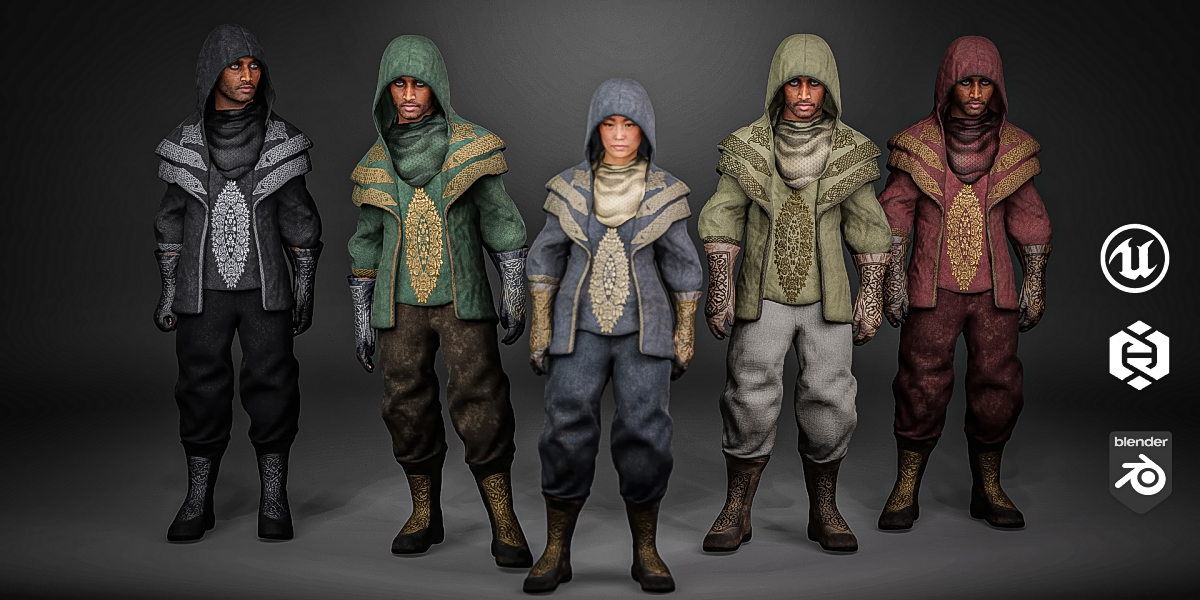
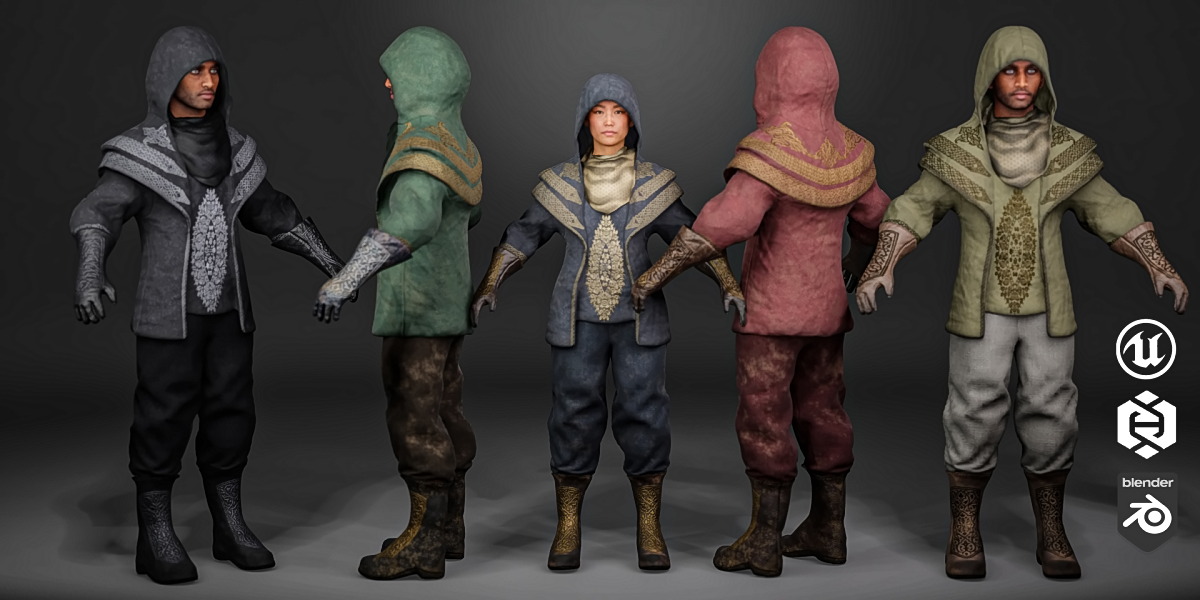
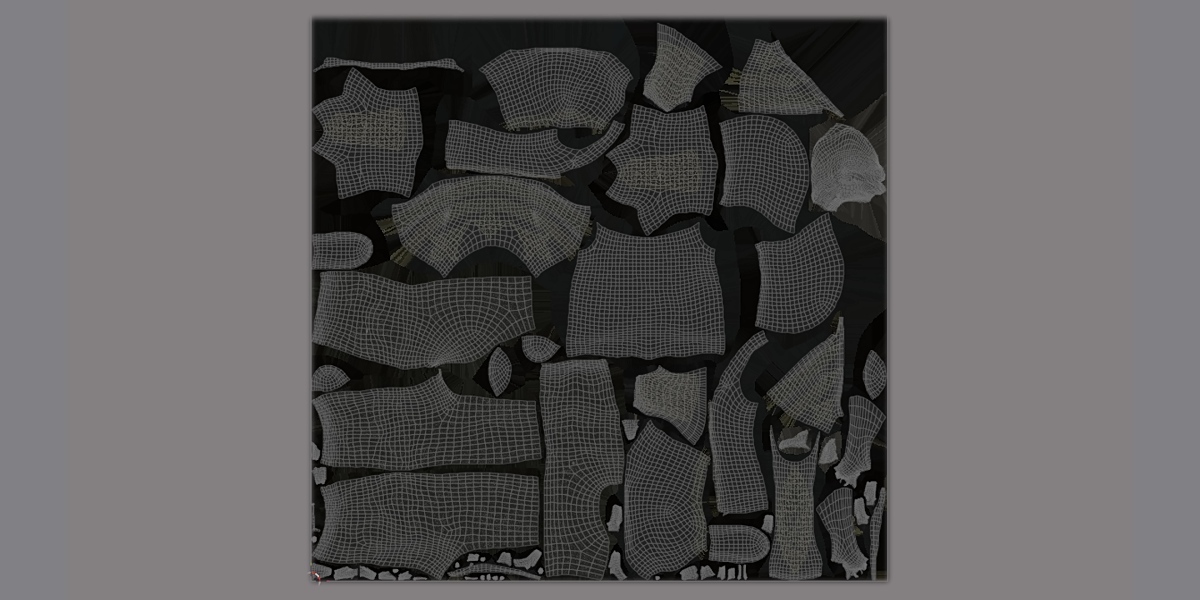
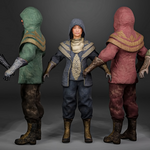
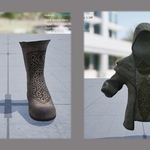
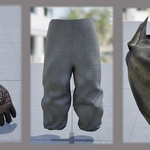
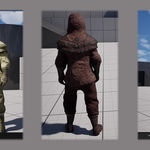
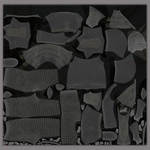
Assassin Outfit - Parametric MetaHuman Clothing | Recolorable
 Mijan3d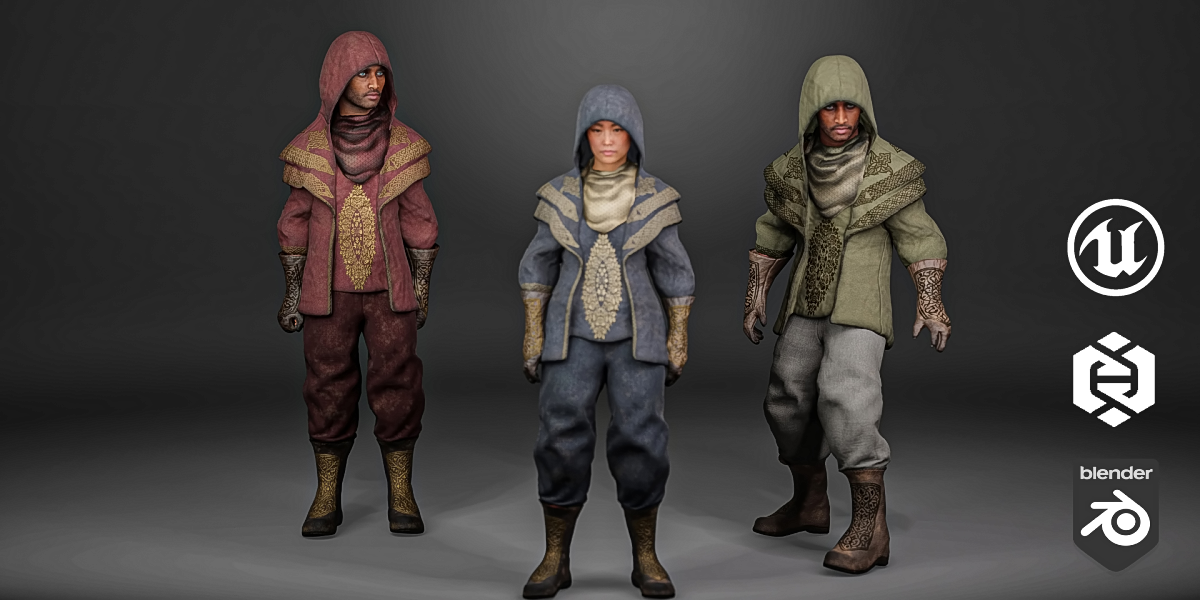
Enabling the Required Plugins
1 — Open the Plugins window
Click Edit in the top menu bar, then choose Plugins from the bottom of the dropdown (it sits under Editor Preferences, Keyboard Shortcuts, and Project Settings). This opens a separate Plugins window listing all 852 built-in plugins.
2 — Search and enable the Chaos Cloth plugins
Click into the search box at the top of the Plugins window and type chaos cloth. The list filters down to just the cloth-related plugins. Check the box next to each of these:
Chaos Cloth
Chaos Cloth Asset
Chaos Cloth Asset Dataflow Nodes
Chaos Cloth Asset Editor (Deprecated)
Chaos Cloth Asset Editor Core
Chaos Cloth Asset USD Dataflow Nodes
chaos Insights
Chaos Niagara
Chaos Outfit Asset (Beta)
Chaos Solver
Chaos Visual Debugger
Chaos Caching
Chaos Editor
Chaos UserDataPT
Search and enable the MetaHuman plugins
Clear the search box and type metahuman. From this filtered list, check:
MetaHuman Animator
MetaHuman Core Tech
MetaHuman Creator (Beta)
MetaHuman SDK
Open Project Settings
Search for "mode bodies"
Enable "Show Compatibility Mode Bodies"
Close the Project Settings window. You're now back in the main editor viewport.
This product includes meshes that support Nanite virtualized geometry. If you are new to Nanite or need help enabling it in your project, please refer to Epic Games' official documentation: https://dev.epicgames.com/documentation/en-us/unreal-engine/nanite-virtualized-geometry-in-unreal-engine
 Included
Includes 12 months of
- Support from Mijan3d
- Product updates
Extend this product’s Support Period +12 months: 25% of product price
Have questions before purchasing?
Login to message
| Published | 2 days ago |
| Blender Version | 2.8 - 5.1 |
| Render Engine Used | Cycles |
| Misc Data | Uvs-Unwrapped, Rigged, Animated, Low-High-Resolution, Normal-Mapped, Textured |
| License | Royalty Free |
Discover more products like this
3D clothing 3d-asset-game Pants boot gothic 3d cloth 3d-assassin coat 3dstylized character gloves 3d lowpoly model armor