 NicoHartl



Why
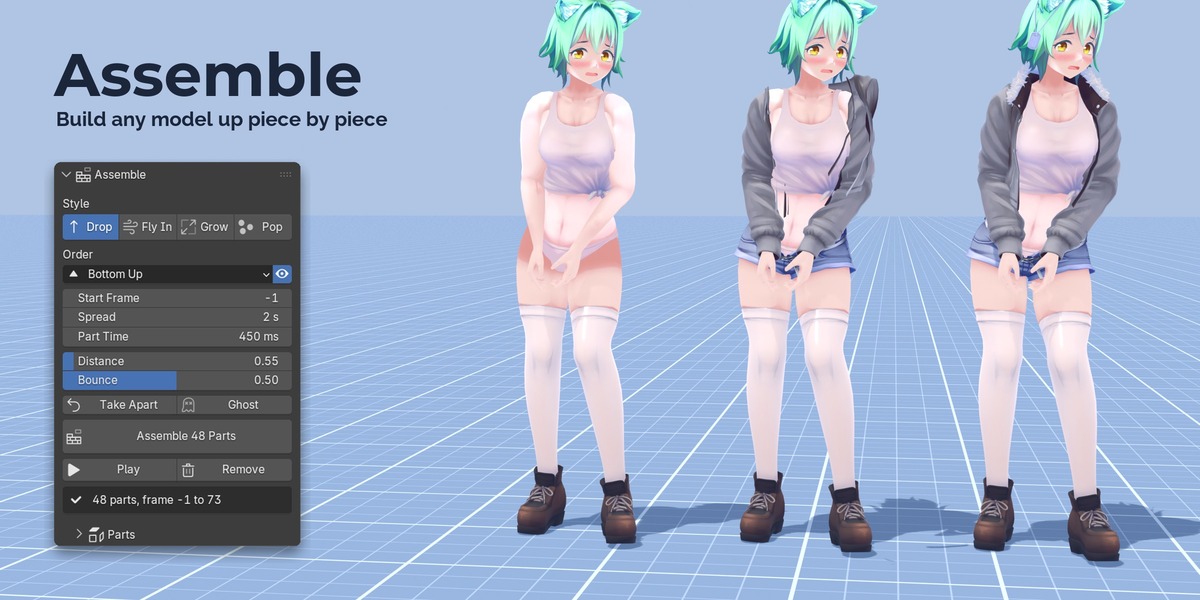
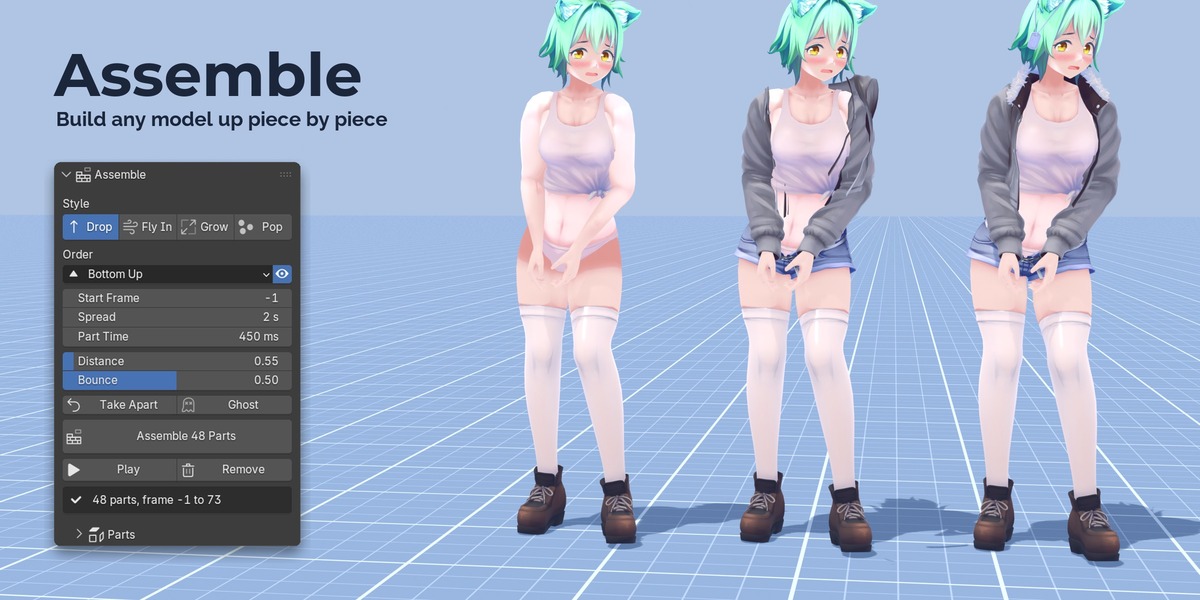
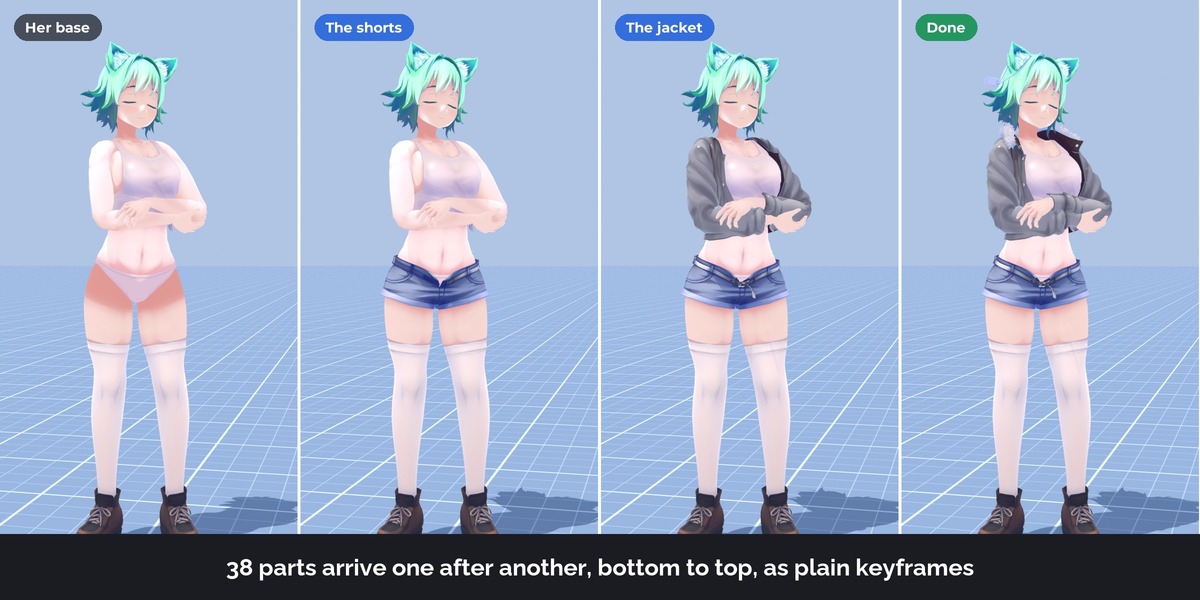
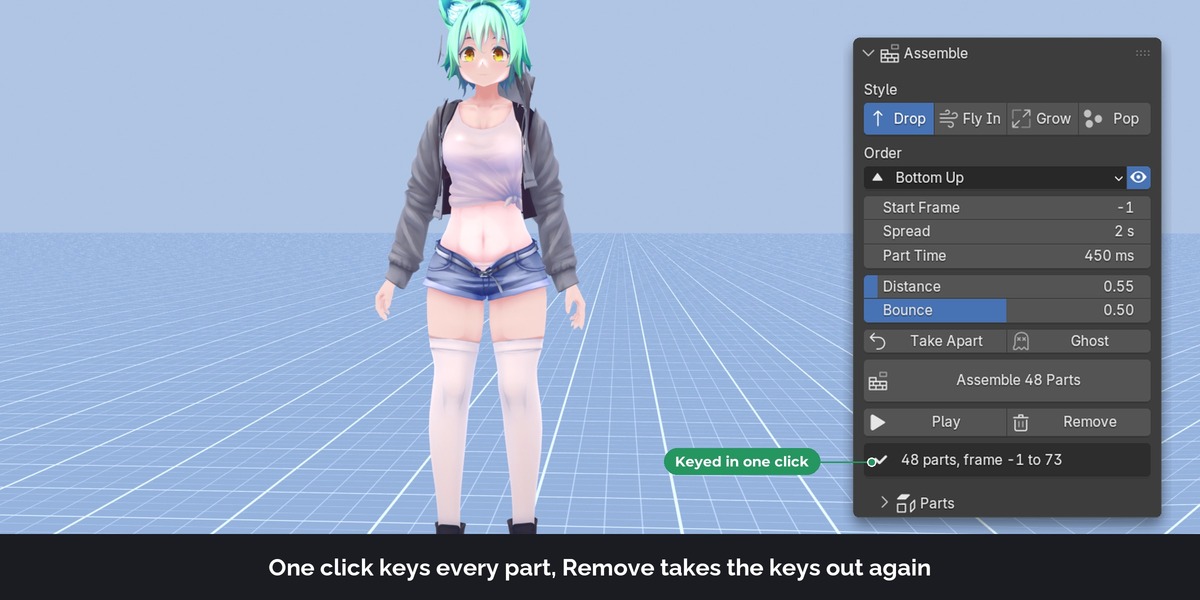
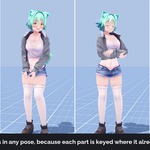
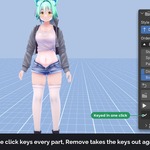
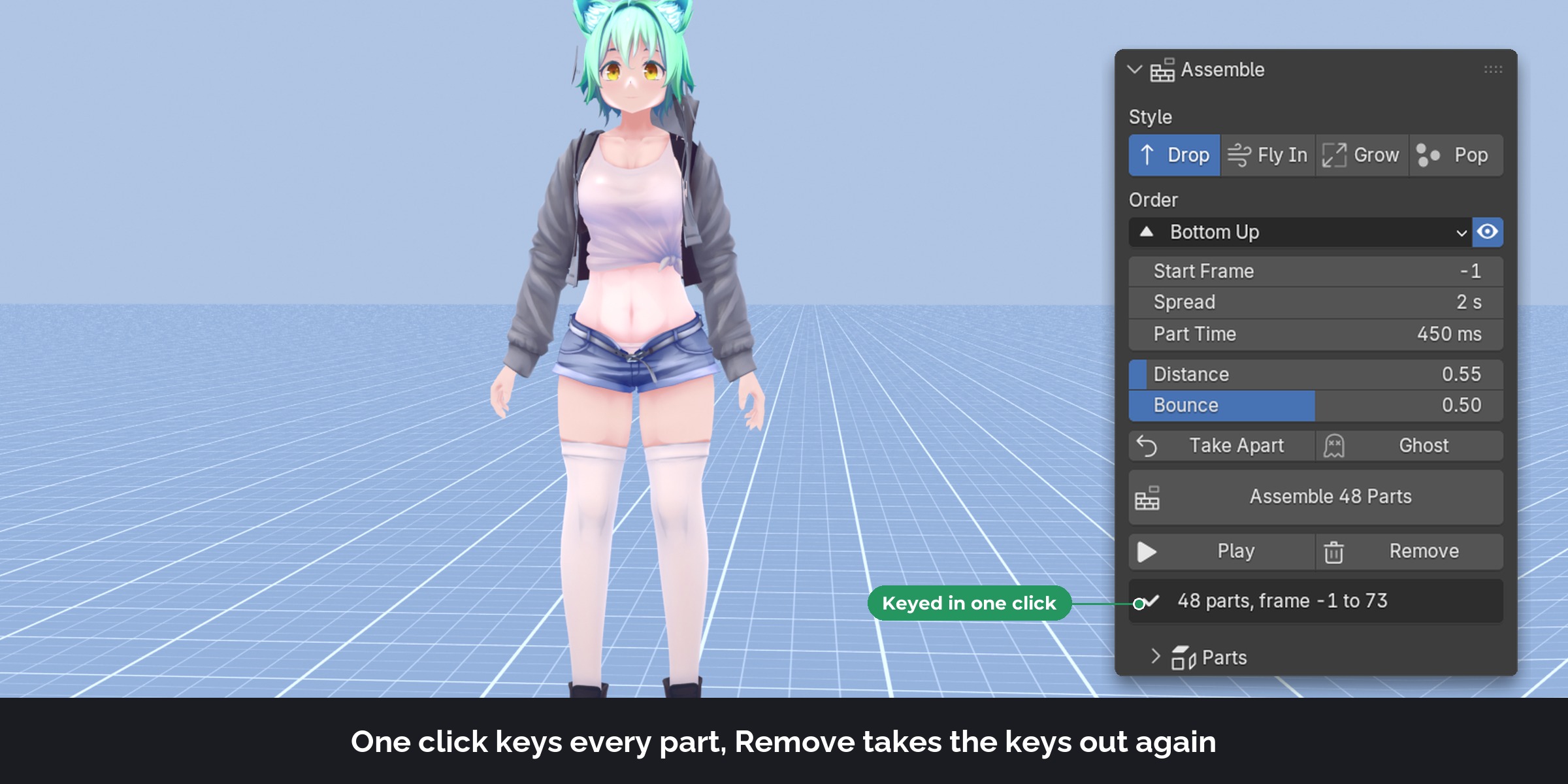
Showing how a model goes together makes a great clip, but keying dozens of parts by hand takes an afternoon. Assemble does it in one click and leaves normal keyframes behind, so you can still adjust every part.
Styles
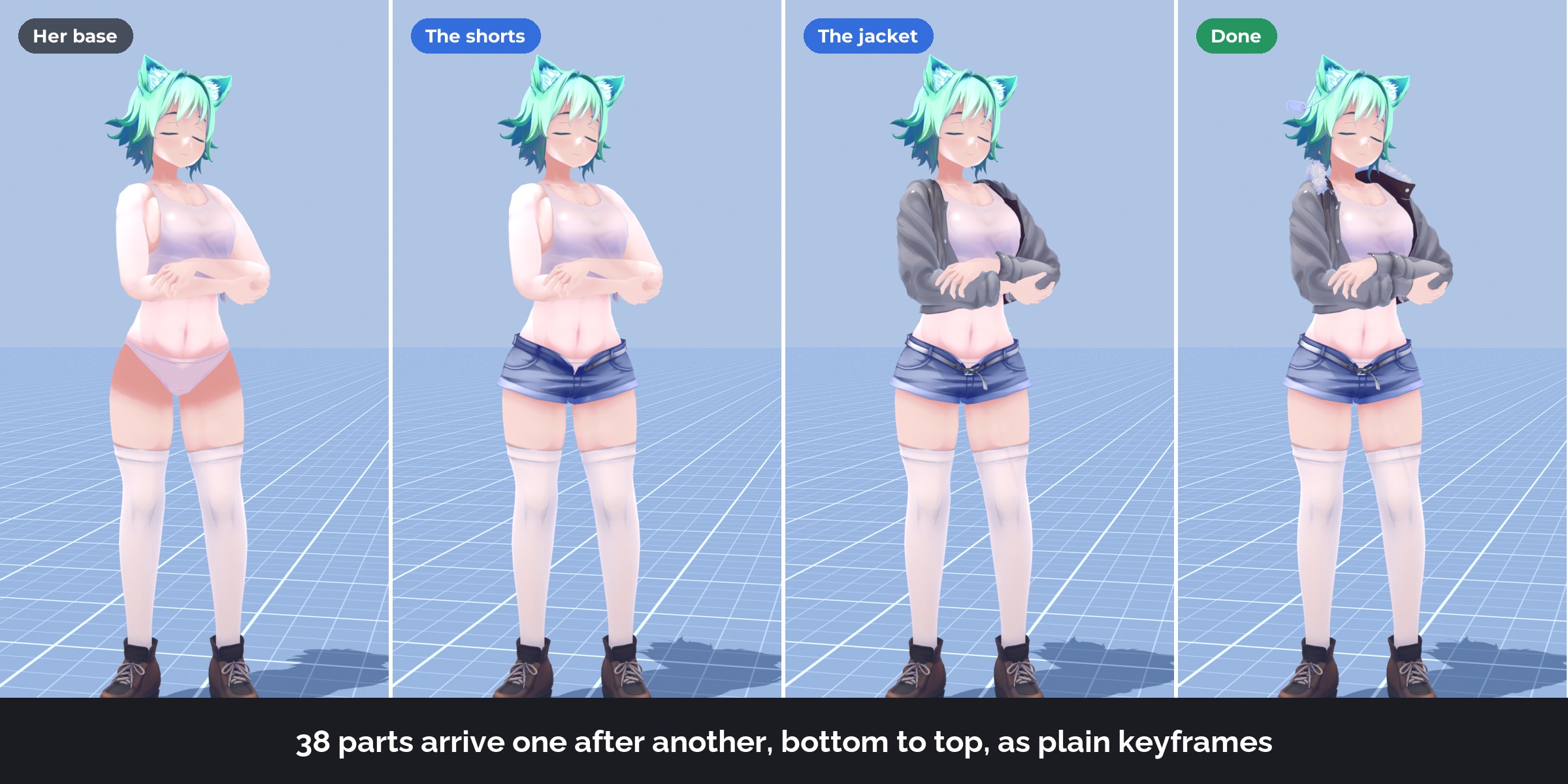
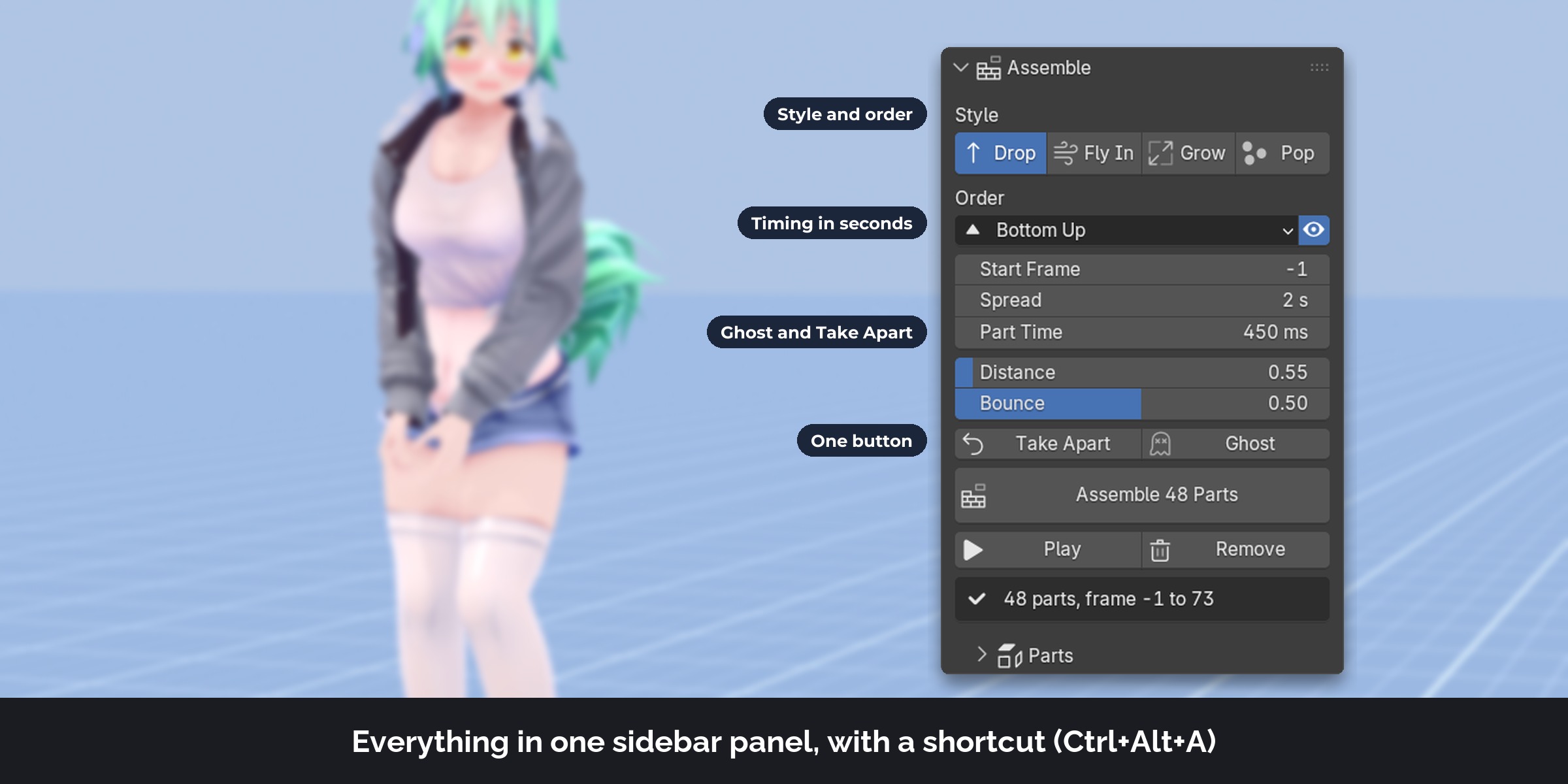
Drop lets parts fall from above and bounce once. Fly In brings them in from the side while they turn into place. Grow scales them up from nothing. Pop scales them up with a small overshoot and a twist.
Order and timing
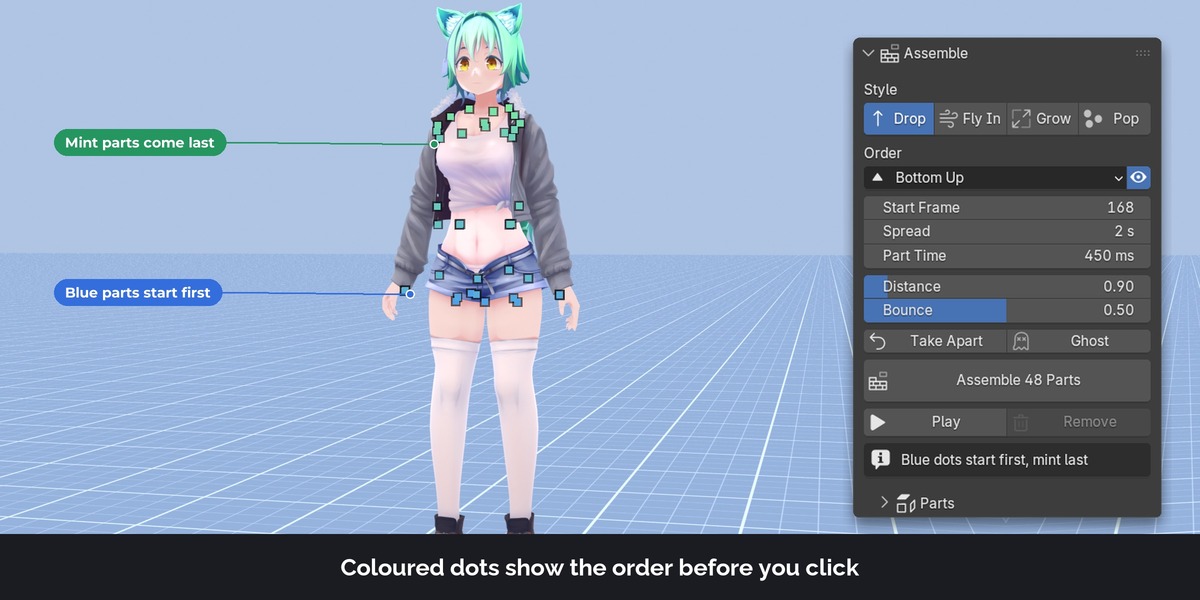
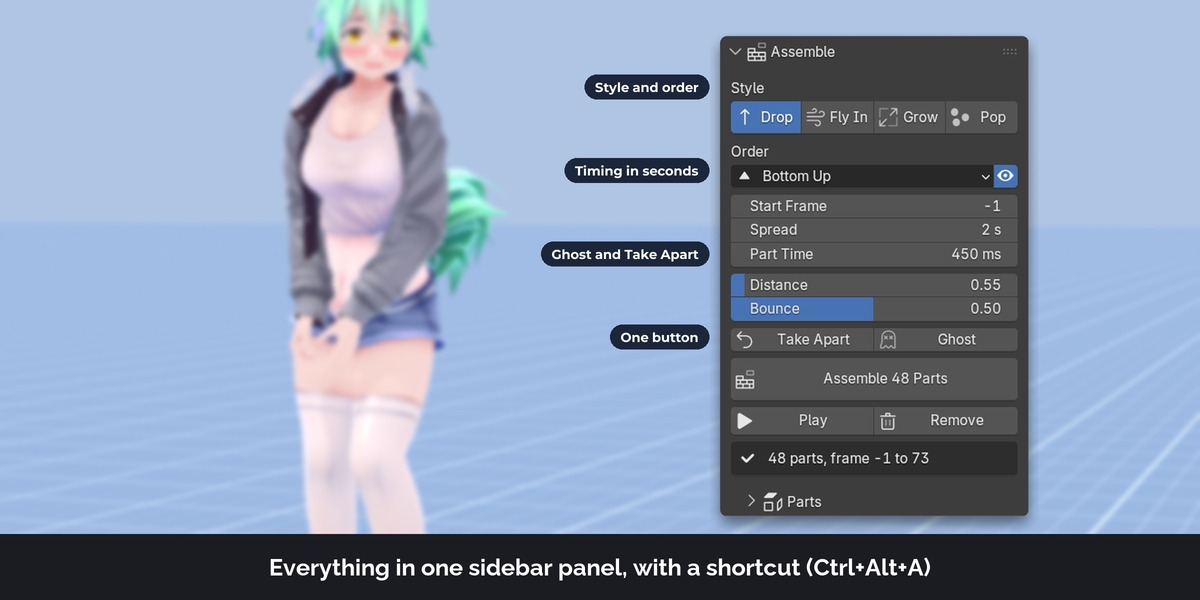
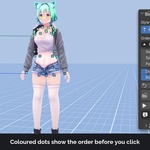
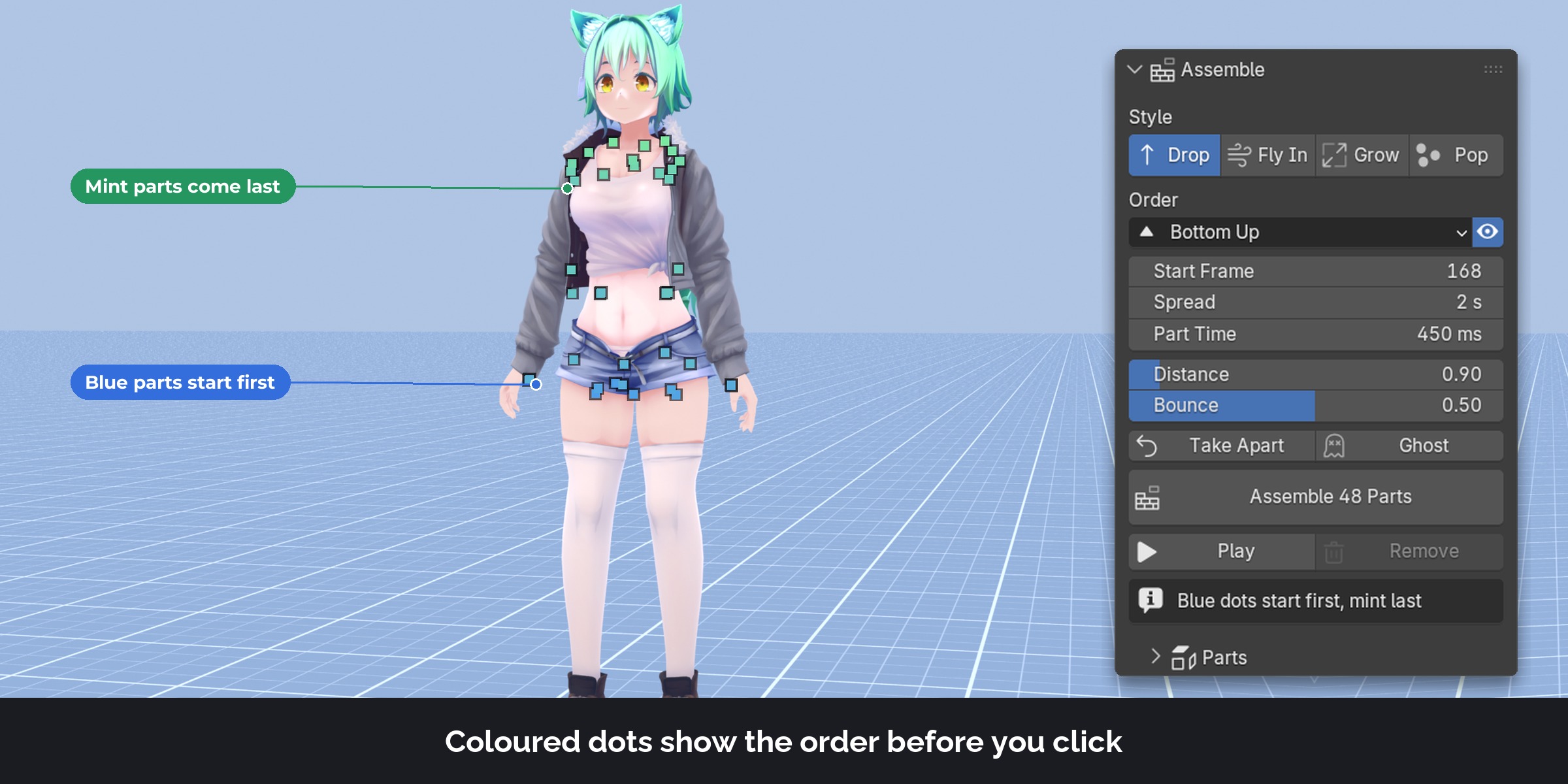
Parts can start bottom up, top down, from the centre out, in Outliner order or in a random order with a seed. Coloured dots in the viewport show the order before you click: blue parts start first, mint parts come last. Timing is set in seconds: start frame, spread between the first and the last part, and the time each part needs.
Ghost
Ghost shows the finished model as grey clay before the build starts. Each real part replaces its clay copy the moment it lands, so viewers see where everything goes. The clay copies keep modifiers like Bevel or Mirror.
Take it apart
Take Apart runs the same motion backwards, top part first. Use it for an ending or a seamless loop.
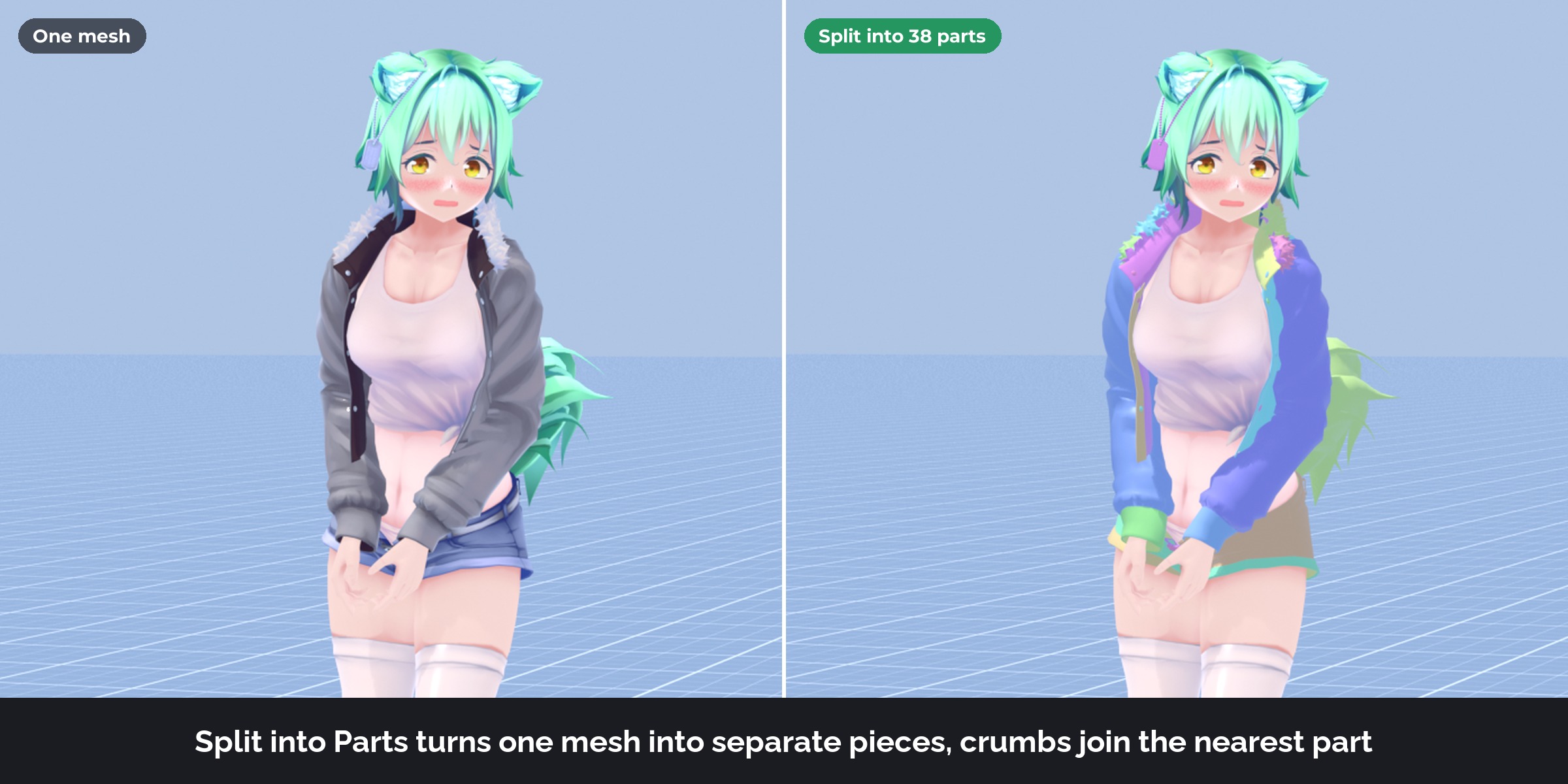
One mesh made of many pieces
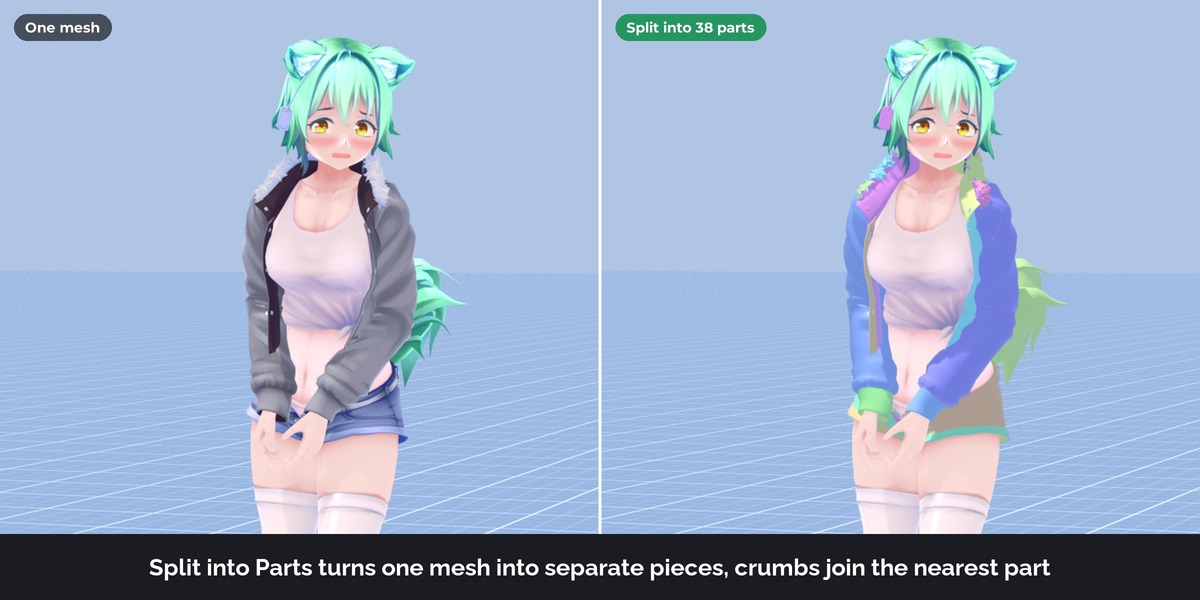
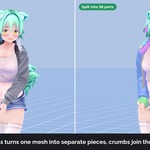
Characters, kitbash models and imported files are often a single object. Split into Parts makes every loose piece its own object with its origin in the middle. Tiny pieces such as fur tufts or rivets join the nearest part with the same material, so the build reads as clear steps.
Your animation is safe
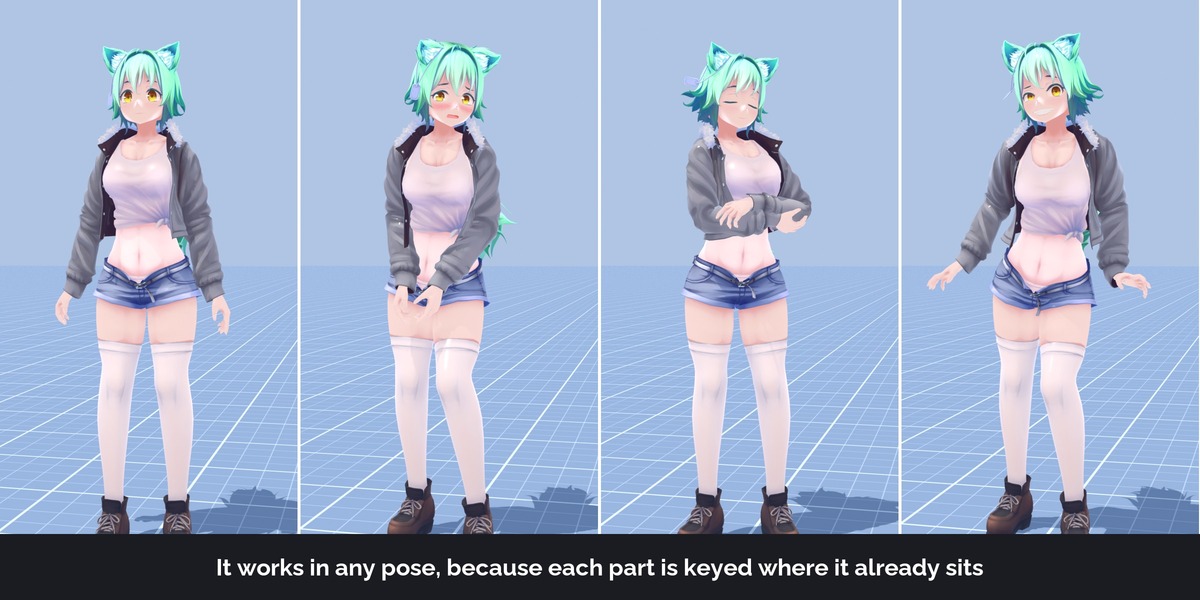
Remove takes out only the keys Assemble added and puts every part back. Clicking Assemble again replaces the earlier keys. Objects that already have their own location, rotation or scale animation are skipped and named in a message.
How it works
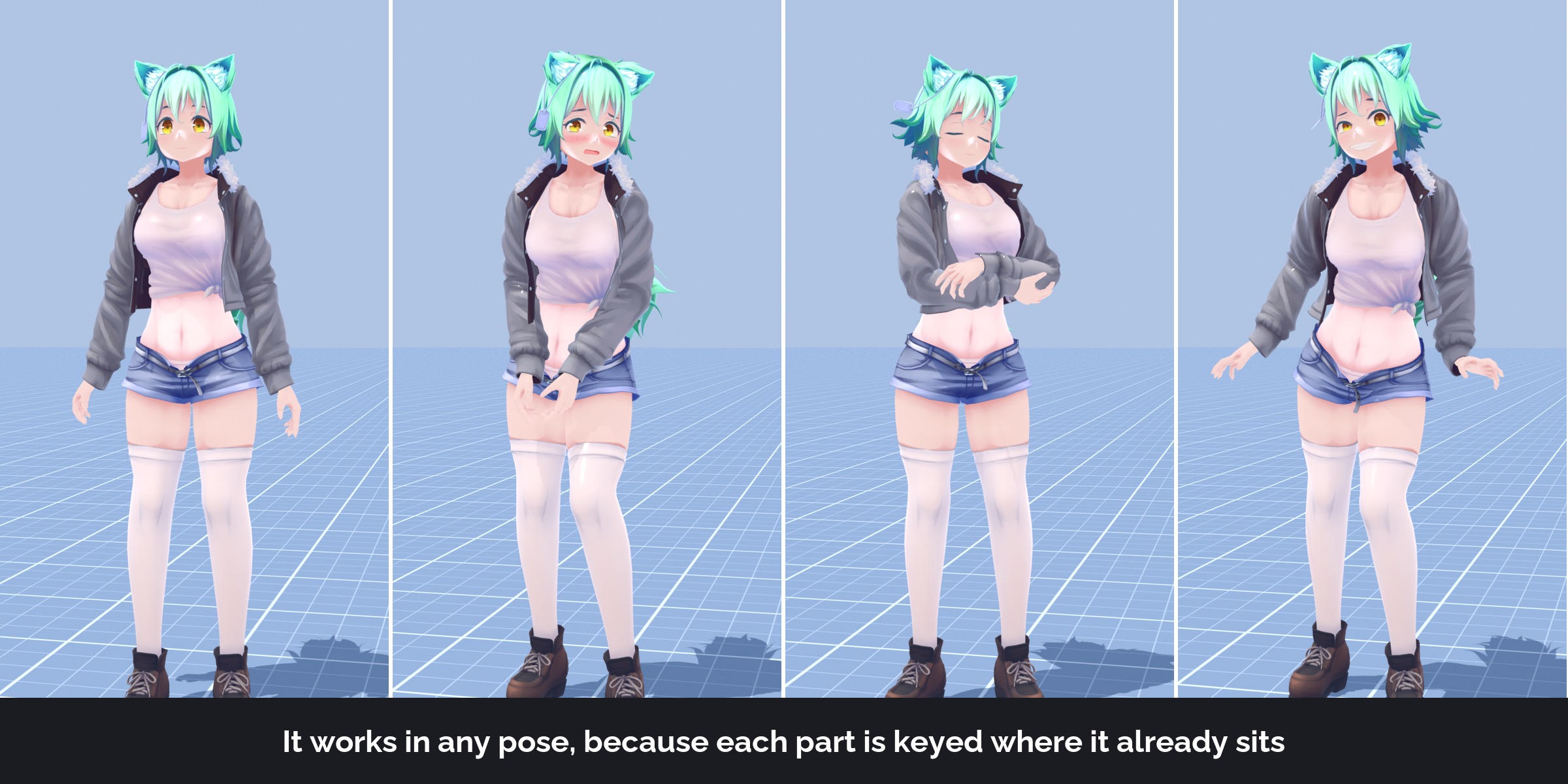
Two keys per channel with Blender's own easing curves (Bounce, Back, Quad), editable in the Graph Editor. Parts are hidden before their turn by scaling them to zero for one constant frame, which also works in game engines and on render farms. Parents and rotated parents are respected.
Tested
27 automatic tests in Blender 4.5 LTS, 5.2 LTS and 5.3: every style lands each part exactly in place, the orders, timing in seconds, Take Apart, Remove, rebuild, skipped objects with their own animation, parented and quaternion parts, Split into Parts, Ghost with modifiers, 200 parts in under 5 seconds.
What it does not do
Spin needs Euler rotation (quaternion parts arrive without turning). Meshes with shape keys or shared mesh data are not split.
Credits
Demo character "Shibahu" by 腱鞘炎の人 (@Kensyouen), Sketchfab, CC BY 4.0, shown in the video and pictures only, not included in the package. Designed with Claude. Code written with AI assistance, then reviewed, tested and integrated by a 3D artist.