 NicoHartl
Assemble
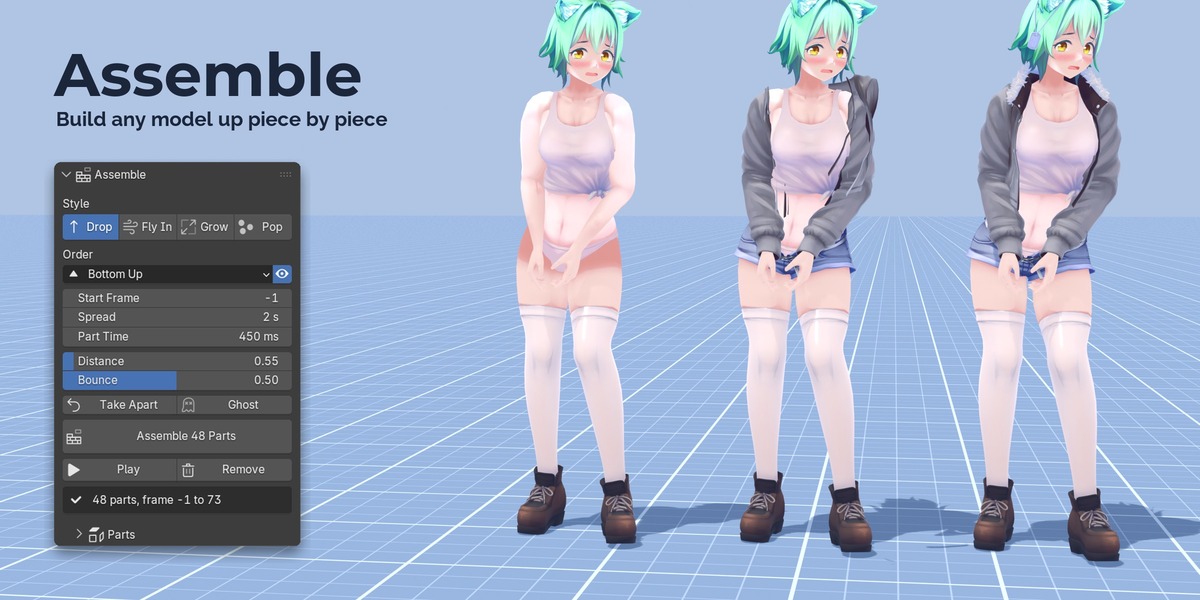
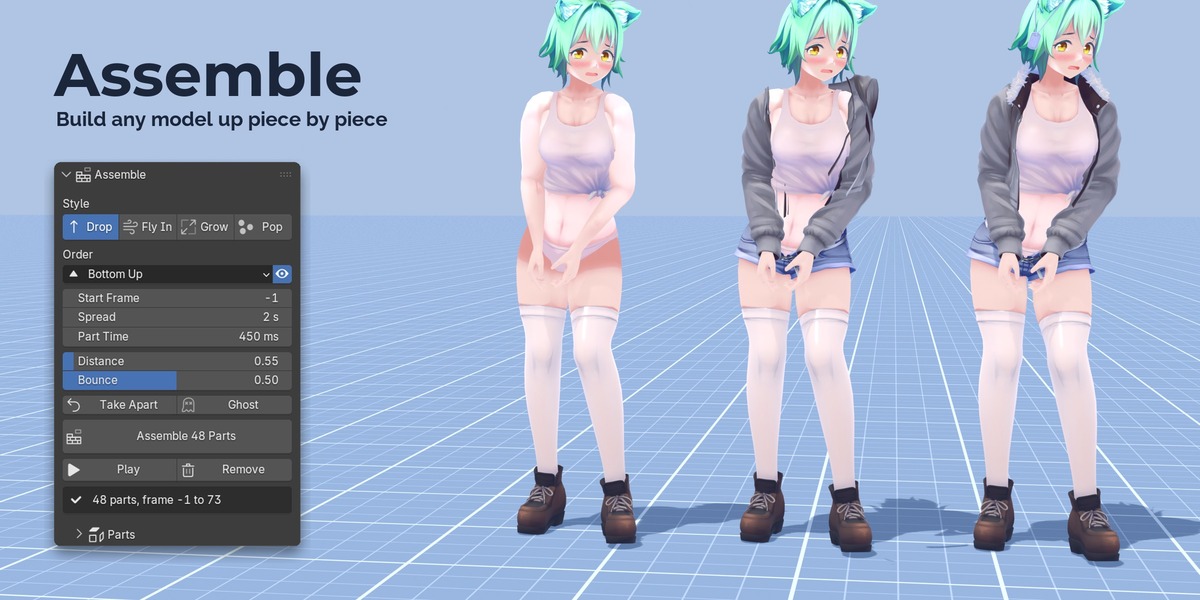
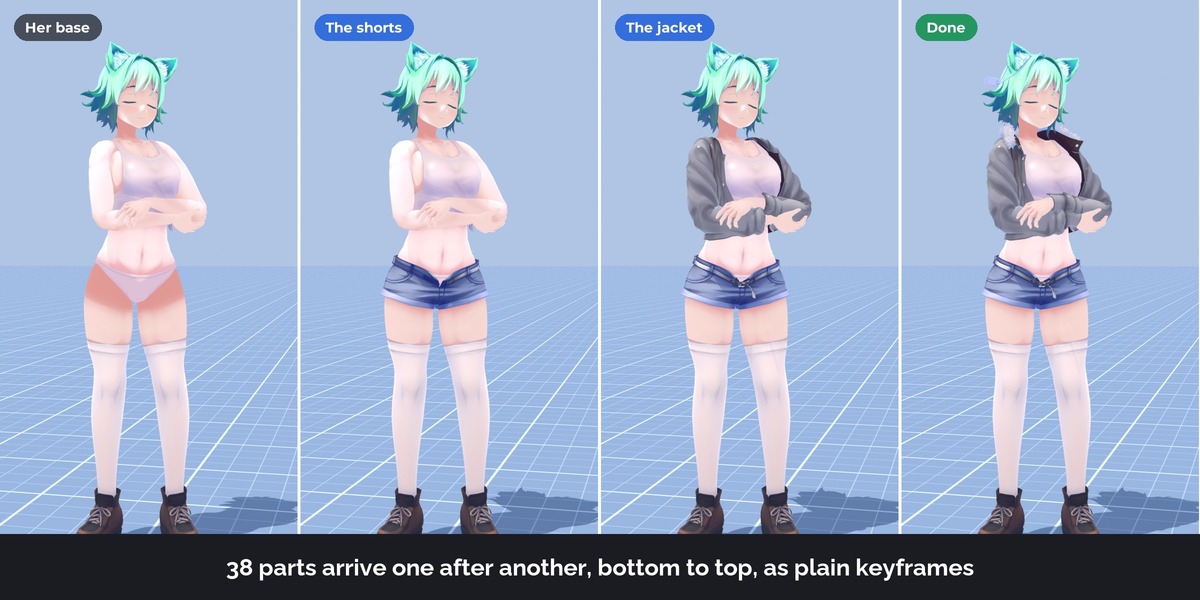
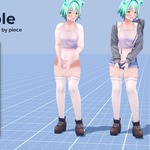
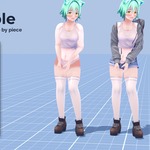
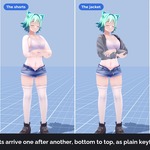
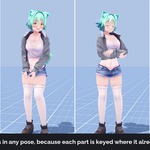
Assemble animates a model building itself: the selected parts drop, fly, grow or pop into place one after another. The result is plain keyframes on location, rotation and scale, so you can edit, retime, reverse or remove it.
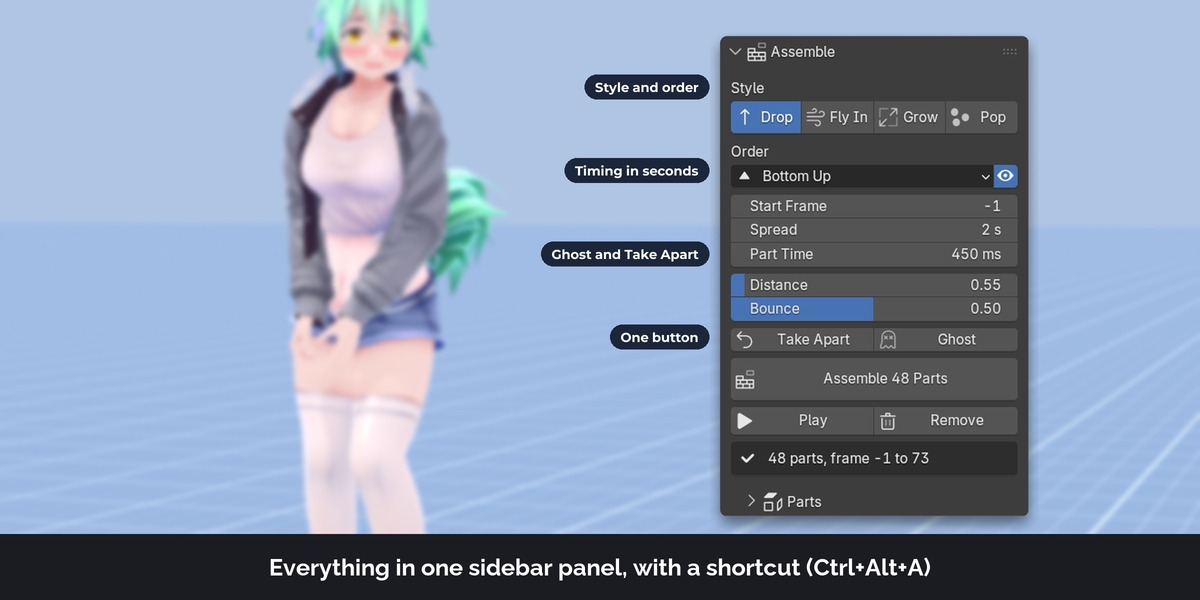
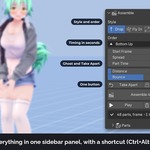
Blender 4.5 LTS, 5.2 LTS and 5.3. Sidebar (N) > Assemble. Shortcut in Object Mode: Ctrl+Alt+A.
Quick start
- Select the parts of your model (several objects).
- Pick a style: Drop, Fly In, Grow or Pop.
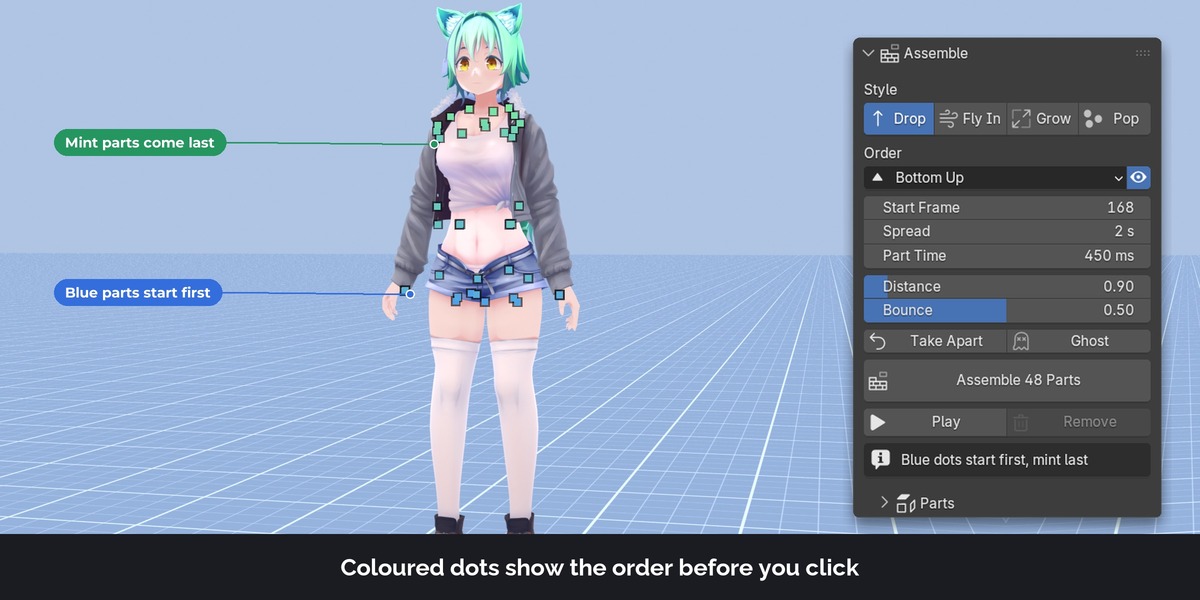
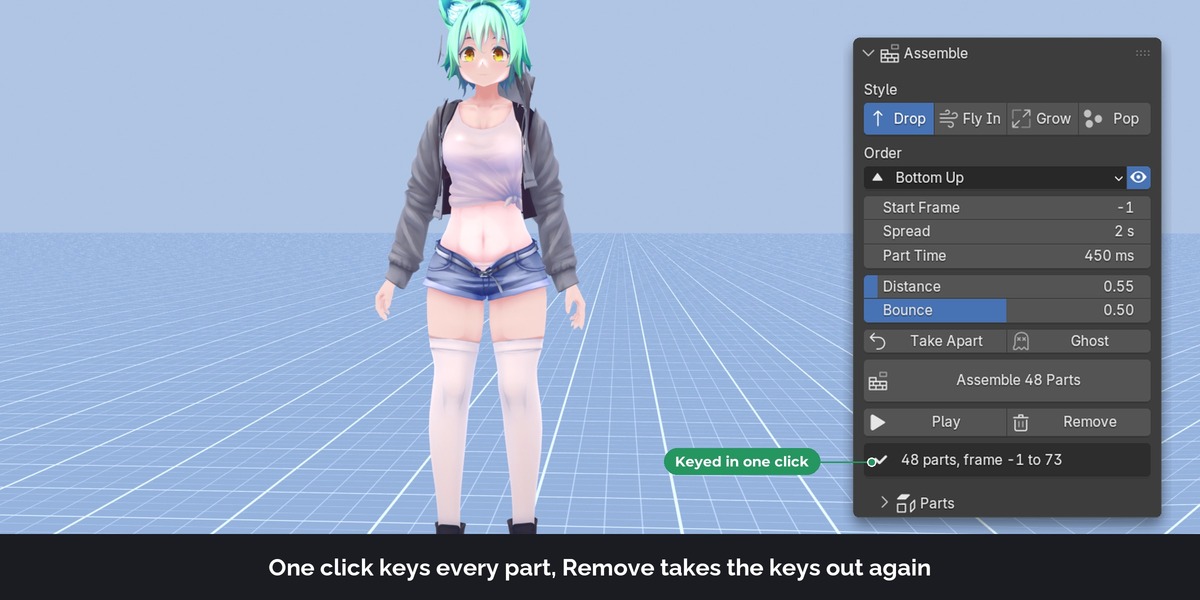
- Click Assemble. Click Play to watch it.
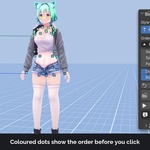
The coloured dots show the order: blue parts start first, mint parts come last.
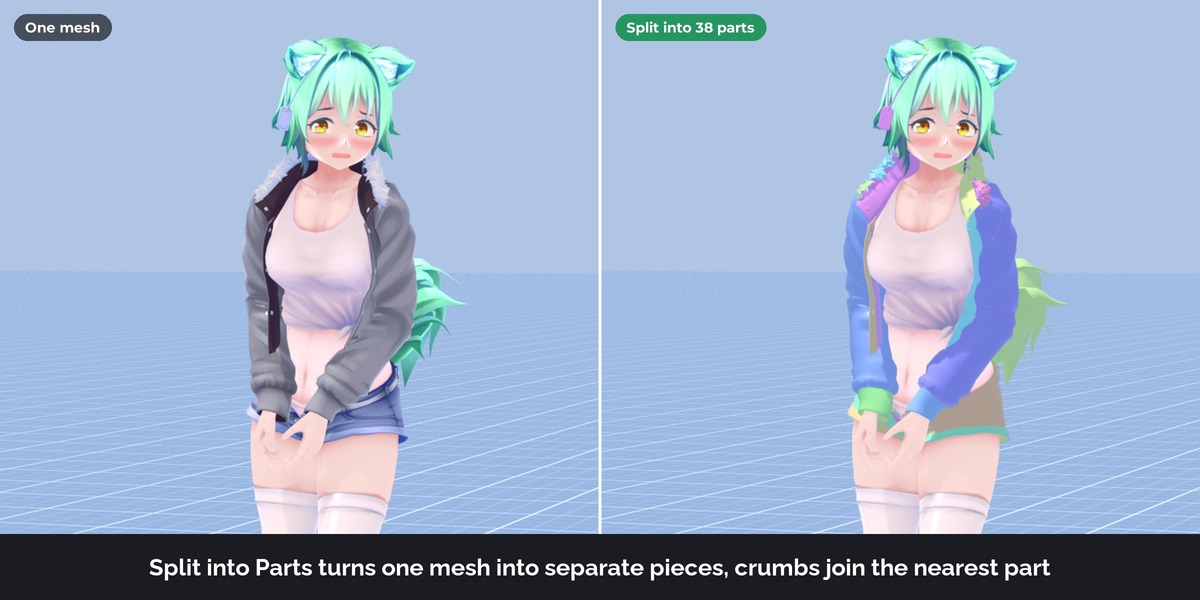
One mesh made of many pieces
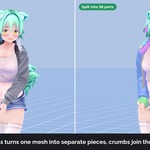
Characters, kitbash models and imported files are often one object. Open Parts and click Split into Parts. Every loose piece becomes its own object with its origin in the middle. Pieces with fewer faces than Smallest Part join the nearest part with the same material, so fur tufts or rivets do not fly in one by one.
Settings
| Setting | What it does |
|---|---|
| Style | Drop falls from above and bounces once. Fly In comes from the side and turns into place. Grow scales up from nothing. Pop scales up with a small overshoot and twist. |
| Order | Bottom Up, Top Down, Centre Out, By Name (Outliner order) or Random (the seed picks the order). |
| Start Frame | Frame on which the first part starts. |
| Spread | Seconds between the first and the last part starting. |
| Part Time | Seconds each part needs to reach its place. |
| Distance | How far parts travel, as a share of the model's height. |
| Bounce | Overshoot on arrival. 0 lands softly. |
| Spin | How much parts turn on the way (Fly In and Pop, Euler rotation only). |
| Take Apart | Parts leave instead of arriving, top part first. Use it for an ending or a loop. |
| Ghost | Shows every part as grey clay in its final place until the real part arrives. The clay copies keep the part's modifiers, so bevelled or mirrored parts look right. They sit in their own collection and are removed with Remove. |
Remove and rebuild
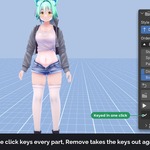
Remove takes out only the keys Assemble added and puts the parts back where they were. Clicking Assemble again replaces the earlier keys, so you can try styles and timings freely.
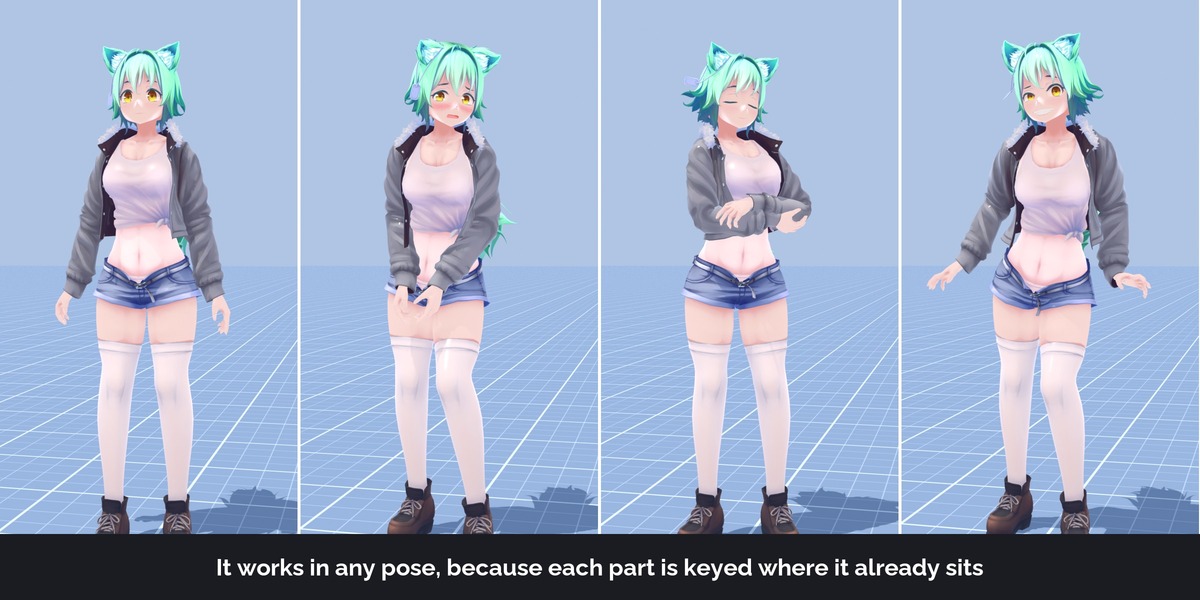
Objects that already have their own location, rotation or scale animation are skipped and named in a message, so your animation is never overwritten.
How it works
Each part gets two keys per channel with Blender's own easing (Bounce, Back, Quad), so the motion stays editable in the Graph Editor. Drop and Fly In hide a part before its turn by keying its scale to zero for one frame (constant), which also works in game engines and render farms. Parents and rotated parents are respected. Nothing runs in the background; the add-on needs no internet and stores only a small note on each assembled object.
Limits
- Spin works on Euler rotation. Quaternion parts arrive without turning.
- Mesh data shared by several objects, and meshes with shape keys, are not split.
Have questions about this product?
Login to message
| Published | about 2 hours ago |
| Blender Version | 4.5 - 5.3 |
| Extension Type | N/A |
| License | GPL |
Discover more products like this
build product animation assemble animation tool showcase keyframes reveal motion graphics exploded view