 dgraphycs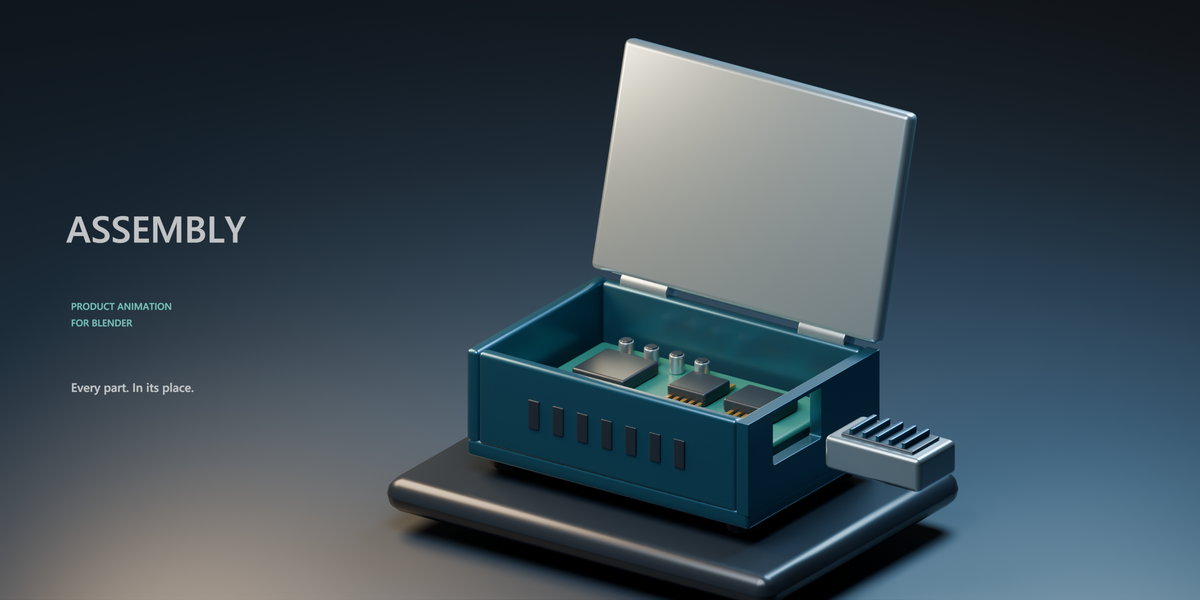
Assembly for Blender — Every part. In its place.
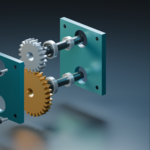
Show how your product comes together with Assembly, a Blender add-on for creating assembly and disassembly animations. From a bottle cap to a detailed engine, turn individual parts into a clear, coordinated sequence.
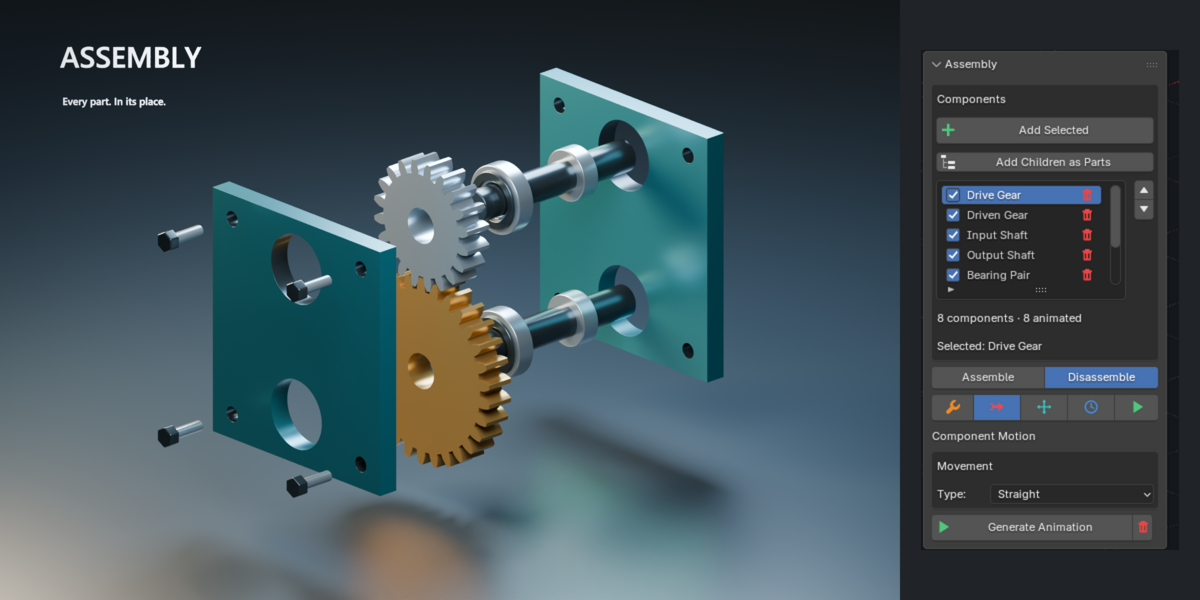
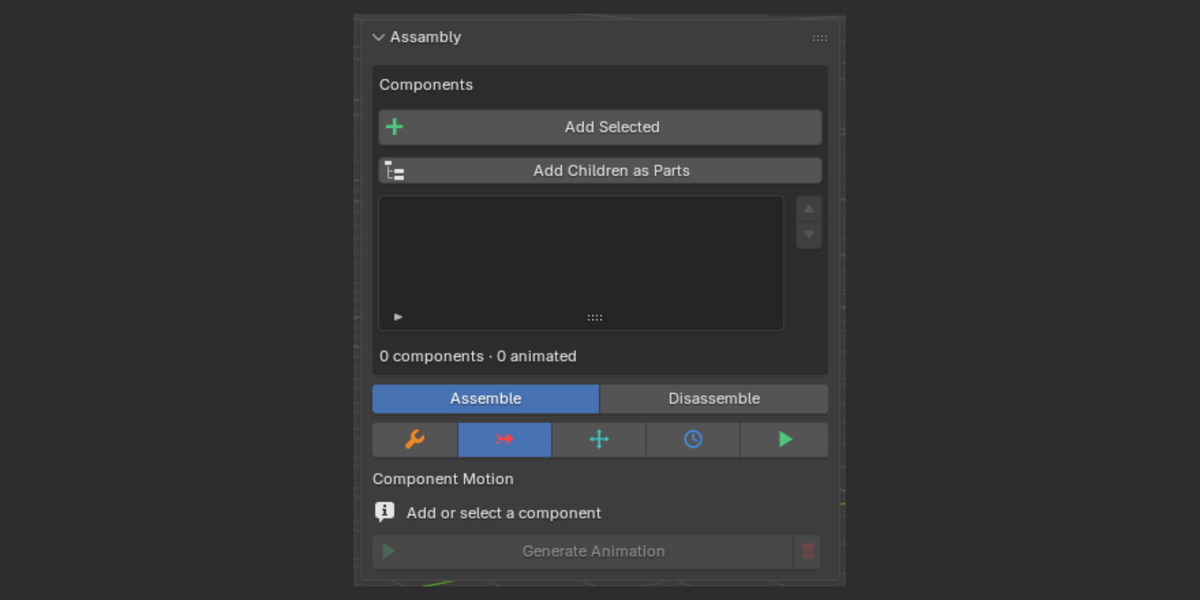
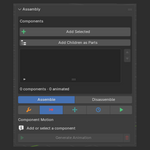
Add selected objects or discover the parts inside a hierarchy, arrange their order, and choose how each component moves. New parts start with no motion, so you animate only what needs to move.
Motion that fits the part
Create straight movements, screwing and unscrewing, rolling, straight travel followed by screwing, and hinged movement around a chosen pivot. Screw rotation follows the direction of travel, keeping bolts and threaded parts aligned as they move.
Control every entrance
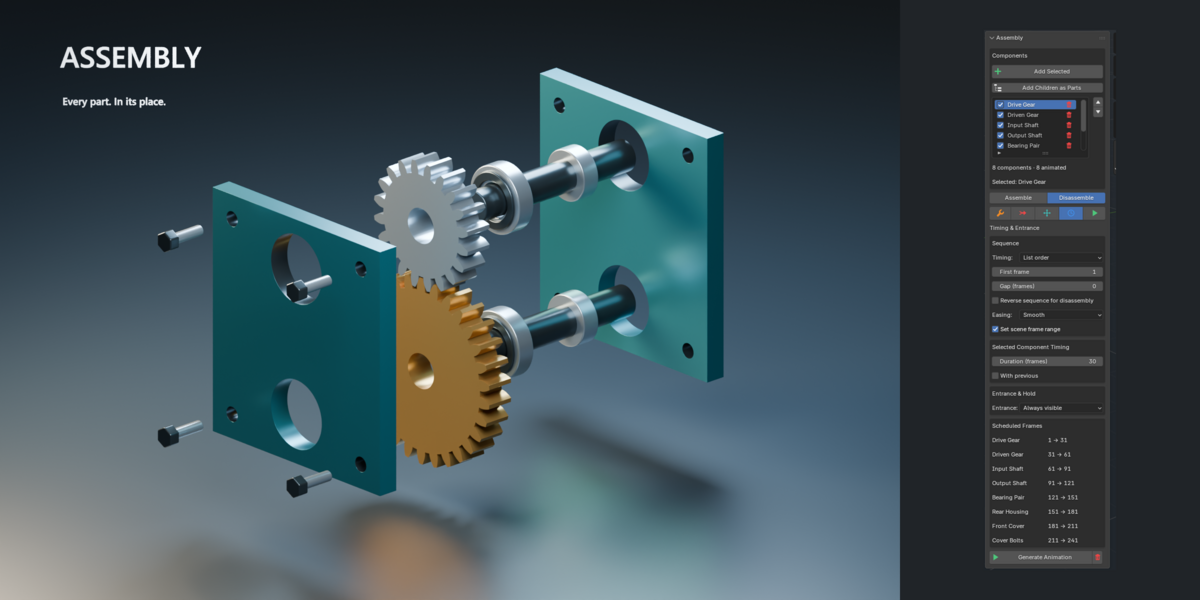
Decide when a component appears and when it starts moving. Keep a bolt visible before installation, or introduce it just before its turn. Set frame ranges, sequence parts individually, or move several components at the same time.
Build with subassemblies
Move related components together as a subassembly, then add internal steps to show how those components fit together. Organize complex products into sequences that are easy to follow.
Position with visual feedback
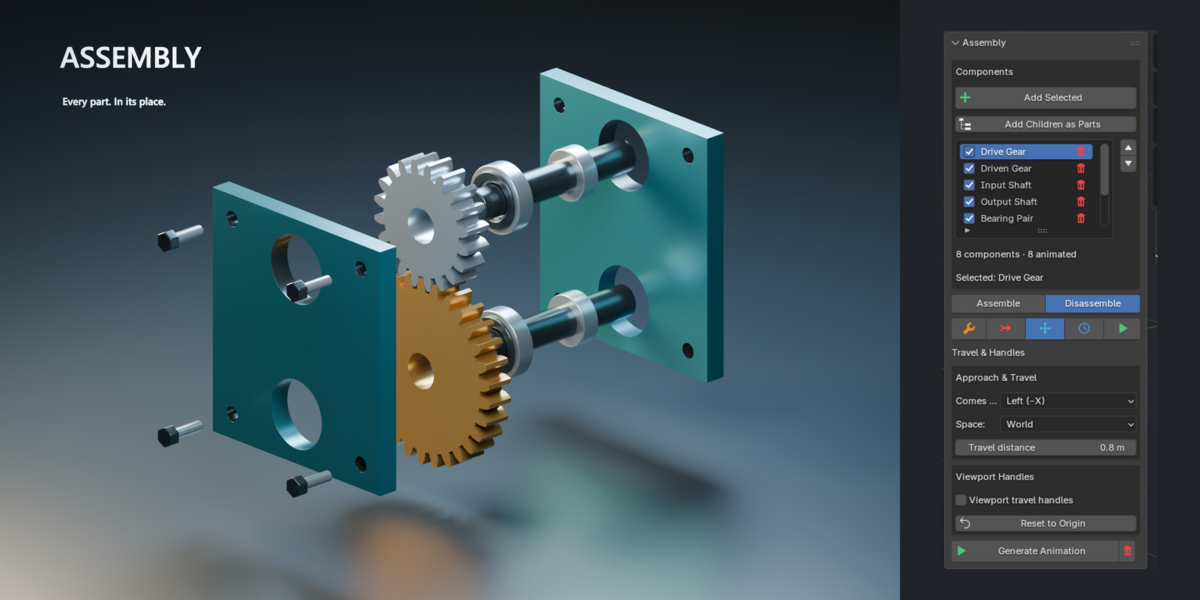
Use travel handles directly in the viewport to set movement and watch the part move as you adjust it. Reset the travel to return the component and its handles to the captured assembled position.
Show both directions
Choose assembly or disassembly, or automatically reverse the sequence to show your product coming together and coming apart.
Capture assembled poses as your reference, preview individual movements, and generate the animation when you’re ready. A dedicated cleanup control removes the generated animation and restores the original poses and actions.
Built for product showcases, technical presentations, and animations that reveal how things work.
Happy Blending :)
