 Frederik Vollbrecht
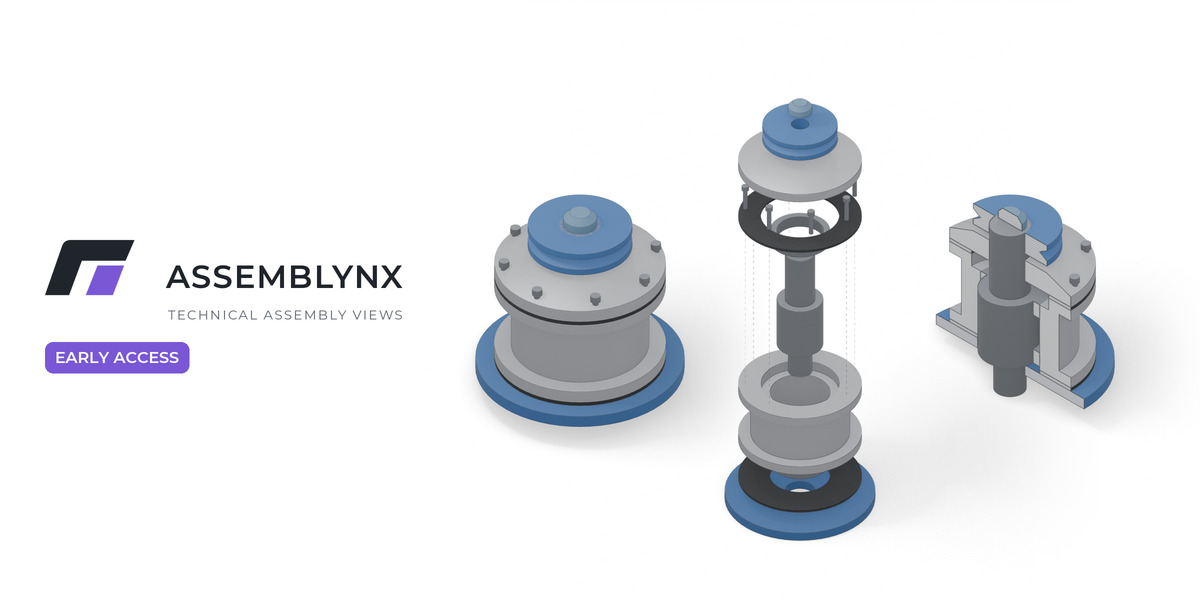
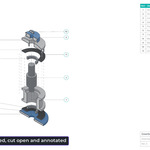
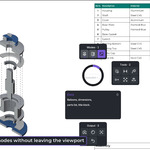
Technical assembly views, inside Blender.
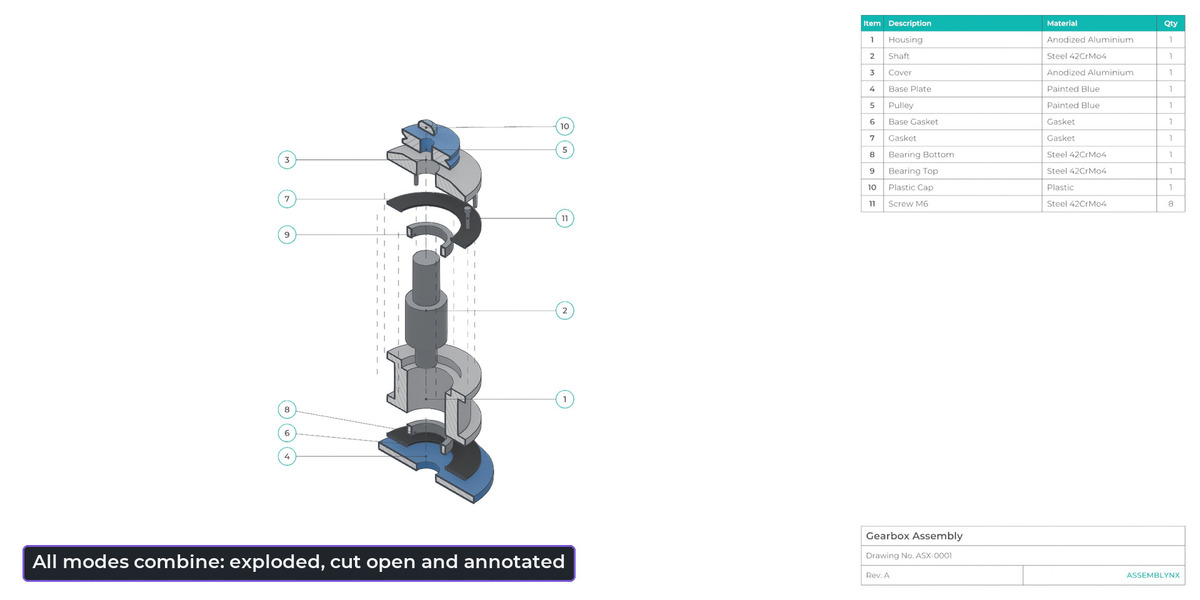
Turn an assembly into clean technical images: exploded views, sections, balloons, dimensions, a parts list and a title block, all in one tool. Everything is non-destructive, and one click brings your scene back.
Early Access 0.5.15 · Blender 4.5 or newer
This is an Early Access prototype
ASSEMBLYNX works, but it is unfinished, and features can still change. Output today is PNG images and a CSV parts list. SVG and PDF are not included yet. Please read Known limitations below before you buy. Early Access buyers get every update up to and including version 1.0, then 12 more months of updates.
01
Start
One click sets up camera, light, outlines and a clean white background for your assembly.
02
Combine
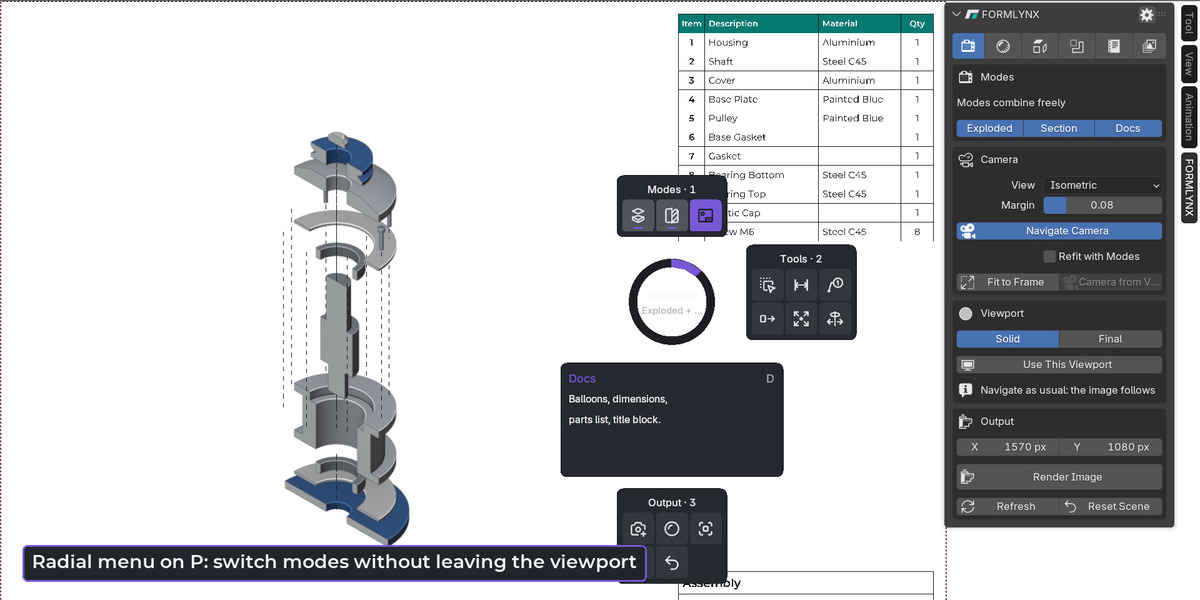
Switch Exploded, Section and Documentation on and off in any combination.
03
Output
Save views as Figures and render them all at once. Export the parts list as CSV.
Core workflows
Exploded views
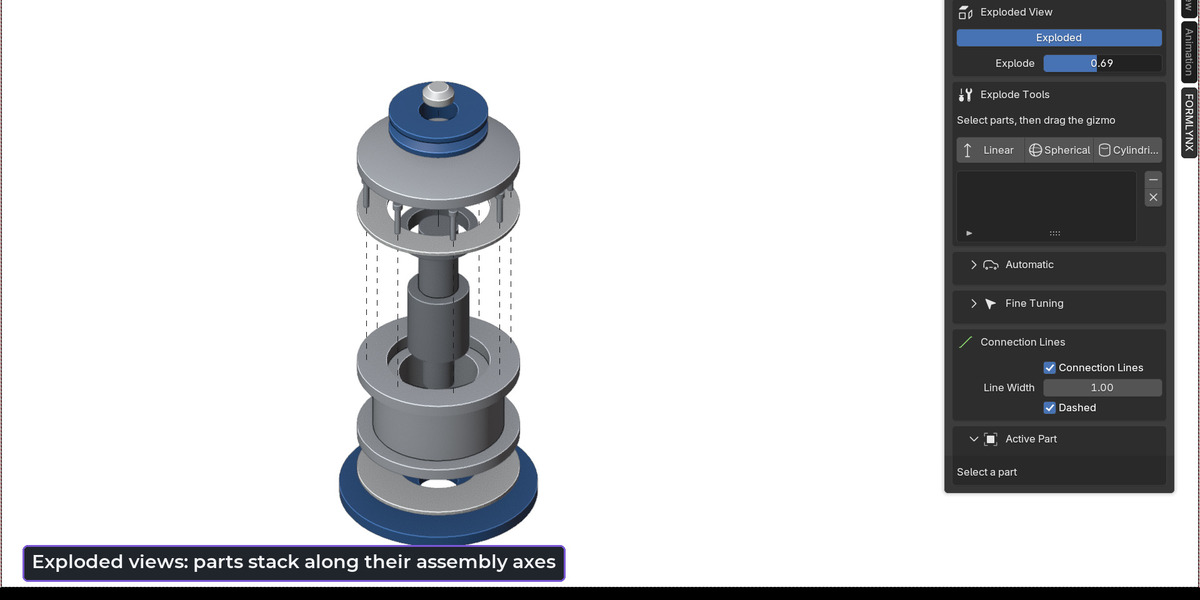
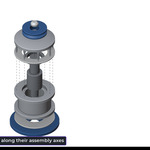
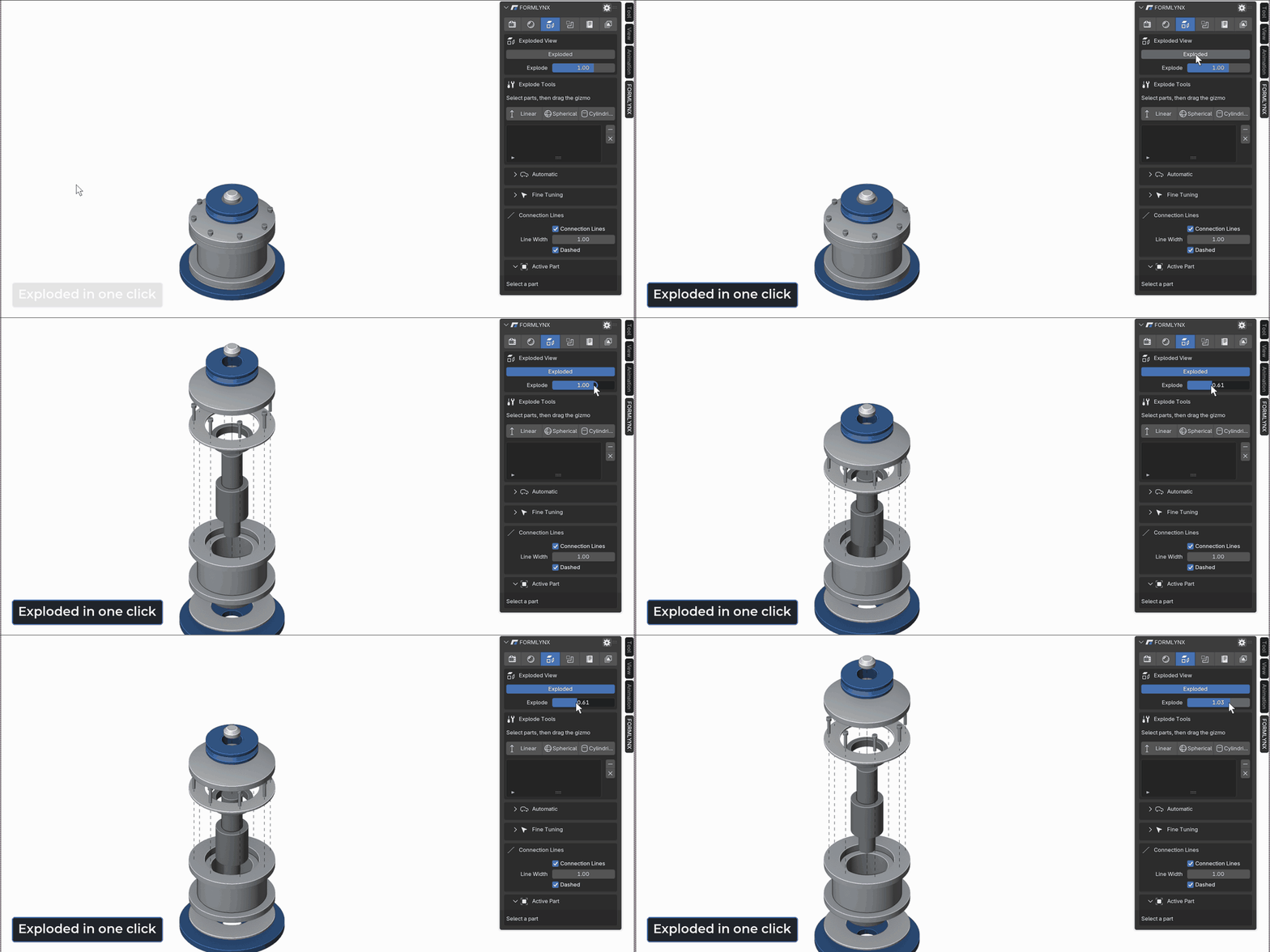
Parts stack along their assembly axes without overlapping, and connection lines appear. Fine-tune with Linear, Spherical and Cylindrical tools right in the viewport.
Sections
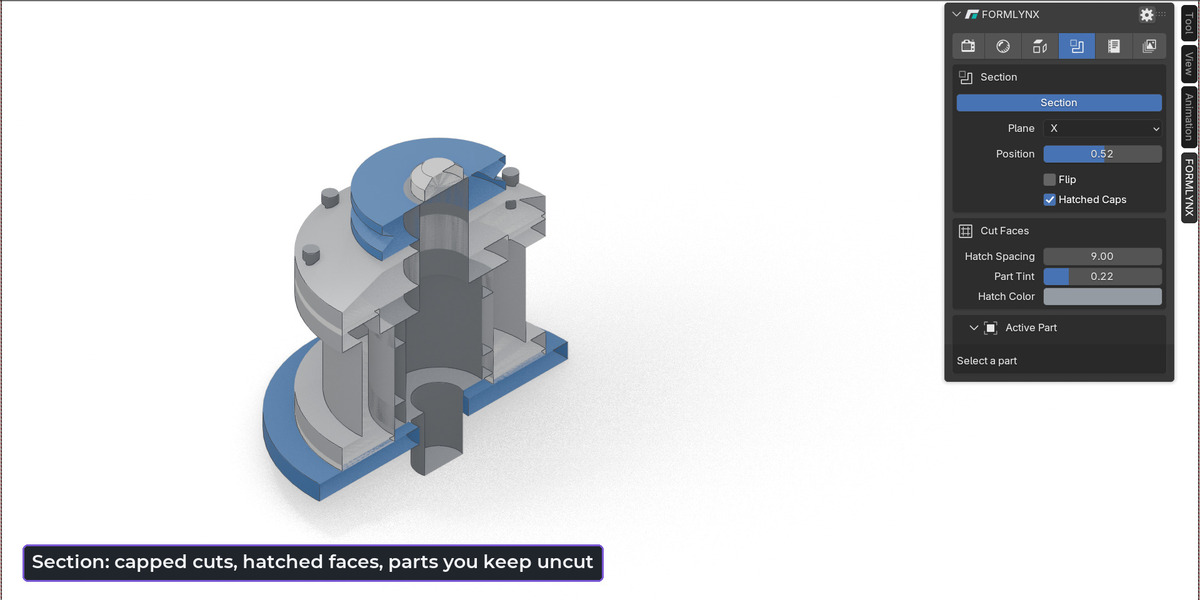
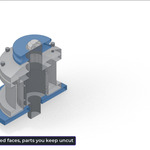
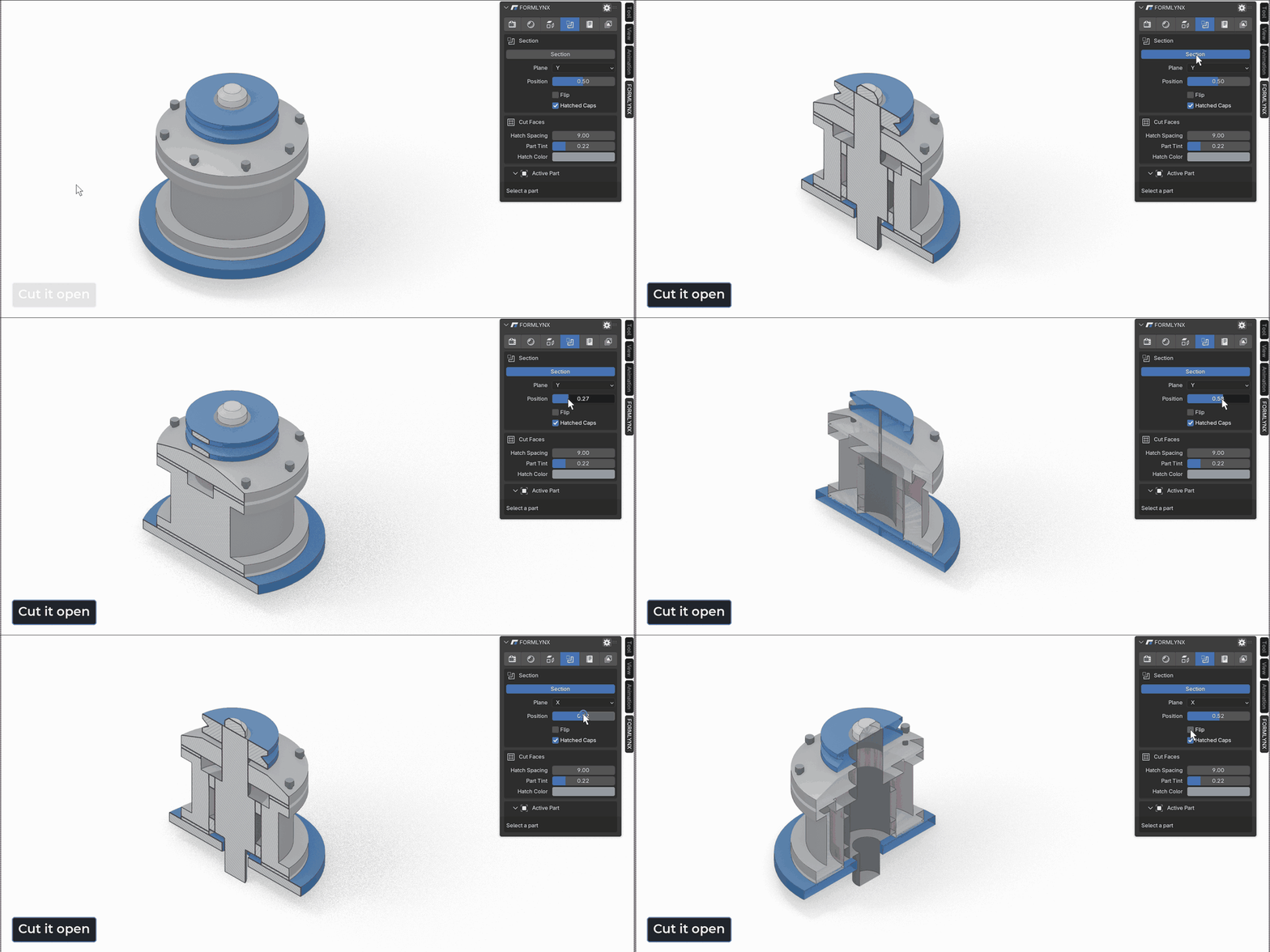
Cut through the assembly along one plane. Closed parts get capped faces, touching parts get different hatch angles, and shafts can stay uncut. Your meshes are not changed.
Documentation
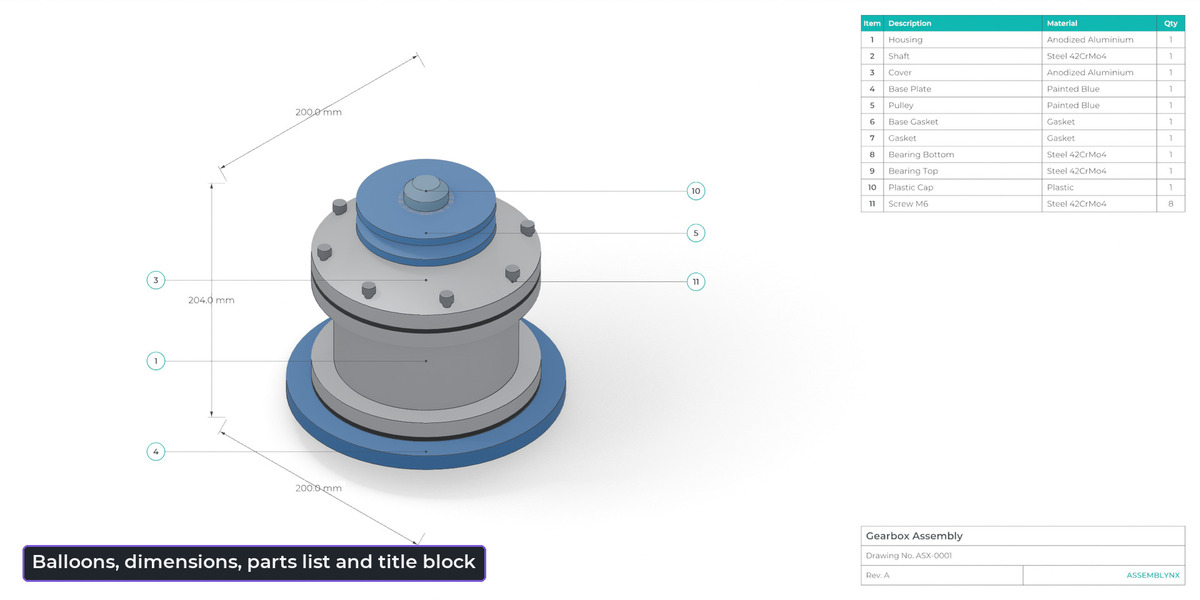
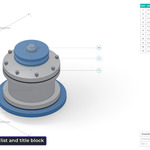
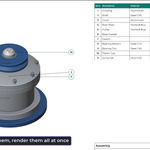
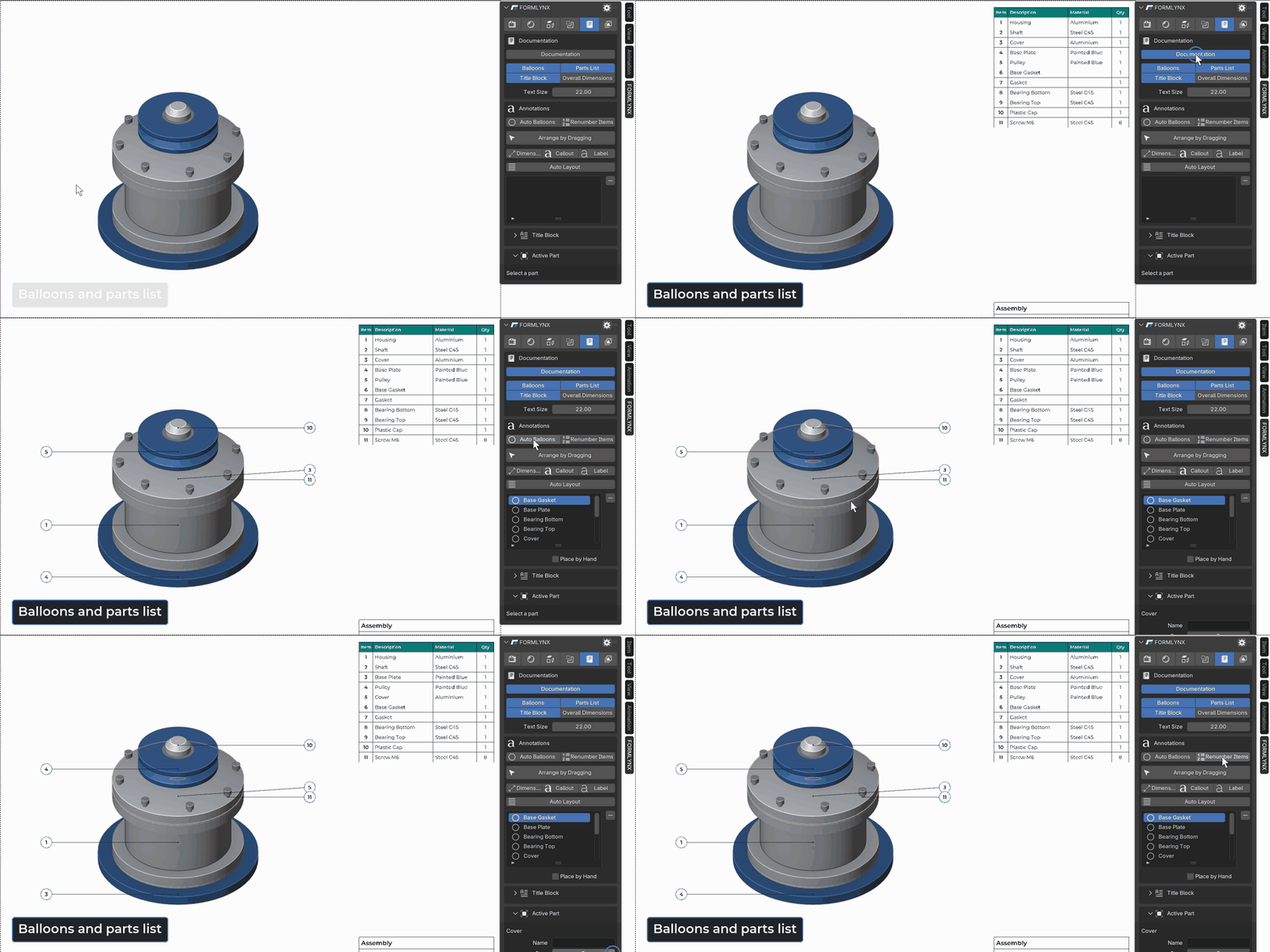
Add balloons automatically, drag them into place, and place dimensions and callouts by clicking on the model. Parts list and title block come with it, and identical parts are counted for you.
Figures
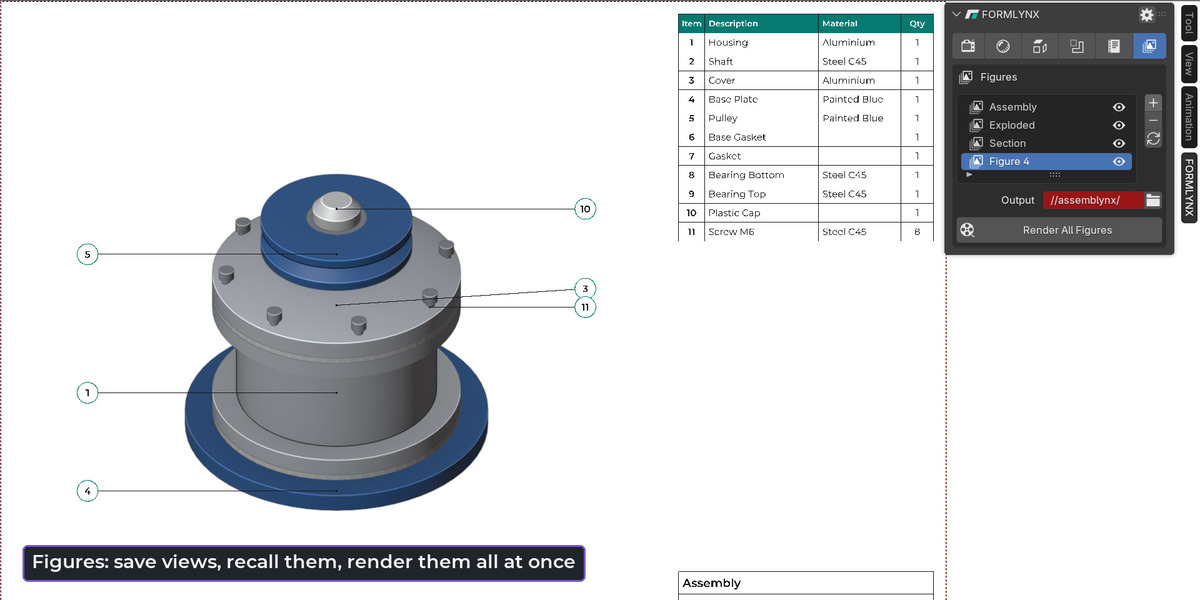
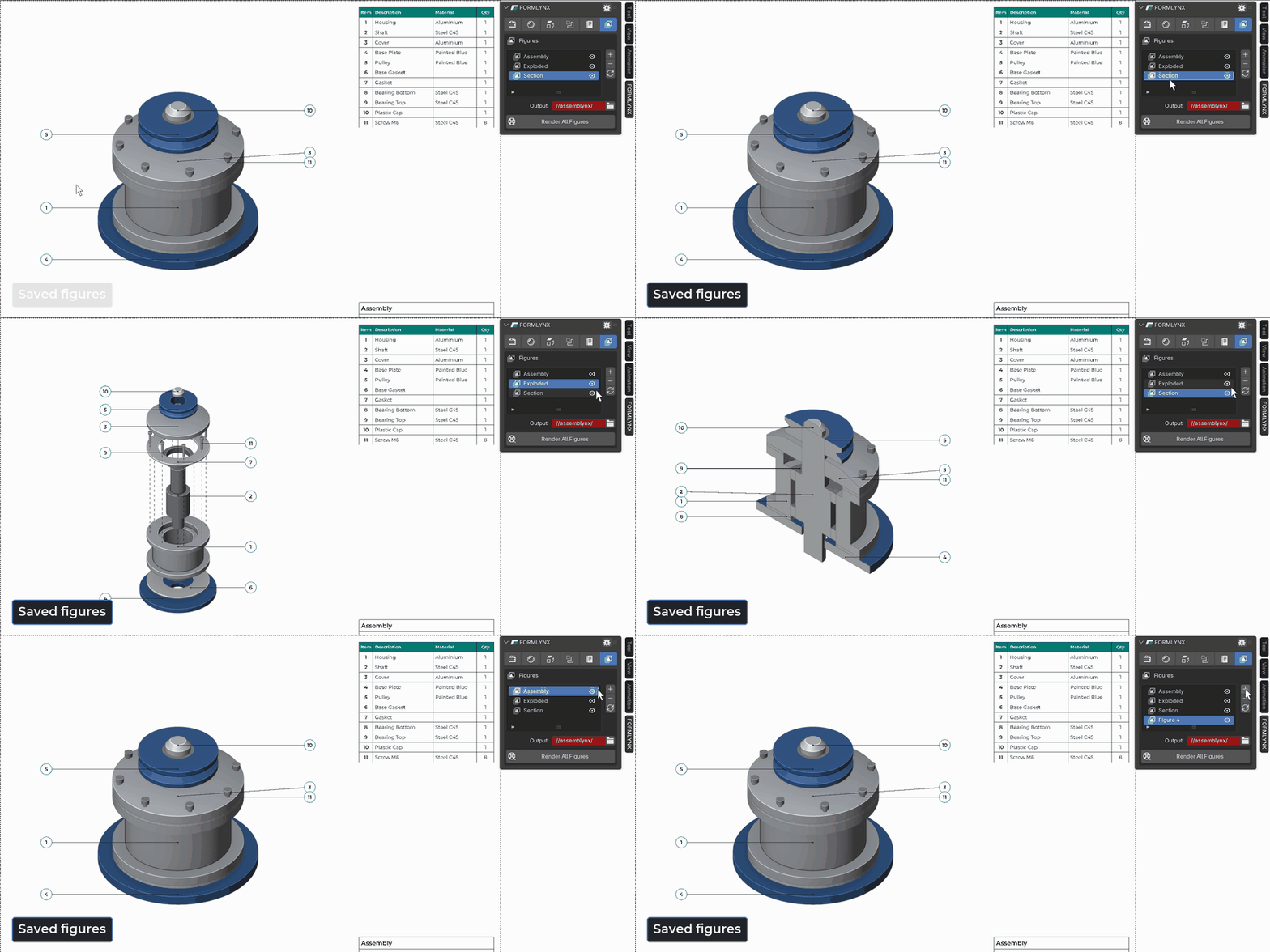
Save camera and modes as named views, jump between them, and render every Figure as a PNG in one go.
What is included
- Exploded: automatic stacking, fixed parts, per-part axis, Linear, Spherical and Cylindrical tools, manual steps, connection lines
- Section: one plane on X, Y or Z, flip, hatched caps, hatch spacing and tint, keep parts uncut, combines with Exploded
- Documentation: balloons, callouts, labels, dimensions, overall dimensions, parts list, title block with title, drawing number and revision
- Figures: save, update and recall views, render all as PNG
- Parts list: identical parts counted, renumbering, CSV export
- Look: material classes on the object, cyan highlight, screen-space or Freestyle outlines, contact shadows, EEVEE output
- Control: radial menu on P, sidebar panel, Reset Scene restores your objects, materials and scene settings
Known limitations
- Output is raster only (PNG) plus CSV. No SVG or PDF yet.
- No animation between Figures. Figures switch instantly.
- Annotation positions are shared by all Figures, not stored per Figure.
- One section plane only. No quarter sections or multiple planes.
- No dimming or ghosting of parts.
- Snapping works on points of the model, not on circle centres.
- Open meshes are cut, but they get no cap face. Closed meshes section best.
- No CAD import. Parts must already be mesh objects in Blender, one object per part.
- Very large assemblies can take several seconds per update.
Before you buy
- Requires Blender 4.5 or newer.
- Licensed under GPL-3.0-or-later. No license checks and no network access.
- Updates: every version up to and including 1.0, then 12 more months.
- Asks for file access only to save rendered Figures and the parts list.
