 NicoHartl
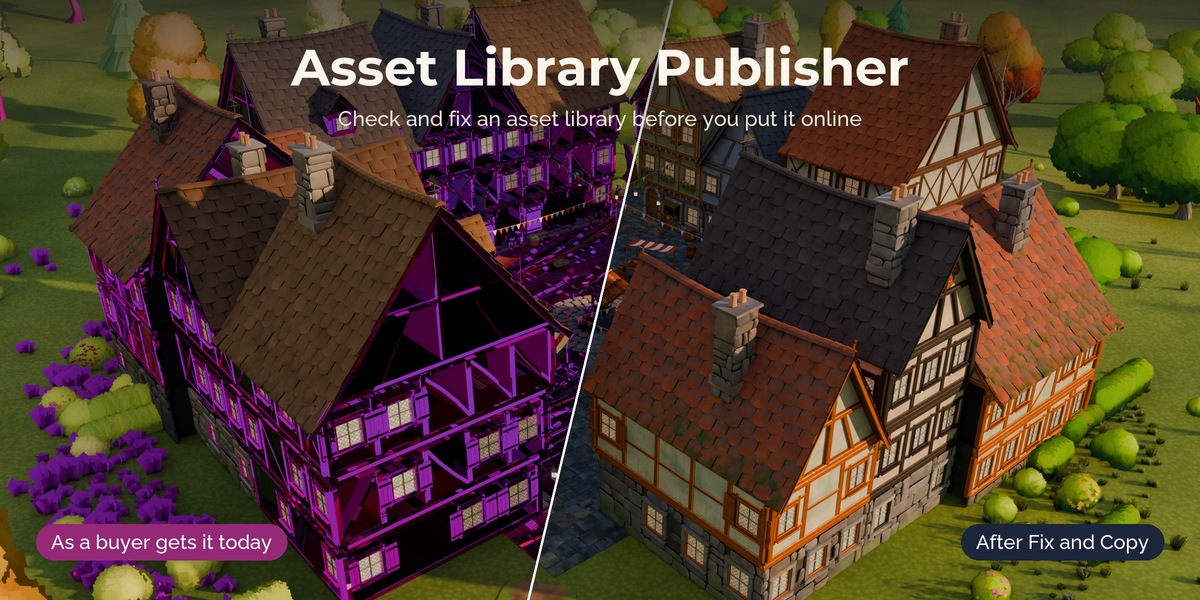
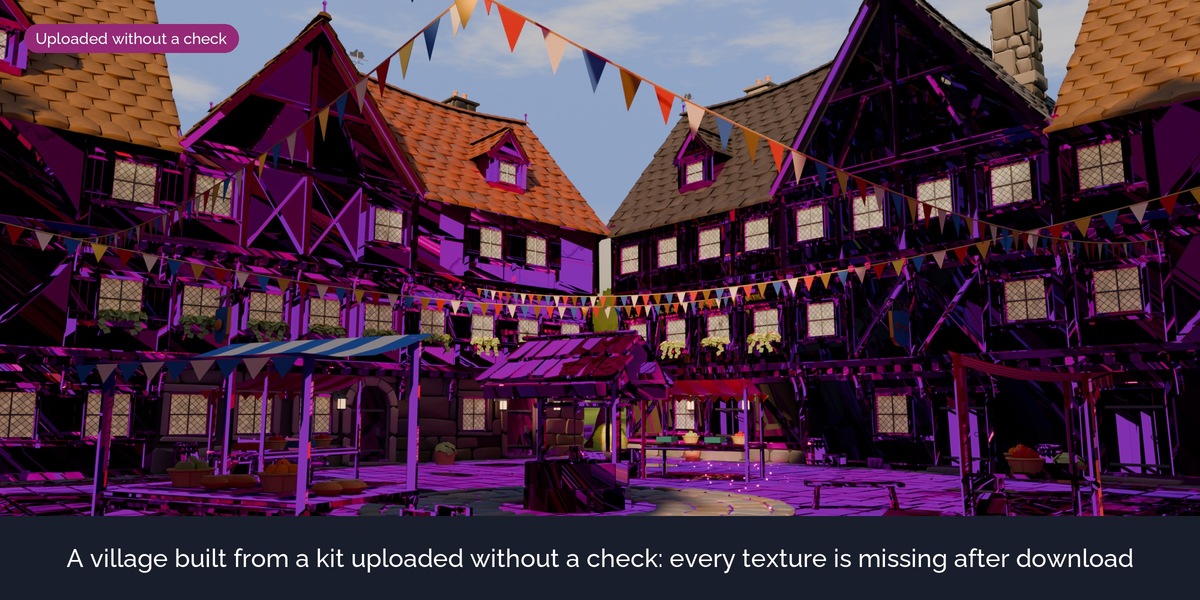
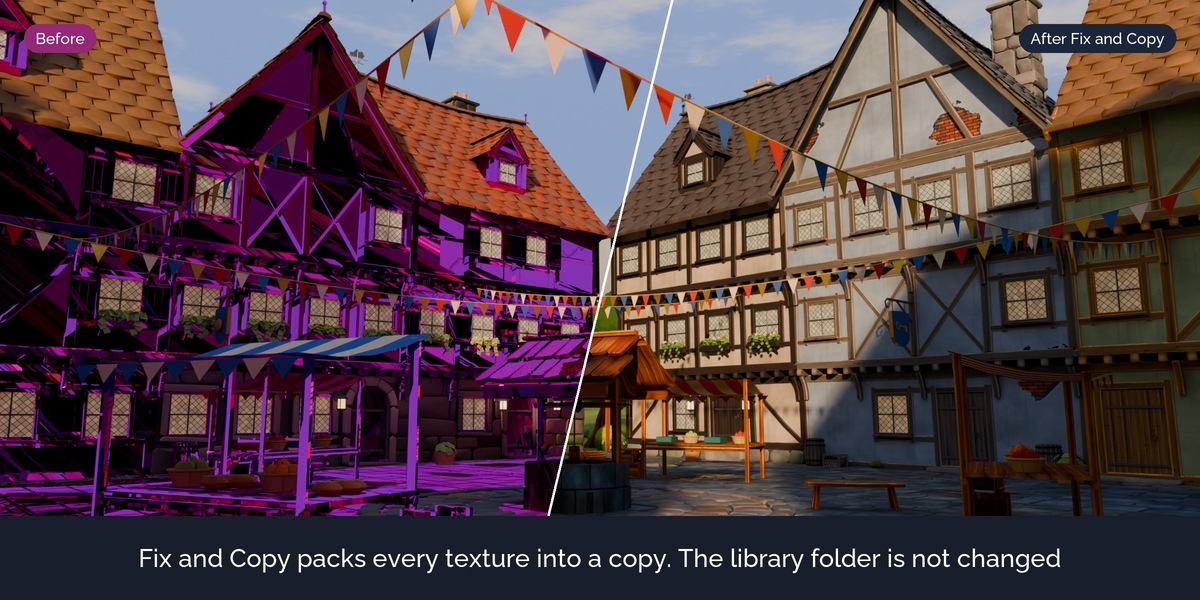
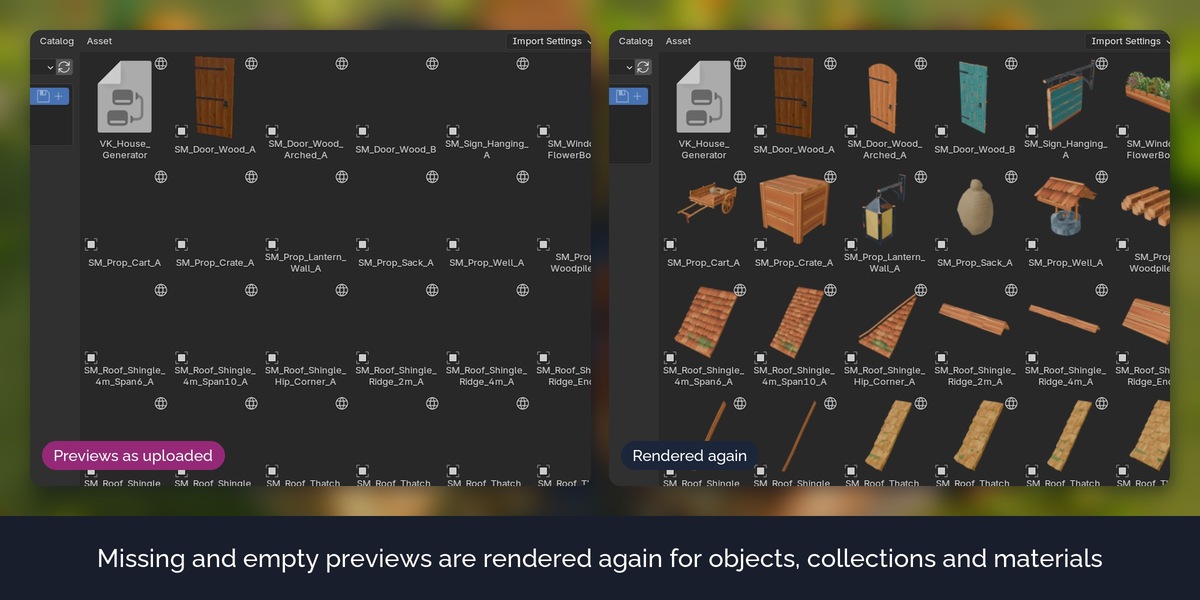
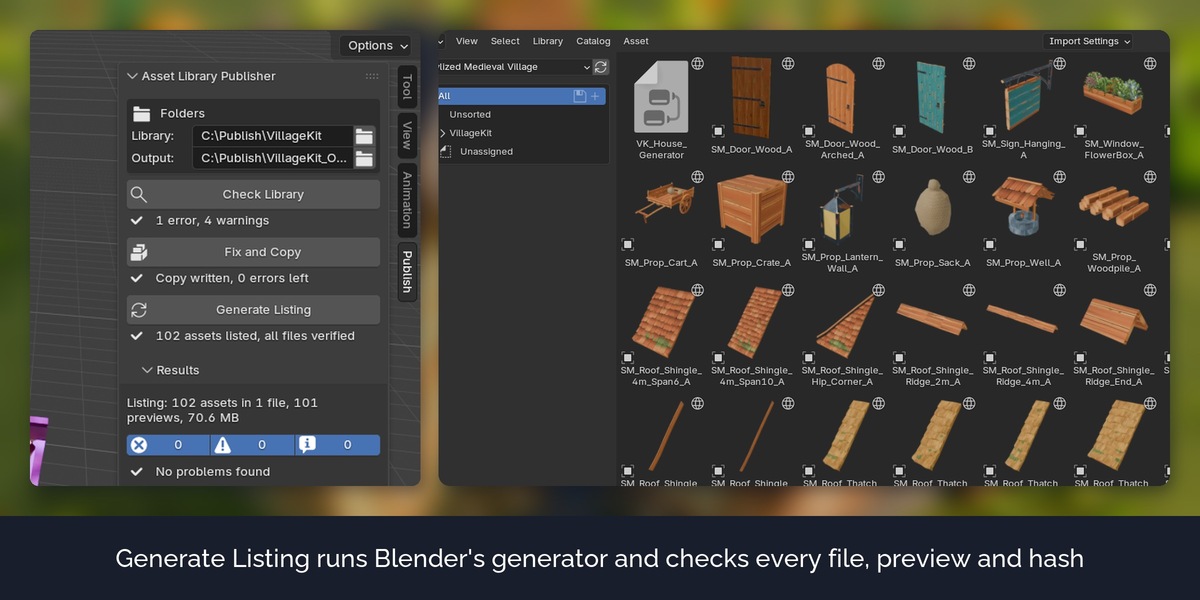
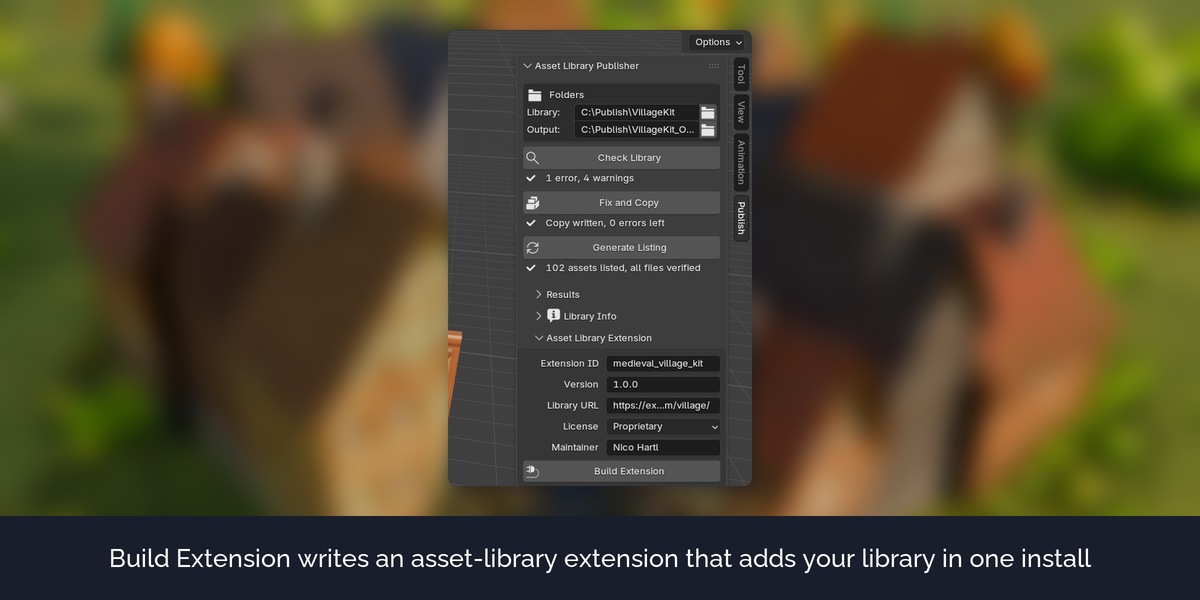
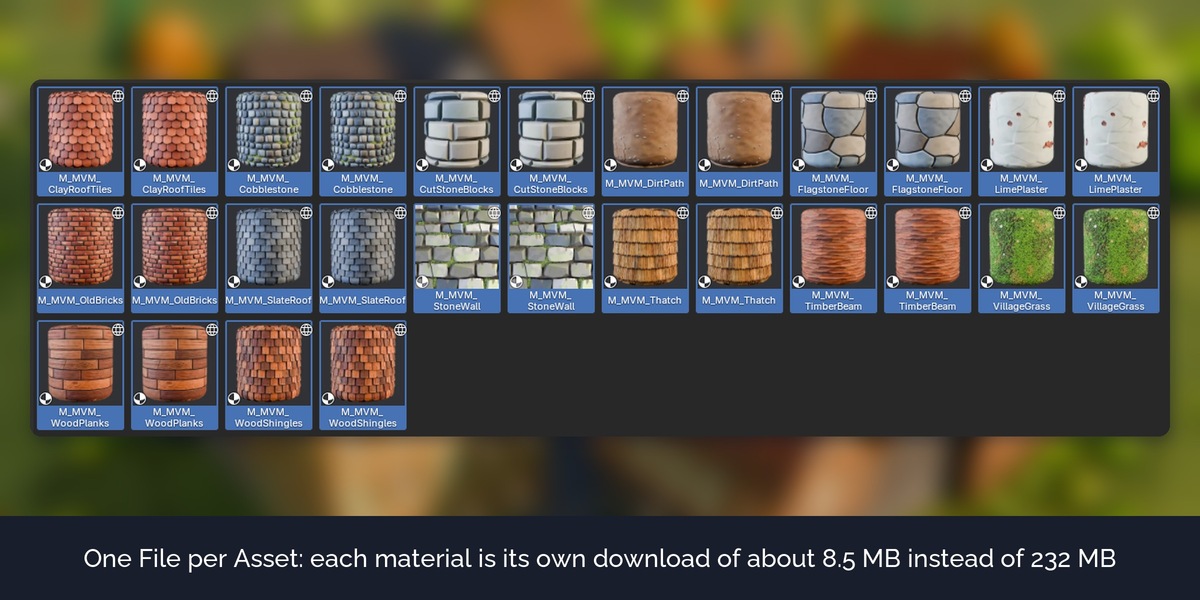
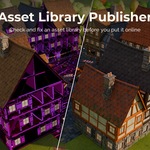
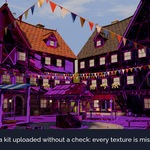
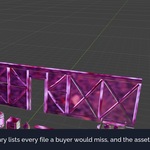
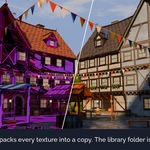
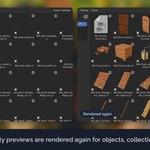
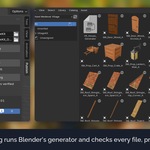
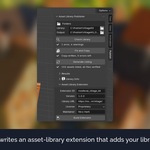
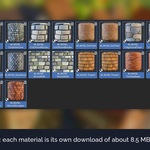
The assets in the pictures and the video are from the Stylized Medieval Village pack and the Stylized Medieval Village Materials pack, which are sold separately and are not included. The download contains the extension and a small demo library made for testing it.
Blender 5.3 can load asset libraries from a web address, and extensions can now install such a library in one step. A remote library downloads one file per asset: the .blend that holds it. Anything outside that file does not arrive. Asset Library Publisher checks your library for these problems before you upload it, fixes what can be fixed in a copy, and builds the listing that Blender needs.
The problem
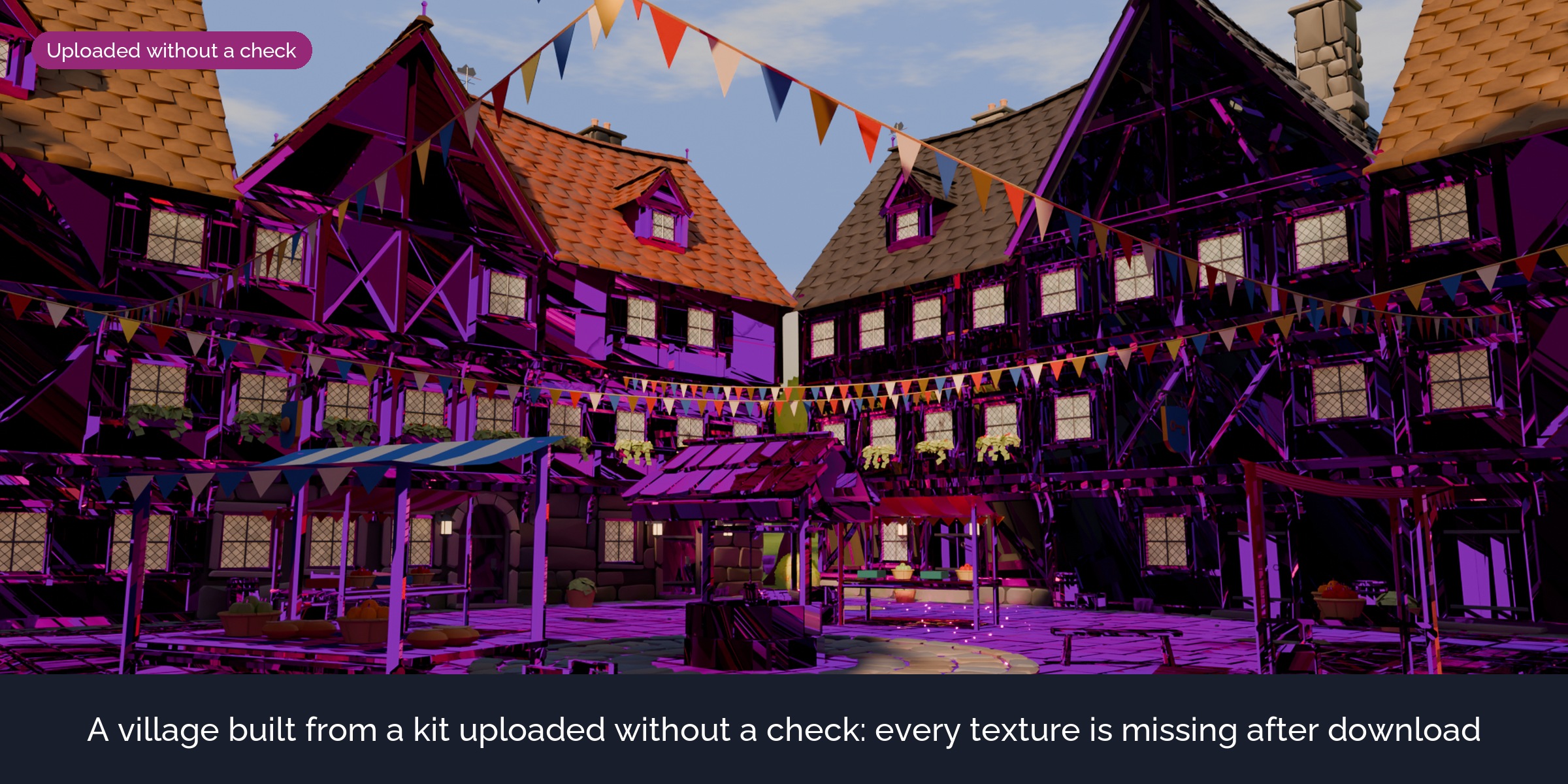
Blender's listing generator lists every asset without checking it. On your own computer everything still looks right, because your textures and linked files are there. A buyer gets pink objects, missing parts and empty preview tiles. In our test, a modular kit that worked fine as a normal download arrived without a single texture as a remote library.
What it does
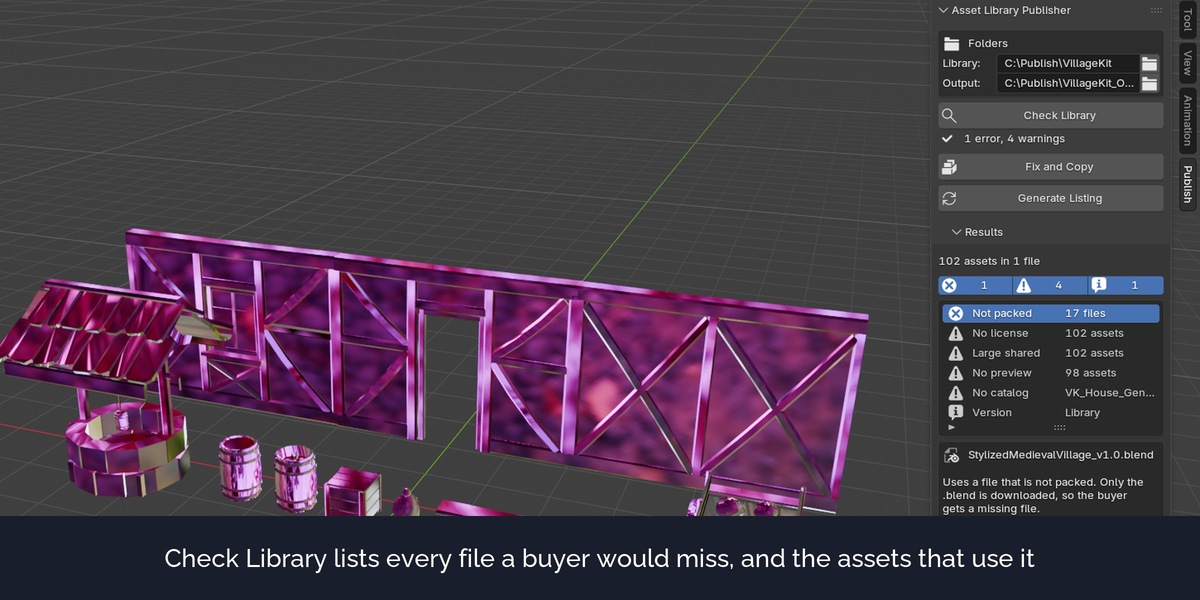
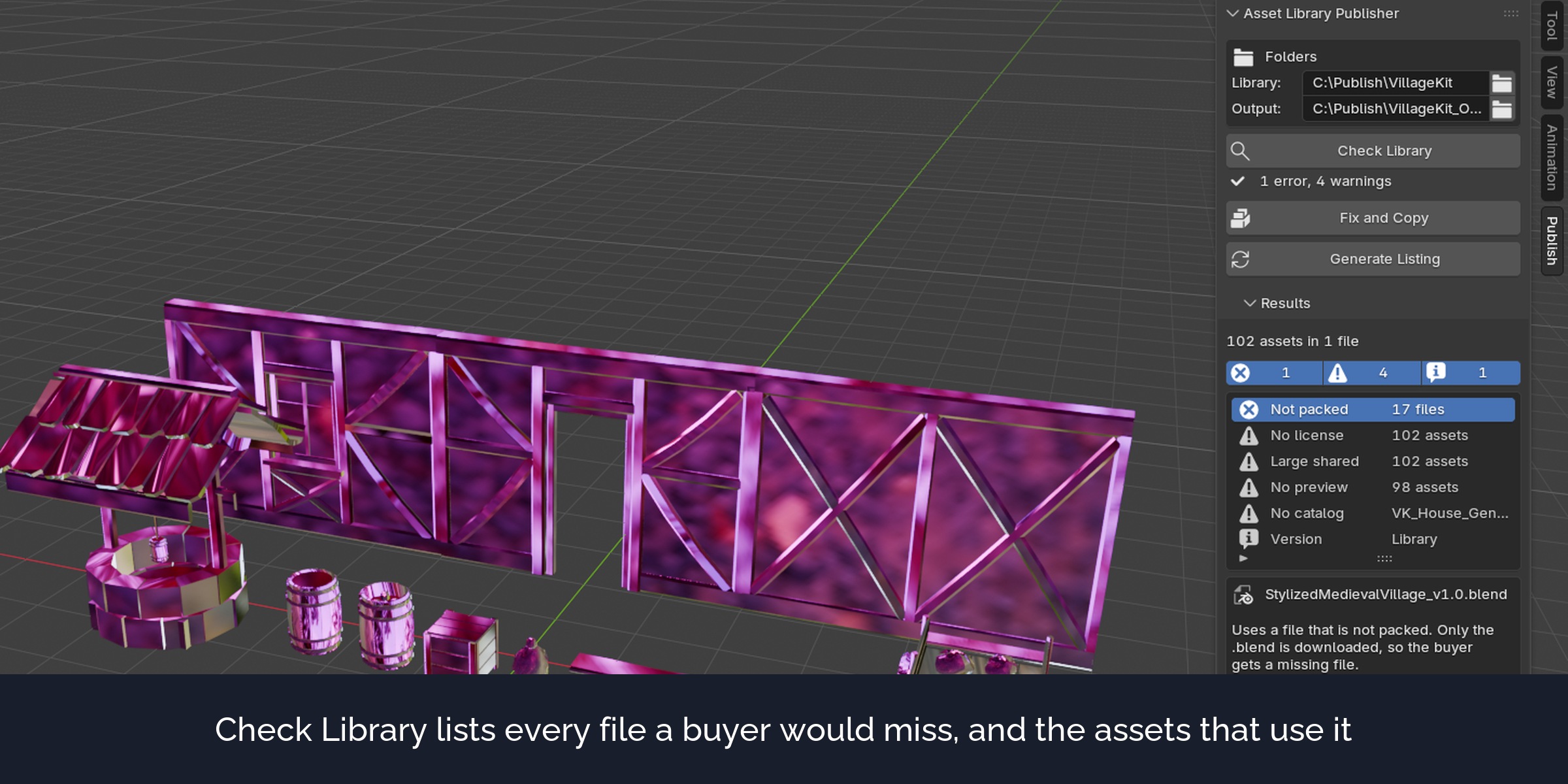
Check Library
Opens every .blend of the library in a background Blender and lists what a buyer would miss: textures and other files that are not packed (inside or outside the library folder), files that are already missing, movies and image sequences that cannot be packed, linked data, missing and empty previews, missing and unknown catalogs, assets with the same name, version markers that hide a file, large files and files that several assets share, missing license and author. Each row names the file and the assets that use it.
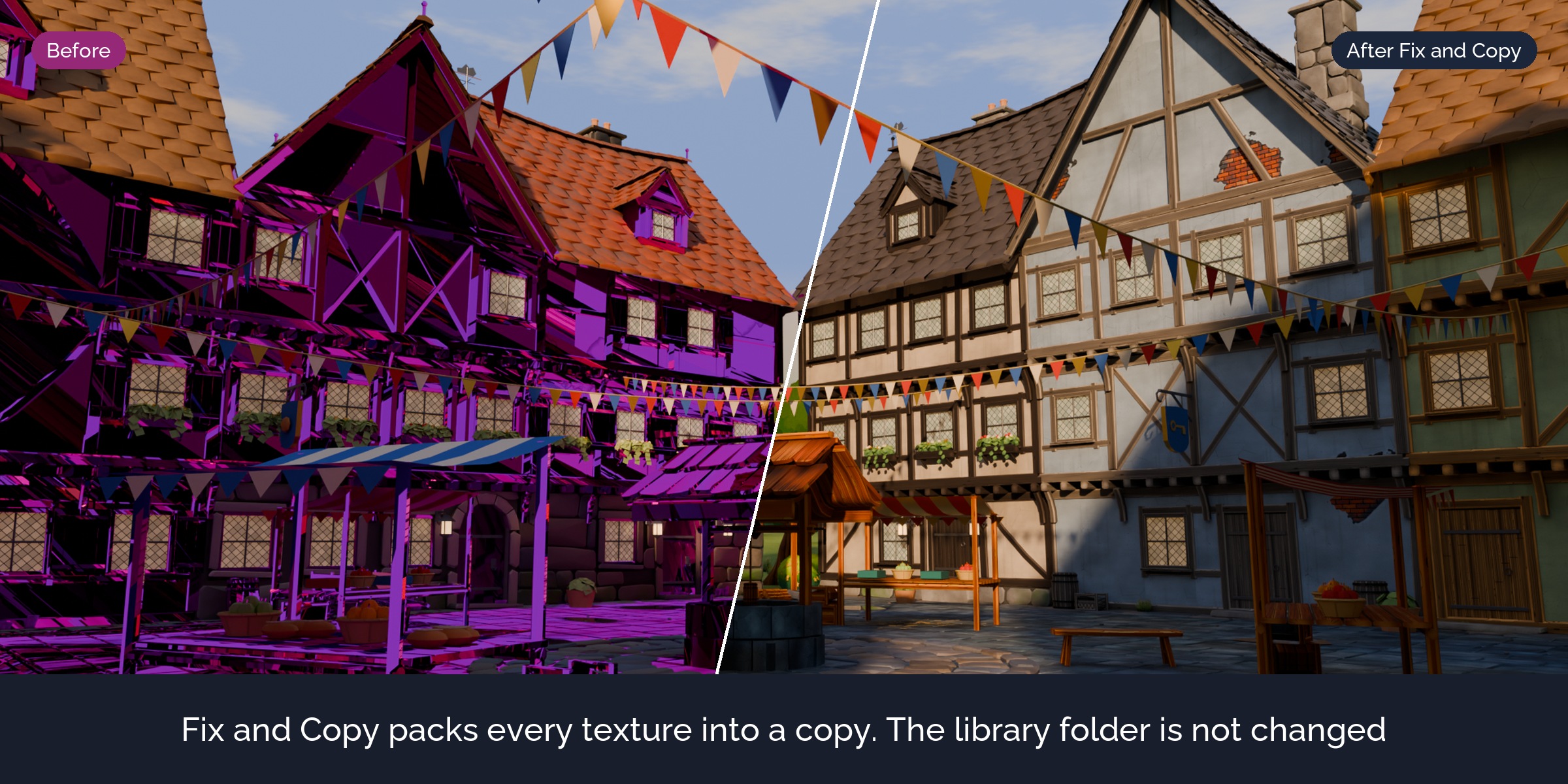
Fix and Copy
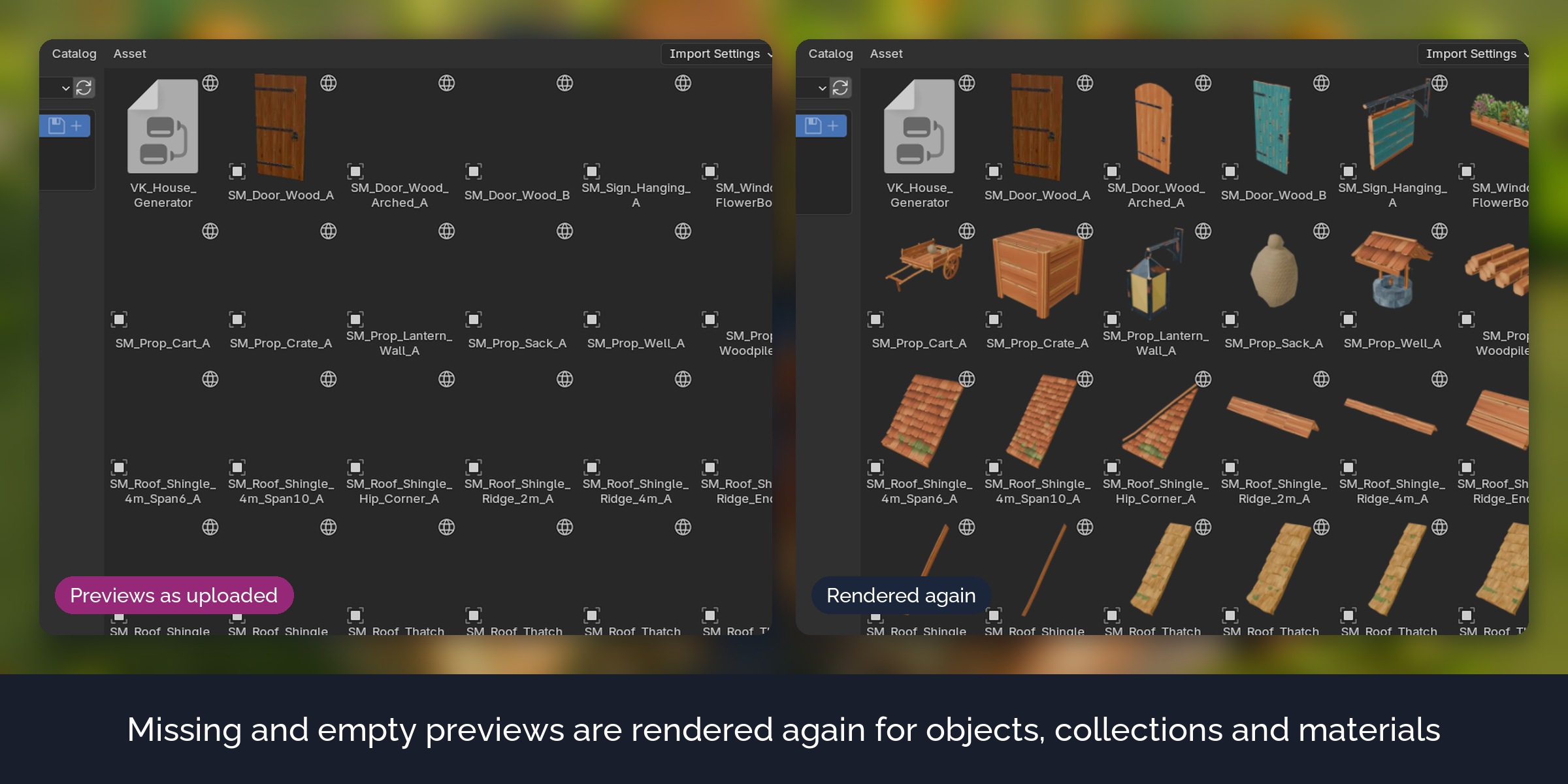
Writes a fixed copy of the library into an output folder. It packs the files, makes linked data local, renders missing and empty previews, and fills in the catalog, author and license where they are empty. Files without problems are copied byte for byte. The copy is checked again, so the list shows what is left.
One File per Asset
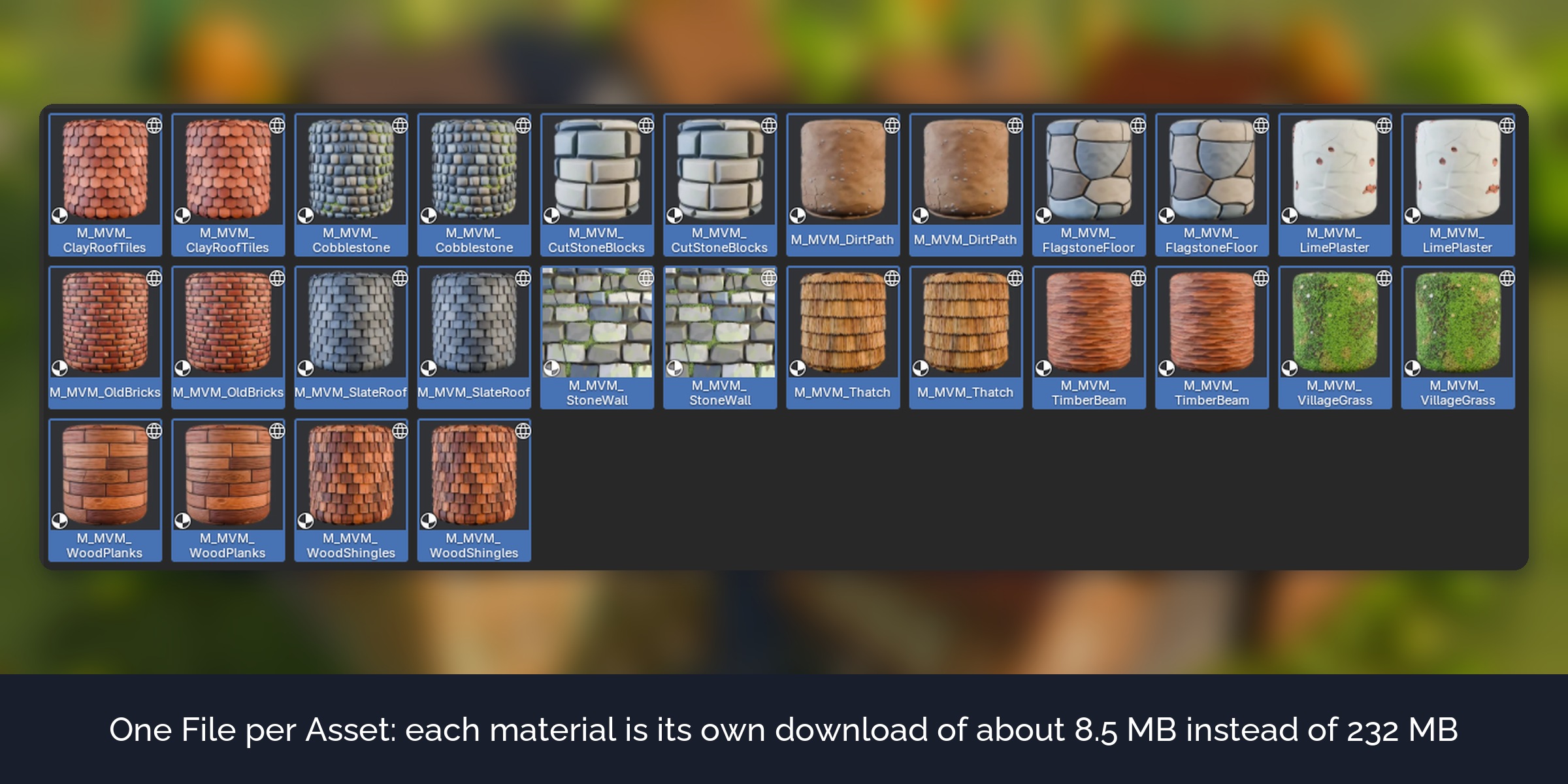
A remote library downloads the whole file for each asset. With Auto, files whose assets do not share textures are split into one file per asset, so a buyer downloads only what they use. Assets that share a texture atlas stay together, because every split file would carry its own copy of the atlas.
Generate Listing
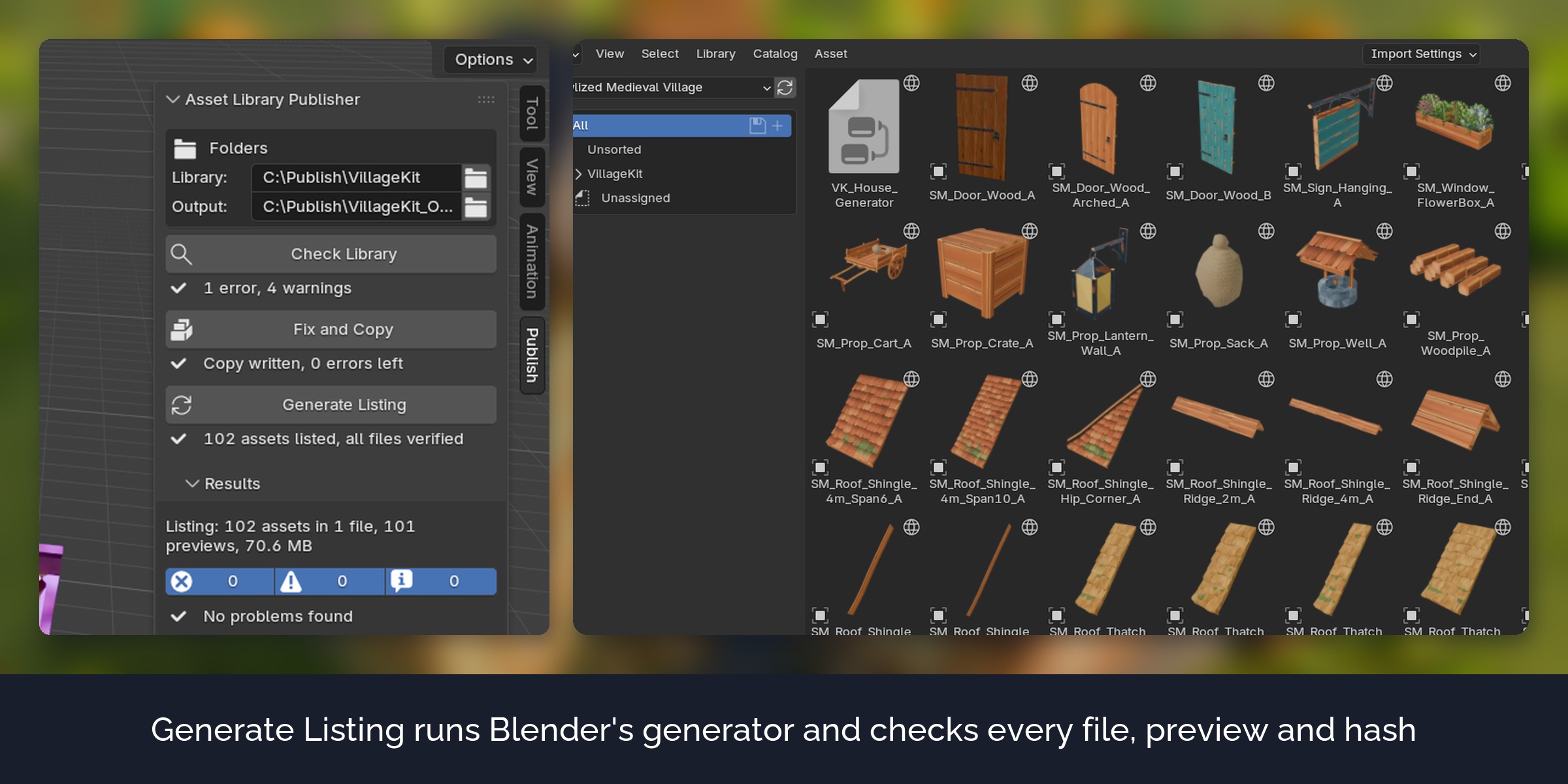
Writes the library name and contact, runs Blender's own listing generator, then checks every file, preview and hash of the listing against the files on disk.
Build Extension
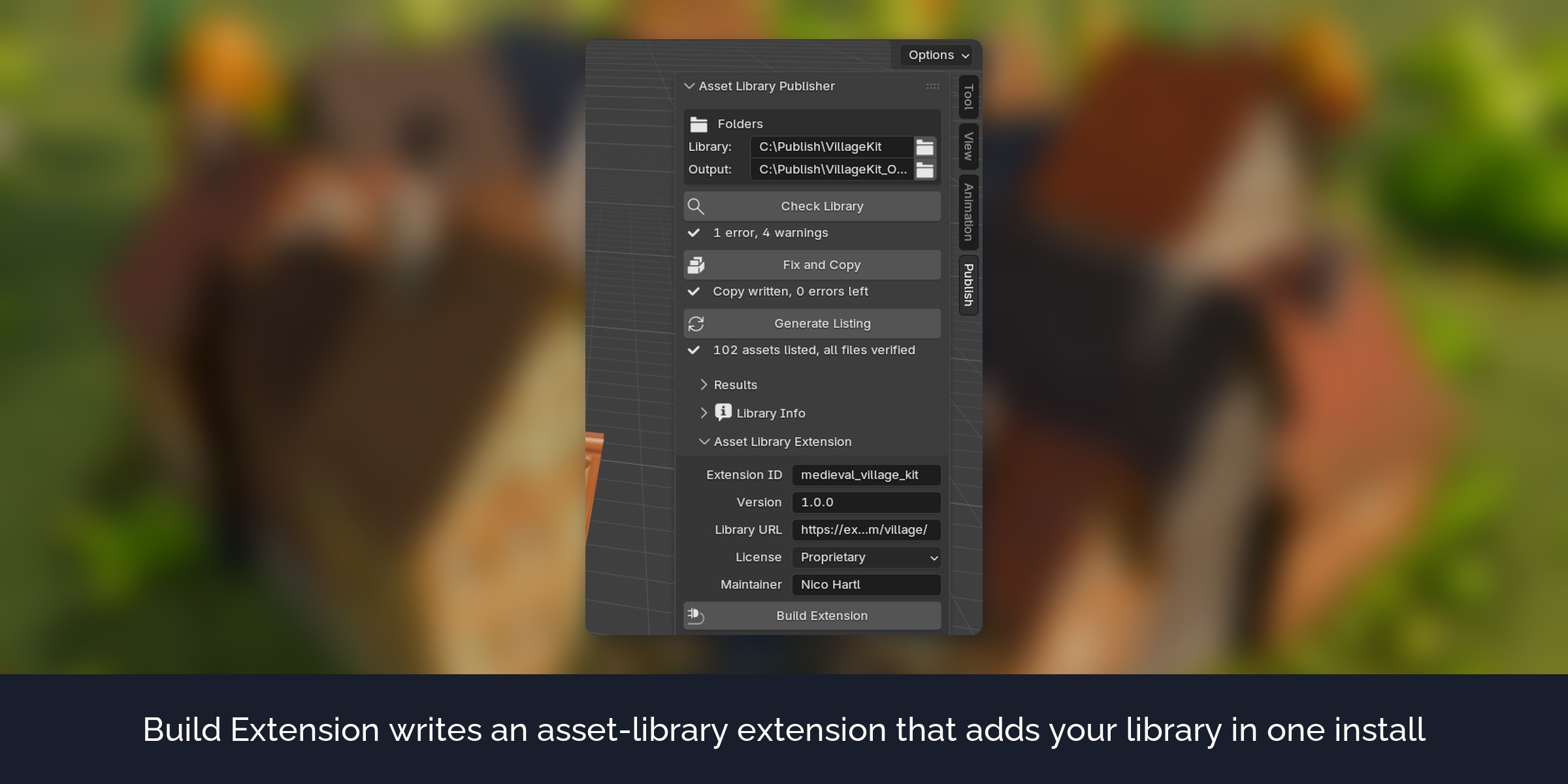
Writes an asset-library extension that points to your hosted library and validates it with Blender. Buyers install the .zip and the library appears in their asset libraries.
Report
Every run writes a report as a web page with all problems and a table of all files.
How it works
- Choose your library folder and an empty output folder.
- Enter the library name, contact, author and license under Library Info.
- Click Check Library, then Fix and Copy, then Generate Listing.
- Upload the output folder to any static web host.
What's included
- The extension (install from disk in Blender 5.3 or newer)
- A demo library with one problem per file, to see every check once
- User guide as README.pdf with every option, hosting notes and troubleshooting
- Changelog and licence
Good to know
- Files that are fixed are saved with Blender 5.3, so their assets are hidden in older Blender versions. The report says this per file.
- Movies, image sequences and cache files cannot be packed into a .blend. They are reported, not fixed.
- The extension does not upload anything and does not handle access tokens. Use any static web host.
- extensions.blender.org accepts only CC0 asset libraries. A paid library is shared with your buyers directly.
Compatibility
Blender 5.3 and newer. Tested on Windows in Blender 5.3.0.
Support and updates
Updates are free for buyers. Every new Blender version is tested before it is listed as supported. Questions through the store messages, answered within 72 hours.
AI disclosure
Designed with Claude. Code written with AI assistance, then reviewed, tested and integrated by a 3D artist.
Assets in pictures and video: Stylized Medieval Village and Stylized Medieval Village Materials by Nico Hartl (Polyhart), sold separately, not included. Demo library: simple shapes made for this product (CC0).