Asset Library Publisher: Check and Publish Remote Asset Libraries for Blender 5.3
 NicoHartl
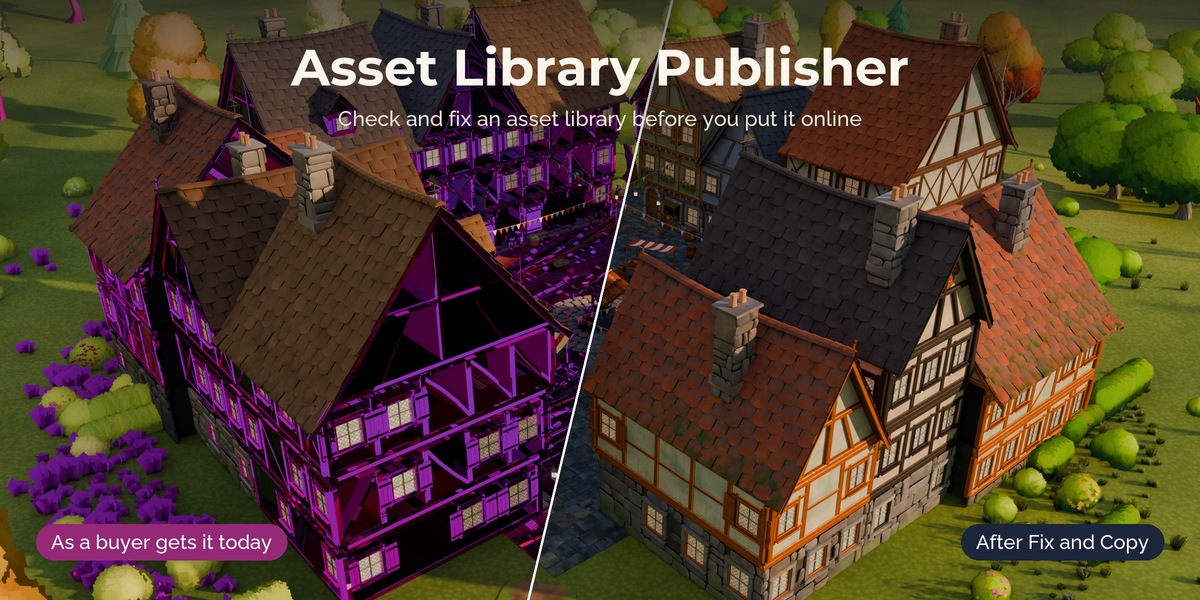
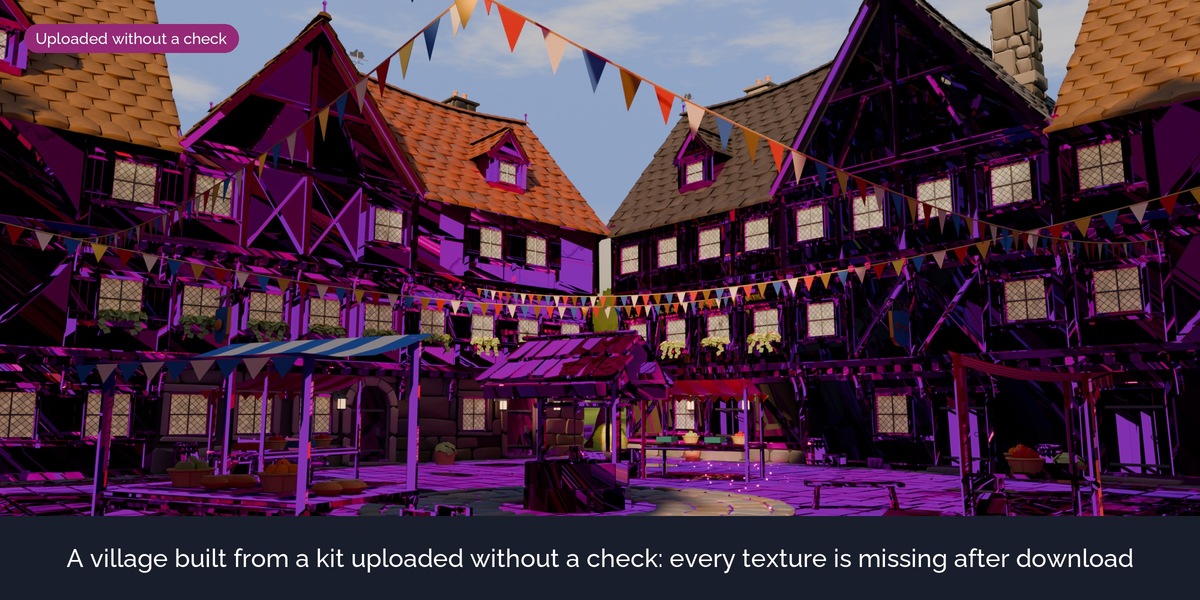
What it does
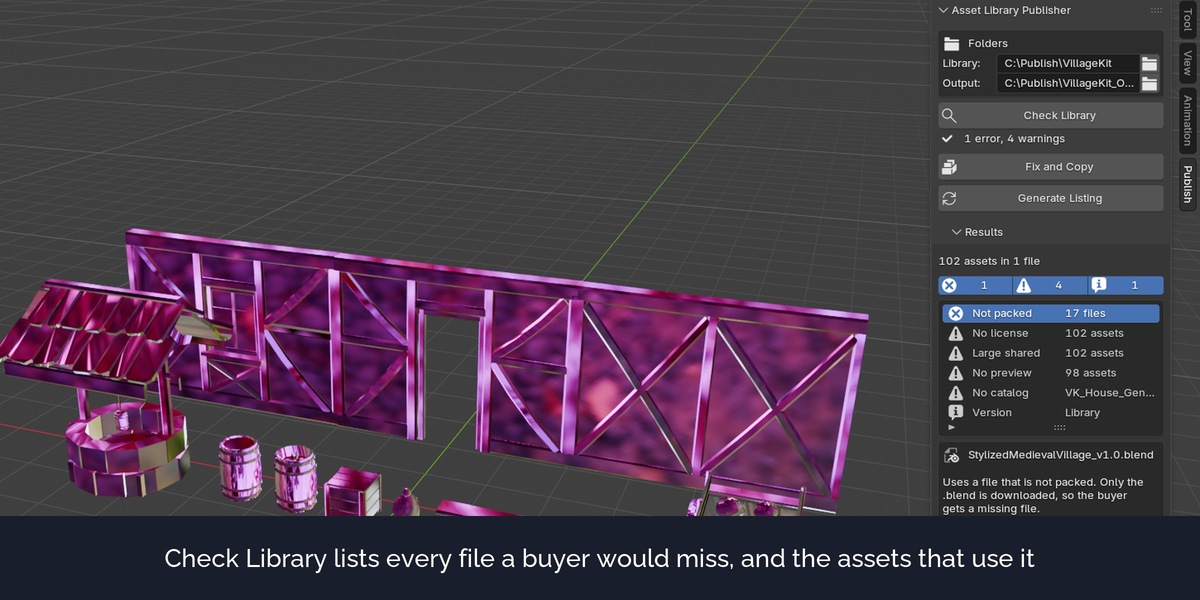
Check Library
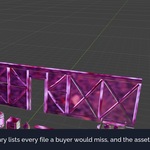
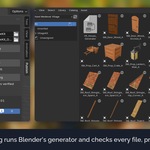
Opens every .blend of the library in a background Blender and lists what a buyer would miss: textures and other files that are not packed (inside or outside the library folder), files that are already missing, movies and image sequences that cannot be packed, linked data, missing and empty previews, missing and unknown catalogs, assets with the same name, version markers that hide a file, large files and files that several assets share, missing license and author. Each row names the file and the assets that use it.
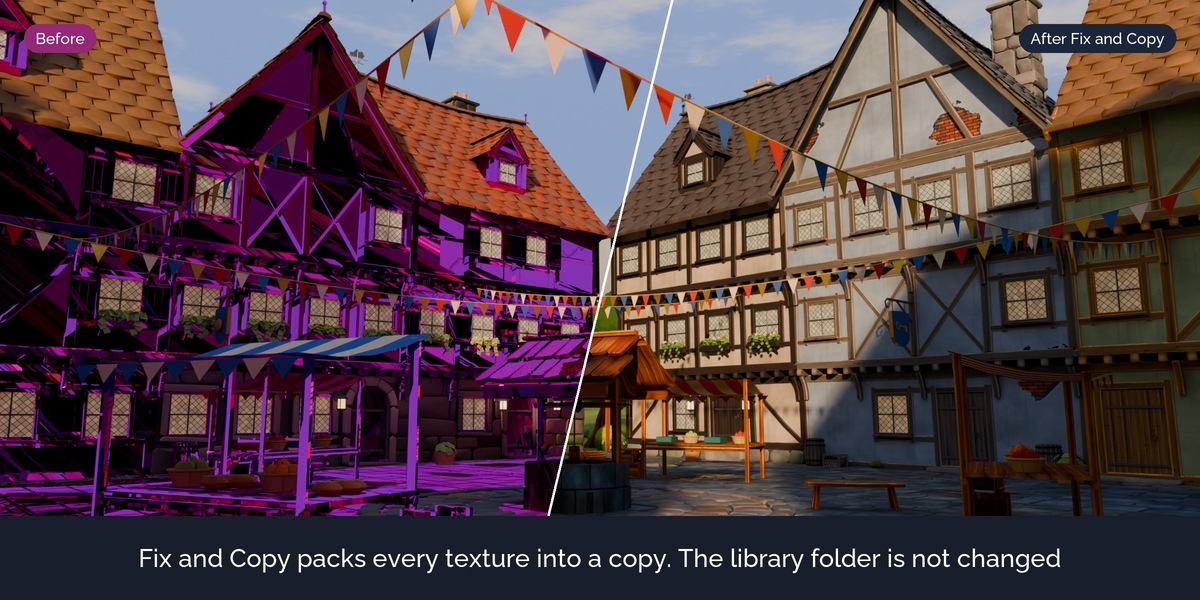
Fix and Copy
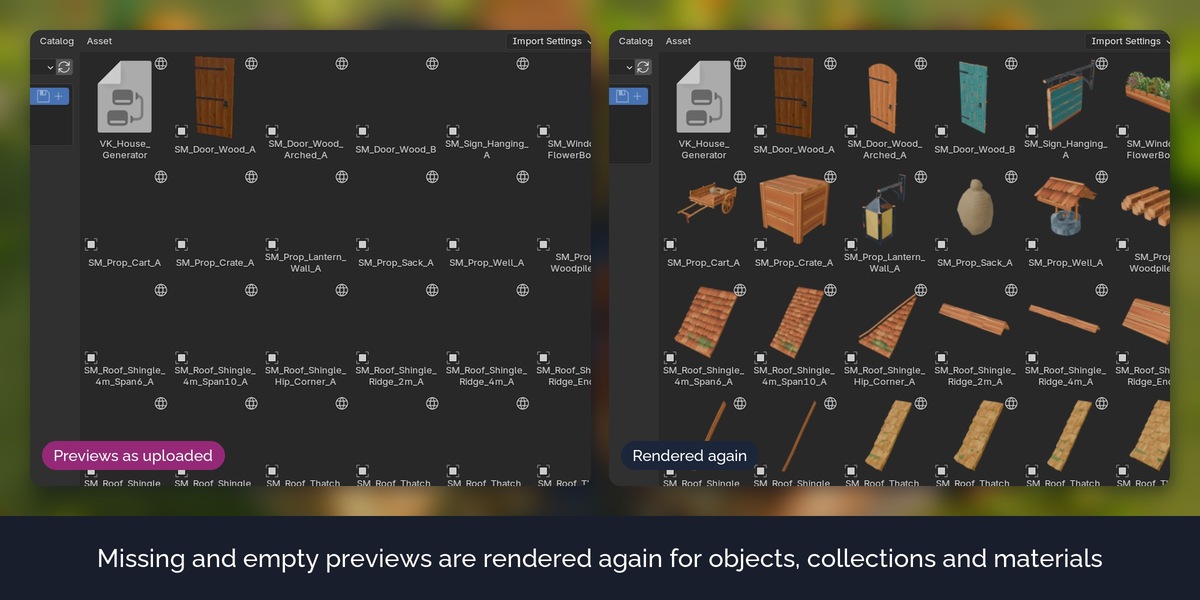
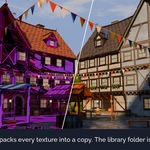
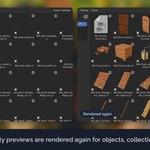
Writes a fixed copy of the library into an output folder. It packs the files, makes linked data local, renders missing and empty previews, and fills in the catalog, author and license where they are empty. Files without problems are copied byte for byte. The copy is checked again, so the list shows what is left.
One File per Asset
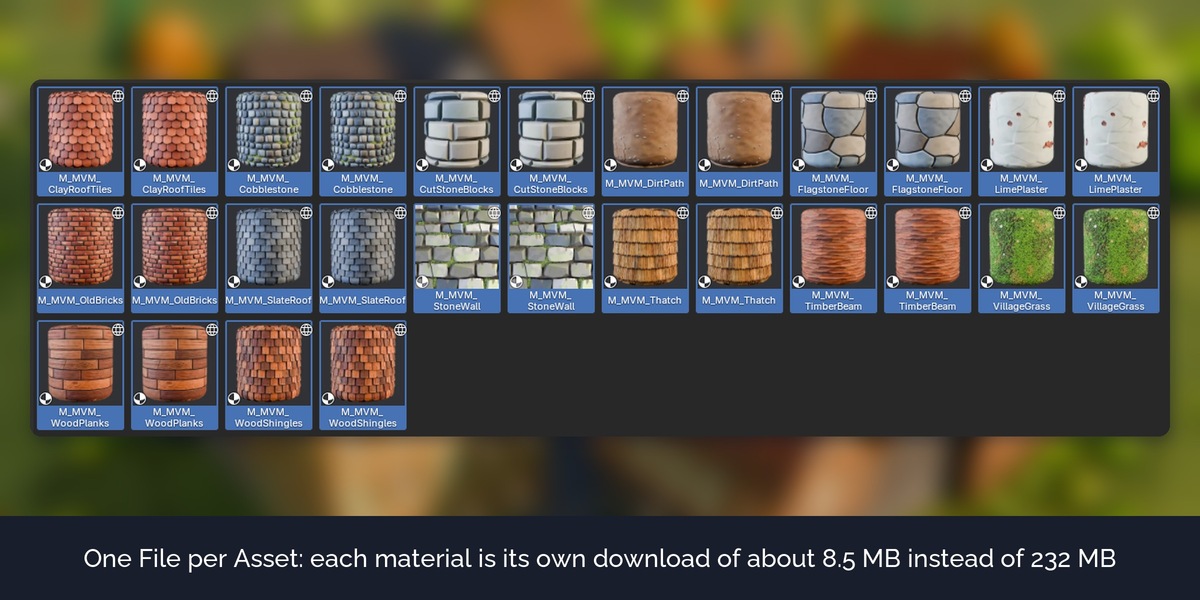
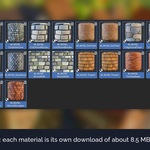
A remote library downloads the whole file for each asset. With Auto, files whose assets do not share textures are split into one file per asset, so a buyer downloads only what they use. Assets that share a texture atlas stay together, because every split file would carry its own copy of the atlas.
Generate Listing
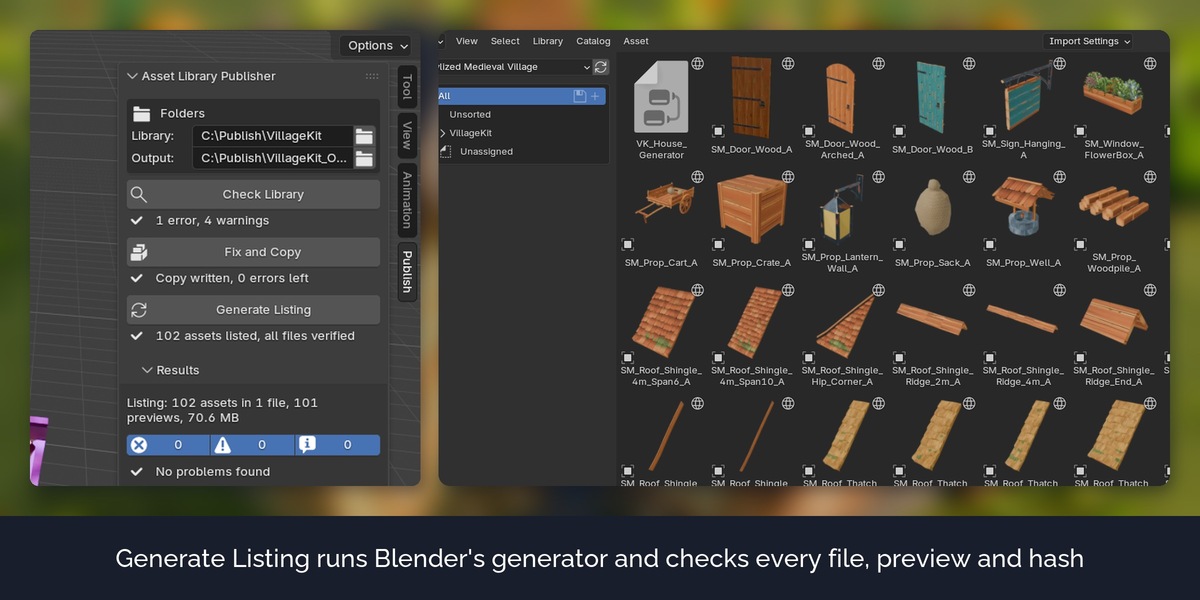
Writes the library name and contact, runs Blender's own listing generator, then checks every file, preview and hash of the listing against the files on disk.
Build Extension
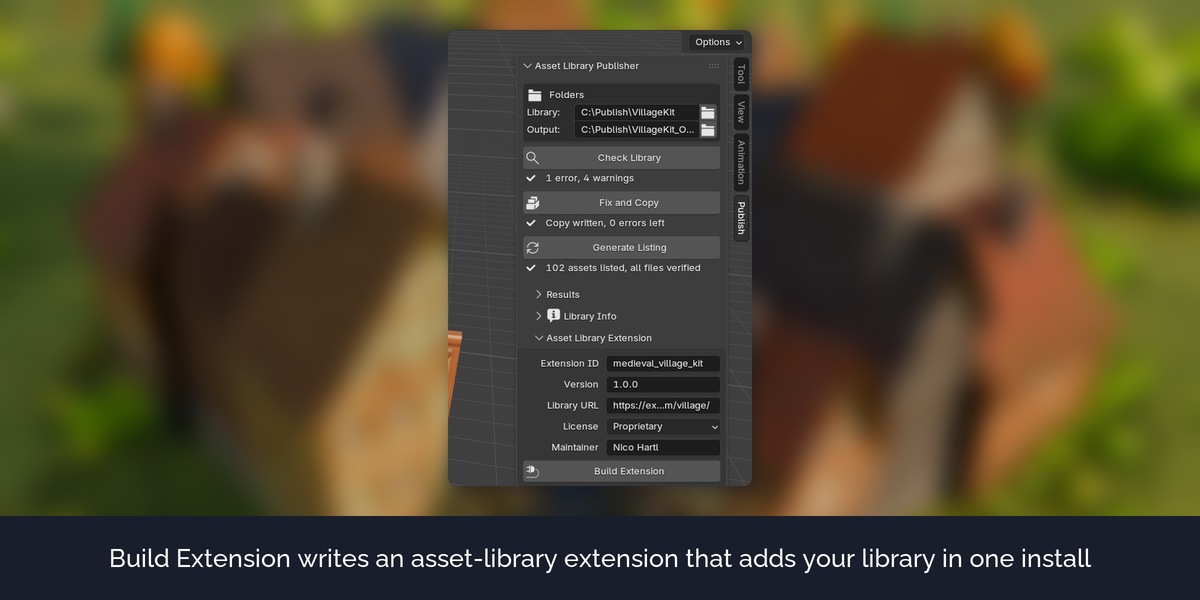
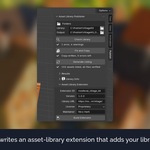
Writes an asset-library extension that points to your hosted library and validates it with Blender. Buyers install the .zip and the library appears in their asset libraries.
Report
Every run writes a report as a web page with all problems and a table of all files.
How it works
- Choose your library folder and an empty output folder.
- Enter the library name, contact, author and license under Library Info.
- Click Check Library, then Fix and Copy, then Generate Listing.
- Upload the output folder to any static web host.
FAQ
Does it change my library?
No. The library folder is only read. Everything is written into the output folder.
Do I need a server?
Any static web host works. To test on your own computer, the guide shows one command that serves the folder locally.
Does it work with normal local asset libraries?
The check helps there too (missing files, previews, catalogs), but it is made for libraries you share online.
Why are some assets kept in one file?
They share textures. Splitting them would copy the textures into every file and make the downloads larger.
Are the assets in the pictures included?
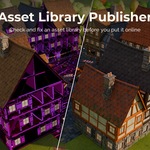
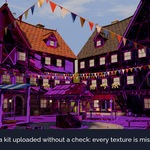
No. They are from the Stylized Medieval Village pack and the Stylized Medieval Village Materials pack, sold separately. The download has its own small demo library.
Does it send data anywhere?
No. No network access, no licence check.
Have questions about this product?
Login to message
| Published | about 4 hours ago |
| Blender Version | 5.3 |
| Render Engine Used | Cycles, Eevee |
| License | GPL |
Discover more products like this
catalogs online library blender 5.3 publishing asset library pipeline previews pack validation remote library asset-browser