 NicoHartl


What it does
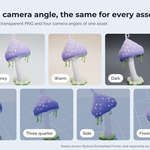
Pictures of every asset
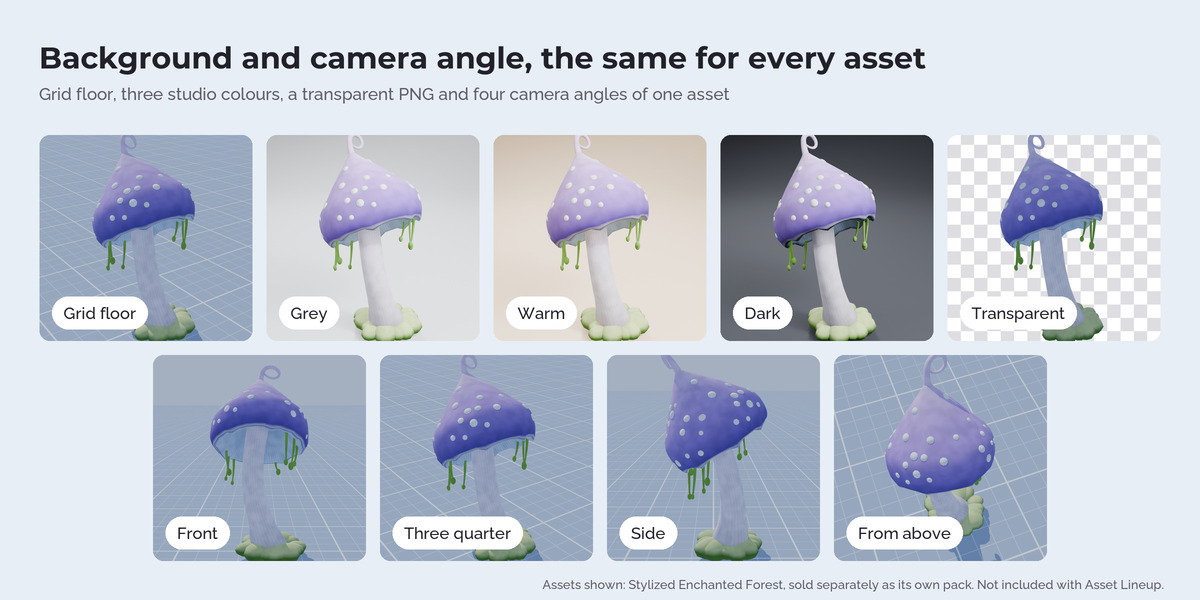
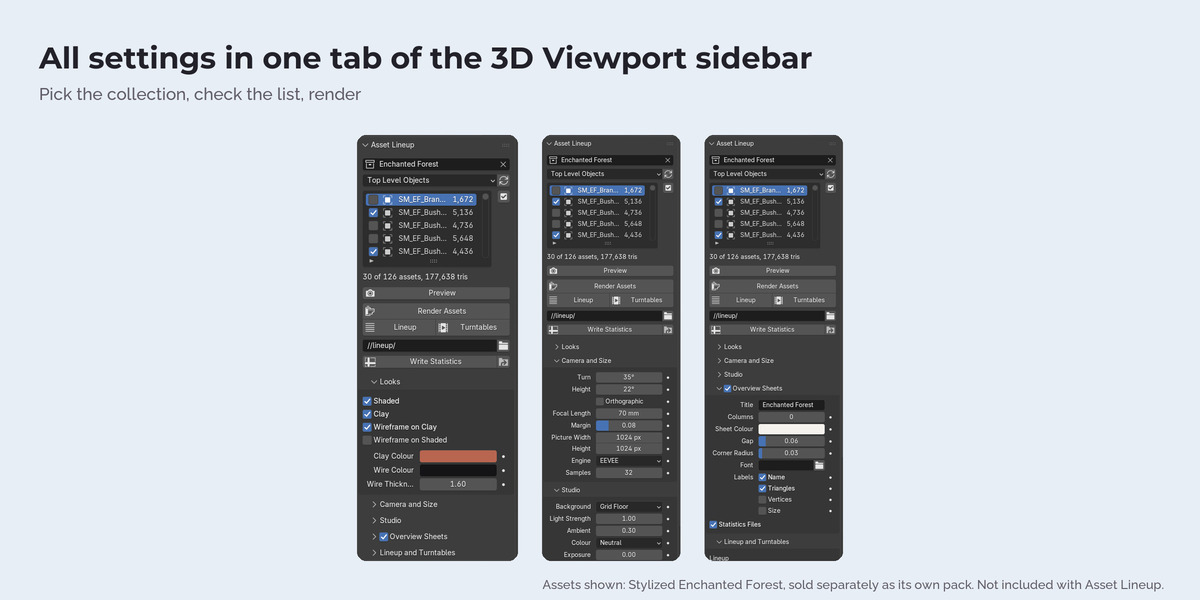
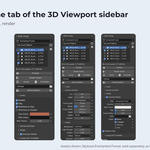
Each asset gets its own picture with the same light and the same camera angle. The camera is framed on the real shape of the asset, so a round tree fills the picture as well as a crate. Picture size, angle, focal length, orthographic camera, margin, EEVEE or Cycles are yours to set. The background is a studio colour, a blue grid floor that shows the real size of the assets, or transparent.
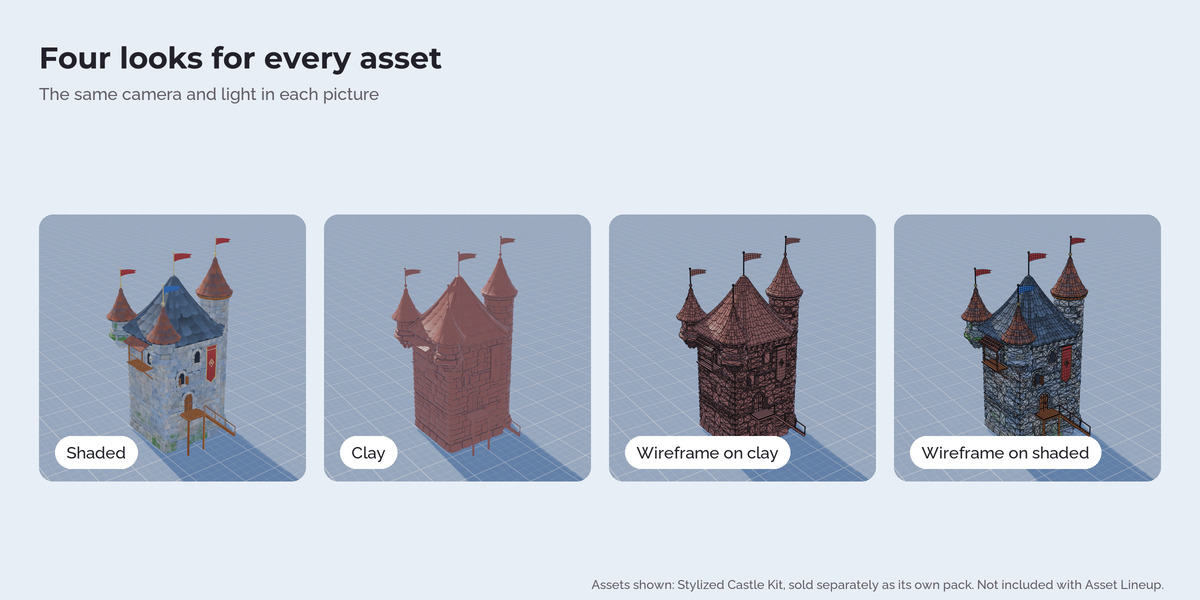
Four looks
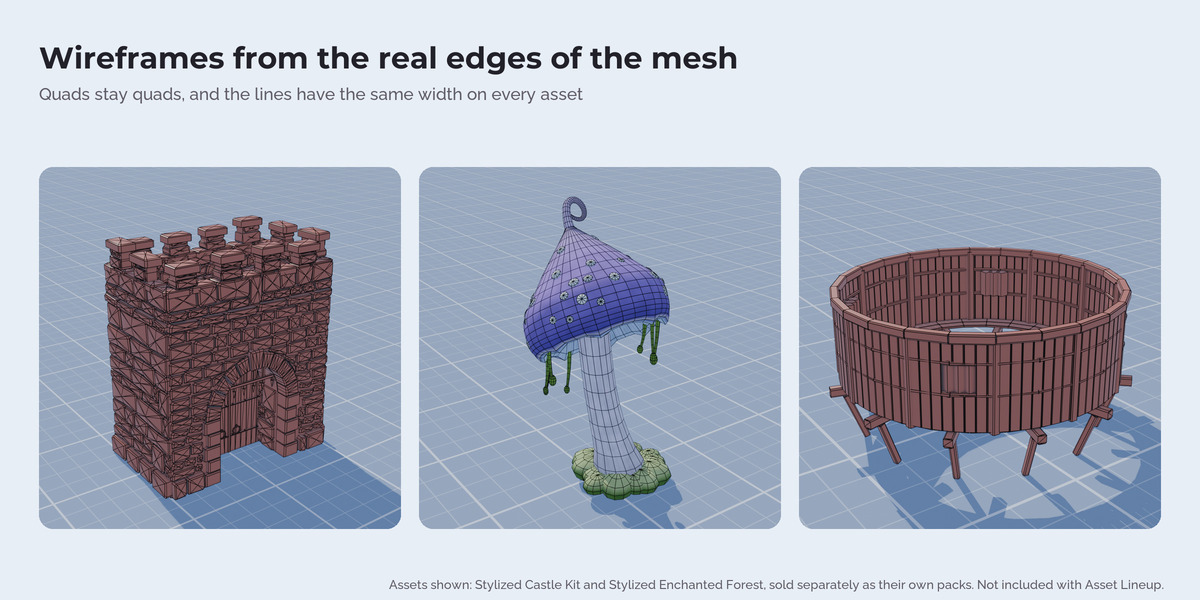
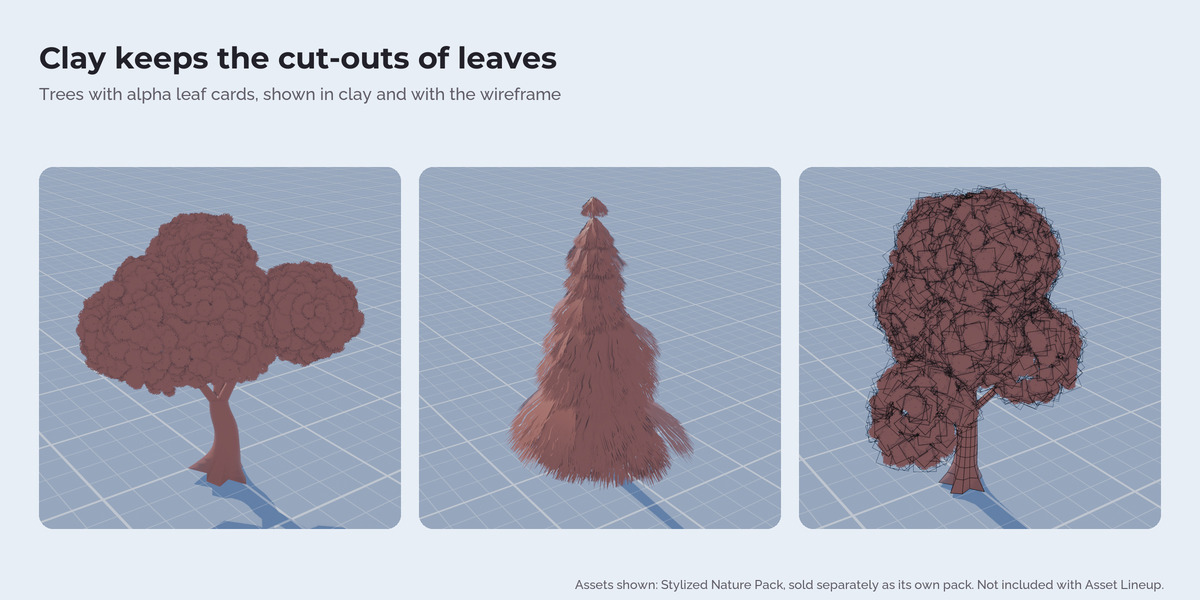
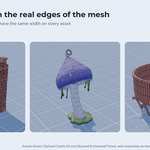
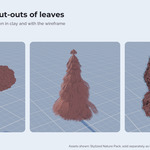
Shaded with the asset's own materials, clay (a red clay tone by default, or any colour you pick), wireframe on clay and wireframe on shaded. Clay keeps the cut-outs of alpha materials, so leaves and fences keep their shape. The wireframe shows the real edges of the mesh: quads stay quads, and the lines have the same width in pixels on small and large assets.
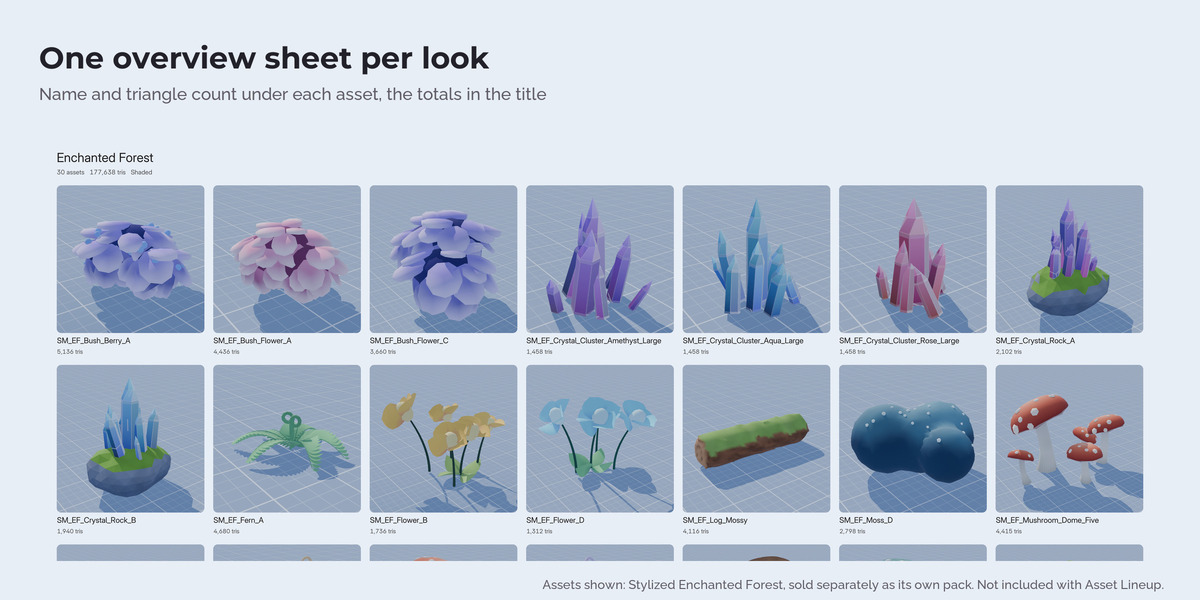
Overview sheets
One PNG per look with all assets in a grid. Each picture has the asset name and the triangle count under it (vertices and size if you want them), the title shows the number of assets and the total triangle count. Choose the columns, the colours and your own font.
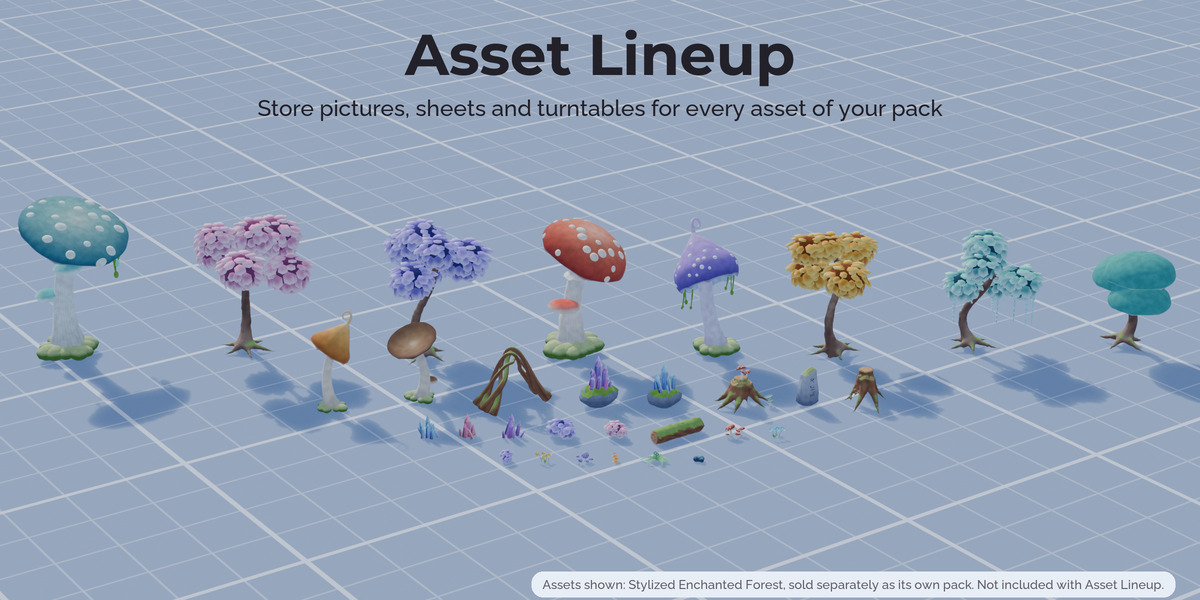
Lineup
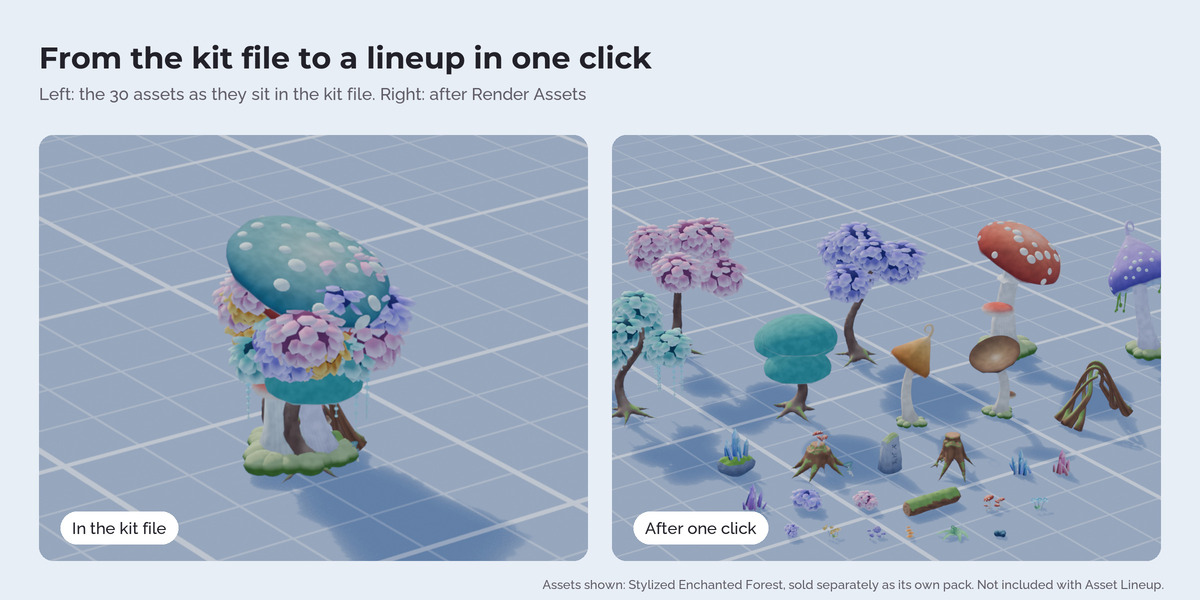
All assets standing next to each other at their real size, in rows across the picture with the tall ones at the back, in one render. The rows are laid out to fill the picture.
Turntables
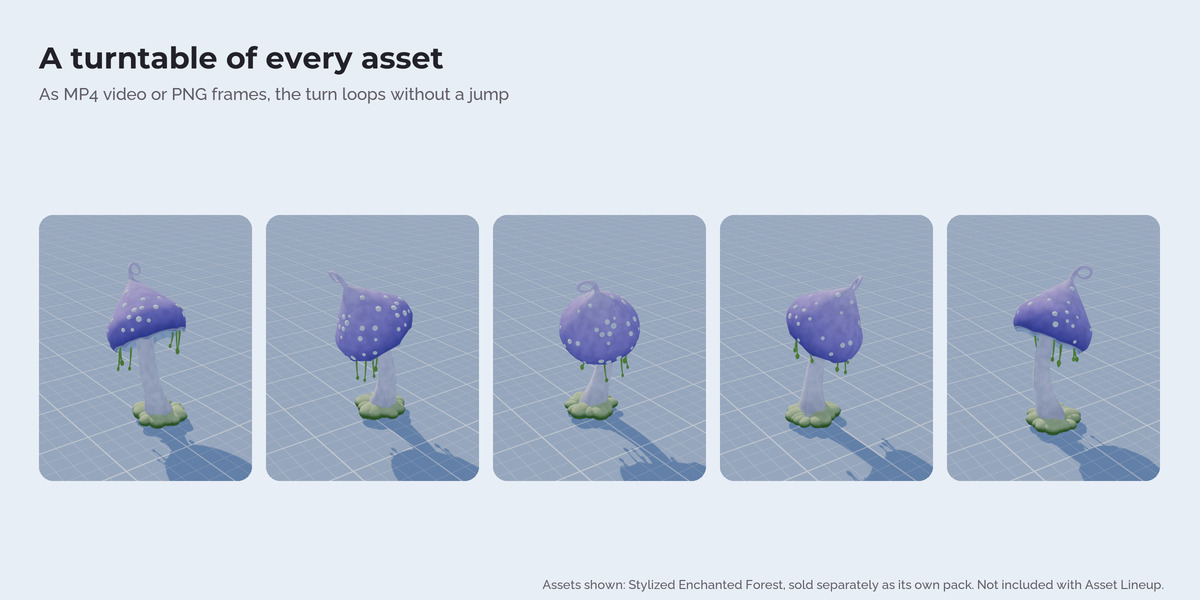
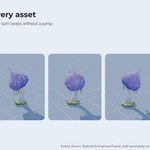
A full turn of each asset as MP4 or as PNG frames. The turn loops without a jump.
Statistics
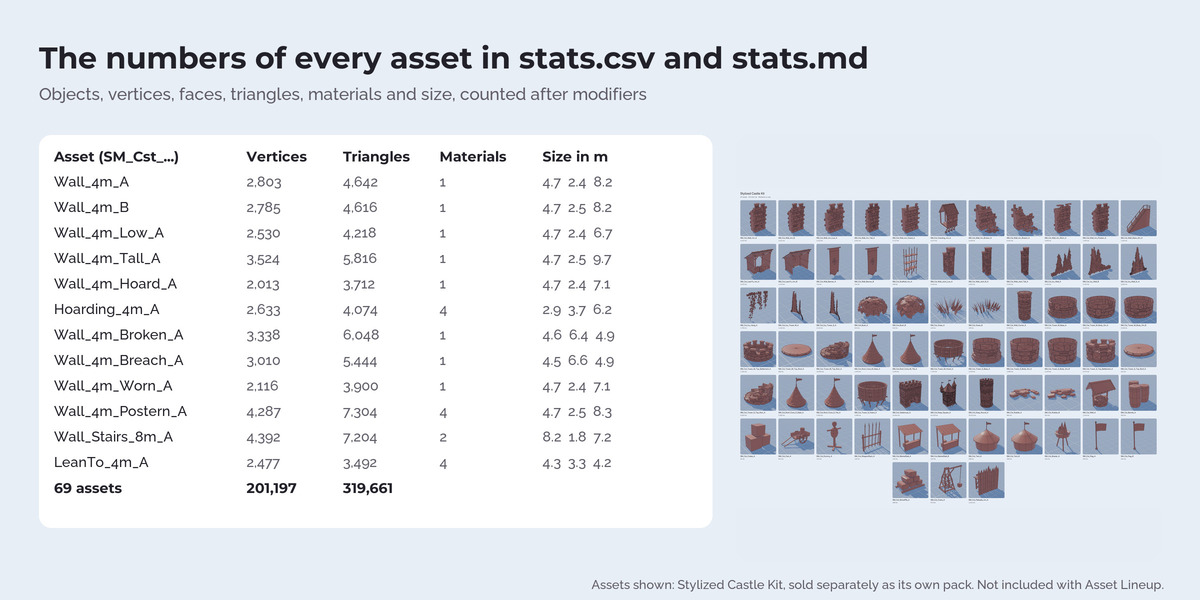
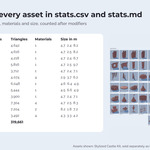
stats.csv and stats.md with objects, vertices, faces, triangles, materials and size of every asset, plus the totals. The numbers are counted after modifiers, the way the asset is rendered.
How it works
Asset Lineup finds the assets in a collection: top level objects with their children, one collection per asset, or collections at any depth for packs that are sorted into category collections. It builds a temporary studio scene, shows each asset in it through a collection instance, renders, and removes everything again. Your scene, your objects and your materials stay as they are, also when you press Esc or a render fails.
FAQ
Does it change my scene?
No. Everything happens in a temporary scene that is removed afterwards. Only the settings of the Lineup tab are saved with your file.
Does it work with Geometry Nodes assets and collection instances?
Yes. It renders and counts the evaluated result, nested collection instances included.
Can I render just a few assets again?
Yes. Switch the others off in the list, the other files in the folder stay.
How long does it take?
A pack of 105 assets took 72 seconds for all pictures, two sheets and the statistics at 384 px with EEVEE on a desktop PC. Larger pictures and Cycles take longer.
Are the trees, mushrooms and castle pieces in the pictures included?
No. They are from the separate packs Stylized Enchanted Forest, Stylized Castle Kit and Stylized Nature Pack, sold on their own. The download contains the extension and a small demo pack (Village Props) to try it.
Does it send data anywhere?
No. No network access, no licence check.
Have questions about this product?
Login to message
| Published | about 6 hours ago |
| Blender Version | 4.5 - 5.3 |
| Render Engine Used | Cycles, Eevee |
| License | GPL |
Discover more products like this
low poly presentation contact sheet portfolio polycount wireframe game assets batch render clay-render turntable asset pack Render