Asset Mechanic - Auto-Fix Geometry, UVs, Textures, Rigs & Animations
 abcg.studio
What is Asset Mechanic?
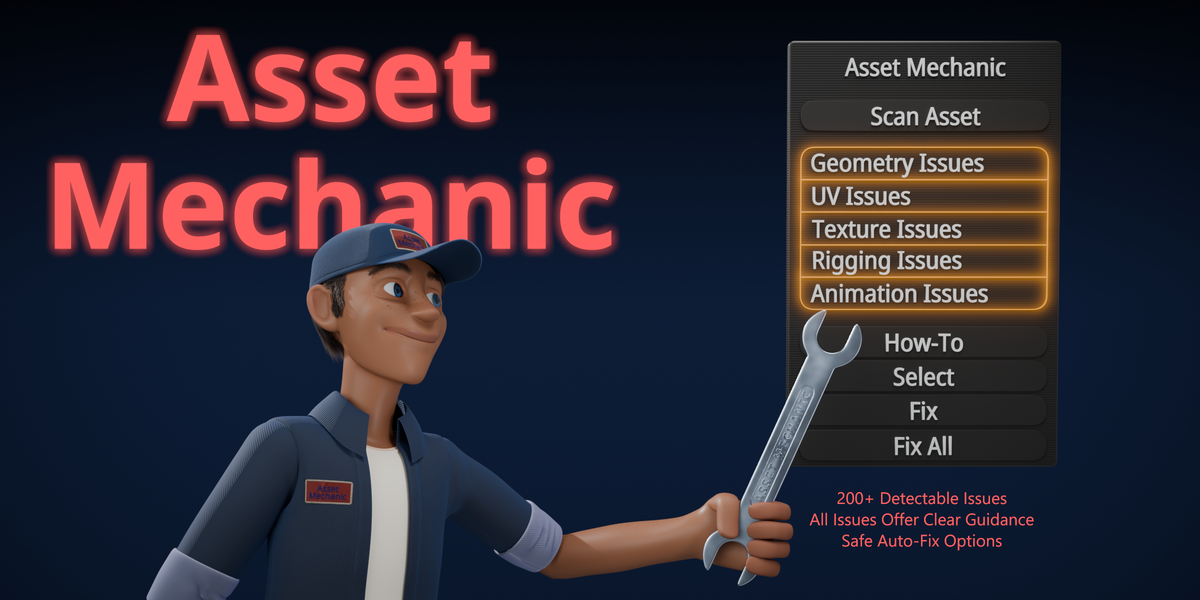
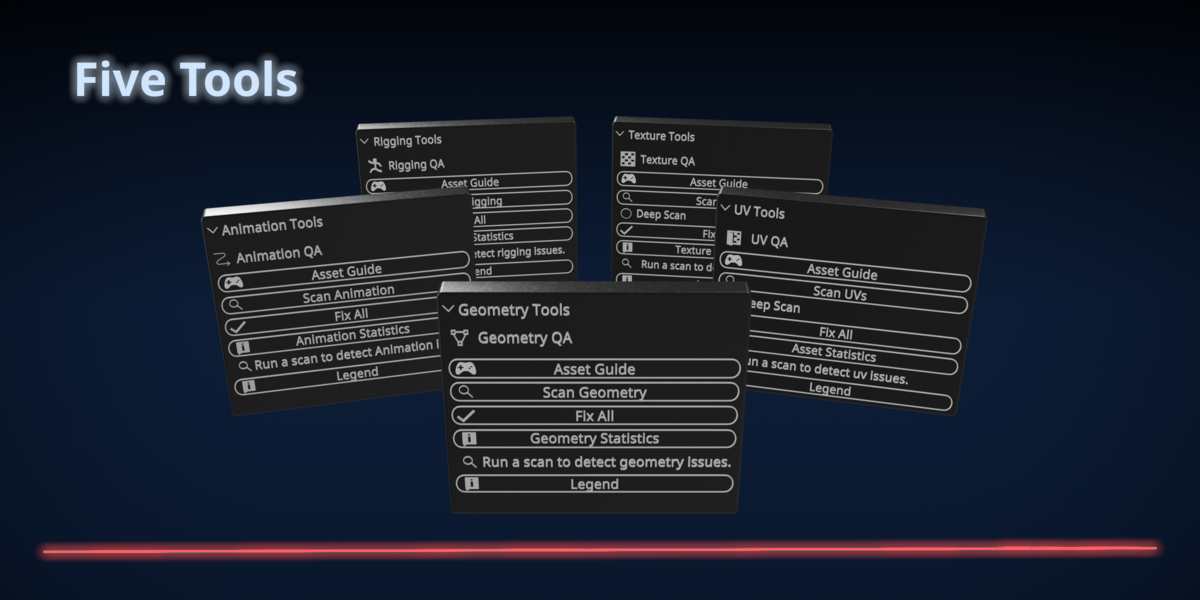
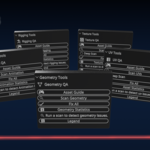
Asset Mechanic is a unified set of QA tools that scan your Blender assets for issues that commonly cause problems in production pipelines. Each module focuses on a different part of the asset creation workflow, Geometry, UVs, Textures, Rigging, and animation, giving you clear feedback, safe auto-fix options where applicable, and guidance for issues that require manual adjustment.
How It Works
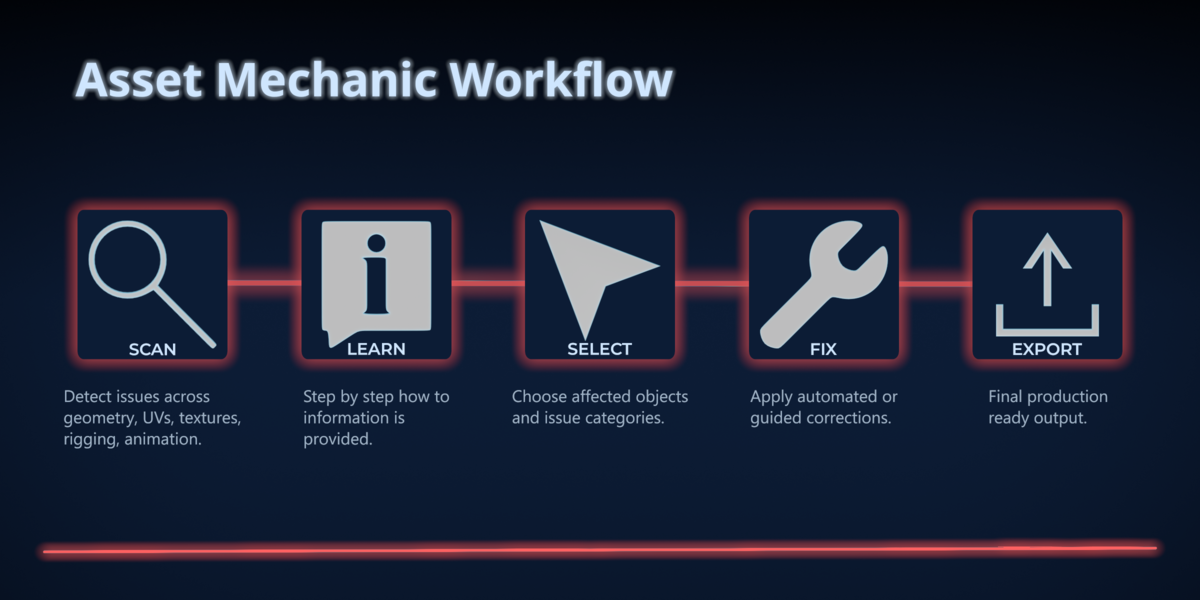
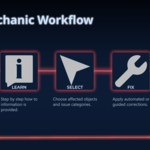
Asset Mechanic follows a simple workflow:
- Learn - Each issue includes a clear description and "How-To" guide.
- Select - Isolate the problem directly in the viewport.
- Fix - Apply safe auto-fixes where applicable, or follow the guidance provided.
This workflow keeps your assets clean, consistent, and ready for export.
Quick Start Guide
- Install & Enable
Install the Asset Mechanic add-on, simply drag and drop into Blender.
- Open the Asset Mechanic Panel
In the 3D viewport -> Sidebar (N-Panel), open the Asset Mechanic tab.
You'll see the main tool modules you've purchased, plus the Asset Mechanic Settings panel.
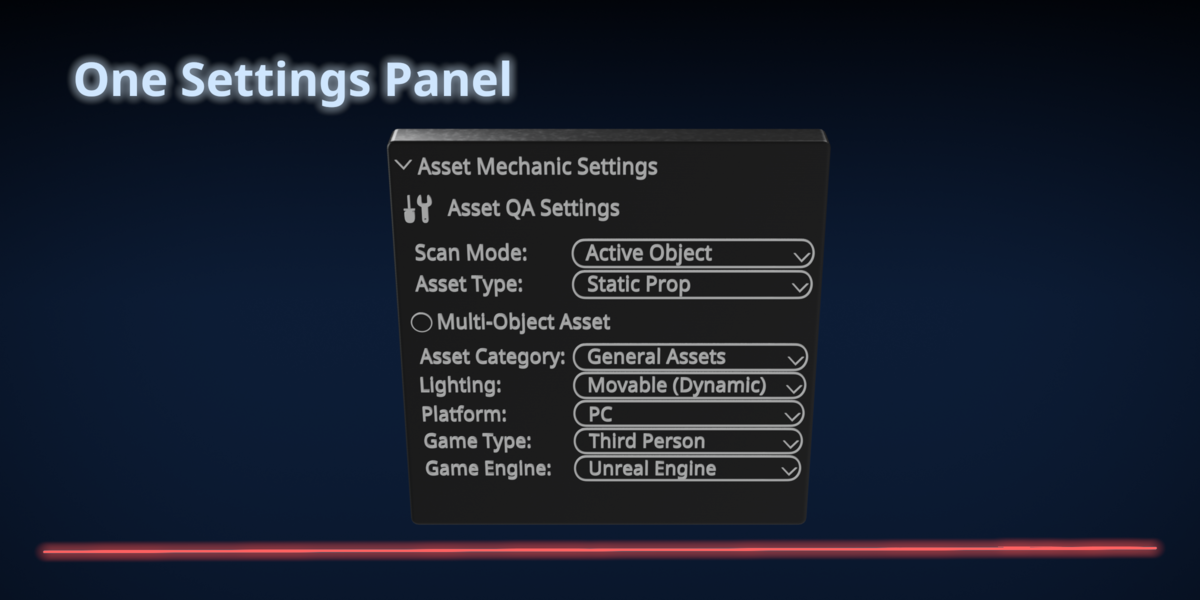
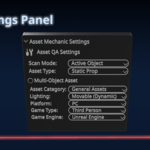
- Configure the Asset Mechanic Settings Panel
Before scanning, set the correct context for your asset.
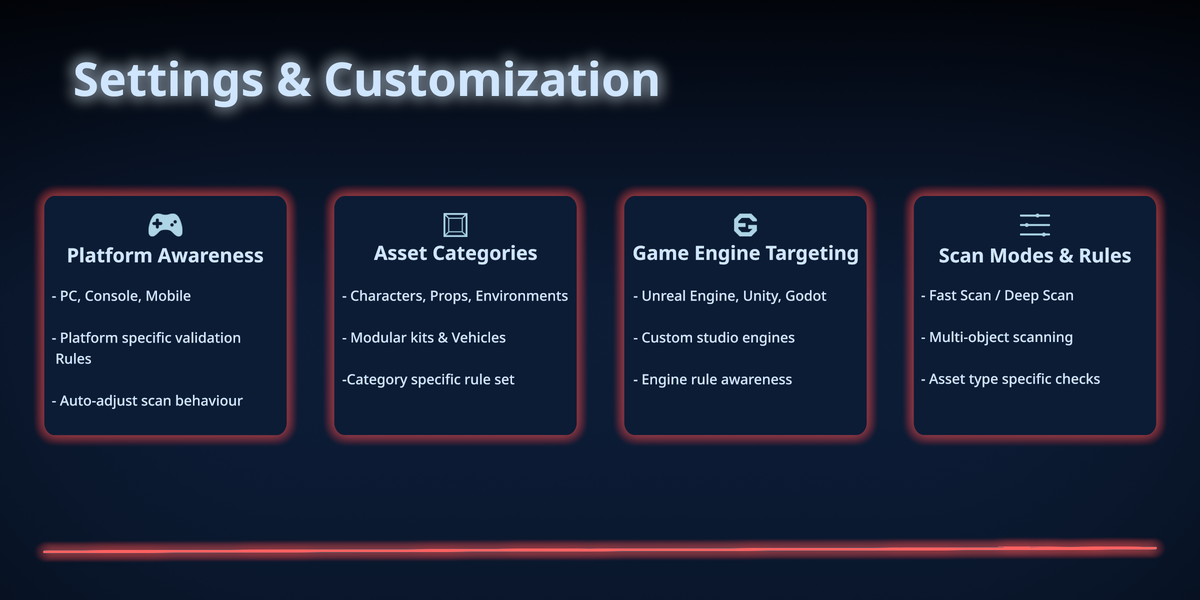
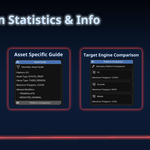
These settings ensure Asset Mechanic applies the right rules for your workflow, asset type, and target engine.
Once these settings are configured, Asset Mechanic will tailor its checks accordingly.
Scan Mode
Choose what Asset Mechanic should scan:
- Active Object - ideal for quick individual object checks.
- Selected Objects - For multiple assets and multi-object assets.
- Asset Collection - For full characters, modular kits, environments, and multi-object assets.
Asset Type
Defines the nature of the asset so the correct validation rules apply.
Multi-Object Asset
Enable if your asset is composed of multiple objects (except Atlas Assets, where this is disabled automatically).
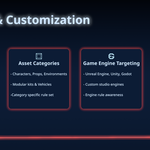
Asset Category
Sets the expected quality level for the asset.
Lighting Behaviour
Defines how the asset will be lit in the game engine and defines some rule requirements.
Platform
Target game play hardware to maintain asset efficiency in game.
Game Type
Camera/gameplay style affecting rule expectations.
Game Engine
Choose the engine you're targeting to ensure your asset meets engine specific requirements.
- Run Your First Scan
Open the module for the required scan (Geometry, UV, Texture, Rigging, Animation) and click Scan.
Issues appear grouped by object for easy navigation.
- Learn | Select | Fix
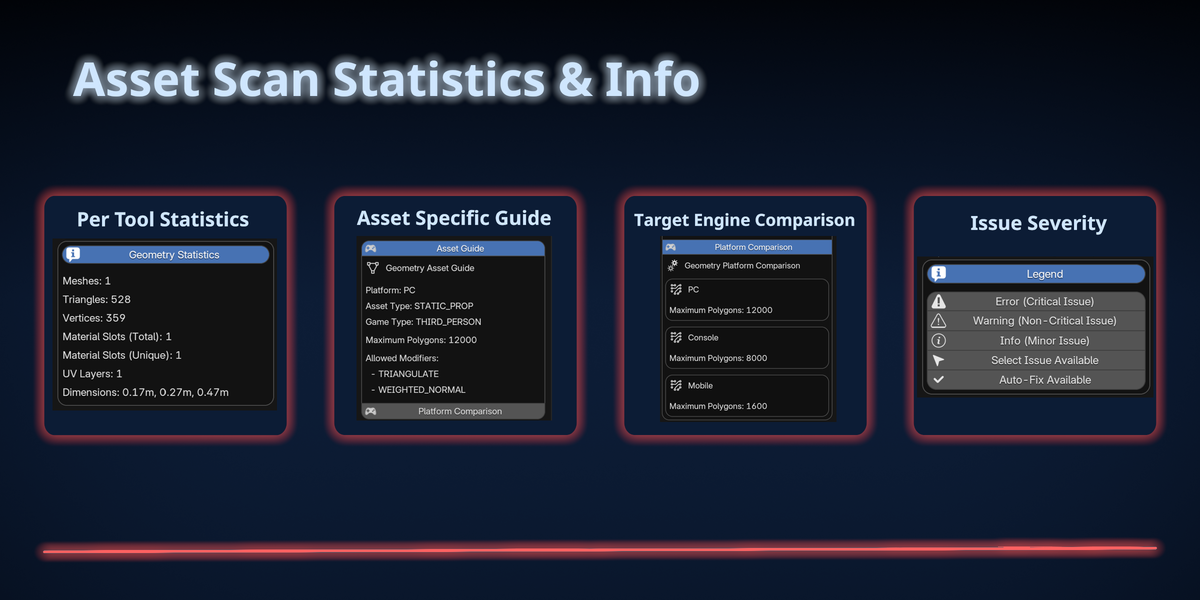
Each issue includes:
- A clear description
- Severity Level
- "Select Issue" to isolate the problem
- "Fix Issue" auto-fix where safe
- A "How-To" guide explaining the issue and manual fix steps
Follow the workflow:
Learn -> Select -> Fix
- Repeat Across Modules
Run scans for all modules, Geometry, UVs, Textures, Rigging, and Animation, to ensure your asset is fully production ready.
We recommend scanning the relevant module at each stage of asset creation (modeling, UVs, texturing, rigging, animation) so issues are caught early and never compound later in the pipeline.
- Export With Confidence
Once your asset passes all checks, it's ready for export to Unreal, Unity, Godot, or your studio pipeline.
Install the Asset Mechanic add-on, simply drag and drop into Blender.
In the 3D viewport -> Sidebar (N-Panel), open the Asset Mechanic tab.
You'll see the main tool modules you've purchased, plus the Asset Mechanic Settings panel.
Before scanning, set the correct context for your asset.
These settings ensure Asset Mechanic applies the right rules for your workflow, asset type, and target engine.
Once these settings are configured, Asset Mechanic will tailor its checks accordingly.
Scan Mode
Choose what Asset Mechanic should scan:
- Active Object - ideal for quick individual object checks.
- Selected Objects - For multiple assets and multi-object assets.
- Asset Collection - For full characters, modular kits, environments, and multi-object assets.
Asset Type
Defines the nature of the asset so the correct validation rules apply.
Multi-Object Asset
Enable if your asset is composed of multiple objects (except Atlas Assets, where this is disabled automatically).
Asset Category
Sets the expected quality level for the asset.
Lighting Behaviour
Defines how the asset will be lit in the game engine and defines some rule requirements.
Platform
Target game play hardware to maintain asset efficiency in game.
Game Type
Camera/gameplay style affecting rule expectations.
Game Engine
Choose the engine you're targeting to ensure your asset meets engine specific requirements.
Open the module for the required scan (Geometry, UV, Texture, Rigging, Animation) and click Scan.
Issues appear grouped by object for easy navigation.
Each issue includes:
- A clear description
- Severity Level
- "Select Issue" to isolate the problem
- "Fix Issue" auto-fix where safe
- A "How-To" guide explaining the issue and manual fix steps
Follow the workflow:
Learn -> Select -> Fix
Run scans for all modules, Geometry, UVs, Textures, Rigging, and Animation, to ensure your asset is fully production ready.
We recommend scanning the relevant module at each stage of asset creation (modeling, UVs, texturing, rigging, animation) so issues are caught early and never compound later in the pipeline.
Once your asset passes all checks, it's ready for export to Unreal, Unity, Godot, or your studio pipeline.
 Included
Includes 12 months of
- Support from abcg.studio
- Product updates
Extend this product’s Support Period +12 months: 25% of product price
Have questions before purchasing?
Login to message
| Blender Extension Compatible | Yes |
| Dev Fund Contributor | |
| Published | 21 minutes ago |
| Blender Version | 4.5 - 5.3 |
| Extension Type | Add-on |
| License | GPL |