Asset Mechanic - Auto-Fix Geometry, UVs, Textures, Rigs & Animations
 abcg.studio
What does Asset Mechanic actually do?
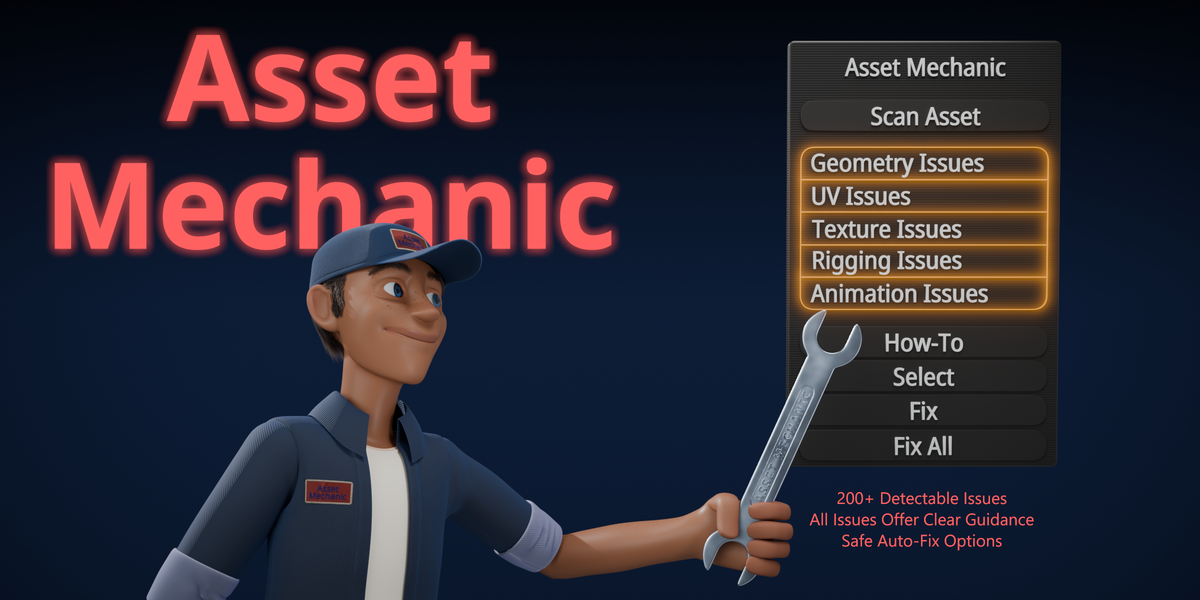
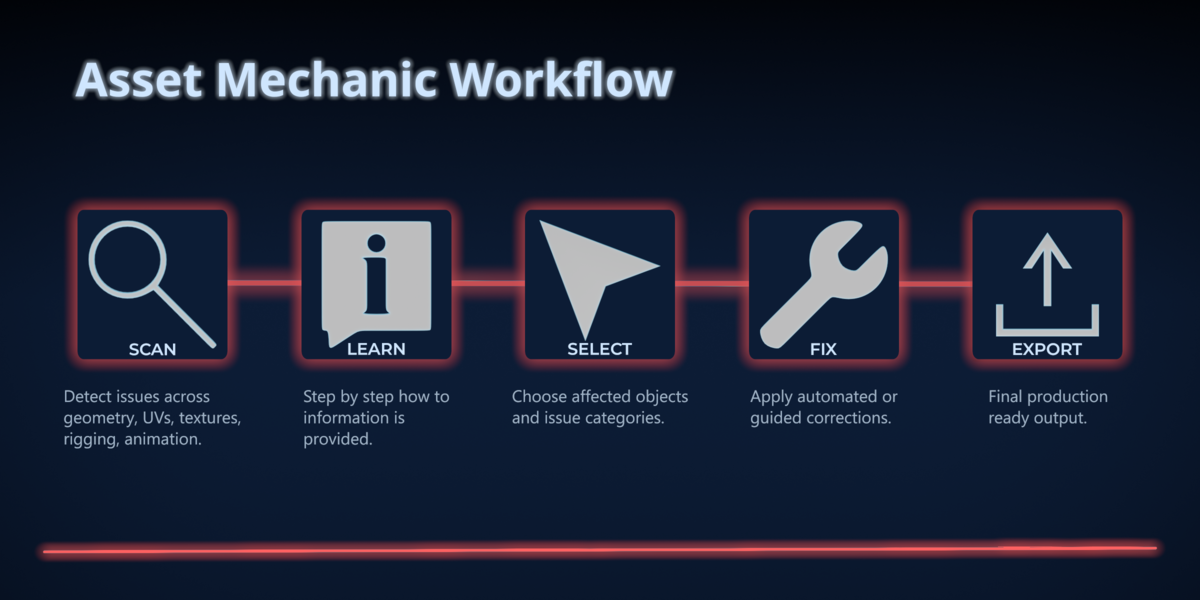
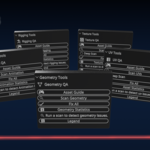
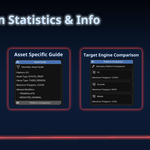
Asset Mechanic scans your Blender assets for issues that commonly cause problems in production pipelines. It highlights errors, warnings, and best practice improvements, and provides safe auto-fix options where applicable.
Can I use Asset Mechanic in a studio pipeline?
Yes. Asset Mechanic was designed with production workflows in mind and is suitable for teams, freelancers, and technical artists.
Will this work with my existing workflow?
Yes. Asset Mechanic is designed to fit naturally into Blender's UI and works with any modelling, rigging, texturing, or animation workflow. You can scan assets at any stage of production.
Do I need all the tools, or can I buy just one?
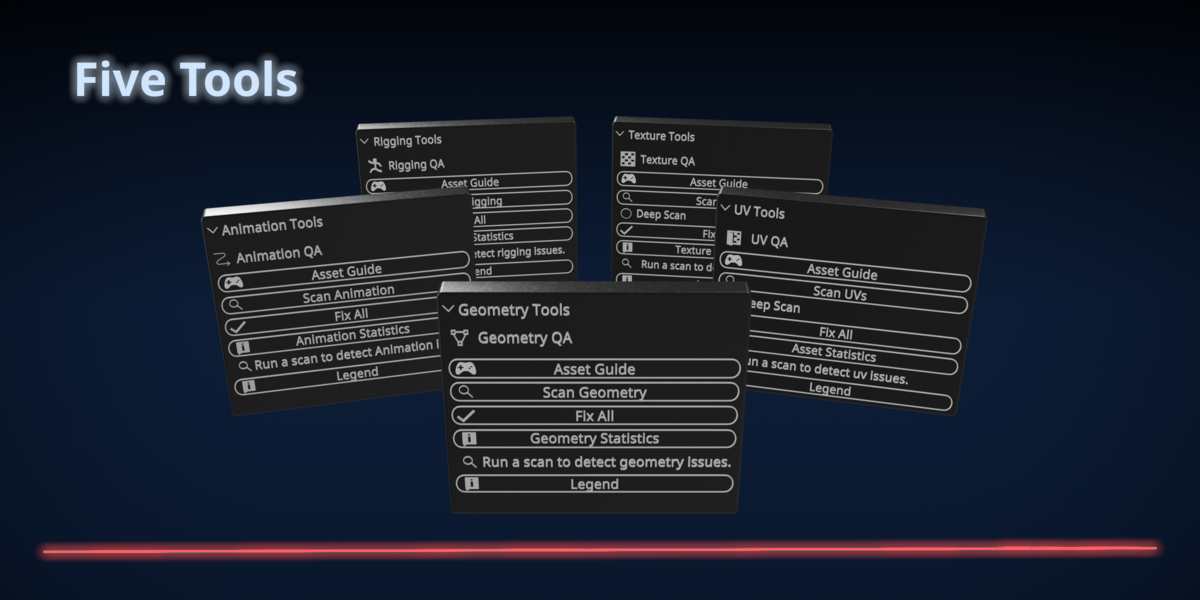
You can buy individual modules if you only need Geometry, UV, Texture, Rigging, or Animation Tools. The full suite offers the best value and gives you a complete QA pipeline inside Blender.
Is the UI consistent across all modules?
Yes. Every tool uses the same foldout system, issue layout, fix button, and how-to guidance.
Does Asset Mechanic change may assets automatically?
Only where it's safe. Asset Mechanic provides auto-fix options for issues that can be reliably corrected, and clear guidance for issues that require manual adjustment.
Does Asset Mechanic modify my material or node trees?
Only when necessary and only for specific texture related fixes. All changes are safe and reversible.
Does Asset Mechanic support multi-object assets?
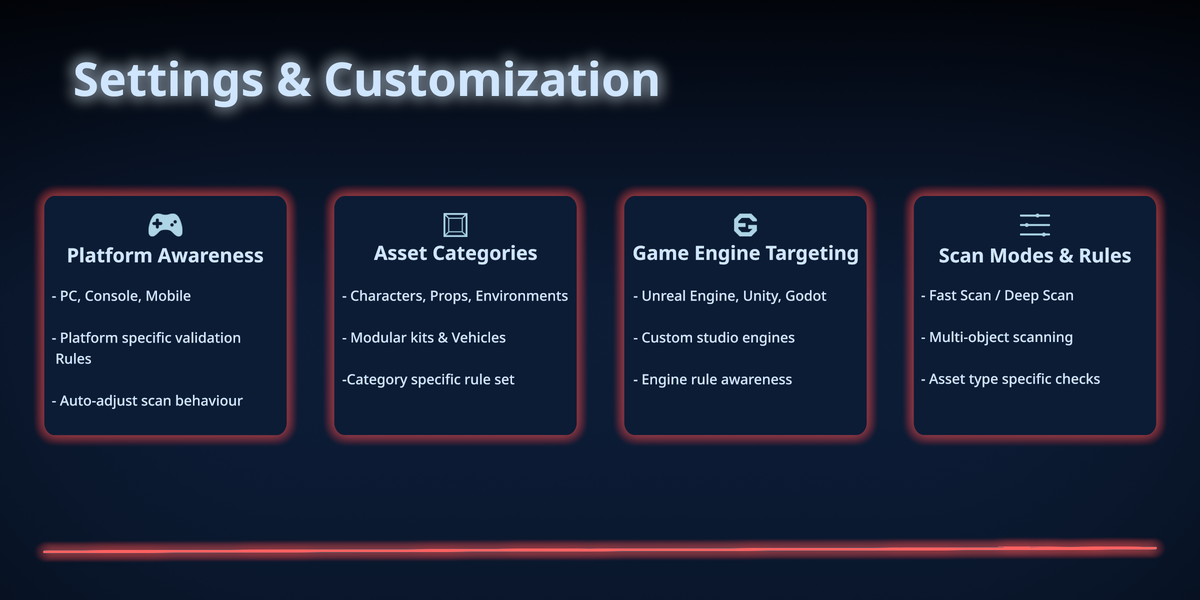
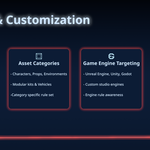
Absolutely. Asset Mechanic groups issues by object and supports characters, props, environments, modular kits, and complex multi-object rigs.
Will this slow down Blender?
No. Asset Mechanic is lightweight and optimized for fast scanning, even on large assets.
Does Asset Mechanic work with Unreal, Unity, and Godot?
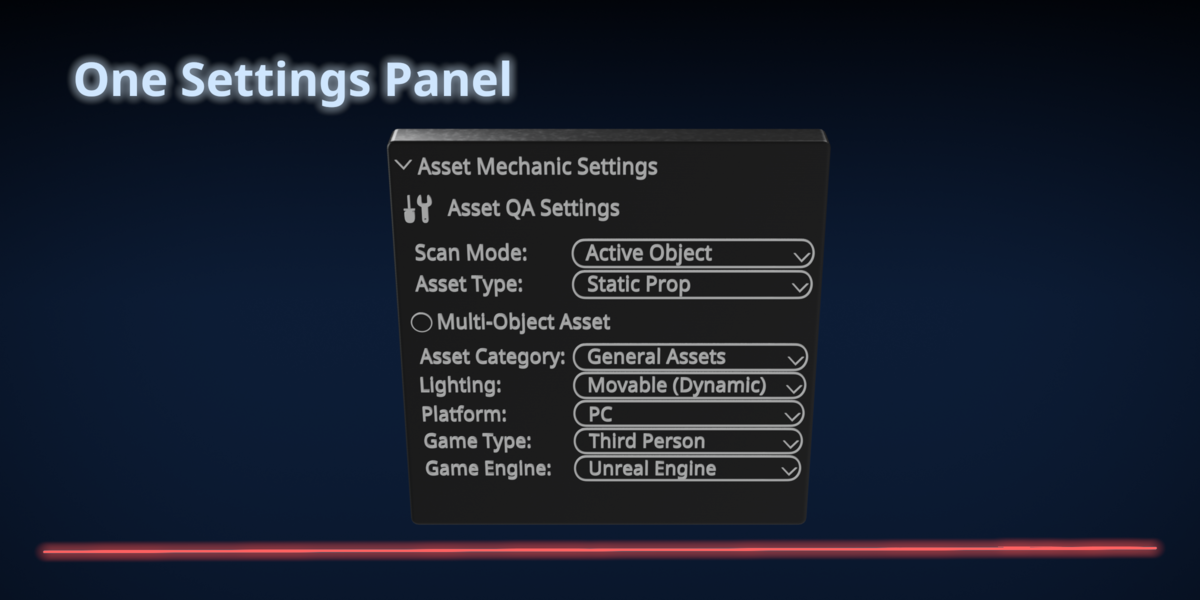
Yes. Asset Mechanic checks for issues that commonly affect imports in Unreal, Unity, Godot, and custom studio pipelines.
Is this only for game engines?
No. While Asset Mechanic is built around game engine standards, it's also useful for general asset cleanup, rig validation, animation troubleshooting, and preparing assets for any export pipeline.
Is Asset Mechanic beginner friendly?
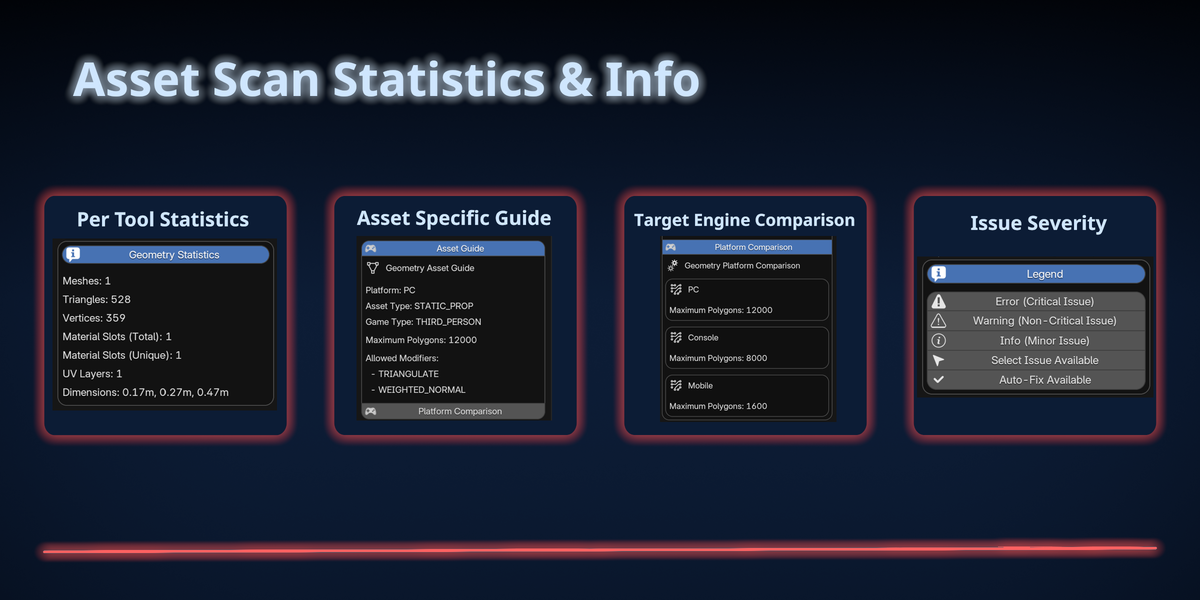
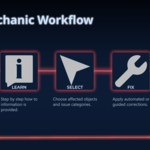
Yes. Every issue includes a clear description and a "How-To" guide explaining what it means and how to fix it.
 Included
Includes 12 months of
- Support from abcg.studio
- Product updates
Extend this product’s Support Period +12 months: 25% of product price
Have questions before purchasing?
Login to message
| Blender Extension Compatible | Yes |
| Dev Fund Contributor | |
| Published | 21 minutes ago |
| Blender Version | 4.5 - 5.3 |
| Extension Type | Add-on |
| License | GPL |