 abcg.studio
Looking for assistance? Try the FAQs or Docs above, or use the "Contact the creator" link →
Never Fix Broken Assets Again
Nothing kills creative momentum faster than exporting an asset from Blender, only to discover flipped Normals, exploded rig weights, unapplied scal, or overlapping lightmap UVs inside Unreal, Unity, or Godot.
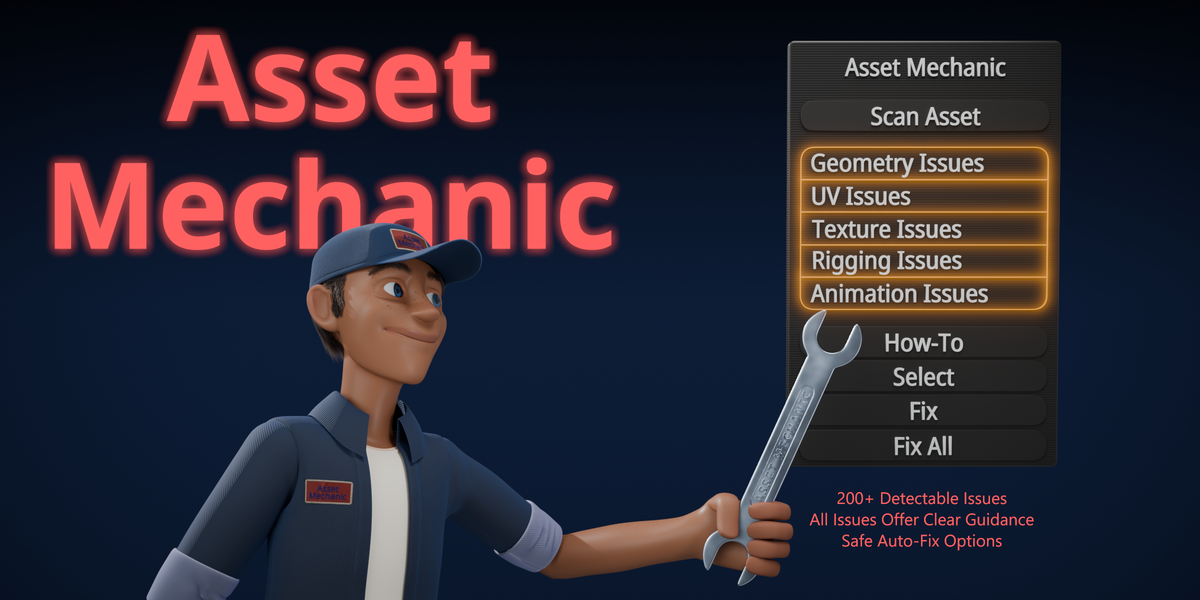
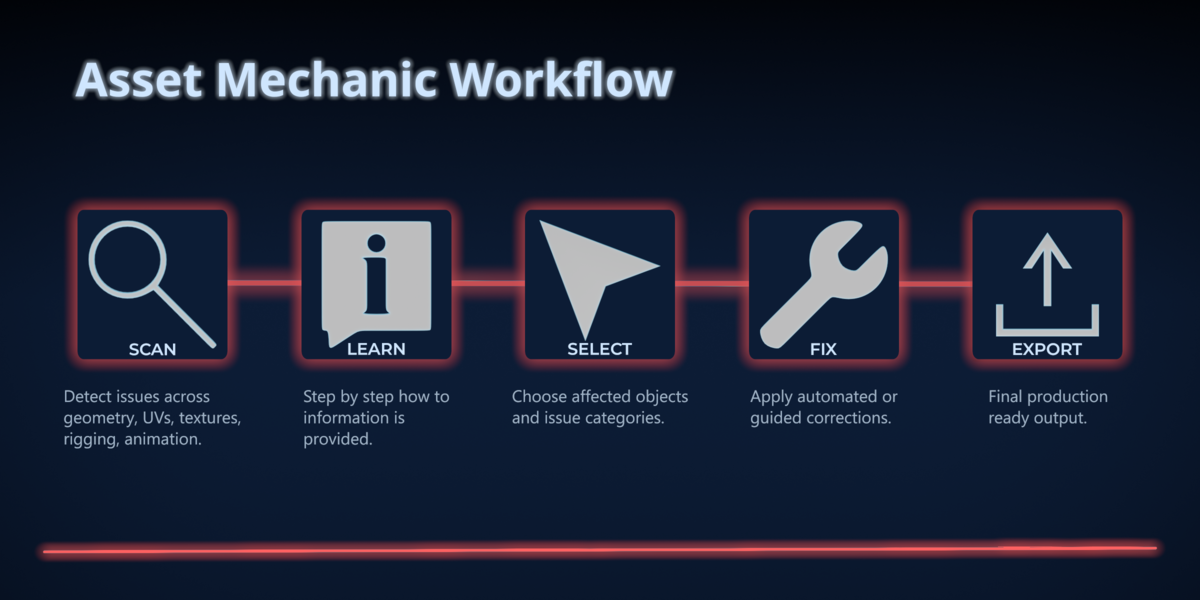
Asset Mechanic is an all-in-one pre-flight scanner and auto-fixer built directly into Blender's Sidebar.
Instead of spending hours hunting through menus or finding out what broke after you import into your engine, Asset Mechanic catches hidden technical errors and fixes them safely in seconds.

What Asset Mechanic Catches & Fixes Automatically
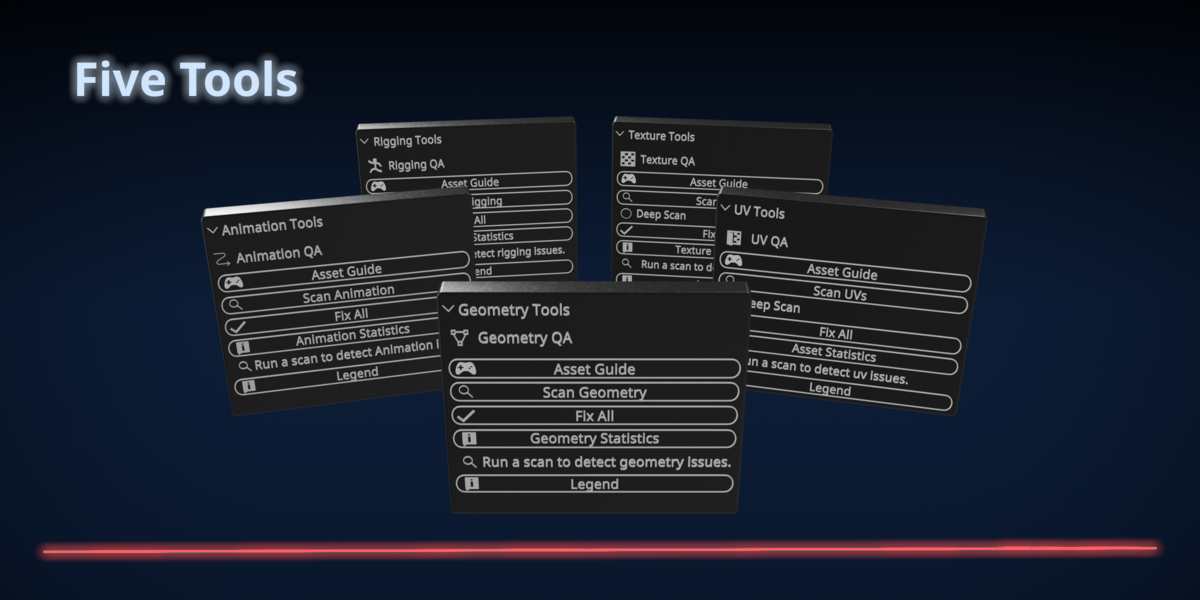
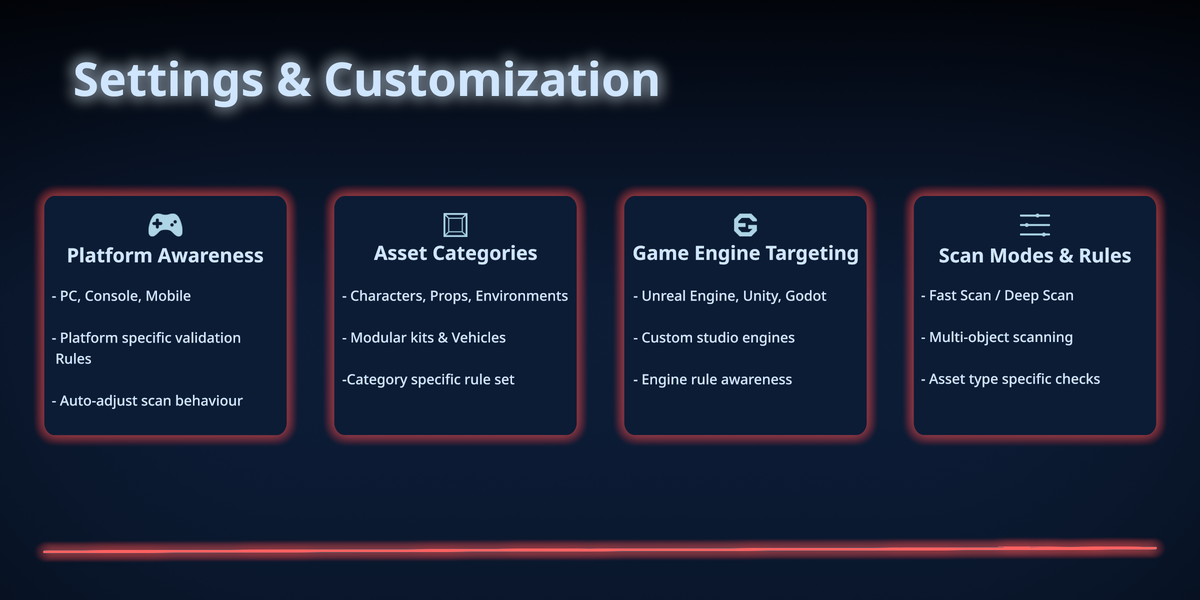
Every game engine has strict rules. Asset Mechanic runs hundreds of targeted checks across five core pipeline stages, giving you clear, plain explanations and one-click fixes.
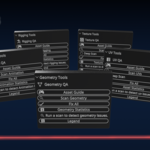
- Geometry Sanitizer: Detects and fixes flipped normals, non-manifold edges, loose vertices, zero-area faces, unapplied transforms, and inconsistent object naming.
- UV & Texel Density Inspector: Flag overlapping UVs, out-of-bounds UV islands, missing UV channels (like UE5 Lightmap UVs), mismatched texel density, and missing required texture maps.
- Texture & Material Validator: Checks for missing texture files, incorrect color spaces (Non-color vs. sRGB), unpacked maps, unsupported shader nodes, and non-power-of-two resolutions.
- Rigging & Weight Doctor: Catches unnormalized vertex weights, weights exceeding 4-bone engine limits, broken bone hierarchies, and invalid constraints before they deform in-engine.
- Animation & NLA Cleaner: Identifies unbaked constraints, orphaned NLA strips, redundant keyframes, and shape key naming conflicts so root motion and animations play cleanely.
- 100s more detectable issues
Built for Solo Devs, Freelancers & Studios
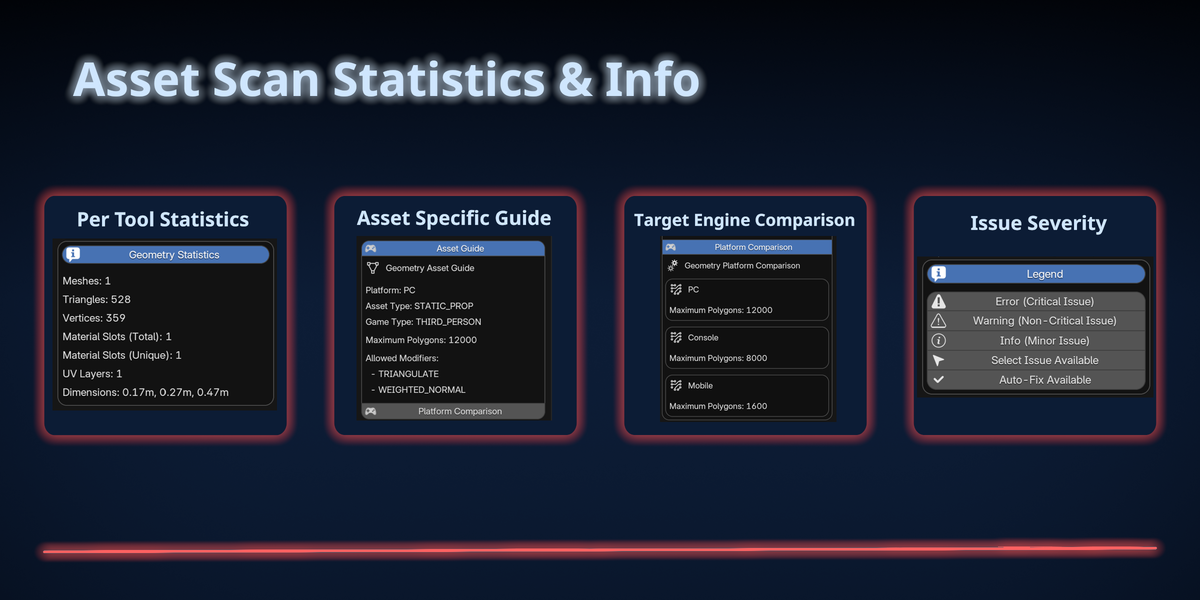
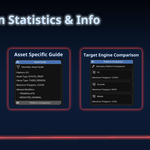
- Learn As You Work: Not sure why an issue breaks your engine import? Every warning includes a built-in How-To Guide and Platform Comparison explaining how Unreal, Unity, and Godot handle that exact rule.
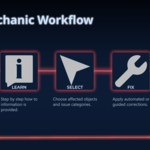
- Safe, Non-Destructive Control: Review issues per object with clean foldouts. Fix everything at once or apply targeted fixes one by one.
- Modular or Full Suite: Buy only the single module you need, or grab the Full Asset Mechanic Suite to automate your entire asset pipeline from mesh to export.
Compatibility & Support
- Blender Versions: 4.5 - 5.2+ (Fully Blender Extension Compatible)
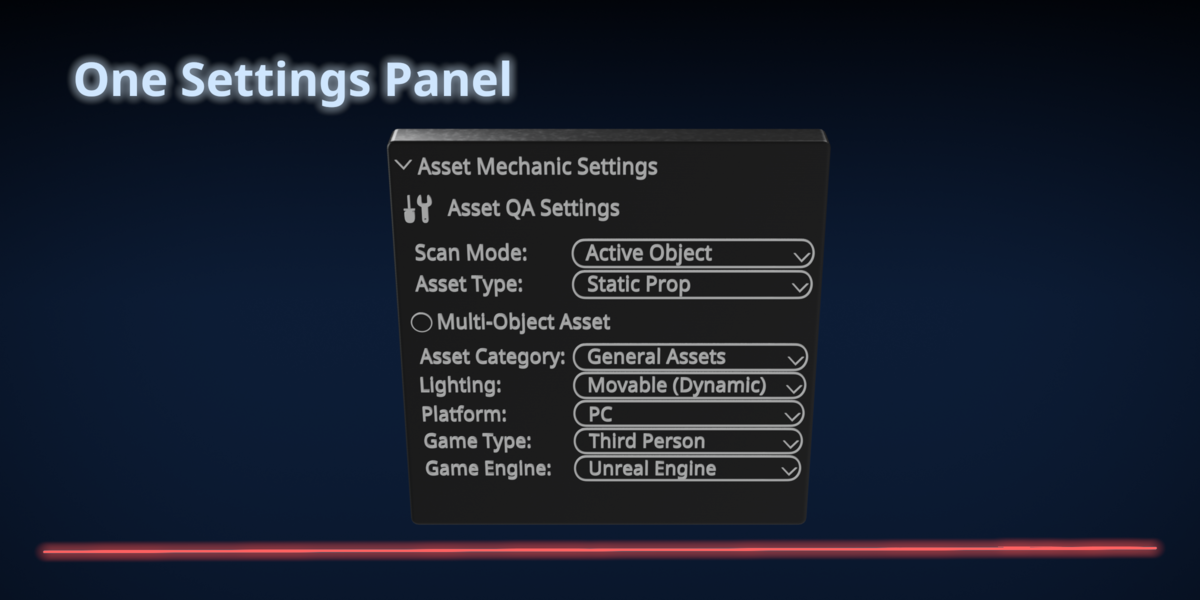
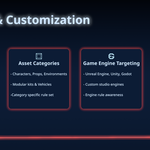
- Target Engines: Unreal Engine(UE4/UE5), Unity, Godot, and custom GLTF/FBX pipelines
- Need help or found a specific edge case? Click "Contact the creator" on the right, active support and future updates.
