 blenderVfxMaster
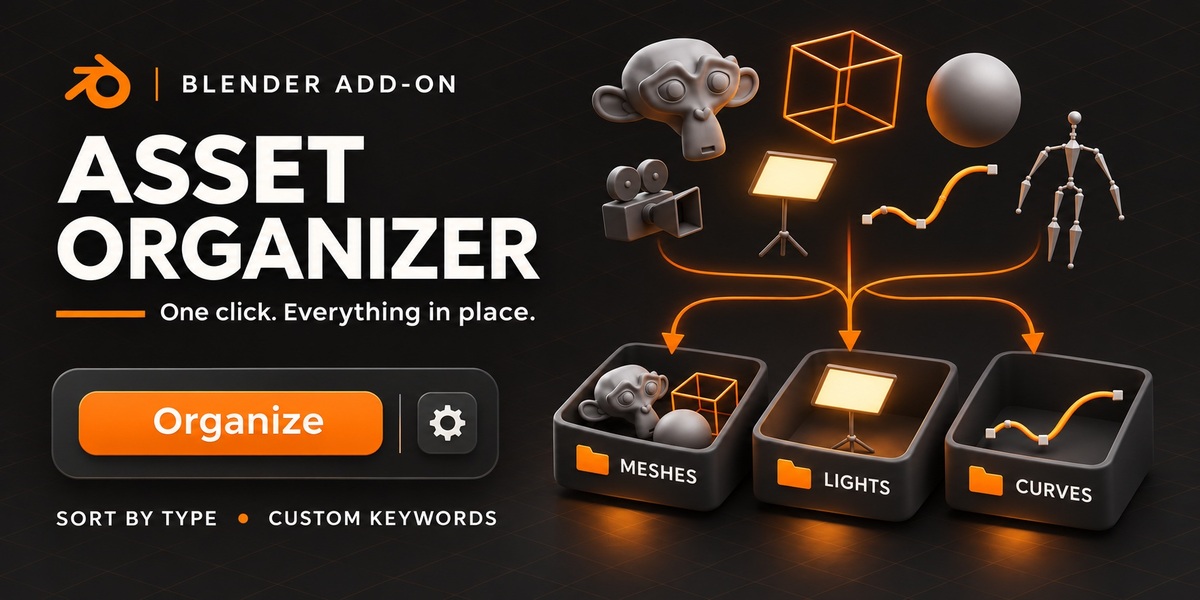
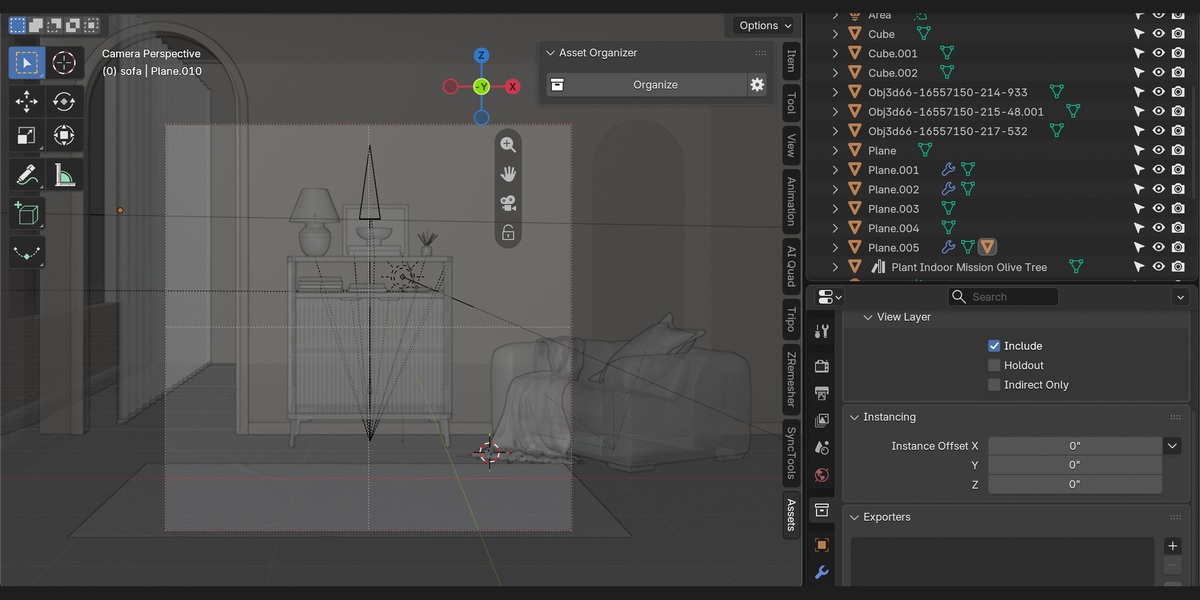

Spend less time sorting objects and more time creating. Asset Organizer organizes your scene into collections with one click, using object types or your own keyword rules.
One-Click Organization
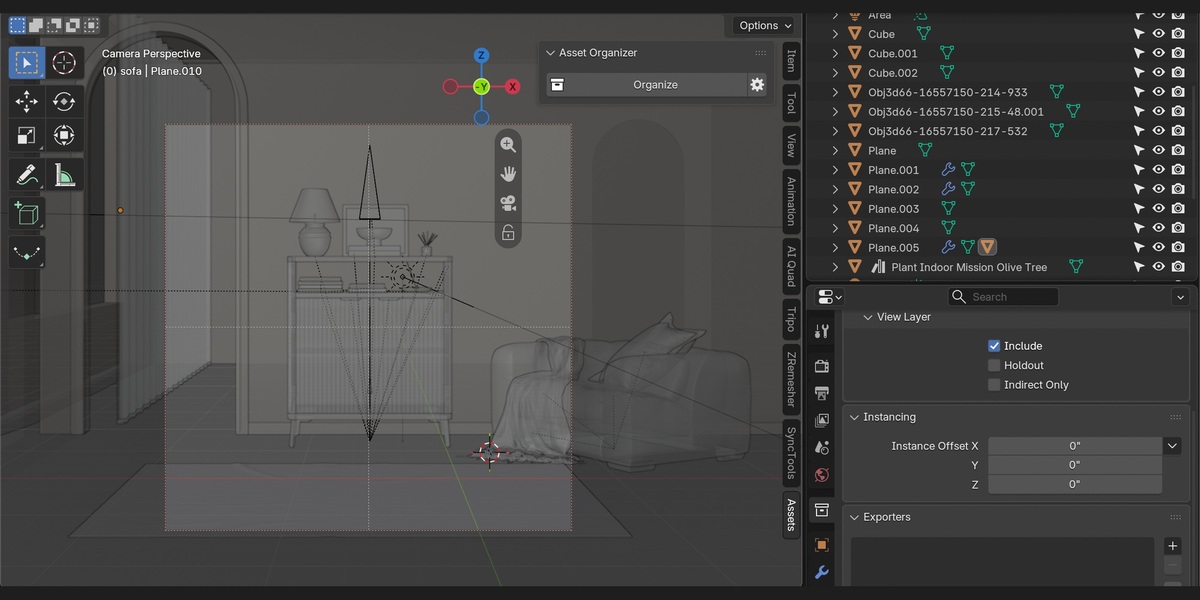
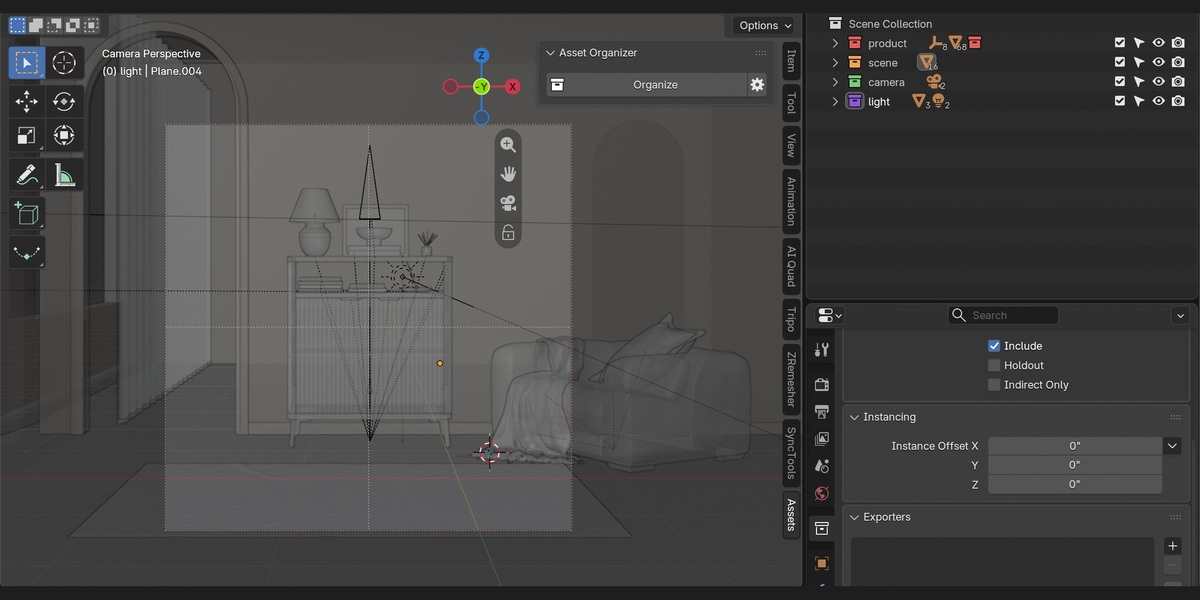
Automatically sort meshes, lights, cameras, curves, armatures, and other object types into dedicated collections. Organize the entire scene or just selected objects.
Custom Keyword Rules
Organize assets around your workflow. Create collections such as Environment, Products, or Characters, then define keywords to match object names.
- env_, terrain, ground → Environment
- product, prop_ → Products
- character, char_ → Characters
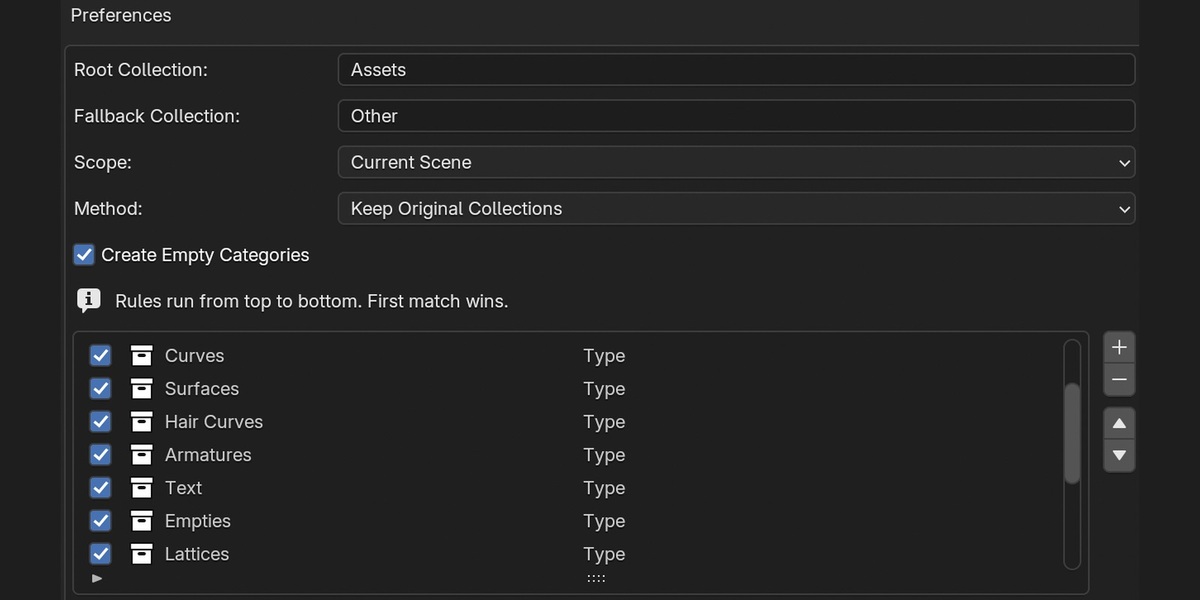
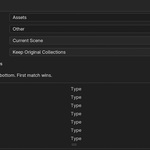
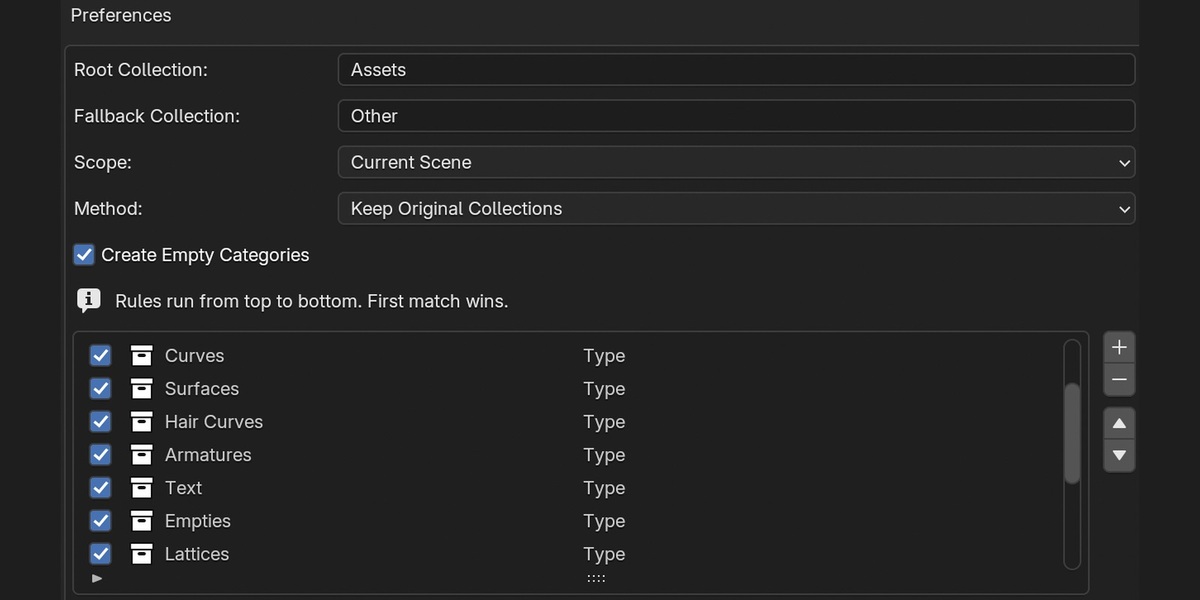
Rules run from top to bottom, with the first match taking priority. Place keyword rules above object-type rules to prioritize your custom categories.
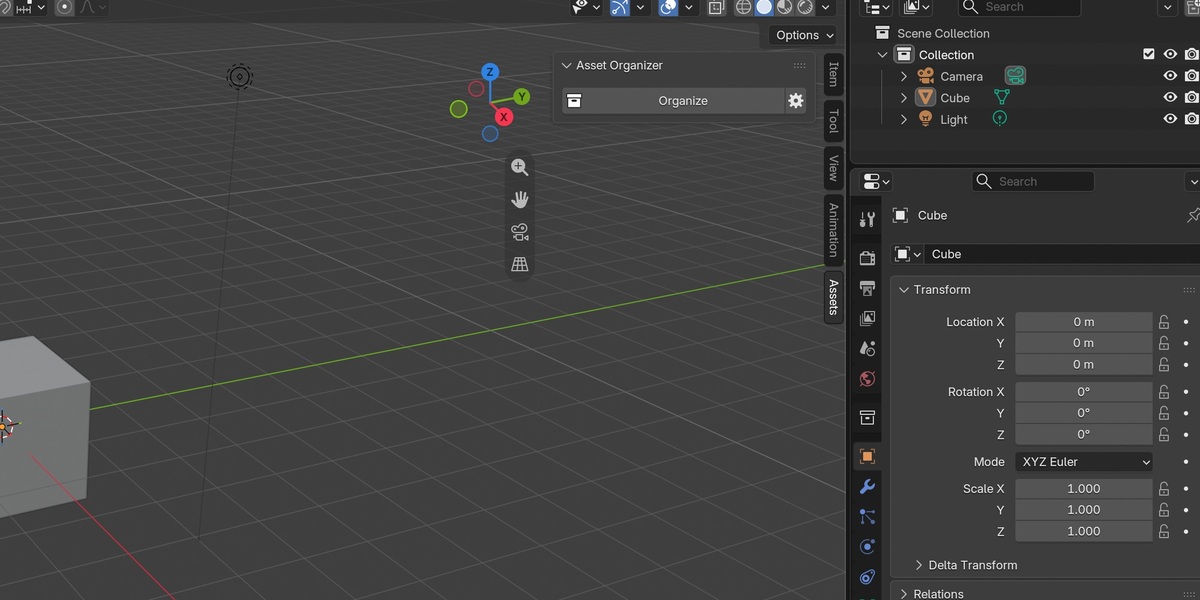
A Minimal N-Panel
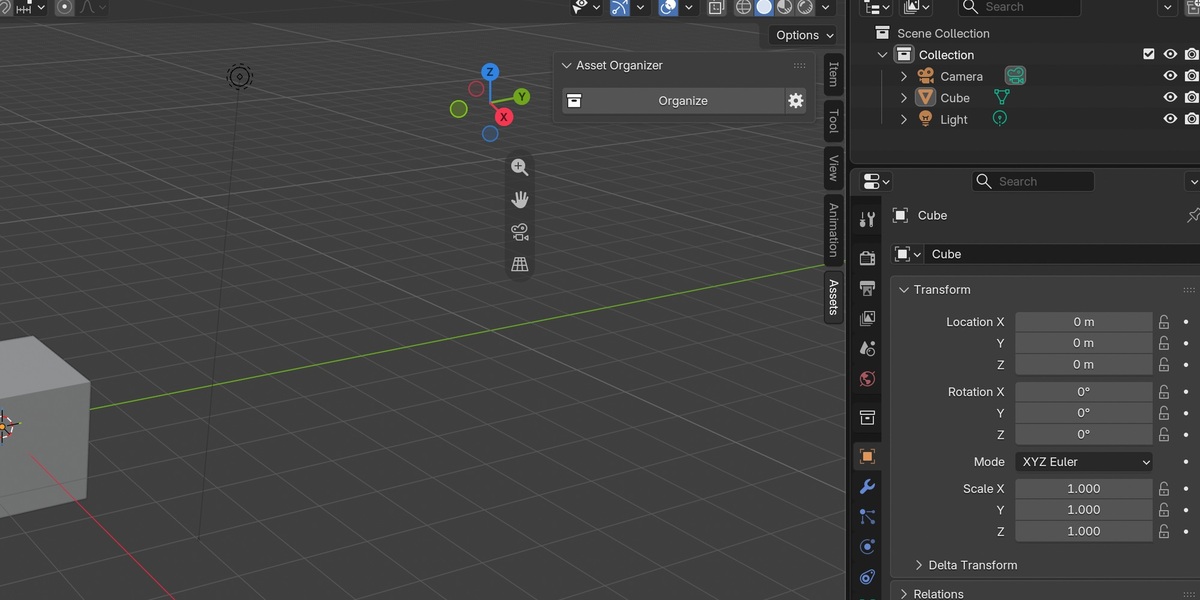
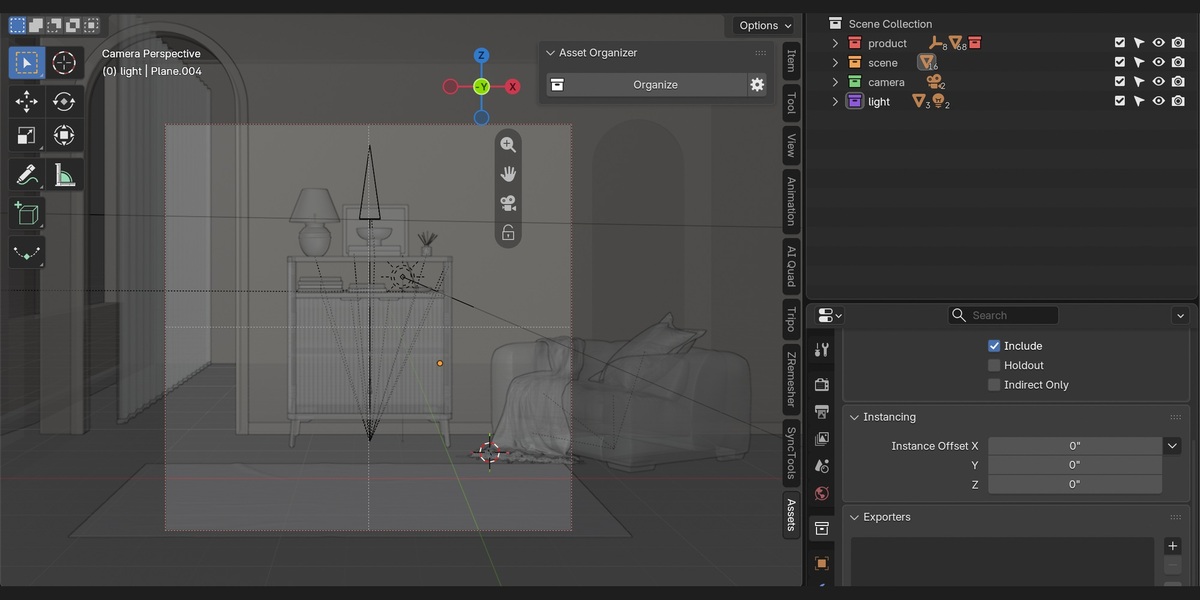
Keep your workspace simple. The Assets tab contains just an Organize button and a settings shortcut. Manage your rules and preferences in the add-on settings.
Flexible Collection Management
- Keep original collections or move objects into category collections.
- Customize collection names, rule order, and fallback categories.
- Preview category counts before organizing.
- Reuse existing organizer collections on repeated runs.
- Undo scene organization with Ctrl+Z.
Install, enable, and open the Assets tab in the 3D Viewport sidebar. Your cleaner scene is one click away.