Asset Organizer — One Click to a Cleaner Blender Scene
 blenderVfxMaster
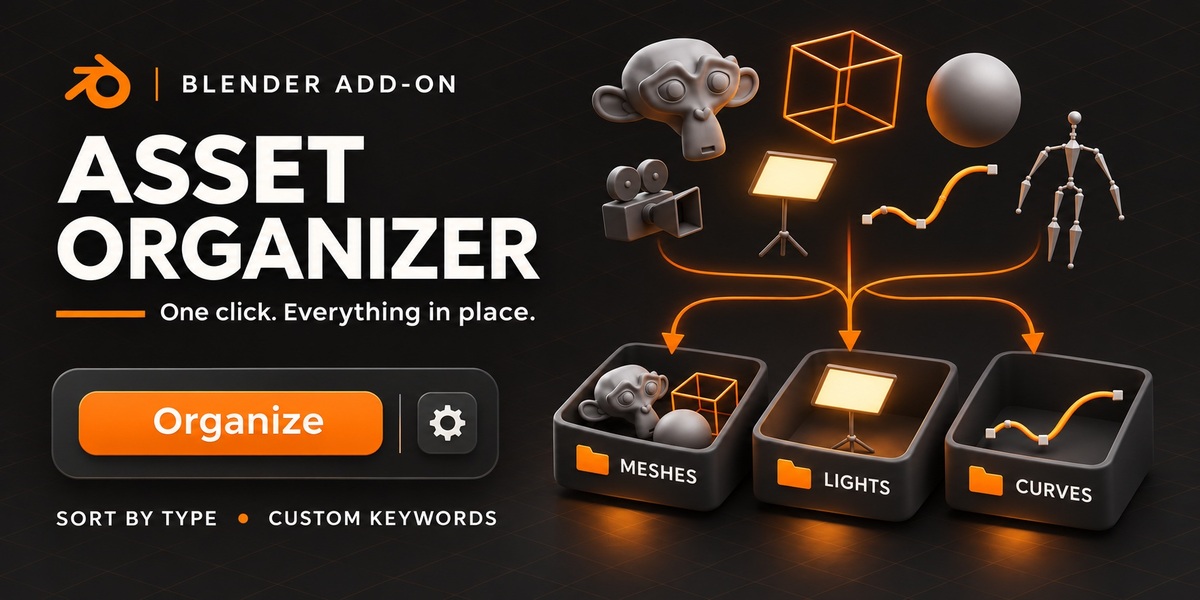
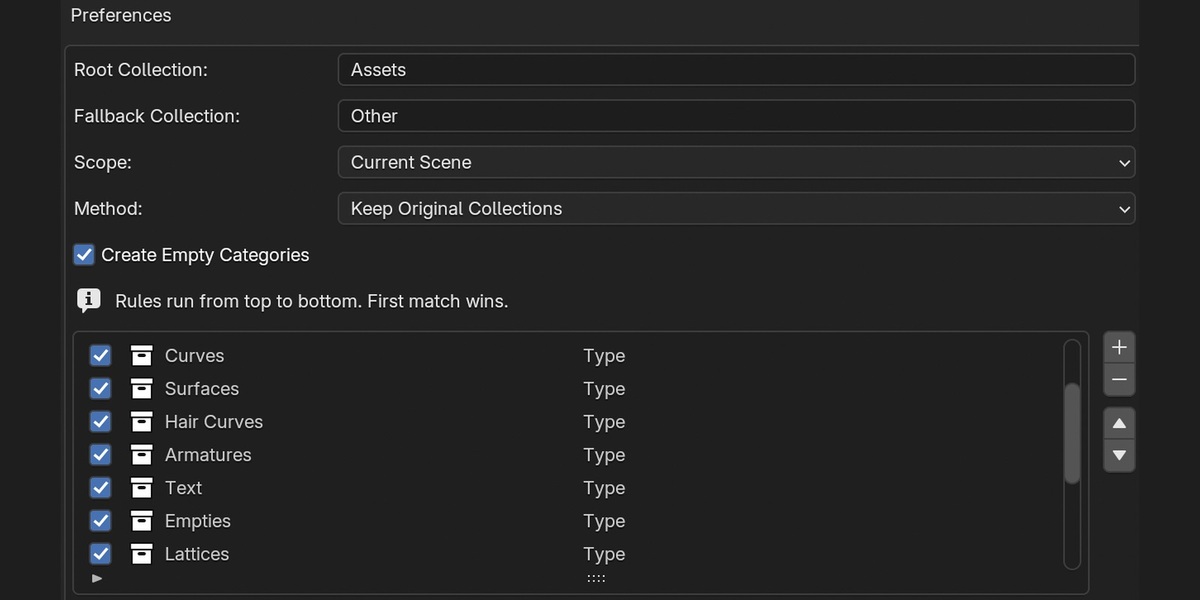
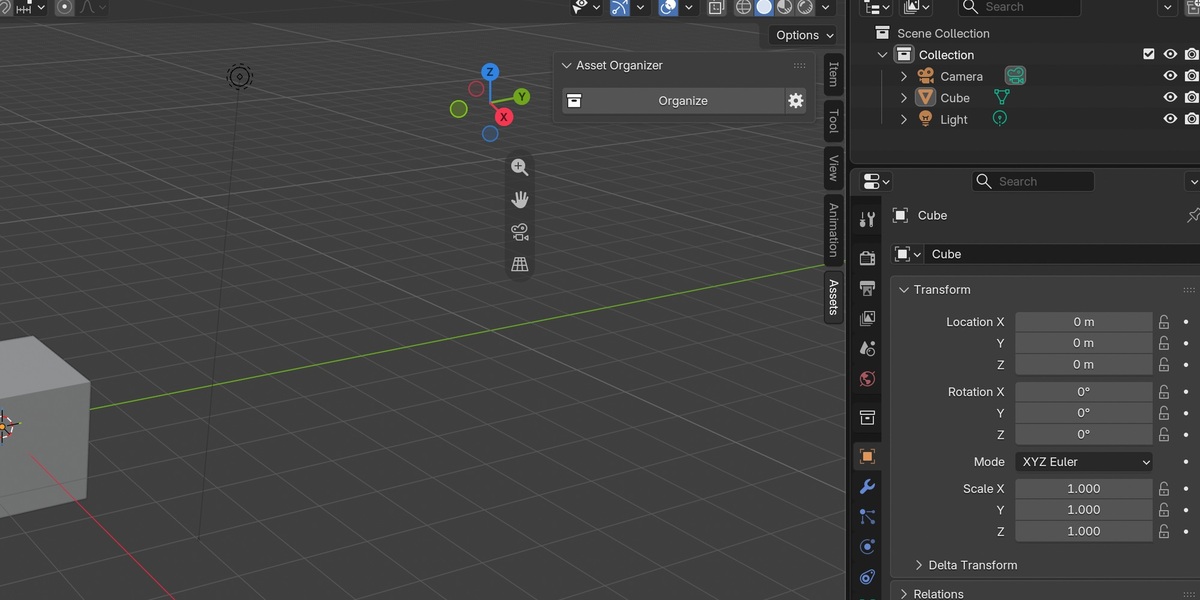
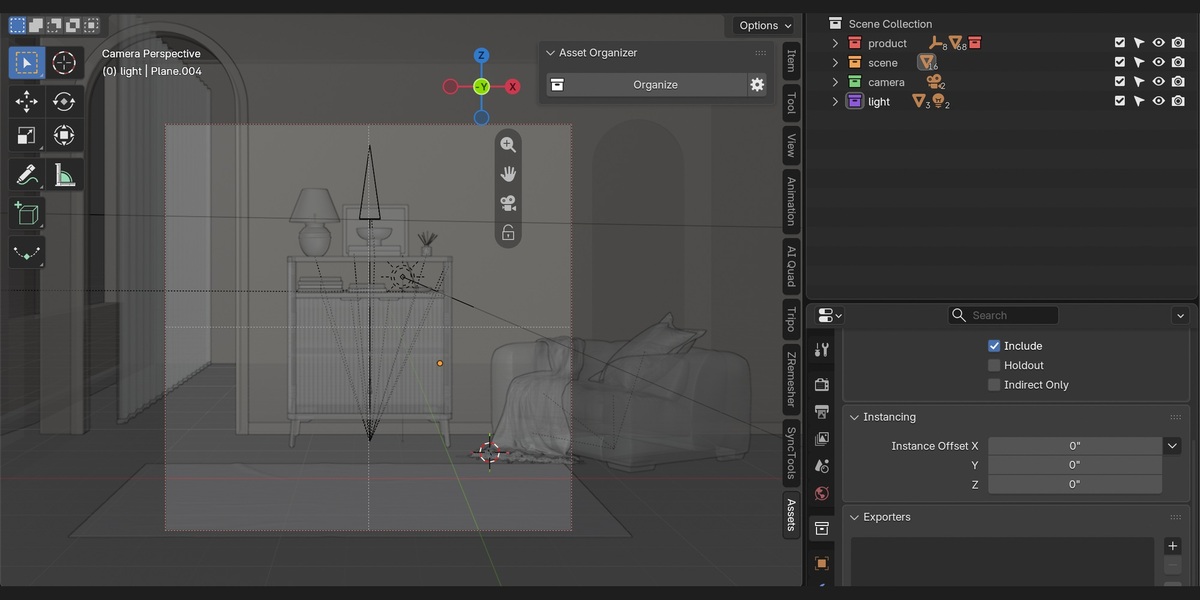
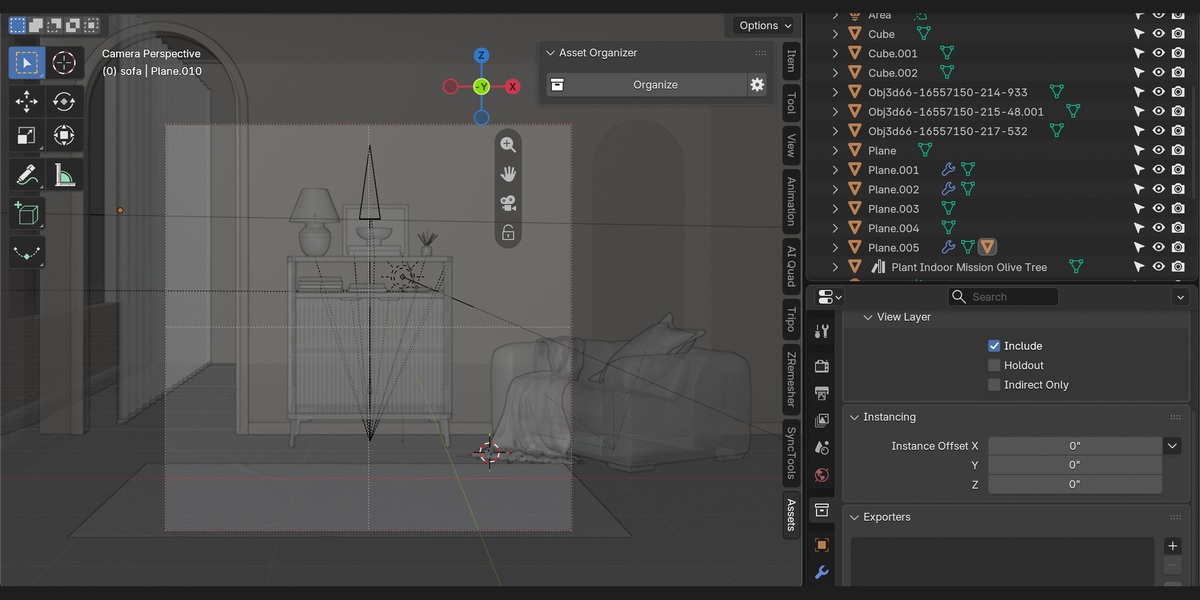

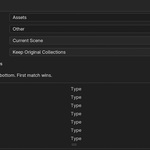
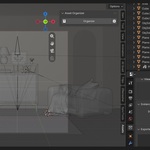
Install the Asset Organizer 1.2.0 ZIP without extracting it and enable the add-on. In Object Mode, press N in the 3D Viewport, open Assets, and click Organize. Use the gear to choose Current Scene or Selected Objects, edit collection rules, and preview category counts. Keep Original Collections adds links without duplicating objects. Move to Categories changes collection memberships and can affect visibility. Press Ctrl+Z to undo the last organization.
Have questions about this product?
Login to message
| Published | 5 days ago |
| Blender Version | 3.0 - 5.2 |
| Extension Type | N/A |
| License | GPL |
Discover more products like this
scene organization collections object-sorting outliner Workflow