 Rekanyx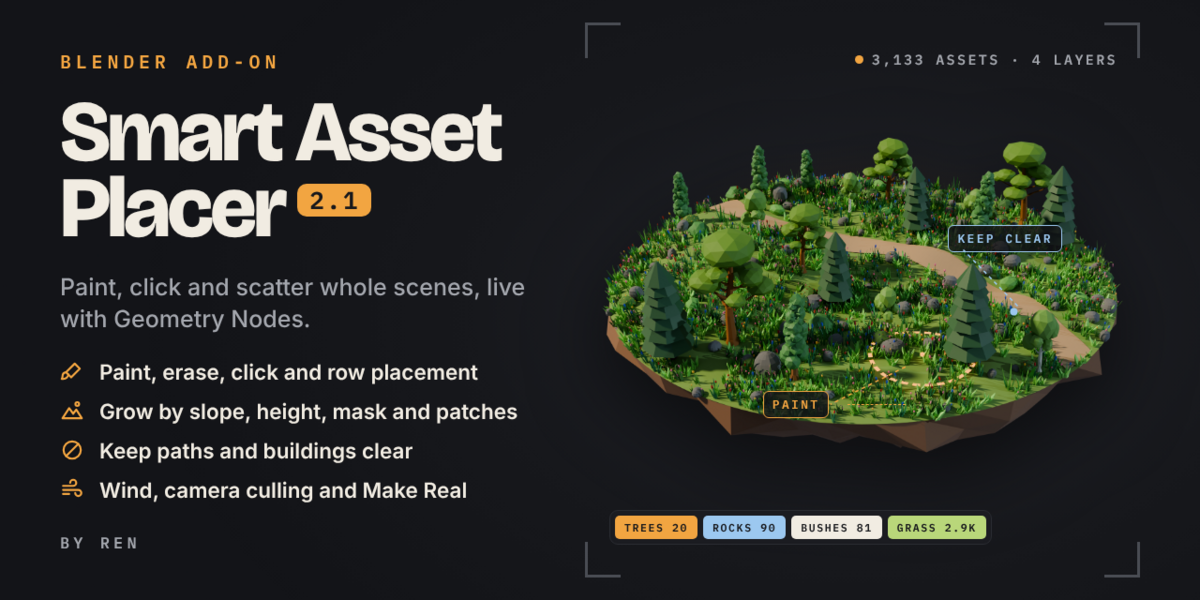

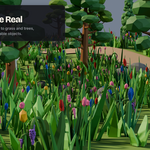
Smart Asset Placer: paint, click and scatter whole scenes in Blender
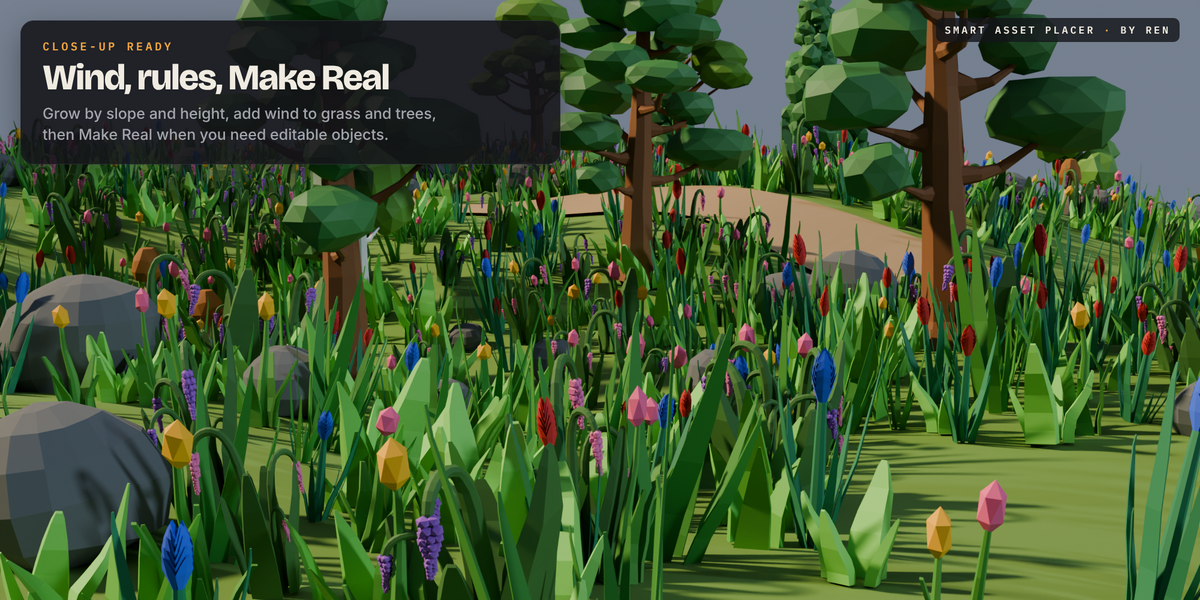
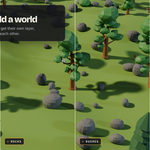
Fill a landscape in minutes. Pick your assets, pick the ground, choose a preset, and Smart Asset Placer scatters everything live with Geometry Nodes. Then paint more in, erase what you don't want, or click to place single pieces exactly where they belong.
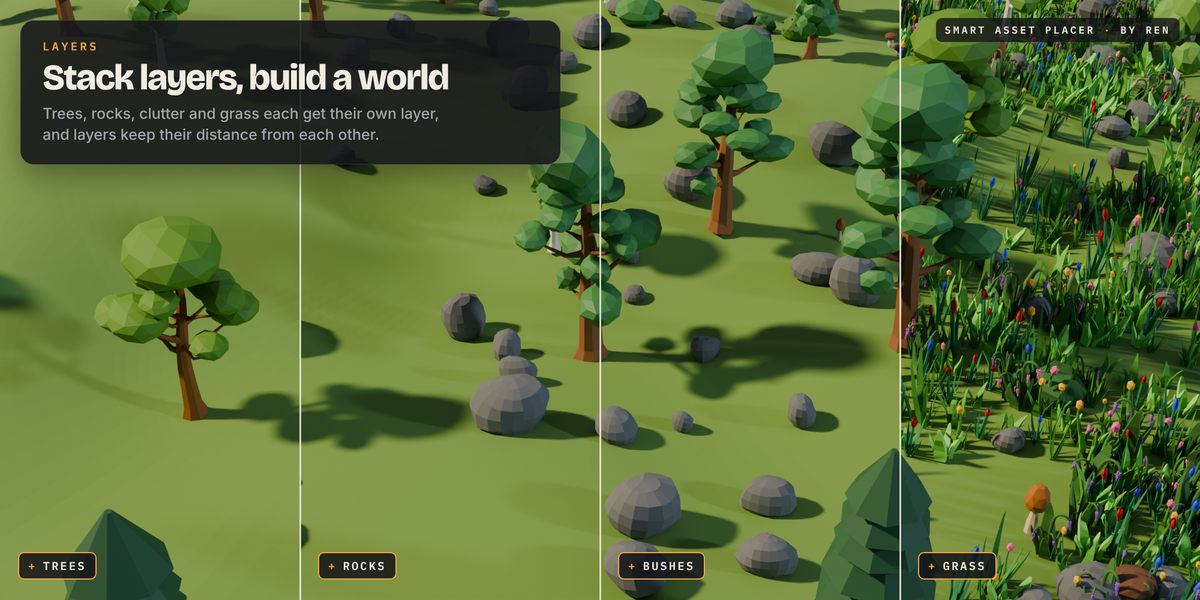
Scatter layers
One click per layer, with presets for Grass, Rocks, Trees, Debris, Props and Clutter
Save your own presets and use them in every file
Density, spacing and seed, with a safety limit so huge scatters never freeze Blender
Show the scatter as boxes or points, or only part of it, to keep the viewport fast
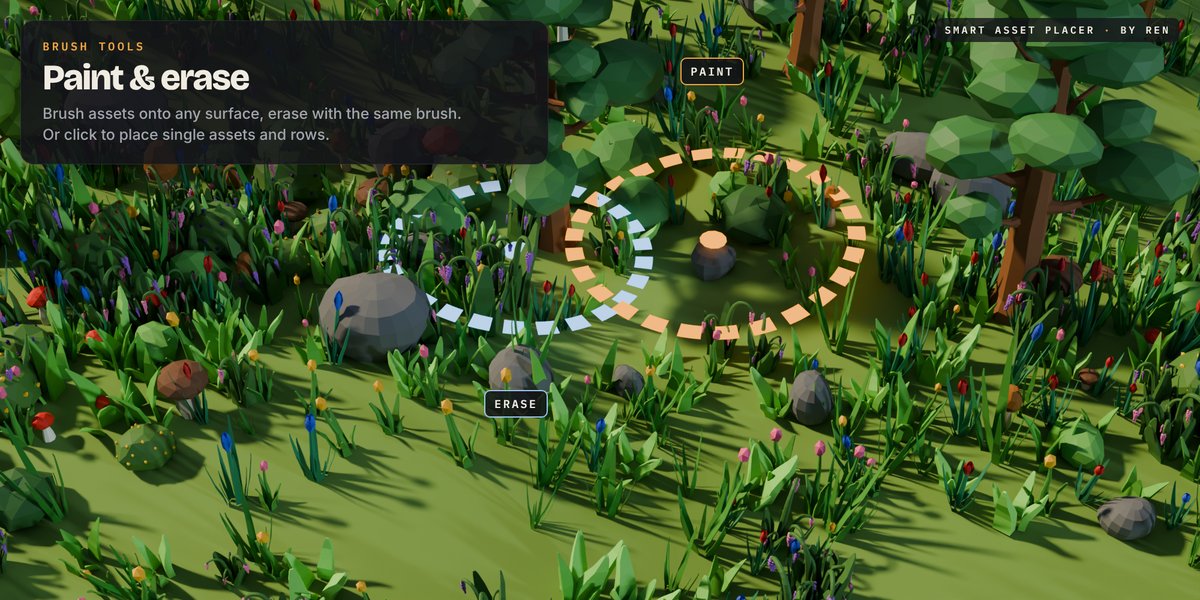
Paint and place
Brush to paint assets on, Ctrl to erase
Click to place single assets, scroll to rotate, Ctrl+scroll to resize
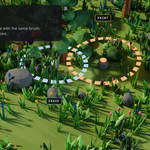
Row tool: click two points to lay down fences, lamps or crates
Asset Mix: set how common each asset is
Where it grows
Limit by slope and height
Paint exactly where a layer should grow
Natural patches instead of an even carpet
Random size, stretch, tilt and rotation, aligned to the ground or kept upright
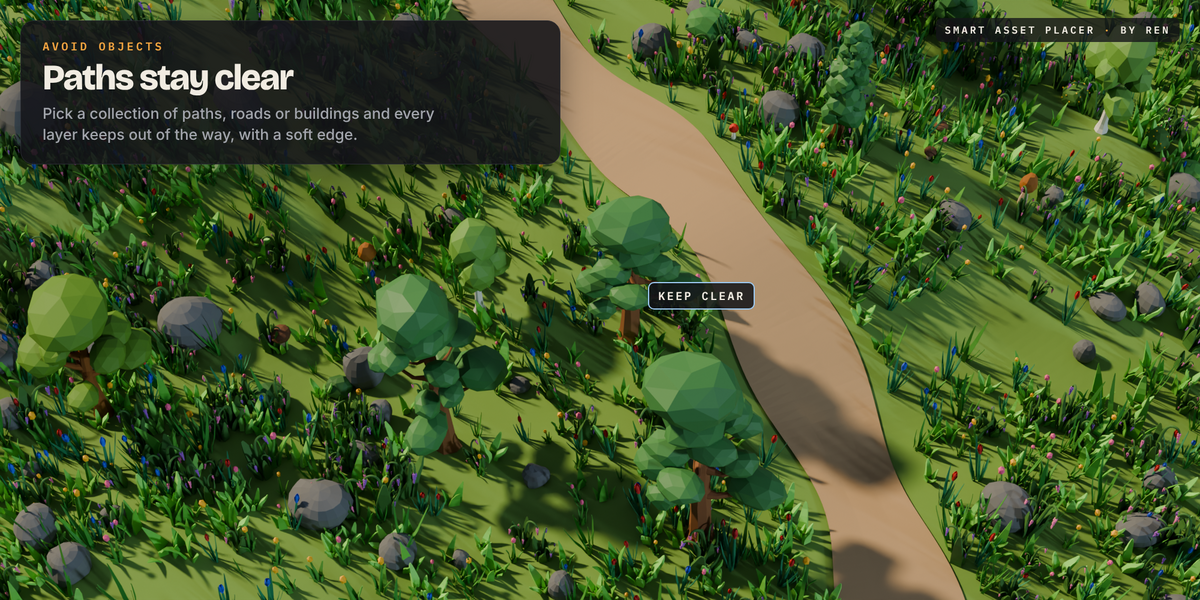
Keep clear
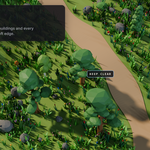
Keep paths, roads and buildings clear, with a margin you set
Stop layers overlapping, so rocks never spawn inside trees
Soft edge fade near anything you keep clear
Camera and wind
Only scatter near the camera, to keep huge scenes fast in renders too
Wind with strength, speed, direction and gust size
Finishing touches
Colour variation so every copy looks a little different
Fix Origins puts each asset's base on the ground
Scatter one layer across several grounds, or copy it to another one
Make Real turns the scatter into real objects, or one merged mesh, ready for game engines
Tested on Blender 5.2.
Credits to https://sketchfab.com/ktarsis for models used in preview