 Rekanyx
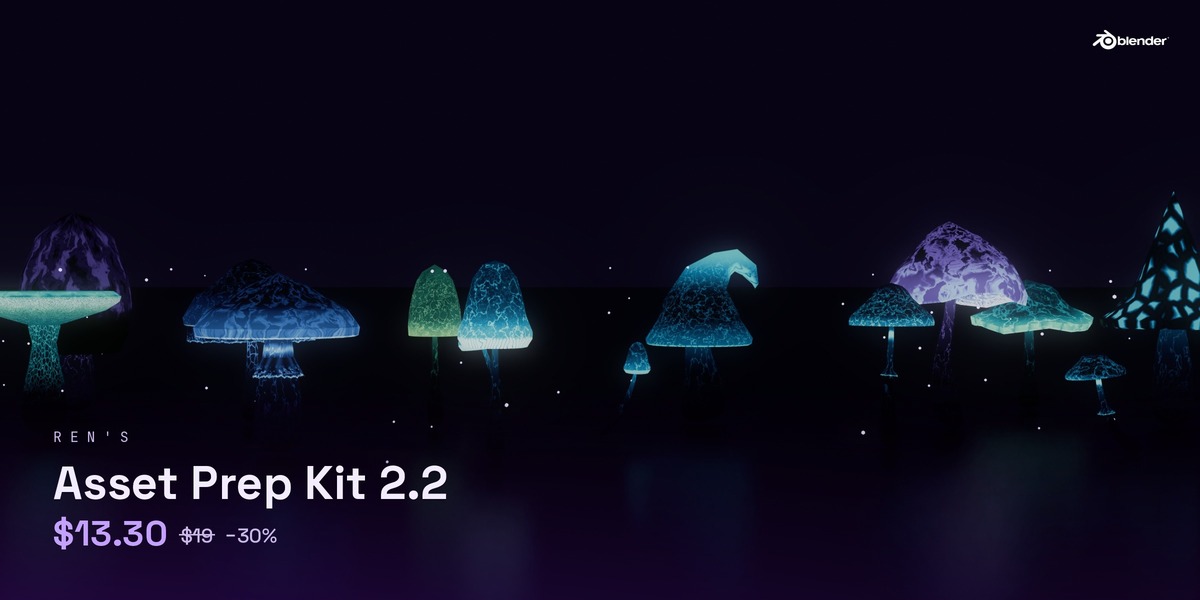







Getting a model ready for a game engine is the boring part. Asset Prep Kit does it for you.
Select your models, pick your engine, click Make Game-Ready. Done.
What it does
- Health check – finds problems before you export: bad scale, flipped normals, loose geometry, missing UVs, origins far from the model. One click selects each problem.
- Clean names – engine-friendly names (SM_ prefix for Unreal), fixes .001 names.
- Transforms – applies rotation and scale, fixes negative scale.
- Geometry cleanup – merges doubles, removes loose bits, optional triangulate.
- Normals – smooth by angle, optional weighted normals.
- Origins (new in 2.2)
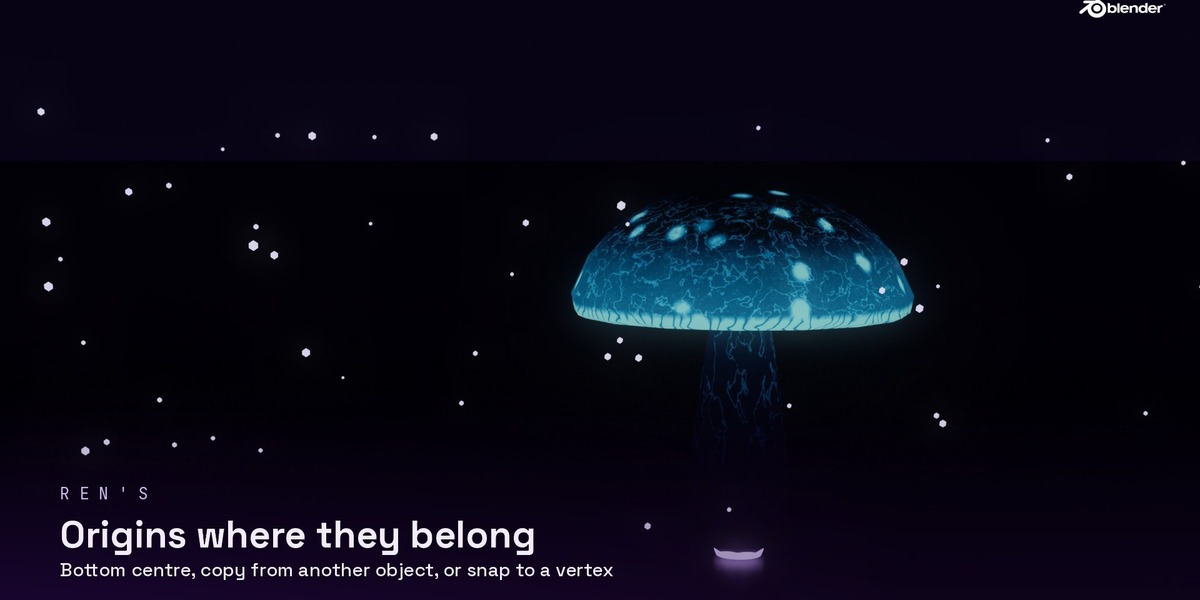
- 8 presets: bottom centre, centre, top, bottom back/left/right, 3D cursor, world
- Copy origin from another object
- Origin to selected vertex – pick a vertex (or edges/faces) in Edit Mode
- Drop to floor and scale to an exact height
- UVs – auto UVs, lightmap UVs (Unreal), texel density, atlas packing
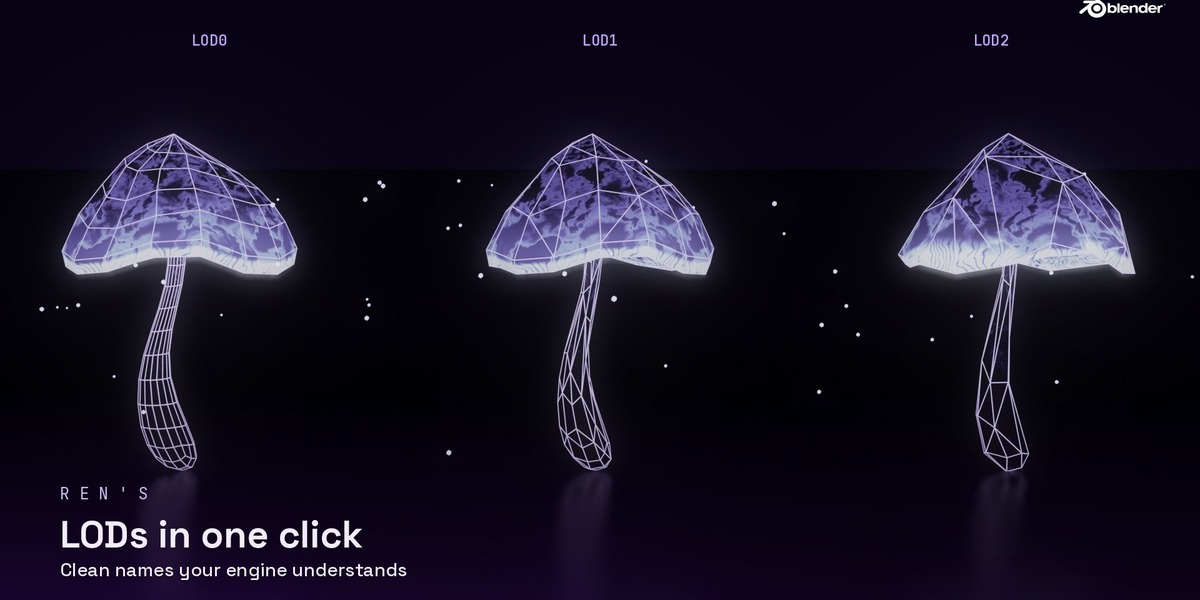
- LODs – LOD0–LODn with seam protection, named for your engine, Unity LOD group option
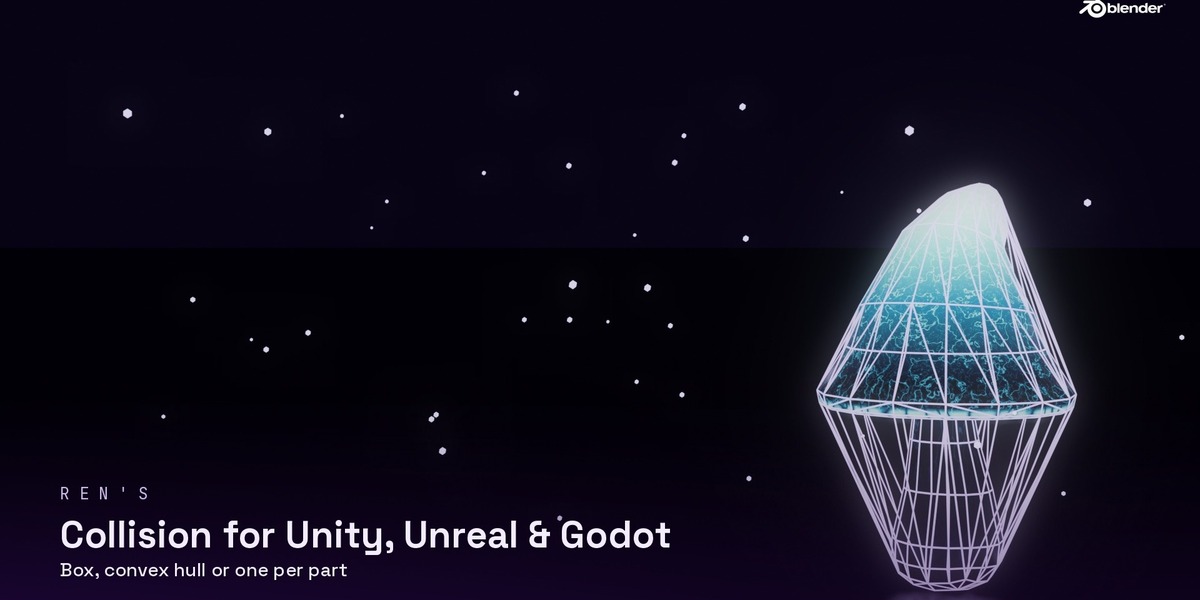
- Collision – box, convex hull or one per part, named the way each engine expects (UCX_ for Unreal, -colonly for Godot, _Collider for Unity)
- Sockets and Mark as Assets
- Triangle budget – a traffic light shows if each object is over your budget
Everything works on many objects at once and can be undone.
Who it's for
Anyone who makes props, environment pieces or asset packs in Blender and exports them to Unity, Unreal or Godot.