 wans7
wans7




===================================================
The price for this product applies only to the Blender Version 4.0 until 5.1. Future versions and major feature updates may have separate pricing due to development time, ongoing improvements, and maintenance costs.
Please note: This addon is non-refundable, so we highly recommend reading the full product details before purchasing to ensure it fits your needs.
===================================================
When it comes to asset management in a scene, repetitive and time-consuming workflows can make the process feel draining and less enjoyable.
As 3D artists who experience these workflows every day, many would agree that having tools that make the process faster and smoother is always welcome. Even when already familiar with the workflow, improving speed and reducing repetitive tasks can save a significant amount of time while making the creative process more enjoyable and efficient.
Due to this problem, I started experimenting with different ways to improve the workflow. After facing many trials and errors, the experiment was finally a success.
Let me introduce you to the Assetflow Addon. The addon can help increase your workflow speed and make asset management faster, smoother, and more efficient.
What will this addon give you?
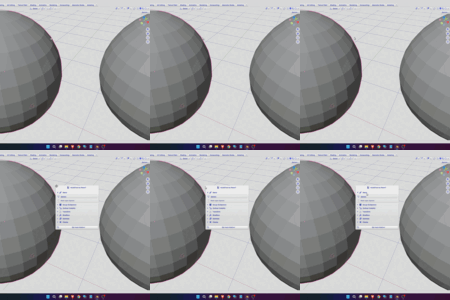
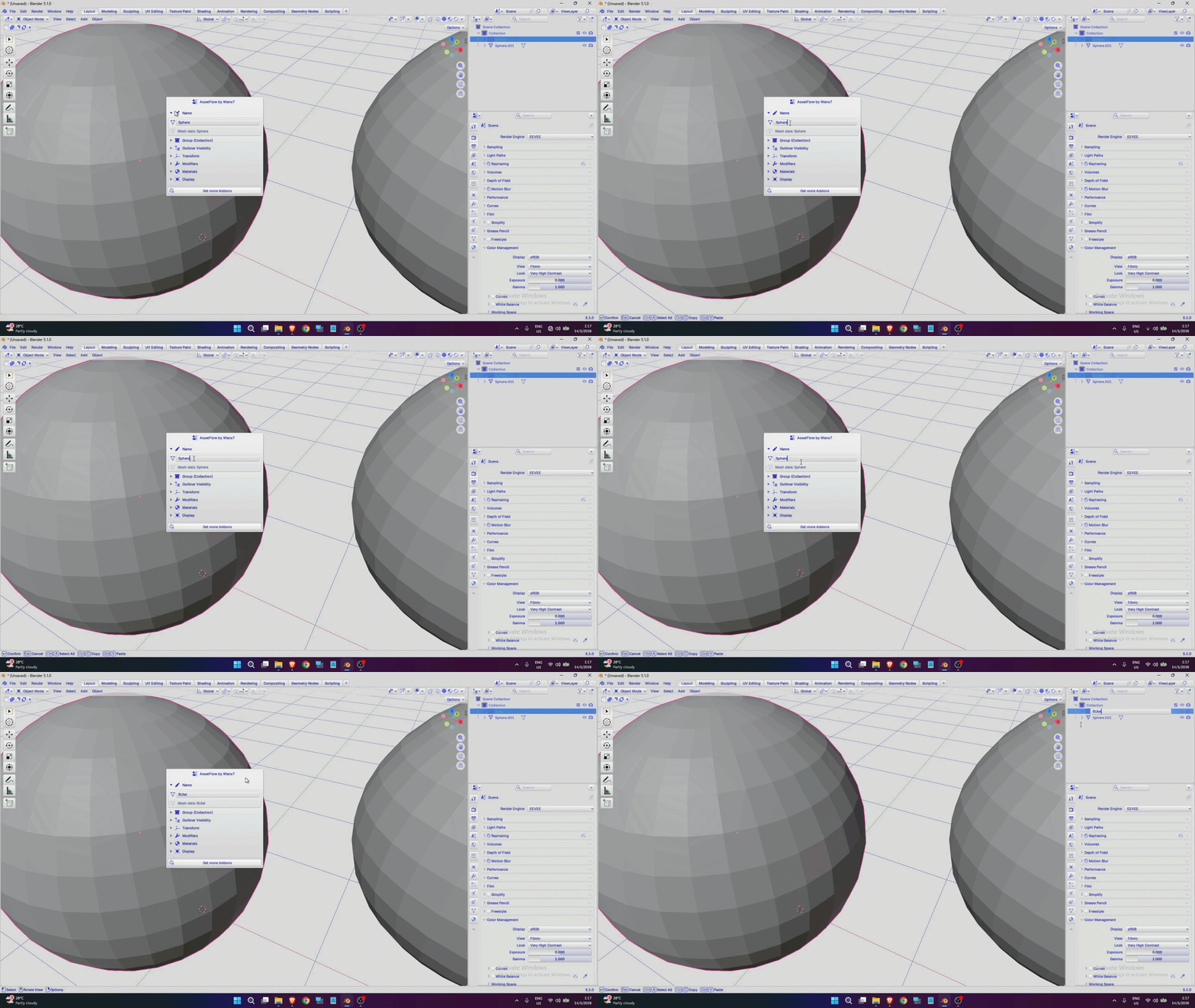
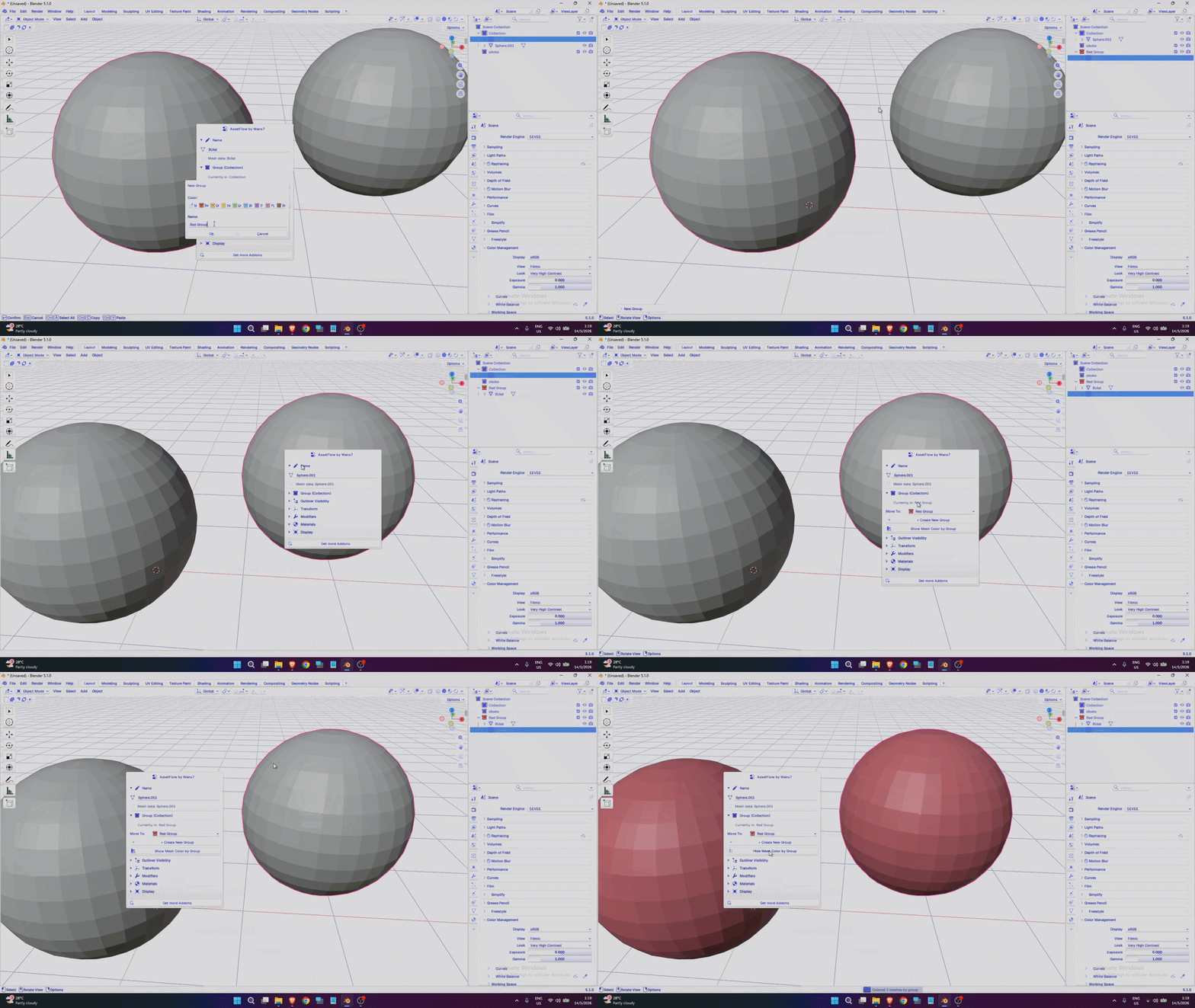
Without removing its main function, you can still rename objects without any problem. If you already like using F2 to rename objects, this addon will not disrupt your workflow — instead, it enhances it and makes it even better.
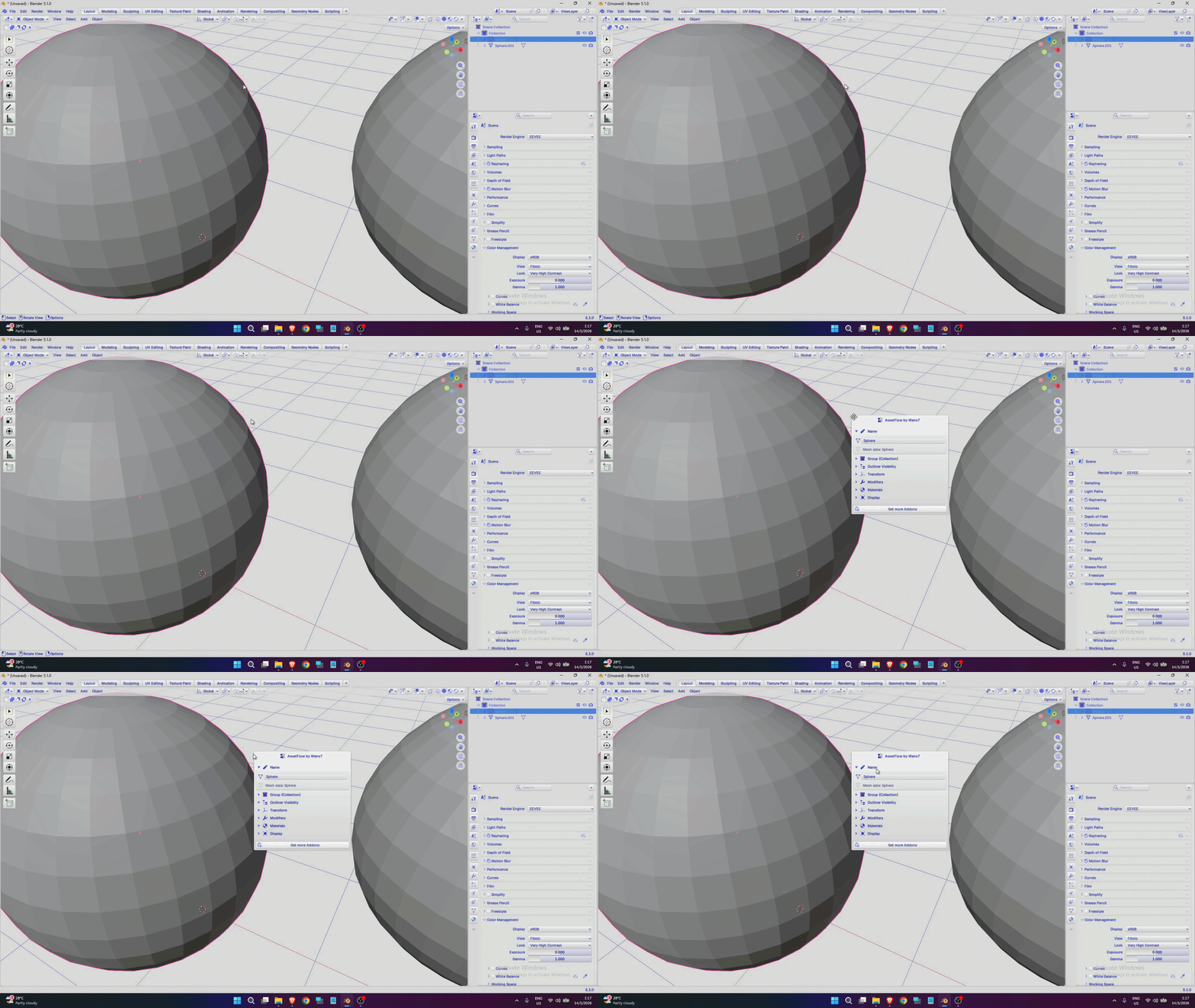
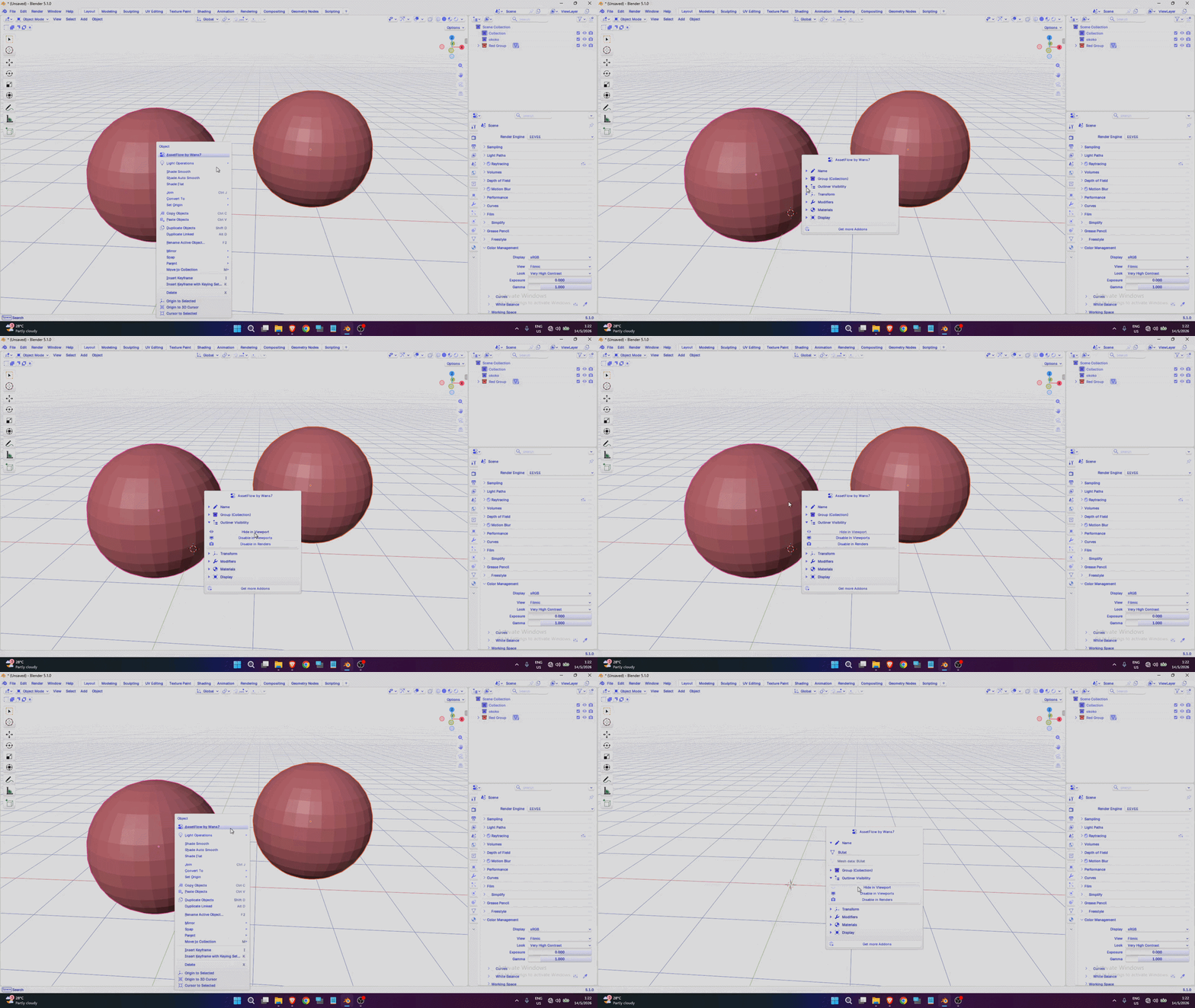
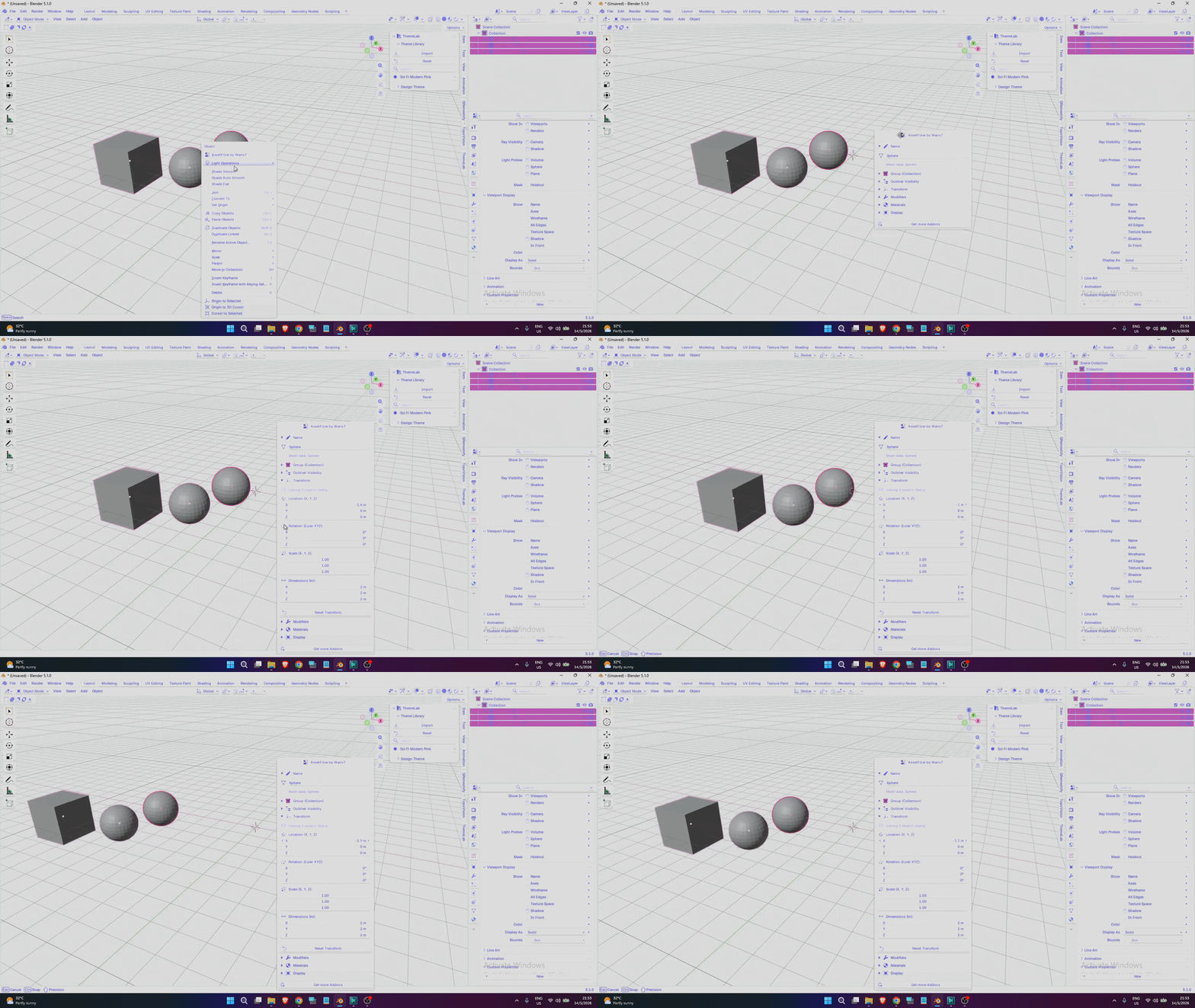
To give you more flexibility, you can also press F2 without selecting an object. This allows you to access the scene organization menu more easily, without constantly moving back and forth to the Outliner area.
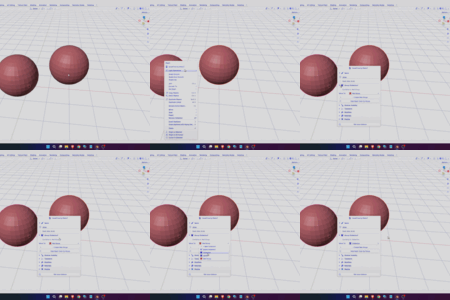
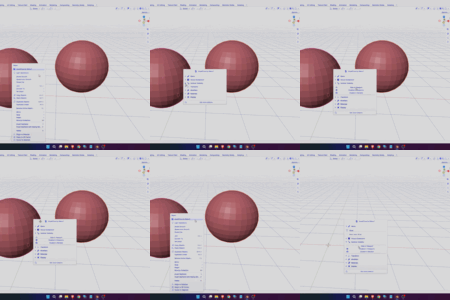
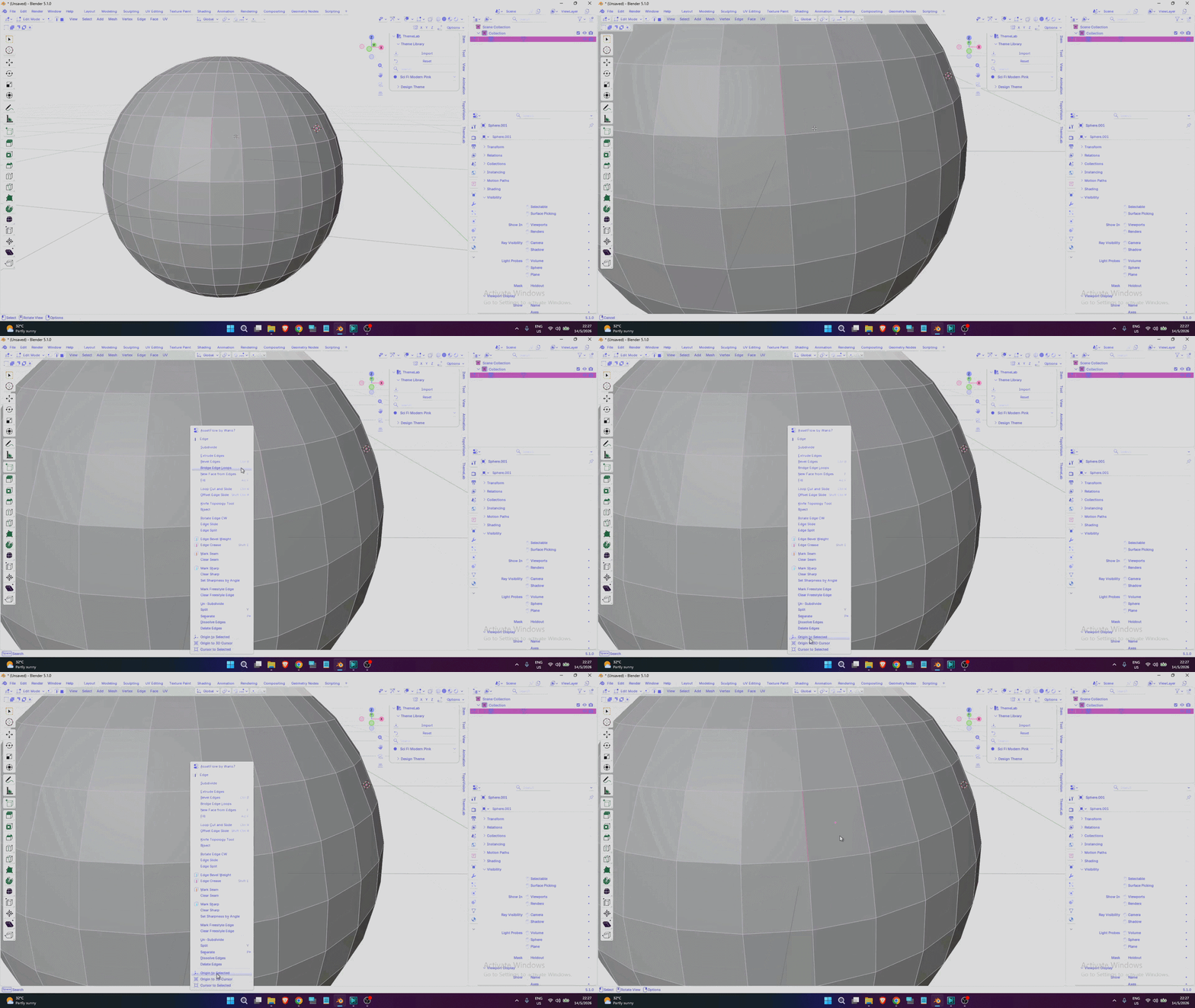
If you prefer an even simpler workflow without needing to press F2, this addon also gives you the flexibility to do that. By right-clicking your mouse, the tool menu will appear instantly, allowing you to access its features quickly and easily.
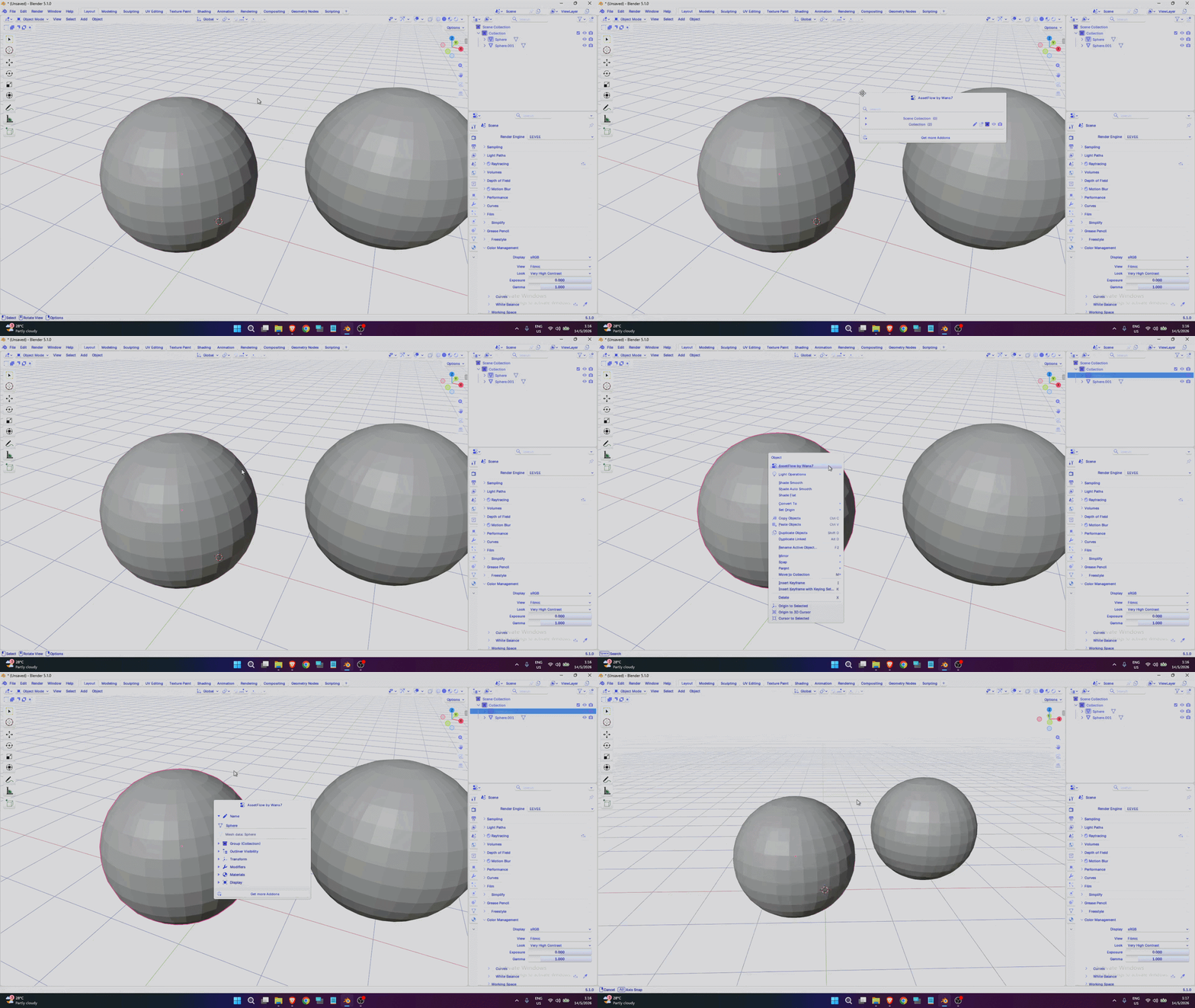
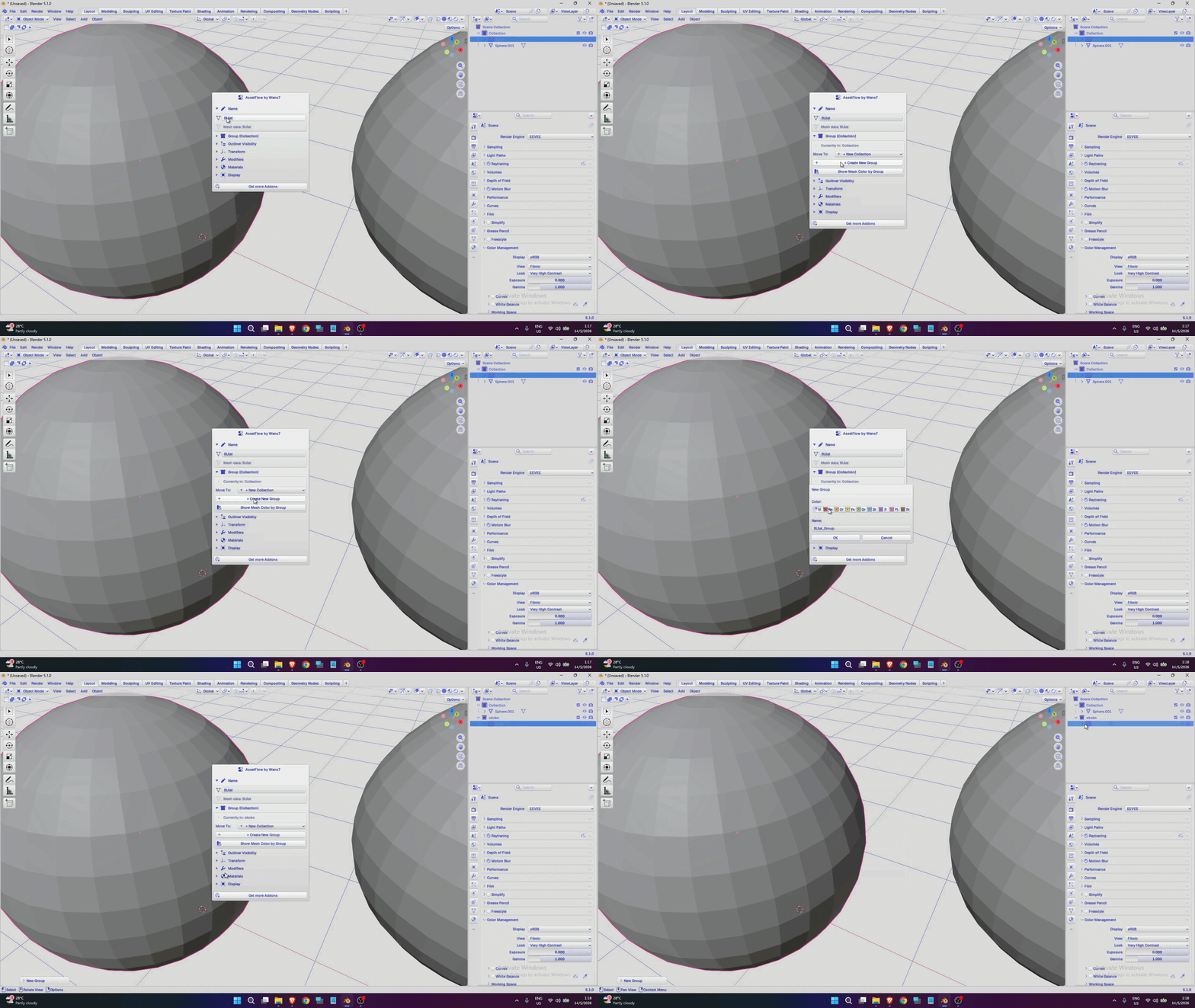
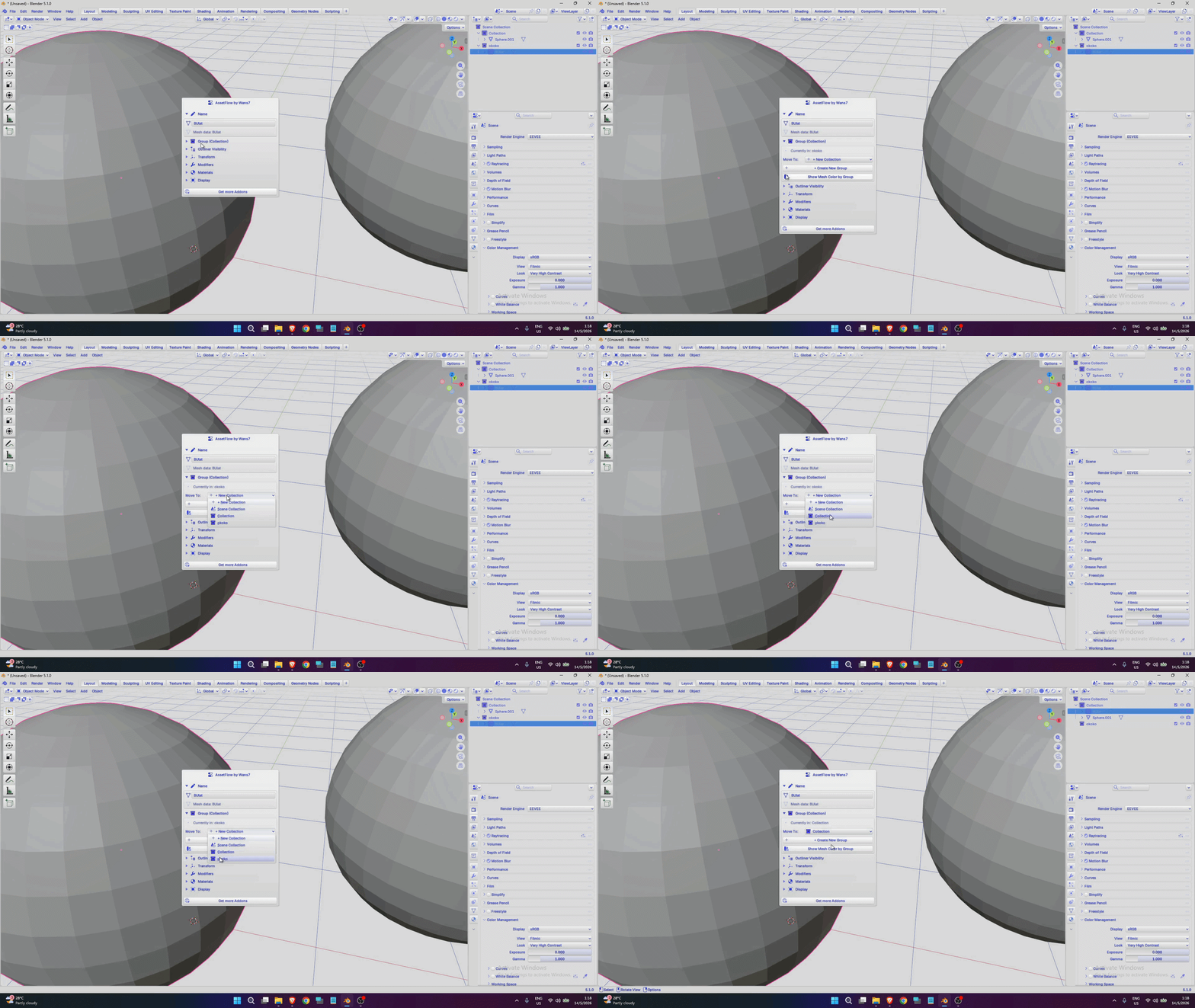
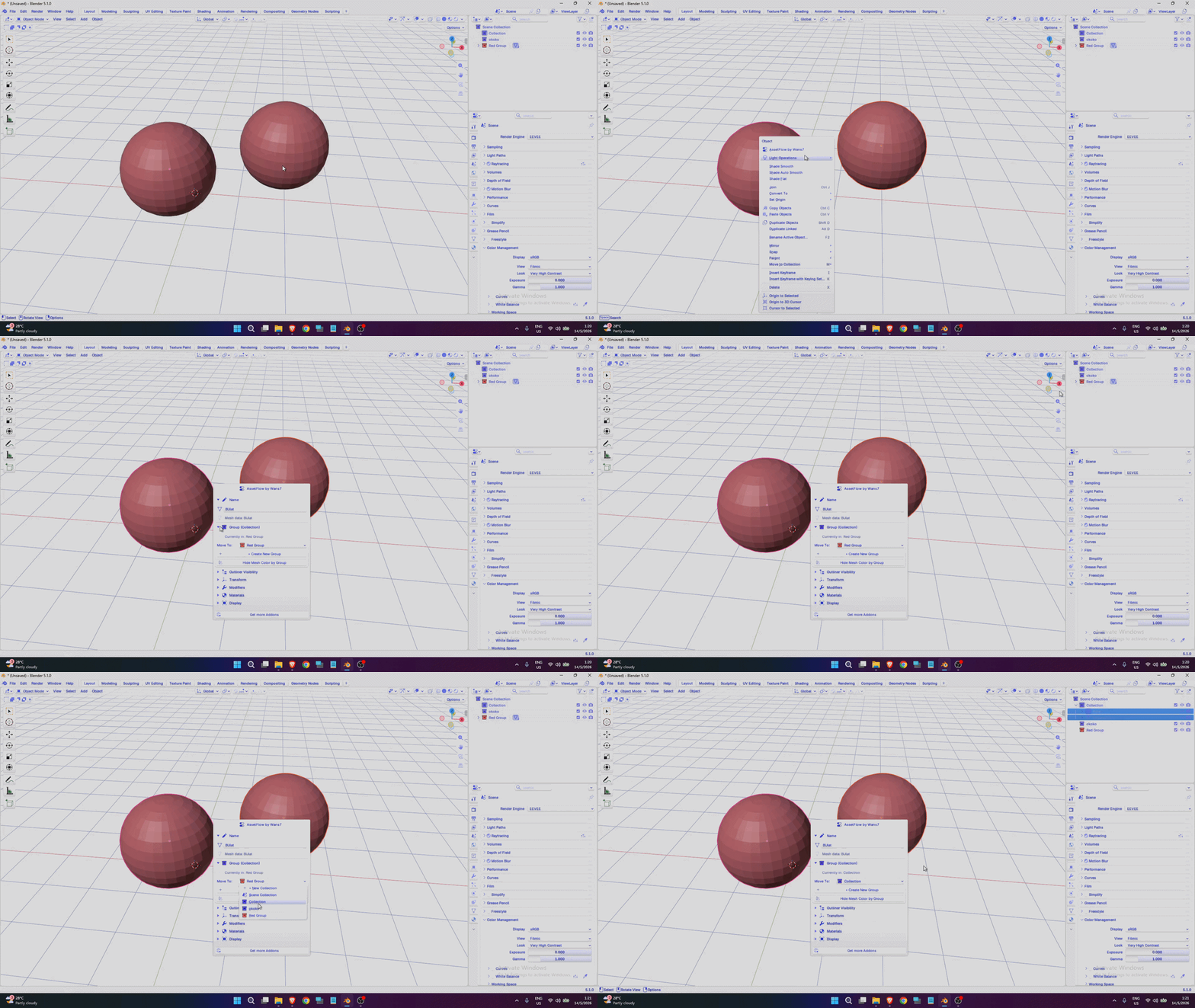
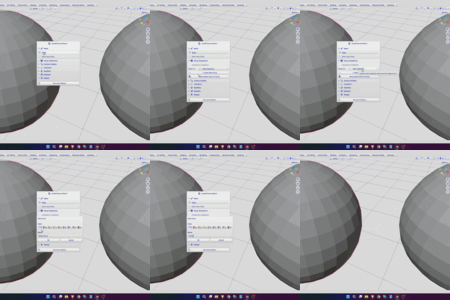
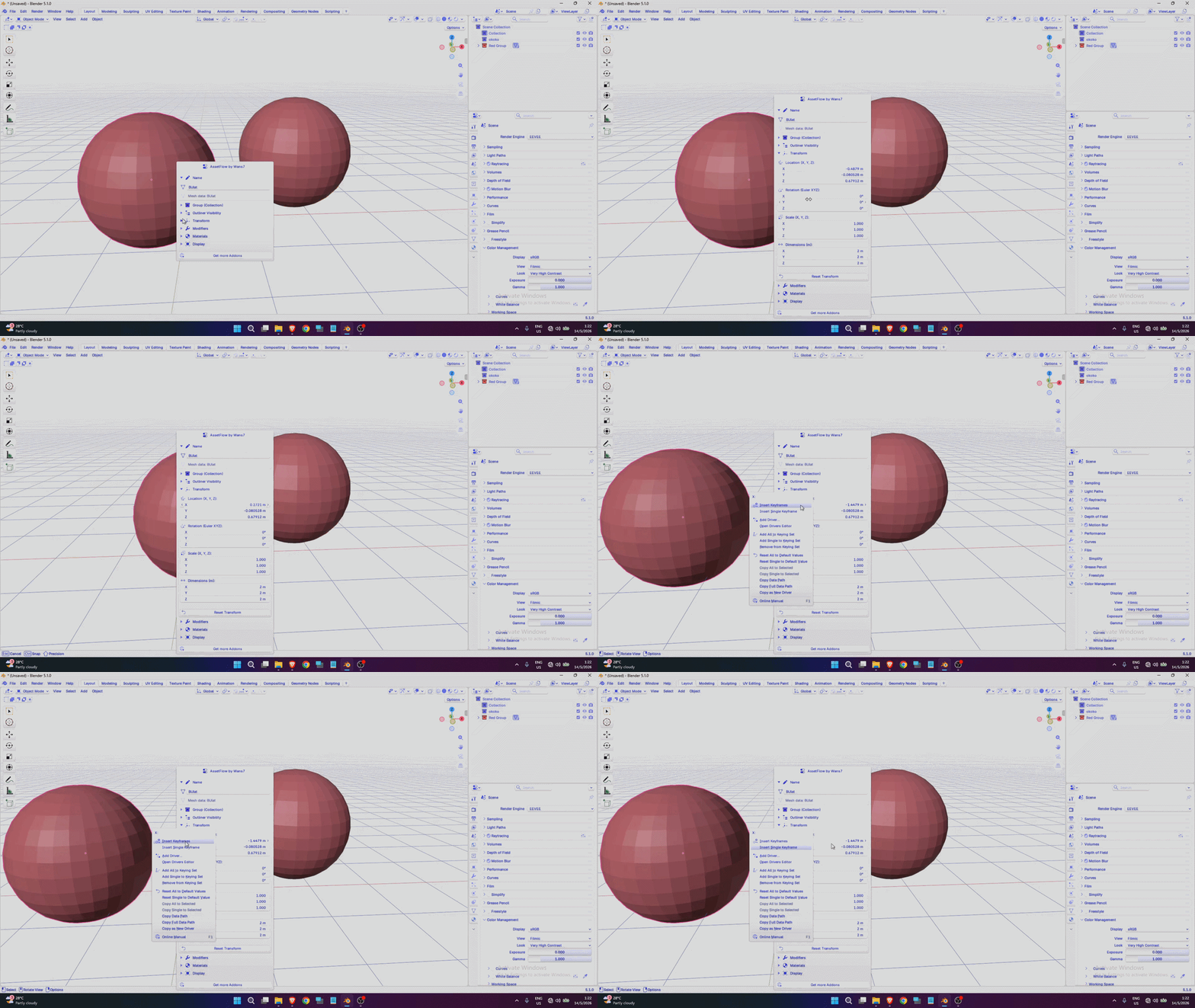
We know moving objects in Blender is easy — just press G and choose your desired axis. But when it comes to animation, transformation data becomes very important and valuable.
With this addon, you can easily access transformation controls without constantly going to the N Panel to manage transformation data.
By the way, this addon also gives you the ability to move and manage multiple objects at the same time.
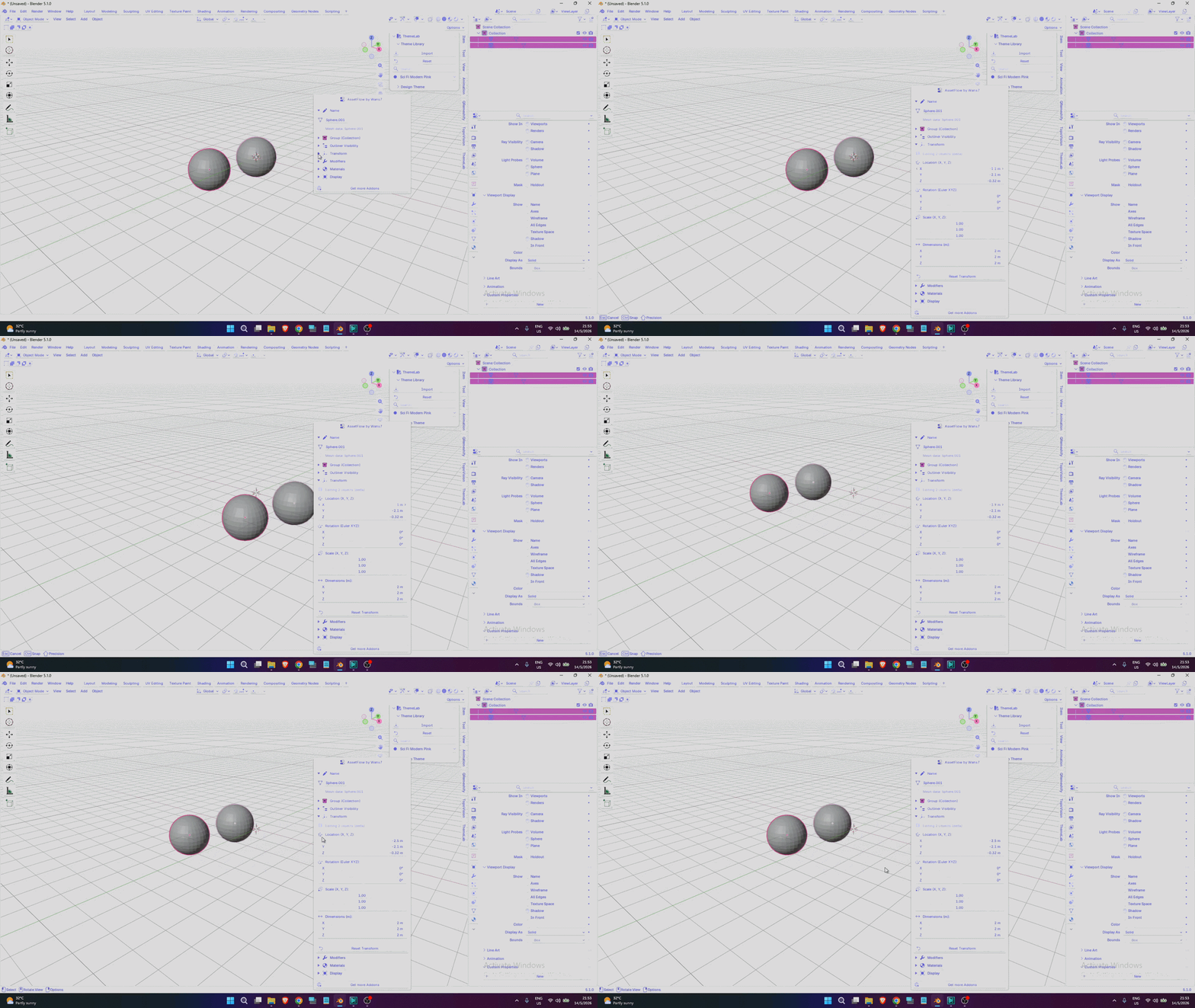
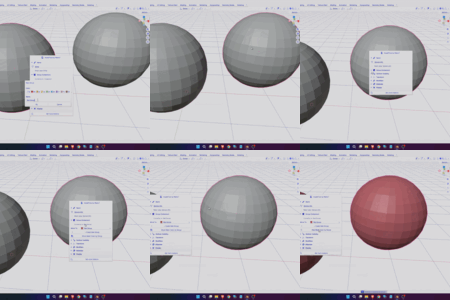
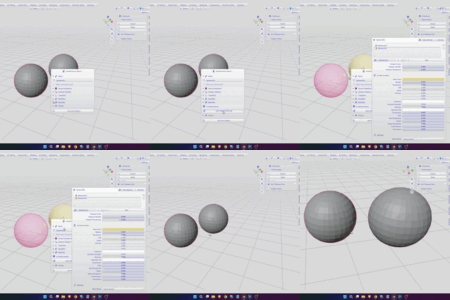
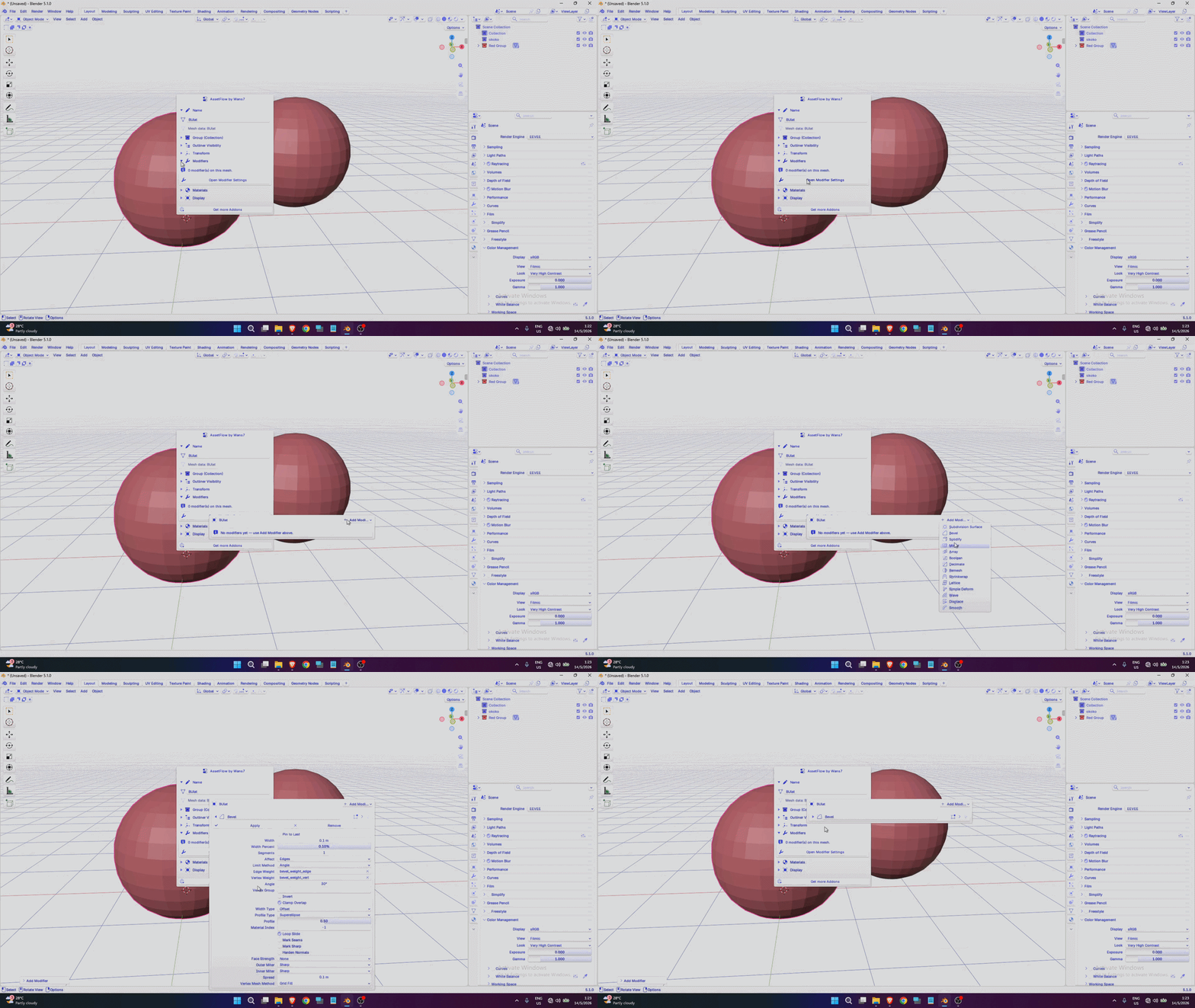
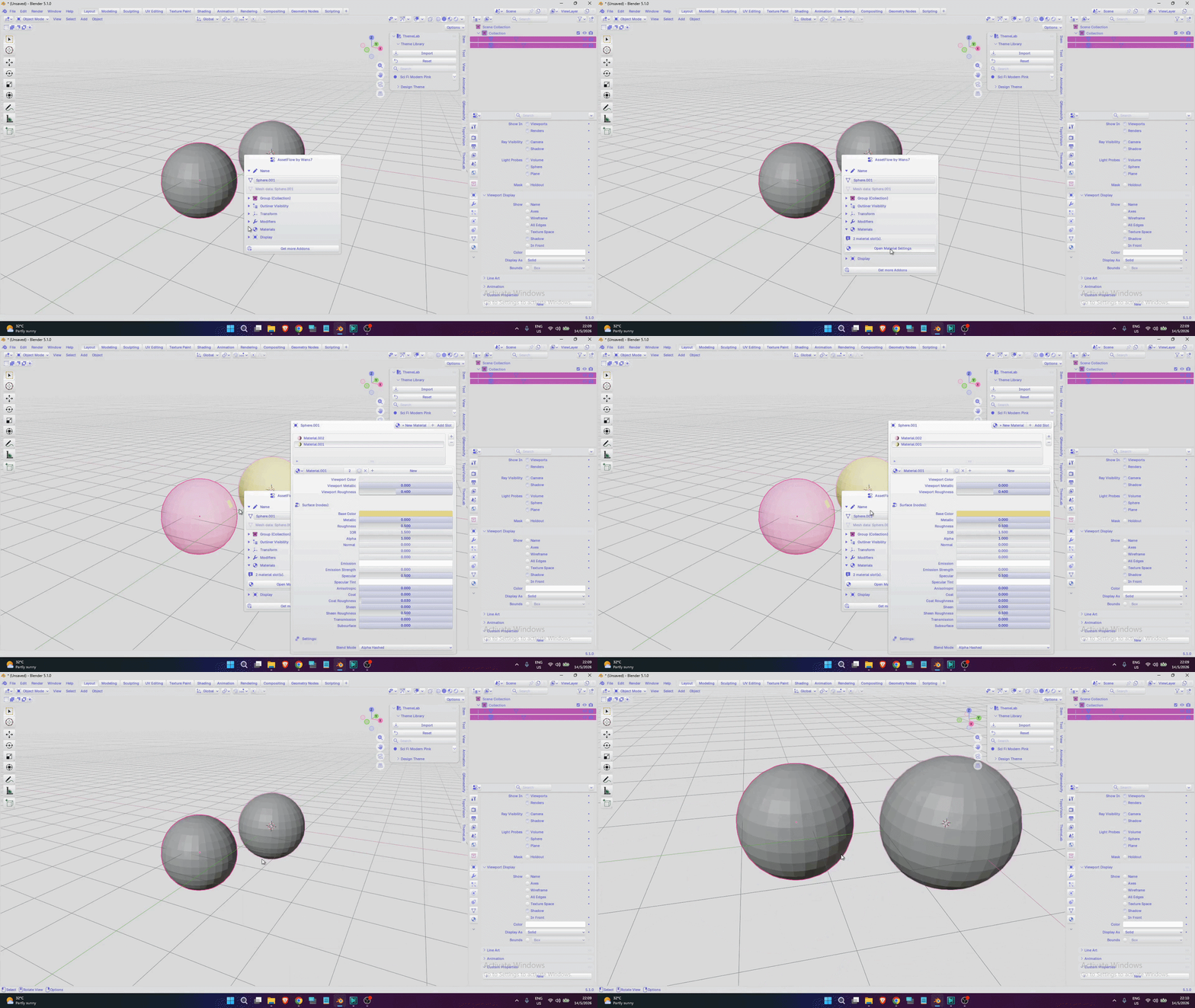
Accessing modifiers and materials becomes much more convenient with this addon. Dedicated popup menus for modifiers and materials have been implemented to make them easier and faster to use.
One of the most convenient features of the Material menu is that it automatically switches to Material Preview mode when opened, without requiring you to manually change the Viewport Shading. Once finished, it can also automatically return to Solid mode.
For more details about the material features, you can watch the demonstration video.
I think you already have the answer to how useful this addon is and how effectively it can transform your workflow.
That’s all from me. Thank you for visiting my product page, and I hope you’re doing well. Thank you for your support.