◆ VOYDE PROCEDURAL / ADD-ON / BLENDER 5.0+
AtmosLab
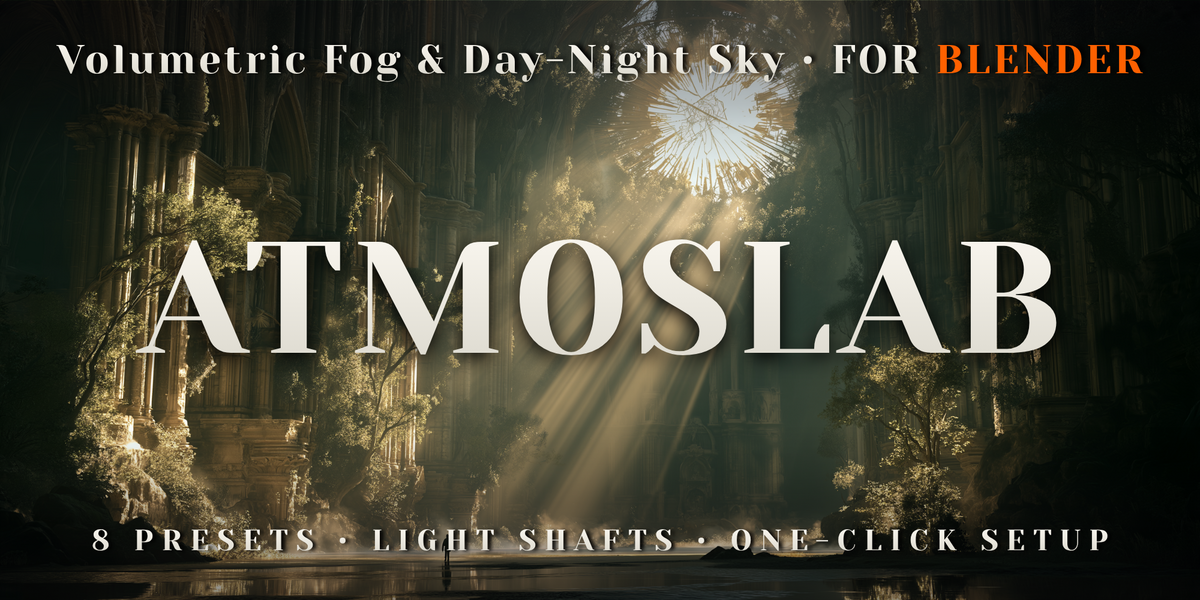
Volumetric Fog & Day-Night Sky
Add fog, haze, light shafts and a day-and-night sky to any scene in one click.
AtmosLab fills your Blender scenes with atmosphere: haze that thickens in the valleys, ground fog that rolls with the wind, sunbeams and glowing lamp halos, and a physical sky that runs from noon through sunset to a starry, moonlit night.
Pick one of eight looks and AtmosLab builds the fog, the sky and a sun lamp whose direction, colour and strength match the sky at every hour. Or set a real date, time and place, and the sun, the moon and the stars go exactly where they were on that day, then watch them move in the viewport.
Everything is standard Blender nodes and simple drivers saved in your .blend, so scenes render without the add-on and on render farms. Your own materials are never touched.
BLENDER 5.0 TO 5.2CYCLES & EEVEEREAL DATE AND PLACELIVE IN THE VIEWPORTRENDERS WITHOUT THE ADD-ON
0
OF YOUR MATERIALS CHANGED
01 — KEY FEATURES
Fog, light and sky from one panel
◆Volumetric haze
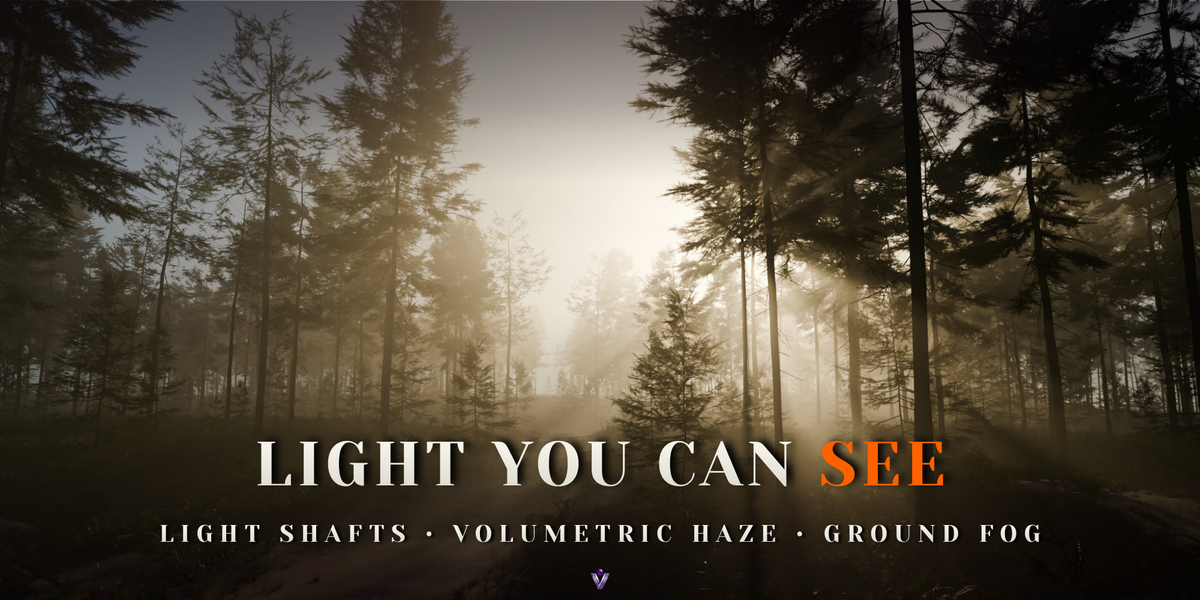
A fog box sized to your scene. The haze is thickest at the ground and thins out with height, the way real air does.
◆Ground fog
A separate layer that hugs the ground with a soft, broken top, from knee-high mist to fog that fills a valley.
◆Wind and turbulence
Fog patches drift and change shape over the timeline. Nothing to bake.
◆Light shafts and halos
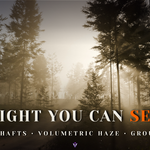
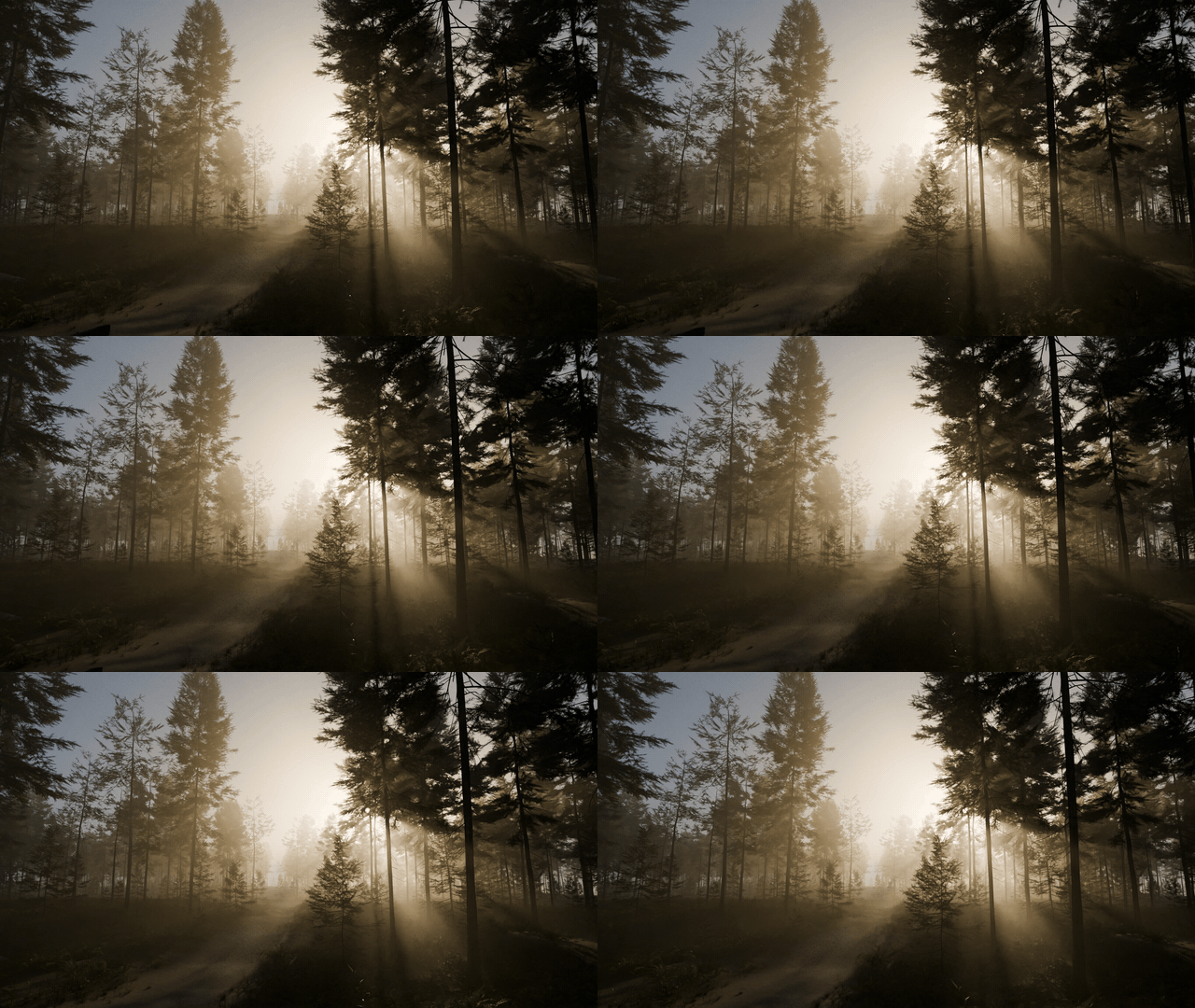
Sunlight through trees turns into beams, and your own lamps glow through the fog.
◆Physical sky
Blender's own Multiple Scattering sky model with air, aerosol, ozone and altitude.
◆A sun lamp that matches the sky
Its direction, colour and strength follow the sun in the sky at every elevation, from white noon light to a red sunset.
◆Auto exposure
Sky and sunlight brighten as the sun goes down, like a camera, so sunsets and blue hour stay readable.
◆Time & Place
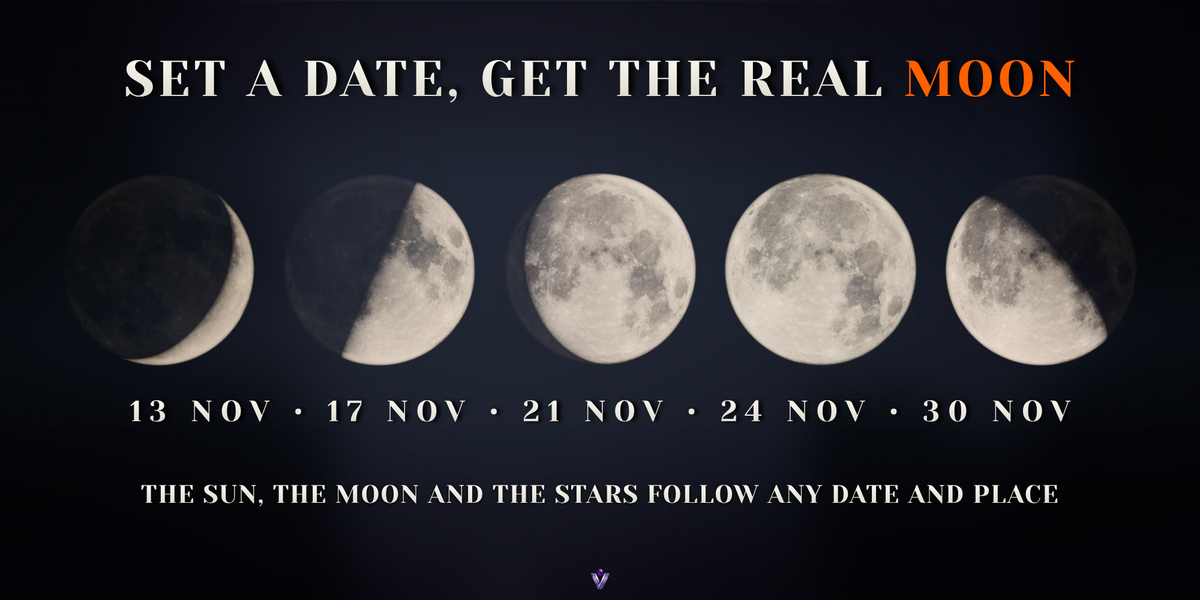
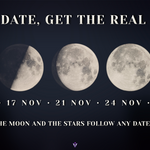
Enter a date, a time and a place. The sun, the moon and the stars follow astronomical formulas, and the moon phase and moon tilt are the real ones for that night.
◆Live Preview
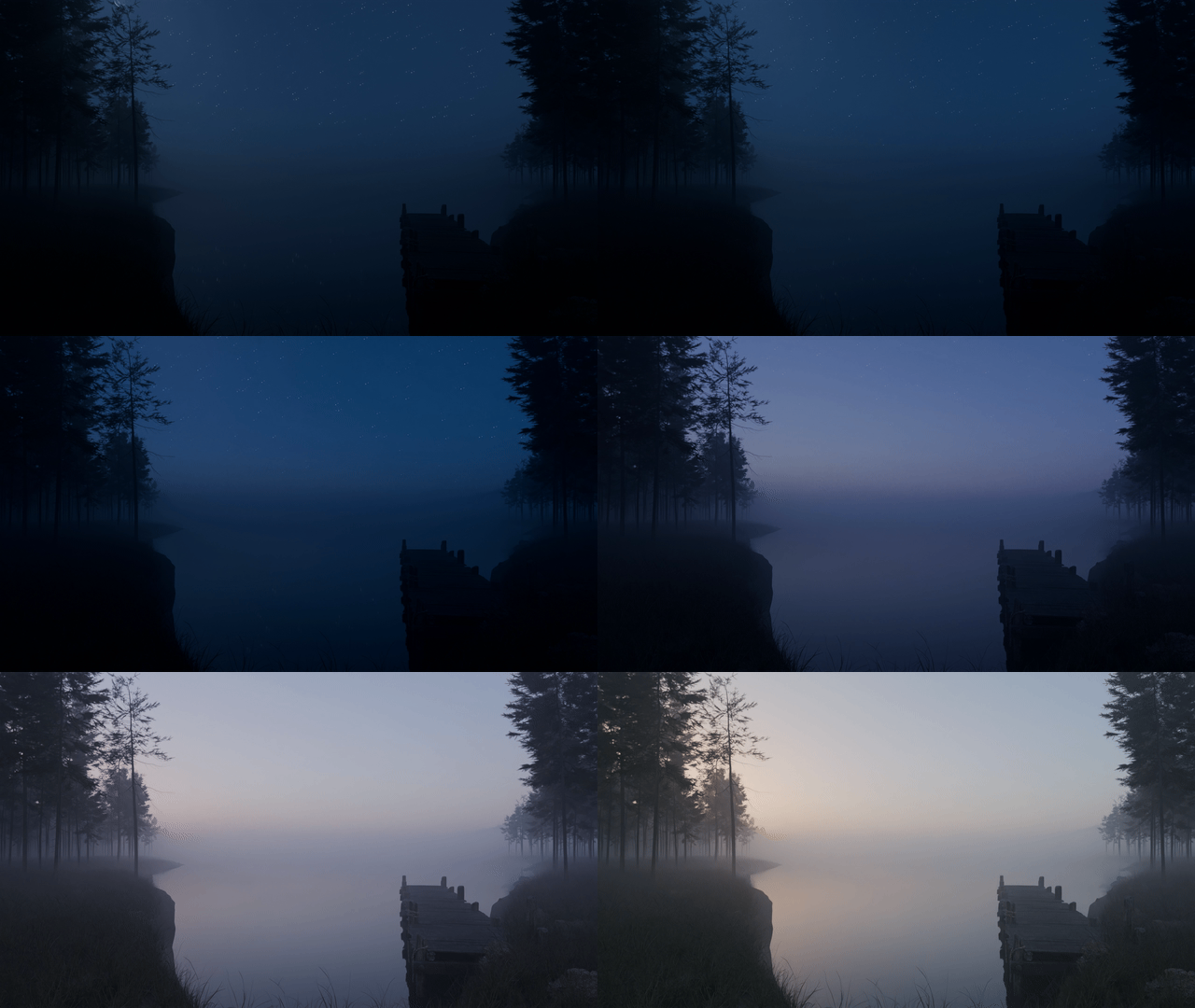
Press Play and the sun and moon cross the sky in the viewport. A baked copy of the sky keeps it moving, and it switches back for the final render.
◆Night sky
Stars, a Milky Way band in its real place and the faint glow of the night sky, which also lights your scene.
◆A moon that looks like the moon
The near side from NASA's CGI Moon Kit (public domain), with its real phases, and a Moonlight lamp that casts moon shadows and light shafts.
◆One-click render settings
EEVEE volumetrics that reach the end of the fog, and four volume bounces for Cycles.
02 — PRESETS
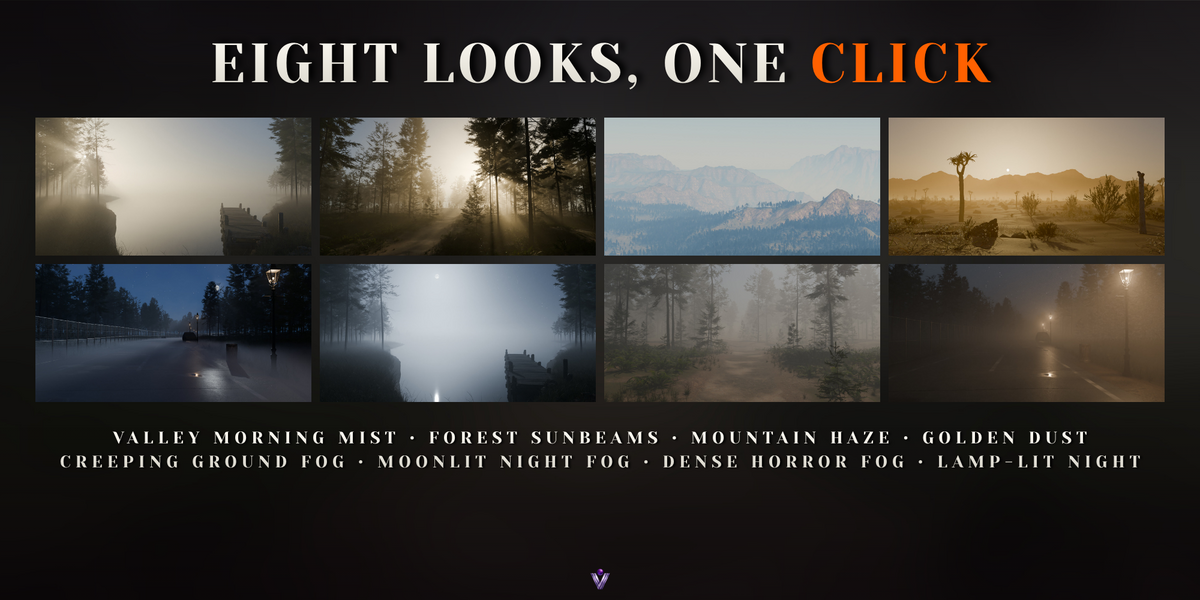
Eight looks, one click
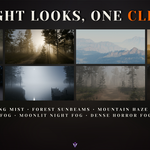
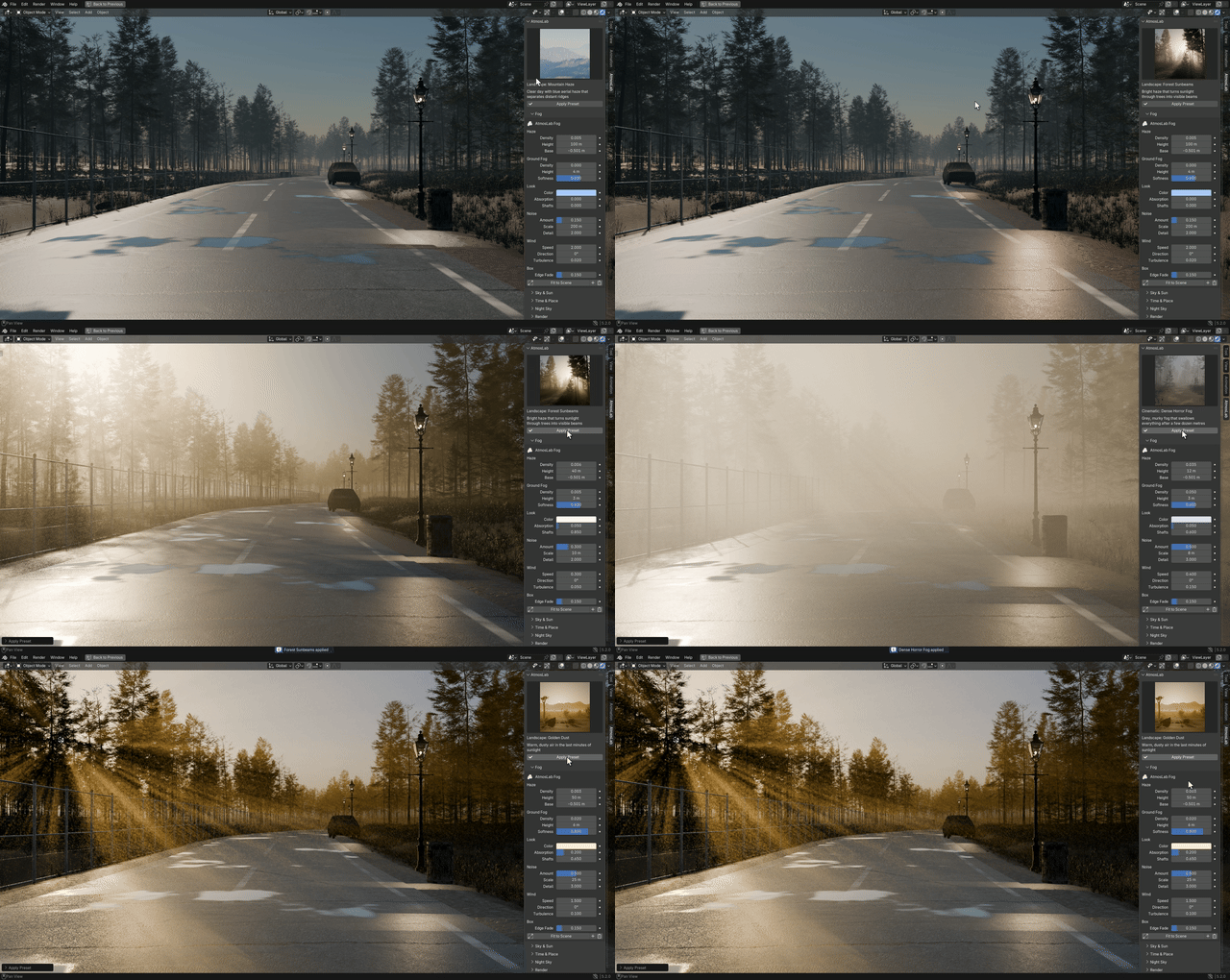
Four landscape looks and four cinematic ones, in a thumbnail gallery. Presets change the time of day, the weather and the mood, but never move your sun around the horizon or your fog box, so you can try them one after another.
The scenes below are built with free CC0 models from Poly Haven. The fog, sky and light are AtmosLab, with the fog values adapted to the size of each scene. The lamp-lit lane comes with the add-on as a demo file.
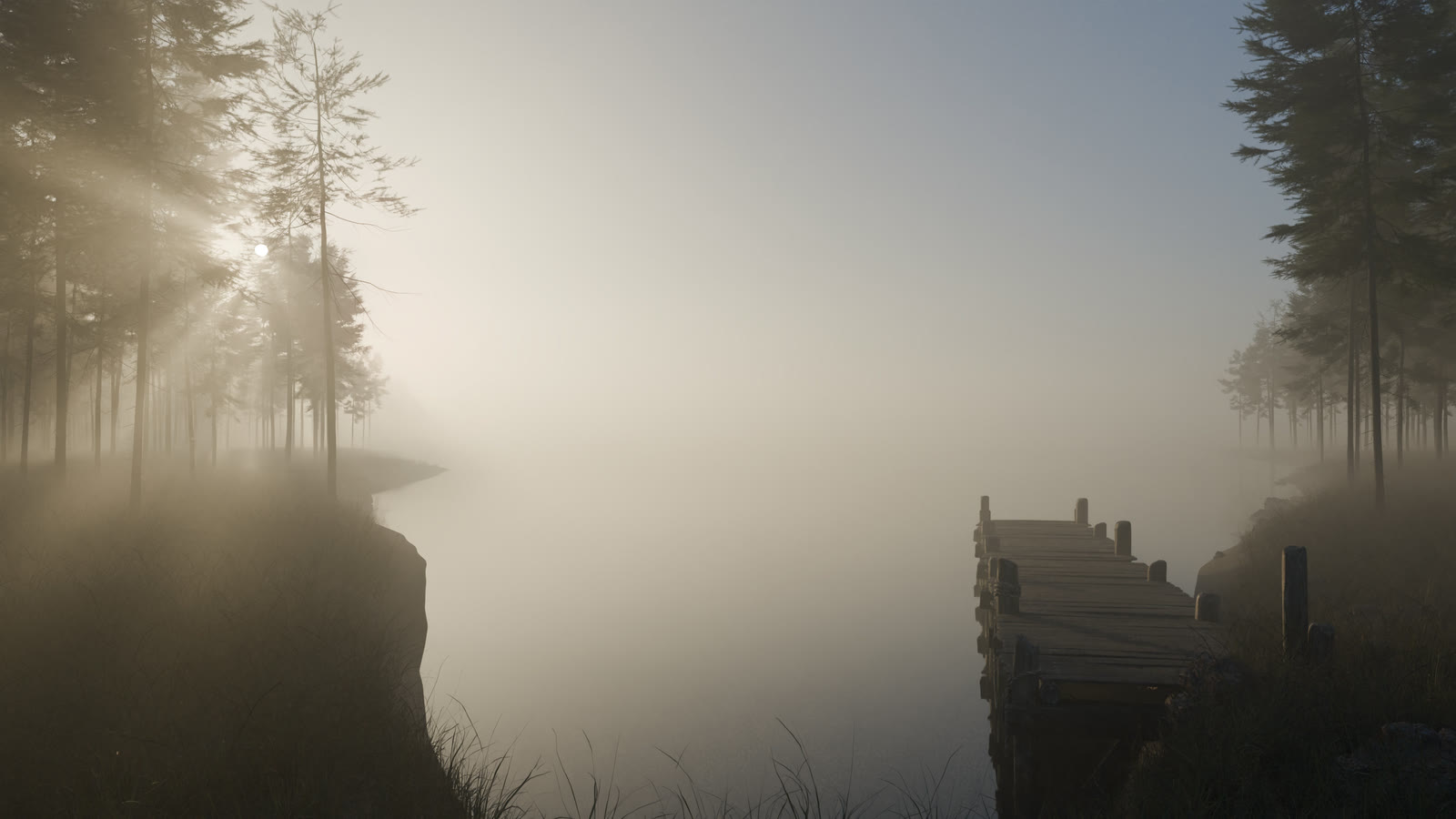
Valley Morning Mist
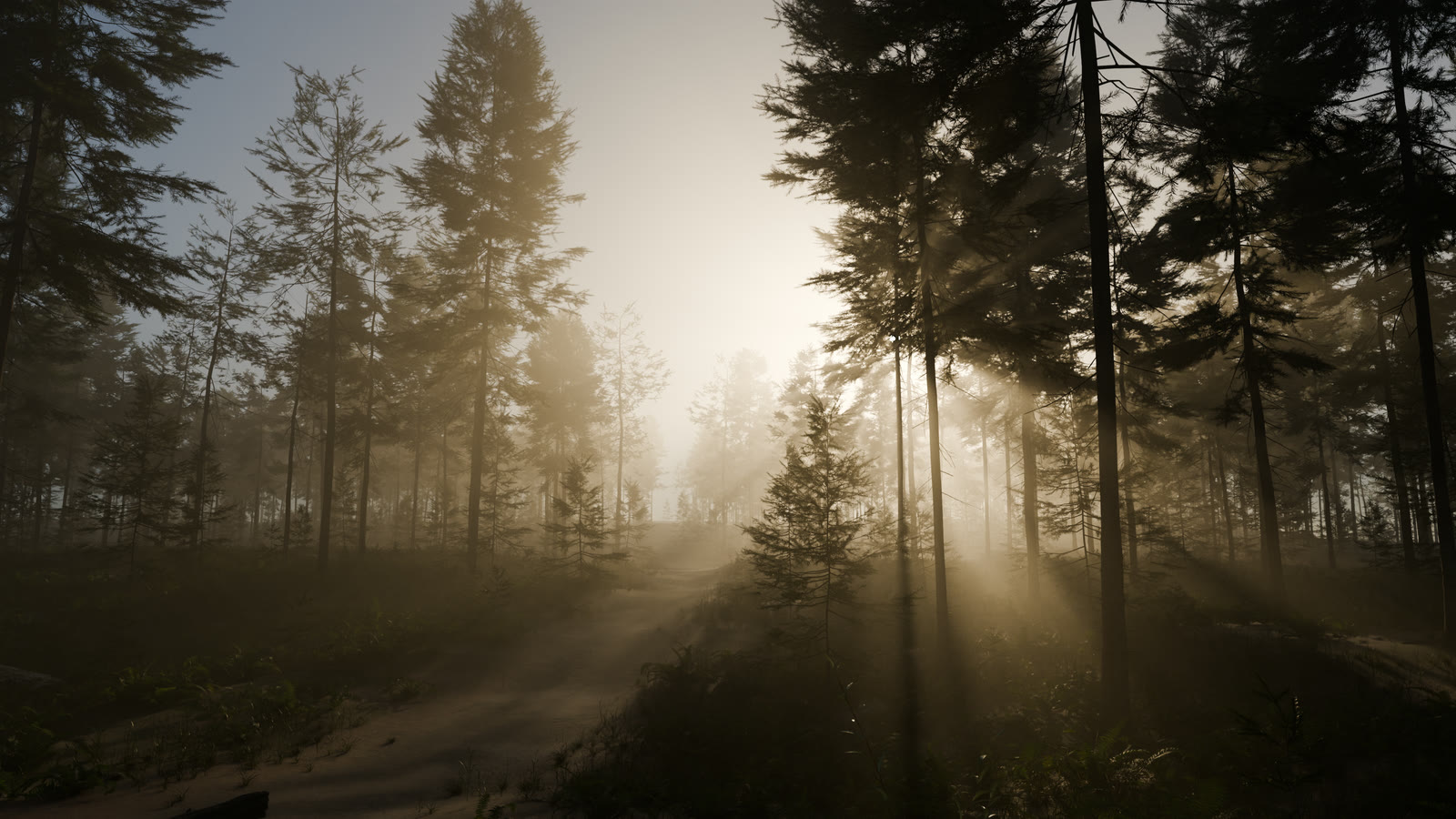
Forest Sunbeams
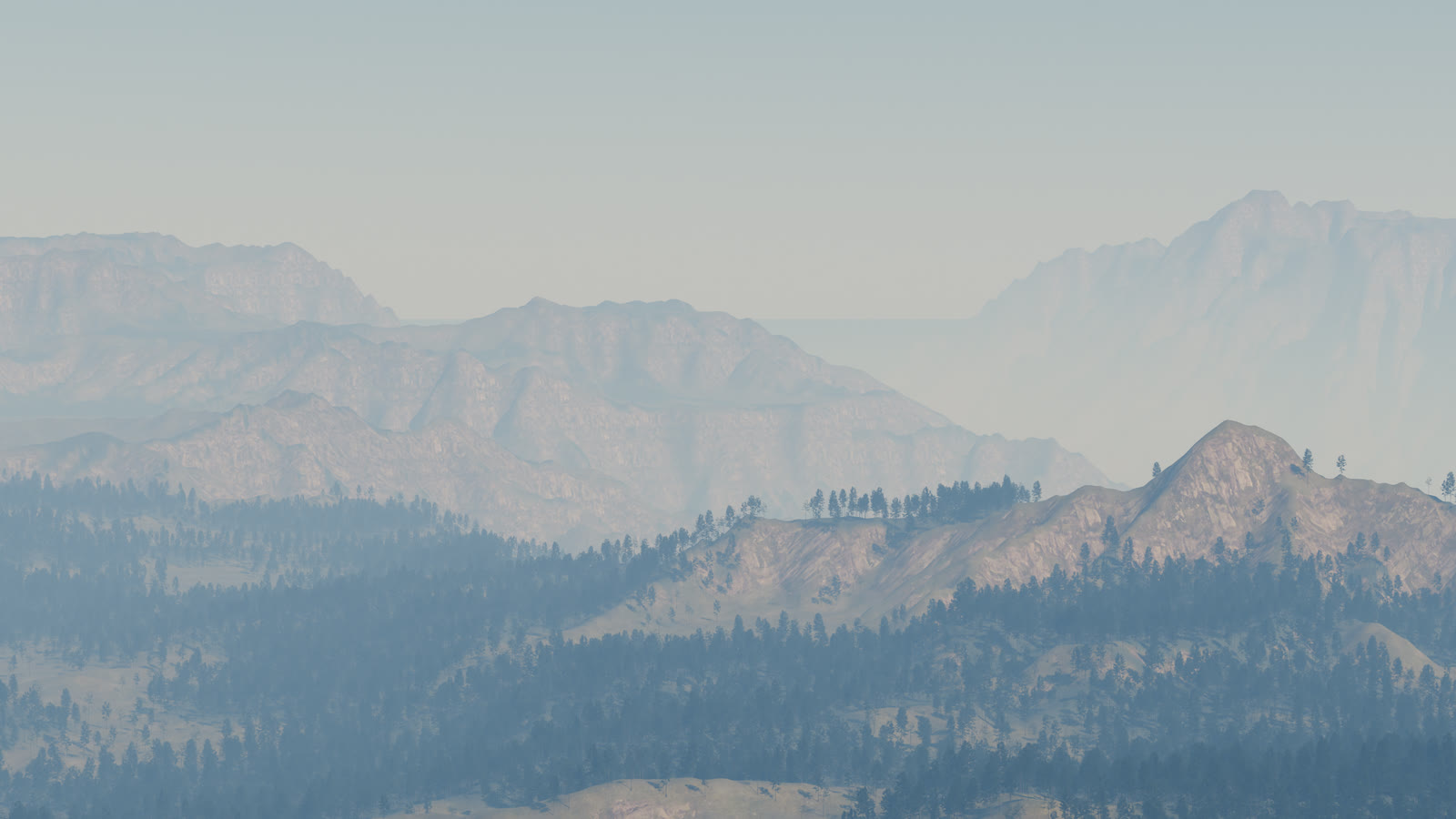
Mountain Haze
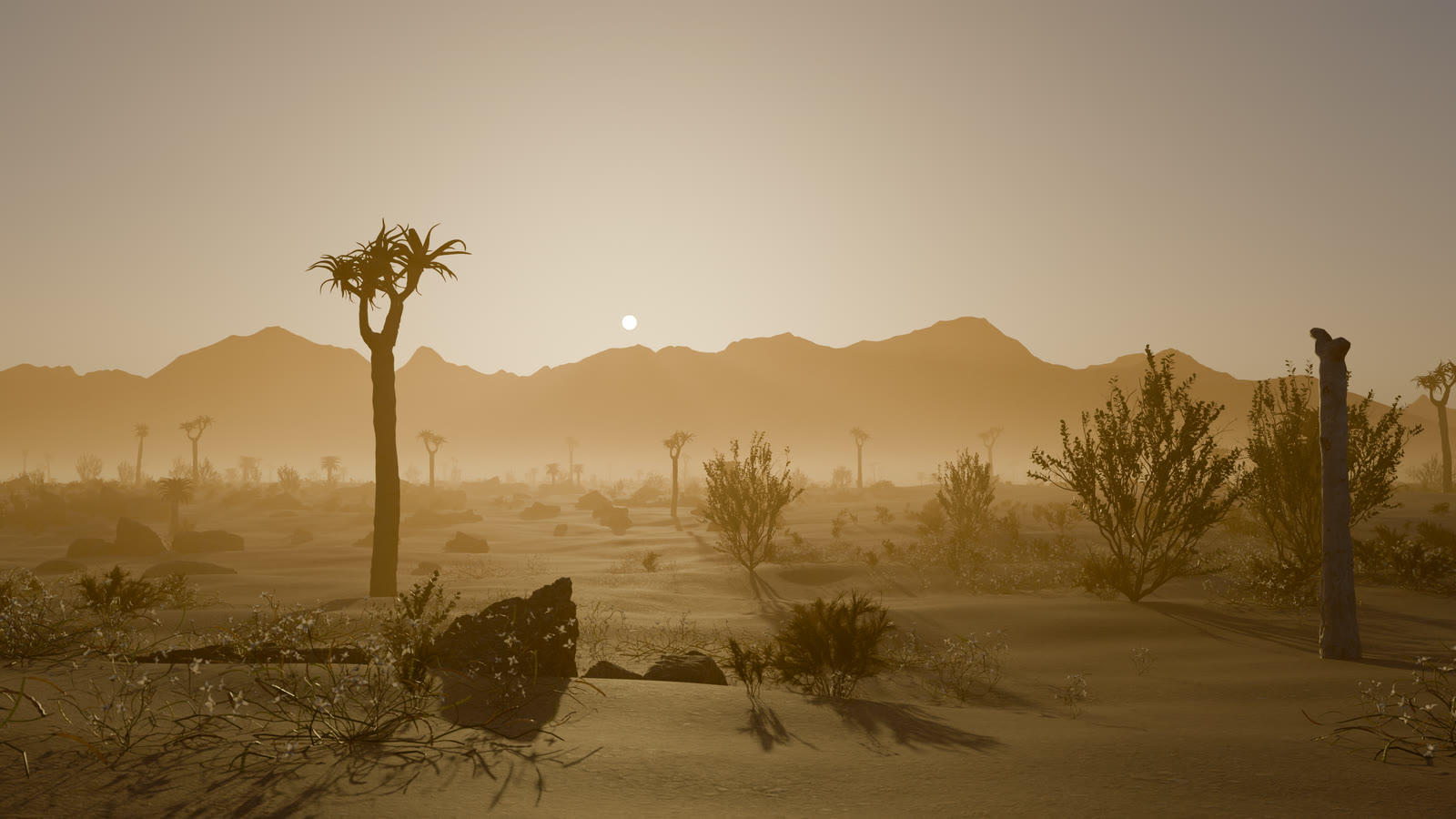
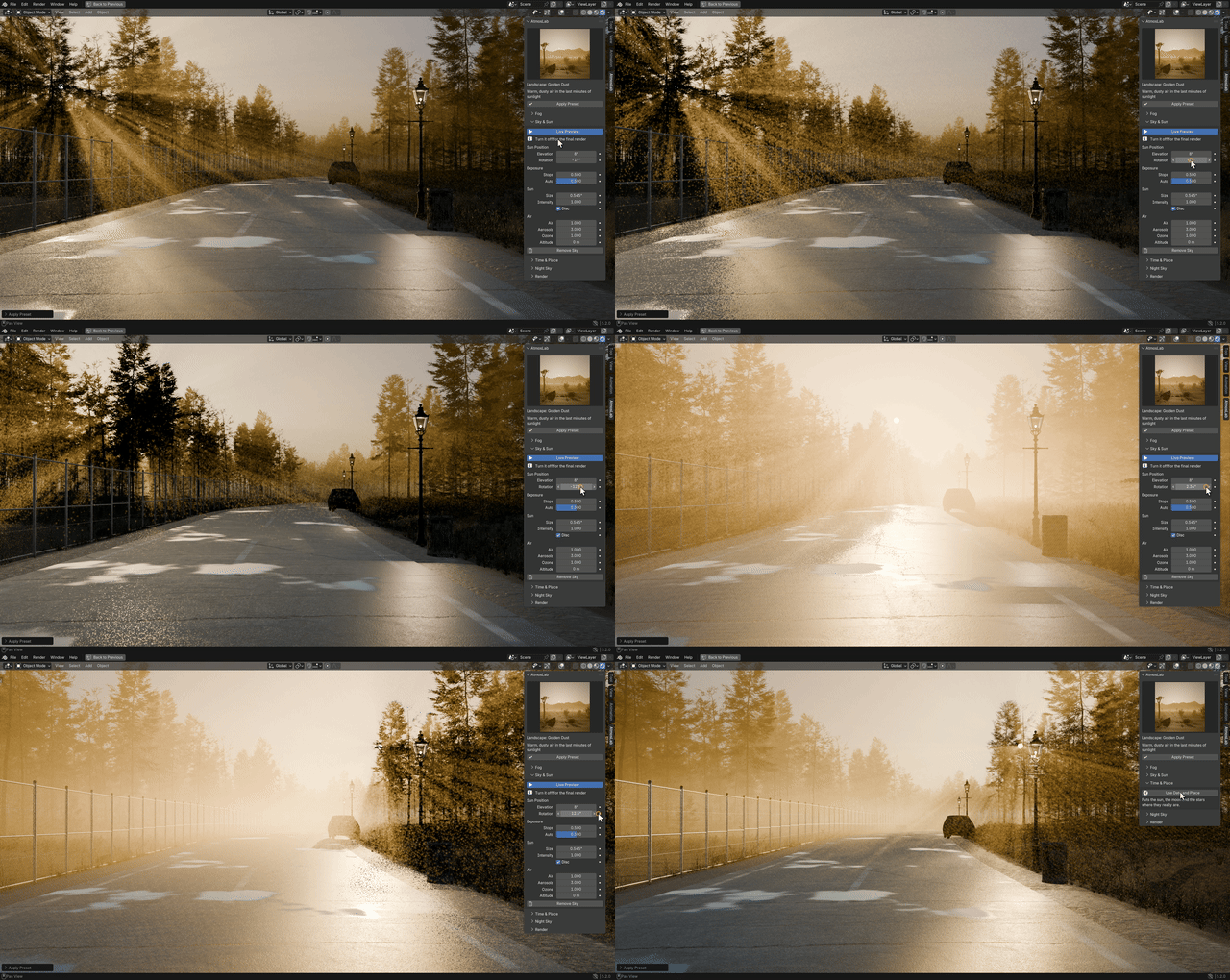
Golden Dust
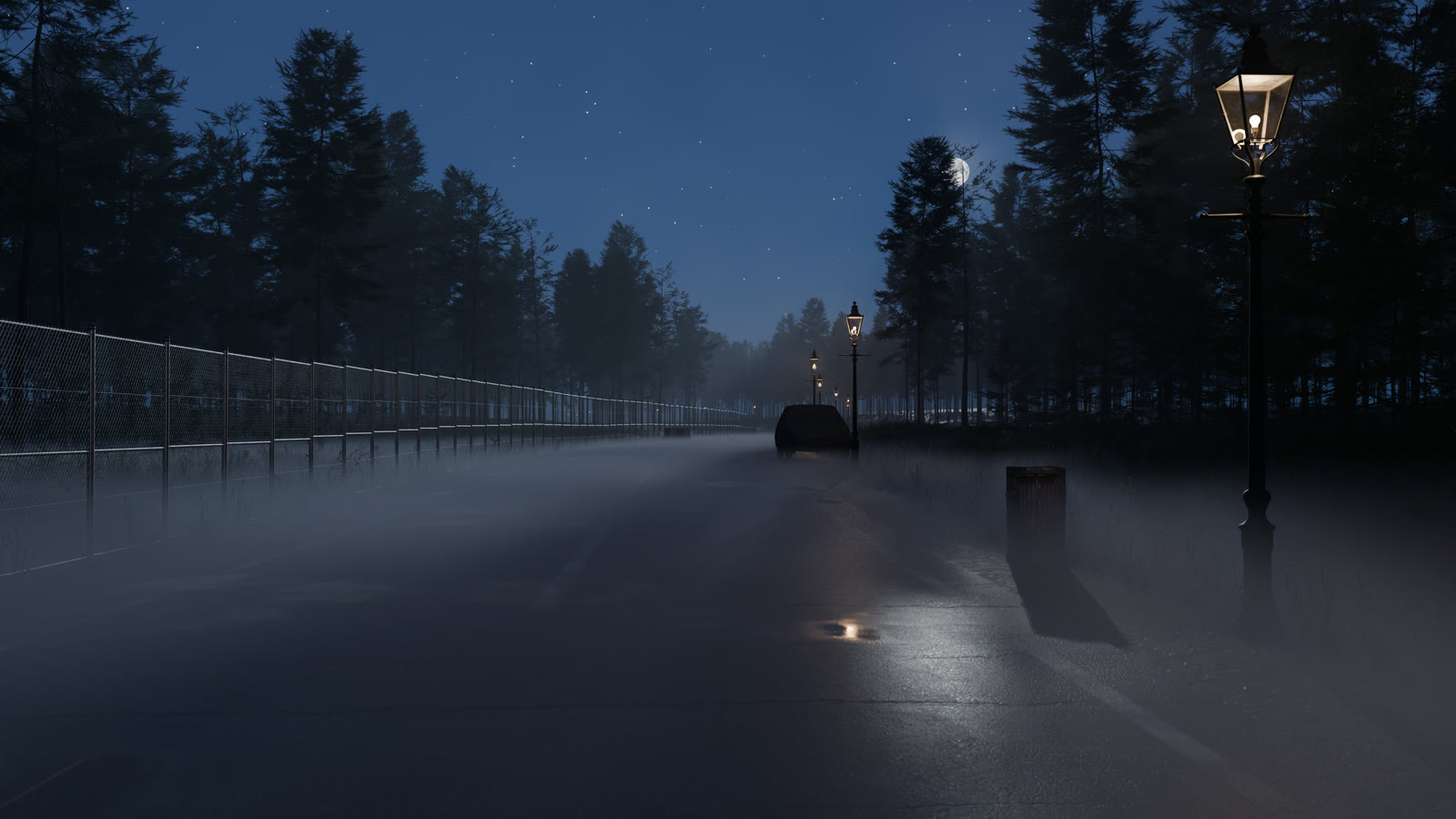
Creeping Ground Fog
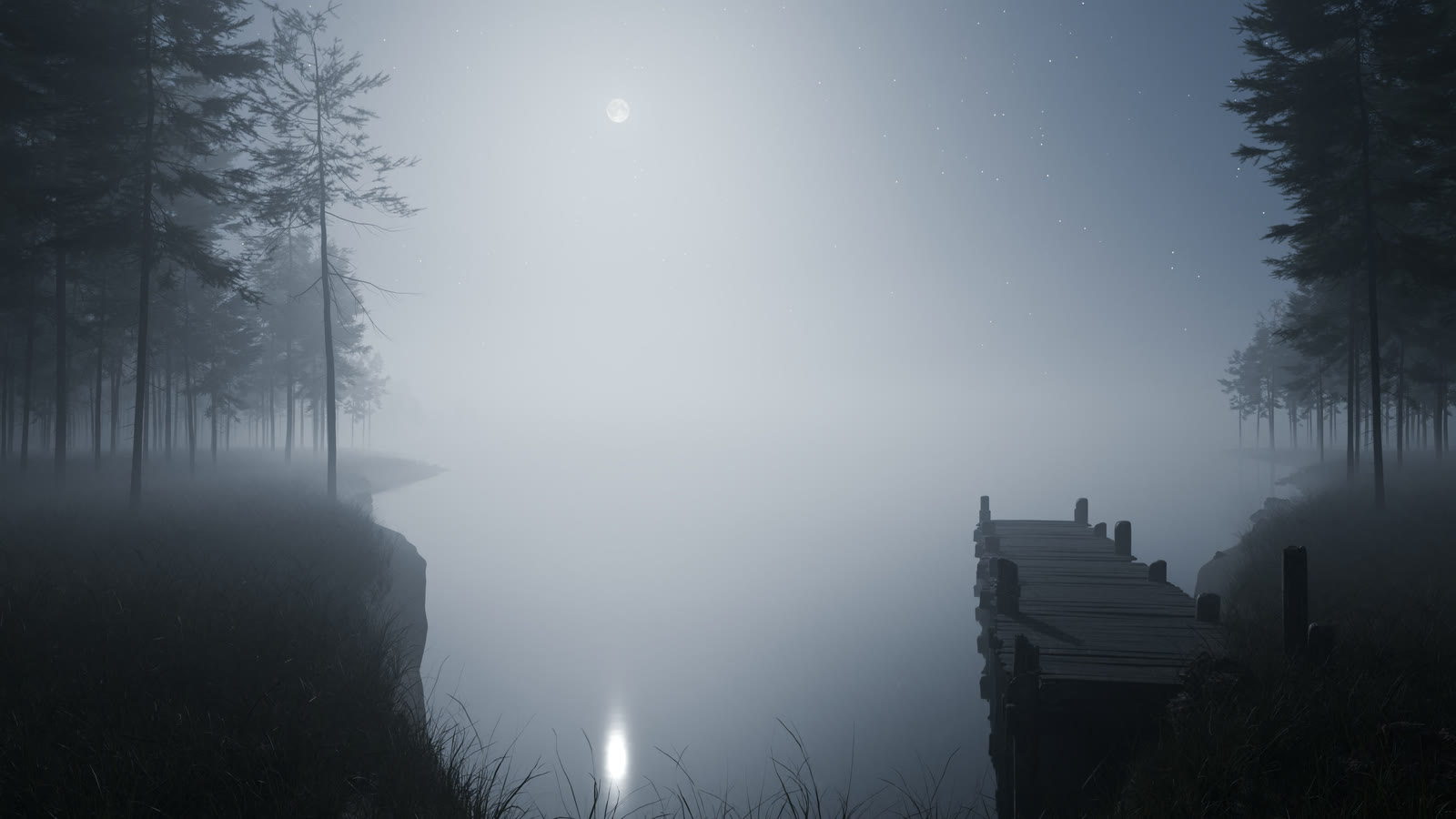
Moonlit Night Fog
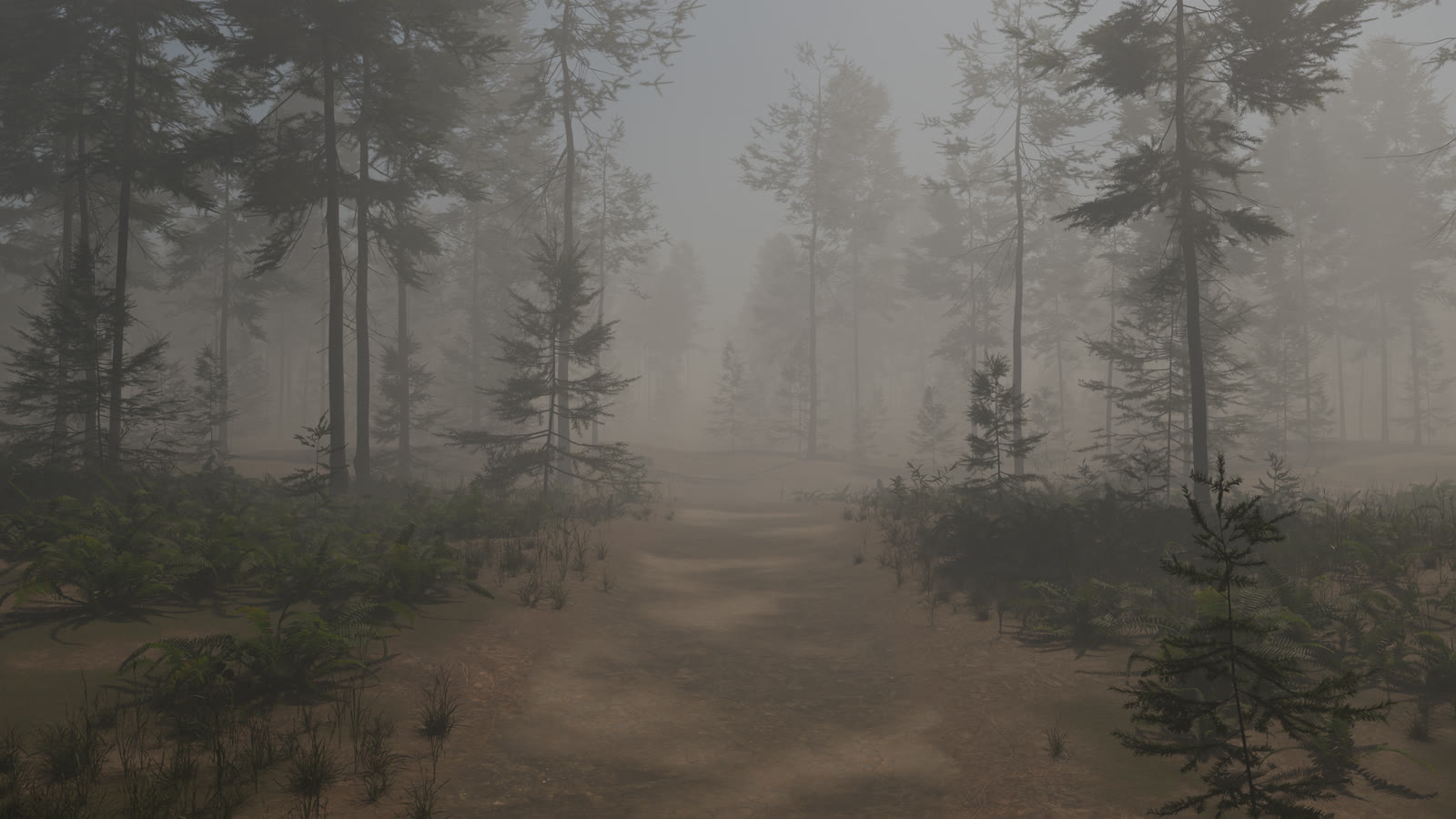
Dense Horror Fog
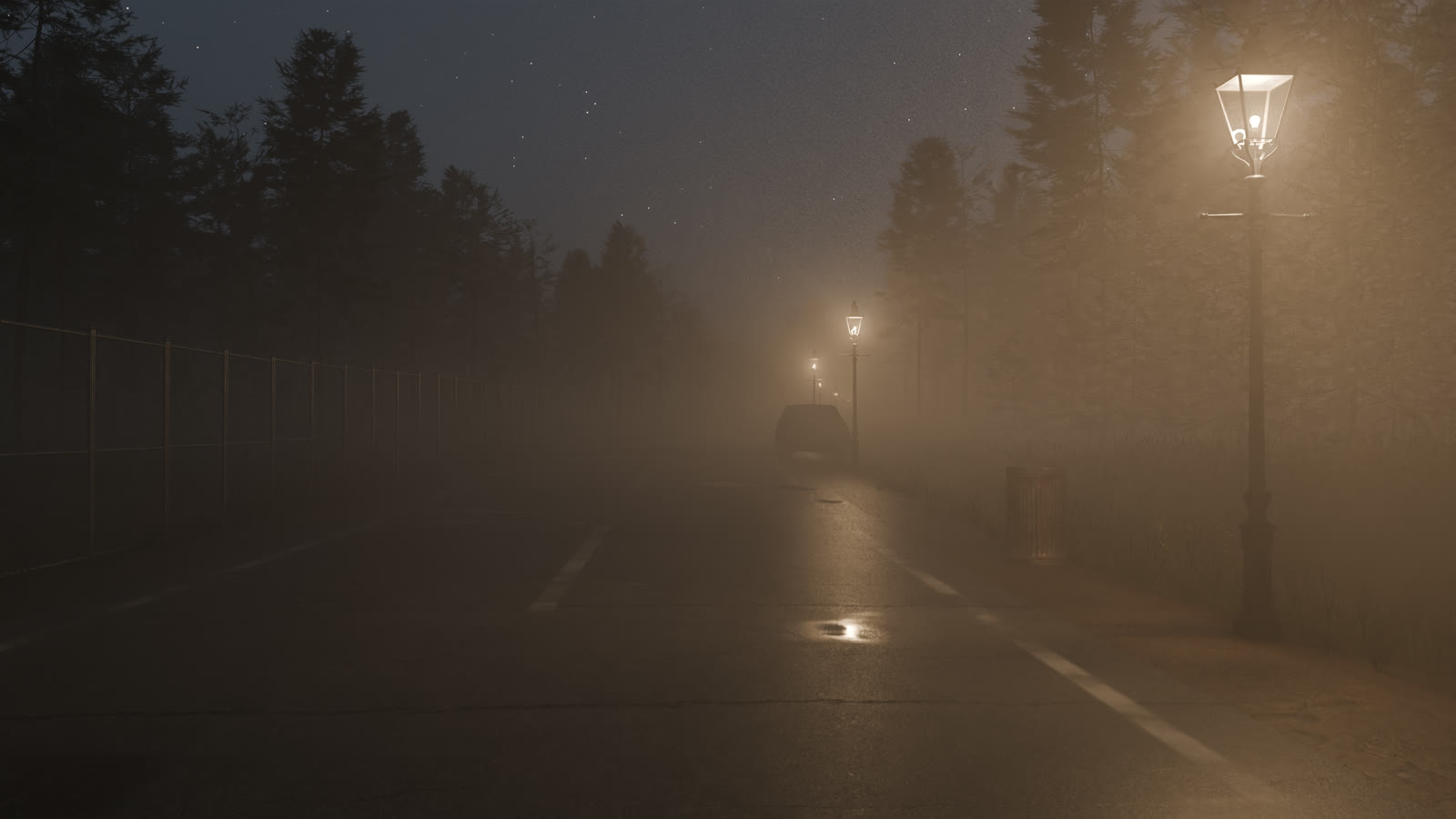
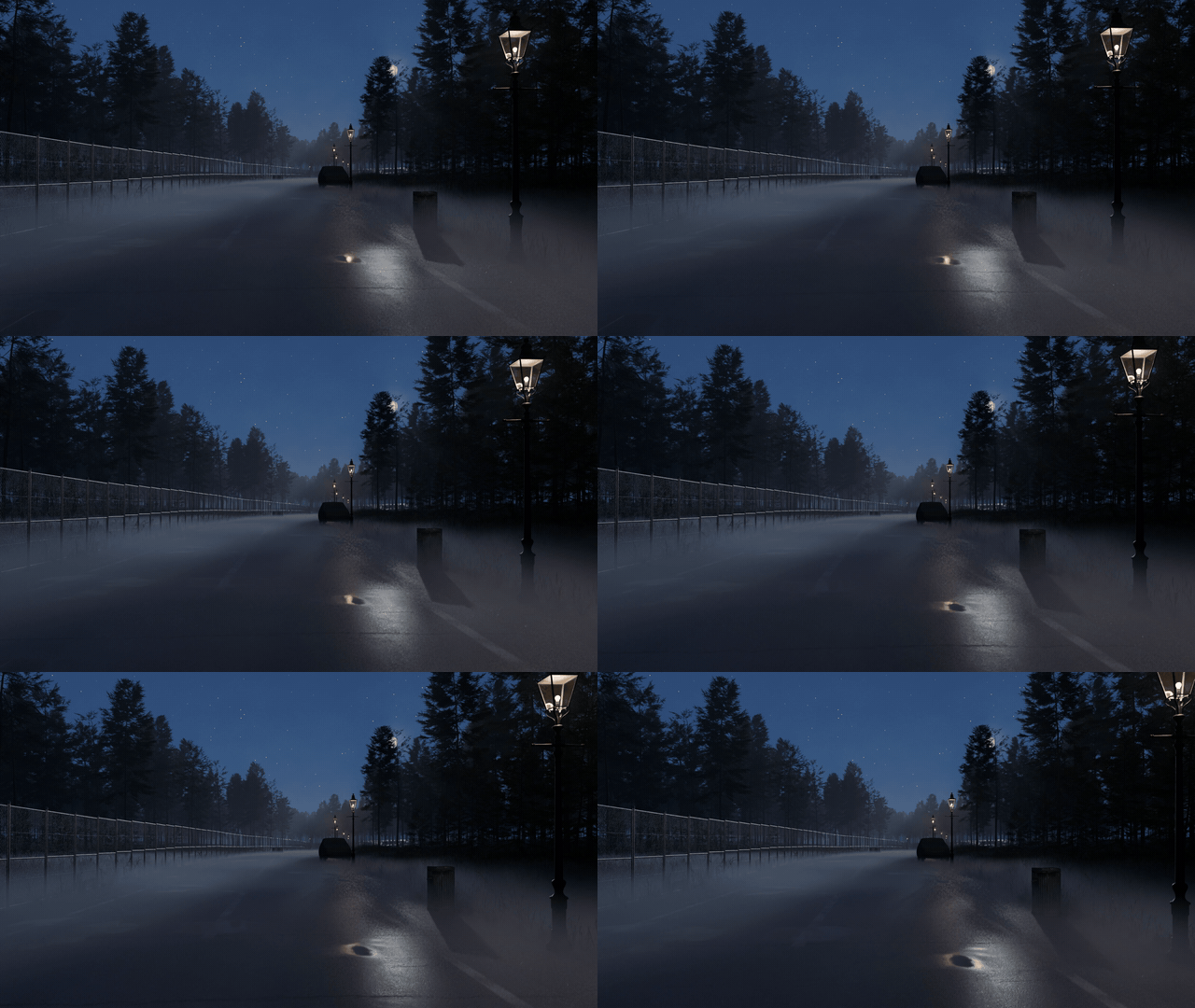
Lamp-Lit Night
03 — ONE CLICK
Try a look, keep the one you like
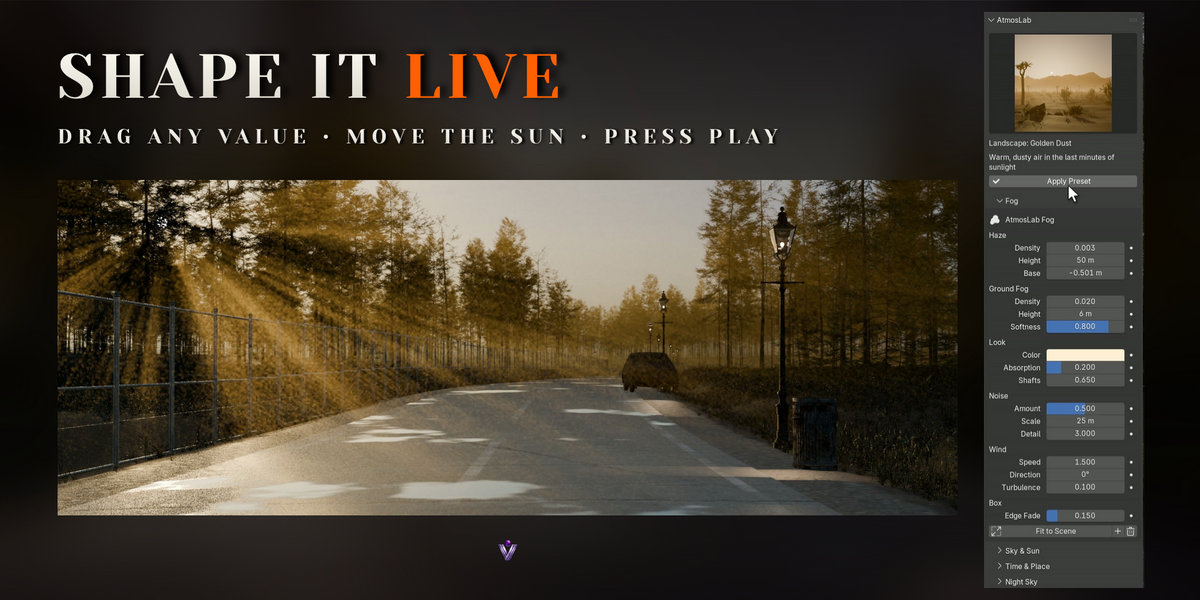
Pick a look in the gallery and click Apply Preset. The fog, the sky and the light change together in the viewport, while your fog box and the direction of your sun stay where they are.
Every value stays yours. Open Fog or Sky & Sun and drag any field, and the viewport follows.
04 — SUN & SKY
A sun that always agrees with the sky
Move Elevation or Rotation and the sky, the sun disc and the AtmosLab Sun lamp change together. The lamp's colour and strength were measured from Blender's sky model, so shadows and light shafts always match the sky behind them, from midday to the last red light.
Keyframe the sun for a time-lapse. Below the horizon the sky fades through twilight to night, and the stars come out.
05 — TIME & PLACE
The real sky of any day, anywhere
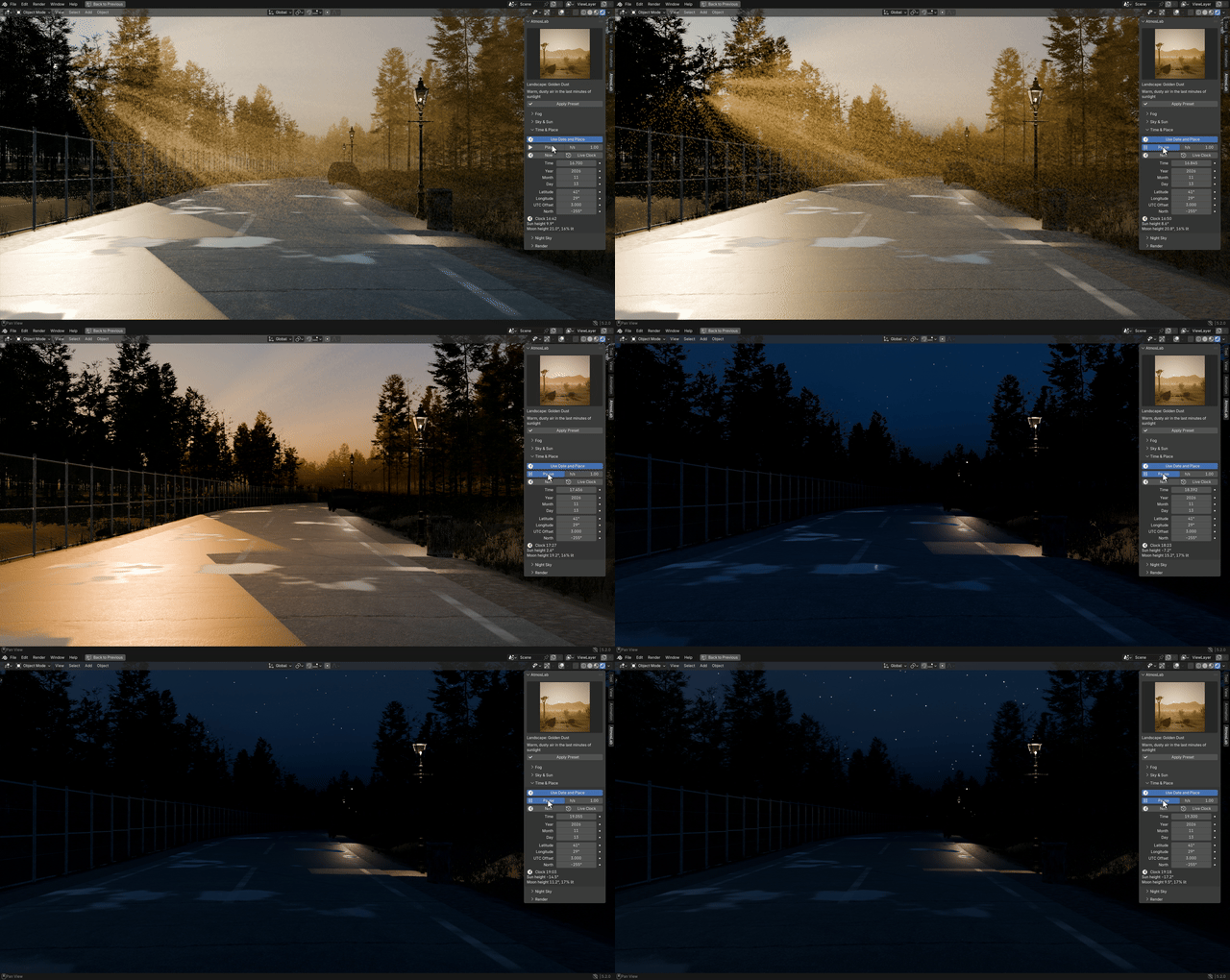
Turn on Use Date and Place, then enter a date, a time, a latitude and a longitude, or press Now for this moment. The sun and the moon rise where they really rise, and the stars turn with the Earth.
Press Play to run the day forward. Live Preview lets the sky move in the viewport, so you can scrub through a sunset and watch the moon and stars come out. In a dense scene the shadows set the speed, so hide heavy collections while you set up the sky.
06 — NIGHT
Moonlit nights with real phases
The moon uses the near side from NASA's CGI Moon Kit, lit by the sun, so it is full when it rises opposite the sunset and a thin crescent next to the sun. You can also place it anywhere by hand. The Moonlight lamp follows the phase and lights the fog.
Stars, a Milky Way band and a faint night glow complete the sky. Turn the star field for star motion.
07 — LIGHT SHAFTS
Sunlight you can see
Put the sun behind something and the beams appear on their own, because the fog really scatters the light. Light Shafts sets how strongly the fog glows when you look toward a light.
08 — GROUND FOG
Fog that hugs the ground
A ground layer with its own density, height and softness sits on top of the haze. Its top edge is broken up by noise and drifts with the wind, so it rolls between trees and around lamp posts.
Lamps inside the fog get soft halos on their own; Light Shafts controls how strongly the fog glows when you look toward a light.
09 — FOG CONTROLS
Shape the air
Density and Haze Height
How thick the haze is at the ground and how quickly it thins out higher up.
Ground Fog
Density, height and softness of the layer on the ground.
Color and Absorption
Bluish aerial haze, warm dust or dark, smoky fog.
Light Shafts
Forward scattering for sunbeams and lamp halos, or 0 for an even haze.
Noise
Amount, size and detail of the fog patches.
Wind and Turbulence
Drift speed and direction, and how fast the patches change shape.
Edge Fade
Fades the fog at the sides and the top of the box, so the box never shows.
Fit to Scene
Sizes the fog box to everything visible and the camera, with the base on the ground.
10 — SKY CONTROLS
From noon to midnight
Sun Elevation and Rotation
Time of day and direction of the light.
Exposure and Auto Exposure
Brightness of the sky, the sun and the moonlight; your own lamps keep their power.
Air, Aerosols, Ozone, Altitude
The physical sky model.
Time & Place
Date, time, latitude, longitude, time zone and north direction.
Play and Live Clock
Run the day at any speed, or follow the real clock.
Stars and Milky Way
Brightness, density, size and rotation.
Moon
Position, size, brightness, glow and moonlight.
Night glow
Colour and brightness of the night sky.
11 — PERFECT FOR
Where it helps
◆Landscape renders◆Horror and thriller scenes◆Exterior architecture◆Fantasy environments◆Animations and time-lapses◆Game cinematics◆Concept art
12 — GETTING STARTED
Install and apply a look
1In Blender, go to Edit > Preferences > Get Extensions, open the ⌄ menu and choose Install from Disk. Pick atmos_lab-0.1.0.zip; no need to unzip it.
2Press N in the 3D Viewport and open the AtmosLab tab.
3Pick a look in the preset gallery and click Apply Preset.
4Turn Sun Rotation until the light comes from where you want it, then click Render > Optimize Render Settings.
13 — FAQ
Good to know
Does it work in EEVEE?
Yes, and it is fast for previews and animation. Cycles gives the most accurate fog. EEVEE lights fog mainly with lamps, so fog in the shade looks darker there. Optimize Render Settings sets EEVEE's volumetric range and detail for you.
Will my scene still render on a render farm?
Yes. AtmosLab only uses nodes and simple drivers saved in the .blend, so the fog, sky and lamps work without the add-on and without Python auto-run.
Does it change my materials?
No. The fog is a separate box object and the sky is its own world. Remove Sky brings your previous world back.
Are the trees and rocks in the images included?
Only those in the two demo files, the lamp-lit lane and the misty lake. The add-on adds fog, sky and light to your own scenes. All of them are free CC0 models from Poly Haven.
Is the sky really real time?
In the viewport, yes. With Live Preview on, the sky and fog follow every change. Our light demo scene runs at about 9 frames a second on an RTX 4060 at 2560 x 1360. How fluid it gets depends on your scene, because the shadows of everything in it are redrawn as the sun moves.
How accurate are the sun and the moon?
They use the Astronomical Almanac's low-precision formulas. We checked them against an astronomy library at 2,000 random moments from 2000 to 2050, and the sun was never more than about 0.01 degrees off and the moon less than half a degree, about its own width. That is plenty for a render, but it is not meant for navigation.
Does it work on big landscapes?
Yes. The presets suit scenes up to about a kilometre across; for mountains and valleys, lower the fog density and raise its height as the documentation explains.
Does it make clouds?
No, AtmosLab is about the air in your scene. For volumetric clouds, see Cloud Sketch.
Can I use my renders commercially?
Yes, everything you render with AtmosLab is yours.
Which Blender versions are supported?
Blender 5.0 and newer. Blender 4.5 and older are not supported.
14 — DETAILS
What you get
Included
◆AtmosLab 0.1.0 Blender extension
◆Eight presets with a thumbnail gallery
◆Demo scene (the lamp-lit lane through a fir forest, three cameras)
◆Live Demo scene (a misty lake between fir trees, made for Live Preview)
◆Documentation
Compatibility
◆Blender 5.0 or newer
◆Tested on Blender 5.0, 5.1 and 5.2
◆Cycles and EEVEE
◆Pure Python and nodes, no platform-specific files
License
◆The add-on code is licensed under GPL-3.0-or-later.
◆Developed by Voyde Procedural, code written with AI assistance. No AI-generated images.
 Voyde Procedural
 VOYDE.PROCEDURALVOYDEPROCEDURAL.COM / ALL PRODUCTS / X / INSTAGRAM