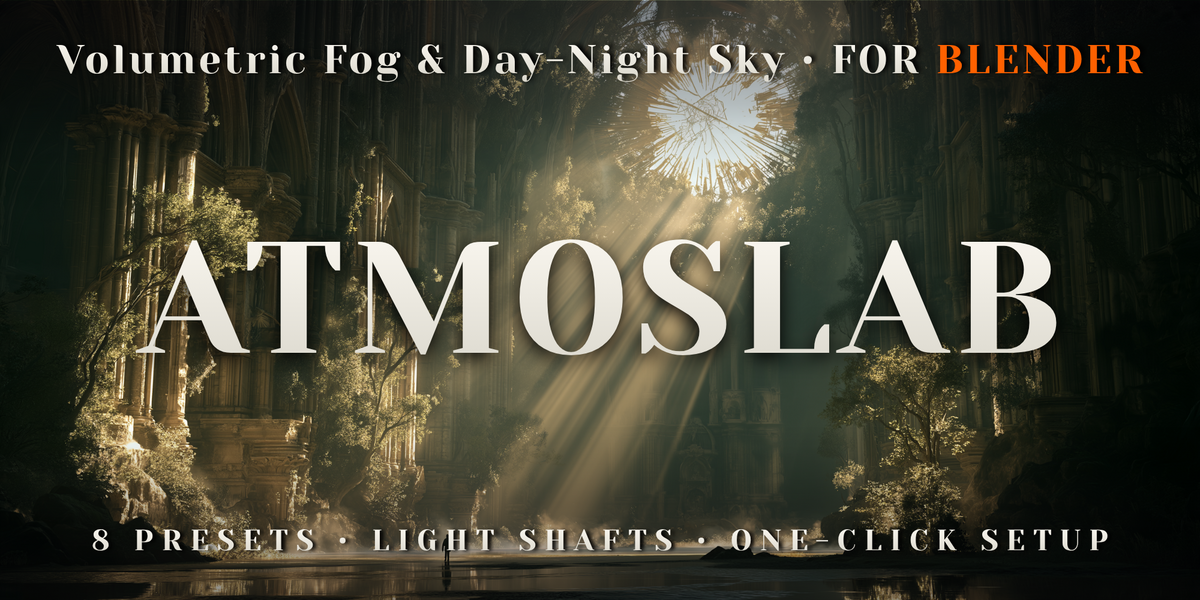
AtmosLab - Volumetric Fog, Light Shafts & Day-Night Sky
 Voyde Procedural
Installation
- Download atmos_lab-0.1.0.zip. Do not unzip it.
- Drag it into Blender, or use Edit > Preferences > Get Extensions > Install from Disk.
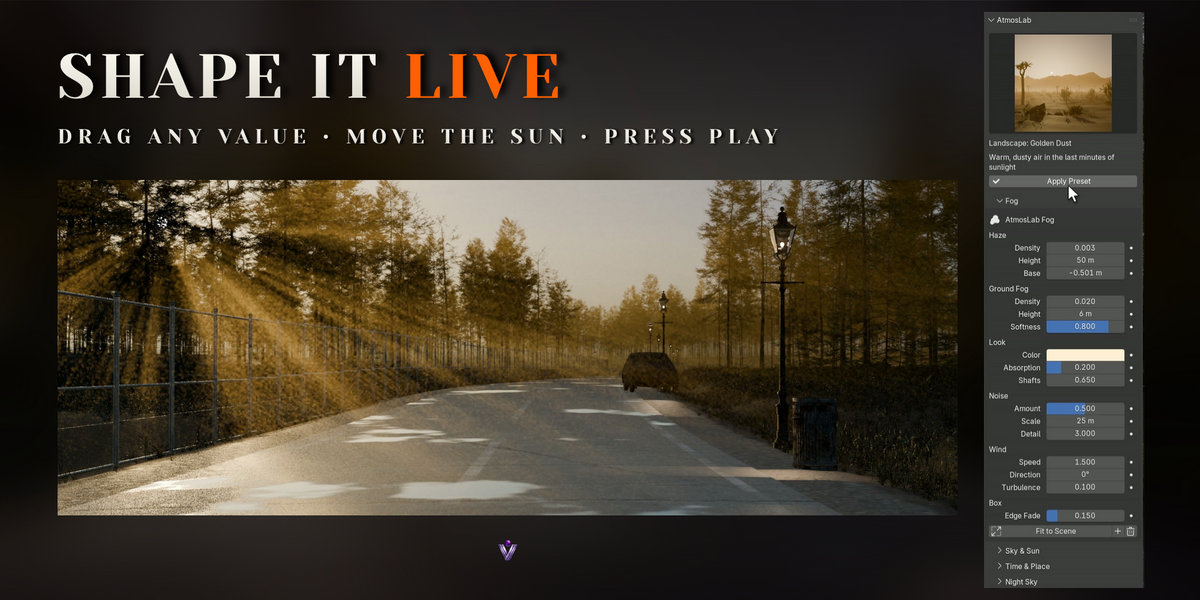
- Press N in the 3D Viewport and open the AtmosLab tab.
Quick start
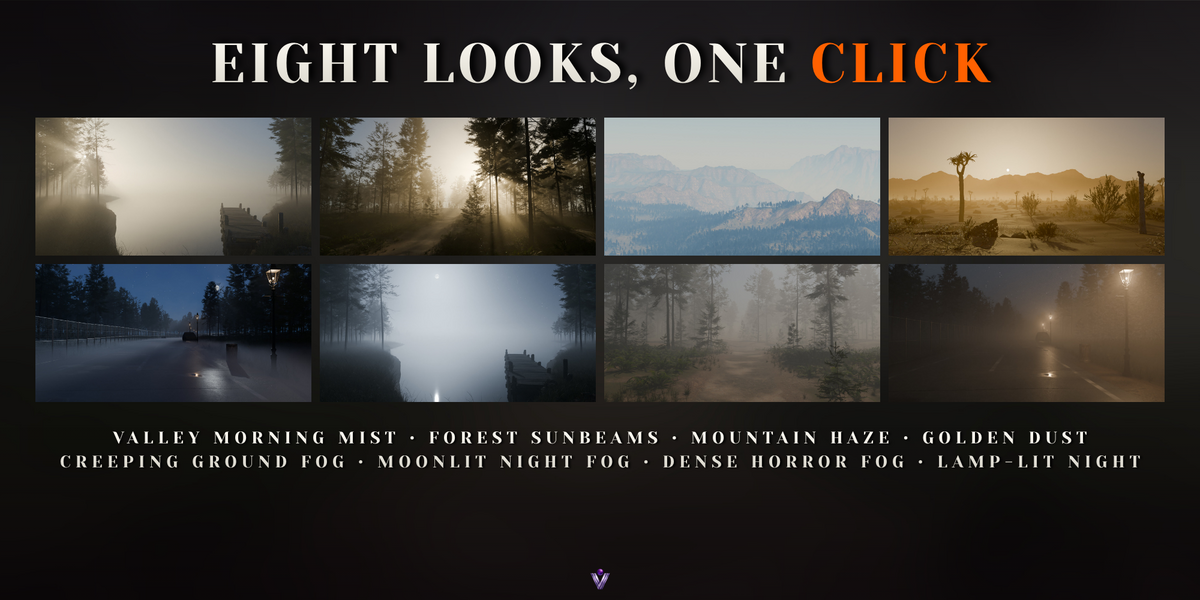
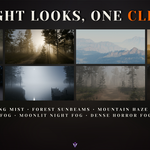
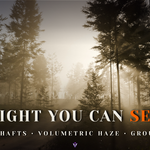
- Pick a look in the preset gallery and click Apply Preset. AtmosLab adds a fog box sized to your scene, the sky and two lamps.
- Turn Sun Position > Rotation until the light comes from where you want it.
- Under Render, click Optimize Render Settings once.
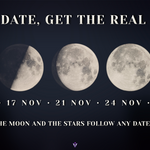
The real sky of any day
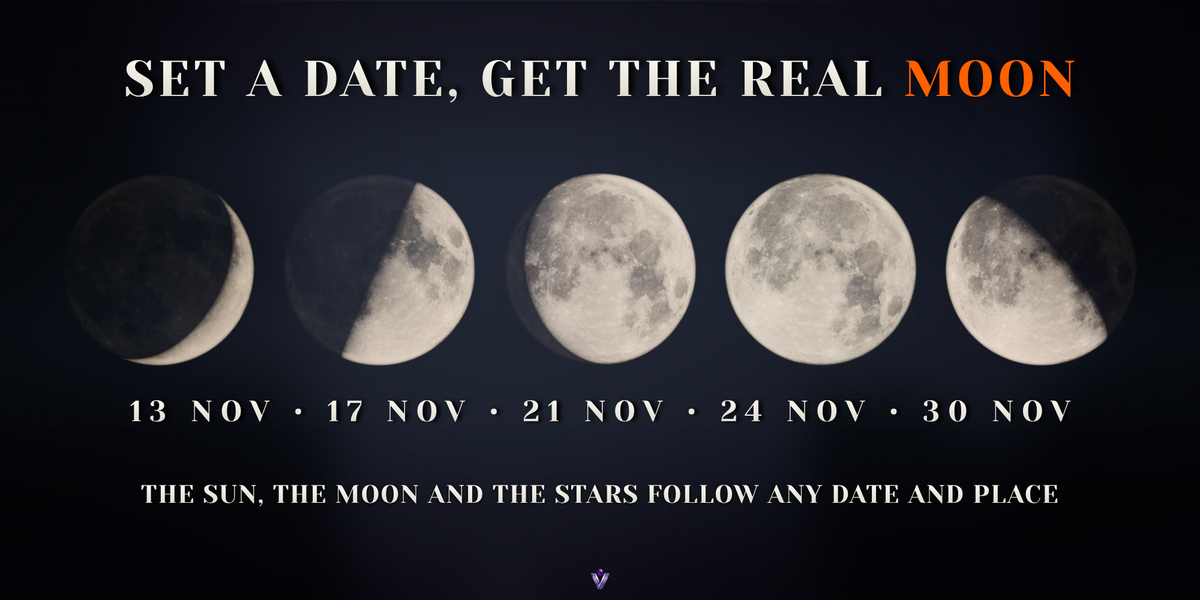
- Open Time & Place and turn on Use Date and Place.
- Enter a date, a time, a latitude and a longitude, or press Now.
- Press Play to run the day forward, and turn on Live Preview to watch the sun, the moon and the stars move in the viewport.
Demo scenes
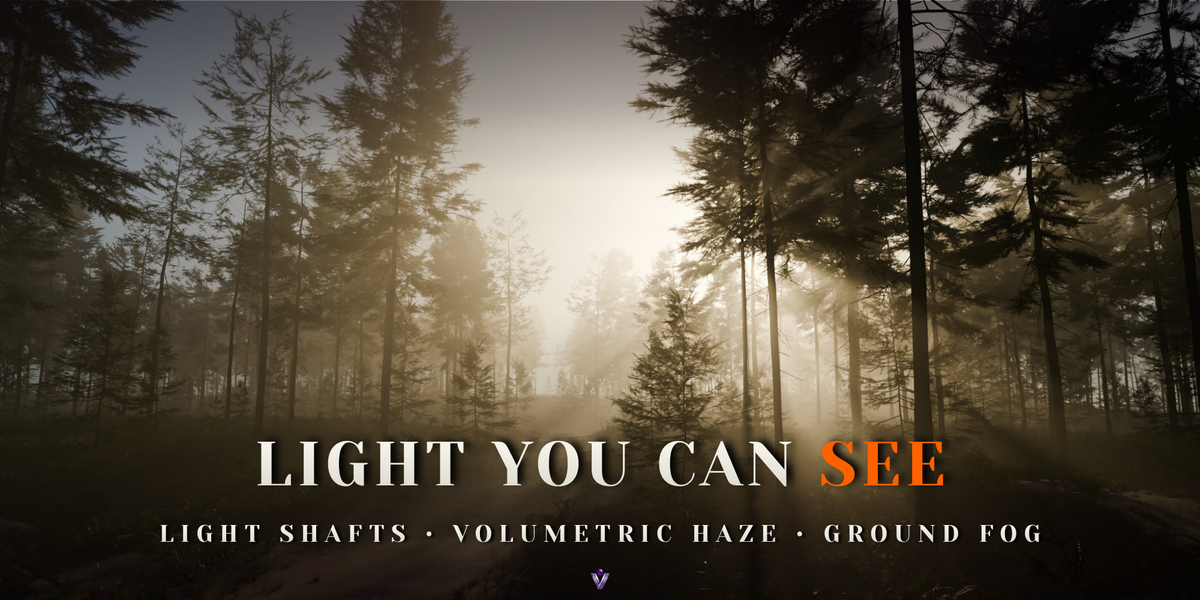
AtmosLab_Demo.blend is the lamp-lit lane from the images, with three cameras. AtmosLab_Live_Demo.blend is a misty lake between fir trees, made for Live Preview. Both are in the Demo and Docs download, along with the full documentation.
Have questions about this product?
Login to message
| Blender Extension Compatible | Yes |
| Published | 1 day ago |
| Blender Version | 5.0 - 5.2 |
| Extension Type | Add-on |
| Render Engine Used | Cycles, Eevee |
| License | GPL |
Discover more products like this
Moon haze environment mist atmosphere night sky sun position god rays light shafts sky volumetric fog Stars