Audio Lip-Sync Pro
 Holotype Pte Ltd


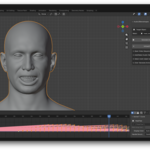
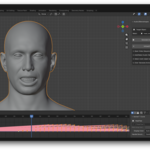
Start Blender, then click "Edit->Preferences" and click the "Get Extensions" tab. Click the drop-down arrow in the top right and click "Install from Disk", then select the zip file you just downloaded.
The add-on should then appear in the list of installed extensions. Close this window and return to the main Blender viewport view.
Use the eye-dropper tool or the drop-down list to select the mesh containing the blendshapes you want to animate.
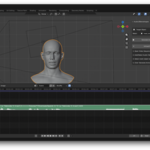
Add an audio clip to the Video Sequencer (and click the clip itself to make sure it's selected). The "Generate Animation" button should activate.
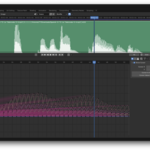
Click the "Generate Animation" button to start generating the lip-sync animation:
This may take some time to complete. As a rough guide, 1 minute of audio will take 10 seconds to generate the corresponding animation on a mid-range CPU. If you are working with longer audio clips (e.g. greater than 5 minutes), you may wish to split the audio clip into smaller segments (1 to 2 minutes is best) and work with those.
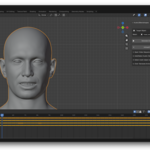
After the animation has been generated, open the Dope Sheet; you should see keyframes for each blendshape.

Discover more products like this
animation audio2face auto lip sync Auto Lip-sync pro ARKit lipsync blendshapes facial