 Fares Asem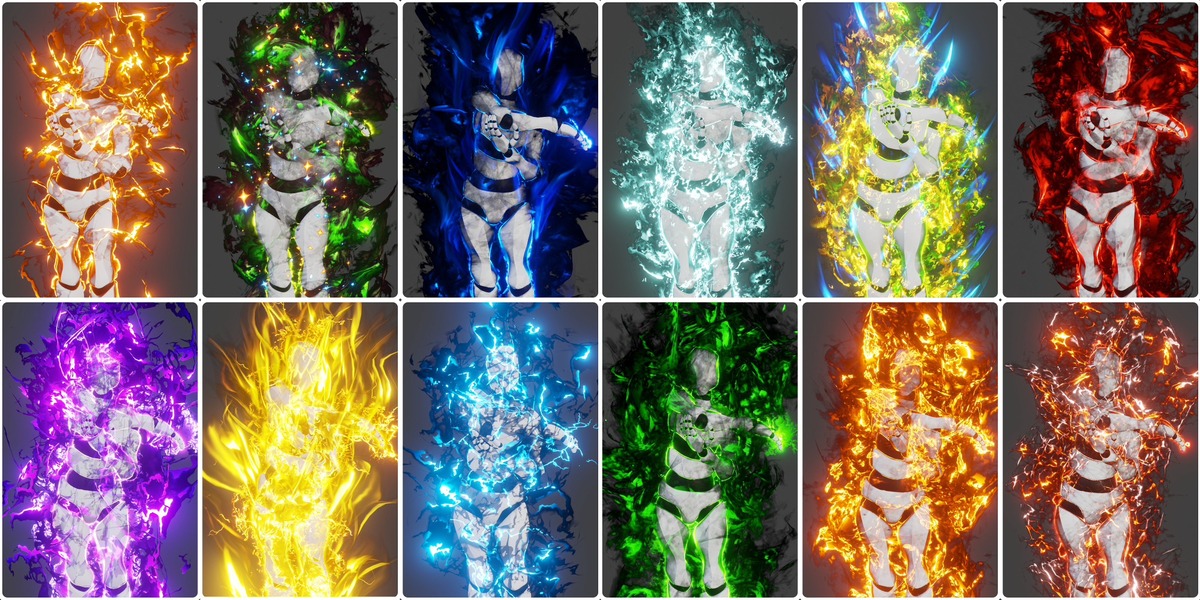
1. Aura FX Layers
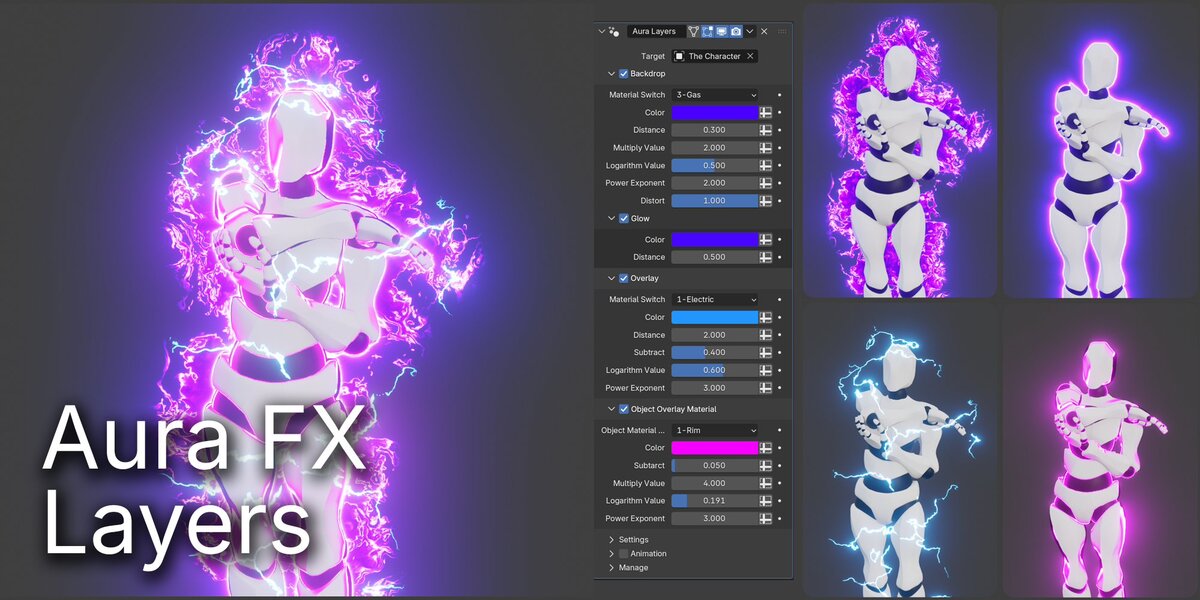
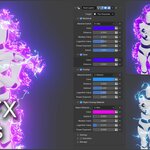
The Aura FX Layers component creates the primary visual appearance of the aura.
It uses multiple layers to build the effect around the target object. Each layer has a specific purpose and can be enabled or disabled independently.
The component includes four main sections:
The Backdrop layer generates the main aura silhouette behind the target object.
It provides the foundation of the effect and can be customized to create different energy styles through material selection, defining the color, setting the distance around the target silhouette, using math operation to shape the strength of the effect like (multiply, logarithm, and power) and lastly controlling the distortion applied to the effect.
The Glow layer creates a luminous outline around the target silhouette.
It is particularly useful for highlighting the character and separating it visually from the background.
The Overlay layer generates an additional visual effect over the target object.
It can be used to introduce electric-style details and add complexity to the overall aura.
Unlike the previous layers, which generate effects around the target silhouette, the Object Overlay Material section controls an effect applied to the target object itself.
This allows the character to share the same visual color scheme as the surrounding aura.
The Settings section contains parameters related to the resolution of the generated effects whether it is a backdrop grid or it is an overlay grid. Camera Resolution sets the width and height of both grids to fit the frame of the camera.
The Animation section provides controls for defining the timing of the aura's appearance and disappearance.
2. Aura FX Ribbons
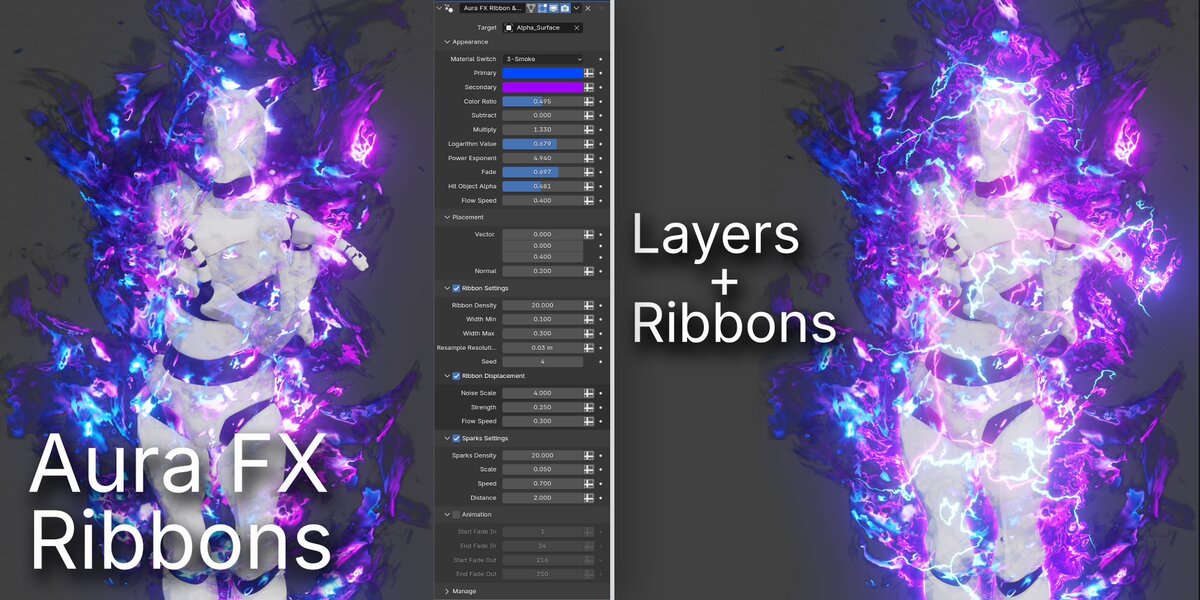
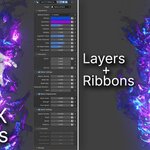
The Aura FX Ribbons component adds additional energy details around the target object.
While Aura Layers establishes the main silhouette and glow, this component introduces dynamic-looking ribbons, displaced energy trails, and sparks to make the overall effect more visually complex.
It contains five main sections:
The Appearance section controls the overall look of the ribbons and sparks via a bunch of parameters like selecting a material style, setting colors, cutting some the effect by using subtract operation, using another math operations to shape the strength of the effect like (multiply, logarithm, and power), fading the end parts of the texture of the effect, adjusting the transparency of the the effect in front of the target object and lastly adjusting the speed of the flow of the effect.
The Placement section controls the positioning and orientation parameters used by the effect.
The Ribbon Settings section controls the generation and appearance of the energy ribbons by controlling the density, the minimum and maximum width and Resolution of the geometry of the ribbons and seed value for procedural variation.
Ribbon Displacement: displaced energy trails using a noise Texture scale, strength and flow speed.
The Sparks Settings section controls the additional spark elements surrounding the character.
Same as the animation section in Aura Layers provides controls for defining the timing of the aura's appearance and disappearance.
3. Heat Distortion
The Heat Distortion component adds a procedural distortion effect directly to the target object through a Geometry Nodes modifier.
Its purpose is to create the impression that the character is being affected by the surrounding energy, adding another visual dimension to the aura.
⚡ The modifier is controlled via noise texture scale, strength, flow speed.
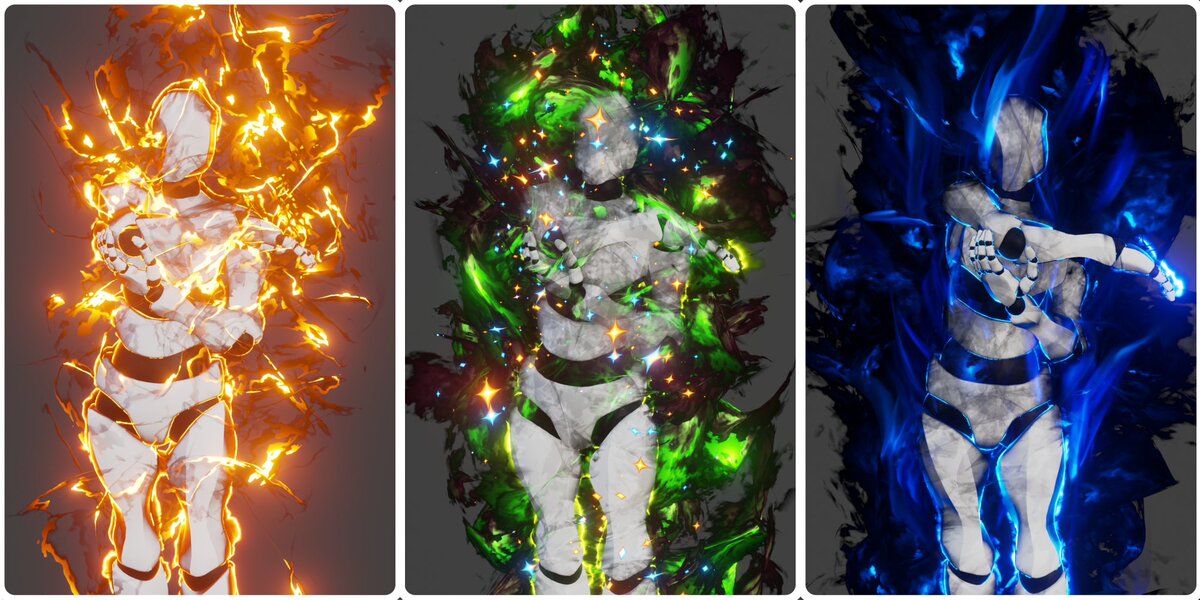
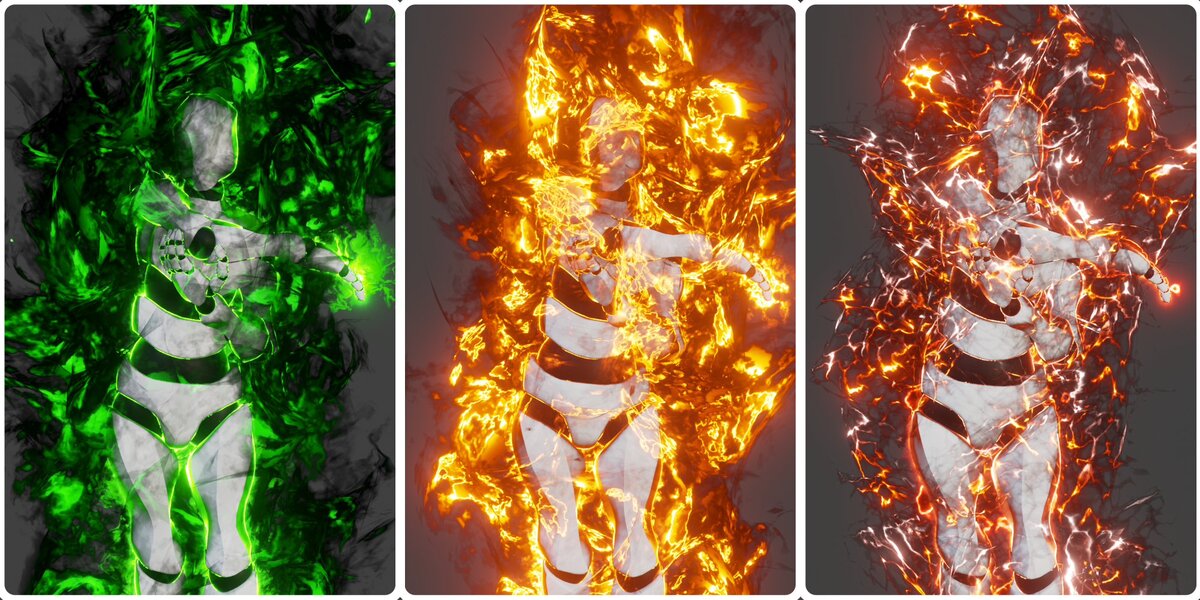
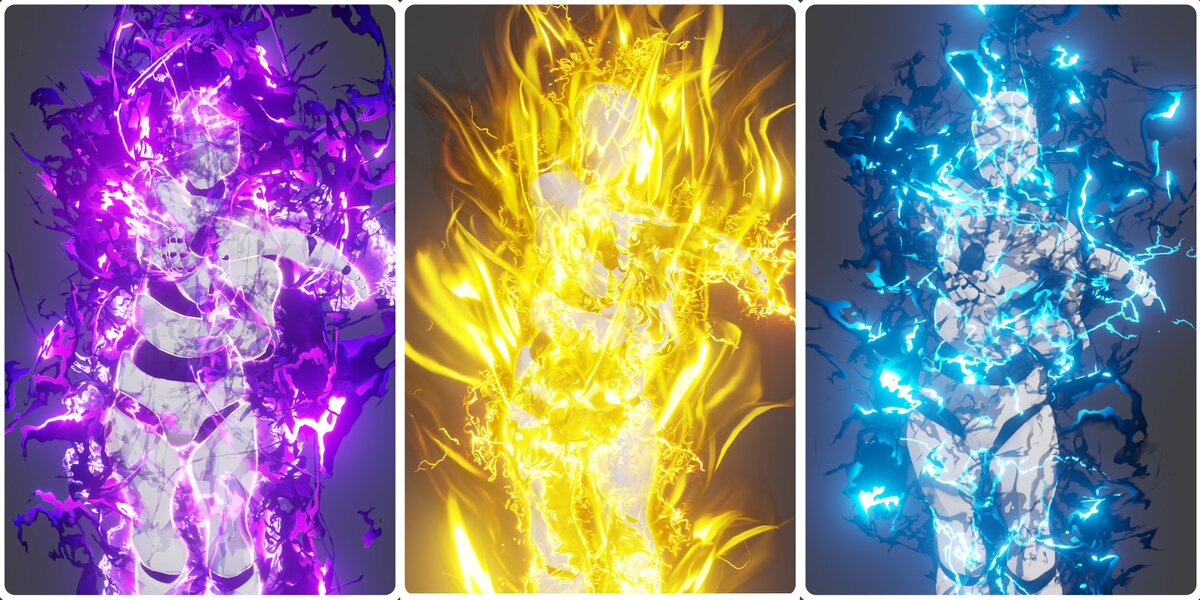
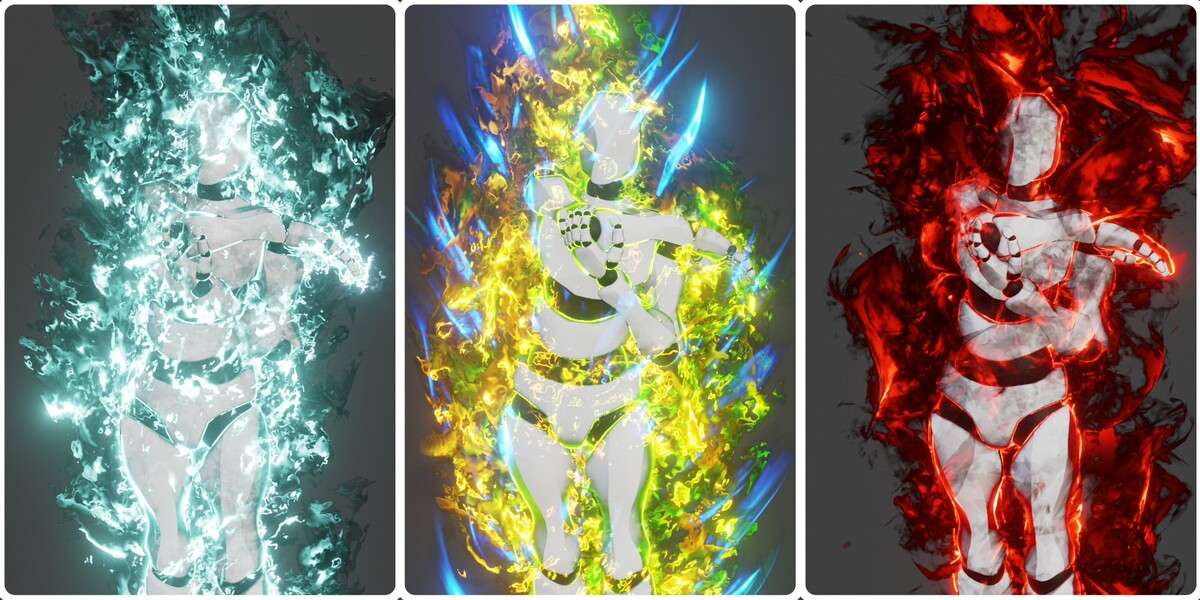
Ready-to-Use Aura Presets
14+ Ready-Made Aura Effects — Create Stunning Results Instantly!
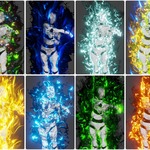
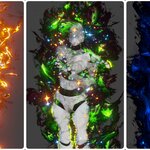
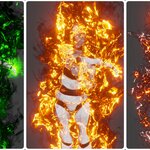
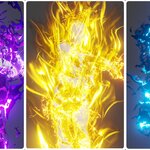
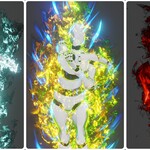
Aura FX Generator includes a collection of 14+ ready-made aura presets, allowing you to quickly create a variety of energy effects without having to build each effect from scratch.
Each preset offers a different visual style, giving you the flexibility to choose an effect that best matches your character, scene, or creative vision. Whether you're looking for a powerful electric aura, a vibrant magical energy field, or an intense glowing effect, these presets provide a convenient starting point for your next project.