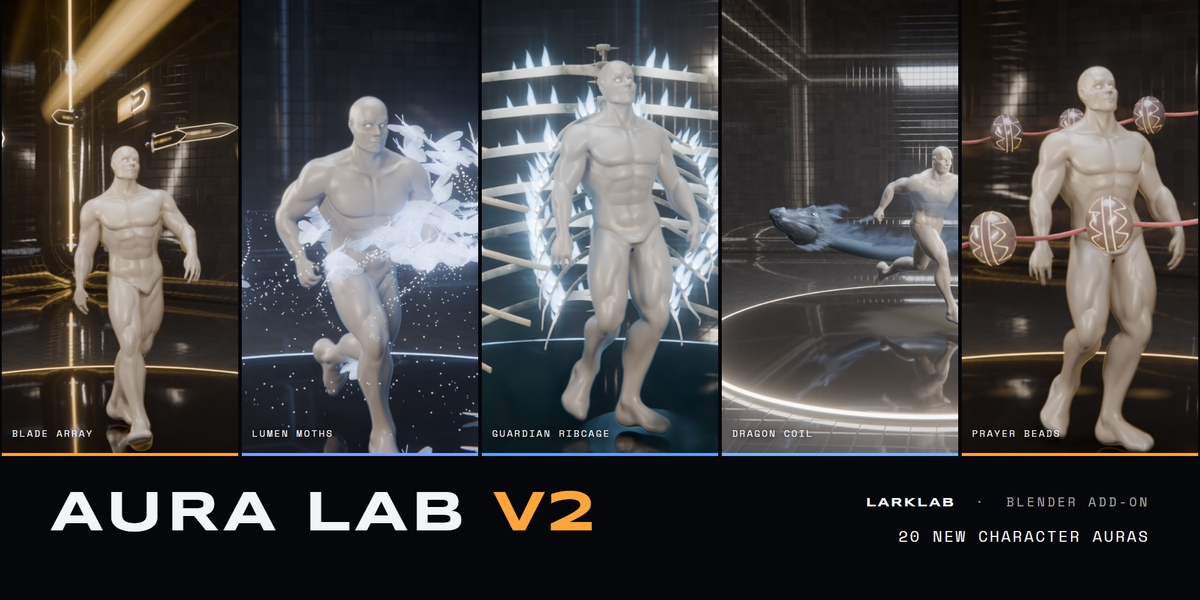
Aura Lab V2: 20 Animated Character Auras
 LarkLab
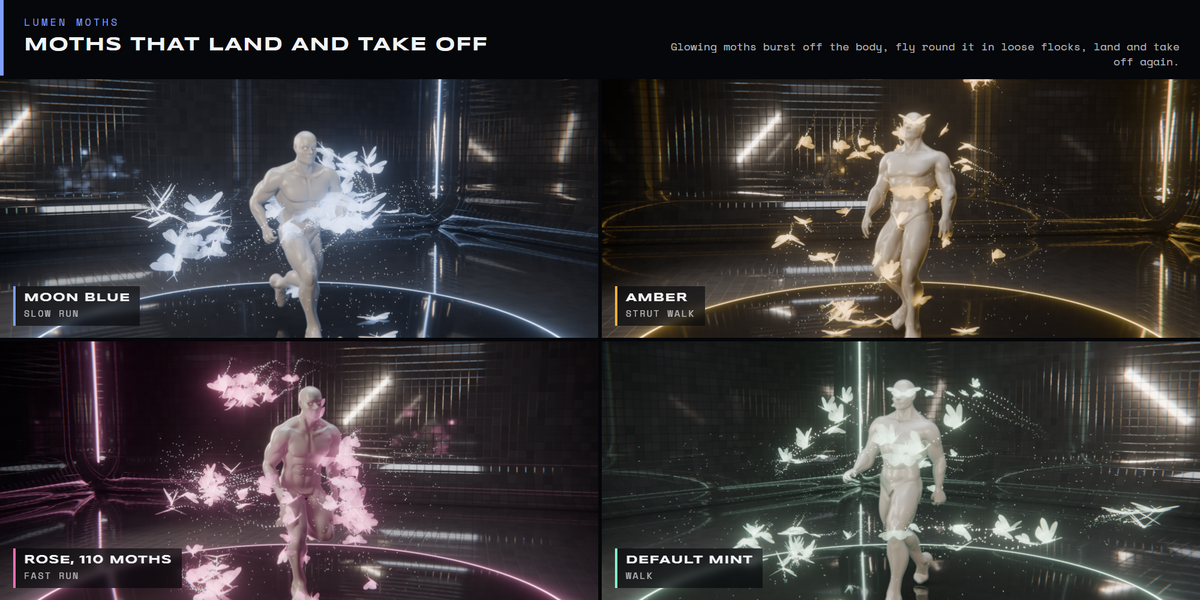
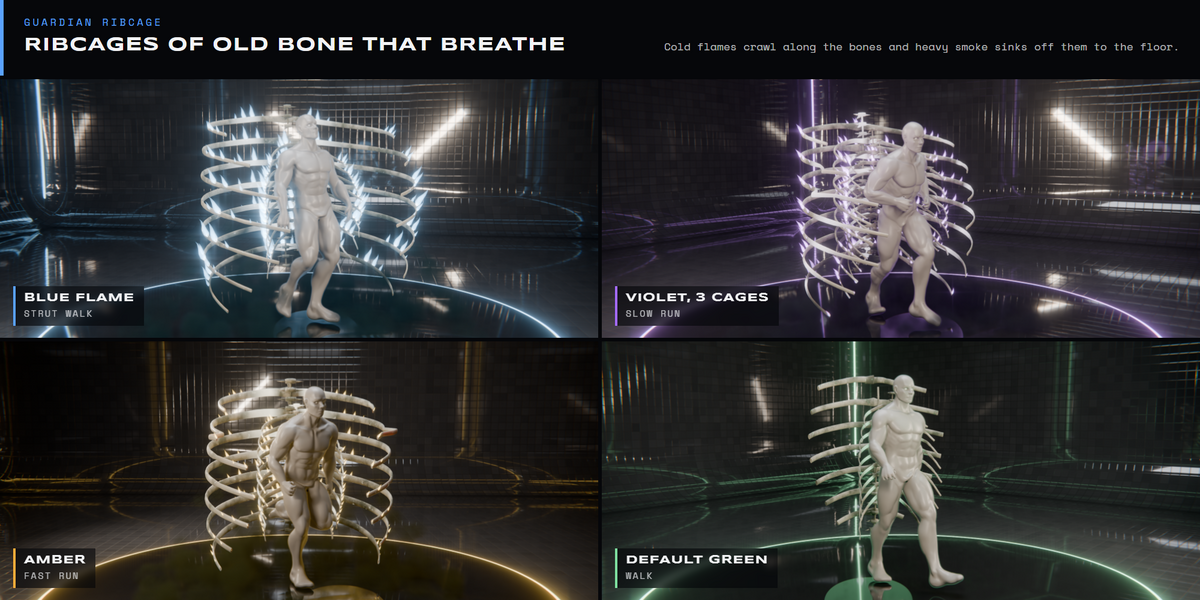
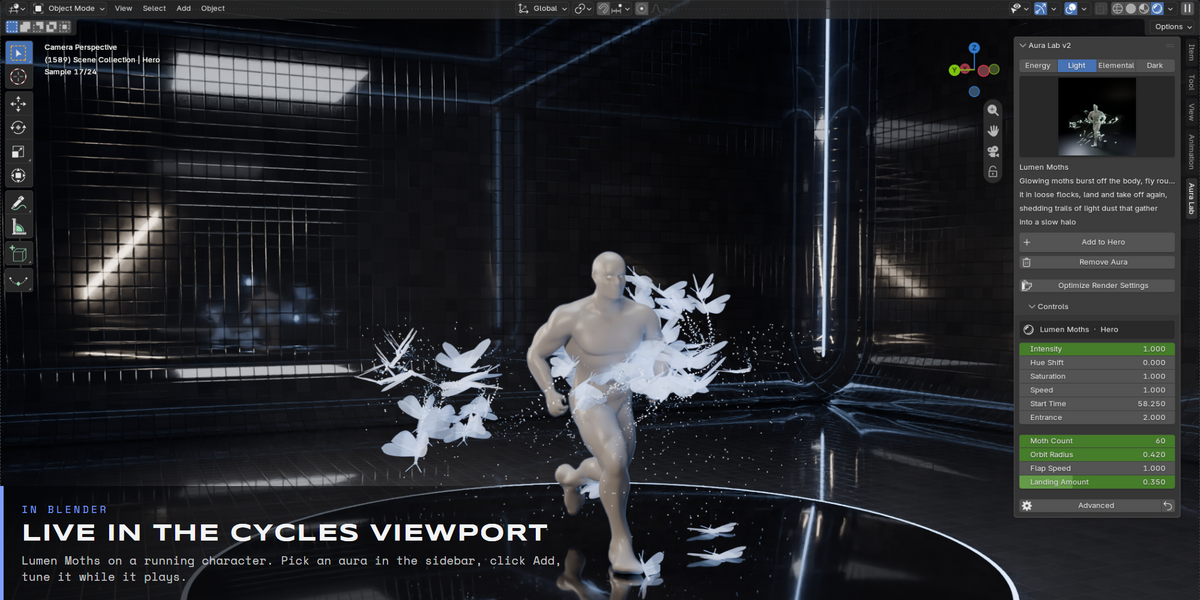
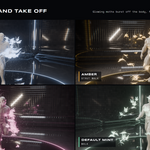
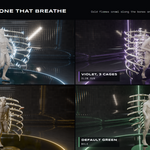
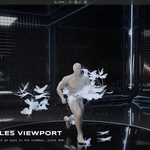
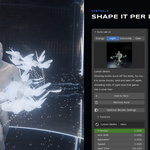
Blender 5.0+. Tested in Cycles and EEVEE on Windows. It is a standard Blender extension, so install the zip from Preferences > Get Extensions > Install from Disk.
Yes. Select the mesh, pick an aura and click Add. The aura reads the character's deformed mesh every frame, so Mixamo, Rigify, Auto-Rig Pro and custom rigs, shape keys and modifiers all work. The mesh needs no UVs and no clean topology.
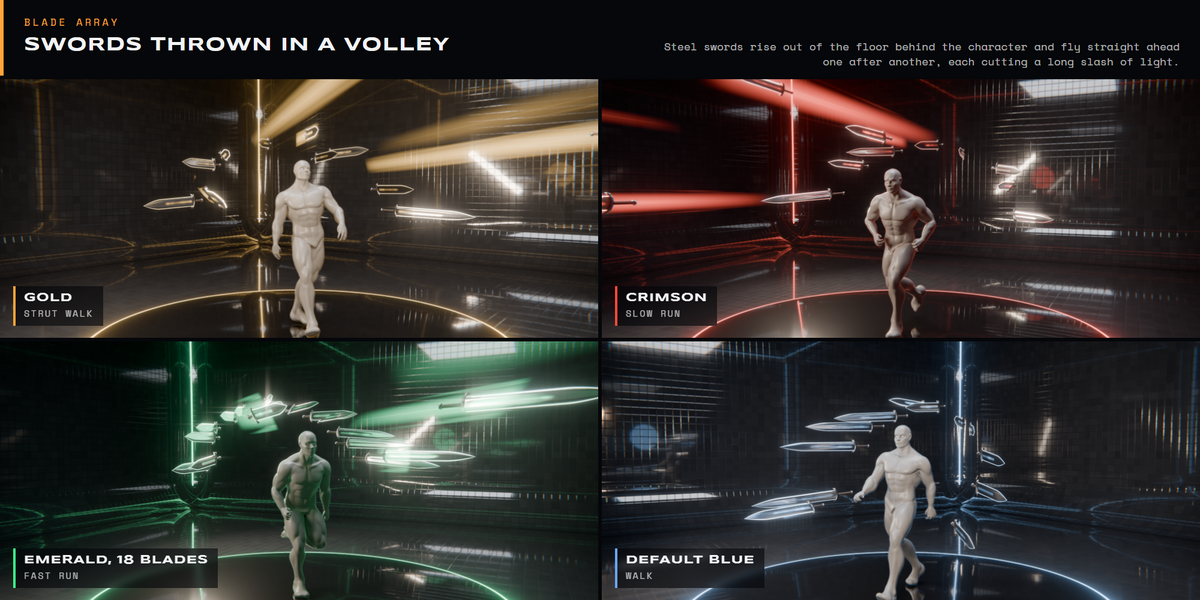
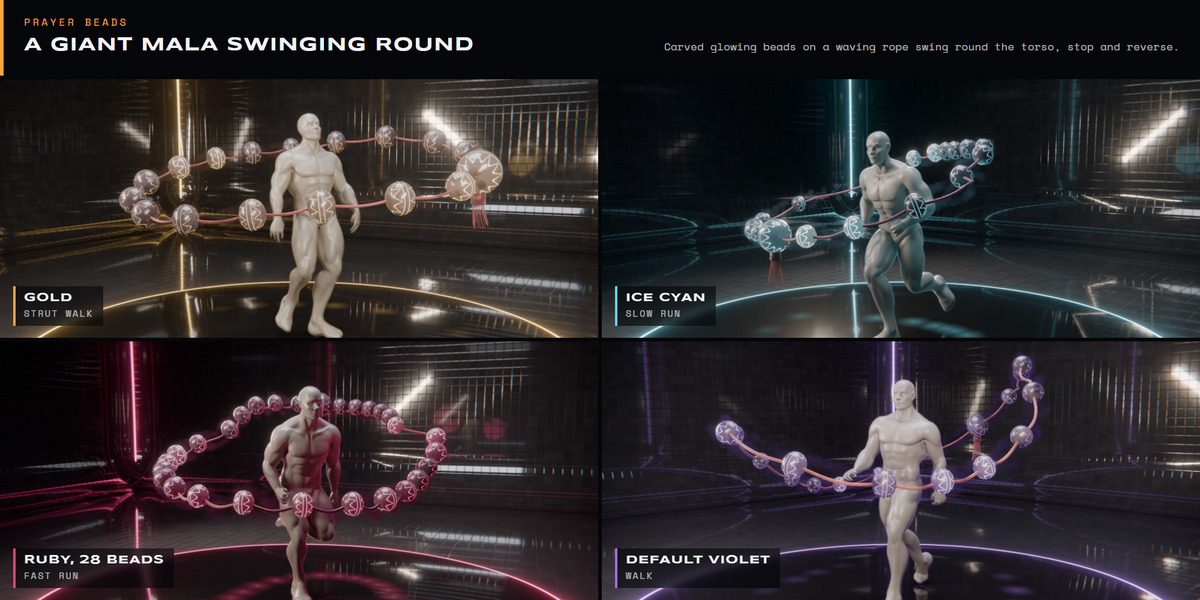
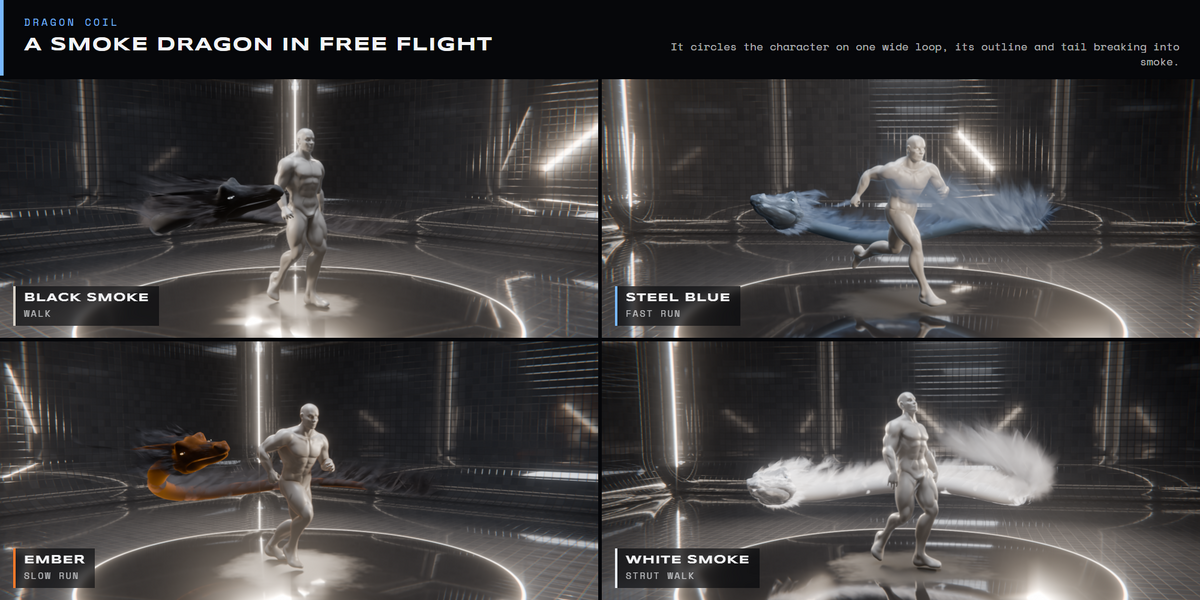
No. Aura Lab V2 is a separate add-on with 20 new auras. None of them reuses an effect from the first pack: the swords are thrown, the dragon flies its own loop, the moths land on the body and take off again.
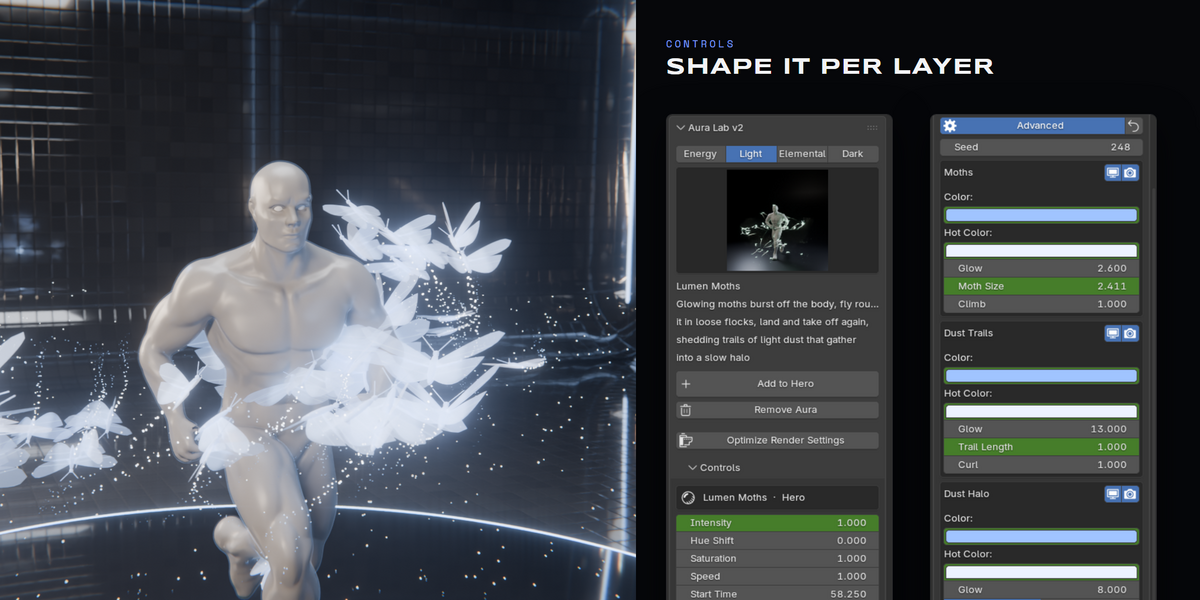
Yes. Intensity, Hue Shift, Saturation and Speed act on the whole aura, and Advanced opens every layer: its colours, glow and shape. Every value can be keyframed, and Start Time lets an aura form on a beat in the middle of a shot.
No. Each aura is a Geometry Nodes modifier that plays live in the viewport and renders straight away. Remove Aura deletes everything it added and leaves your character untouched.
Have questions about this product?
Login to message
| Blender Extension Compatible | Yes |
| Published | 27 minutes ago |
| Blender Version | 5.0 - 5.2 |
| Extension Type | Add-on |
| Render Engine Used | Cycles, Eevee |
| License | GPL |
Discover more products like this
Cycles fantasy anime eevee aura VFX character effects power up magic blender addon geometry nodes superpower