

Auto Aces

TyForge in Rendering


Why use ACES ?

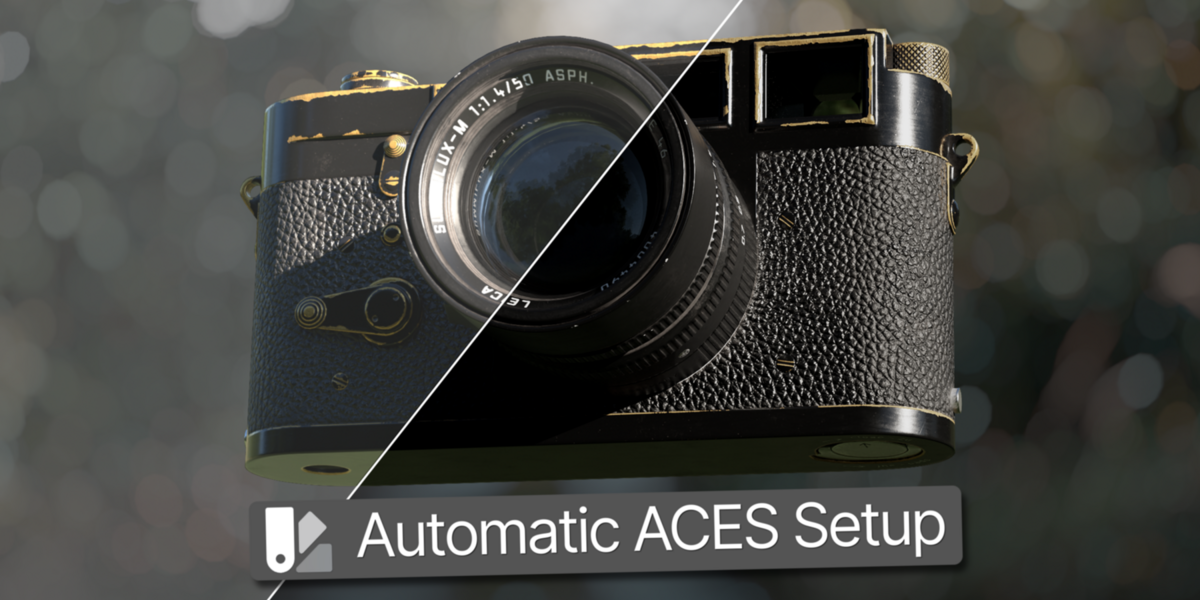
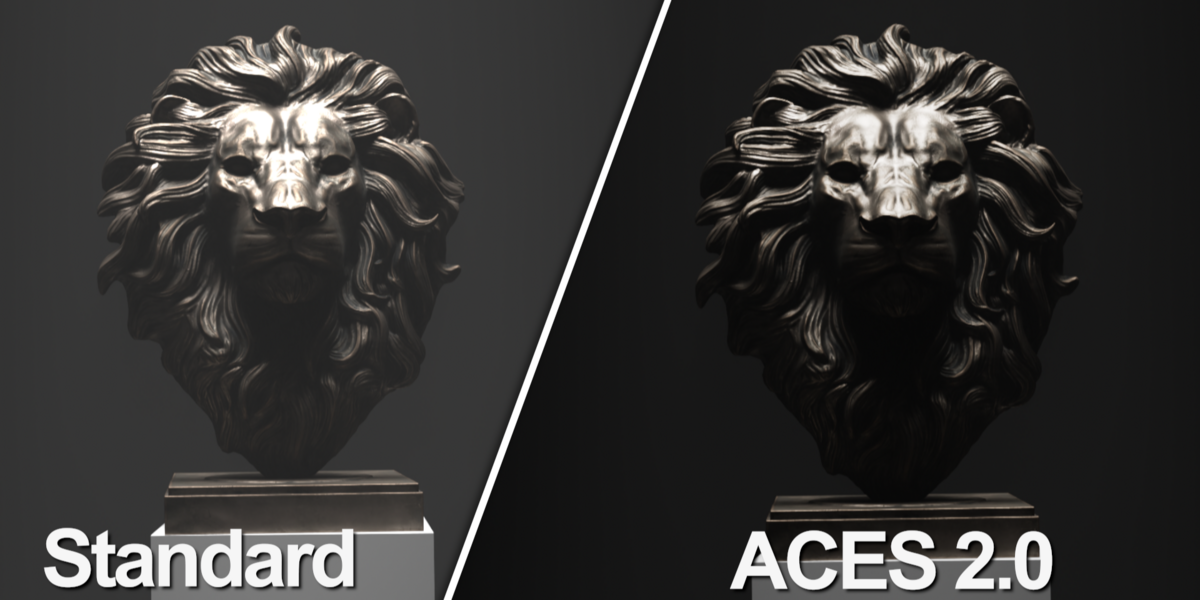
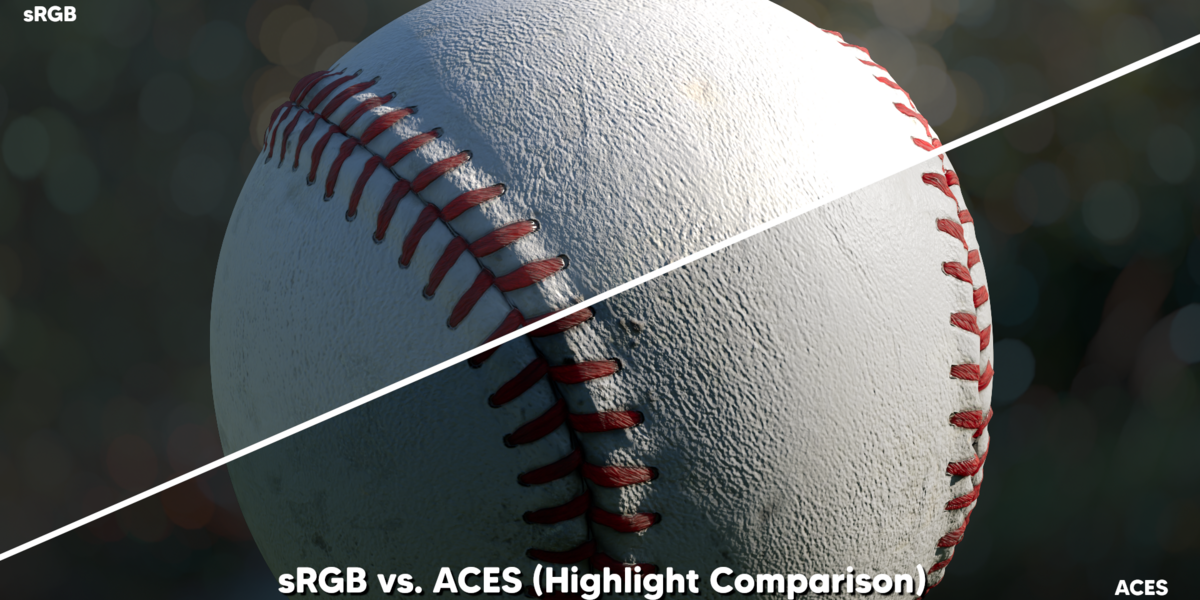
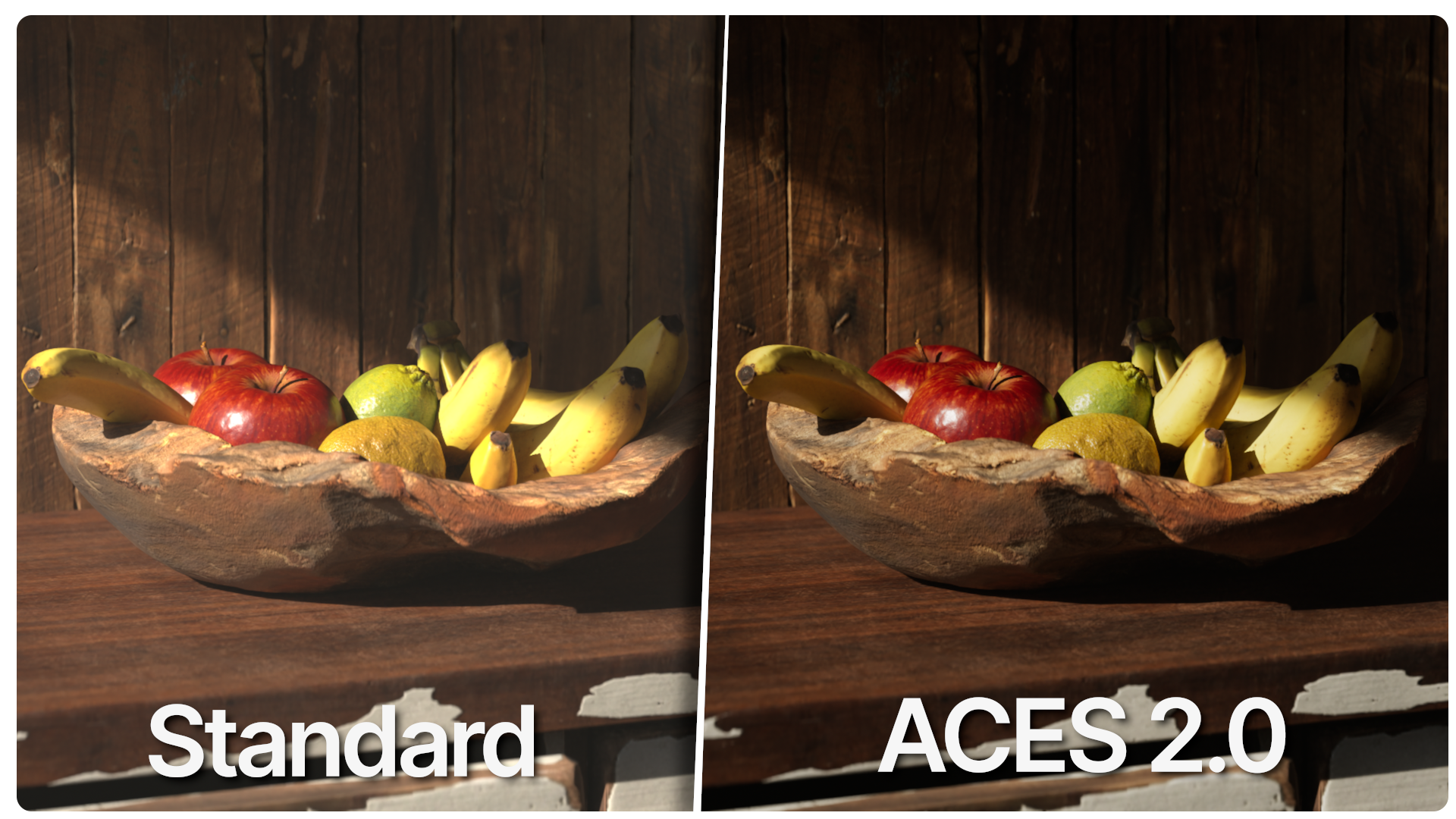
If you want realistic renders, ACES is the way to go. The way colors and light are processed changes when you switch to an ACES workflow. ACES is a professional color management system with a much wider gamut and higher dynamic range than standard color workflows. This allows it to preserve a wider range of colors and brightness values, resulting in more consistent and realistic-looking renders. ACES is widely used in professional film and television production. 
    What is AUTO Aces ?

      Since Blender 5.0, ACES is natively integrated into Blender. Setting it up and changing all the necessary settings manually takes time and can get annoying. That’s what AUTO ACES is for. 
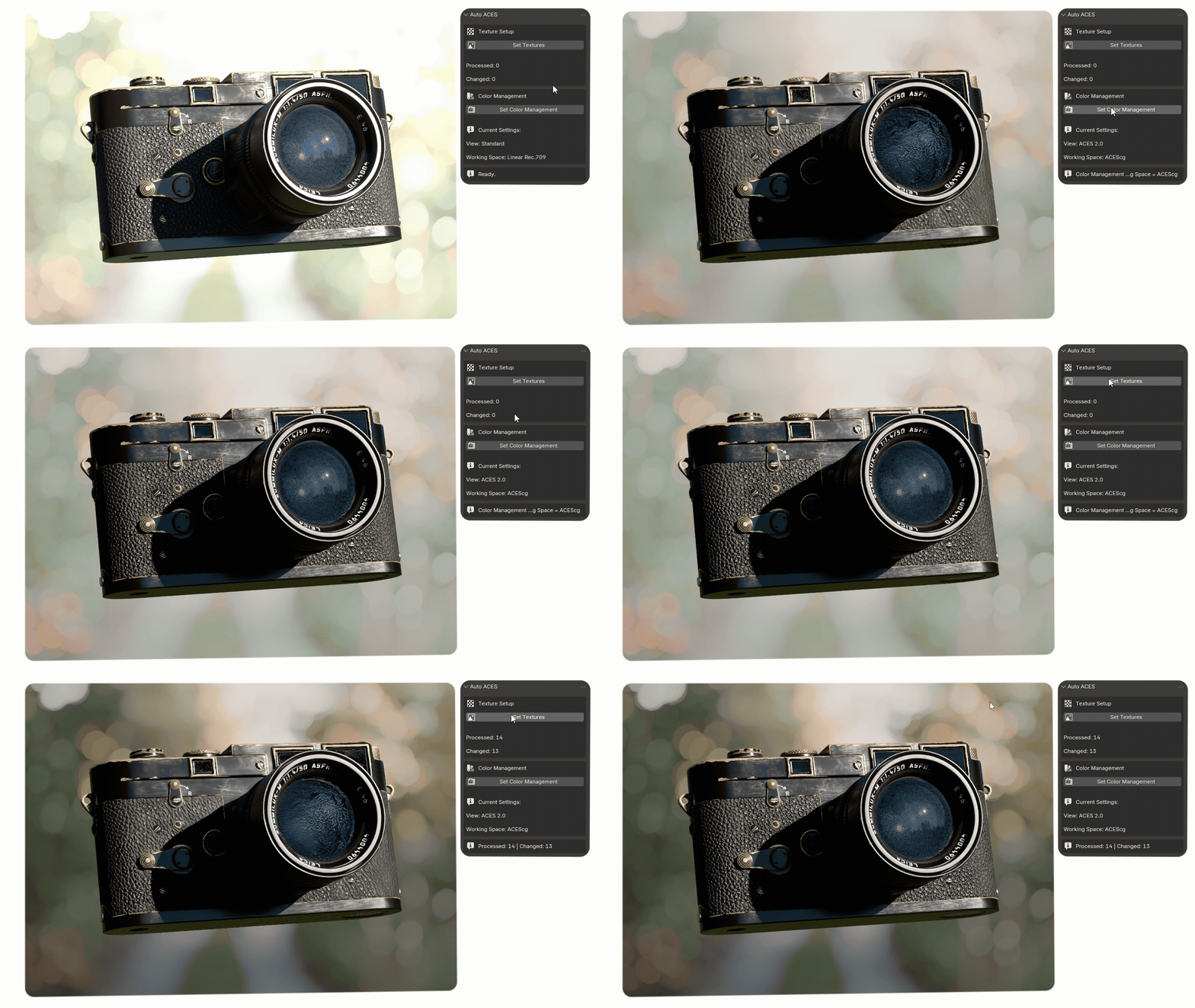
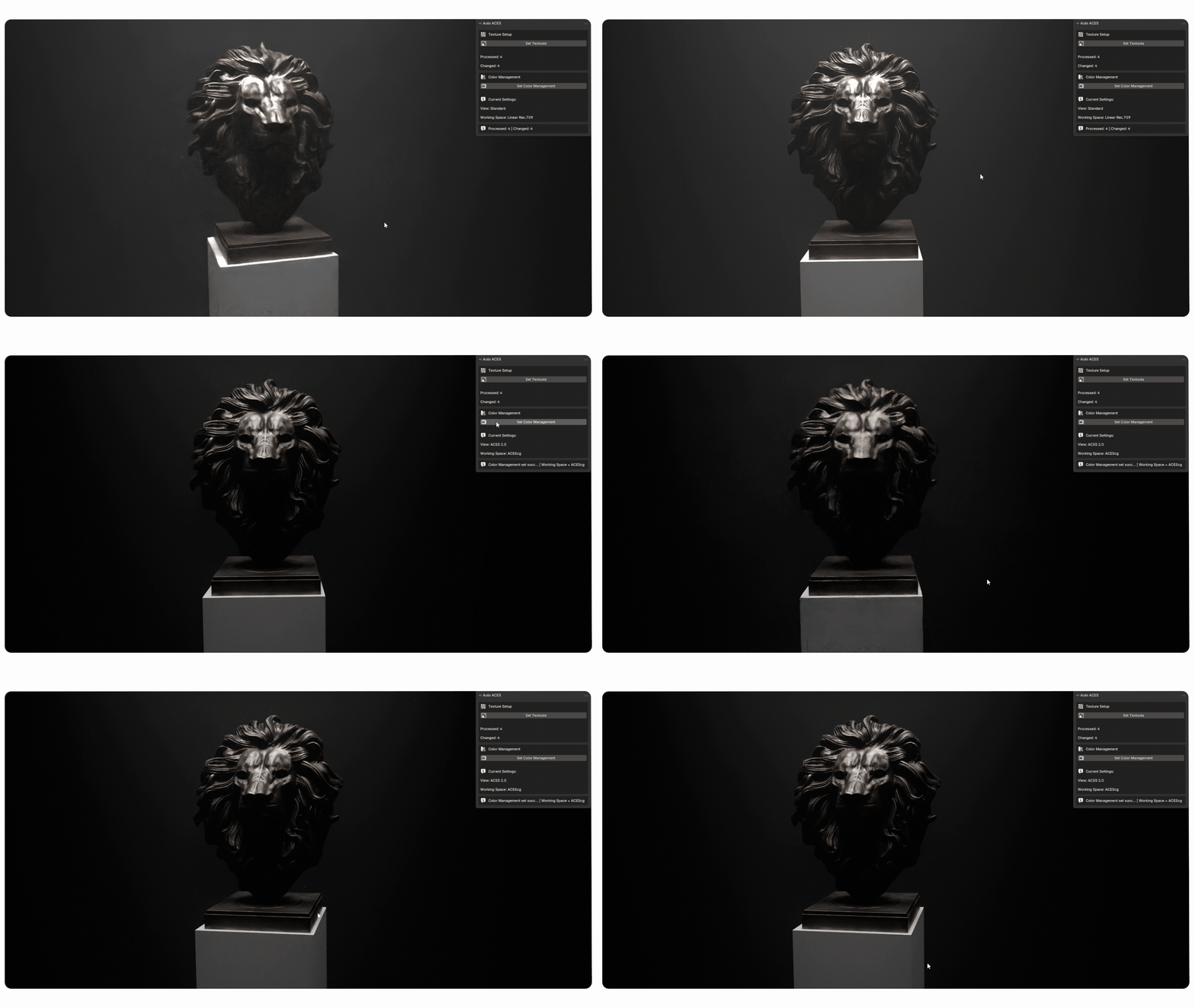
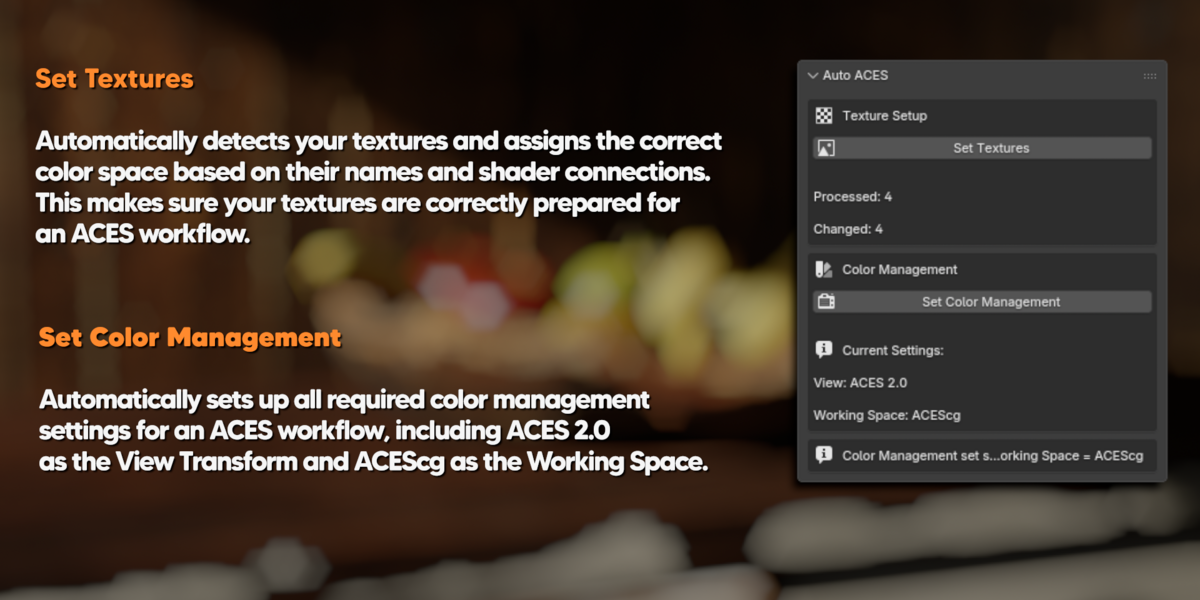
      With just one click, it sets up the necessary settings so your scene is ready to render in ACES.  AUTO ACES also sets the correct color space for every texture in your scene if needed. With one click, it scans all your textures and determines the right color space based on the texture’s file name or where it is connected in the shader nodes.


      AUTO ACES is an independent third-party addon and is not affiliated with or endorsed by the Academy Software Foundation or the Academy of Motion Picture Arts and Sciences. 

      Discover more products like this

      3D realism color aces

      $5.99

      Have questions about this product?
      Login to message

      Details
      Published 19 days ago
      Blender Version 5.0 - 5.2
      Extension Type N/A
      Render Engine Used Cycles
      License GPL