 TyForge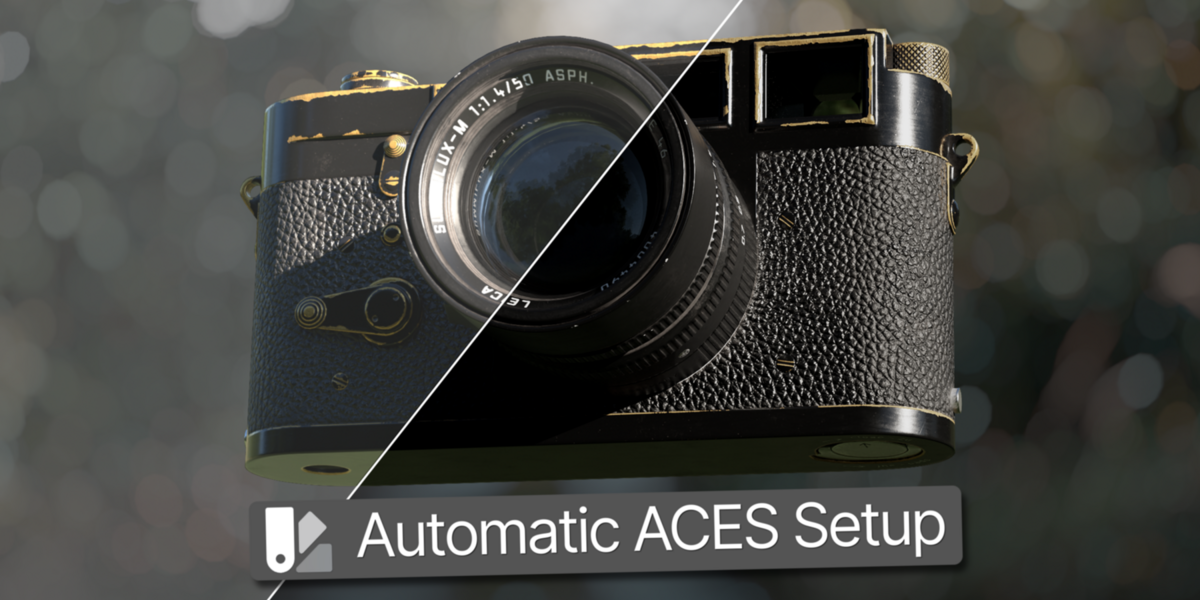





Auto ACES
Overview
Auto ACES is a Blender add-on designed to simplify the setup of an ACES workflow.
It automatically detects texture usage, assigns the appropriate color spaces, and configures Blender's color management for ACES.
Installation
Download the Auto ACES ZIP file.
Extract the ZIP folder.
Open Blender and go to Edit → Preferences → Add-ons.
Click Install from Disk.
Open the Auto ACES folder and select the .py file, then click Install.
Enable Auto ACES in the Add-ons list.
After installation, open the 3D Viewport, press N, and open the ACES tab.
Getting Started
Set Textures
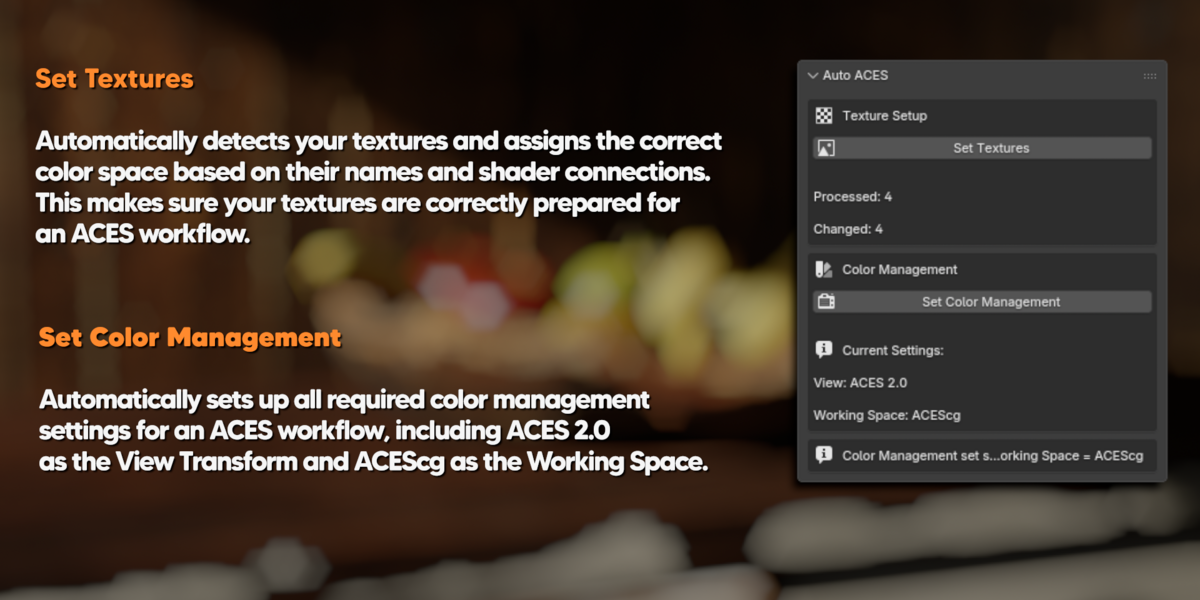
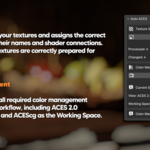
Automatically detects the textures in your Blender file and assigns the appropriate color space.
Auto ACES checks both texture names and shader connections to determine how a texture is being used.
The entire .blend file is scanned, including materials and World Environment Textures.
Set Color Management
Automatically configures Blender for an ACES workflow.
It sets:
- View Transform → ACES 2.0
- Working Space → ACEScg
No manual color management setup is required
Have questions about this product?
Login to message
| Published | 20 days ago |
| Blender Version | 5.0 - 5.2 |
| Extension Type | N/A |
| Render Engine Used | Cycles |
| License | GPL |