 Rvmodels
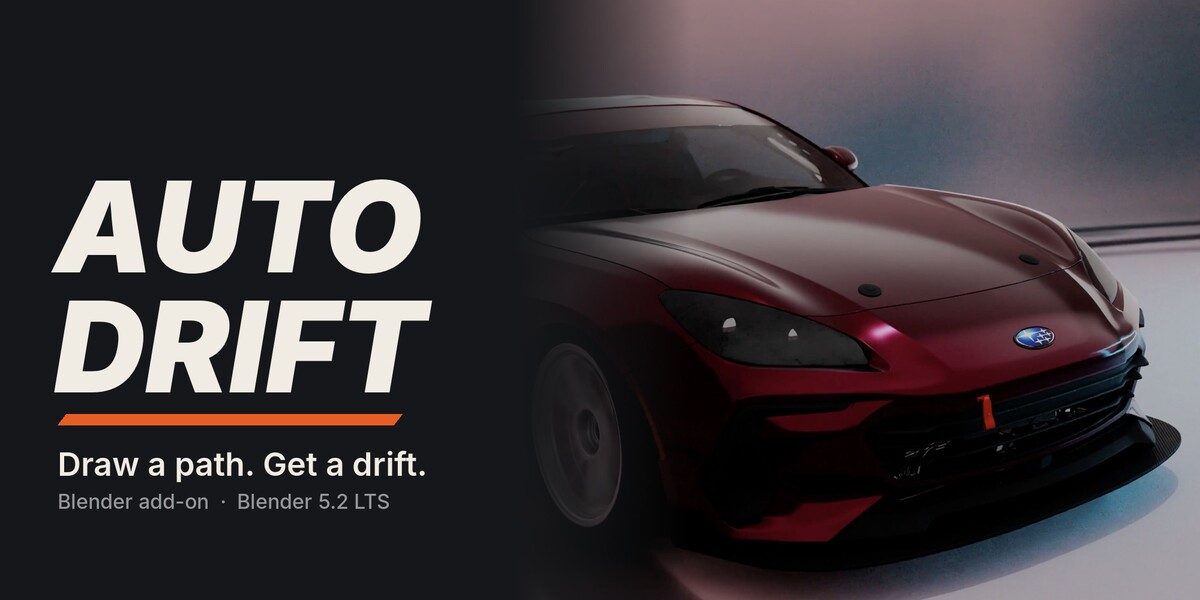
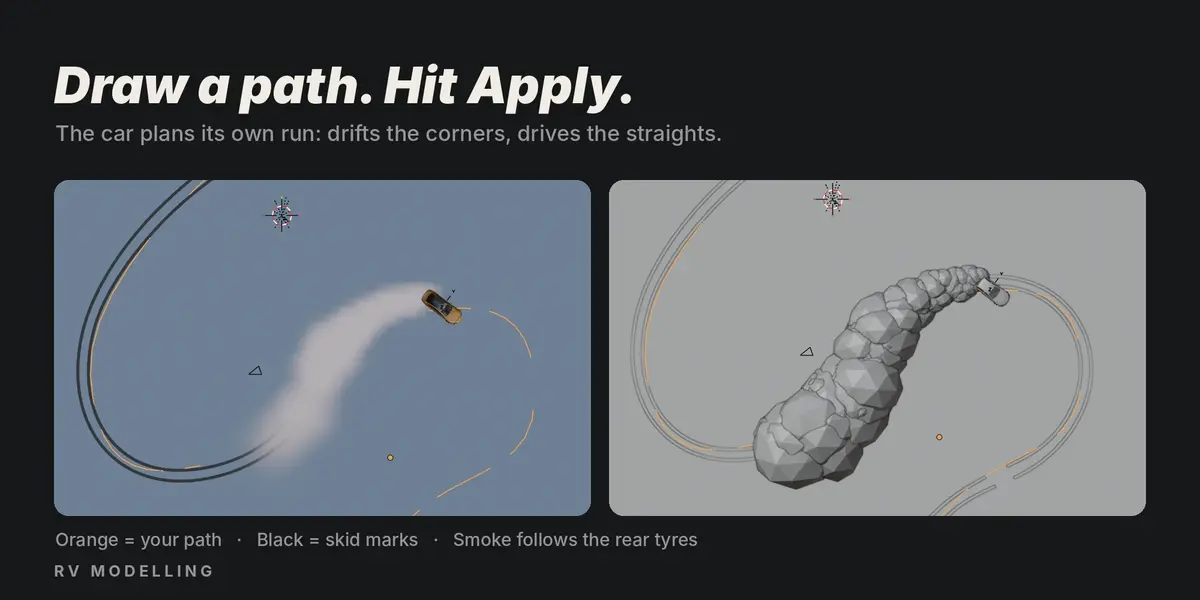
Auto Drift makes any car model drive itself. Draw a path, pick your car, hit Apply.
It's not just for drifting. Use it for car commercials, turntable-style showcases, YouTube intros, game trailers, music videos, or just getting your car model moving without keyframing a single wheel. Pick Grip for clean driving, or go full send with smoke everywhere.
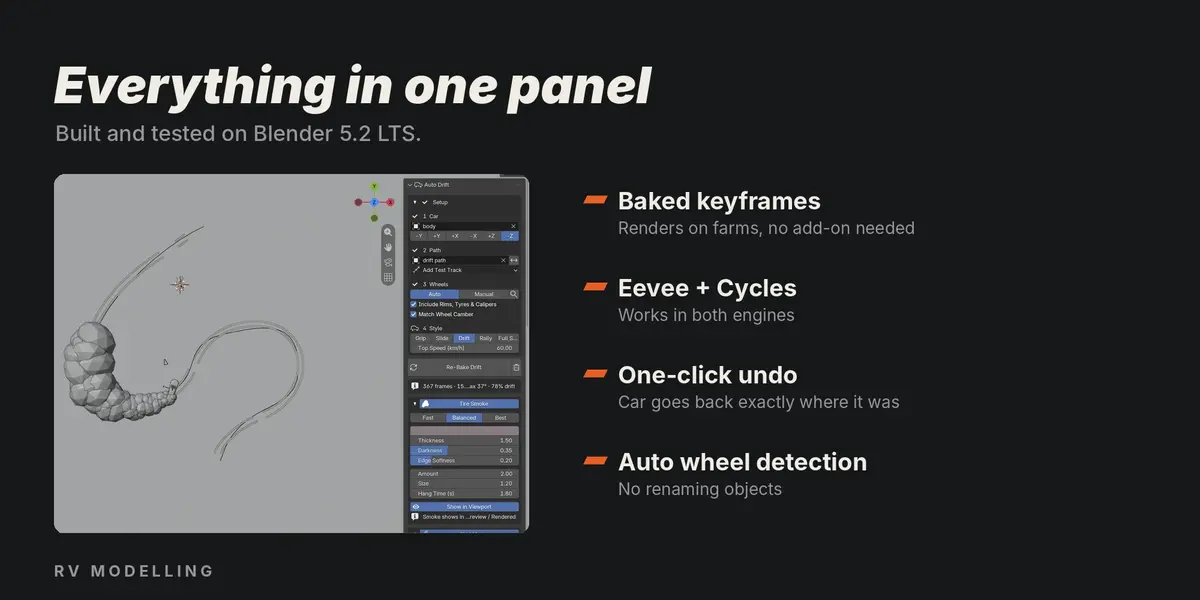
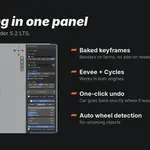
No rigging. No keyframing. No physics sim to babysit. Everything bakes to normal keyframes, so it renders anywhere, render farms included.
Setup
- Works with almost any car model, including Sketchfab and FBX downloads
- Finds the wheels by itself (or pick them manually)
- Works out which way the car faces automatically
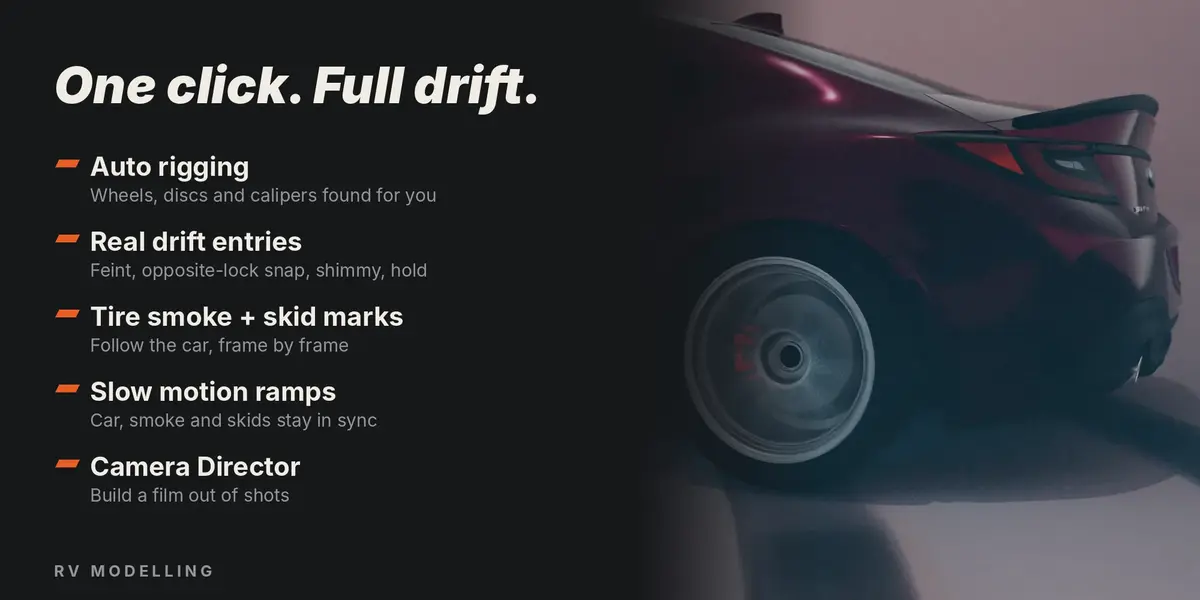
- Attaches brake discs and calipers to the right wheel automatically
- Detects wheel camber
- Built-in test tracks so you can try it in seconds
- Reverse the path with one click
- Trash icon puts your car back exactly how it was
- Mutes the model's own animation while rigged, so nothing fights it
Driving Styles
- Grip, Slide, Drift, Rally and Full Send presets
- Set top speed in km/h
- Slows for corners like a real driver
- Start from a standstill and stop at the end
- Multiple laps
- Auto-fits your timeline to the run
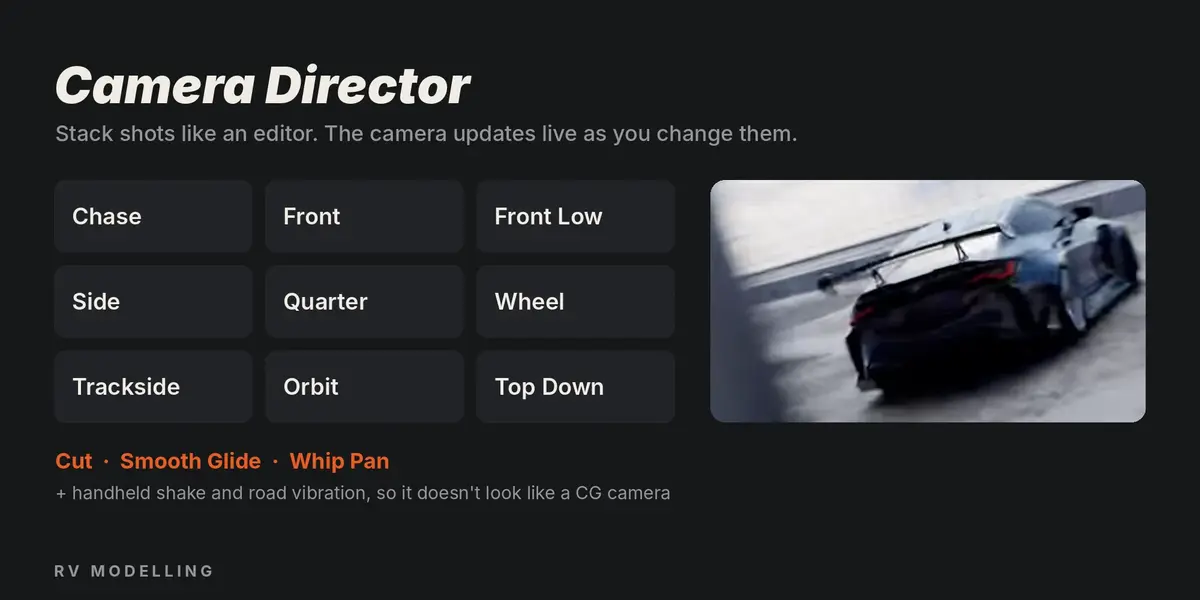
Camera Director
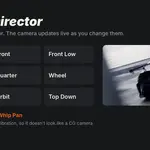
- One camera, cut into shots
- 16 shot types: Chase, Front, Front Low, Side, 4 quarter views, 4 wheel cams, Orbit, Trackside, Top Down and more
- Cut, Smooth Glide or Whip Pan between shots
- Adjust distance, height, side, zoom and shake per shot
- Camera Life adds a real camera-operator feel
- Road Vibration on car-mounted shots
- Optional depth of field, always focused on the car
- "Make Shots For Me" builds a full edit in one click
- Updates live while you drag sliders
Tire Smoke
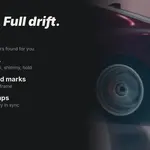
- Volumetric smoke that follows the drift
- Color, thickness, darkness and softness
- Amount, puff size and hang time
- Quality presets for fast previews or final renders
Skid Marks
- Rubber marks that build up as the car slides
- Darkness, width and build-up time
- Only appears above a set drift angle
- Never shows under or ahead of the car
Drift Physics
- Real drift angle based on speed and grip
- Plans the run: drives the straights, drifts the corners
- Drift vs Drive slider to set how much of the run is sideways
- Feint and flick entries
- Opposite-lock snap on entry
- Wheelspin kick on entry
- Mid-drift corrections so it never looks robotic
- Exit corrections
- Separate control for left and right corners
- Smooths wobbly hand-drawn paths into a proper racing line
- Path Looseness so the car can slide wide instead of sticking to the line
Steering
- Automatic countersteer with a natural catch
- Left-right shimmy on drift entry
- Ackermann steering (inner wheel turns more, like a real car)
- Steering wheel turns with the wheels
- Adjustable steering speed and smoothing
Suspension
- Body roll in corners
- Pitch when braking and accelerating
- Ride height, stiffness and damping
- Separate front, rear, left and right stiffness
- Road bumps
- Suspension presets
Wheels
- Correct wheel spin at any speed
- Each wheel spins at its own speed in turns
- Wheelspin and launch burnouts
Slow Motion
- Smooth speed ramps in and out
- Auto mode slows down the first big drift
- Or pick From Frame / To Frame yourself
- Car, smoke and skid marks all stay in sync
Works Everywhere
- Blender 4.2 to 5.x (legacy version for 3.6 to 4.1 included)
- Cycles and Eevee
- Baked keyframes, so it's safe for render farms like SheepIt
- Free updates
Built to look great without tinkering. Every setting is there if you want it.