 Rvmodels
INSTALL
Blender 4.2 or newer
1. Download auto_drift_v2.3.0_blender4.2+.zip. Don't unzip it.
2. Edit > Preferences > Get Extensions > arrow (top right) > Install from Disk
3. Pick the zip, then restart Blender.
Blender 3.6 to 4.1
1. Edit > Preferences > Add-ons > Install
2. Pick auto_drift_v2.3.0_legacy.py and tick the box to enable it.
Updating? Remove the old version first, install the new one, restart Blender.
QUICK START
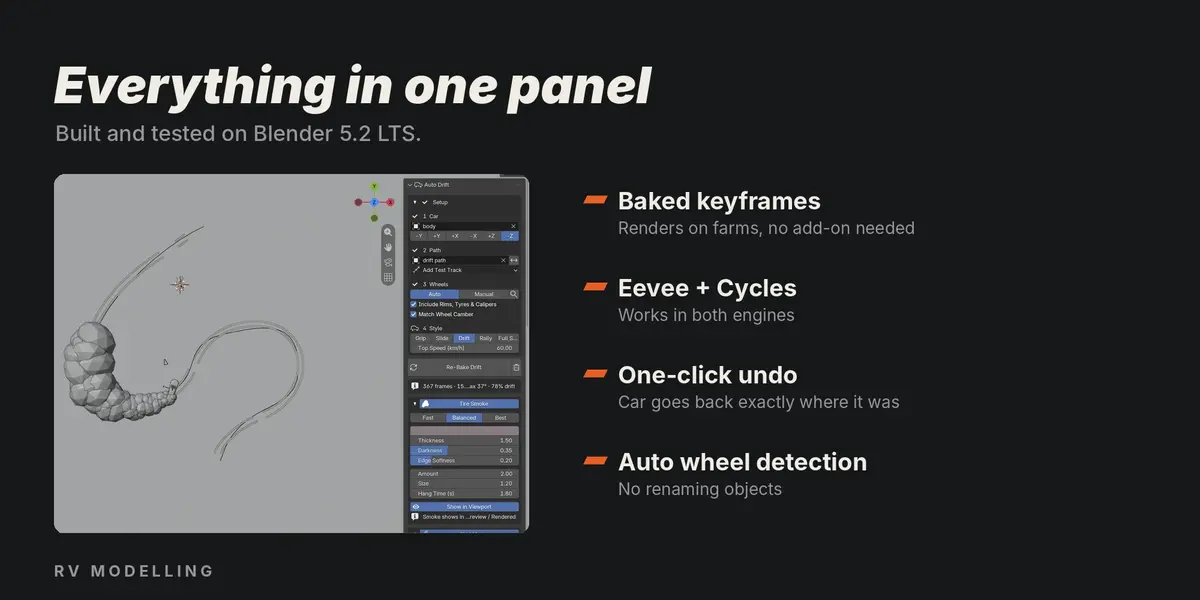
1. In the 3D view press N and open the Auto Drift tab.
2. Car: pick the car's top object (the body, or the empty everything is parented to).
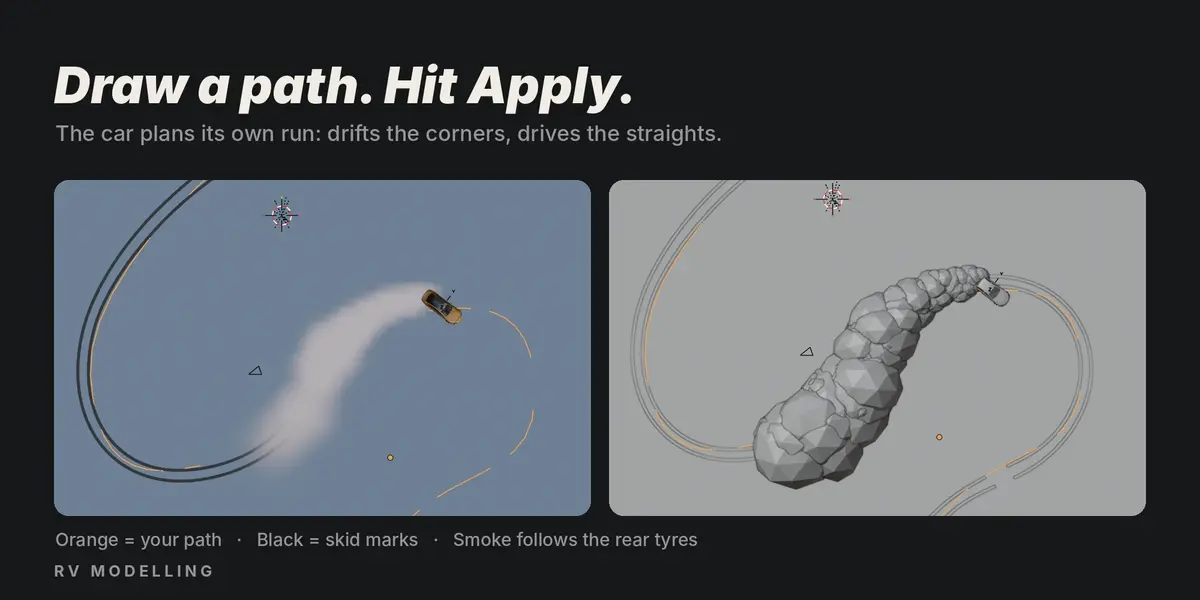
3. Path: pick any curve, or click Add Test Track.
4. Wheels: leave on Auto. It finds them itself (click the magnifier to detect again).
5. Style: pick one (Drift is a good start) and a top speed.
6. Hit Apply Drift. Done.
Changed something? Hit Re-Bake.
Want the car back how it was? Click the trash icon. Everything goes back exactly.
EXTRAS (under the Apply button)
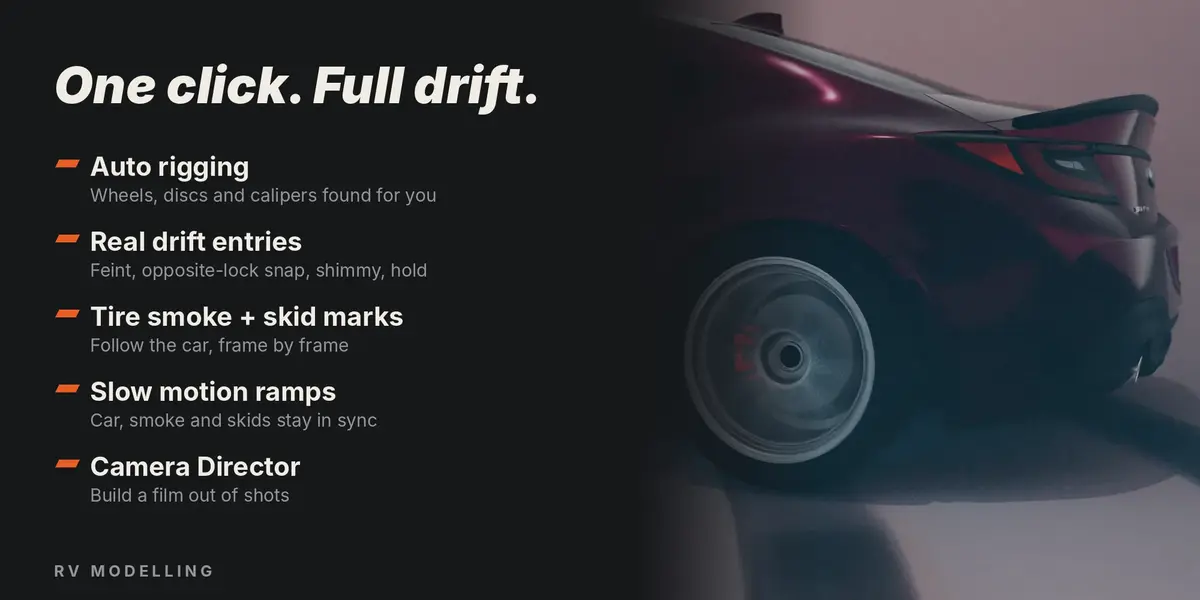
Tire Smoke - turn it on, then Re-Bake. Shows in Material Preview or Rendered view.
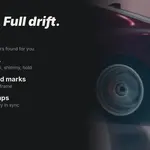
Skid Marks - on by default. Set darkness, width and build-up.
Slow Motion - Auto (first big drift) or pick From Frame / To Frame. Re-Bake after.
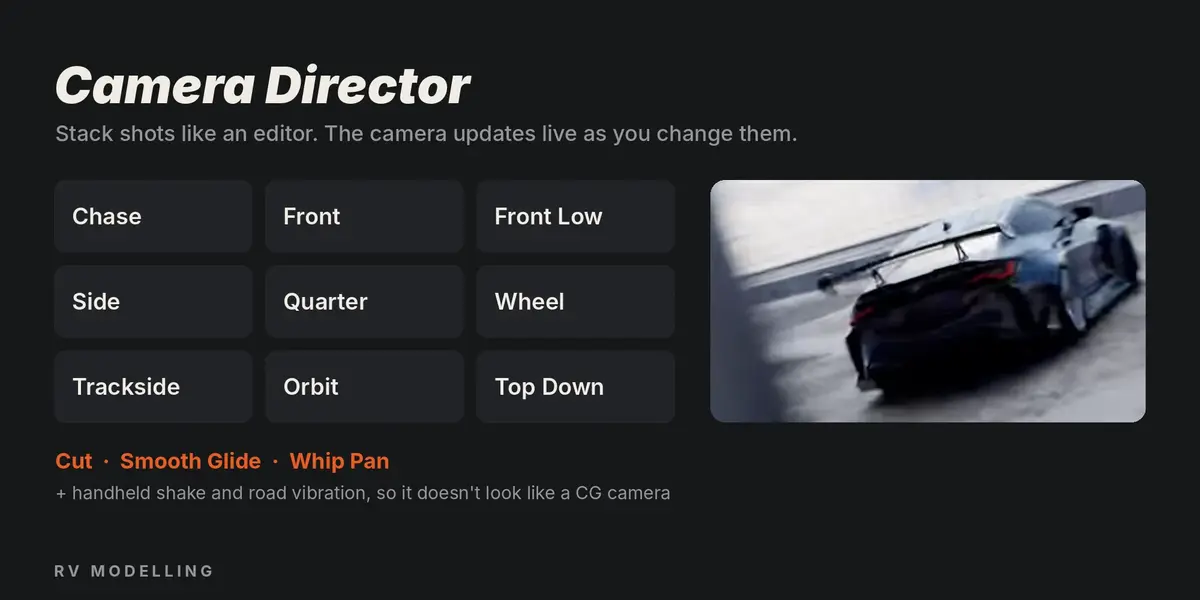
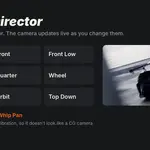
Camera Director - turn it on, click "Make Shots For Me" or add your own. Each shot is one camera angle from one frame to another. 16 shot types, with Cut, Glide or Whip between shots. Updates live while you drag, no re-bake needed. Click Look Through Camera to watch.
Fine Tuning (Pro) has every setting if you want to go deeper: Speed, Drift, Steering, Suspension and Wheels.
TROUBLESHOOTING
Car drives backwards - Setup > Forward axis: try +Y
Car drives sideways - Forward axis: try X or -X
Sketchfab / FBX car - Forward axis: try +Z or -Z
Wheels wrong or not found - click the magnifier, or switch Wheels to Manual
Body clips into the wheels - Suspension: lower Body Roll / Max Roll, or raise Ride Height
Steering looks shaky - Steering: raise Steering Smoothing
Can't see smoke - use Material Preview or Rendered view, and turn on Show in Viewport
Render comes out all white - Output Properties > Post Processing: untick Compositing
Wheels wobble - make sure brake discs and calipers are separate objects or parented to the wheel, then Re-Bake
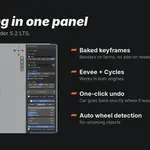
Render farms: everything is baked to keyframes, so it works on farms like SheepIt.
Have questions about this product?
Login to message
| Blender Extension Compatible | Yes |
| Published | about 22 hours ago |
| Blender Version | 3.6 - 5.3 |
| Extension Type | Add-on |
| Render Engine Used | Cycles, Eevee |
| License | GPL |
Discover more products like this
drift skid marks tire smoke camera animation automotive car-animation racing drifting vehicle rig car rig auto drift vehicle